

Turn recordings into transcripts and summaries in minutes
Upload audio or video for multilingual transcription, AI notes, and action items
Why Do Sales Meeting Follow-Ups Always Fall Through the Cracks?
"We had a meeting with the client last week and clearly agreed on next steps, but two weeks later we realized nobody sent the proposal." This is a daily reality for many sales teams. Discussions are lively during the meeting, but afterward, no one organizes the action items, or notes end up scattered across different people's notebooks.
The traditional approach is usually: someone takes notes during the meeting, then manually organizes them into emails or to-do lists afterward. But this has several problems: notes may miss key points, organizing takes time, and it's hard to ensure every action gets tracked.
If you've experienced similar situations, AI meeting tools like Tinrec are designed to fill this gap.
Tinrec vs Notta: Key Differences for Sales Meeting Follow-Ups
Notta is a multi-platform transcription tool that supports meeting notes, file import, translation, and team plans. It performs well in transcription and file processing. But if you're looking for a tool specifically for sales meeting follow-ups, you can compare them across the following dimensions:
Dimension 1: Level of Automation in Post-Meeting Organization
With general transcription tools, after generating a transcript, you still have to read through it, highlight key points, and organize action items yourself. Tinrec, on the other hand, automatically generates summaries, chapters, and action items after transcription, directly saving you organization time. Notta's strength lies in file transcription and translation, while Tinrec focuses more on automating the post-meeting workflow.
Dimension 2: Action Item Extraction and Tracking
The key point of a sales meeting is "what's the next step." Tinrec can automatically extract action items from the conversation and organize them into a list, allowing you to assign them directly to team members. This is far more reliable than manually fishing action items out of a transcript.
Dimension 3: Team Collaboration and Data Retention
Notta's Business plan offers role permissions and usage reports. Tinrec's team version stores meeting recordings, transcripts, summaries, and action items centrally in a team space, and provides seat management, audit logs, and an audio recycle bin, making it more suitable for sales teams that need to retain customer meeting data long-term.
Dimension 4: Chinese Meeting and Mixed-Language Support
Tinrec is optimized for Chinese meetings, supports organizing mixed Chinese-English content, and provides real-time translation and bilingual viewing. If your clients or team frequently mix Chinese and English, this will significantly improve the readability of transcripts.
Dimension 5: Bot-Free Online Meeting Recording
Tinrec's desktop version directly captures computer system audio, without needing an extra bot to join the meeting. For sales scenarios where meeting experience matters, this is a very practical advantage.
Overview of Tinrec's Core Features
Real-Time Speech-to-Text: Open Tinrec and it transcribes while recording, capturing meeting content in real time. During sales meetings, you can confirm the conversation content simultaneously, and the transcript is ready after the meeting.
AI Summary and Chapters: After the meeting ends, Tinrec automatically generates a summary and chapters, allowing you to quickly review customer needs, objections, and commitments.
Action Item Extraction: Automatically organizes action items from meeting discussions, including who should do what and by when. This is the most critical step for sales follow-up.
AI Q&A: You can directly ask Tinrec: "What did the client say when they mentioned budget issues?" "What did we promise?" It will provide answers based on the meeting content, without needing to re-listen to the recording.
Multi-Format Export: Supports exporting meeting results to tools like Notion, Google Docs, OneNote, directly connecting to your existing workflow.
Stop organizing recordings by hand
Upload audio or video and automatically get a transcript, summary, and action items
Team Space: Stores all sales meeting data centrally in a team space, where members can share and view, and managers can manage seats, usage, and audits.
Real-World Use Cases: How to Do Sales Meeting Follow-Up Processes
Scenario 1: Follow-Up After Customer Needs Interview After visiting a customer, use Tinrec to record the interview content, and immediately get the transcript and summary afterward. Then confirm next steps from the action item list: send proposal, schedule demo, provide quote. All actions are documented, so nothing gets missed.
Scenario 2: Weekly Sales Meeting Review and Planning When the team discusses last week's performance and this week's goals in the weekly meeting, Tinrec automatically records and extracts action items. After the meeting, everyone knows their tasks, and managers can view historical meetings from the team space to track progress.
Scenario 3: Cross-Departmental Project Meeting When sales, product, and customer service meet together to discuss customer feedback, Tinrec's summaries and AI Q&A allow people from different departments to quickly grasp key points, reducing post-meeting communication gaps.
Things to Look Out For When Choosing a Sales Meeting Follow-Up Tool
Language Support Range: Confirm whether the tool supports Chinese, mixed Chinese-English, and the languages you commonly use. Tinrec offers multilingual transcription and real-time translation in this regard.
Post-Meeting Organization Capability: Don't just look at transcription accuracy; also see if it can automatically generate summaries, action items, and chapters. This is the key to saving follow-up time.
Team Collaboration Features: Sales meeting data needs to be shared and retained long-term by the team. Pay attention to whether the tool provides a team space, member permissions, and usage management.
Flexibility of Input Sources: Besides real-time recording, does it support uploading audio files, videos, and online meeting recordings? Tinrec covers bot-free desktop recording, file import, and mobile recording.
Data Management and Security: Does team data belong to the team? How is data handled when members leave? Tinrec's team version provides roles, seats, audit logs, and an audio recycle bin.
Conclusion: Is Tinrec Worth a Try?
If you're looking for a tool that can truly improve your sales meeting follow-up process, Tinrec has indeed differentiated itself in "post-meeting organization" and "team collaboration." It doesn't just turn meetings into transcripts; it also organizes content into action items, summaries, and a queryable database.
Who is Tinrec suitable for? Sales teams that need to frequently follow up with customers, managers who often meet to discuss strategy, and organizations that want to retain meeting content as team assets.
It's recommended to start with the free version and test it with your own sales meeting recordings to see if the accuracy of summaries and action items meets your needs. This is more direct than reading any review.
FAQ
What's the difference between Tinrec and Notta? Both support transcription and meeting notes, but Tinrec emphasizes automatic post-meeting summaries, action item extraction, AI Q&A, and team space retention. Notta performs well in file transcription and translation. When choosing, you can judge based on your follow-up process needs.
Is Tinrec's free version enough? The free version provides a basic quota, suitable for light use. If you have sales meetings every week, you may need to consider the Pro or team version.
Which online meeting platforms does Tinrec support? Tinrec's desktop version captures system audio, so it can handle meeting audio played on platforms like Zoom, Google Meet, Microsoft Teams, Webex, etc., without needing a bot to join.
What's the difference between the team version and the personal version? Personal version data is managed under an individual account. The team version provides an independent team space, meeting data belongs to the team, and adds features like members, roles, seats, sharing rights, usage analysis, and audit logs.
How accurate is Tinrec? Accuracy can be affected by recording quality, background noise, accents, and overlapping speech. In common scenarios with clear audio, Tinrec provides high-quality transcription. For important content, it's recommended to verify with transcript timestamps.
Can I export meeting notes to other tools? Yes, Tinrec supports multiple export formats and can also export to third-party tools like Notion, Google Docs, OneNote, Dropbox, making it easy to continue your existing workflow.
References
- Sales Process: How to List Sales Process Stages - Tanaka System
- 7 Key Sales Process Steps – How to Convert Leads into Actual Customers | Vtiger
- How to Brainstorm Topics and Agendas for Motivating Sales Teams? - Tanaka System
- Sales Process: How to List Sales Process Stages - Tanaka System
- What is Sales Management, Process, Strategy, and Resources? - Tanaka System
Turn every recording into actionable outcomes
Get 60 free transcription minutes when you sign in. No credit card required.
Related Reading
You might also like

4 Best Meeting Notes to PRD Tools in 2026: From Transcript to Requirements Doc
Meeting notes are not a PRD, and a transcript is not a spec. This article first provides a ready-to-use five-part 'meeting notes to PRD' template, then compares Tinrec, Otter.ai, Notta, and Granola across five key areas: transcript retention, structured output, follow-up Q&A, export workflow, and team governance. It also covers the four most common pitfalls and selection advice.

2026 AI PRD Generator Comparison: 5 Tools Tested — A Generator Alone Isn't Enough
The most time-consuming part of writing a PRD is often not the document itself, but recording and organizing requirements discussions. This article starts with common misconceptions, explains where AI PRD generators actually fit in the workflow, and takes a deep dive into two bot-free meeting note tools, Tinrec and Granola, comparing them on audio retention, post-meeting organization, Chinese-language experience, and team collaboration to help you decide which to choose.

How to Generate CRM Notes from Sales Calls in 2026: A 5-Step Tutorial
Still manually filling in your CRM after sales calls? This article takes a hands-on approach to show how to turn customer calls into transcripts, summaries, and action items in 2026, then organize them into CRM notes. It also compares Tinrec, Otter.ai, Notta, and PLAUD in terms of differences, pricing, and use cases, with 4 common pitfalls to avoid.

Meeting Minutes vs. PRD: A 2026 Comparison of 3 Tools and How Tinrec Preserves Decision Context
What's the difference between meeting minutes and a PRD? This hands-on comparison breaks down their purposes, timing, content, and owners, and shows how Tinrec turns meeting transcripts, summaries, action items, and AI Q&A into pre-PRD material. If you often mistake meeting notes for requirements documents, this guide clarifies it once and for all.

Tutorial: 2026 Tinrec Post-Meeting Workflow: AI Meeting Minutes + Auto To-Dos
The meeting ends, but the product manager's real work begins: minutes, action items, and decision tracking are all essential. This article breaks down the 4 key evaluation points for a post-meeting workflow, explains how Tinrec (Miao Ting Lu Yin) uses bot-free online meeting recording, AI summaries and action item extraction, AI Q&A, and multi-format export to compress a 90-minute recording into deliverable meeting materials, and compares use cases for Otter.ai, Granola, and PLAUD Note.

2026 Comparison of 2 Customer Needs Organization Tools: Tinrec vs Otter.ai – Which Is Better for Chinese-Speaking Teams?
Customer needs aren't just about taking notes. This article starts with the most common organization mistakes teams make, then compares Tinrec and Otter.ai across five dimensions: Chinese customer meeting transcripts, bot-free recording, needs and action item extraction, post-meeting Q&A export, and team needs retention. It also includes a ready-to-copy workflow and prompt template.

Which AI PRD Writing Tool Is Best? 2026 Review of 6 Tools: How to Combine ChatPRD, MockingBot AI Agent, and Tinrec
The source of a PRD is often meetings and requirements interviews, but most AI PRD tools only generate text. This article focuses on decision-making and compares 6 tools including ChatPRD, MockingBot AI Agent, and PMAI, and shares how I use Tinrec to record meetings, organize transcripts and to-dos, and then connect to the PRD generation workflow.
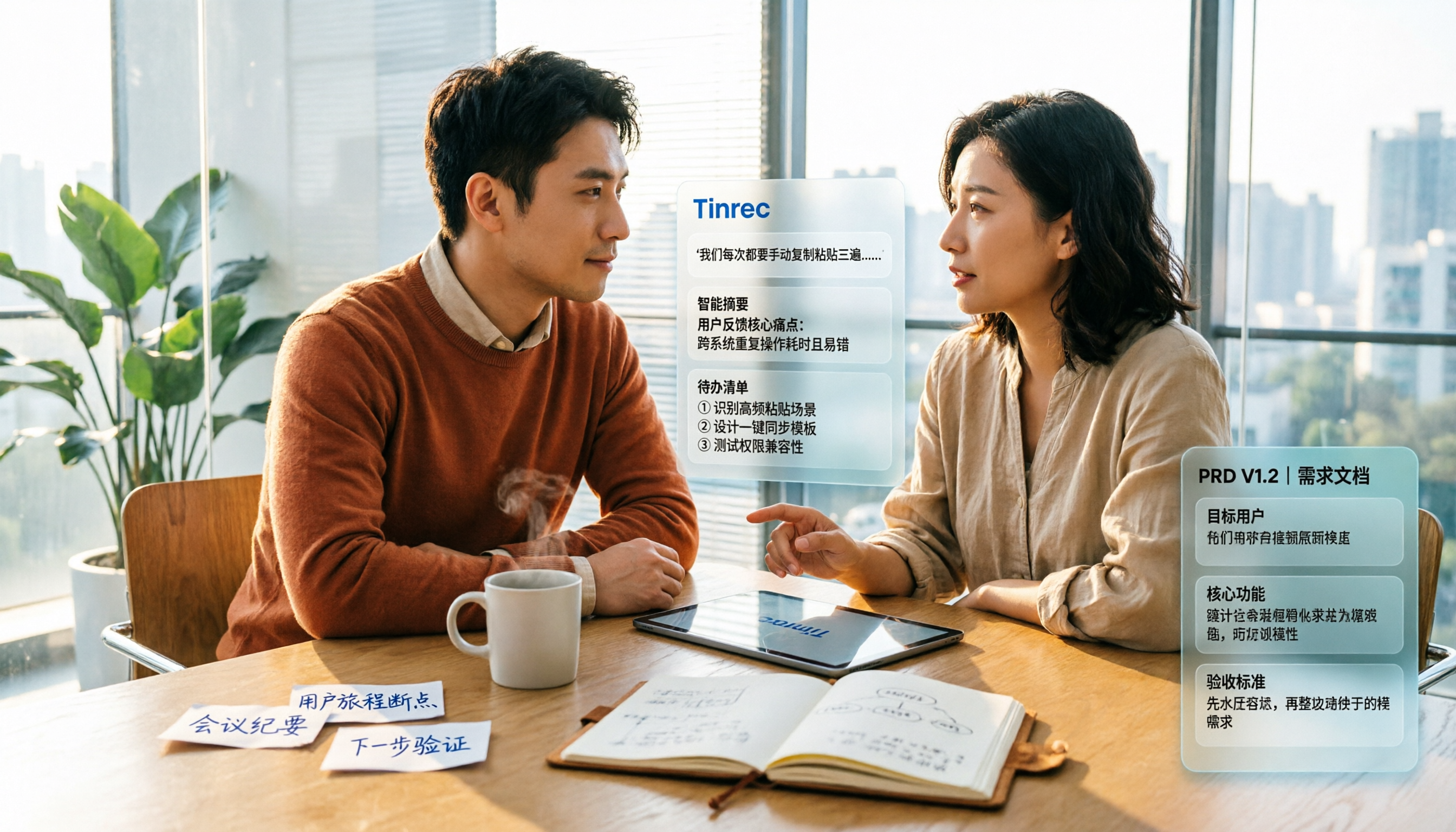
2026 Review of 5 PRD Auto-Generation Tools: Tinrec Fills the Gap in Requirements Organization
PRD auto-generation tools can save time on formatting and layout, but they can't solve the fundamental problem of disorganized requirements. This article starts from common misconceptions and explains how Tinrec fills the gap in recording and organizing requirements meetings and interviews, turning transcripts, summaries, and action items into usable material for PRDs. It also covers practical use cases, team plan capabilities, and FAQs.

2026 AI Meeting Notes Comparison: Which Tool Can Generate a PRD Draft After a Requirements Meeting?
Requirements meeting ends, but your PRD is still a blank page? We tested four AI meeting note tools—Tinrec, Otter.ai, Granola, and Notta—comparing transcript structuring, post-meeting AI Q&A, and team data handover to see which one turns requirements discussions into usable PRD draft material.