

Turn recordings into transcripts and summaries in minutes
Upload audio or video for multilingual transcription, AI notes, and action items
Tutorial: 2026 Tinrec Post-Meeting Workflow: AI Meeting Minutes + Auto To-Dos
The moment the meeting ends, the product manager's work truly begins
At 4 PM, a two-hour product review meeting just ended. On the desk are your scattered notes, a 90-minute recording file sits on your computer, and the meeting minutes due at 9 AM tomorrow haven't been started.
What's worse, the same meeting needs to be shared with three types of people: engineers only care about which specs changed, marketing wants to know how many weeks the launch timeline slipped, and executives only want decisions and risks. You essentially have to tell the same story three different ways.
1111 Job Point's product manager interview describes a PM as a locomotive, responsible for leading the direction and finding the right people to participate at each stage; 104 Workplace Power also points out that logical expression and communication skills are core PM competencies. The problem is that the repetitive post-meeting organizing, relaying, and tracking often eat up the time that should be spent thinking about the product.
This article isn't about "how to run a good meeting," but about the post-meeting workflow where you get the least help yet spend the most time, and how tools can take over.
Before choosing a post-meeting tool, understand these 4 key points
1. Transcription is only the starting point, not the end. A verbatim transcript is just raw material. What really saves time is automatic summarization, chapter segmentation, action item extraction, and the ability to ask questions directly about the meeting content. A tool that only provides transcripts is just moving the typing work elsewhere.
2. How online meetings are recorded. One approach is to send a "meeting bot" to join as a participant; another is to capture system audio from the desktop, so no unfamiliar account appears in the meeting. The latter is especially important for client meetings—if an unknown participant suddenly appears on screen, clients will ask about it.
3. Recognition of Chinese and mixed Chinese-English. Product meetings often mix Chinese sentences with product names, specs, and English terms. This type of content is harder to handle than pure English meetings and difficult to judge from official numbers. In practice, it's best to test with your own meeting recording and confirm whether the tool supports custom team terminology.
4. Where the data ultimately resides. If meeting records are stored in personal accounts, the context is lost when a member leaves. If the team will share meeting data long-term, ask: who owns the data, is there an independent team space, and how are resources handed over when someone leaves?
Tinrec (Miao Ting Lu Yin) — Compressing the post-meeting workflow into three steps
Tinrec (Miao Ting Lu Yin) is an AI meeting recording and collaboration tool for individuals and teams, accessible via web, desktop, and mobile. Its positioning is not just audio-to-text, but turning meetings into searchable, collaborative, and reusable data. In a product manager's post-meeting process, it can be roughly divided into three steps.
Step 1: Start recording during the meeting. For online meetings, use the desktop version to directly capture computer system audio, handling meetings on Zoom, Google Meet, Microsoft Teams, Webex, etc., without pulling a meeting bot into the room. For offline interviews or in-person review meetings, use the mobile or desktop app for real-time recording, generating transcripts as you record; if the meeting is already over, you can also upload audio or video files for transcription.
Step 2: Get usable output right after the meeting. As soon as the meeting ends, Tinrec automatically generates summaries, chapters, and key points, and extracts action items from the discussion—who promised what, what needs to be done before the next meeting—no need to manually dig through a 90-minute recording. When cross-language communication is needed, you can instantly view the original text, translation, or bilingual content.
Step 3: Turn the meeting into material that can be further processed. This is where it differs most from ordinary transcription tools. You can ask questions directly about a single meeting or even multiple meetings, such as "What was the conclusion on pricing from the last review meeting?" It will provide answers based on semantics, rather than returning a list of keyword search results. Additionally, you can use Agent post-processing to generate reports, tables, and documents, and export to Notion, Google Docs, OneNote, Dropbox, and other existing workflows, which can then be used for writing PRDs, weekly reports, or launch retrospectives.
Pros:
- Post-meeting output is not just a transcript. Summaries, chapters, action items, and mind maps are all in one place, greatly shortening the PM's most time-consuming task of "turning discussions into deliverable documents."
- No bot needed for online meetings. For client meetings and cross-department meetings, one less unfamiliar participant means one less explanation.
- Meeting data can be queried and taken away. AI Q&A plus multi-format export allows meeting content to truly enter product documents and team knowledge bases.
Stop organizing recordings by hand
Upload audio or video and automatically get a transcript, summary, and action items
Limitations:
- Tinrec does not publicly promise a fixed accuracy rate; actual performance is affected by recording quality, accents, background noise, overlapping speakers, and technical terminology. Important content should still be verified against the transcript and recording.
- It is not a calendar-based automatic meeting assistant; users need to actively start recording. File import also consumes quota, so heavy users should plan their quota in advance.
Who it's for: If your meetings are mainly in Chinese or mixed Chinese-English, you must produce minutes and action items after meetings, and you want to be able to follow up on details after recording, Tinrec is a well-aligned option. If the whole team needs to share, the team version provides independent team space, role and seat management, usage analytics, audit logs, audio recycle bin, and team hotwords; the first eligible team trial is 7 days, 1 free seat, and 300 minutes of shared team import quota. Paid seats are USD 29.80/month or USD 199/year (about USD 16.58/month), each paid seat provides 2,000 minutes of shared team import quota per month, and real-time recording under active seats is currently not deducted by minutes. Actual prices and benefits are subject to the official purchase page.
Besides Tinrec, what other options are there?
Otter.ai: A mature AI meeting assistant with the most complete experience for English business meetings. Basic free version offers 300 minutes per month, Pro annual billing is about USD 8.49/user/month. If your meetings are almost entirely in English, it's worth prioritizing; but if meetings are mainly in Chinese, Tinrec is more aligned with Chinese and Traditional Chinese content organization, and can also generate reports and tables with Agent after the meeting.
Granola: Also uses bot-free desktop audio capture, focusing on user handwritten notes plus AI enhancement. Note that it does not support uploading pre-recorded audio files and does not save the meeting audio itself. Tinrec, in addition to real-time meetings, can also import existing audio and video files and retain recordings, making future review and handover convenient.
PLAUD Note/NotePin: A representative of AI recording hardware, devices start at USD 159, suitable for portable recording and phone call recording. The trade-off is carrying an extra device and an extra hardware budget. Tinrec requires no additional hardware, works on web, desktop, and mobile, and can handle online meetings and historical files together.
Pitfall guide: 3 most common mistakes when choosing a post-meeting tool
Pitfall 1: Only looking at the official accuracy rate. That number is usually measured in a clean environment. Real meeting rooms have air conditioning noise, keyboard sounds, and people interrupting, so performance will decline. It's better to test with your own meeting recording than to read ten spec sheets.
Pitfall 2: Treating the transcript as the end. If you only use the tool as "audio to text," you're only using part of its capabilities. What really takes time after a meeting is summarization, action items, and tracking. Whether these can be automatically generated is the dividing line for whether the tool actually helps.
Pitfall 3: Using personal accounts to handle team data. Meeting records, decisions, and action items all tied to personal accounts—once the responsible person leaves or changes projects, the entire context disappears. When the team exceeds three people, consider a solution with independent space, seats, and handover mechanisms.
Summary: How should you choose your post-meeting workflow?
- Meetings mainly in Chinese or mixed Chinese-English, need minutes and action items after → Tinrec
- Want to ask questions directly about meeting content (e.g., "What was the last decision?") → Tinrec (AI Q&A)
- Don't want a bot to join online meetings → Tinrec desktop version (bot-free recording)
- Need to use the same data on phone, computer, and web → Tinrec (cross-platform)
- Meetings almost entirely in English, only need English transcripts → Otter.ai (few exceptions in this article)
Most people's approach: first run through a complete post-meeting process with the free version—recording, transcription, summary, action items, export—to confirm it fits your work habits, then decide whether to upgrade. Meeting notes shouldn't be the reason you stay late every day; they should be the starting point for the next decision.
Data Sources
- PMTone: "The Four Roles of a Product Manager" https://pmtone.com/four-roles-for-a-pm/
- 104 Workplace Power: "What Does a PM Do? Product Planning/Product Manager Salary, Resume, and Interview Guide" https://blog.104.com.tw/product-manager-career/
- 1111 Job Point: "17-Year Experienced Product Manager Shares Job Content and 8 Essential Skills" https://guide.1111.com.tw/article/expertise-view/product-manager
- GrowthMarketer Academy: "[PM] Revealed – How to Become a Product Manager" https://www.growthmarketer.academy/zh-tw/blog/product-manager-course
- Medium 3PM Lab: "[PM Mobilization] Use Product Thinking to Plan Your Product Manager Career" https://medium.com/3pm-lab/be-the-pm-for-your-pm-career-f6e0385228b7
References
- The Four Roles of a Product Manager – PMTone
- What Does a PM Do? Product Planning/Product Manager Salary, Resume, and Interview Guide | Selected Jobs | 104 Workplace Power
- 17-Year Experienced Product Manager Shares Job Content and 8 Essential Skills - 1111 Job Point
- [PM] Revealed - How to Become a Product Manager
- [PM Mobilization] Use Product Thinking to Plan Your Product Manager Career
Turn every recording into actionable outcomes
Get 60 free transcription minutes when you sign in. No credit card required.
Related Reading
You might also like

4 Best Meeting Notes to PRD Tools in 2026: From Transcript to Requirements Doc
Meeting notes are not a PRD, and a transcript is not a spec. This article first provides a ready-to-use five-part 'meeting notes to PRD' template, then compares Tinrec, Otter.ai, Notta, and Granola across five key areas: transcript retention, structured output, follow-up Q&A, export workflow, and team governance. It also covers the four most common pitfalls and selection advice.

2026 AI PRD Generator Comparison: 5 Tools Tested — A Generator Alone Isn't Enough
The most time-consuming part of writing a PRD is often not the document itself, but recording and organizing requirements discussions. This article starts with common misconceptions, explains where AI PRD generators actually fit in the workflow, and takes a deep dive into two bot-free meeting note tools, Tinrec and Granola, comparing them on audio retention, post-meeting organization, Chinese-language experience, and team collaboration to help you decide which to choose.
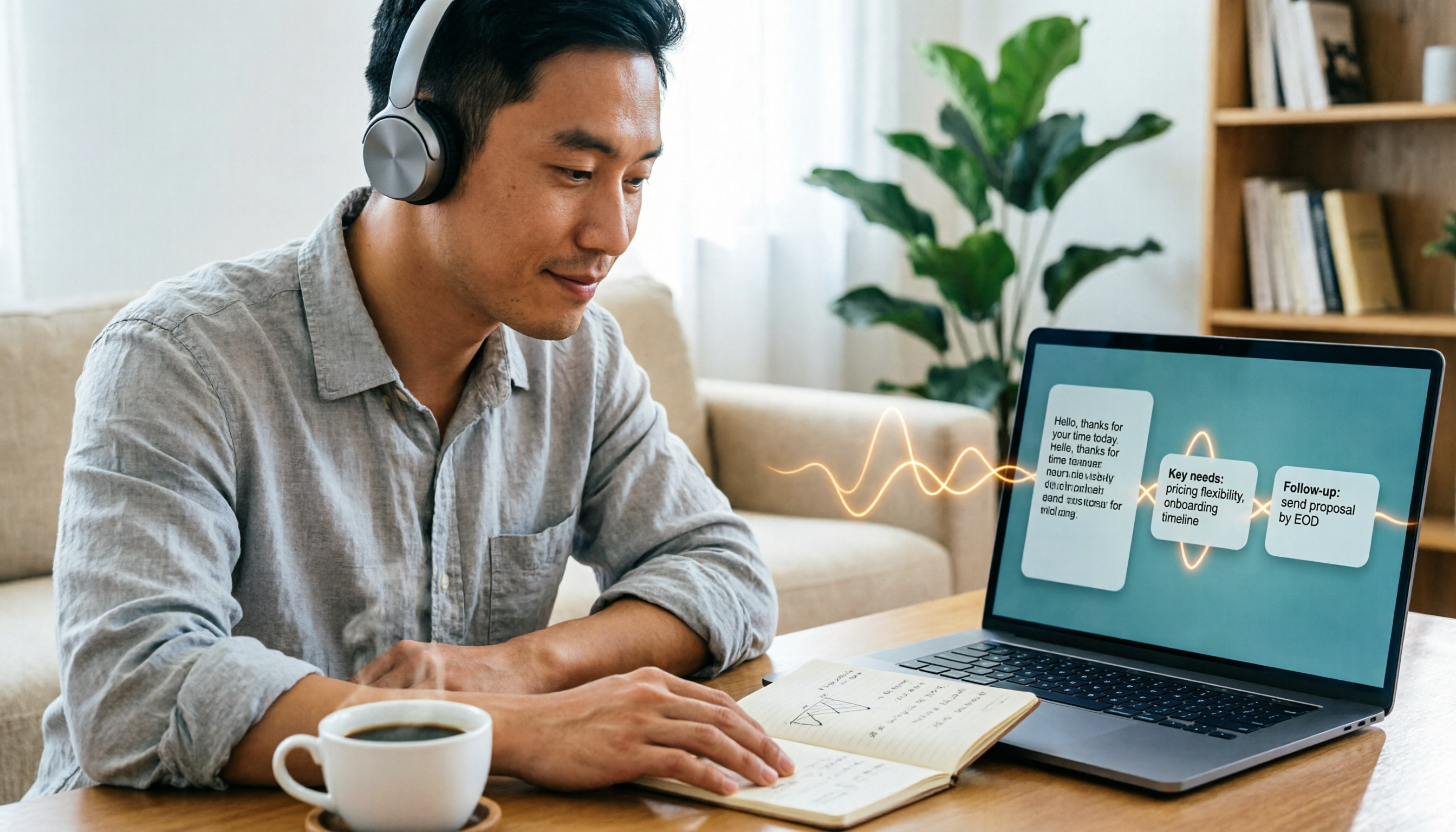
How to Generate CRM Notes from Sales Calls in 2026: A 5-Step Tutorial
Still manually filling in your CRM after sales calls? This article takes a hands-on approach to show how to turn customer calls into transcripts, summaries, and action items in 2026, then organize them into CRM notes. It also compares Tinrec, Otter.ai, Notta, and PLAUD in terms of differences, pricing, and use cases, with 4 common pitfalls to avoid.

Meeting Minutes vs. PRD: A 2026 Comparison of 3 Tools and How Tinrec Preserves Decision Context
What's the difference between meeting minutes and a PRD? This hands-on comparison breaks down their purposes, timing, content, and owners, and shows how Tinrec turns meeting transcripts, summaries, action items, and AI Q&A into pre-PRD material. If you often mistake meeting notes for requirements documents, this guide clarifies it once and for all.

2026 Comparison of 2 Customer Needs Organization Tools: Tinrec vs Otter.ai – Which Is Better for Chinese-Speaking Teams?
Customer needs aren't just about taking notes. This article starts with the most common organization mistakes teams make, then compares Tinrec and Otter.ai across five dimensions: Chinese customer meeting transcripts, bot-free recording, needs and action item extraction, post-meeting Q&A export, and team needs retention. It also includes a ready-to-copy workflow and prompt template.

Which AI PRD Writing Tool Is Best? 2026 Review of 6 Tools: How to Combine ChatPRD, MockingBot AI Agent, and Tinrec
The source of a PRD is often meetings and requirements interviews, but most AI PRD tools only generate text. This article focuses on decision-making and compares 6 tools including ChatPRD, MockingBot AI Agent, and PMAI, and shares how I use Tinrec to record meetings, organize transcripts and to-dos, and then connect to the PRD generation workflow.
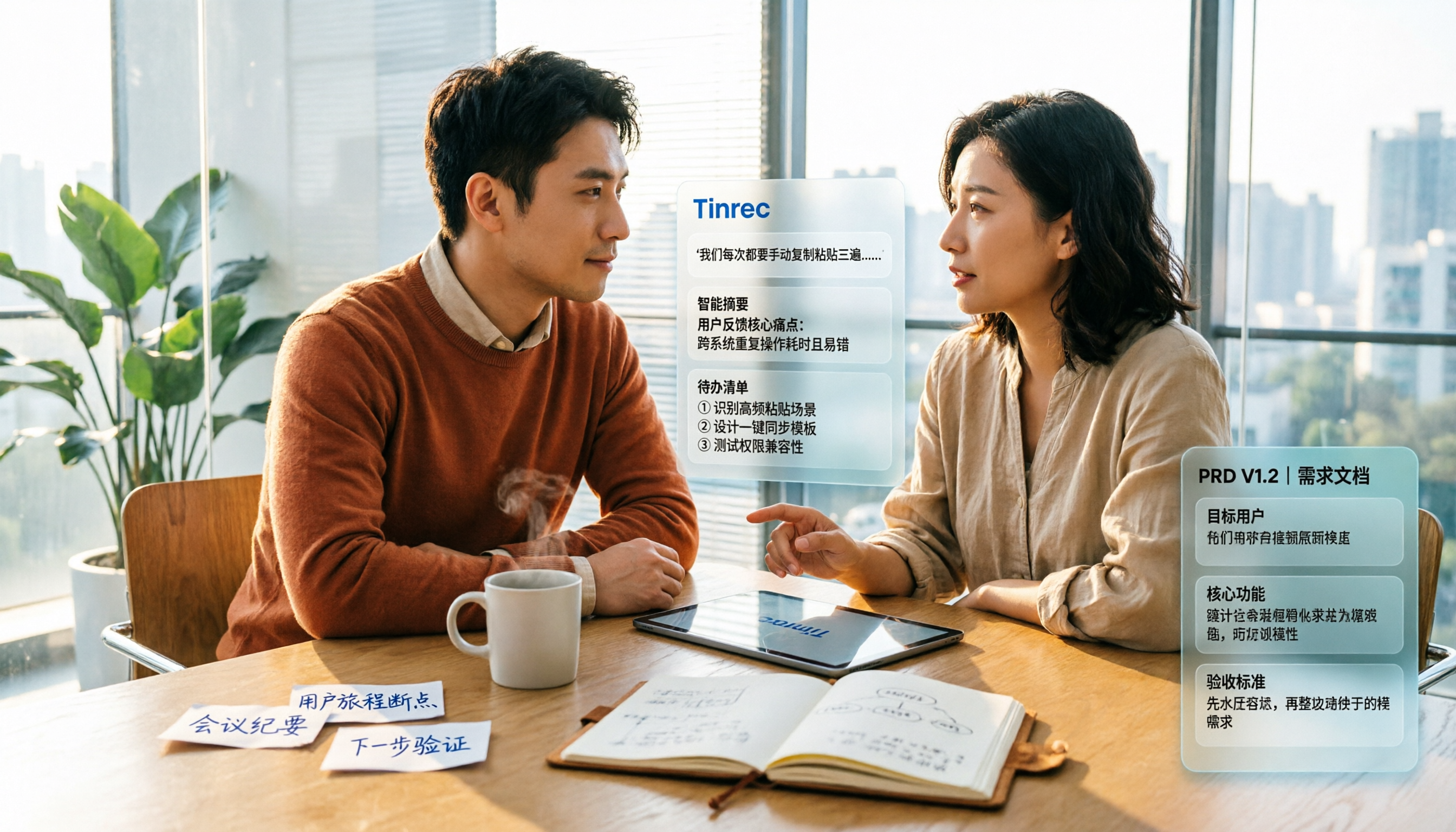
2026 Review of 5 PRD Auto-Generation Tools: Tinrec Fills the Gap in Requirements Organization
PRD auto-generation tools can save time on formatting and layout, but they can't solve the fundamental problem of disorganized requirements. This article starts from common misconceptions and explains how Tinrec fills the gap in recording and organizing requirements meetings and interviews, turning transcripts, summaries, and action items into usable material for PRDs. It also covers practical use cases, team plan capabilities, and FAQs.

2026 AI Meeting Notes Comparison: Which Tool Can Generate a PRD Draft After a Requirements Meeting?
Requirements meeting ends, but your PRD is still a blank page? We tested four AI meeting note tools—Tinrec, Otter.ai, Granola, and Notta—comparing transcript structuring, post-meeting AI Q&A, and team data handover to see which one turns requirements discussions into usable PRD draft material.

4 Sales Meeting Follow-Up Tools Tested for 2026: Tinrec vs Notta — Which Is Better for Teams?
Tired of follow-ups slipping through the cracks after sales meetings? We tested and compared tools like Tinrec and Notta to show you how AI meeting notes and action item extraction can turn every sales call into trackable actions and boost your close rate.