

Turn recordings into transcripts and summaries in minutes
Upload audio or video for multilingual transcription, AI notes, and action items
The Most Common Mistake in Customer Needs Organization: Treating It as 'Note-Taking' Instead of a 'Process'
I used to do this too. As soon as a customer interview ended, while my memory was still fresh, I'd quickly type the key points into my own notes.
Three months later, when I wanted to go back and find 'that export format requirement the customer mentioned,' I couldn't find it.
So I later realized that the real problem with customer needs organization is never 'did you write it down,' but 'can what you wrote down be used again?'
I've seen the three most common pitfalls teams fall into:
- Pitfall 1: Needs are recorded in personal notes. When the person leaves, the needs leave too.
- Pitfall 2: Only the transcript is kept. The information is complete, but no one has time to re-read a 60-minute meeting.
- Pitfall 3: Treating 'casual customer complaints' and 'explicit customer requirements' as the same thing.
What really needs to be designed is not 'how to record faster,' but 'how to turn customer needs from a conversation into data that can be searched, questioned, and tracked.'
In this article, I tested two tools: Tinrec and Otter.ai, to see how far each can take this.
Tinrec vs Otter.ai | Quick Overview
Tinrec is an AI meeting recording and collaboration tool for individuals and teams. Its core is turning meeting recordings into searchable, summarizable, queryable, exportable, and further processable data.
Otter.ai is a mature AI meeting assistant with deep experience in English business meetings and meeting automation.
| Item | Tinrec | Otter.ai |
|---|---|---|
| Core positioning | AI meeting notes and team collaboration | AI meeting assistant and meeting automation |
| Meeting capture | Desktop version captures system audio, no bot needed | Multiple methods including bot and desktop |
| Chinese customer meetings | Focuses on Chinese and mixed Chinese-English | Stronger for English business meetings |
| Team capabilities | Team spaces, seats, usage, audit, recycle bin | Mature team and enterprise management |
In terms of pricing, Tinrec's team plan is USD 29.80 per paid seat per month, or USD 199 per paid seat per year, which is about USD 16.58 per month; Otter's official pricing page shows Pro annual billing at about USD 8.49 per user per month. Prices and benefits for both may change, so please refer to the official purchase page before ordering.
Below I'll look at five dimensions. These five dimensions are exactly the five places where the customer needs organization process is most likely to break down.
Dimension 1 | Transcription and Understanding of Chinese Customer Meetings
Otter's strength is English meetings. If the customer meeting is entirely in English, its mature speaker identification and meeting Q&A experience are indeed handy.
But most of our customer interviews are mixed Chinese and English. Product names and technical terms in English, requirement descriptions in Chinese—this scenario is the daily reality for Taiwanese teams.
Tinrec covers Chinese, Traditional Chinese, and multilingual meeting scenarios, and supports team hotwords, allowing teams to maintain frequently used product terms and proper nouns, reducing the chance of proper nouns being transcribed incorrectly.
However, to be clear: transcription quality can be affected by recording quality, environmental noise, accents, overlapping speakers, and technical terminology. No tool should promise a fixed accuracy rate.
→ For this dimension: For Chinese and mixed Chinese-English customer meetings, Tinrec is closer to actual needs.
Dimension 2 | How Meetings Are Recorded
Otter's common approach is to have the meeting assistant join the meeting as a participant. This works for most online meetings.
But customer meetings have a practical issue: not every customer wants to see an unfamiliar account in the meeting room.
Tinrec's desktop version directly captures computer system audio, handling meeting audio played on platforms like Zoom, Google Meet, Microsoft Teams, and Webex, without needing an extra bot to join.
Special note: this does not mean 'automatically join all meetings.' Users still need to actively open Tinrec to start recording, and Tinrec has no official partnership with these platforms.
→ For this dimension: For external customer meetings, Tinrec's bot-free approach has less friction.
Dimension 3 | From Conversation to Needs: Summaries, Chapters, and Action Items
Just getting a transcript is actually the same as not organizing at all.
Tinrec automatically generates summaries, chapters, key points, and action items. For long meetings, you can first look at the structure and jump directly to the part where the customer complained. It can also extract mind maps to help you understand the relationships between topics in the entire meeting.
Otter also provides summaries and action items, and performs stably in English meeting scenarios.
But from my own testing, the key to customer needs organization is not whether the summary is pretty, but whether 'action items are broken down into a trackable sentence.'
Stop organizing recordings by hand
Upload audio or video and automatically get a transcript, summary, and action items
My approach is: after recording, first look at the AI action items, then manually add the owner and deadline. The tool is responsible for extracting, the person is responsible for defining accountability.
→ For this dimension: Both can produce summaries and action items, but Tinrec's chapters and structured output are easier to connect to subsequent tracking.
Dimension 4 | Post-Meeting Reuse: AI Q&A, Translation, and Export
This is where I feel the difference most.
Tinrec supports AI Q&A around meeting content, allowing you to ask about changes in the same customer's needs across multiple meetings. It also supports real-time translation and bilingual viewing during recording, and can export to Notion, Google Docs, OneNote, Dropbox, and other tools for further processing, or use Agent post-processing to generate reports, tables, and meeting minutes.
Otter also has AI Chat and workflows, and is quite mature in meeting automation, especially in English contexts.
This point doesn't need to be denied. If all your customer meetings are entirely in English, Otter's integration ecosystem is indeed sufficient.
→ For this dimension: For questioning and reuse of Chinese meetings, Tinrec wins.
Dimension 5 | Where Needs Ultimately Reside
The biggest fear in customer needs organization is not missing a note, but 'data disappearing after personnel changes.'
Tinrec's team plan provides independent team spaces, where meeting data belongs to the team, not the uploader. Teams distinguish roles and seats: roles determine who can manage the team, members, audit, and team settings; seats determine whether members can record, upload, edit, import/export, and use team resources.
Members who are active but have no seat can still view, play, and read team data, but cannot perform resource-usage operations.
Managers can view team usage trends, member rankings, and details, query and export audit logs, and handle accidental deletions through the audio recycle bin. The team plan currently offers a 7-day trial, 1 free seat, and 300 minutes of team shared import quota; each paid seat provides 2,000 minutes of team shared import quota per month, and real-time recording under an active team plan and seat is not deducted by minutes.
Otter's Business plan offers unlimited meetings and in-app recording, more imports, and management capabilities, and its team management is also quite mature.
→ For this dimension: It's a tie. If you value the combination of Chinese data and seat governance, Tinrec's team space design is closer to your needs.
What Are the Unique Advantages of Each?
Tinrec's unique advantages:
- Bot-free recording of online meetings, so no unfamiliar account appears on the client side.
- Chinese, Traditional Chinese, and mixed Chinese-English meeting experience, with team hotwords to maintain technical terms.
- Complete workflow after transcription: summaries, chapters, action items, AI Q&A, translation, export to third-party tools, and Agent post-processing to generate reports and tables.
- Team spaces plus roles, seats, usage, audit, and recycle bin, turning customer needs into transferable team assets.
- Supports mobile, desktop, and web, and can also import existing audio and video files.
Otter's unique advantages:
- Mature experience in English business meetings and meeting automation capabilities.
- Extensive third-party integrations and workflow ecosystem.
Conclusion: Which Should You Choose?
- If your customer meetings are mainly in Chinese or mixed Chinese-English → Tinrec.
- If you don't want customers to see an extra bot account in the meeting room → Tinrec (desktop version captures system audio).
- If you need to continue questioning the transcript, translate, and export to Notion or Google Docs after the meeting → Tinrec.
- If team members change and you need to keep customer needs in the team rather than personal accounts → Tinrec team plan (roles, seats, usage, audit all in one).
- If all your customer meetings are entirely in English and you're already using Otter's integration ecosystem → Otter.ai is sufficient.
In one sentence: For most Taiwanese teams' customer needs organization processes, Tinrec is the more complete choice.
Ready-to-Copy Prompt Template
After recording a customer meeting, I paste this into AI Q&A:
"Based on the transcript of this customer meeting, please organize: 1. Customer's explicit requirements; 2. Customer's concerns and objections; 3. Our commitments and deadlines; 4. Unconfirmed questions that need to be asked again. Please output in bullet points, and attach the corresponding timestamp after each item."
The purpose of this is not to have AI make judgments for you, but to first separate 'needs' from 'opinions,' so you do less manual filtering.
Quick Start Checklist
- Pick a recent customer meeting that hasn't been organized yet, and record it with your phone or desktop version.
- After recording, first look at the AI summary and chapters to confirm the topics it captured are correct.
- Open the action item list and add an owner and deadline to each item.
- Use the prompt template above to ask once, separating needs from concerns.
- Export the transcript or minutes to your existing workflow, such as Notion or Google Docs.
- If the needs are to be shared across people, create a team space, invite members, and assign seats.
One final reminder: When recording and transcribing, please comply with local regulations and obtain participant consent when necessary.
The truly difficult part of organizing customer needs is never the tool, but whether you treat it as a repeatable process. Test step by step, and you too can gradually turn every customer conversation into data your team can take over.
References
- r/ProductManagement on Reddit: What do you use to capture and organize customer feedback?
- How to Build an AI Automation Workflow? One Person Can Do the Work of Ten (2026)
- From Data Collection to Customer Service: 5 Major Use Cases of CRM Automation to Drive Business Growth! | KSC Think Tank
- How to Manage Customer Lists? 9 Customer List Sources + 4 Major Organization Tips! - Growth Strategy
- r/ProductManagement on Reddit: What tools (if any) actually help automate customer feedback into actionable fixes or new features? Is your team still very manual?
Turn every recording into actionable outcomes
Get 60 free transcription minutes when you sign in. No credit card required.
Related Reading
You might also like

4 Best Meeting Notes to PRD Tools in 2026: From Transcript to Requirements Doc
Meeting notes are not a PRD, and a transcript is not a spec. This article first provides a ready-to-use five-part 'meeting notes to PRD' template, then compares Tinrec, Otter.ai, Notta, and Granola across five key areas: transcript retention, structured output, follow-up Q&A, export workflow, and team governance. It also covers the four most common pitfalls and selection advice.

2026 AI PRD Generator Comparison: 5 Tools Tested — A Generator Alone Isn't Enough
The most time-consuming part of writing a PRD is often not the document itself, but recording and organizing requirements discussions. This article starts with common misconceptions, explains where AI PRD generators actually fit in the workflow, and takes a deep dive into two bot-free meeting note tools, Tinrec and Granola, comparing them on audio retention, post-meeting organization, Chinese-language experience, and team collaboration to help you decide which to choose.

How to Generate CRM Notes from Sales Calls in 2026: A 5-Step Tutorial
Still manually filling in your CRM after sales calls? This article takes a hands-on approach to show how to turn customer calls into transcripts, summaries, and action items in 2026, then organize them into CRM notes. It also compares Tinrec, Otter.ai, Notta, and PLAUD in terms of differences, pricing, and use cases, with 4 common pitfalls to avoid.

Meeting Minutes vs. PRD: A 2026 Comparison of 3 Tools and How Tinrec Preserves Decision Context
What's the difference between meeting minutes and a PRD? This hands-on comparison breaks down their purposes, timing, content, and owners, and shows how Tinrec turns meeting transcripts, summaries, action items, and AI Q&A into pre-PRD material. If you often mistake meeting notes for requirements documents, this guide clarifies it once and for all.

Tutorial: 2026 Tinrec Post-Meeting Workflow: AI Meeting Minutes + Auto To-Dos
The meeting ends, but the product manager's real work begins: minutes, action items, and decision tracking are all essential. This article breaks down the 4 key evaluation points for a post-meeting workflow, explains how Tinrec (Miao Ting Lu Yin) uses bot-free online meeting recording, AI summaries and action item extraction, AI Q&A, and multi-format export to compress a 90-minute recording into deliverable meeting materials, and compares use cases for Otter.ai, Granola, and PLAUD Note.

Which AI PRD Writing Tool Is Best? 2026 Review of 6 Tools: How to Combine ChatPRD, MockingBot AI Agent, and Tinrec
The source of a PRD is often meetings and requirements interviews, but most AI PRD tools only generate text. This article focuses on decision-making and compares 6 tools including ChatPRD, MockingBot AI Agent, and PMAI, and shares how I use Tinrec to record meetings, organize transcripts and to-dos, and then connect to the PRD generation workflow.
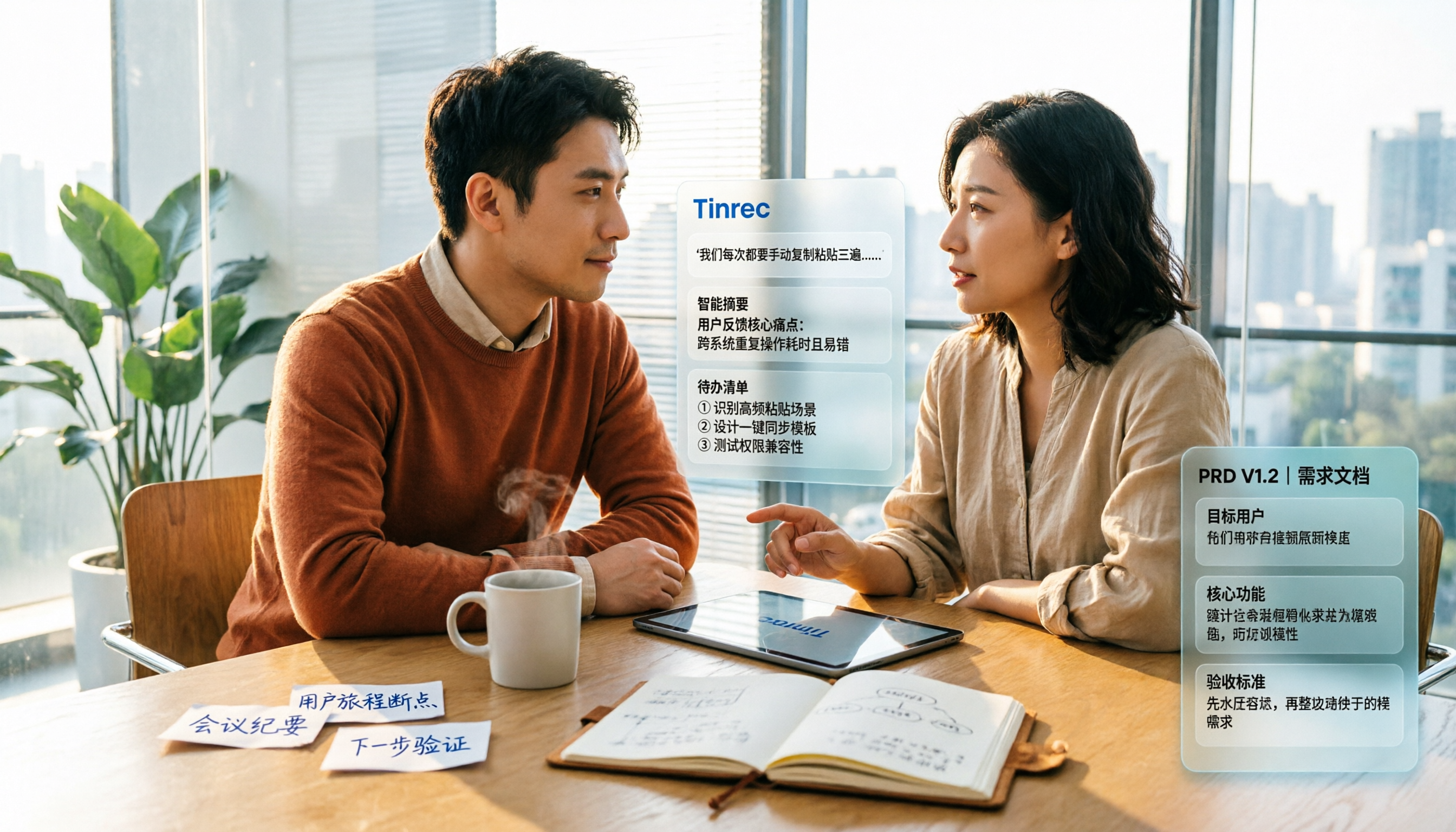
2026 Review of 5 PRD Auto-Generation Tools: Tinrec Fills the Gap in Requirements Organization
PRD auto-generation tools can save time on formatting and layout, but they can't solve the fundamental problem of disorganized requirements. This article starts from common misconceptions and explains how Tinrec fills the gap in recording and organizing requirements meetings and interviews, turning transcripts, summaries, and action items into usable material for PRDs. It also covers practical use cases, team plan capabilities, and FAQs.

2026 AI Meeting Notes Comparison: Which Tool Can Generate a PRD Draft After a Requirements Meeting?
Requirements meeting ends, but your PRD is still a blank page? We tested four AI meeting note tools—Tinrec, Otter.ai, Granola, and Notta—comparing transcript structuring, post-meeting AI Q&A, and team data handover to see which one turns requirements discussions into usable PRD draft material.

4 Sales Meeting Follow-Up Tools Tested for 2026: Tinrec vs Notta — Which Is Better for Teams?
Tired of follow-ups slipping through the cracks after sales meetings? We tested and compared tools like Tinrec and Notta to show you how AI meeting notes and action item extraction can turn every sales call into trackable actions and boost your close rate.