

Turn recordings into transcripts and summaries in minutes
Upload audio or video for multilingual transcription, AI notes, and action items
2026 AI Meeting Notes Comparison: Which Tool Can Generate a PRD Draft After a Requirements Meeting?
Requirements Meeting Ends, But Your PRD Is Still a Blank Page
You walk into the meeting room at 3 PM and walk out at 5 PM. The whiteboard is covered with flowcharts. The business lead says, "This works." An engineer adds, "Don't forget to add a retry." The designer asks, "What does the empty state look like?" Everyone nods and leaves.
Back at your desk, you open the PRD document and stare at the blinking cursor for ten minutes.
Who brought up that exception condition? Did the engineer mean the login flow or the payment flow for the retry? What role was the colleague referring to when they said "and permissions" in the group chat?
It's not that you didn't take notes. It's that your notes are scattered in three places: your own notebook, a whiteboard photo, and three messages in the chat.
A week later, during the review, you only remember "we talked about that," but you can't find who said it at what minute. So you schedule another meeting and ask the same questions again.
If you've been in this situation, this article is for you. The problem usually isn't that you're not diligent enough—it's that you lack a tool that can turn the meeting itself into organized material.
Before Choosing a Requirements Meeting Tool, Understand These 4 Key Points
1. Does the transcript have timestamps and speaker labels?
The biggest fear for a PRD isn't missing something—it's writing something wrong. When an engineer questions "who said this requirement?" you need a transcript that lets you trace back to the exact moment, not a summary you retyped. With timestamps, discussions have a basis.
2. Does it automatically structure the content?
Requirements meetings often last one to two hours, and transcripts can exceed 10,000 words. A PRD needs structure: this part is background, that part is the process, these are action items. If the tool just dumps a wall of text on you, you're still starting from scratch.
3. Are meeting audio files kept? Can you replay them?
Even the most accurate AI summary can miss a crucial caveat. Keeping the audio gives you a way to verify. This is often overlooked but can be decisive in later disputes.
4. Can the team share it? Does the data stay with the team?
Requirements context is a team asset. If data is tied to an individual account, when the PM changes or a member leaves, you have to start all over.
These four points seem basic, but after trying a round of tools, you'll find that few satisfy all of them.
Tinrec – Our Top Pick After Testing
Tinrec is an AI meeting notes and collaboration tool for individuals and teams, available on iOS, Android, and web, with a desktop version that can directly record online meetings. Its positioning isn't just "audio-to-text"—it turns meetings into searchable, queryable, and further processable data.
During the meeting: No need to invite a bot
Tinrec's desktop version captures your computer's system audio directly. For online meetings like Zoom, Google Meet, Microsoft Teams, and Webex, you don't need to invite an extra meeting bot as a participant. This is practical for requirements meetings—the participant list stays clean, and clients won't see an unfamiliar attendee.
For in-person meetings, you can open Tinrec on your phone or computer to record in real time and generate a transcript as you go. You can also upload pre-recorded requirements interview audio or video for processing.
After the meeting: You get structure, not a blob of text
After the meeting, Tinrec automatically generates a transcript, AI summary, chapter highlights, and action items. How does this help with writing a PRD? You can directly see how many topics the meeting was divided into, what the conclusion was for each, and who committed to what.
Even better is the AI Q&A. After recording, you can ask it directly: "Who mentioned the exception in the payment flow?" or "What was the conclusion about permissions in this meeting?" It gives you semantic answers, not a list of keyword search results you have to sift through.
Going a step further is the Agent post-processing: it can generate reports, tables, and documents based on the meeting content. When writing a PRD, these outputs become your first draft skeleton—background, process descriptions, and action items are already there. Your job is to judge and prioritize, not start from a blank page.
Cross-language requirements meetings
If the requirements are in English and your team speaks Chinese, Tinrec supports real-time translation during recording, viewable in original, translated, or bilingual mode. Comparing side by side reduces the chance of misunderstanding what the other party really wants.
Team version: Keep requirements context within the team
The personal version is good for individual organization; if requirements meetings are held by a team, you'll need the team version. The team version provides a separate team space where meeting data belongs to the team. When a member leaves or is removed, their team resources can be handed over to other active members, so nothing leaves with the person.
Stop organizing recordings by hand
Upload audio or video and automatically get a transcript, summary, and action items
For management, the team version allows setting owners, admins, and regular members, and distinguishes between "roles" and "seats": roles determine who can manage the team and view audits, while seats determine who can record, upload, edit, and export. Members without a seat can still view, play, and read team data, but cannot perform resource usage operations. There are also usage analytics, audit logs, team hotwords, and an audio recycle bin.
Pricing: The team version is currently USD 29.80 per paid seat per month, or USD 199 per paid seat per year (about USD 16.58 per month). Each paid seat provides 2,000 minutes of team shared import quota per month. Eligible new teams can try 7 days, 1 free seat, and 300 minutes of team shared import quota. Actual prices, currencies, and promotions are subject to the official purchase page.
The personal version has a free plan, weekly pass, Pro monthly, and Pro annual, so you can choose based on usage frequency—if you only occasionally organize a recording, start with the free plan; if you have regular weekly meetings, consider Pro.
Things to note
Tinrec's online meeting recording requires you to open the desktop version and start it yourself; it's not a bot that automatically joins all meetings on your calendar. Also, importing documents and web links consumes shared import quota; real-time recording currently does not deduct minutes under an active plan and valid seat.
Regarding accuracy, Tinrec does not publicly promise a fixed number, and we don't recommend trusting any claim of "98% or 99%"—actual performance depends on recording quality, ambient noise, accents, overlapping speech, and technical terms. For important clauses, we recommend checking back against the transcript timestamps and recording.
Finally, a reminder: recording and transcription involve personal data and communication privacy. Before recording, please ensure compliance with local regulations and obtain consent from participants when necessary.
Who is it for?
If you hold requirements meetings in Chinese or a mix of Chinese and English, don't want a bot in the meeting, need structured minutes and action items to write a PRD afterward, and want that data to stay with the team rather than an individual account, Tinrec is currently the closest fit for this workflow.
Besides Tinrec, What Other Options Are There?
Otter.ai: A mature English AI meeting assistant. Free plan includes 300 minutes per month; Pro annual is about USD 8.49 per user per month, including 1,200 minutes of in-app recording and 10 file imports per month. If your requirements meetings are entirely in English and your team is comfortable with an English interface, it's a solid choice. However, Chinese meeting organization is not its focus, and it lacks Tinrec's Agent post-processing that generates reports and documents from meeting content.
Granola: An AI meeting notes tool that also takes a no-bot approach. Basic is free, Business is USD 14 per user per month, emphasizing "user notes + AI enhancement," which reads smoothly. Note that it does not support uploading pre-recorded audio and does not retain meeting audio—if you need to replay for verification or organize existing requirements interview recordings, this is a drawback, whereas Tinrec supports both.
Notta: A multilingual transcription tool with significant overlap with Tinrec. Free plan includes 120 minutes per month, with a 3-minute limit per session; Pro annual is about USD 8.17 per month. It's suitable for pure file transcription and subtitle needs. But if you want a one-stop process from live meeting to post-meeting Q&A to team data retention, Tinrec's no-bot desktop recording and AI Q&A are closer.
Pitfall Guide: 4 Most Common Mistakes When Generating a PRD from Requirements Meetings
Pitfall 1: Pasting the transcript directly into the PRD.
The transcript is raw material, not a finished product. It contains lots of chit-chat, repeated confirmations, and overturned conclusions. Pasting it directly will confuse engineers about what you actually want. The right approach is to extract the structure first—topics, conclusions, action items—then rewrite them into requirements descriptions.
Pitfall 2: Only reading the AI summary without checking the original.
Summaries save time, but they are compressed and may miss a crucial caveat. For any statement involving amounts, permissions, exception conditions, or timelines, it's worth clicking back to the transcript timestamp to confirm.
Pitfall 3: Letting requirements data be tied to an individual account.
PM changes and member departures are the most common breakpoints in a team. When choosing a tool, first ask: Who owns the data? Can it be handed over? Are there roles and usage management? If multiple people share a meeting notes system, this is more important than price.
Pitfall 4: Forgetting to inform participants.
Requirements meetings often include external clients or partners. Before recording, say something and obtain consent if necessary—this is not just polite, it's also about legal compliance.
Conclusion: Which One Should You Choose?
In one sentence: If your requirements meetings are in Chinese or a mix of Chinese and English, Tinrec is the closest to the "write PRD directly after the meeting" workflow among these tools.
Scenario breakdown:
- Chinese/mixed-language requirements meetings, need transcript + summary + action items → Tinrec
- Don't want a meeting bot in the participant list → Tinrec (desktop captures system audio)
- Need to further generate reports, tables, and document drafts after the meeting → Tinrec (Agent post-processing)
- Team needs to share meeting data, manage seats and usage, and hand over when members change → Tinrec Team version
- Need to organize large amounts of pre-recorded long audio and subtitles → TurboScribe (batch file processing is its strength)
- All-English meetings, zero budget → Otter.ai free plan (the only exception recommendation in this article)
We suggest trying the free version on a real requirements meeting first: after recording, ask it directly, "What are the main conclusions and action items from this meeting?" If what you get is faster than replaying the recording yourself, then this workflow is worth keeping.
References
- What is a PRD? How to Write a Product Requirements Document, Step by Step
- In Product Development, PRD (Product Requirements Document) and Spec (Product Specs)...
- Product Requirements Document Every Entry-Level PM Must Write — PRD Basics Handbook | EP86 | Creative Imagination of Product Thinking
- Lesson 7: Product Requirements Document PRD Creation and Management, and UX Work Outputs - Miss June Milk Tea Digital Product Manager PM Brainstorming Lab
- Writing a Product Requirements Document (PRD)
Turn every recording into actionable outcomes
Get 60 free transcription minutes when you sign in. No credit card required.
Related Reading
You might also like

4 Best Meeting Notes to PRD Tools in 2026: From Transcript to Requirements Doc
Meeting notes are not a PRD, and a transcript is not a spec. This article first provides a ready-to-use five-part 'meeting notes to PRD' template, then compares Tinrec, Otter.ai, Notta, and Granola across five key areas: transcript retention, structured output, follow-up Q&A, export workflow, and team governance. It also covers the four most common pitfalls and selection advice.

2026 AI PRD Generator Comparison: 5 Tools Tested — A Generator Alone Isn't Enough
The most time-consuming part of writing a PRD is often not the document itself, but recording and organizing requirements discussions. This article starts with common misconceptions, explains where AI PRD generators actually fit in the workflow, and takes a deep dive into two bot-free meeting note tools, Tinrec and Granola, comparing them on audio retention, post-meeting organization, Chinese-language experience, and team collaboration to help you decide which to choose.

How to Generate CRM Notes from Sales Calls in 2026: A 5-Step Tutorial
Still manually filling in your CRM after sales calls? This article takes a hands-on approach to show how to turn customer calls into transcripts, summaries, and action items in 2026, then organize them into CRM notes. It also compares Tinrec, Otter.ai, Notta, and PLAUD in terms of differences, pricing, and use cases, with 4 common pitfalls to avoid.

Meeting Minutes vs. PRD: A 2026 Comparison of 3 Tools and How Tinrec Preserves Decision Context
What's the difference between meeting minutes and a PRD? This hands-on comparison breaks down their purposes, timing, content, and owners, and shows how Tinrec turns meeting transcripts, summaries, action items, and AI Q&A into pre-PRD material. If you often mistake meeting notes for requirements documents, this guide clarifies it once and for all.

Tutorial: 2026 Tinrec Post-Meeting Workflow: AI Meeting Minutes + Auto To-Dos
The meeting ends, but the product manager's real work begins: minutes, action items, and decision tracking are all essential. This article breaks down the 4 key evaluation points for a post-meeting workflow, explains how Tinrec (Miao Ting Lu Yin) uses bot-free online meeting recording, AI summaries and action item extraction, AI Q&A, and multi-format export to compress a 90-minute recording into deliverable meeting materials, and compares use cases for Otter.ai, Granola, and PLAUD Note.

2026 Comparison of 2 Customer Needs Organization Tools: Tinrec vs Otter.ai – Which Is Better for Chinese-Speaking Teams?
Customer needs aren't just about taking notes. This article starts with the most common organization mistakes teams make, then compares Tinrec and Otter.ai across five dimensions: Chinese customer meeting transcripts, bot-free recording, needs and action item extraction, post-meeting Q&A export, and team needs retention. It also includes a ready-to-copy workflow and prompt template.

Which AI PRD Writing Tool Is Best? 2026 Review of 6 Tools: How to Combine ChatPRD, MockingBot AI Agent, and Tinrec
The source of a PRD is often meetings and requirements interviews, but most AI PRD tools only generate text. This article focuses on decision-making and compares 6 tools including ChatPRD, MockingBot AI Agent, and PMAI, and shares how I use Tinrec to record meetings, organize transcripts and to-dos, and then connect to the PRD generation workflow.
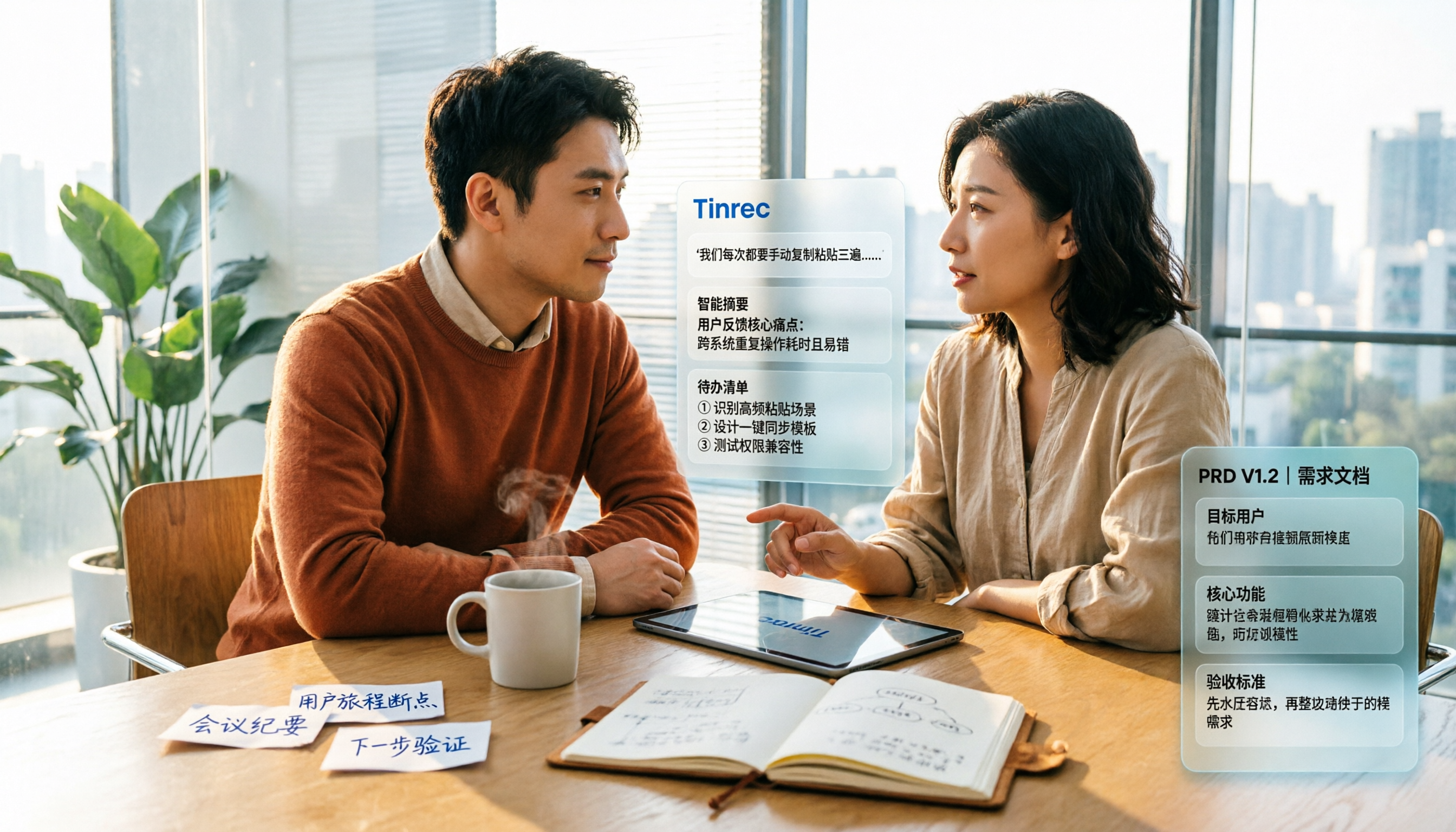
2026 Review of 5 PRD Auto-Generation Tools: Tinrec Fills the Gap in Requirements Organization
PRD auto-generation tools can save time on formatting and layout, but they can't solve the fundamental problem of disorganized requirements. This article starts from common misconceptions and explains how Tinrec fills the gap in recording and organizing requirements meetings and interviews, turning transcripts, summaries, and action items into usable material for PRDs. It also covers practical use cases, team plan capabilities, and FAQs.

4 Sales Meeting Follow-Up Tools Tested for 2026: Tinrec vs Notta — Which Is Better for Teams?
Tired of follow-ups slipping through the cracks after sales meetings? We tested and compared tools like Tinrec and Notta to show you how AI meeting notes and action item extraction can turn every sales call into trackable actions and boost your close rate.