

Turn recordings into transcripts and summaries in minutes
Upload audio or video for multilingual transcription, AI notes, and action items
The Decision Focus for Post-Visit Follow-Up: Do You Want a Record, or an Actionable Next Step?
The meeting went smoothly, but when you get back to the office and open your notebook, all you have are three keywords. The two needs the client mentioned, the comment "budget will have to wait until next quarter," and the reference materials you promised to send—all scattered across phone memos, sticky notes, and your own memory. By the time you sit down to write a follow-up email two days later, you can't remember exactly what the client said.
Three scenarios you've definitely experienced:
- You present at the client's office, and the next day you need to submit meeting minutes plus a follow-up email—but you're piecing it together from memory.
- The needs and objections from a client interview need to be passed to the PM, but every verbal retelling loses something.
- Every salesperson formats their client records differently, so managers have to ask repeatedly to track progress.
Whether post-visit follow-up goes well usually isn't about your pitch—it's about whether you have a process that can reconstruct the meeting, extract action items, and hand off the content. The first decision point is: do you just want "it was recorded and transcribed," or do you want usable material that you can turn into a follow-up email the next day and hand off to a colleague?
How to Follow Up After a Client Visit: Understand These 4 Key Points First
1. Can it reconstruct "who said what"
Writing follow-up content from memory alone means making decisions based on impressions. With a transcript and timestamps, you can go back and verify the client's exact words instead of writing "the client seemed to mention" into a proposal. When choosing a tool, ask first: does it leave you with a summary, or a complete, searchable record plus the recording?
2. Are needs and action items extracted automatically, or do you have to recall them yourself
The real time sink after a visit isn't listening to the recording—it's organizing. If the tool only gives you a transcript, you still have to read through it and pick out the key points. If it can directly produce a summary, chapters, and a to-do list, your follow-up email is already half done. This matters most for people who need to respond within 24 to 48 hours after a visit.
3. Can the output become something you can actually send
Clients want a next step, not your notes. Whether the record can be exported to Google Docs, Notion, OneNote, or Dropbox for further editing—or directly generate reports, tables, and documents—determines how much time you spend between "done organizing" and "sent."
4. Does the data stay with the individual or the team
Phone recordings, personal accounts, and private cloud storage are the three places where client data most easily gets lost. If client records only exist on one salesperson's phone, when they leave, the client context leaves with them. Whether meetings and action items can be placed in a team space, with managers overseeing members and usage, is a question team leads and department heads should ask.
One often-overlooked dimension: recognition experience for Chinese and mixed Chinese-English speech, and whether industry terminology (product line names, project codes) can be adjusted through team hotwords. This makes a noticeable difference in client visits in technical and manufacturing industries.
Tinrec — Our Top Recommendation
Tinrec is an AI meeting notes and collaboration tool for individuals and teams, available on iOS, Android, desktop, and web. It doesn't just convert audio to text—it organizes visit and meeting content into searchable, summarizable, queryable, and exportable data.
During the visit: no extra bot needed
When visiting a client, record in real time on your phone or desktop, with live transcription as you go. For online meetings—Zoom, Google Meet, Microsoft Teams, Webex—the desktop version captures system audio directly, without inviting a meeting bot. No unfamiliar participant suddenly appears on the client's end. For mixed Chinese-English or cross-language meetings, you can enable real-time translation and read in original, translated, or bilingual mode.
Post-meeting organization: no need to re-listen to 40 minutes back at the office
After recording ends, AI automatically generates a summary, chapters, key points, and action items, and can also produce a mind map. For post-visit follow-up, this means you're not opening an audio file—you're opening structured content that shows "what the client asked for, what we promised, and what the next step is."
Turn meetings into data you can query
This is where Tinrec pulls ahead of pure transcription tools. You can ask it directly: "What was the budget ceiling the client mentioned?" "What deliverables did we promise?" It doesn't give you keyword search results—it gives you semantic answers, so you don't have to scroll back and forth through the transcript. You can then use Agent post-processing to generate reports, tables, and documents, or export to Notion, Google Docs, OneNote, Dropbox, and other tools for further use.
Team plan: keep client data from walking out the door
The team plan isn't multiple people sharing one personal account—it's a separate team space that centrally stores Audio, Folders, TODOs, and meeting data. It's important to distinguish roles and seats: roles determine who can manage the team, members, and audit settings; seats determine whether a member can record, upload, edit, import, and export. Members who are active but have no seat can still view, play, and read team data—they just can't perform resource-consuming operations. Admins can view team usage trends, member rankings, and details, query and export audit logs, and handle accidental deletions via the audio recycle bin (currently retained for 30 days). When a member leaves or is removed, their team resources must be handed over to another active member.
Stop organizing recordings by hand
Upload audio or video and automatically get a transcript, summary, and action items
Quota and pricing (subject to the official purchase page)
- First eligible team trial: 7 days, 1 free seat, 300 minutes of team shared import quota
- Team monthly USD 29.80 per paid seat per month; annual USD 199 per paid seat per year, about USD 16.58 per month
- Each paid seat provides 2,000 minutes of team shared import quota per month
- On an active team plan and seat, real-time recording currently does not deduct minutes; file and web imports consume the team shared quota
- The personal plan also offers a free version, weekly pass, Pro monthly, and Pro annual, suitable for choosing based on usage frequency
Three reasons we recommend buying
- Post-visit time cost is cut in half. Summaries, chapters, and action items are generated automatically, giving you a basis for your follow-up email without re-listening to the entire recording.
- Online meetings don't need a bot to join. The desktop version captures system audio, so the client experience isn't affected by a third-party participant.
- Client context can be queried and handed off. AI Q&A plus team space lets a new colleague directly understand where the previous salesperson left off.
Limitations (let's be clear upfront)
- Currently team-level sharing: all active members can read team data, and permissions are controlled by roles and seats—not a granular per-file permission system.
- Recognition accuracy is affected by recording quality, ambient noise, accents, overlapping speakers, and specialized terminology. For important information, cross-check against transcript timestamps and the recording; don't treat it as 100% accurate.
- Web link import is a supplementary capability, not suitable as the primary use for meeting collaboration.
Who it's for
People who frequently visit clients and need to submit records and follow-up emails right after meetings; people who switch between iPhone, Android, and computer; sales departments and customer success teams that need to keep client meeting outcomes with the team and aren't afraid of turnover.
Besides Tinrec, What Other Options Are There?
PLAUD Note / NotePin
A representative of AI recording hardware. NotePin is about USD 159, Note Pro about USD 189, with a Starter membership at 300 minutes per month and Pro at USD 99.99 per year. If you prefer standalone hardware and often need to record phone calls, it's worth considering. But online meetings and post-meeting team collaboration aren't its strong suit, and it requires an extra device purchase. Tinrec needs no extra hardware and offers team space, AI Q&A, and multi-format export.
Otter.ai
A mature English meeting assistant. Basic is free with 300 minutes per month; Pro annual works out to about USD 8.49 per user per month. If your client meetings are almost entirely in English and your team works in English, it's well worth considering. However, Chinese and mixed Chinese-English meetings aren't its strength, and post-meeting team knowledge retention and seat governance aren't its main selling points for Chinese-speaking teams.
Notta
One of the transcription and meeting notes tools with the most overlap with Tinrec. Free is 120 minutes per month with a 3-minute limit per recording; Pro annual works out to about USD 8.17 per month; Business is about USD 16.67 per seat per month. Its multilingual and file transcription performance is solid, suitable for people focused on subtitles and bulk file processing. But in bot-free desktop recording, team hotwords, and seat governance, Tinrec's combination is more complete.
Pitfall Guide: The 5 Most Common Post-Visit Follow-Up Mistakes
Pitfall 1: Missing the golden 48 hours
The client's impression of the visit fades quickly. The longer you wait, the less valuable your follow-up email becomes. The right approach is to finish organizing your notes the same day and send the email first thing the next morning.
Pitfall 2: Sending a template email that only says "Thanks for your time today"
Clients can spot a copy-paste job instantly. An effective follow-up email should briefly recap the key discussion points, confirm your understanding of the needs is accurate, and clearly state the next action and timeline. This is why you need a transcript—without the original words, you can't write anything specific.
Pitfall 3: Treating the transcript as the finish line
Getting a transcript doesn't mean follow-up is done. Whether someone extracts the needs, objections, and commitments into action items is the real difference. If the tool only transcribes, you've just traded "time listening to the recording" for "time reading the transcript."
Pitfall 4: Keeping data only on a personal phone and personal account
If the client's changing needs, pricing commitments, and decision-chain information exist only on one person's device, it all breaks when that person leaves. The point of a team space isn't just sharing—it's keeping ownership of the data with the team.
Pitfall 5: Not getting consent before recording
When recording and transcribing, follow local regulations and, when required, inform participants in advance and obtain consent. This isn't just a compliance issue—it also affects the client's trust in you.
Summary: Which One Should You Actually Choose?
Breaking down the post-visit follow-up process, the choice isn't complicated:
- You need to submit records and write follow-up emails after visits, and meetings often mix Chinese and English → Tinrec (summaries, chapters, action items generated automatically)
- You don't want a bot joining client meetings online → Tinrec (desktop version captures system audio)
- After recording, you want to directly ask "What was the budget the client mentioned?" → Tinrec (AI Q&A, not keyword search)
- Client data needs to stay with the team, regardless of sales turnover → Tinrec team plan (space, roles, seats, usage, and audit)
- Zero budget, meetings almost entirely in English → Otter.ai free version (a rare exception in this article)
- You prefer standalone hardware and often record phone calls → PLAUD (a trade-off of the hardware form factor)
If you're looking for a tool for post-visit follow-up, we suggest first running through a real workflow with Tinrec's free version or team trial: record your next client visit, open the summary and action items the next day, and see if it's enough to write a substantive follow-up email. If it works, then consider upgrading—no need to pay from the start. The important thing is not to let the results of your next visit stay only in your memory.
References
Turn every recording into actionable outcomes
Get 60 free transcription minutes when you sign in. No credit card required.
Related Reading
You might also like

2026 Comparison of 4 AI User Interview Tools: How to Turn Interview Recordings into Research Reports
Finished interviews but can't produce the research report? This article starts with the criteria for choosing a tool, breaks down 4 key purchasing points for user interview tools, and compares Tinrec, Otter.ai, Notta, and Granola in terms of transcripts, AI Q&A, team collaboration, and export workflows. It includes a pitfalls guide and selection advice to help you decide where to spend your budget.

2026年4款客户拜访纪要工具实测对比:谁的跟进邮件草稿最省时间?
拜访完客户,真正的苦工才开始。这篇用同一套标准比较 Tinrec、Granola、Otter.ai 与 PLAUD 四款工具,从中文会议识别、会后摘要与待办、AI 问答到团队资料留存,实测哪一款最能帮你在 24 小时内写出有内容的客户跟进邮件,并附上避坑指南与选型建议。
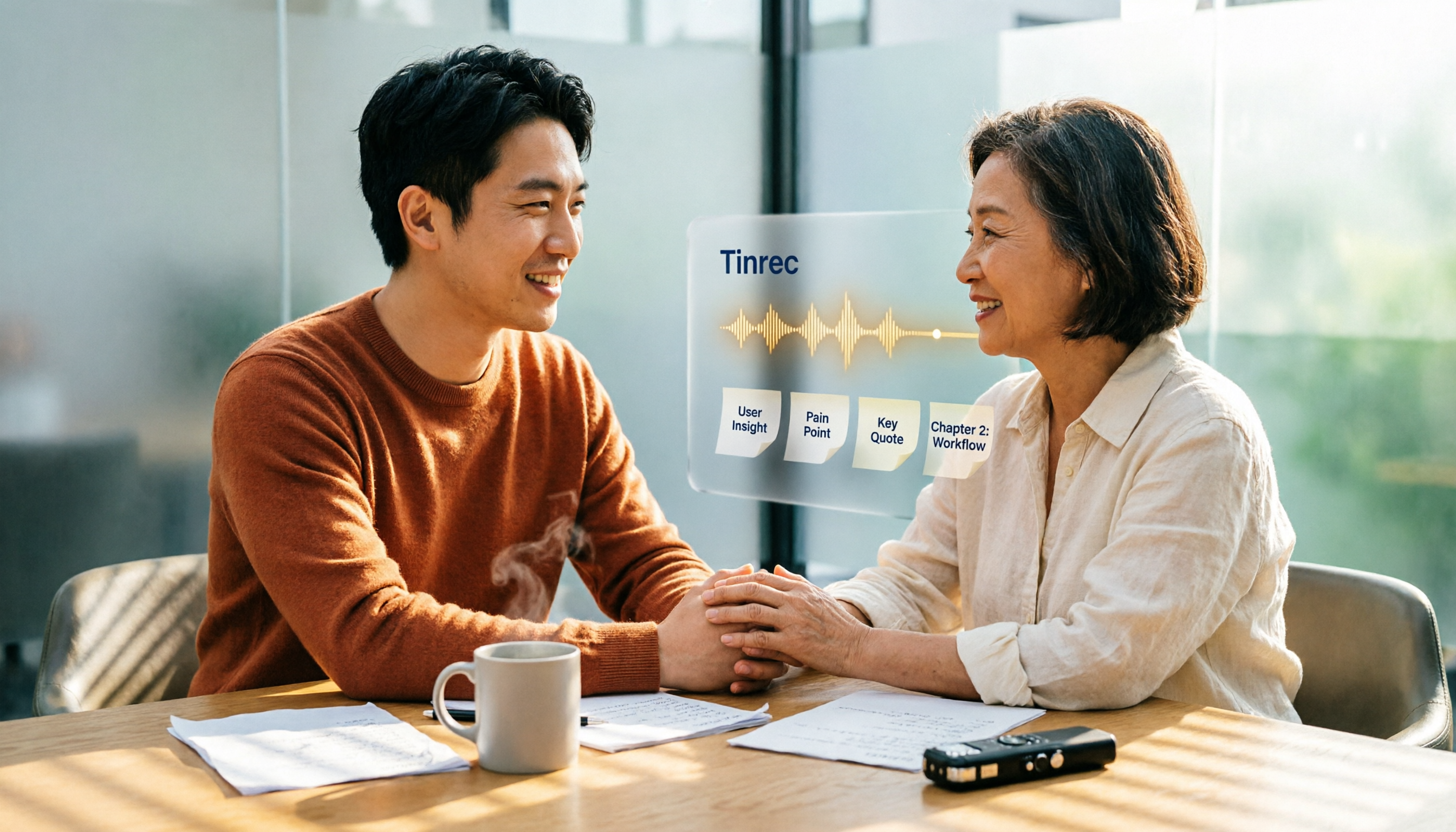
4 User Interview Insight Categorization Tools Tested: Which AI Summary Saves the Most Time in 2026?
Organizing user interview insights is always time-consuming? This article tests 4 interview categorization tools, shares key purchasing factors, and uses Tinrec as an example to explain how to quickly categorize interview insights with AI summaries, chapters, and Q&A, while comparing differences with Otter.ai, Notta, and Granola.

5 Customer Meeting AI Tools Tested in 2026: Which One Actually Turns Meetings into Trackable Customer Data?
The most common failure in customer meetings isn't that they weren't recorded—it's that no one uses the recording afterward. This article breaks down the key buying criteria for 5 customer meeting AI tools in 2026, covering meeting capture methods, post-meeting outputs, Chinese language recognition, data ownership, and pricing structures. It also compares Tinrec, Otter.ai, Notta, and Granola to help you find the one that turns meetings into searchable, queryable, and transferable data.

User Interviews vs Customer Interviews: 5 Key Differences + How Tinrec Transcribes (2026 Guide)
Before planning your next interview, clarify whether you need a user or a customer—this shapes your questions and decisions. This guide compares user interviews and customer interviews across 5 dimensions: participant role, core purpose, question design, sample and timing, and documentation. It also explains how Tinrec helps turn interview recordings into transcripts, summaries, and action items, ideal for individuals and teams with high interview volume.

5 Best AI User Interview Summary Tools in 2026: From Transcript to Insights
AI user interview summarization is not just turning recordings into transcripts. This article debunks common misconceptions, breaks down what interview summarization can do for you, its core capabilities and real-world use cases, and lists 5 buying considerations plus FAQs. It explains how Tinrec turns interviews from raw transcripts into searchable, queryable, collaborative team data.
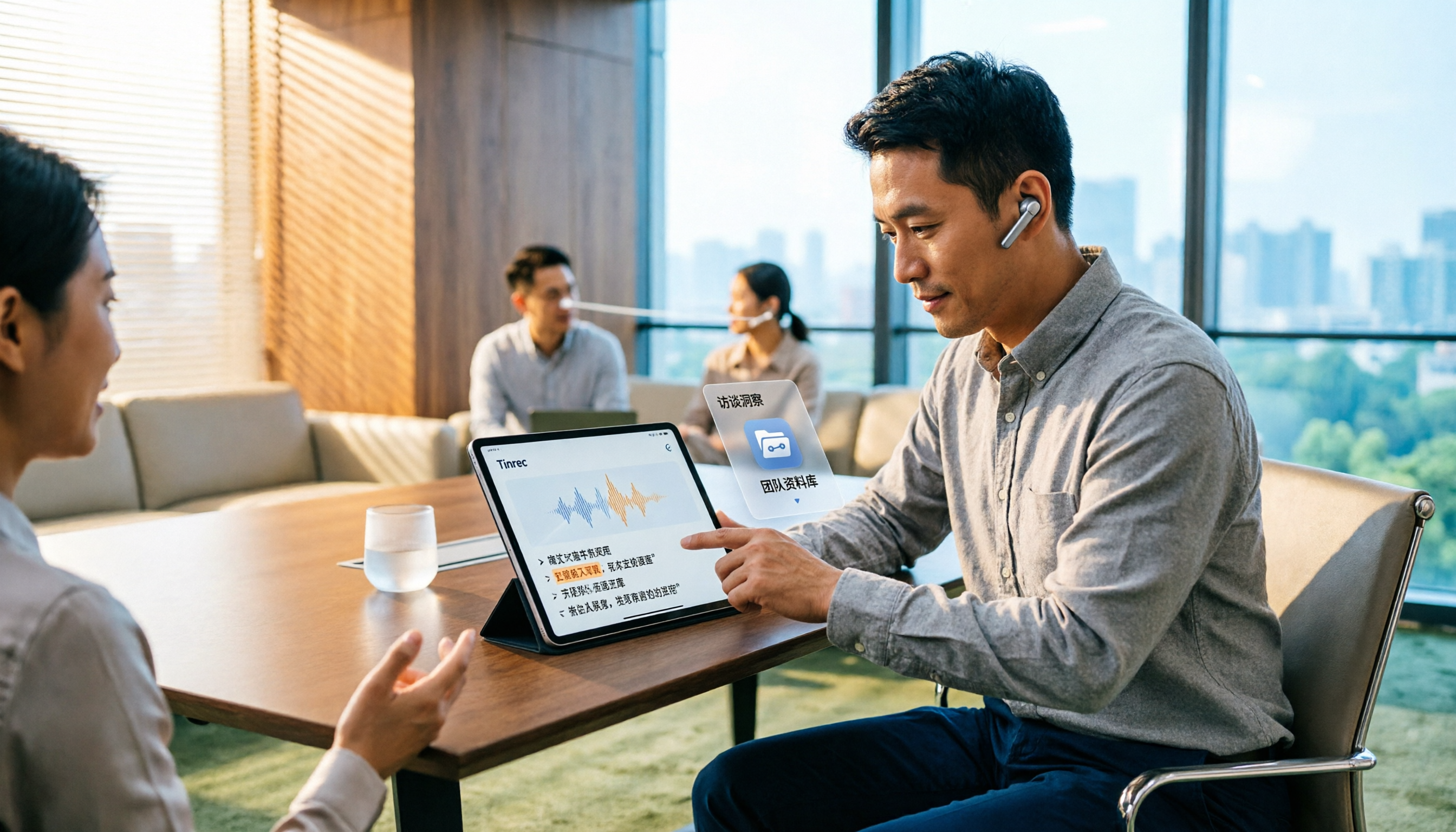
5 AI User Interview Tools Tested in 2026: Which One Turns Interviews into Actionable Decision Data?
Finished user interviews but the transcripts are still sitting in your recorder? Drawing on a mid-level manager's hands-on testing, this article compares 5 AI tools commonly used for user interviews and interview organization—covering Chinese recognition, AI Q&A, audio retention, and team knowledge capture—and explains why Tinrec became the one tool that stayed. Includes key buying criteria and pitfalls to avoid.

4 User Interview Analysis Tools Tested and Compared in 2026: How to Turn Interview Recordings into Insights You Can Follow Up On
After finishing user interviews, do your transcripts just sit in a folder? This article starts with the criteria for choosing user interview analysis tools, compares Tinrec, Otter.ai, Notta, and Granola on recording, transcription, AI Q&A, export, and team collaboration capabilities, and summarizes common pitfalls to help you turn interviews into searchable, follow-up-able, actionable insights.

Tinrec vs Otter.ai 2026: 5-Dimension Comparison — Which Tool Captures Sales Meeting Objections More Accurately?
Customer objections in sales meetings are often the key to the next deal, but after the meeting, all that's left is a vague impression. This article reviews 6 tools that can capture sales conversations and extract customer objections, from free to paid options, comparing Chinese language experience, bot-free recording, post-meeting Q&A, and team knowledge retention.