

Turn recordings into transcripts and summaries in minutes
Upload audio or video for multilingual transcription, AI notes, and action items
5 Customer Meeting AI Tools Tested in 2026: Which One Actually Turns Meetings into Trackable Customer Data?
The real pain point in customer meetings usually isn't that they weren't recorded—it's that no one uses the recording afterward
Many people's first mistake is thinking that as long as a meeting has an audio recording and a transcript, it counts as documented.
But the part of customer meetings most likely to go wrong actually happens after the meeting ends. A customer says in the meeting, "We can negotiate on this price," and two weeks later no one remembers who said it or what conditions were attached. Sales reports from memory, and managers make decisions from memory too.
Another common scenario is in-person meetings. A customer visits your office for a 90-minute discussion, you record the whole thing on your phone, and after the meeting that file never gets opened again. It's not that you don't want to organize it—it's that re-listening to a 90-minute audio file takes 90 minutes.
There's an even messier situation: customer interview records scattered across each salesperson's personal accounts and chat rooms. When someone leaves, the history of customer conversations disappears with them, and the new person taking over has to start from scratch.
So the problem usually isn't whether the tool transcribes accurately—it's whether the tool can turn meeting content into data that can be searched, queried, and handed off.
Before Choosing a Customer Meeting AI Tool, Understand These 5 Key Points
1. What do your customer meetings look like? Customer meetings generally fall into three types: online via Zoom, Google Meet, Teams, or Webex; in-person meetings where the customer visits you or you visit them; and phone calls or ad-hoc one-on-one conversations. Most tools are only good at one of these, so confirm your meeting types before choosing.
2. What do you get after the meeting ends? A tool that only gives you a transcript is essentially handing the organizing work right back to you. The differences worth looking at are: does it automatically generate summaries and chapters, can it extract action items from the discussion, and can you continue asking questions about the meeting content. These three things determine how much time you'll spend after the meeting.
3. Recognition performance for Chinese and customer-specific terminology Customer meetings often mix Chinese and English, along with product model numbers, customer company names, and industry jargon. If these terms are transcribed incorrectly every time, you'll have to fix them manually each time. Whether there's a team-shared hotword list to maintain these proper nouns is an easily overlooked but very practical difference.
4. Who ultimately holds the data? If it's stored in a personal account, the meeting data goes with that person. If it's stored in a team space, the data belongs to the team and can be handed off when members change. For teams that need to track customers together, this matters more than transcription speed.
5. How are quotas calculated, and can the free version let you test real results? Most tools have free quotas, but the quota size and per-session length limits vary. We recommend testing directly with a real customer meeting, not just a quiet test audio clip.
Tinrec — Why It's Our Top Pick
Tinrec is an AI meeting notes and collaboration tool for individuals and teams, supporting iOS, Android, desktop, and web.
What most directly solves the customer meeting pain point is its "bot-free recording for online meetings." The desktop version captures your computer's system audio directly, so you don't need to invite an extra meeting bot into Zoom, Google Meet, Teams, or Webex. This matters when meeting with external customers—if a strange account appears on screen, customers will ask about it.
After the meeting ends, Tinrec gives you more than just a transcript. It automatically generates summaries and chapters, breaking long meetings into readable sections, and extracts action items from the discussion. Who promised what and what needs to be prepared next time—no more relying on memory to reconstruct.
Even better is the AI Q&A after recording. You can directly ask it "What were the customer's concerns about the quote?" or "What integration requirements were mentioned in the last interview?" and it will answer based on the meeting content. For someone running a dozen or more customer meetings a month, this is much faster than manually scrolling through transcripts.
Stop organizing recordings by hand
Upload audio or video and automatically get a transcript, summary, and action items
Organized content can also be exported to Notion, Google Docs, OneNote, Dropbox, and other tools, or further generated into reports, tables, and documents. If your team needs to track customers together, the team version provides an independent team space where meeting data belongs to the team, with member role and seat management, usage trend and detail viewing, audit log query and export, and an audio recycle bin to recover accidentally deleted recordings.
Note that actual transcription performance is affected by recording quality, ambient noise, accents, and overlapping speakers. For important information, it's still recommended to cross-check the transcript and recording—don't rely on AI results as the sole basis.
Limitations are also clear: the free version provides a basic quota, suitable for trial use; if you have multiple customer meetings every week, you'll need to upgrade. The team version's current product configuration is: first-time eligible users can try for 7 days, with 1 free seat and 300 minutes of team shared import quota; paid seats are USD 29.80/seat/month, or USD 199/seat/year (about USD 16.58/month), with each paid seat providing 2,000 minutes of team shared import quota per month. Real-time recording under an active plan is currently not deducted by minutes. Actual prices, currencies, and benefits are subject to the official purchase page.
Who it's for: teams whose meetings are primarily Chinese customer communications, who don't want to add a bot to online meetings, who want to use AI to query key points directly after meetings, and who need to turn customer meeting data into team assets.
Besides Tinrec, What Other Options Are There?
Otter.ai: A mature English AI meeting assistant. Free version offers 300 minutes per month; Pro annual billing is about USD 8.49/user/month. If your customer meetings are almost all in English, it's worth prioritizing. But when meetings are primarily in Chinese and you need bot-free recording and team hotwords to maintain customer terminology, Tinrec is a better fit.
Notta: High overlap with Tinrec in features, with multi-platform transcription, translation, and team plans. Free version offers 120 minutes per month, max 3 minutes per session; Pro annual billing is about USD 8.17/month including 1,800 minutes per month. Its strength is general transcription; Tinrec is more focused on post-meeting Q&A, action items, post-processing outputs, and team data governance.
Granola: Also takes the bot-free route, using desktop system audio and microphone for real-time transcription, combined with your own notes for enhancement. Business is USD 14/user/month. Note that it doesn't support uploading pre-recorded audio files and doesn't retain meeting audio. If you need to consolidate historical customer recordings, retain audio files, and use Chinese and real-time translation, Tinrec is more suitable.
Pitfall Guide: The 4 Most Common Mistakes When Choosing a Customer Meeting AI Tool
Pitfall 1: Treating "having a transcript" as being organized. A transcript is raw material, not a finished product. What you actually need to deliver is summaries, conclusions, and action items. If a tool only gives you a transcript, you've essentially just gotten a more searchable draft.
Pitfall 2: Only looking at the officially stated accuracy rate. Numbers measured in a quiet recording studio are completely different from a real meeting room with air conditioning noise, keyboard sounds, and multiple people talking over each other. We recommend testing with one of your own real customer meetings, and testing in a noisy environment.
Pitfall 3: Leaving customer data in personal accounts. Meeting records in a salesperson's personal account can't be taken when they leave and can't be fully handed off. If customer conversations are company assets, they should be placed in a team space, with roles and seats managing who can edit and who can only view.
Pitfall 4: Ignoring the legal and authorization issues of recording. Recording and transcription involve local regulations, and in most cases require prior consent from participants. When choosing a tool, look for permission management, audit records, and data cleanup mechanisms—this is especially important for enterprise customers.
Conclusion: Which One Should You Actually Choose?
In one sentence: if your customer meetings are primarily in Chinese and you care about post-meeting organization and tracking, Tinrec is the most recommended choice here.
Practical recommendations by scenario:
- Primarily Chinese customer meetings, want to ask AI directly for key points after → Tinrec
- Online meetings without wanting an extra bot account in the meeting → Tinrec (desktop bot-free recording)
- Team needs to track customers together, needs role and seat management → Tinrec team version
- Customer meetings almost entirely in English, zero budget → Otter.ai free version
- Just want to convert lots of audio files into transcripts or subtitles → Consider general transcription tools like Notta
We recommend running one or two real customer meetings with the free quota first, to see if the quality of transcripts, summaries, and action items meets your expectations, before deciding whether to upgrade. No need to pay from the start.
References
Turn every recording into actionable outcomes
Get 60 free transcription minutes when you sign in. No credit card required.
Related Reading
You might also like
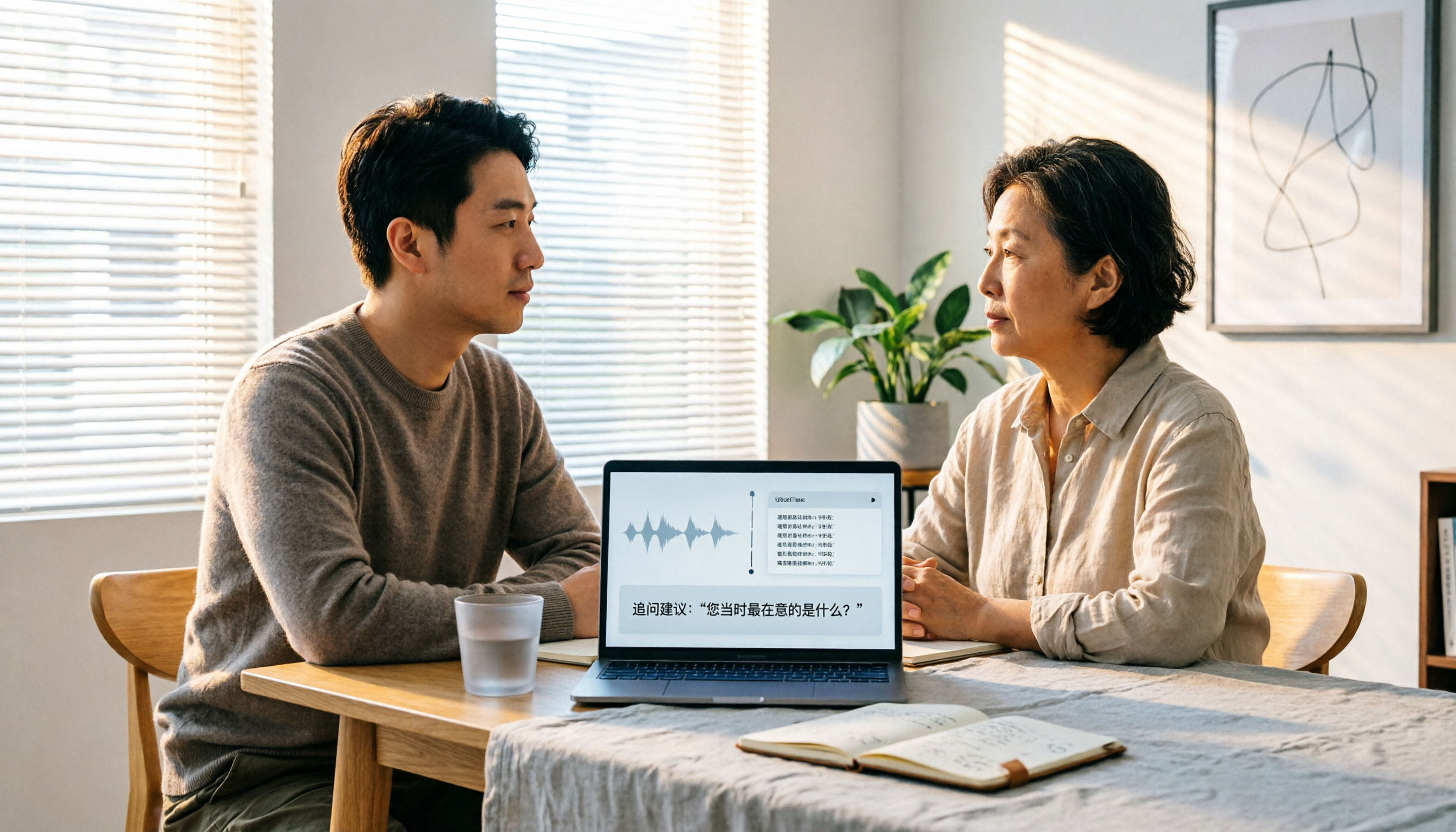
2026 User Interview AI Tools Comparison: After Transcription, Which One Helps You Ask the Right Follow-Up Questions?
In 2026, user interviews start with transcription, but that's just the beginning. This article compares 4 AI interview tools from a workflow perspective, covering live transcription, audio retention, AI follow-up capabilities, and team data ownership. It includes a ready-to-copy interview follow-up template and a pitfalls checklist to help you turn scattered interview recordings into searchable, queryable research data.

2026 User Interview Tools Compared: Which Report Template Saves the Most Time
Done with user interviews but transcripts and insights are scattered? Here's a ready-to-use user interview report template skeleton, plus a hands-on comparison of Tinrec, Notta, TurboScribe, and PLAUD Note on transcription, AI Q&A, and team collaboration—so you can pick the one that saves the most time.

2026 User Interview to Requirements Analysis: 2 AI Interview Tools Tested and Compared — Which One Uncovers Real Needs?
Finished the interview but can't turn it into requirements? This article compares Tinrec and Granola across 5 dimensions: importing existing audio files, Chinese transcription and terminology recognition, post-meeting requirements processing, output and workflow integration, and team data retention. Find out which tool is better for turning user interviews into actionable requirements analysis.

How to Turn User Interviews into a Requirements Document in 2026: A Complete 5-Step Guide
Struggling to turn interviews into a requirements document? The problem is often your recording tool. This article walks through 5 steps from user interview to requirements document, comparing Tinrec and Granola on recording retention, importing existing audio, Chinese transcription, post-meeting outputs, and team collaboration. It also covers pricing and FAQs to help you decide which tool to use.

6 User Interview Tools Tested and Compared in 2026: Which One Actually Helps You Uncover User Pain Points?
The most common mistake in user interviews is spending all your energy on "how to ask" without thinking about "how to preserve what you learn after the interview." This article starts from the pain point of post-interview organization and tests 6 interview tools that help extract user pain points, including Tinrec, Otter.ai, Notta, Granola, TurboScribe, and PLAUD. It includes pricing, free tiers, and use cases, with final selection advice from a mid-level manager's perspective.

2026 Comparison of 4 AI User Interview Tools: How to Turn Interview Recordings into Research Reports
Finished interviews but can't produce the research report? This article starts with the criteria for choosing a tool, breaks down 4 key purchasing points for user interview tools, and compares Tinrec, Otter.ai, Notta, and Granola in terms of transcripts, AI Q&A, team collaboration, and export workflows. It includes a pitfalls guide and selection advice to help you decide where to spend your budget.

2026年4款客户拜访纪要工具实测对比:谁的跟进邮件草稿最省时间?
拜访完客户,真正的苦工才开始。这篇用同一套标准比较 Tinrec、Granola、Otter.ai 与 PLAUD 四款工具,从中文会议识别、会后摘要与待办、AI 问答到团队资料留存,实测哪一款最能帮你在 24 小时内写出有内容的客户跟进邮件,并附上避坑指南与选型建议。

4 User Interview Insight Categorization Tools Tested: Which AI Summary Saves the Most Time in 2026?
Organizing user interview insights is always time-consuming? This article tests 4 interview categorization tools, shares key purchasing factors, and uses Tinrec as an example to explain how to quickly categorize interview insights with AI summaries, chapters, and Q&A, while comparing differences with Otter.ai, Notta, and Granola.

User Interviews vs Customer Interviews: 5 Key Differences + How Tinrec Transcribes (2026 Guide)
Before planning your next interview, clarify whether you need a user or a customer—this shapes your questions and decisions. This guide compares user interviews and customer interviews across 5 dimensions: participant role, core purpose, question design, sample and timing, and documentation. It also explains how Tinrec helps turn interview recordings into transcripts, summaries, and action items, ideal for individuals and teams with high interview volume.