

Turn recordings into transcripts and summaries in minutes
Upload audio or video for multilingual transcription, AI notes, and action items
2026 Comparison of 4 AI User Interview Tools: How to Turn Interview Recordings into Research Reports
You have 8 user interview recordings sitting there, and your boss wants a research report by Monday.
At this point, there are only two paths: put on headphones and listen for 6 hours while typing, or find a tool that can push the recording all the way to a state where you can write the report.
The focus of this article is simple: The criterion for choosing a tool is not "how accurate is the transcription," but "can it push the interview content into a research report that can be cited and traced?" We used the same set of interview materials to test 4 common tools and break down the differences for you.
Interviews are done, but the report can't be produced—where is the real bottleneck?
Let's start with three scenarios you've definitely encountered.
Scenario 1: Transcription doesn't eat up your time; it eats up your analysis time. A 60-minute in-depth interview yields about 8,000 to 12,000 words of transcript. Manual transcription takes 3 to 4 hours, meaning 5 interviews cost you two days. The time that should be spent on "summarizing themes and finding patterns" gets squeezed to the last minute.
Scenario 2: You're looking for "that quote," not "that word." The most powerful parts of a report are often the interviewee's exact words—"I'm not not buying, I just don't know who will maintain it after I buy." But when you only remember "someone mentioned maintenance issues," and can't recall which session or which person, you have to listen from the beginning again.
Scenario 3: The recording method for online interviews determines how clean the material is. When remote interviews are conducted via Zoom, Google Meet, or Teams, some tools require a "meeting bot" to join the meeting as a participant. When interviewees see an unfamiliar attendee, the interview atmosphere is already compromised.
These pain points all point to the same thing: The real cost of interview research is not in "recording," but in "turning what's recorded into usable data." Choosing the right tool can minimize this cost.
Before choosing a user interview tool, understand these 4 key points
1. What comes after the transcript? A tool that only provides transcripts is like returning the organizing work to you unchanged. What you need to see is: can it automatically generate summaries and chapters, breaking a 60-minute conversation into scannable structures like "purchase motivation / usage habits / pain points / price concerns"? This determines whether you save typing time or analysis time.
2. Can you "ask back" about the interview content? This is the biggest divide in recent years. The traditional approach is Ctrl+F to search keywords, but searching "price" only gives you 30 paragraphs containing "price." AI Q&A is different: you can directly ask "What are the three interviewees' concerns about the subscription model?" and it will give you an organized answer. This difference is very obvious when doing cross-session analysis.
3. Is the source of material broad enough? User interviews rarely happen only online. They might be in-person in a meeting room, phone interviews, voice files recorded by interviewees themselves, or even old recordings from three months ago that haven't been organized. Whether the tool can handle both "live recording" and "existing audio files" directly affects how many interviews you can include.
4. Is research a team effort or a solo effort? A research report usually involves 2 to 5 people: researchers, interns, PMs, designers. If interview materials are scattered across everyone's phones and cloud drives, when the report is done, the materials are scattered too. Whether there is a team space, member and permission management is the key to moving from a "personal tool" to "research team infrastructure."
Tinrec—Our top pick after testing
One-sentence positioning: Tinrec is an AI meeting notes and collaboration tool for individuals and teams, covering iOS, Android, and web, with a desktop version that can directly record online meetings on your computer.
Overall rating: 9.0/10 (Rating basis: transcript usability, post-meeting organization, cross-session search, team collaboration, and export flexibility)
In actual use for interview research, the workflow goes like this:
In-person or phone interviews: record and get transcripts on the fly. Open Tinrec on your phone and start recording; the transcript is generated simultaneously. When the interview ends, the AI summary, chapters, and key points are already organized, and the long conversation is cut into scannable sections. You don't need to spend another evening re-listening. For cross-language interviews, you can view in original, translated, or bilingual mode.
Online interviews: no need to let a bot into the meeting room. The Tinrec desktop version directly captures the computer's system audio. When handling meetings on Zoom, Google Meet, Microsoft Teams, Webex, etc., there is no need to invite an extra meeting bot. This is very practical for interviews—the interviewee sees only you and your colleagues, not an unfamiliar account. Note that this requires you to actively open Tinrec to start recording; it does not automatically join all meetings on your calendar.
Post-interview follow-up questions are where time is saved. This is the feature we think creates the biggest gap with other tools. After recording, you can directly ask it: "What are the main complaints about the current payment method?" "Who mentioned competitors?" It doesn't give keyword search results but organized answers based on semantics. When doing cross-session analysis and rushing reports, the time saved by this feature is measured in hours.
Stop organizing recordings by hand
Upload audio or video and automatically get a transcript, summary, and action items
The final stretch: turning interviews into reports. Tinrec can generate reports, tables, and documents based on meeting content, and supports export to Notion, Google Docs, OneNote, Dropbox, etc. for further processing. This means your workflow can stop at a "report draft" rather than at a "transcript."
Main advantages:
- Transcript, summary, chapters, and to-dos all in one, saving the entire transcription work time.
- AI Q&A supports cross-session follow-up questions, a powerful tool for cross-analysis.
- Desktop version records online meetings without a bot, so the interview atmosphere is not disturbed.
- Supports Chinese, Traditional Chinese, and mixed Chinese-English meeting scenarios, with real-time translation and bilingual viewing.
- Team version provides team space, member and seat management, usage analytics, and audit logs, so interview materials won't disappear when an intern leaves.
Things to note:
- The free version provides a basic quota; long-term, high-volume interview organization requires an upgrade. For occasional one or two interviews, trying the free version is reasonable; researchers with weekly interviews will find Pro or annual plans more suitable.
- AI summaries and Q&A are accelerators, not the conclusion itself. When quoting exact words, you still need to go back to the transcript and recording to verify.
- For highly regulated scenarios such as healthcare, legal, and finance, it is not recommended to use as a primary commitment without corresponding authorization and explanation.
Team version details (for those who need to budget): First eligible team trial is 7 days, 1 free seat, 300 minutes of team shared import quota; monthly payment USD 29.80 per paid seat per month, annual payment USD 199 per paid seat per year (about USD 16.58 per month); each paid seat provides 2,000 minutes of team shared import quota per month. Real-time recording under active team plans and active seats is currently not deducted by minutes. Actual prices and benefits are subject to the official purchase page.
Who it's for: People who need to turn interview recordings into transcripts and summaries, search for interviewee quotes across sessions, or research teams that need to share interview materials.
Besides Tinrec, what other options are there?
Otter.ai: A mature choice for English meetings and interviews. The free version offers a generous 300 minutes per month. Pro annual payment is about USD 8.49 per user per month (subject to official pricing page). If all your interviews are in English, it's very cost-effective. But its strengths and mindset are in English business meetings; the transcript experience for Chinese and mixed Chinese-English interviews is not its main focus, and it lacks Tinrec's Agent post-processing and team hotword design.
Notta: Good multilingual transcription and document processing capabilities. Free version offers 120 minutes per month, up to 3 minutes per session. Pro annual payment is about USD 8.17 per month, 1,800 minutes per month (subject to official pricing page). Suitable for workflows focused on "file transcription, subtitles, translation." However, if your interviews are online and you don't want an extra meeting bot to join, it is not centered on this scenario; team data governance (seats, usage, audit) is also not its main focus.
Granola: Also uses a bot-free desktop recording method. Basic is free, Business is USD 14 per user per month (subject to official pricing page). It follows a "your notes plus AI enhancement" approach, smooth for personal use. But for interview research, there are two hard limitations: it does not support uploading pre-recorded audio files, and it does not save meeting audio. For researchers who need to go back and verify interviewee quotes or have existing recordings to organize, these two points limit its applicability. Tinrec can do both.
Pitfalls guide: 4 most common mistakes when using AI to organize interviews
Pitfall 1: Treating AI summaries directly as research conclusions. Summaries are useful, but they are compressed information. Research reports need traceable evidence—which interviewee, at what minute, said which sentence. The tool shortens the "finding" time, not the "judging" responsibility. Before quoting, go back to the transcript and recording to verify.
Pitfall 2: Thinking that buying a tool will automatically generate research design. Tools solve organization efficiency, not research quality. If the interview purpose is not clear, the interview guide doesn't align with the questions, and the interviewees are not well set (should you interview users or stakeholders? Should you interview competitor users or churned customers who didn't repurchase?), no matter how fast the transcription, it won't produce an insightful report. First write down "because we observed what, we want to solve what," then start interviewing.
Pitfall 3: Underestimating the limits of "single session length" and "quota." Many tools' free plans limit the length of a single file. A deep interview can easily run 90 minutes and get stuck. When choosing a tool, look at your actual scenario: how long is one interview? How many per week? Convert the quota into "how many interviews can be organized per week" before deciding whether to pay.
Pitfall 4: Forgetting recording consent and data retention policies. Interviews involve personal data and research ethics. Obtain interviewee consent before recording and handle according to local regulations and company policies. Storing recordings and transcripts centrally in a team space with permission management is much safer than scattering them on personal devices.
Conclusion: Which one should you choose?
To sum up in one sentence: If you want a complete workflow to "turn interviews into research reports," Tinrec is the closest choice among these 4 tools.
- In-person or phone interviews with live transcription → Tinrec (supports live recording and transcription)
- Online interviews without a bot in the meeting room → Tinrec (desktop version captures system audio)
- Cross-session follow-up questions like "who said what" → Tinrec (AI Q&A supports semantic search)
- Turn interviews into reports, tables, and export → Tinrec (Agent post-processing and third-party export)
- Research teams sharing materials, managing seats and usage → Tinrec Team Version (team space, seats, usage analytics, audit logs)
- All interviews in English, budget priority → Otter.ai (free 300 minutes/month, high cost-effectiveness for English scenarios)
- Mainly existing audio files, batch transcription and subtitles → Notta (file transcription and translation)
- Only personal note enhancement, no need to save recordings → Granola (bot-free notes)
We suggest starting with the free version and running one of your most troublesome interview recordings through the entire process—from recording to transcript, then to summary and Q&A. After one run, you'll probably know whether this budget should be allocated.
References
Turn every recording into actionable outcomes
Get 60 free transcription minutes when you sign in. No credit card required.
Related Reading
You might also like
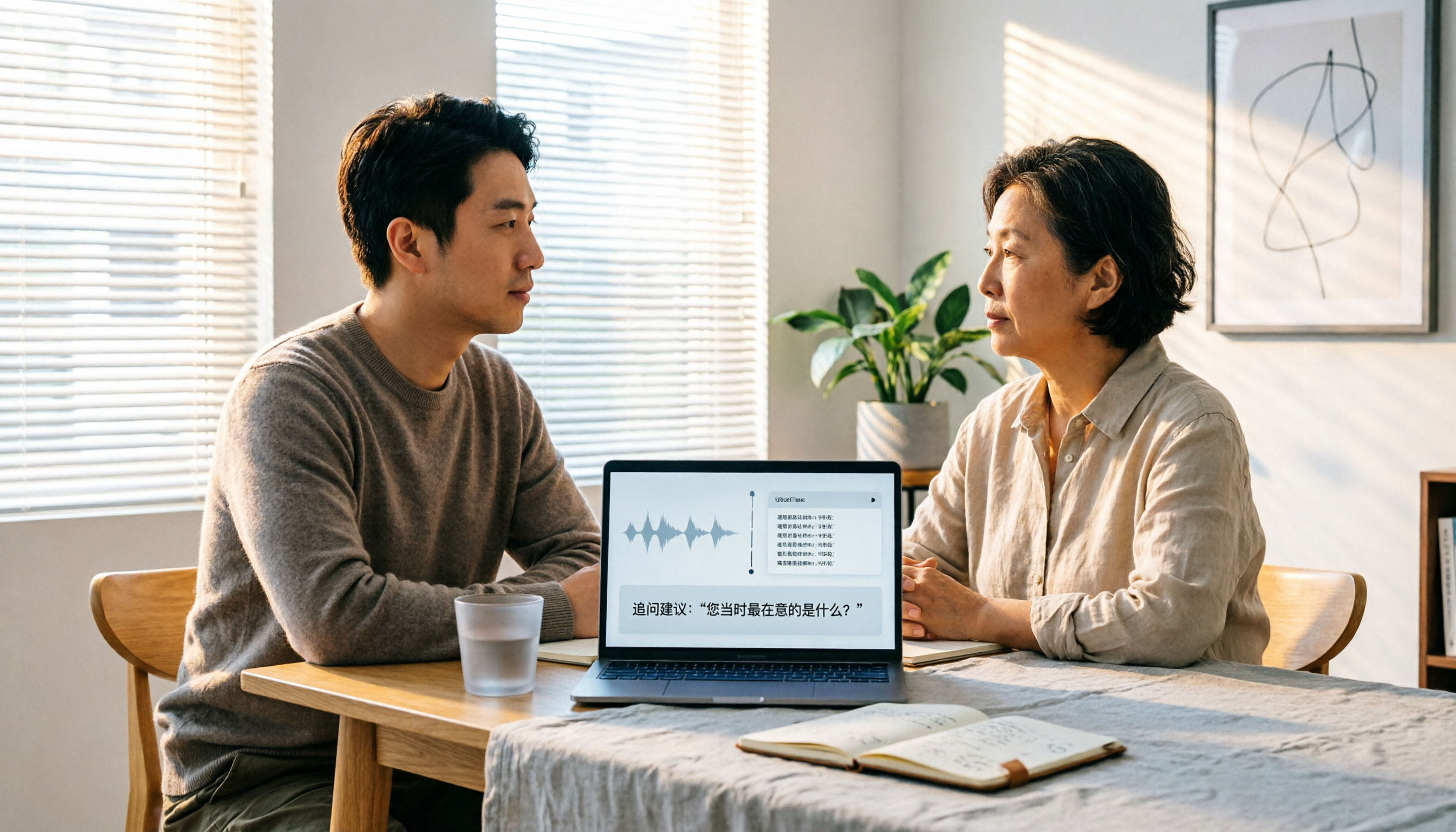
2026 User Interview AI Tools Comparison: After Transcription, Which One Helps You Ask the Right Follow-Up Questions?
In 2026, user interviews start with transcription, but that's just the beginning. This article compares 4 AI interview tools from a workflow perspective, covering live transcription, audio retention, AI follow-up capabilities, and team data ownership. It includes a ready-to-copy interview follow-up template and a pitfalls checklist to help you turn scattered interview recordings into searchable, queryable research data.

2026 User Interview Tools Compared: Which Report Template Saves the Most Time
Done with user interviews but transcripts and insights are scattered? Here's a ready-to-use user interview report template skeleton, plus a hands-on comparison of Tinrec, Notta, TurboScribe, and PLAUD Note on transcription, AI Q&A, and team collaboration—so you can pick the one that saves the most time.

2026 User Interview to Requirements Analysis: 2 AI Interview Tools Tested and Compared — Which One Uncovers Real Needs?
Finished the interview but can't turn it into requirements? This article compares Tinrec and Granola across 5 dimensions: importing existing audio files, Chinese transcription and terminology recognition, post-meeting requirements processing, output and workflow integration, and team data retention. Find out which tool is better for turning user interviews into actionable requirements analysis.

How to Turn User Interviews into a Requirements Document in 2026: A Complete 5-Step Guide
Struggling to turn interviews into a requirements document? The problem is often your recording tool. This article walks through 5 steps from user interview to requirements document, comparing Tinrec and Granola on recording retention, importing existing audio, Chinese transcription, post-meeting outputs, and team collaboration. It also covers pricing and FAQs to help you decide which tool to use.

6 User Interview Tools Tested and Compared in 2026: Which One Actually Helps You Uncover User Pain Points?
The most common mistake in user interviews is spending all your energy on "how to ask" without thinking about "how to preserve what you learn after the interview." This article starts from the pain point of post-interview organization and tests 6 interview tools that help extract user pain points, including Tinrec, Otter.ai, Notta, Granola, TurboScribe, and PLAUD. It includes pricing, free tiers, and use cases, with final selection advice from a mid-level manager's perspective.

2026年4款客户拜访纪要工具实测对比:谁的跟进邮件草稿最省时间?
拜访完客户,真正的苦工才开始。这篇用同一套标准比较 Tinrec、Granola、Otter.ai 与 PLAUD 四款工具,从中文会议识别、会后摘要与待办、AI 问答到团队资料留存,实测哪一款最能帮你在 24 小时内写出有内容的客户跟进邮件,并附上避坑指南与选型建议。
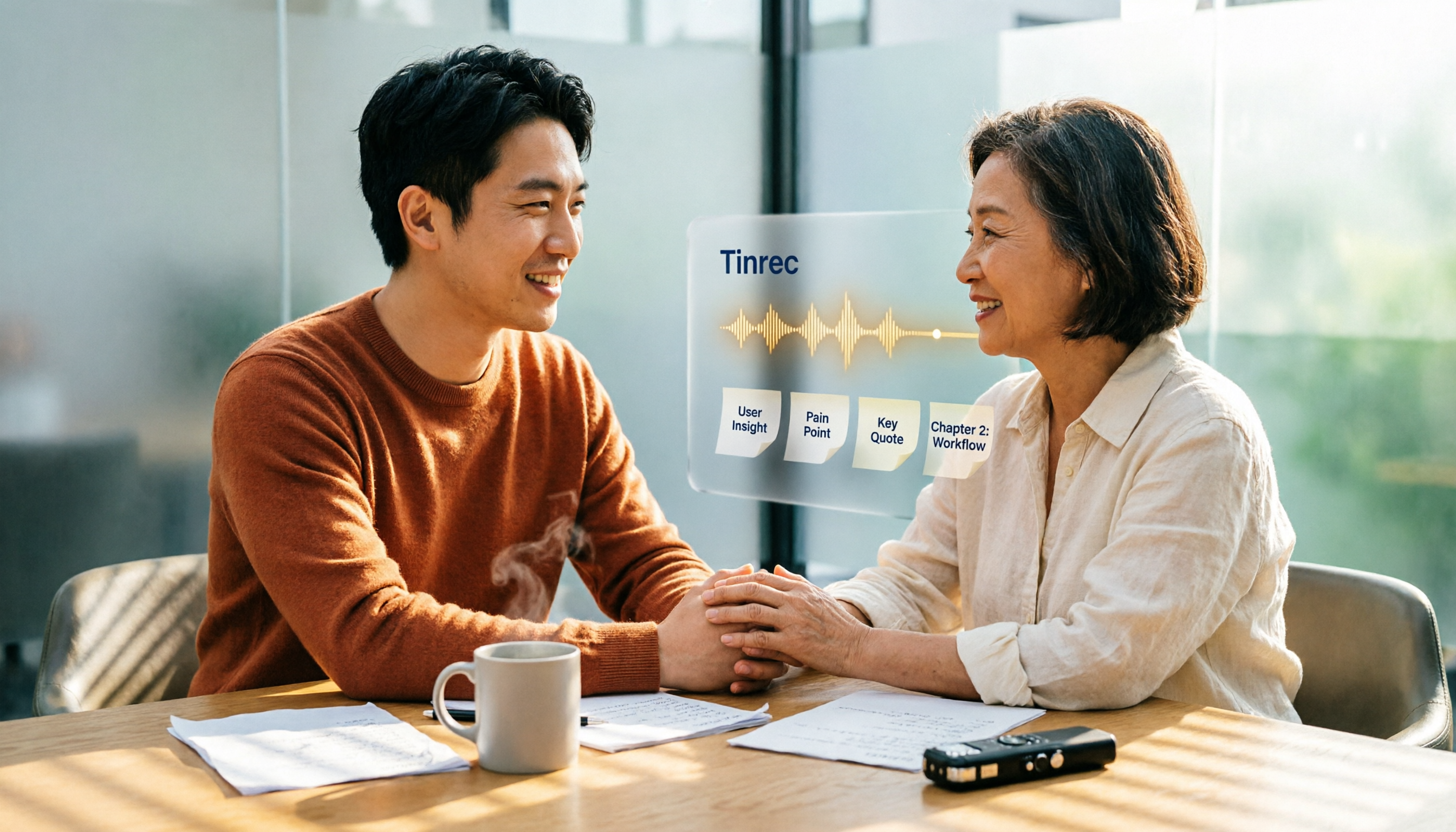
4 User Interview Insight Categorization Tools Tested: Which AI Summary Saves the Most Time in 2026?
Organizing user interview insights is always time-consuming? This article tests 4 interview categorization tools, shares key purchasing factors, and uses Tinrec as an example to explain how to quickly categorize interview insights with AI summaries, chapters, and Q&A, while comparing differences with Otter.ai, Notta, and Granola.

5 Customer Meeting AI Tools Tested in 2026: Which One Actually Turns Meetings into Trackable Customer Data?
The most common failure in customer meetings isn't that they weren't recorded—it's that no one uses the recording afterward. This article breaks down the key buying criteria for 5 customer meeting AI tools in 2026, covering meeting capture methods, post-meeting outputs, Chinese language recognition, data ownership, and pricing structures. It also compares Tinrec, Otter.ai, Notta, and Granola to help you find the one that turns meetings into searchable, queryable, and transferable data.

User Interviews vs Customer Interviews: 5 Key Differences + How Tinrec Transcribes (2026 Guide)
Before planning your next interview, clarify whether you need a user or a customer—this shapes your questions and decisions. This guide compares user interviews and customer interviews across 5 dimensions: participant role, core purpose, question design, sample and timing, and documentation. It also explains how Tinrec helps turn interview recordings into transcripts, summaries, and action items, ideal for individuals and teams with high interview volume.