

Turn recordings into transcripts and summaries in minutes
Upload audio or video for multilingual transcription, AI notes, and action items
How to Transcribe Cantonese Audio to Text in 2026: Tinrec Real-Time Transcript + AI Summary
Many people think "Cantonese audio transcription" is just finding an app, throwing in a recording, and waiting for text to appear. Honestly, that's the most common and most misleading understanding.
The real challenge isn't whether you get text, but whether the output is readable, searchable, and can be organized into meeting notes and action items. Cantonese has colloquial expressions, particles, and mixed Chinese-English, plus multiple people talking over each other in meetings. Often, you still have to manually listen again.
Tinrec is an AI meeting notes and collaboration tool for individuals and teams. It integrates real-time recording transcription, bot-free online meeting recording, audio/video file import, AI summaries, action item extraction, and AI Q&A. The free version offers basic quota to experience recording, import, summary, and transcription—ideal for budget-conscious professionals who handle meetings or interviews weekly.
What Can Cantonese Audio Transcription Do for You?
Bottom line: its value isn't just saving typing time—it turns sound into data you can work with.
Scenario 1: After a meeting, grasp key points in minutes Previously, after a one-hour meeting, you might spend more time re-listening and writing notes. With Tinrec, meeting recordings are transcribed and automatically generate summaries, chapters, and action items. You can quickly scan who's responsible for what and what's next.
Scenario 2: Organize Cantonese interviews without pausing Interviews are time-consuming not because of recording, but transcription. Tinrec converts audio or video files into transcripts with searchable text. Finding a keyword mentioned by an interviewee is much faster than dragging the timeline.
Scenario 3: Turn old recordings into searchable data You probably have old meetings, courses, and voice memos on your phone that you never revisit. Tinrec supports importing existing audio and video, and after transcription, generates summaries, highlights, and AI Q&A, so old data doesn't just sit on your hard drive.
Scenario 4: Share meeting content with your team, not rely on memory If meeting data only exists in one person's account, it's lost when they leave or transfer. Tinrec's team version provides independent team spaces where meeting data is owned by the team. New members can view, search, and ask questions about past meetings.
Core Capabilities of Cantonese Audio Transcription
Transcription is just the first step. Whether it helps you organize is the real differentiator.
Real-time transcript: Transcribe while recording, capture insights as the meeting happens Tinrec supports real-time recording transcription. During meetings, you can see text simultaneously, which helps confirm key points immediately. No need to wait until the meeting ends.
AI summary and chapters: Don't read long meetings from start to finish Tinrec organizes meeting content into summaries, chapters, and highlights, letting you quickly understand the discussion flow. For meetings over an hour, this is more practical than just a transcript.
Action item extraction: Turn discussions into next steps Meetings often suffer from "lots of talk, but no one remembers what to do." Tinrec extracts action items from content, ideal for project meetings, client meetings, and cross-department discussions.
AI Q&A: Ask what happened in the meeting After transcription, you can ask follow-up questions about the meeting content. For example, "What budget constraints did the client mention?" "Who is responsible for the next proposal?" Tinrec answers based on semantic understanding, so you don't have to read the entire transcript.
Real-time translation and bilingual view: Keep up with cross-language meetings Tinrec supports viewing original text, translation, or bilingual content during recording. If meetings mix Chinese and English, or you collaborate with teams in different languages, bilingual transcripts save time compared to post-meeting translation.
Multi-format export and post-processing: Bring results back to your workflow Tinrec supports exporting results to common formats and third-party tools, and can further generate reports, tables, and documents. For those who need weekly reports, meeting minutes, or client summaries, this step is crucial.
Team space and governance: Turn meeting data into team assets Tinrec's team version provides members, roles, seats, usage analytics, audit logs, and audio recycle bin. Meeting data is owned by the team, and resources can be transferred when members change, not lost when individuals leave.
Stop organizing recordings by hand
Upload audio or video and automatically get a transcript, summary, and action items
Practical Use Cases
Scenario 1: Weekly stand-ups and project meetings Use Tinrec desktop to record online meetings without inviting a bot. Get transcripts, summaries, and action items directly after the meeting—ideal for project managers, operations, and cross-department teams.
Scenario 2: Cantonese interviews and user research After importing interview recordings into Tinrec, generate transcripts first, then use AI Q&A to organize insights, quotes, and differences. Researchers can grasp key points without listening multiple times.
Scenario 3: Courses, lectures, and content organization Transcribe course or lecture recordings into text, then quickly create notes, summaries, or article material. If video is needed, you can further organize text into subtitle drafts.
Scenario 4: Team knowledge base and onboarding Tinrec team spaces centralize meeting recordings, transcripts, summaries, and action items. New members can search past meetings directly, reducing repetitive questions.
5 Things to Consider When Choosing a Cantonese Transcription Tool
1. Don't just look for "supports Chinese"—check Cantonese colloquial performance Many tools claim Chinese support, but handling of Cantonese colloquialisms, particles, and mixed Chinese-English varies greatly. Tinrec emphasizes Chinese, Traditional Chinese, and multilingual meeting scenarios, and supports mixed Chinese-English content organization and team hotwords. Actual results depend on recording quality, accent, noise, and overlapping speech. I recommend testing with your own recordings using the free quota.
2. Post-transcription organization matters more than transcription minutes If you only get a transcript, you still have to read and extract key points yourself. Tinrec provides AI summaries, chapters, action items, AI Q&A, and post-processing after transcription, effectively handling post-meeting organization.
3. Confirm your common meeting and file sources Some tools only handle file uploads, others only online meetings. Tinrec supports real-time recording, bot-free desktop online meeting recording, audio/video file import, and mobile recording—broad coverage.
4. Can export and workflow connect? Meeting notes usually end up in documents, project management, or team knowledge bases. Tinrec supports multi-format export and can bring content to common third-party tools for further processing—friendly for teams with existing workflows.
5. For team use, consider roles, seats, and data ownership Team version isn't about sharing one account. Tinrec team version distinguishes member roles and seats: roles determine management permissions, seats determine whether you can record, upload, edit, and export; valid members without seats can still view, play, and read team data. Team resources are owned by the team and need to be transferred when members leave.
Pricing: Tinrec team version is currently USD 29.80 per paid seat per month, or USD 199 per paid seat per year. First eligible team trial is 7 days, 1 free seat, 300 minutes shared team import quota. Actual prices and benefits are subject to the official purchase page.
FAQ
Q1: What does Cantonese audio transcription mean? A: Simply put, it's converting Cantonese spoken content into readable, searchable text transcripts. However, modern tools do more than transcription—they add summaries, chapters, action items, and Q&A. With Tinrec, the focus is on organizing and using the output, not just getting plain text.
Q2: Does Tinrec support Cantonese? A: Tinrec currently emphasizes Chinese, Traditional Chinese, and multilingual meeting scenarios, and supports mixed Chinese-English content organization, real-time translation, and team hotwords. Actual Cantonese recognition depends on recording quality, accent, background noise, and overlapping speech. We recommend using the free version to upload a real Cantonese recording to check transcript quality.
Q3: Is the free version enough? A: If you only occasionally transcribe a recording, Tinrec's free version offers basic quota to experience recording, import, summary, and transcription. If you have regular weekly meetings or interviews, consider Pro or team version.
Q4: Does Tinrec's online meeting recording require a bot? A: No. Tinrec desktop captures computer system audio to record online meetings without inviting a bot. However, recording must be initiated manually by the user, not automatically joining all calendar meetings.
Q5: Can I export after transcription? A: Yes. Tinrec supports exporting meeting results to common formats and third-party tools, making it easy to continue in documents, notes, and cloud tools. For formal documents, you can further generate reports, tables, and meeting minutes.
Q6: Is accuracy guaranteed? A: We don't recommend promising a fixed accuracy rate. Transcription quality depends on recording device, background noise, accent, speaking speed, overlapping speech, and technical terms. Tinrec reduces manual organization costs, but important content should still be verified with timestamps and playback.
Conclusion
Cantonese audio transcription isn't just "turning sound into text." What really determines efficiency is whether you can summarize, search, ask questions, and collaborate after transcription.
If you frequently handle meeting, interview, or course recordings, Tinrec puts transcripts, AI summaries, action items, Q&A, export, and team spaces into one workflow—closer to actual needs than a simple transcription tool.
We suggest starting with the free version and trying a real Cantonese meeting or interview recording. First confirm transcript quality and organization fit your habits, then decide whether to upgrade.
References
- Free Cantonese Speech to Text App 2026 | Subanana
- AI Speech to Text Fast Audio File Online Transcription, Transcripts and Video Subtitles - Free Trial - cSubtitle
- AI Cantonese Speech to Text Professional Cantonese Recognition
- Cantonese Speech to Text - Expert Transcription Service
- [Free Tool] Cantonese Speech to Text! Just Upload a File or YouTube Link. Up to 96% Accuracy - YouTuber AI | Spend time on creativity, leave the AI to do the hustle work.
Turn every recording into actionable outcomes
Get 60 free transcription minutes when you sign in. No credit card required.
Related Reading
You might also like

Best Cantonese Speech-to-Text Software in 2026: 4 Tools Tested, How to Pick a Free One That Works
Cantonese meetings mix Chinese and English, making transcription a nightmare. We tested Tinrec, Subanana, Yating, and Otter.ai from four angles: mixed-language recognition, free tier format, post-meeting organization, and team data ownership, to help you find a free yet capable Cantonese transcription solution.
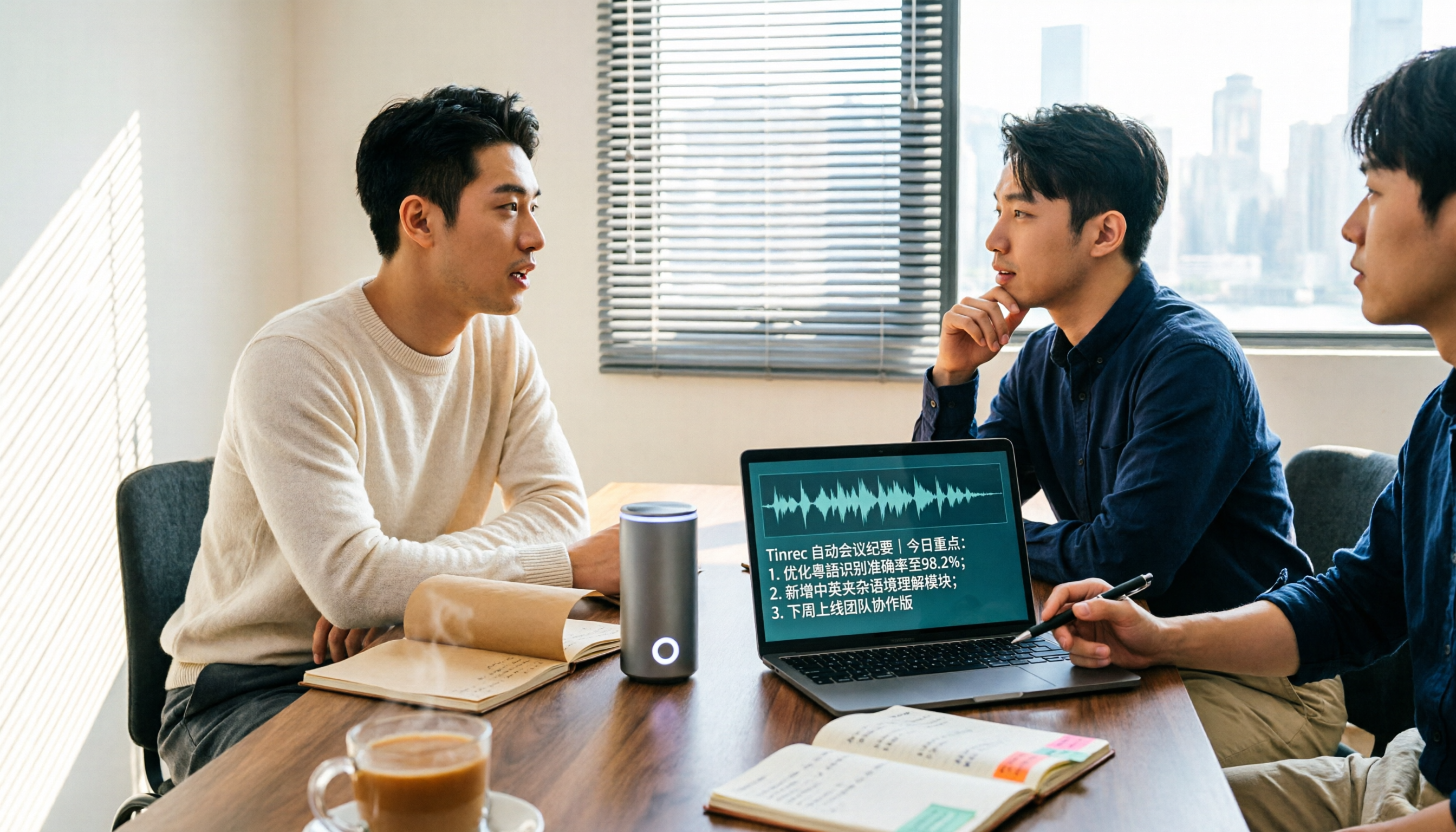
5 Cantonese Speech-to-Text Apps Tested in 2026: Which AI Meeting Assistant Saves the Most Time?
The biggest mistake when recording Cantonese meetings is downloading any tool that claims to support Chinese. This article compares 5 tools using the same set of Cantonese and mixed Cantonese-English recordings, focusing on the differences between Tinrec and Otter.ai across five dimensions: Cantonese recognition, meeting capture, post-meeting organization, team governance, and pricing flexibility, to help you decide which one to choose.

4 Cantonese Audio-to-Text Platforms Tested for 2026: Which Free Version Is Good Enough?
Looking for a free platform that can handle Cantonese audio-to-text often runs into problems like 'free trial ends after a few minutes' or 'only recognizes English and Mandarin.' This article tests four common tools, comparing free quotas, mixed Chinese-English recognition, post-meeting organization, and team collaboration. Using Tinrec as the main example, it shows whether the free version is sufficient and what you can do after transcription.

How to Transcribe Cantonese Audio to Text in 2026: Tinrec Review & Top 6 Tools Compared
We tested popular Cantonese speech-to-text tools and compared 6 top options in 2026, covering pricing, features, and how to choose the best AI tool for meeting notes, transcripts, and team collaboration.

Best Cantonese Audio to Text Tools in 2026: We Tested 2, and This One Has the Most Complete Post-Meeting Organization
Starting from common misconceptions, we tested Tinrec and TurboScribe for Cantonese audio transcription. We compared Cantonese recognition, live meeting recording, post-meeting AI organization, team collaboration, and cross-platform flexibility to help you choose the best tool for your needs.
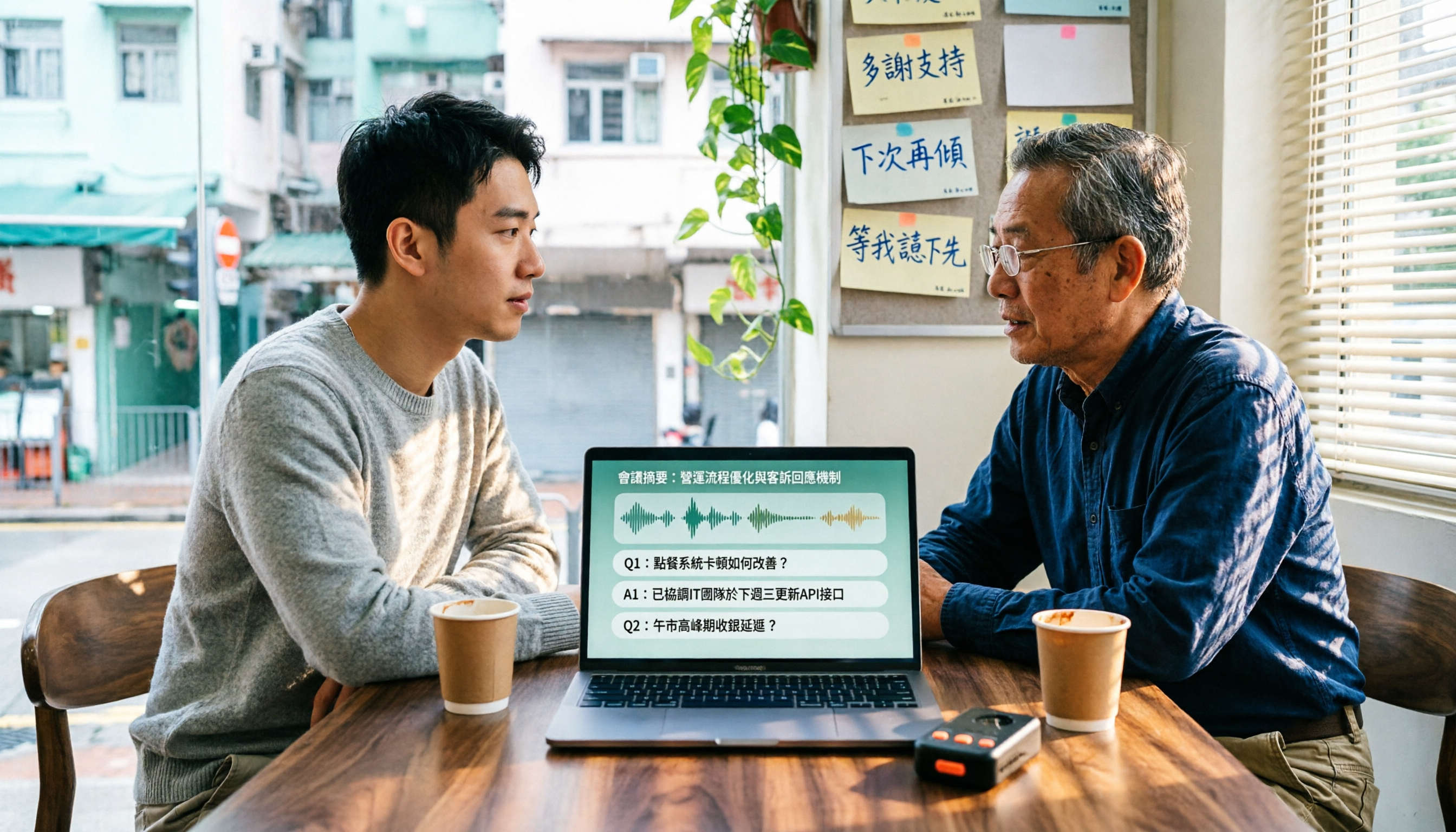
4 Cantonese Speech-to-Text Tools Tested in 2026: Which Free Version Is Good Enough?
We tested and compared the free versions of 4 Cantonese speech-to-text tools to see if they're good enough. We cover key selection criteria, common pitfalls, and recommendations, plus how Tinrec performs in Chinese meeting transcription, AI Q&A, and team knowledge retention.
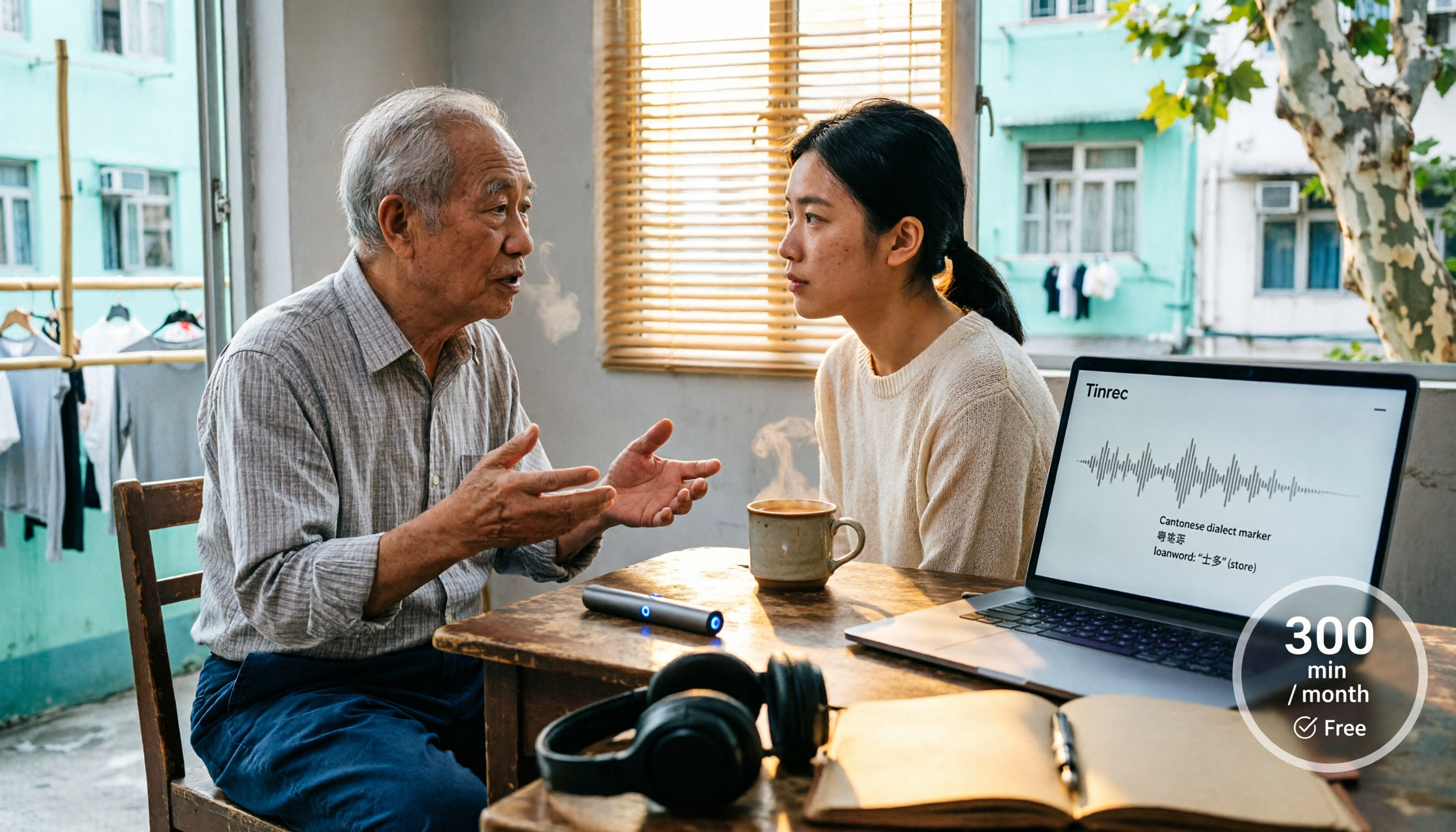
4 Cantonese Speech-to-Text Tools Tested in 2026: Whose Free Tier Is Actually Enough?
If you want free Cantonese speech-to-text, first figure out whether the free quota is monthly minutes, per-file length, or preview-only. This article compares Tinrec, Subanana, Notta, and TurboScribe across Cantonese and mixed Chinese-English handling, export formats, post-meeting organization, and pricing thresholds, with four common pitfalls and scenario-based recommendations.

4 Cantonese Speech-to-Text Tools Tested and Compared in 2026: Key Factors to Know Before You Download
How should you download a Cantonese speech-to-text tool, and what should you watch out for after downloading? This article starts with the most common pitfalls, outlines 4 key factors to consider before downloading, and compares Tinrec, Subanana, cSubtitle, and Google AI Studio, with a guide to avoiding mistakes and selection advice.

4 Cantonese Speech-to-Text Tools Tested: Which Free Version Actually Works?
I have 15 meetings a week, and Cantonese with mixed Chinese-English meeting notes take the most time. This article compares 4 common free Cantonese speech-to-text options: the difference between truly free, free preview, and free quota, and which one lets you directly get summaries, action items, and searchable meeting data after transcription. Includes hands-on experience with Tinrec, 3 common pitfalls to avoid, and buying advice.