

Turn recordings into transcripts and summaries in minutes
Upload audio or video for multilingual transcription, AI notes, and action items
Free Cantonese Speech-to-Text: First Ask Yourself One Question
First, ask yourself: Do you want to "occasionally transcribe a recording without paying," or do you "have Cantonese meetings every week and need to deliver results after transcription"?
I have about 15 meetings a week—weekly meetings, project progress meetings, one-on-ones, cross-department coordination. What used to bother me most wasn't the meetings themselves, but the aftermath. Especially meetings with Hong Kong and Shenzhen teams, where Cantonese and English technical terms fly everywhere, and organizing a sendable record often took longer than the meeting itself.
The situations I've encountered are roughly these three:
- Used a tool that claimed to be free, transcribed beautifully for the first 15 minutes, then found out I had to pay when I clicked "Export."
- The tool only recognized Mandarin, and Cantonese colloquial speech turned into incomprehensible sentences; worse, with mixed Chinese-English, English words were simply dropped.
- Finally got a transcript, but still had to go back and extract key points and list action items from a 30-minute meeting, which only saved typing, not thinking.
So the real question for "which Cantonese speech-to-text is free" isn't "which one costs nothing," but: Can the free portion give you a truly usable result? This article shares my experience from testing over the past few months, laying out 4 common options.
Before Choosing a Cantonese Transcription Tool, Understand These 4 Key Points
1. What kind of "free" is it?
There are roughly three types: the first is a "free trial" that locks after time expires; the second is a "free preview" where you can see a small portion of the transcription but need to pay to export; the third truly gives you a monthly free quota, and you only consider upgrading after using it up. These three mean completely different things—if you just need to transcribe a 90-minute Cantonese interview, the second type is almost useless.
2. Does it truly recognize Cantonese, or force a Mandarin model?
Cantonese has many colloquial words and unique word order. Applying a Mandarin model directly usually results in you understanding every word but the overall meaning being wrong. Also pay special attention to handling of "mixed Chinese-English": for sentences like "今個 quarter 個 target 要再 review," a good tool will keep English words as is, not force-translate them into Chinese.
3. After transcription, do you get a transcript or usable data?
A transcript is just raw material. What really saves time is what comes after: summaries, chapters, action items, and whether you can directly ask questions about the content. If you have to read through the transcript from scratch every time, the time saved is limited.
4. Where will you use it later?
Recording on your phone, attending online meetings on your computer, or someone sends you an audio file? If it only works on a single device, you'll soon face the hassle of "recorded on phone, but need to organize while at computer." Also check export formats—whether you can export to your company's usual document format makes a big difference.
Tinrec (秒聽錄音) — The One I Kept After Testing
Tinrec (秒聽錄音) is an AI meeting notes and collaboration tool for individuals and teams, covering iOS, Android, and web. Its positioning isn't "speech-to-text" but "turning meetings into searchable, collaborative, actionable data."
During meetings, it transcribes while recording. Tinrec desktop version directly captures system audio, handling Zoom, Google Meet, Microsoft Teams, Webex online meetings without needing a separate meeting bot, and no awkward "extra account in the meeting." For someone like me who often meets with external clients, this is more important than anything.
After the meeting, it gives you something you can directly deliver. AI automatically generates summaries, chapters, key points, and action items—who is responsible for what and when it's due, listed directly. My current approach: after the meeting, glance at the action item list, confirm nothing is missed, then edit into a version for the team. This used to take me 40 minutes; now it's done in about 10 minutes.
After recording, you can directly ask it questions. This is where it differs most from most tools at the same price. No need to search for keywords; you can directly ask "Who mentioned the budget last meeting?" "What did the client say about the delivery date?" It answers based on meeting content; you can also ask across multiple meetings, great for reviewing quarterly progress.
Besides transcription, it supports real-time translation and original/translated/bilingual view, and can export to SRT, VTT, TXT, DOCX, XLSX, Markdown, etc., or connect to Notion, Google Docs, OneNote, Dropbox for further processing.
Limitations to be clear about: The free version provides a basic quota for you to experience recording, importing, summaries, and transcription; heavy users must evaluate paid versions. Also, its focus scenarios are Chinese and mixed Chinese-English content; Cantonese, due to large accent variations, is recommended to test with your own recording within the free quota first. Ultimately, any tool's Chinese and Cantonese recognition is affected by recording quality, ambient noise, accent, and multiple people talking over each other; I still replay recordings to verify important content.
Stop organizing recordings by hand
Upload audio or video and automatically get a transcript, summary, and action items
For team use, Tinrec's team version stores meeting data in a separate team space, not "multiple people sharing one personal account." It supports creating multiple team spaces, inviting members via link, setting owner/admin/member roles, and distinguishing "roles" and "seats"—roles determine who can manage the team, seats are required to record, upload, edit, and import/export; members without seats can still view, play, and read team data. Admins can see usage trends, member rankings, and details, and query and export audit logs. Currently, team first trial is 7 days, 1 free seat, 300 minutes team shared import quota; paid seats are USD 29.80/seat/month, annual USD 199/seat/year (about USD 16.58/month), each paid seat provides 2,000 minutes team shared import quota per month. Prices and benefits are subject to the official purchase page.
Who it's for: People who have Cantonese or mixed Chinese-English meetings every week, need to turn meeting content into action items and records, and want this data to stay with the team rather than scattered on individual phones.
Besides Tinrec, What Other Free Options Are There?
Subanana: An online transcription service focused on Cantonese. Upload recordings, videos, or paste YouTube links, and AI produces speaker-separated, punctuated transcripts, handles mixed Chinese-English well, with colloquial or written language options. Free accounts can upload and preview the first 15 minutes of each file's transcription, no credit card required—but exporting files is a paid feature. Suitable for "a short recording, just see the effect" scenarios; if you need post-meeting action items, Q&A, and team shared data, it doesn't have the corresponding workflow.
Google AI Studio (Gemini): If you don't plan to spend money at all, this is the most practical path. Throw the recording to Gemini and it transcribes, performs well in Cantonese and supports long content, works on desktop and mobile, and you can directly ask it to organize and summarize the transcript. But it's a general AI tool: no meeting management interface, no team space, no member seats and usage records, and you have to manually operate each time; the transcribed files don't automatically accumulate into a searchable database.
cSubtitle: An established online transcription service. Upload video or audio files to start transcription, no account needed, handles files up to 4GB and 5 hours, produces text files with punctuation, paragraphs, and time codes, and subtitle files. Its training data is mainly Mandarin Chinese, with features focused on file-to-text and subtitling. If you have a batch of existing media files to process, it's convenient; but it lacks team collaboration, role seats, and post-meeting workflows.
Pitfall Guide: 3 Most Common Traps When Looking for Free Cantonese Transcription
Pitfall 1: Mistaking "can try" for "free." Many tools let you see transcription results for free, but downloading or exporting costs money. What you need to clarify is "Do I need to pay to take away this transcript?" not "Can I see it?" It's recommended to test with a 10-minute real recording with mixed Chinese-English before deciding, after seeing the entire path from viewing to exporting.
Pitfall 2: Only looking at "supports Cantonese," not how it handles mixed Chinese-English. In real Cantonese meetings, technical terms are almost all in English—budget, timeline, review directly interspersed in sentences. Some tools force-translate them into Chinese, resulting in a transcript no one can directly use. When testing, deliberately pick a recording with English words.
Pitfall 3: Treating the tool only as a "typewriter." If you only use it to replace typing, you're using only one-third of its capability. What really saves time is after transcription: automatic summaries, action item extraction, directly asking questions about meeting content. What I feel most is "finding decisions again"—used to flip through notes for 3 minutes, now just ask a question and get the answer.
(Also a reminder: recording involves others' conversations; please handle according to your local regulations, and obtain participants' consent when necessary.)
Conclusion: Which One Should You Choose?
Back to the initial question: Do you want "free transcription for one segment," or "rely on it to deliver every week"?
- Occasionally transcribe a Cantonese recording, zero budget → Google AI Studio (Gemini), truly free, quick to start, but manual processing each time.
- Want to first verify Cantonese transcription quality → Subanana's free preview lets you see the first 15 minutes, confirm the effect before deciding whether to pay for export.
- Have a batch of existing media files to transcribe and subtitle → File transcription tools like cSubtitle are smoother.
- Have Cantonese or mixed Chinese-English meetings every week, and need to deliver records and track action items after transcription → Tinrec. Desktop version records online meetings without a bot, post-meeting summaries, action items, AI Q&A, and multi-format export; team version also stores this data in team space, managing roles, seats, usage, and audit. This is what the word "free" really needs to solve.
Practical advice is simple: First use Tinrec's free version quota, run a real Cantonese meeting of your own—from recording, transcription, summary generation to export, go through the entire process. If it flows, consider upgrading; if not, you lose nothing.
References
- Free Cantonese Speech-to-Text App 2026 | Subanana
- "Free + Cantonese OK: How to Use Google AI Studio to Turn Your Recording into Text" Finding a good transcript app is painful; I don't know if you've tried different speech-to-text apps—either fake free, charging a big price after a few minutes trial, or only supporting English, not Cantonese, or requiring a lot of API setup. // Recently discovered Google Gemini is world-class in this area: - [Truly free] No subscription fee after a few uses - [Cantonese friendly] Gemini accurate
- AI Speech-to-Text Fast Audio File Online Transcription, Transcript and Video Subtitling - Free Trial - cSubtitle
- Online AI Speech, Video, Audio File Automatic Transcription - Free Trial - cSubtitle
- [Free Tool] Cantonese Speech-to-Text! Just Upload File or YouTuber Link. Up to 96% Accuracy - YouTuber AI | Spend time on creativity, leave the AI to do the hustle work.
Turn every recording into actionable outcomes
Get 60 free transcription minutes when you sign in. No credit card required.
Related Reading
You might also like

Best Cantonese Speech-to-Text Software in 2026: 4 Tools Tested, How to Pick a Free One That Works
Cantonese meetings mix Chinese and English, making transcription a nightmare. We tested Tinrec, Subanana, Yating, and Otter.ai from four angles: mixed-language recognition, free tier format, post-meeting organization, and team data ownership, to help you find a free yet capable Cantonese transcription solution.

5 Cantonese Speech-to-Text Apps Tested in 2026: Which AI Meeting Assistant Saves the Most Time?
The biggest mistake when recording Cantonese meetings is downloading any tool that claims to support Chinese. This article compares 5 tools using the same set of Cantonese and mixed Cantonese-English recordings, focusing on the differences between Tinrec and Otter.ai across five dimensions: Cantonese recognition, meeting capture, post-meeting organization, team governance, and pricing flexibility, to help you decide which one to choose.

4 Cantonese Audio-to-Text Platforms Tested for 2026: Which Free Version Is Good Enough?
Looking for a free platform that can handle Cantonese audio-to-text often runs into problems like 'free trial ends after a few minutes' or 'only recognizes English and Mandarin.' This article tests four common tools, comparing free quotas, mixed Chinese-English recognition, post-meeting organization, and team collaboration. Using Tinrec as the main example, it shows whether the free version is sufficient and what you can do after transcription.

How to Transcribe Cantonese Audio to Text in 2026: Tinrec Review & Top 6 Tools Compared
We tested popular Cantonese speech-to-text tools and compared 6 top options in 2026, covering pricing, features, and how to choose the best AI tool for meeting notes, transcripts, and team collaboration.

Best Cantonese Audio to Text Tools in 2026: We Tested 2, and This One Has the Most Complete Post-Meeting Organization
Starting from common misconceptions, we tested Tinrec and TurboScribe for Cantonese audio transcription. We compared Cantonese recognition, live meeting recording, post-meeting AI organization, team collaboration, and cross-platform flexibility to help you choose the best tool for your needs.
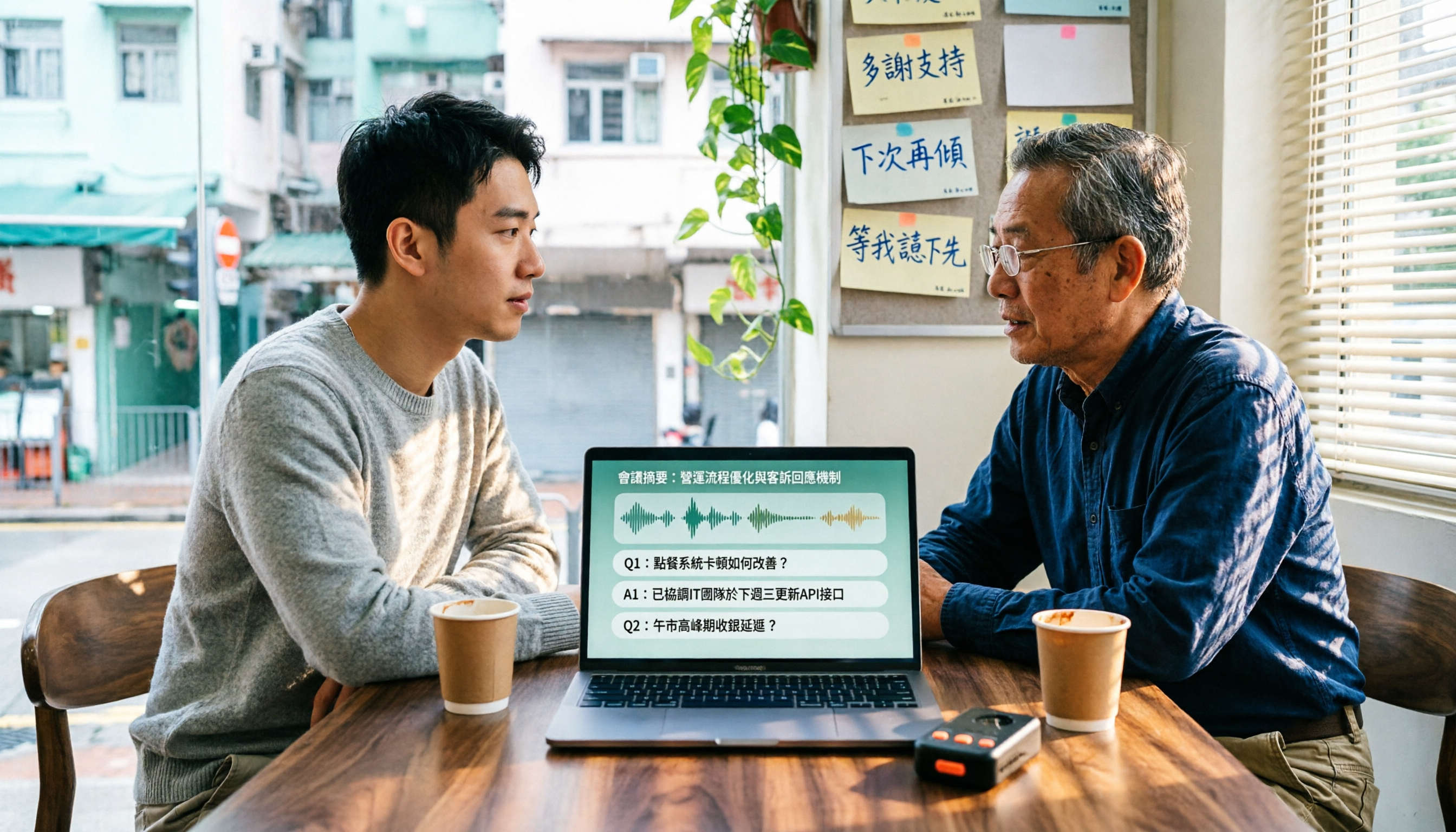
4 Cantonese Speech-to-Text Tools Tested in 2026: Which Free Version Is Good Enough?
We tested and compared the free versions of 4 Cantonese speech-to-text tools to see if they're good enough. We cover key selection criteria, common pitfalls, and recommendations, plus how Tinrec performs in Chinese meeting transcription, AI Q&A, and team knowledge retention.
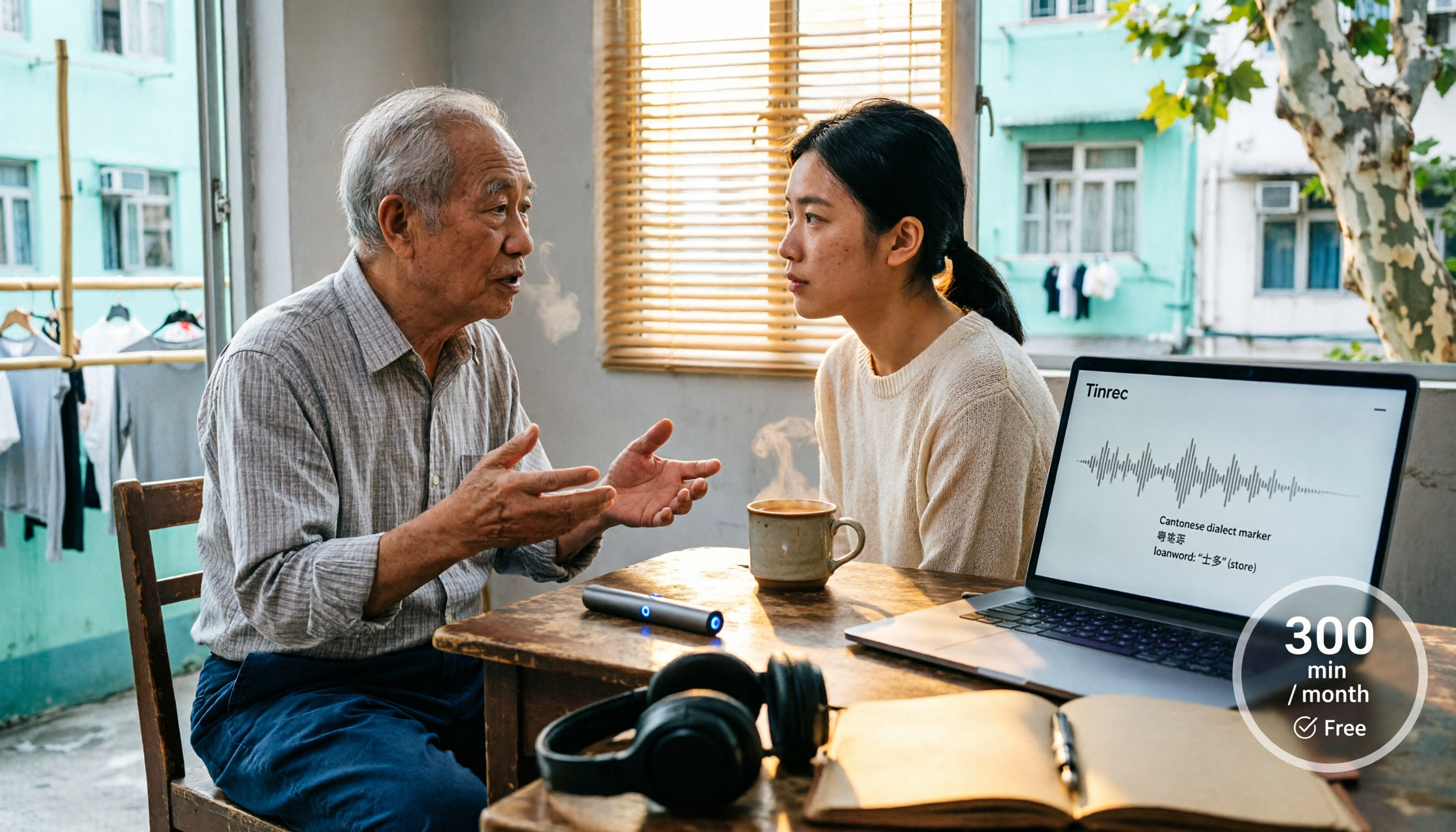
4 Cantonese Speech-to-Text Tools Tested in 2026: Whose Free Tier Is Actually Enough?
If you want free Cantonese speech-to-text, first figure out whether the free quota is monthly minutes, per-file length, or preview-only. This article compares Tinrec, Subanana, Notta, and TurboScribe across Cantonese and mixed Chinese-English handling, export formats, post-meeting organization, and pricing thresholds, with four common pitfalls and scenario-based recommendations.

How to Transcribe Cantonese Audio to Text in 2026: Tinrec Real-Time Transcript + AI Summary
Many people think Cantonese audio transcription is just converting sound to text, but they overlook the real challenges: Cantonese colloquialisms, mixed Chinese-English, multi-person meetings, and post-meeting organization. This article addresses common misconceptions and demonstrates how Tinrec turns recordings into searchable, summarizable, actionable transcripts and team data.

4 Cantonese Speech-to-Text Tools Tested and Compared in 2026: Key Factors to Know Before You Download
How should you download a Cantonese speech-to-text tool, and what should you watch out for after downloading? This article starts with the most common pitfalls, outlines 4 key factors to consider before downloading, and compares Tinrec, Subanana, cSubtitle, and Google AI Studio, with a guide to avoiding mistakes and selection advice.