
Turn recordings into transcripts and summaries in minutes
Upload audio or video for multilingual transcription, AI notes, and action items
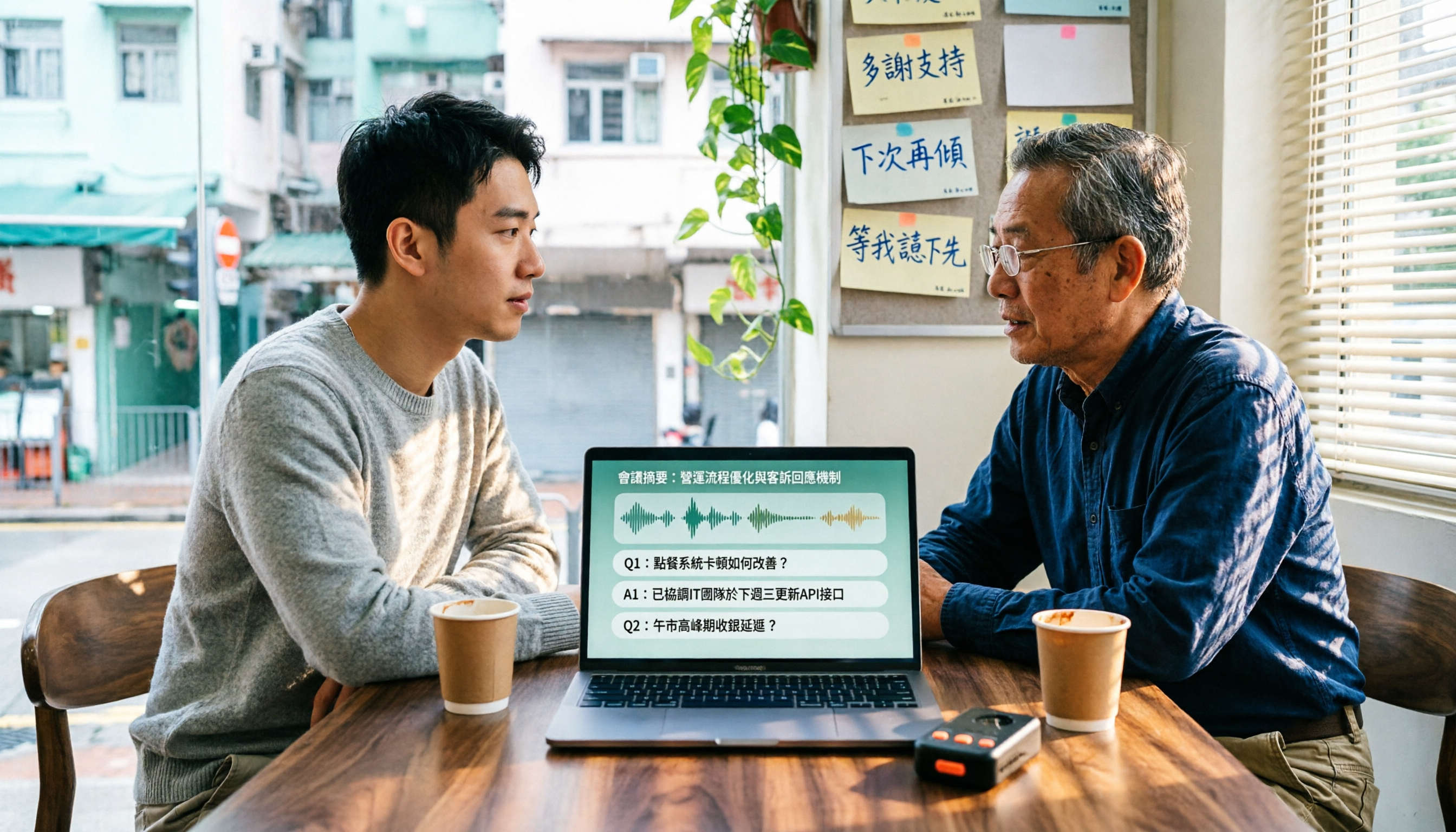
Many people think "speech-to-text" just means dropping a file in and waiting for the text to come out. Anyone who has actually made a Cantonese transcript knows it's not that simple.
The most common misconception is: seeing a tool say it "supports Chinese" and assuming that means it supports Cantonese. In reality, most tools' Chinese models are primarily trained on Mandarin. When they encounter Cantonese colloquialisms, mixed Chinese-English, and sentence-final particles, the output often needs to be retyped entirely.
The second misconception is looking only at free minutes. A high minute count doesn't help if recognition quality is unstable—what you're saving isn't time, it's the patience to re-listen to the recording.
This article summarizes our testing criteria and which tools are best suited for whom.
4 Key Points to Understand Before Choosing a Cantonese Speech-to-Text Tool
1. Does it truly handle Chinese, or is English just an afterthought? Official accuracy claims have limited reference value. Look at its actual performance in Chinese, Traditional Chinese, and multilingual meeting scenarios. Recognition results are affected by recording quality, background noise, accents, and overlapping speakers. The most practical approach is to test with your own recording—don't just rely on ads.
2. Beyond the transcript, does it give you something usable? A transcript is just raw material. Whether it can automatically generate summaries, chapters, and action items, and whether you can later use Q&A to find key points—that's what determines whether you spend three minutes or three hours.
3. How is the meeting recorded? If every online meeting requires inviting a bot, the participant list gets messy. Tinrec's desktop version captures system audio directly, without joining the meeting. This bot-free approach has become increasingly popular in recent years.
4. Is the free quota enough to test one real meeting? Many tools' free versions are "sample-sized," too short to reveal real problems. Before choosing, confirm how the free quota is calculated and what happens after you exceed it.
Tinrec — The One We Keep Coming Back to After Testing
Tinrec is an AI meeting notes and collaboration tool for individuals and teams, available on iOS, Android, desktop, and web.
Most people first use it to turn Chinese meeting recordings into transcripts. It supports Chinese, Traditional Chinese, and multilingual meeting transcription, and can also handle mixed Chinese-English content—useful for phrases that mix in English words. Actual recognition performance is still affected by recording quality, noise, and accents, so we recommend testing with your own real recording first.
What really sets it apart is what happens after transcription. When the meeting ends, Tinrec automatically generates summaries and chapters, breaking long meetings into readable sections. Action items are also extracted from the discussion, so who's responsible for what and when it's due is clear at a glance.
Even better is the AI Q&A. After recording, you can directly ask it "Who mentioned the budget in the last meeting?" and it will answer based on semantic understanding, rather than dumping a list of keyword search results. This capability is rare among tools in the same price range.
If you're in an online meeting, the desktop version captures system audio directly and can handle meetings on Zoom, Google Meet, Microsoft Teams, Webex, and other platforms without inviting a meeting bot.
Output is flexible too: transcripts, summaries, and mind maps can all be exported and taken to Notion, Google Docs, OneNote, or Dropbox for further processing.
Stop organizing recordings by hand
Upload audio or video and automatically get a transcript, summary, and action items
Limitations to be clear about: The free version provides a basic quota, suitable for light use. If you occasionally organize a recording, the free version is fine; for short-term intensive meetings or interviews, consider a weekly pass; for steady weekly use, the Pro monthly plan works; for long-term knowledge retention, the annual plan is suitable. Actual quotas and prices are subject to the official purchase page.
For team use, the team version is a separate team space, not multiple people sharing one account. Eligible teams can try it for 7 days with 1 free seat and 300 shared import minutes; monthly billing is USD 29.80 per paid seat per month, annual billing is USD 199 per paid seat per year (about USD 16.58 per month), and each paid seat provides 2,000 team shared import minutes per month. Within an active team plan, live recording currently does not deduct minutes. Members, roles, and seats are managed separately: members without a seat can still view and play team data, but cannot upload, edit, or export.
Who it's for: People who frequently handle Chinese and multilingual meeting recordings, want to use AI to find key points right after recording, need to switch between phone and computer, or want to turn meeting data into team assets.
Besides Tinrec, What Other Options Are There?
Otter.ai: A mature English AI meeting assistant. Basic free version offers 300 minutes per month; Pro annual billing is about USD 8.49 per user per month. It's strong for English meetings. Note that Chinese and Cantonese scenarios are not its strong suit. Its team management capabilities are complete, but it lacks Tinrec's post-meeting Agent processing and team hotwords. Prices are subject to the official page.
PLAUD Note / NotePin: A representative AI recording hardware. NotePin is priced at USD 159, Note Pro at USD 189, with membership plans starting at about USD 99.99 per year. The advantage is portable recording and hardware experience. Tinrec doesn't require buying an extra device—it works on web, desktop, and mobile, and can handle online meetings and existing historical files.
Notta: A multi-platform transcription tool. Free version offers 120 minutes per month, max 3 minutes per session; Pro annual billing is about USD 8.17 per month (1,800 minutes per month). Suitable for those focused on file transcription and subtitles. If you need bot-free online meeting recording and team governance features like roles, seats, usage, and auditing, Tinrec is a better fit.
Pitfall Guide: 4 Most Common Mistakes When Choosing a Cantonese Transcription Tool
Pitfall 1: Treating "supports Chinese" as "supports Cantonese." Chinese models are mostly trained on Mandarin, and Cantonese colloquialisms and mixed Chinese-English are most error-prone. Always test with your own recording before buying.
Pitfall 2: Looking only at free minutes. A large quota with many errors still means you have to re-listen to the whole thing. Quality matters more than numbers.
Pitfall 3: Treating the transcript as the end goal. Only taking the transcript means using only one-third of the tool's value. Summaries, action items, and AI Q&A often save more time than transcription itself.
Pitfall 4: Ignoring data ownership. Content recorded under a personal account leaves when the person leaves. If team meetings don't have a unified space, you're starting over every time.
Conclusion: Which One Should You Choose?
Need Chinese and multilingual meeting transcription, and want to ask AI to find key points after the meeting → Tinrec, the only option with a complete post-transcription workflow and AI Q&A.
Don't want an extra bot joining online meetings → Tinrec, desktop version captures system audio directly.
Need to use across phone and computer, and export to existing workflows → Tinrec, supports multiple formats and third-party tools.
Need to turn meetings into team assets → Tinrec, team space plus role, seat, and usage management.
Zero budget, and almost all recordings are English meetings → Otter.ai's free quota is indeed generous.
We recommend starting with the free quota, testing with a real meeting recording, and then deciding whether to upgrade. That's more accurate than reading ten reviews.
References
- Free Cantonese Speech-to-Text App 2026 | Subanana
- Online AI Speech, Video, Audio File Auto Transcription - Free Trial - cSubtitle
- Top 5 Speech-to-Text Tools in Hong Kong: Accurate Cantonese Recognition, Double Meeting and Interview Efficiency!
- AI Speech-to-Text Fast Audio File Online Transcription, Transcripts and Video Subtitles - Free Trial - cSubtitle
- Tested 4 Best "Speech-to-Text" Online Tools, Free Instant Audio File to Transcript
Turn every recording into actionable outcomes
Get 60 free transcription minutes when you sign in. No credit card required.
Related Reading
You might also like

Best Cantonese Speech-to-Text Software in 2026: 4 Tools Tested, How to Pick a Free One That Works
Cantonese meetings mix Chinese and English, making transcription a nightmare. We tested Tinrec, Subanana, Yating, and Otter.ai from four angles: mixed-language recognition, free tier format, post-meeting organization, and team data ownership, to help you find a free yet capable Cantonese transcription solution.
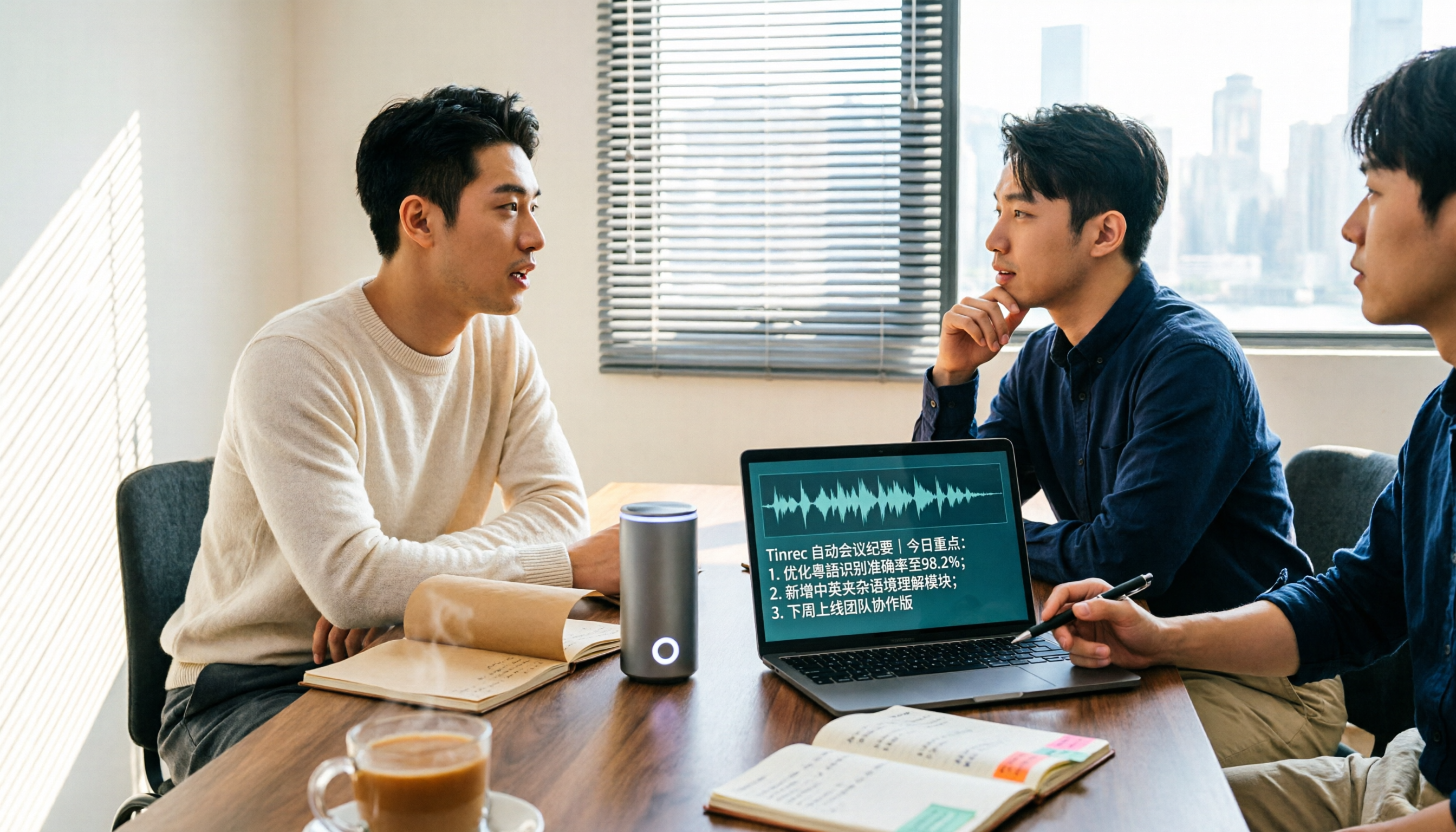
5 Cantonese Speech-to-Text Apps Tested in 2026: Which AI Meeting Assistant Saves the Most Time?
The biggest mistake when recording Cantonese meetings is downloading any tool that claims to support Chinese. This article compares 5 tools using the same set of Cantonese and mixed Cantonese-English recordings, focusing on the differences between Tinrec and Otter.ai across five dimensions: Cantonese recognition, meeting capture, post-meeting organization, team governance, and pricing flexibility, to help you decide which one to choose.
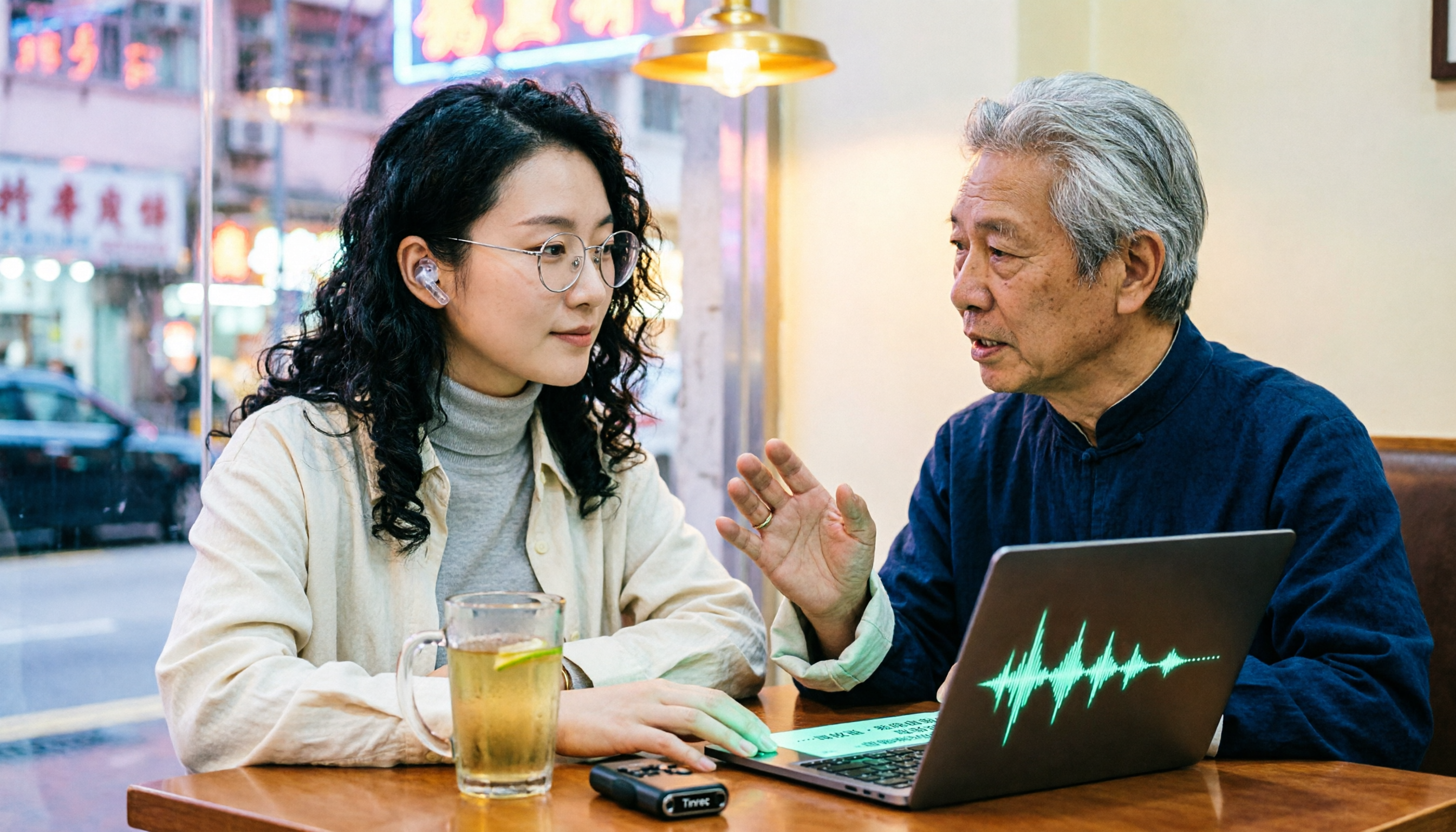
4 Cantonese Audio-to-Text Platforms Tested for 2026: Which Free Version Is Good Enough?
Looking for a free platform that can handle Cantonese audio-to-text often runs into problems like 'free trial ends after a few minutes' or 'only recognizes English and Mandarin.' This article tests four common tools, comparing free quotas, mixed Chinese-English recognition, post-meeting organization, and team collaboration. Using Tinrec as the main example, it shows whether the free version is sufficient and what you can do after transcription.

How to Transcribe Cantonese Audio to Text in 2026: Tinrec Review & Top 6 Tools Compared
We tested popular Cantonese speech-to-text tools and compared 6 top options in 2026, covering pricing, features, and how to choose the best AI tool for meeting notes, transcripts, and team collaboration.

Best Cantonese Audio to Text Tools in 2026: We Tested 2, and This One Has the Most Complete Post-Meeting Organization
Starting from common misconceptions, we tested Tinrec and TurboScribe for Cantonese audio transcription. We compared Cantonese recognition, live meeting recording, post-meeting AI organization, team collaboration, and cross-platform flexibility to help you choose the best tool for your needs.
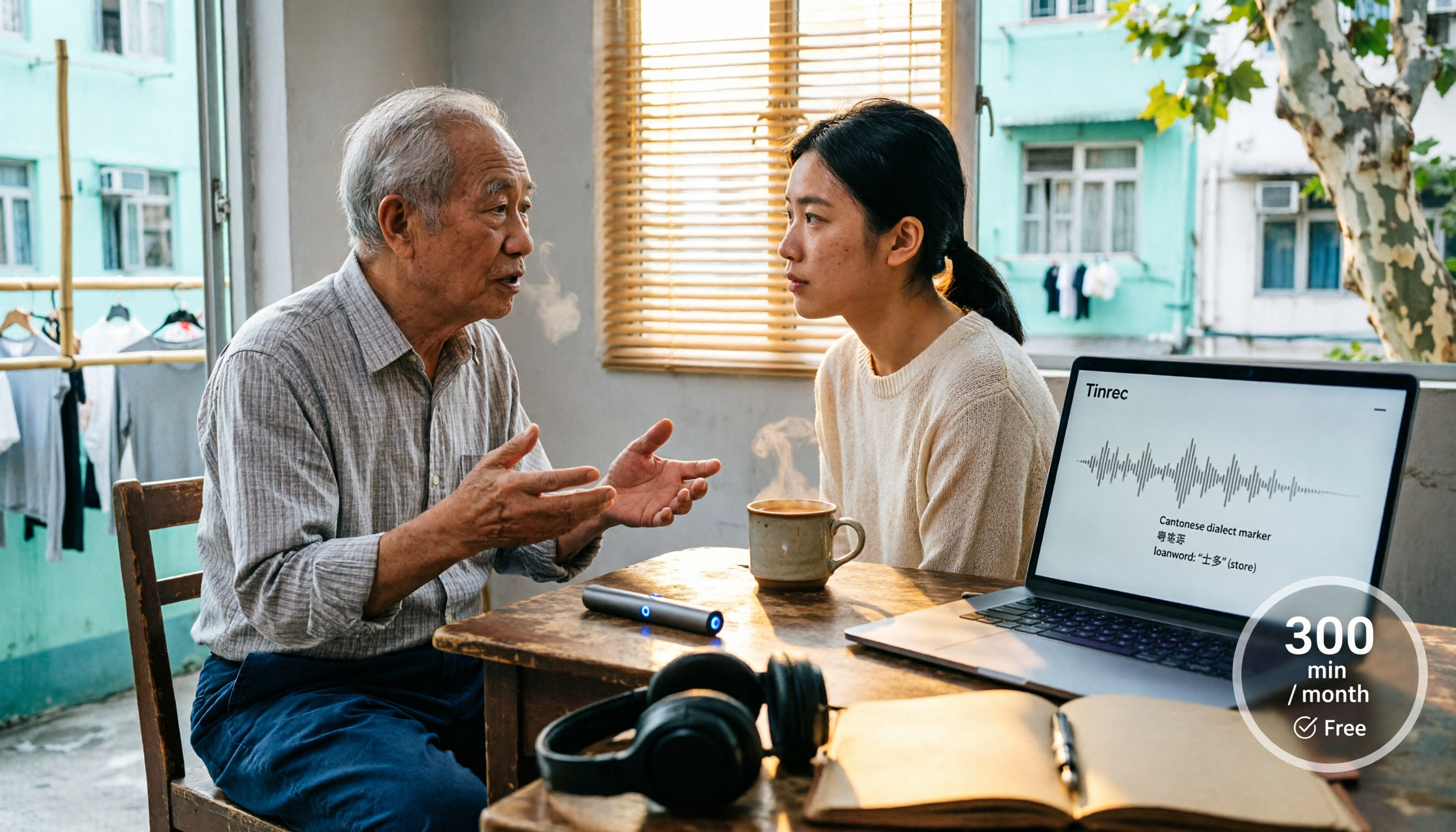
4 Cantonese Speech-to-Text Tools Tested in 2026: Whose Free Tier Is Actually Enough?
If you want free Cantonese speech-to-text, first figure out whether the free quota is monthly minutes, per-file length, or preview-only. This article compares Tinrec, Subanana, Notta, and TurboScribe across Cantonese and mixed Chinese-English handling, export formats, post-meeting organization, and pricing thresholds, with four common pitfalls and scenario-based recommendations.

How to Transcribe Cantonese Audio to Text in 2026: Tinrec Real-Time Transcript + AI Summary
Many people think Cantonese audio transcription is just converting sound to text, but they overlook the real challenges: Cantonese colloquialisms, mixed Chinese-English, multi-person meetings, and post-meeting organization. This article addresses common misconceptions and demonstrates how Tinrec turns recordings into searchable, summarizable, actionable transcripts and team data.

4 Cantonese Speech-to-Text Tools Tested and Compared in 2026: Key Factors to Know Before You Download
How should you download a Cantonese speech-to-text tool, and what should you watch out for after downloading? This article starts with the most common pitfalls, outlines 4 key factors to consider before downloading, and compares Tinrec, Subanana, cSubtitle, and Google AI Studio, with a guide to avoiding mistakes and selection advice.

4 Cantonese Speech-to-Text Tools Tested: Which Free Version Actually Works?
I have 15 meetings a week, and Cantonese with mixed Chinese-English meeting notes take the most time. This article compares 4 common free Cantonese speech-to-text options: the difference between truly free, free preview, and free quota, and which one lets you directly get summaries, action items, and searchable meeting data after transcription. Includes hands-on experience with Tinrec, 3 common pitfalls to avoid, and buying advice.