
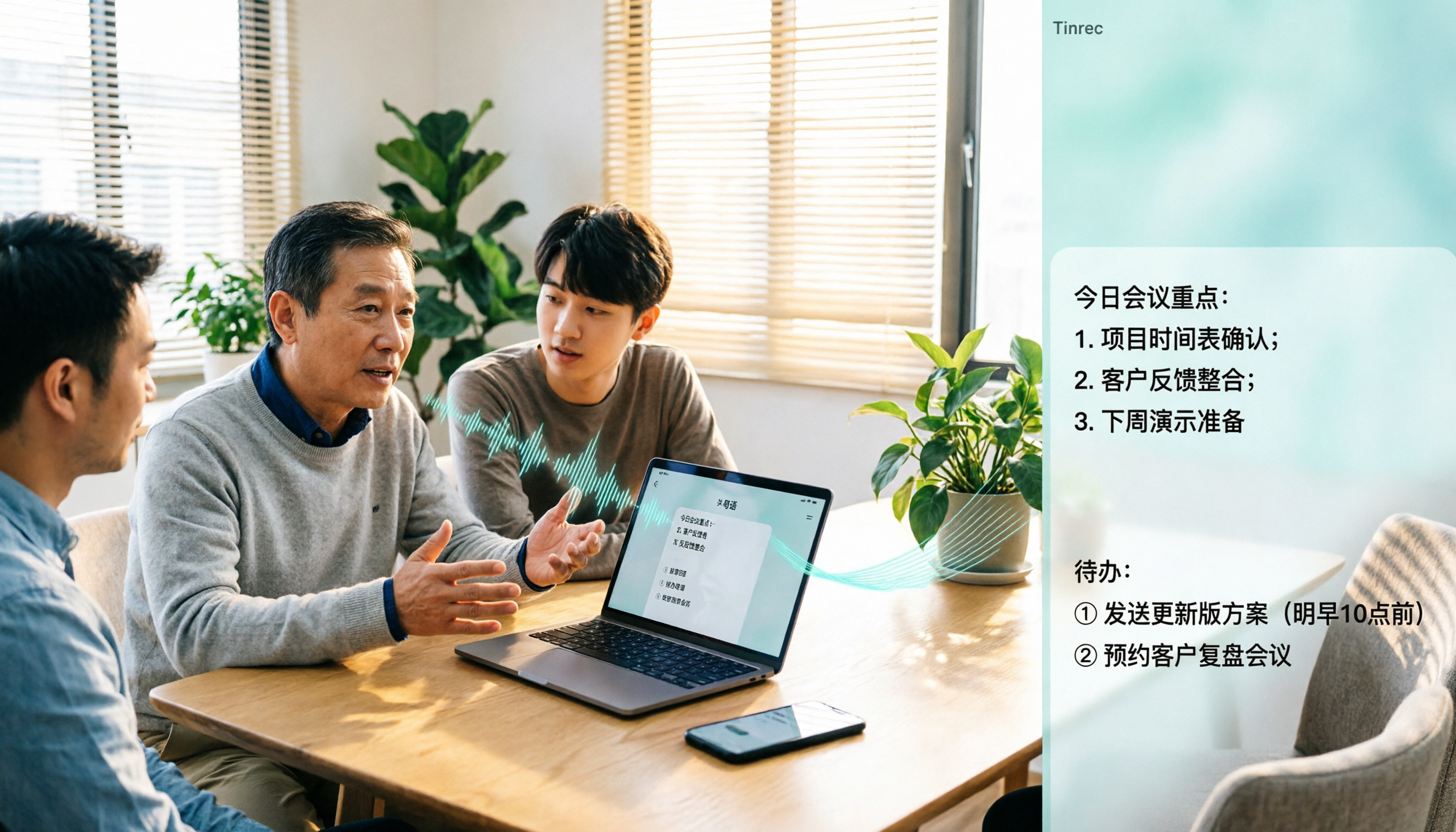
Turn recordings into transcripts and summaries in minutes
Upload audio or video for multilingual transcription, AI notes, and action items
Tinrec vs Otter.ai 2026: 5-Dimension Comparison — Which Is Better for Cantonese Audio to Chinese Text?
Have you ever been in this situation: after a Cantonese meeting, the recording sits on your phone, and you want to turn it into a Chinese transcript, but many tools either only support English or have overly complicated steps. In the end, you have to listen again and type manually, and the meeting notes still aren't done.
In this article, I compare Tinrec and Otter.ai across 5 dimensions and put "how to use Cantonese audio to Chinese text" into a real workflow. After reading, you'll know which one better fits your Chinese meeting and Cantonese transcription needs.
Tinrec vs Otter.ai | Quick Overview
Tinrec is an AI meeting notes and collaboration tool for individuals and teams. It doesn't just turn audio into text; it also organizes meeting recordings into searchable, summarizable, queryable, exportable, and further processable data, and沉淀 as collaborative meeting assets in team spaces.
Otter.ai is a mature AI meeting assistant, covering Zoom, Microsoft Teams, Google Meet, live transcription, speaker identification, AI Chat, workflows, and team management. Its strength lies in English business meetings and meeting automation.
| Item | Tinrec | Otter.ai |
|---|---|---|
| Core positioning | AI meeting notes and team collaboration, emphasizing Chinese experience and post-meeting workflows | Mature AI meeting assistant, strong in English business meetings |
| Free/Entry | Free version offers basic quota; teams eligible for first-time trial get 7 days, 1 free seat, 300 minutes team shared import quota | Basic free, 300 minutes per month |
| Paid reference | Team monthly USD 29.80 per paid seat per month; annual USD 199 per paid seat per year, about USD 16.58 per month, 2,000 minutes team shared import quota per seat per month | Pro annual equivalent to USD 8.49 per user per month, 1,200 minutes in-app recording and 10 file imports per month; Business offers unlimited meetings and in-app recording, specific prices subject to official page |
The above prices and benefits are subject to the official purchase pages of both sides. The 5 dimensions compared in this article are: Cantonese and Chinese transcription experience, online meeting recording methods, post-meeting AI organization and querying, team collaboration and data governance, cross-device and input sources.
If you just want to know "how to use Cantonese audio to Chinese text," Tinrec's process is roughly: start a live recording or upload an audio/video file, select Chinese or multilingual settings, wait for it to generate a transcript, then use AI summaries, chapters, to-dos, and Q&A to organize it into the Chinese written content you need. Actual recognition results are affected by recording quality, accent, noise, overlapping speakers, and technical terms. It's recommended to test your own recording with the free quota first.
Dimension 1 | Cantonese and Chinese Transcription Experience
Otter.ai is highly mature in English business meetings, and its product positioning and interface are more oriented toward the English market. If your meetings are mainly in Cantonese, mixed Chinese-English, or Traditional Chinese, you need to first confirm its support for the corresponding language and terminology recognition, because official materials mention Cantonese relatively little.
Tinrec covers Chinese, Traditional Chinese, and multilingual meeting scenarios, and supports live translation and bilingual viewing. The team version also has team hotwords, which can maintain team-specific terminology and improve recognition of professional terms. For Cantonese recordings, you can first transcribe in Chinese/multilingual mode, then proofread colloquial terms with the transcript. Actual results are also affected by audio conditions.
→ This dimension: Tinrec is more aligned in product positioning for Chinese and Cantonese scenarios, but both are recommended to test with your actual recordings first.
Dimension 2 | Online Meeting Recording Methods: Bot-free vs Multiple Methods
Otter.ai supports meeting bots joining, and also provides desktop capabilities, suitable for teams already used to meeting assistants automatically participating. However, product descriptions also remind that Otter should not be described as only having meeting bots, because it now also has desktop.
Tinrec desktop version directly captures computer system sound, without needing to add an extra bot to the meeting. Users actively open Tinrec to start recording, and can handle audio from Zoom, Google Meet, Microsoft Teams, Webex, and other online meetings, and generate live transcripts. Note that this does not mean "automatically joining all calendar meetings," nor is it an official partnership with these platforms.
→ This dimension: If you don't want a bot appearing in the meeting list, Tinrec's bot-free recording is closer to your needs.
Dimension 3 | Post-Meeting AI Organization and Querying
Otter.ai provides AI Chat, summaries, action items, workflows, and team management, and is very mature in post-meeting automation for English meetings. If your meeting content is mainly in English, Otter's organization process can already meet most needs.
Stop organizing recordings by hand
Upload audio or video and automatically get a transcript, summary, and action items
In addition to transcripts, Tinrec also focuses on the workflow after transcription: automatically generating summaries, chapters, key points, and to-dos, supporting AI Q&A around single or multiple meetings, and using Agent post-processing to generate reports, tables, and documents, and exporting to Notion, Google Docs, OneNote, Dropbox, and other tools for continued use. For Chinese teams, this "recording directly becomes deliverable data" process is more convenient.
→ This dimension: Both have summaries and Q&A, but Tinrec is more complete in Chinese post-meeting organization and multi-format delivery.
Dimension 4 | Team Collaboration and Data Governance
Otter.ai's Business plan offers unlimited meetings and in-app recording, more import and management capabilities, and mature team and enterprise capabilities. For large English teams, Otter's existing ecosystem and management features have certain advantages.
Tinrec team version provides independent team spaces, meeting data owned by the team, and includes member invitations, owner/admin/member roles, seat allocation and revocation, usage analysis, audit logs, team hotwords, and audio recycle bin. Note that the team version distinguishes "roles" and "seats": valid members without seats can still view, play, and read team data, but cannot upload, edit, import, or export. Currently it is team-level shared visibility, not a file-level permission system.
→ This dimension: Tinrec is more granular in team data accumulation and governance, suitable for teams needing Chinese meeting asset retention.
Dimension 5 | Cross-Device and Input Sources
Otter.ai focuses on online meetings and also supports files, sufficient for teams long using English meeting assistants. But if your recording sources include phone recordings, historical audio files, or videos, you need to confirm the import process.
Tinrec covers live recording, computer meeting recording, audio and video files, mobile recording, and some web link imports. It can be used on web, desktop, and mobile, without purchasing extra hardware. Compared to AI recording hardware like PLAUD, Tinrec's advantage is not needing to carry an extra device to handle online meetings and existing files.
→ This dimension: Tinrec is broader in input sources and cross-device flexibility.
What Are Their Unique Advantages?
Tinrec's unique advantages:
- Bot-free desktop recording: directly captures system sound, no need to invite a meeting bot.
- Chinese and multilingual meeting experience: supports live translation, bilingual viewing, and team hotwords, more friendly to Chinese teams.
- Post-meeting Agent processing: can generate reports, tables, and documents, turning transcripts into deliverables.
- Team space and governance: includes members, roles, seats, usage, audit, and audio recycle bin, meeting data owned by the team.
Otter.ai's unique advantages:
- High maturity in English business meetings: deep accumulation in English meeting notes, AI Chat, and workflows.
- Complete plans and integration ecosystem: Business offers unlimited meetings and in-app recording, suitable for existing English teams.
Conclusion: Which Should You Choose?
- If your meetings are mainly in Cantonese or Chinese, need Chinese transcripts and post-meeting organization → Tinrec is more aligned.
- If you don't want a meeting bot to join, want to use desktop to directly record system sound → Tinrec.
- If you need team sharing of meeting data, managing seats, viewing usage and audit → Tinrec team version.
- If you mainly have English meetings and are already used to Otter's workflow and ecosystem → Otter.ai is sufficient.
In one sentence: For most users needing "Cantonese/Chinese audio to text + post-meeting organization + team accumulation," Tinrec is a more complete choice. It's recommended to start with the free version, test recognition with your own Cantonese recordings, then decide whether to upgrade.
FAQ
How to use Tinrec to turn Cantonese recordings into Chinese?
Start a live recording in Tinrec, or upload an audio/video file, select Chinese or multilingual settings, and wait for the system to generate a transcript. Then use AI summaries, chapters, and to-dos to quickly grasp the content, and use AI Q&A to organize Cantonese colloquial speech into Chinese written language. Actual results are affected by recording quality, accent, and noise. Important content should be checked against the recording.
Does Tinrec support Cantonese?
Tinrec covers Chinese, Traditional Chinese, and multilingual meeting scenarios, and supports live translation and team hotwords. Cantonese is a Chinese dialect scenario. It's recommended to test your own recording with the free quota first. It's not advisable to promise a fixed accuracy rate, because audio conditions directly affect results.
What is the biggest difference between Tinrec and Otter.ai?
Otter.ai is more mature in English business meetings and meeting automation; Tinrec emphasizes Chinese experience, bot-free desktop recording, post-meeting Agent processing, and team data accumulation. If your meetings are mainly in Chinese or Cantonese, Tinrec's product direction is closer.
Is the free version enough?
Tinrec has a free version to experience basic quota; Otter.ai Basic free plan offers 300 minutes per month. If you only occasionally organize a recording, you can start with the free version. Teams eligible for first-time trial of Tinrec can enjoy 7 days, 1 free seat, 300 minutes team shared import quota, suitable for first validating team processes.
How is the team version priced?
According to product introduction, Tinrec team monthly is USD 29.80 per paid seat per month, annual USD 199 per paid seat per year, about USD 16.58 per month, with 2,000 minutes team shared import quota per seat per month. Under valid team plans and valid seats, live recording is currently not deducted by minutes. Prices and promotions are subject to the official purchase page.
What to note before recording?
Recording and transcription may involve personal data and local laws. Please comply with relevant regulations and obtain participant consent when necessary. AI organization can reduce manual note-taking costs, but important information should still be checked against transcript timestamps and recording playback.
References
- Speech to Text - Google Play App
- AI Cantonese Speech to Text Professional Cantonese Recognition
- Free + Cantonese OK: How to use Google AI Studio to turn your recording into ...
- Free Cantonese Speech to Text App 2026 | Subanana
- AI Speech to Text Fast Audio File Online Transcription, Transcripts and Video Subtitles - Free Trial - cSubtitle
Turn every recording into actionable outcomes
Get 60 free transcription minutes when you sign in. No credit card required.
Related Reading
You might also like

Tinrec vs Notta 2026: 5-Dimension Comparison for Free Cantonese Speech-to-Text
Want to convert Cantonese speech to text for free? This article compares Tinrec and Notta across 5 dimensions: free quota, single-file limit, Chinese recognition, post-meeting organization, and cross-platform support. It also includes use cases and pitfalls for TurboScribe and Otter.ai to help you find a truly usable free solution.

2026 Comparison of 4 Cantonese Speech-to-Text Tools: Which Saves More Time on Cantonese Transcripts and Post-Meeting Organization?
From a mid-level manager's hands-on perspective, compare 4 Cantonese speech-to-text software in 2026: from Cantonese recognition, mixed Chinese-English, post-meeting AI organization to team seat management, explaining why Tinrec became the team's top choice, and the scenarios each tool suits and key pitfalls to avoid when purchasing.
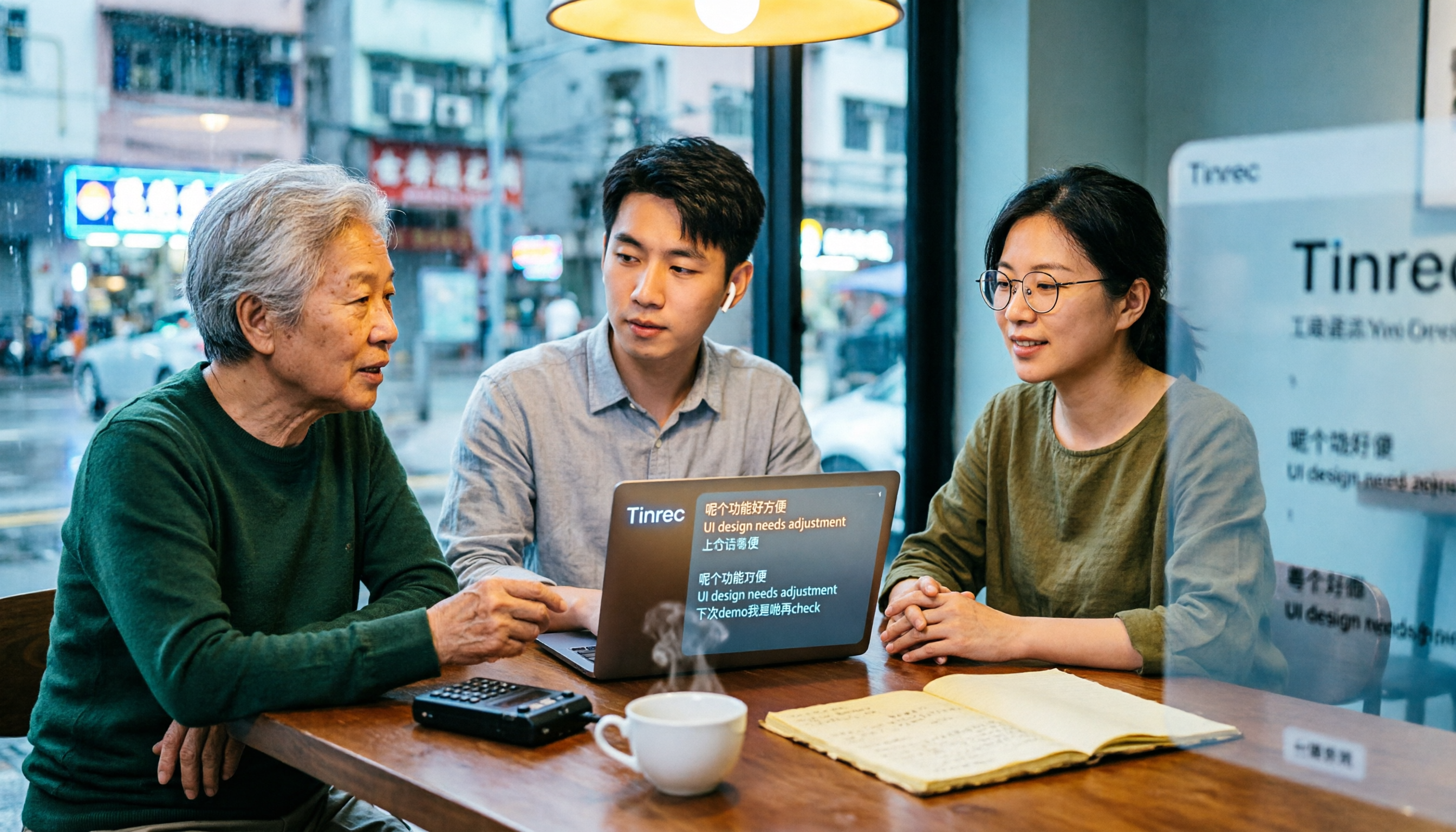
How to Use Cantonese Speech-to-Text in 2026: A 6-Step Tinrec Tutorial
How do you use Cantonese speech-to-text? This article starts with deciding between live recording and organizing old files, then demonstrates in 6 steps how Tinrec handles Cantonese meetings and mixed Chinese-English recordings. It also compares differences with Cantonese transcription tools like Subanana, and summarizes key points to consider when choosing a tool and team plan benefits.

2026 Cantonese Speech-to-Text Showdown: Tinrec vs Otter.ai for Chinese Meetings
Many assume English meeting tools can handle Cantonese, but the transcripts are often a mess. This article tackles common misconceptions and compares Tinrec and Otter.ai across Chinese and Cantonese support, meeting recording methods, post-meeting AI organization, cross-platform access, and team collaboration to help you find the best Cantonese speech-to-text tool.

2026 Comparison of 4 Cantonese Audio-to-Text Tools: Which Is Most Time-Efficient for Cantonese Recognition and Post-Meeting Organization?
Cantonese meeting recordings often fail to transcribe accurately, and you still have to organize the results yourself. This article addresses three common misconceptions, compares Tinrec, Notta, TurboScribe, and Otter.ai, and provides key purchasing points, pitfalls to avoid, and selection advice to help you find the best Cantonese audio-to-text solution for your workflow.
4 Cantonese Speech-to-Text Tools Tested in 2026: The Fastest Way to Get a Cantonese Transcript
Cantonese has many colloquial characters and mixes Chinese and English, so using a Mandarin model often produces terrible results. This article shares hands-on testing of 4 Cantonese speech-to-text tools, covering model selection, accuracy testing conditions, and post-meeting workflows to help you find the most time-saving approach.

How to Use Tinrec for Cantonese Speech-to-Text in 2026: Step-by-Step Guide + Automatic Meeting Notes
How do you choose a Cantonese speech-to-text tool that's easy to use? This guide uses real meeting scenarios to cover core capabilities like live transcription, AI summaries, action item extraction, multi-format export, and team collaboration. Using Tinrec as an example, it walks you through key selection criteria, the onboarding process, and common questions.
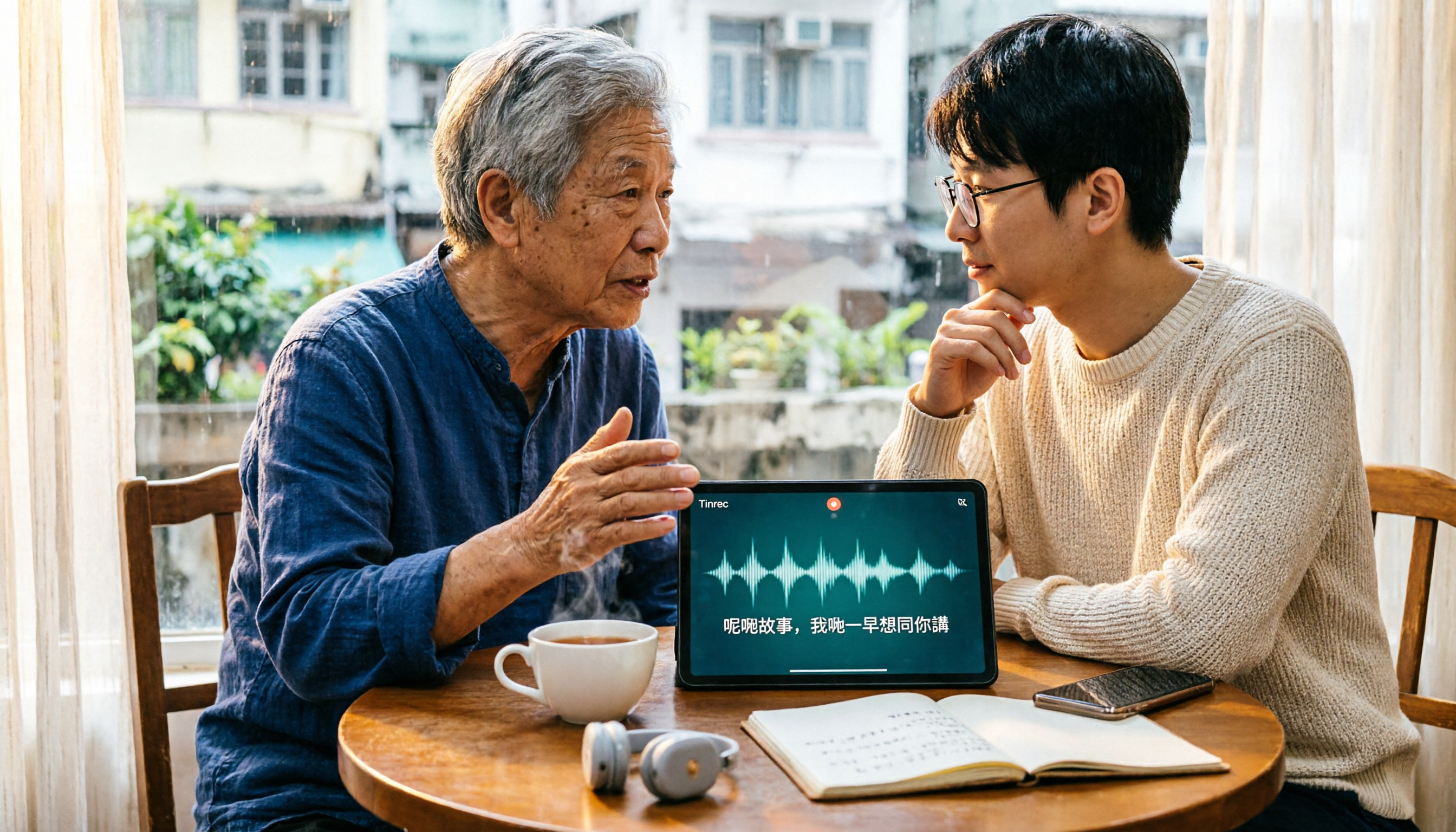
4 Cantonese Speech-to-Text Tools Tested: How to Choose a Free Option (2026)
PTT users often ask how to choose a free Cantonese speech-to-text tool. This article compares Tinrec, Subanana, cSubtitle, and Google AI Studio from four angles: free quota, Cantonese recognition, post-meeting organization, and team collaboration, with a guide to avoiding pitfalls and selection advice.
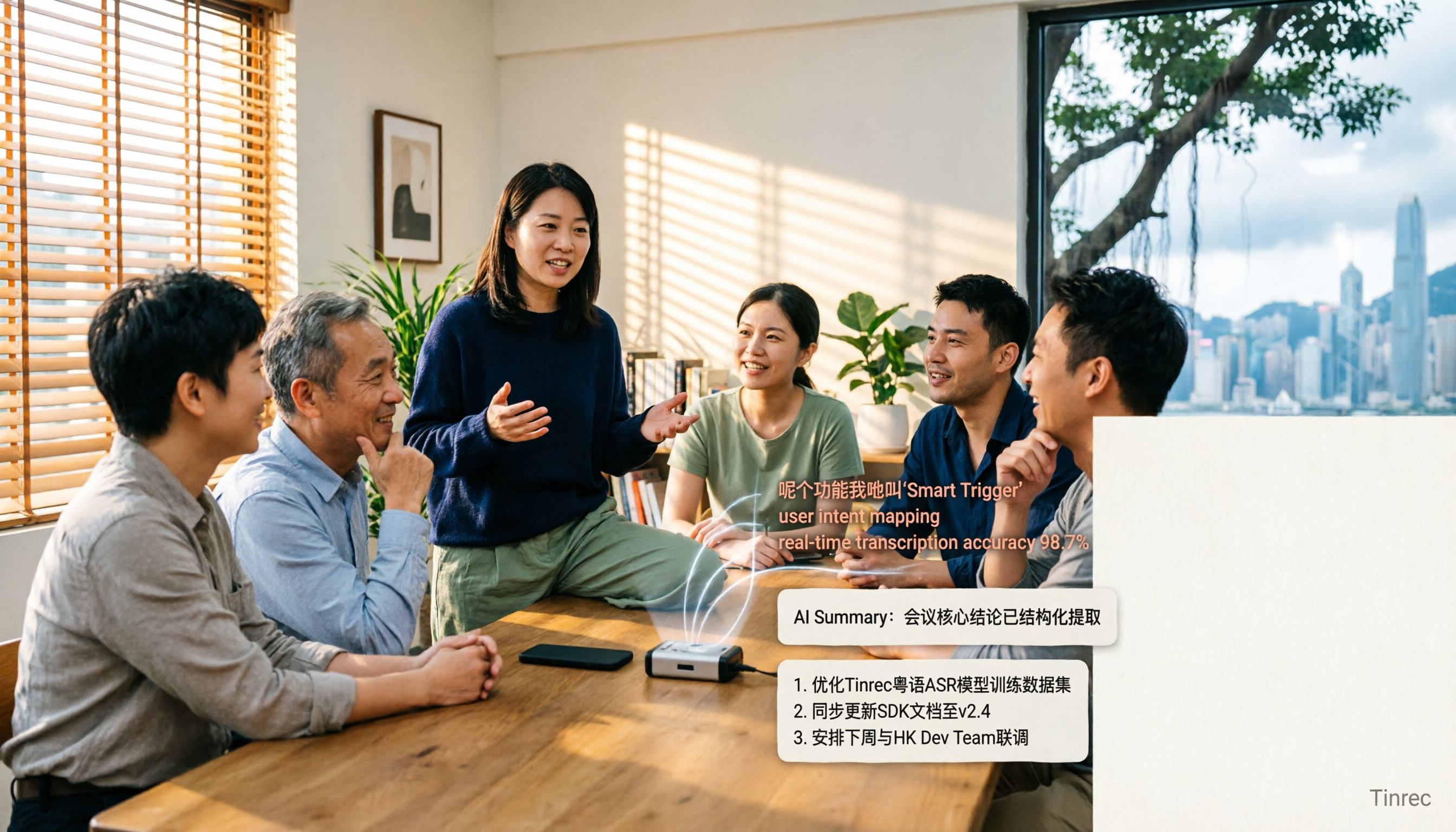
4 Cantonese Speech-to-Text Apps Tested for 2026: Which One Handles Cantonese Recognition and Post-Meeting Organization Best?
From Cantonese recognition and mixed Chinese-English handling to transcript readability and post-meeting AI organization, we tested and compared Tinrec, Subanana, Otter.ai, and PLAUD. We also outline 4 key points and common pitfalls when choosing a Cantonese speech-to-text app, helping you find the one that truly saves time.