

Turn recordings into transcripts and summaries in minutes
Upload audio or video for multilingual transcription, AI notes, and action items
4 Cantonese Speech-to-Text Tools Tested in 2026: Which AI Actually Understands Cantonese?
Still Typing Transcripts After Meetings? Most People Pick the Wrong Tool from the Start
Many people assume that if a tool claims to "support Chinese," it automatically understands Cantonese. This is the first and most common misconception. Cantonese colloquial words, sentence-final particles, and word order differ significantly from written Chinese. Throw in a real Hong Kong-style meeting recording, and the output might be full of errors or even completely distorted.
The second misconception is focusing only on "free." Many online tools offer free tiers that only cover a few minutes of audio and restrict export formats; a 45-minute meeting can't be processed at all, so you end up back to manual transcription.
The third misconception is treating transcription tools as "one-time typewriters." After recording and transcribing, the transcript sits on your phone unread—no summary, no action items, no search—making the effort wasted.
If you face Cantonese meetings, client interviews, or class recordings every week, the real question isn't "which is cheapest" but "which can turn my recordings into usable data." This article breaks down 4 common approaches from a hands-on testing perspective.
4 Key Factors to Understand Before Choosing a Cantonese Transcription Tool
1. Recognition is easy; turning spoken language into readable content is hard. For Cantonese colloquial phrases like "唔係咁嘅意思" (that's not what it means), some tools translate word-for-word, while others convert to written Chinese. The latter is far more valuable for meeting notes. Look at its ability to organize Chinese context, not just advertised recognition rates.
2. Can the transcript be synced back to the recording? Even the best AI can mishear names, numbers, and proper nouns. If the tool keeps the recording and provides a timeline for reference, you can verify in seconds; if it only gives plain text, you have to re-listen to the whole segment when errors occur. Traditional Chinese output is a basic requirement for users in Hong Kong and Taiwan.
3. Post-recording organization workflow. Summaries, chapters, action items, AI Q&A, export to Notion or Google Docs—these are key to turning "recordings" into "data." If the tool lets you directly ask "who mentioned the budget in the last meeting," you don't have to manually scan a 30-minute transcript.
4. Cross-platform and data ownership. Recording on mobile and organizing on computer is common, so the tool must sync across devices. For team meetings, think clearly: is data stored in personal accounts or team spaces? If a colleague leaves, will meeting records go with them? This depends on whether the team has independent spaces and seat management.
After these four points, the answer is clear: a tool that handles both Chinese and Cantonese contexts, keeps recordings, offers post-meeting organization, and supports multi-device and team collaboration is worth long-term use.
Tinrec — Our Top Pick After Testing
Tinrec is an AI meeting notes and collaboration tool for individuals and teams, covering iOS, Android, web, and desktop. Its core isn't just "turning sound into text" but turning meetings into searchable, queryable, actionable data.
In practice, it solves three specific scenarios:
Scenario 1: In-person Cantonese meetings. Start real-time recording, and it generates transcripts on the fly, handling mixed Chinese-English content and outputting Traditional Chinese. No need to re-listen to the whole meeting afterward. For those who frequently communicate with clients or suppliers in Cantonese, this saves the most direct time.
Scenario 2: Online meetings. The desktop version captures system audio directly, handling Zoom, Google Meet, Microsoft Teams, Webex, etc., without adding a meeting bot to the room. For teams that value participant experience and don't want an extra "attendee," this approach is much more discreet.
Scenario 3: Post-meeting organization and queries. After the meeting, Tinrec automatically generates summaries, chapters, and action items; you can directly ask the recording—"What was the conclusion of this meeting?" "Who is responsible for next week's proposal?"—and it gives answers based on semantics, not just a string of keywords. Transcripts and results can be exported to Notion, Google Docs, OneNote, Dropbox, or further processed by an Agent to generate reports, tables, and documents.
We tested with a ~5-minute Cantonese recording containing mixed Chinese-English and some technical terms. In a quiet environment, Chinese recognition was stable, and the Traditional Chinese transcript could be used directly for post-meeting organization; once multiple people spoke over each other with background noise, recognition quality dropped—a common limitation of all transcription tools, not unique to Tinrec. Its value lies more in the entire workflow "after transcription."
Stop organizing recordings by hand
Upload audio or video and automatically get a transcript, summary, and action items
Three main advantages:
- No meeting bot needed. Desktop version captures system audio, so online meetings don't have an extra strange attendee.
- Seamless from transcript to action items. Recording, transcript, summary, action items, AI Q&A, and export all in one tool, no need to move files between four or five apps.
- From individual to team. Team version offers independent team spaces, member roles and seat management, shared benefits, usage analytics, audit logs, and audio recycle bin (30-day retention). Even if members leave, team resources remain with the team and can be handed over to other active members.
Things to note:
- Tinrec does not promise a fixed accuracy rate. Actual performance depends on recording quality, noise, accents, overlapping speech, and technical terms. For important content, verify against the transcript and recording.
- The free version offers basic quota; heavy users need to pay. Team version is priced per seat: USD 29.80 per paid seat per month, annual USD 199 per paid seat per year (about USD 16.58 per month), each paid seat provides 2,000 minutes of team shared import quota per month; real-time recording under an active plan is currently not deducted by minutes; first eligible team trial is 7 days, 1 free seat, 300 minutes shared import quota. Prices and benefits are subject to the official purchase page.
Who it's for: Those who frequently handle Chinese or Cantonese meetings, want to use AI to find key points right after recording, need to switch between phone and computer, and even want to turn meeting data into team assets.
Besides Tinrec, What Other Options Are There?
cantosubai (AI Cantonese Speech to Text): Focuses on uploading audio or video to convert to Traditional Chinese and converting spoken language to written language. New users get 30 minutes free, suitable for individuals occasionally handling a single Cantonese recording. Its positioning is more "transcription and export," without post-meeting AI Q&A, action item extraction, or team spaces and seat management—if you need to turn meetings into team-searchable data, Tinrec's workflow is much more complete.
cSubtitle: Online Chinese speech-to-text and subtitle service, focusing on Chinese processing, usable without registration, convenient for video subtitlers. But it mainly handles uploaded files, unlike Tinrec which can directly record online meetings on desktop and generate summaries and action items, and lacks team collaboration and governance features.
Otter.ai: A mature choice for English business meetings, free version 300 minutes per month, Pro annual about USD 8.49 per user per month. Its strength is the English meeting ecosystem and team features; Chinese and Cantonese contexts are not its focus. If you mainly record English content, Otter.ai is a cost-effective option. If meetings are mainly in Chinese or Cantonese, Tinrec is more suitable for language fit and Traditional Chinese output, and also supports bot-free desktop recording.
Pitfall Guide: 4 Most Common Mistakes When Choosing a Cantonese Transcription Tool
Pitfall 1: Treating "supports Chinese" as "understands Cantonese." Many tools' models are Mandarin-centric and start guessing when encountering Cantonese colloquial words. The most reliable approach is to test with your own real meeting recording, not just official demo audio.
Pitfall 2: Only looking at free quota, not file duration and export limits. Some tools advertise free but limit single files to 3 minutes and charge for export. For meetings often over 40 minutes, such quota is useless.
Pitfall 3: Using it only as a typewriter. If you only use a transcription tool to generate transcripts, you're only using part of its value. Like Tinrec's AI Q&A, after recording you can directly ask "what was decided in the meeting," much faster than manually scanning a 30-minute transcript.
Pitfall 4: Handling team meetings with personal accounts. This is the most expensive mistake. Data stored in personal accounts disappears when colleagues leave or switch tools. The reason team versions distinguish roles and seats is to ensure data belongs to the team and can be handed over. Also, recording and transcription involve personal data and communication content, so confirm local regulations and obtain participant consent first.
Conclusion: Which One Should You Choose?
- Need Chinese or Cantonese meeting transcription with Traditional Chinese output → Tinrec (supports multilingual meetings, mixed Chinese-English, and real-time translation; actual results still depend on audio quality and accent).
- Want to use AI to find key points and automatically capture action items after recording → Tinrec (transcript, summary, chapters, action items, AI Q&A in one workflow).
- Don't want an extra bot attendee in online meetings → Tinrec (desktop version captures system audio, handles Zoom, Meet, Teams, Webex).
- Record on mobile, organize on computer, even share across teams → Tinrec (iOS, Android, web, desktop, plus team spaces and seat management).
- Mainly record English content, limited budget → Otter.ai (mature English meeting ecosystem, larger free quota).
The most practical way to choose a tool is to first use the free quota to run your most troublesome meeting recording: can it understand your Cantonese, is the transcript directly usable, does the export format fit your workflow. After one run, the answer is usually clear. For team adoption, it's recommended to use a trial plan to confirm seat and data ownership arrangements.
References
- AI Speech to Text Fast Recording File Online Transcription, Transcript and Video Subtitles - Free Trial - cSubtitle
- AI Cantonese Speech to Text Professional Cantonese Recognition
- Speechnotes | Hong Kong Cantonese | Speech to Text Online Notepad
- Speech to Text - Google Play App
- Text to Speech Cantonese - Tool Bang
Turn every recording into actionable outcomes
Get 60 free transcription minutes when you sign in. No credit card required.
Related Reading
You might also like

Tinrec vs Notta 2026: 5-Dimension Comparison for Free Cantonese Speech-to-Text
Want to convert Cantonese speech to text for free? This article compares Tinrec and Notta across 5 dimensions: free quota, single-file limit, Chinese recognition, post-meeting organization, and cross-platform support. It also includes use cases and pitfalls for TurboScribe and Otter.ai to help you find a truly usable free solution.

2026 Comparison of 4 Cantonese Speech-to-Text Tools: Which Saves More Time on Cantonese Transcripts and Post-Meeting Organization?
From a mid-level manager's hands-on perspective, compare 4 Cantonese speech-to-text software in 2026: from Cantonese recognition, mixed Chinese-English, post-meeting AI organization to team seat management, explaining why Tinrec became the team's top choice, and the scenarios each tool suits and key pitfalls to avoid when purchasing.
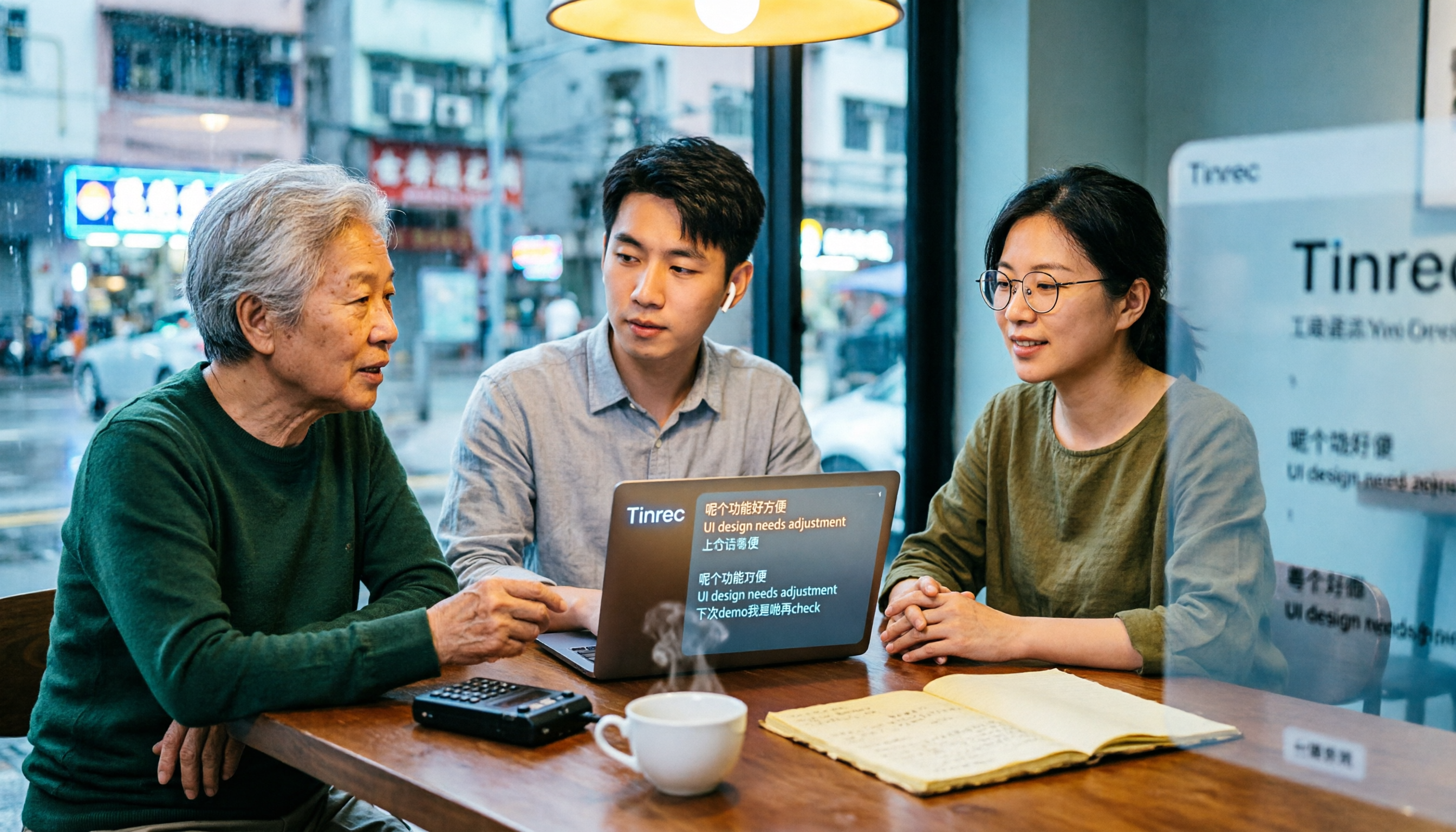
How to Use Cantonese Speech-to-Text in 2026: A 6-Step Tinrec Tutorial
How do you use Cantonese speech-to-text? This article starts with deciding between live recording and organizing old files, then demonstrates in 6 steps how Tinrec handles Cantonese meetings and mixed Chinese-English recordings. It also compares differences with Cantonese transcription tools like Subanana, and summarizes key points to consider when choosing a tool and team plan benefits.

2026 Cantonese Speech-to-Text Showdown: Tinrec vs Otter.ai for Chinese Meetings
Many assume English meeting tools can handle Cantonese, but the transcripts are often a mess. This article tackles common misconceptions and compares Tinrec and Otter.ai across Chinese and Cantonese support, meeting recording methods, post-meeting AI organization, cross-platform access, and team collaboration to help you find the best Cantonese speech-to-text tool.

2026 Comparison of 4 Cantonese Audio-to-Text Tools: Which Is Most Time-Efficient for Cantonese Recognition and Post-Meeting Organization?
Cantonese meeting recordings often fail to transcribe accurately, and you still have to organize the results yourself. This article addresses three common misconceptions, compares Tinrec, Notta, TurboScribe, and Otter.ai, and provides key purchasing points, pitfalls to avoid, and selection advice to help you find the best Cantonese audio-to-text solution for your workflow.

4 Cantonese Speech-to-Text Tools Tested in 2026: The Fastest Way to Get a Cantonese Transcript
Cantonese has many colloquial characters and mixes Chinese and English, so using a Mandarin model often produces terrible results. This article shares hands-on testing of 4 Cantonese speech-to-text tools, covering model selection, accuracy testing conditions, and post-meeting workflows to help you find the most time-saving approach.

How to Use Tinrec for Cantonese Speech-to-Text in 2026: Step-by-Step Guide + Automatic Meeting Notes
How do you choose a Cantonese speech-to-text tool that's easy to use? This guide uses real meeting scenarios to cover core capabilities like live transcription, AI summaries, action item extraction, multi-format export, and team collaboration. Using Tinrec as an example, it walks you through key selection criteria, the onboarding process, and common questions.
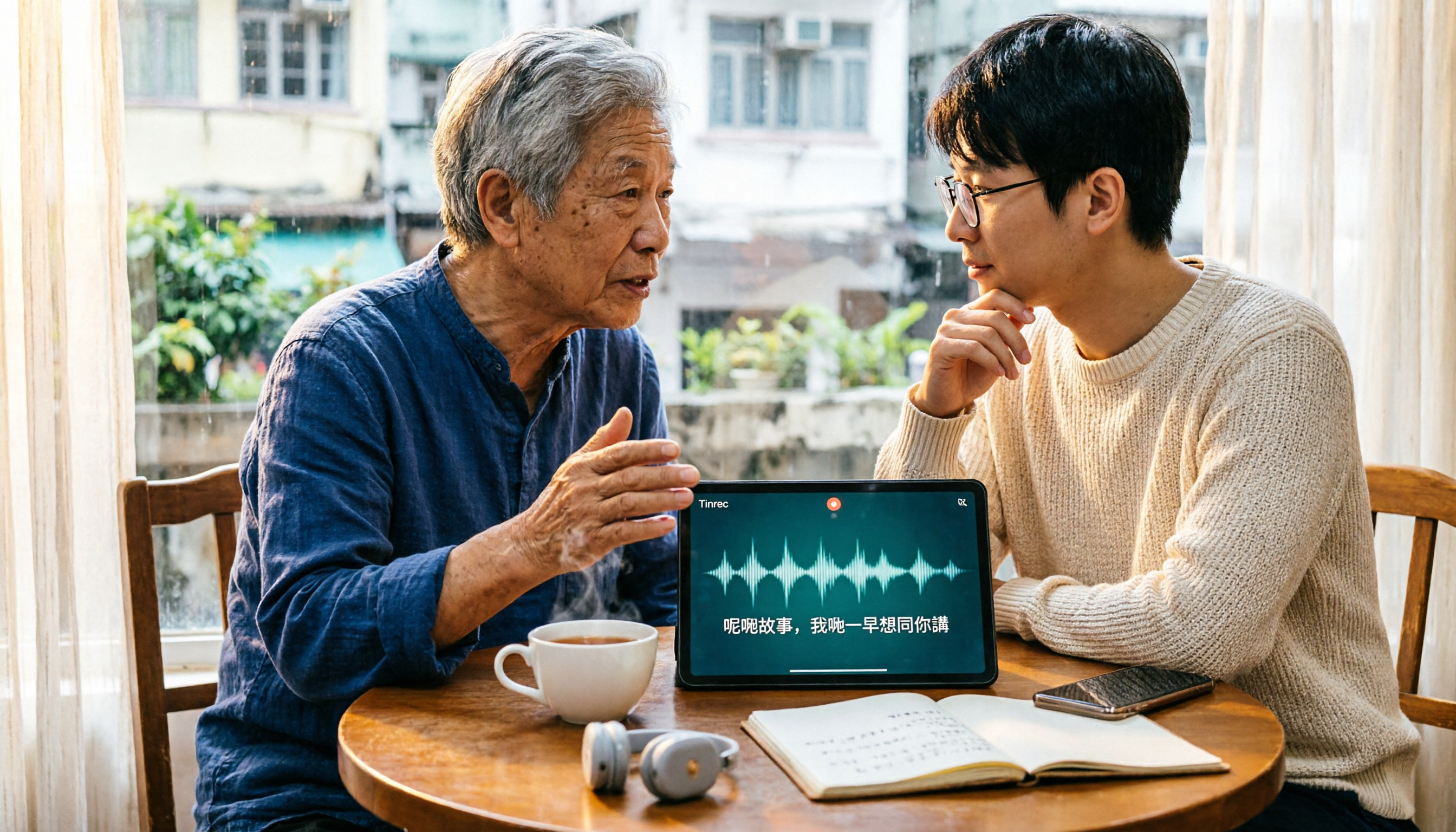
4 Cantonese Speech-to-Text Tools Tested: How to Choose a Free Option (2026)
PTT users often ask how to choose a free Cantonese speech-to-text tool. This article compares Tinrec, Subanana, cSubtitle, and Google AI Studio from four angles: free quota, Cantonese recognition, post-meeting organization, and team collaboration, with a guide to avoiding pitfalls and selection advice.

4 Cantonese Speech-to-Text Apps Tested for 2026: Which One Handles Cantonese Recognition and Post-Meeting Organization Best?
From Cantonese recognition and mixed Chinese-English handling to transcript readability and post-meeting AI organization, we tested and compared Tinrec, Subanana, Otter.ai, and PLAUD. We also outline 4 key points and common pitfalls when choosing a Cantonese speech-to-text app, helping you find the one that truly saves time.