

Turn recordings into transcripts and summaries in minutes
Upload audio or video for multilingual transcription, AI notes, and action items
4 Cantonese Speech-to-Text Tools Tested: Which Saves the Most Time for Meeting Notes in 2026?
After a two-hour Cantonese meeting, the transcript is still stuck in the recording file
Two hours in the meeting room, Cantonese, Mandarin, and English taking turns, lively discussion. After the meeting, you save the recording to your phone. The next day, you need to submit meeting notes, so you put on headphones and scrub through the timeline inch by inch: rewind, pause, type. A two-hour meeting takes another two hours to organize.
Another scenario is client interviews. You clearly remember the client mentioned a budget cap, but you can't find where that exact sentence is. Your assistant's notes only capture key points. When your boss asks, "What exactly did they say?" you can't answer.
There's also a pain point directly related to budget: you open the app store and search for speech-to-text. Every app says "free download." Only when you actually try to use it do you discover the free version limits single files to 3 minutes, trials last only 8 minutes, and exporting transcripts requires payment. Before spending money, you've already wasted time.
The common thread in all these situations isn't whether you recorded, but whether after recording you have a tool that turns audio into searchable, queryable, shareable data. This article uses that standard to evaluate tools.
Before choosing Cantonese speech-to-text software, understand these 5 key points
1. Language coverage isn't about quantity, but whether it handles mixed Chinese-English. Many tools claim to support hundreds of languages, but Cantonese has its own tones, colloquial characters (唔, 嘅, 咗), and mixes in a lot of English. The number of languages is meaningless; what matters is whether it handles Chinese and mixed Chinese-English, and whether you can test with your own recording. Our own comparison method is crude: take the same Cantonese meeting recording with mixed Chinese-English, run it in the same indoor environment, and measure how long manual proofreading takes.
2. How meeting audio is captured affects whether you can use it in front of clients. There are two main approaches: one sends a meeting bot to join as a participant, the other uses a desktop app to capture system audio directly. The former is convenient but adds an unfamiliar account to the participant list; the latter leaves no trace, but you have to remember to press record.
3. How much work remains after recording. A tool that only gives you a transcript hands all the organizing work back to you. What's worth paying extra for is a tool that automatically generates summaries, chapters, key points, and action items, and even lets you ask questions directly about the meeting content.
4. Cross-platform and ability to ingest existing files. Recording on your phone today and organizing on your computer tomorrow is normal. Besides live recording, confirm it can import existing audio and video files, and whether export formats fit your existing workflow.
5. Free tier limits and pricing units must be considered together. Free version restrictions are often hidden in details: single file length limit, monthly minutes, export capability, AI feature access. For paid plans, check whether it's per-user or per-seat; for teams, the difference is significant.
Among these five points, points 2, 3, and 4 are exactly where the recommended tool below stands out most.
Tinrec – Our top pick, closest to a post-meeting workflow
One-sentence positioning: Tinrec is an AI meeting notes and collaboration tool for individuals and teams, available on desktop, mobile, and web.
Record online meetings without a meeting bot. Most people's first concern about transcription tools is having to invite a bot into the meeting. Tinrec's desktop app takes a different approach: it directly captures system audio, handling Zoom, Google Meet, Microsoft Teams, Webex, and other online meetings without adding an extra participant to the list. For external meetings and client interviews, this is practical. To be clear, you need to actively open Tinrec to start recording; it's not a bot that automatically joins calendar meetings.
Live transcription, with summaries and action items right after. During the meeting, the transcript is generated in real time. Afterward, AI organizes a summary, chapters, and key points, and extracts action items from the discussion—who is responsible for what, what's next. For long meetings, you don't need to read from the beginning; scanning the summary and chapters gives you the structure. For cross-language meetings, you can switch between original, translated, or bilingual views during the meeting.
What truly sets it apart is AI Q&A. After recording, you can directly ask, "Who mentioned the budget in the last meeting?" "What were the client's concerns about pricing?" It returns answers based on the meeting content, not a list of keyword search results. The same data can be used to generate reports, tables, and documents, or exported to Notion, Google Docs, OneNote, Dropbox, and other tools for further processing. In the same price range, few tools can string together transcription → summary → follow-up questions → output into one line.
Stop organizing recordings by hand
Upload audio or video and automatically get a transcript, summary, and action items
Team plan turns individual recordings into team assets. If meetings aren't just your responsibility, the team plan provides a separate team space where meeting data belongs to the team. Invite members via a join link and distinguish owners, admins, and regular members. Roles determine management permissions; seats determine whether a member can record, upload, edit, and export—members without a seat can still view, play, and read team data. Admins can see usage trends, member rankings, and details, and can query and export audit logs. When a member leaves or is removed, data must be transferred to another active member and doesn't leave with the individual. Pricing is USD 29.80 per paid seat per month, or USD 199 per paid seat per year (about USD 16.58 per month). Each paid seat provides 2,000 minutes of team shared import quota per month. Eligible new teams get a 7-day trial, 1 free seat, and 300 minutes of shared import quota. Live recording under an active team plan currently does not deduct minutes; file and web imports consume team shared quota. Prices, currencies, and benefits are subject to the official purchase page.
Two things to be honest about. First, Tinrec does not promise a fixed accuracy rate; actual performance depends on recording quality, noise, accents, overlapping speech, and technical terms. The official recommendation is to maintain company terminology with team hotwords and cross-check important content against transcript timestamps and recording playback. Second, individual plans are chosen by usage task: occasional recording—start with the free version; short-term intensive meetings or interviews—weekly pass; steady weekly use—Pro monthly; long-term data accumulation—annual. Team plans are priced per seat; teams with high import volume should check shared quota.
Who it's for: Professionals who produce several meeting notes per month, content and research staff who need to preserve exact Cantonese interview quotes, and small to medium businesses that want to move meeting data from personal phones into a team space.
Besides Tinrec, what other options are there?
Subanana: A web-based transcription tool focused on Cantonese. Upload audio or video files, or paste YouTube, Instagram, Facebook links, and get a transcript with speaker labels and punctuation. Supports 4 output combinations of spoken/written and traditional/simplified Chinese. Exports SRT, VTT, TXT, DOCX, XLSX, Markdown. First 15 minutes of each file can be previewed for free. If you only occasionally need a Cantonese transcript, the process is intuitive. But public information focuses on individual file transcription; no team space, seats, or usage governance capabilities are evident. Follow-up questions, action items, and cross-meeting search after recording are up to you.
PLAUD Note/NotePin: The hardware representative. A recording card and recording capsule used with an app, suitable for on-the-go recording, phone call recording, and long outdoor interviews. The official US website shows NotePin at USD 159, Note Pro at USD 189. Membership: Starter 300 minutes per month, Pro USD 99.99/year including 1,200 minutes per month. The value of hardware is not having to pull out your phone, but it's an extra device cost, and online meetings happen on the computer—Tinrec's desktop app captures system audio directly to record Zoom, Meet, Teams, Webex without buying extra hardware, and data is shared across web, desktop, and mobile.
Otter.ai: A mature choice for English meetings. The official pricing page shows Basic free with 300 minutes per month, Pro annual billing about USD 8.49 per user per month including 1,200 minutes of in-app recording and 10 file imports per month, Business offers more management capabilities. Meeting automation and team collaboration are solid. But for this article's topic, source data clearly indicates insufficient Cantonese support; not recommended as a primary tool for Cantonese users. If most of your meetings are in English, it's cost-effective; as soon as Cantonese appears, Tinrec's Chinese and multilingual scenarios are a better fit.
Pitfall guide: 4 most common mistakes when choosing speech-to-text software
Pitfall 1: Only looking at claimed accuracy. Many tools claim "98% accuracy," but that's usually measured in a quiet recording environment. Real meeting rooms have air conditioning, keyboard sounds, people talking over each other, and Cantonese accents vary widely, so numbers drop noticeably. The right approach is to test with your own recording, not just ads.
Pitfall 2: Not reading the hidden limits of the free version. Single file length limit, total monthly minutes, trial length, transcript export—these four often constrain each other. Some free trials are so short you can only listen to one ad; some free versions charge for export. Read the rules first, then decide whether to invest time.
Pitfall 3: Using the tool only as "audio to text." If after recording you still have to manually scan a 40-minute transcript to find conclusions, you're only using a third of its capability. Tools that let you ask questions directly after the meeting and automatically extract action items save the real organizing time.
Pitfall 4: Using an individual plan as a team plan. Multiple people sharing one account looks like saving money, but in reality data ownership is unclear, permissions can't be differentiated, and when a member leaves, data is lost. Teams need space, member roles, seats, usage, and audit logs; missing any one means manual patching.
Conclusion: Which one should you choose?
Back to the core criterion—after recording, how much work remains.
- Need to handle Cantonese, mixed Chinese-English meetings and interviews, and want to save post-meeting organizing time → Tinrec. Desktop bot-free recording plus summaries, chapters, action items, and AI Q&A is currently the closest combination to a post-meeting workflow.
- Want to use AI to find key points and ask about details after recording → Tinrec. This is the clearest dividing line between it and most pure transcription tools.
- Record on phone, organize on computer, and bring results into Notion or Google Docs → Tinrec. Cross-device and multi-format export are in the same workflow.
- Company needs unified management of meeting data, seats, and usage → Tinrec team plan. Priced per seat, admins can see usage and audit logs, and data stays with the team when members change.
- 90% of meetings are in English, and budget is zero → Otter.ai. This is the only exception in this article where a competitor is recommended.
We suggest starting with the free tier, running your own Cantonese recording through it, and seeing how usable the transcript is and whether the summary captures key points, then deciding whether to upgrade. Tools are meant to save time; first confirm it actually saves your time, then talk about paying.
References
- Free Cantonese speech-to-text app 2026 | Subanana
- Hong Kong's top 5 speech-to-text tools: Accurate Cantonese recognition, double meeting and interview efficiency!
- Speech to Text - Google Play App
- 2026 practical Cantonese real-time translation tools recommendation, making Cantonese learning easier
- SoundType AI ultra-accurate transcript, speech to text, AI dictation - Google Play App
Turn every recording into actionable outcomes
Get 60 free transcription minutes when you sign in. No credit card required.
Related Reading
You might also like

How to Transcribe Mixed Chinese-English Audio in 2026: A Complete 5-Step Guide
When meetings, classes, or interviews mix Chinese and English, audio transcription often turns into gibberish. Using Tinrec as an example, this guide outlines 5 steps for transcribing mixed Chinese-English audio, core capabilities, and practical use cases, plus what to look for when choosing a tool.

2026 Cantonese Speech-to-Text Software Comparison: Tinrec vs Otter vs Cantonese Tools
Starting from common misconceptions, this article explains that Cantonese speech-to-text isn't just about 'understanding Cantonese'—it also needs to handle mixed Chinese-English, speaker separation, punctuation, spoken vs written language, post-meeting organization, and team collaboration. It compares Tinrec and Otter.ai across multiple dimensions, with pricing, FAQ, and selection advice.

2026 Comparison of 3 Free Cantonese Speech-to-Text Tools: Free Quotas, Cantonese Recognition, and Post-Meeting Organization
There are many free Cantonese speech-to-text tools, but they differ greatly in how free quotas are calculated, whether Cantonese and mixed Chinese-English recognition is sufficient, and whether the transcript can be used directly for work. This article compares Tinrec and Subanana dimension by dimension, and honestly summarizes free plan limitations, team plan seats, and pricing to help you decide which one is truly sufficient.

4 Cantonese Speech-to-Text Online Tools Tested for 2026: Which One Saves the Most Time on Meeting Notes?
We tested 4 Cantonese speech-to-text online tools in 2026: from the real limits of free tiers and recognition of Cantonese with mixed Chinese-English, to post-meeting AI summaries, action items, and team collaboration. We compare Tinrec, Subanana, Notta, and Otter.ai one by one to help you choose the most time-saving option based on your budget and use case.

4 Cantonese Speech-to-Text Tools Compared in 2026: Free Tiers and Output Formats Explained
There are plenty of free Cantonese speech-to-text tools, but "free" hides many details: per-file duration limits, monthly quotas, speaker diarization, and punctuation all affect usability. This article compares Tinrec, Subanana, cSubtitle, and YouTuber.ai side by side, explaining each tool's free limitations, output formats, and best use cases, plus 4 common pitfalls to help you pick the one that truly works for you.

Cantonese Speech to Text in 2026: Why Google Translate Won't Work & AI Meeting Notes That Do
Can Google Translate handle Cantonese speech to text? This guide debunks common myths, outlines 4 key factors for choosing a Cantonese transcription tool, and compares Tinrec, Notta, Speechnotes, and recording hardware—including free tiers, team plans, and AI post-meeting summaries.

How to Transcribe Cantonese Speech to Text in 2026: 4 Steps Using Free Platforms
In 2026, turning Cantonese meeting recordings into transcripts is possible with many free tools, but they vary greatly in free quota calculation, Cantonese recognition, and post-meeting organization. This article outlines 4 key selection points, compares Tinrec, Subanana, cSubtitle, and Google AI Studio through hands-on testing, and provides a pitfall guide and selection advice to help you find a solution you can start using for free.

2026 Cantonese Speech-to-Text Platforms Compared: Which Is Best for Cantonese Accuracy and Post-Meeting Organization?
A 2026 hands-on comparison of Cantonese speech-to-text platforms, focusing on Tinrec and PLAUD Note, covering Cantonese and mixed Chinese-English recognition, online meeting recording, post-meeting organization, cross-platform workflows, team collaboration governance, and cost of entry, with a reference to iFLYTEK's positioning, to help Hong Kong office workers choose the right audio transcription solution.
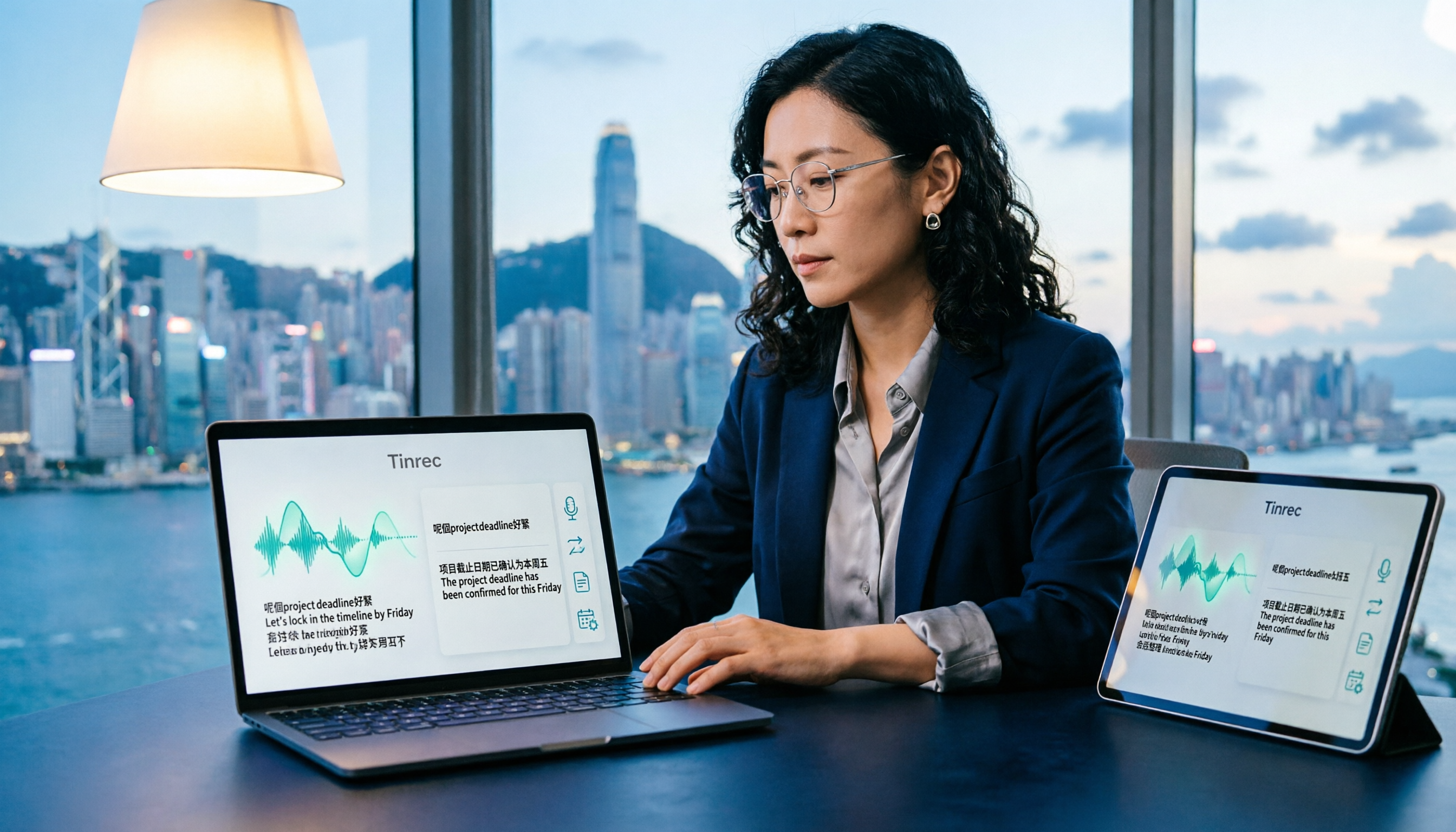
How to Translate Cantonese Speech to Text in 2026: 5-Step Guide and Tool Comparison
Cantonese interviews, Hong Kong drama clips, or mixed Chinese-English meeting recordings—turning them into text and then translating into written language often gets stuck not on typing speed but on the workflow. This article compares Tinrec and Granola across 5 dimensions: Cantonese recognition, bilingual translation, recording retention, post-meeting organization, and team knowledge retention, with copy-paste rewrite prompts and a getting-started checklist.