

Turn recordings into transcripts and summaries in minutes
Upload audio or video for multilingual transcription, AI notes, and action items
4 Cantonese Speech-to-Text Tools Compared in 2026: Free Tiers and Output Formats Explained
"There's a free version, so I'll just download it and use it." That's the comment I see most often in the comments section, and it's also the easiest judgment to get wrong.
Free Cantonese speech-to-text tools aren't unusable—the problem is that the word "free" hides a lot of details. Some free plans only give you 3 minutes at a time, so a 1-hour meeting has to be split into 20 uploads. Some free versions only show you a "preview," and you have to pay before you can download. Others don't do speaker separation or add punctuation, so you end up with a blob of text with no sentence breaks.
A more sensible approach is to first figure out how long your files typically are, roughly how many meetings you have per month, and whether you need speaker separation and timestamps—then look at which free plan can actually handle that.
This article rounds up 4 Cantonese-related speech-to-text tools and lays out what their free plans can actually do and where the limits are.
The 3 Most Common Misconceptions About Free Tools—The Problem Isn't Free, It's Not Reading the Limits
Misconception 1: Treating "free" as a single standard. The differences between free plans are bigger than the differences between free and paid. Some limit total hours, some limit per-file length, and some are only free for specific formats.
Misconception 2: Thinking the job ends once you get the text. Typing subtitles for a 20-minute video takes an hour—that's why many people look for tools. But if you still have to read the transcript from start to finish to find the key points, the time saved is actually limited.
Misconception 3: Using a personal account to handle team matters. When meeting data sits in a personal free account, it scatters the moment a member leaves or changes phones.
If you've run into these situations, keep reading—I'll first list the key points to watch when choosing.
Before Choosing a Tool, Understand These 4 Key Points
Key Point 1: Is the language model actually designed for Cantonese? This is the most important judgment in this whole article. Cantonese has a lot of colloquial usage and mixed Chinese-English, so if a tool forces a Mandarin model onto it, words like "m goi" and "gau dim" easily come out wrong. When choosing a tool, look directly at whether it has Cantonese-specific documentation, not just at how many languages are on its supported list.
Key Point 2: The "form" of the free quota matters more than the number. "120 free minutes" sounds generous, but if the limit is 3 minutes per session, a 40-minute meeting has to be split into a dozen or more segments. Conversely, a plan that limits total monthly usage but has no per-file length cap is far friendlier for meeting users.
Key Point 3: What exactly is the output? Plain text only versus "speaker-separated, punctuated, with timestamps, and exportable as SRT/VTT subtitle files" are completely different workloads. If you need subtitles, format support is a must; if you're writing meeting notes, summaries and action items are the priority.
Key Point 4: Cross-device and team needs. Recording on your phone and organizing on your computer is a very common workflow, so confirm which platforms the tool supports. If the data needs to be shared across a whole department, you also need to look at whether it has concepts like members, permissions, and usage management.
Tinrec—Turning Transcripts into Meeting Data You Can Keep Working With
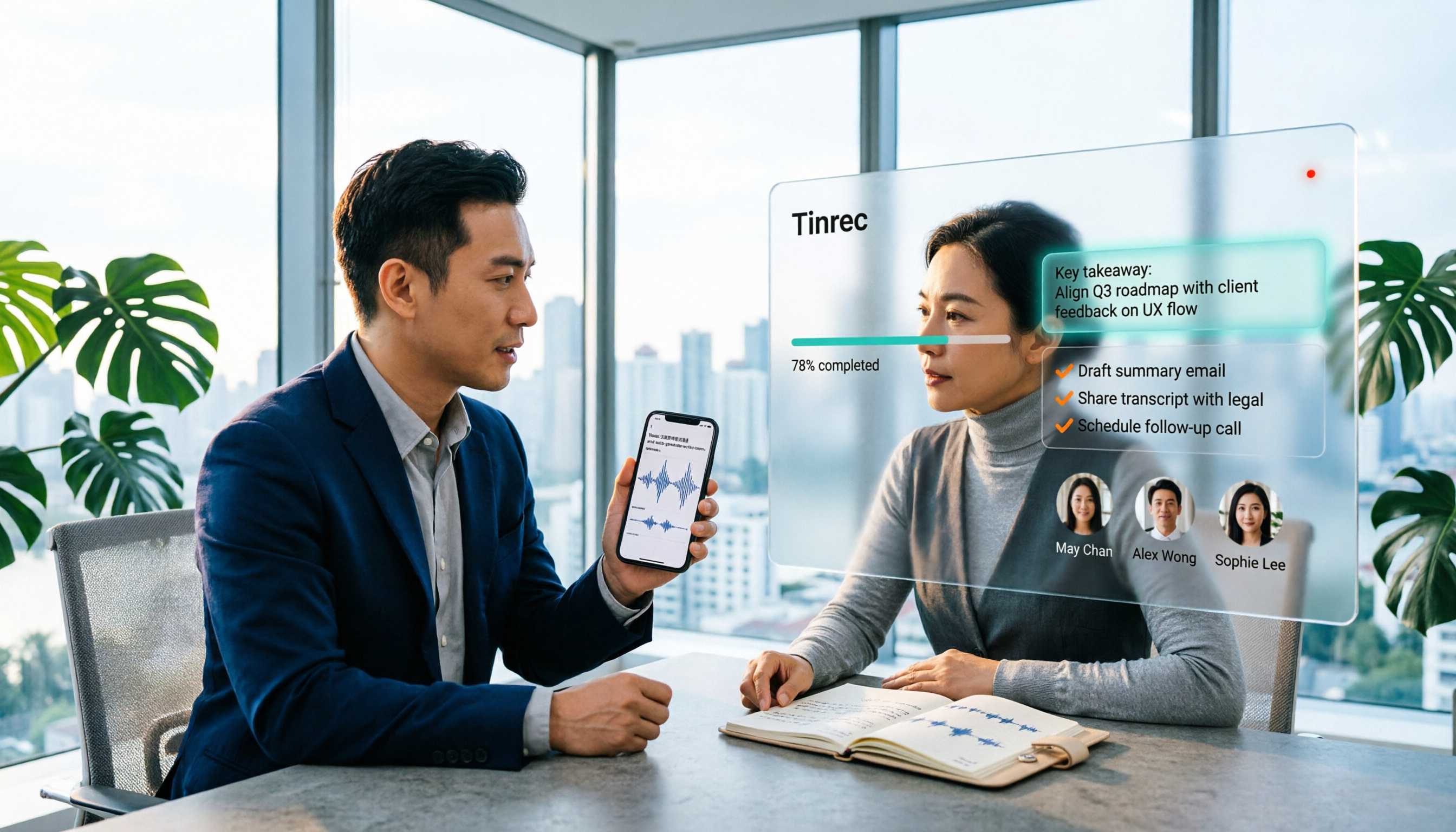
Tinrec is an AI meeting notes and collaboration tool for individuals and teams, supporting iOS, Android, and web, with a desktop version that handles online meetings on your computer. Its biggest difference from pure transcription tools is that the transcript is just an intermediate product—after it come summaries, action items, Q&A, and team knowledge retention.
Record online meetings without a meeting bot. For meetings on Zoom, Google Meet, Microsoft Teams, and Webex, Tinrec's desktop version captures your computer's system audio directly, so you don't need to invite a bot into the participant list. Note that it's not a bot that automatically joins all calendar meetings—you open the desktop app and actively start recording.
Live transcription while recording, plus real-time translation. In-person meetings, interviews, and on-site conversations can be recorded and transcribed in real time; pre-recorded audio, video, or content imported via some public links go through the file organization route. For cross-language meetings, you can view the original, translation, or bilingual content while recording. Tinrec supports Chinese and multilingual meeting transcription, and can also handle mixed Chinese-English content.
The real time savings come after the meeting. After recording, Tinrec generates summaries, chapters, key points, and action items, so you don't have to listen to a long meeting from the start. Even better is AI Q&A: you can directly ask "Who mentioned the budget in the last meeting?" and it answers based on meaning, rather than dumping a list of keyword search results on you. When you need to deliver results, you can also use Agent post-processing to produce reports, tables, and documents, or export to Notion, Google Docs, OneNote, and Dropbox for further editing.
Stop organizing recordings by hand
Upload audio or video and automatically get a transcript, summary, and action items
How free and paid versions differ. The personal free version provides a basic quota so you can try recording, importing, summaries, and transcription; if you only occasionally organize a recording, the free version is enough. If you have a short period of intensive meetings, courses, or interviews, consider a weekly card; if you have steady needs every week, the Pro monthly or annual plan is more suitable. For actual quotas and prices, refer to the official purchase page.
Team use cases. If meeting data needs to be shared across a whole department, Tinrec's team version is a separate team space, not multiple people sharing one personal account. Team monthly is USD 29.80 per paid seat per month, and annual is USD 199 per paid seat per year (about USD 16.58 per month). Eligible new teams can try 7 days, 1 free seat, and 300 minutes of team shared import quota; paid seats provide 2,000 minutes of team shared import quota per month, while live recording currently does not deduct by minutes under an active plan and active seat. The team version also offers role and seat management, usage trends and member details, audit log search and export, team hotwords, and a 30-day audio recycle bin. To be clear: the team version is shared at the team level—active members can view, play, and read data even without a seat, but they need a seat to record, upload, edit, and export. It is not a fine-grained file-level permission system.
Limitations should also be clear. Tinrec does not publicly promise a fixed accuracy rate; actual performance is affected by recording quality, background noise, accents, overlapping speakers, and technical terminology. For important numbers and conclusions, it's recommended to verify against transcript timestamps and recording playback.
Who it's for. If you handle Chinese (including mixed Chinese-English) meetings, interviews, or course recordings, and want to use AI to find key points, produce action items, and keep data in a team space for ongoing use right after recording, then Tinrec is the most comprehensive of the 4 tools covered here.
Besides Tinrec, What Other Free Options Are There?
Subanana: A Cantonese transcription service from a Hong Kong team. Its official page says you can upload audio or video files or paste a YouTube link to get a transcript with speaker separation and punctuation, and it handles mixed Chinese-English. You can choose colloquial or written style and traditional or simplified output, and the first 15 minutes of each file can be previewed for free. If you just want to confirm "is free Cantonese recognition accurate enough," trying a segment with it is very intuitive. The difference is that it's mainly an upload-file-and-link workflow, while Tinrec can also directly record online meetings on your computer from the desktop and use AI afterward to ask follow-up questions and retain data in a team space.
cSubtitle: A Taiwan-based online transcription tool that supports Cantonese (HK). The free version offers a "quick 3-minute" short-file trial, with a per-file limit of 4GB and duration within 5 hours, supporting MP4/MOV/MP3/WAV/M4A/OGG/WMA and other formats. It outputs Word files with time codes and .sub/.vtt standard subtitle files, making it great for adding subtitles to videos. Its workflow is "have a file first, then upload"; Tinrec, by contrast, can record while a meeting is happening, generate a transcript on the fly, and afterward provide summaries, action items, and AI Q&A.
YouTuber.ai: Positioned as free—upload a file or paste a YouTube link to transcribe, and its official page claims up to 96% accuracy, making it a time-saving option for video creators. However, its focus is on file and link transcription; if what you need is "online meetings without an extra bot joining," "automatic action item organization after meetings," or "team-shared meeting data," that falls within Tinrec's scope.
Pitfall Guide: The 4 Most Common Mistakes When Using Free Cantonese Transcription Tools
Pitfall 1: Only looking at the officially claimed accuracy rate. Numbers like 96% and 98% usually come from test audio recorded under good conditions. Real meetings have air conditioning noise, keyboard sounds, people talking over each other, and Cantonese-specific colloquialisms and mixed Chinese-English, so performance will differ noticeably. It's best to try your own recordings with the free quota rather than just looking at advertising numbers.
Pitfall 2: Not reading the form of the free quota carefully. "Free" might mean 3 minutes per file, a preview of the first 15 minutes per file, a fixed number of minutes per month, or only one trial opportunity. When a long meeting is split into many segments, just re-uploading and aligning timestamps can eat up the time you originally saved.
Pitfall 3: Treating the transcript as the finish line. If all you get is a text transcript, you still have to read it from start to finish yourself. If you produce meeting notes every week, choosing a tool that automatically generates summaries, chapters, and action items will be worth more than simply saving typing time.
Pitfall 4: Teams using a "shared account." When multiple people share one account, you can't tell who deleted a file when something goes wrong, and data may leave with a departing member. A more stable approach is to use a team space with roles and seats, so meeting data belongs to the team and actions leave a record. One more reminder: before recording and transcribing, remember to comply with local regulations and obtain consent from participants.
Summary: Which One Should You Actually Choose?
It depends on your use case:
- You need to record Zoom, Meet, Teams, or Webex online meetings without letting a bot join → Tinrec desktop's bot-free recording.
- Meetings are in Chinese or mixed Chinese-English, and you want to use AI afterward to directly ask for key points and produce action items and documents → Tinrec.
- Your team needs to share meeting data and manage members, seats, and usage → Tinrec team version, with a separate team space, seat allocation, and audit logs.
- You record on your phone and organize on your computer, needing cross-device support → Tinrec, with iOS, Android, and web all covered.
- Zero budget, and you only need YouTube subtitles or short-file testing → YouTuber.ai can transcribe from a pasted link, or first try Subanana's free preview and cSubtitle's free short-file trial.
If you're still on the fence, you can start with Tinrec's free version and run your hardest Cantonese recording through the basic quota; if the transcript and summary really work for you, then consider upgrading—no need to pay from the start.
References
- Free Cantonese speech-to-text app 2026 | Subanana
- [Free Tool] Cantonese Speech to Text! Just upload a file or YouTube link. Up to 96% accuracy - YouTuber AI | Spend time on creativity, leave the AI to do the hustle work.
- Text to Speech Cantonese - Toolbang
- [Free Tool] Cantonese to Text App, Use in Browser! Just upload a file or YouTube link. Up to 96% accuracy - YouTuber AI | Spend time on creativity, leave the AI to do the hustle work.
- Online AI Speech, Video, Audio File Auto Transcription - Free Trial - cSubtitle
Turn every recording into actionable outcomes
Get 60 free transcription minutes when you sign in. No credit card required.
Related Reading
You might also like

4 Free Speech-to-Text Tools for Mixed Chinese-English Meetings in 2026: Which One Handles Code-Switching Best?
When meetings mix Chinese and English with technical jargon, pure Chinese or pure English recognition engines often fail. This article compares 4 transcription tools that handle mixed-language content, covering free tier limits, Chinese-English switching, post-meeting summaries and action items, and team data ownership. It also highlights 3 common pitfalls to help you decide if a free version is enough.
How to Transcribe Cantonese Speech to Text in 2026: 3 Steps to a Transcript + Auto Summary
How do you turn Cantonese and mixed Chinese-English meeting recordings into a usable transcript? This guide walks you through the speech-to-text process in 3 steps, lists 5 key points for choosing software, and explains how Tinrec's real-time transcription, AI summary, action item extraction, and team workspace work in practice.

4 Best Code-Switching Transcription Tools in 2026: Which Handles Chinese-English Mixing Most Accurately?
Meetings with mixed Chinese and English are the hardest to organize. This article tests 4 transcription tools, comparing their code-switching recognition, post-meeting AI Q&A, audio retention, and team collaboration. We also summarize key buying factors and common pitfalls to help you find the one that truly saves time.

2026 Guide: Best Speech-to-Text Tools for Chinese-English Code-Switching — Tinrec Transcription + AI To-Dos
Tired of transcription tools turning your Chinese-English meetings into gibberish? This guide covers common pitfalls, 4 key factors for choosing a code-switching transcription tool, and hands-on recommendations for Tinrec (秒聽錄音) including transcripts, AI Q&A, and team spaces. We also compare Yating, Vocol.ai, and Otter.ai for different use cases and pricing.

5 Best Code-Switching Transcription Tools in 2026: Free Tier Limits and Chinese-English Accuracy Compared
Meetings that mix Chinese and English are one of the hardest recording scenarios to transcribe automatically. This article starts from real-world use cases to explain what code-switching transcription can do for you, Tinrec's core capabilities and free tier limits, and lists 5 key buying considerations and FAQs to help you decide whether a free tier is enough.

How to Transcribe Mixed Chinese-English Audio in 2026: A Complete 5-Step Guide
When meetings, classes, or interviews mix Chinese and English, audio transcription often turns into gibberish. Using Tinrec as an example, this guide outlines 5 steps for transcribing mixed Chinese-English audio, core capabilities, and practical use cases, plus what to look for when choosing a tool.

2026 Cantonese Speech-to-Text Software Comparison: Tinrec vs Otter vs Cantonese Tools
Starting from common misconceptions, this article explains that Cantonese speech-to-text isn't just about 'understanding Cantonese'—it also needs to handle mixed Chinese-English, speaker separation, punctuation, spoken vs written language, post-meeting organization, and team collaboration. It compares Tinrec and Otter.ai across multiple dimensions, with pricing, FAQ, and selection advice.

2026 Comparison of 3 Free Cantonese Speech-to-Text Tools: Free Quotas, Cantonese Recognition, and Post-Meeting Organization
There are many free Cantonese speech-to-text tools, but they differ greatly in how free quotas are calculated, whether Cantonese and mixed Chinese-English recognition is sufficient, and whether the transcript can be used directly for work. This article compares Tinrec and Subanana dimension by dimension, and honestly summarizes free plan limitations, team plan seats, and pricing to help you decide which one is truly sufficient.

4 Cantonese Speech-to-Text Online Tools Tested for 2026: Which One Saves the Most Time on Meeting Notes?
We tested 4 Cantonese speech-to-text online tools in 2026: from the real limits of free tiers and recognition of Cantonese with mixed Chinese-English, to post-meeting AI summaries, action items, and team collaboration. We compare Tinrec, Subanana, Notta, and Otter.ai one by one to help you choose the most time-saving option based on your budget and use case.