

Turn recordings into transcripts and summaries in minutes
Upload audio or video for multilingual transcription, AI notes, and action items
Why Google Translate's "instant translation" can't save your Cantonese transcript
When people need to turn Cantonese audio into text, the first thing they think of is often Google Translate. It's free, already on your phone, and you can just tap the microphone to speak—seems convenient.
But Google Translate is designed for translation, not transcription. Its voice input is meant to instantly translate sentences into another language, handling only short snippets at a time. Once you finish speaking, it's translated and gone—no searchable, timestamped transcript left behind.
There's another common confusion: getting the direction wrong. Many online tools related to "Cantonese" (like Toolbang's text-to-speech) do the opposite—they turn typed text into Cantonese pronunciation. That's text-to-speech. What you want—turning recordings into text—is the reverse, and the two are not interchangeable.
Also, written and spoken Cantonese differ greatly. Characters like "嘅," "咗," "喺," "唔該"—if a tool treats "Chinese" as a single language pack, they often get converted to standard written Chinese, produce typos, or even come out blank.
So the issue isn't whether Google Translate is good or bad—it's that you need to turn a Cantonese conversation into a usable transcript, which requires a dedicated speech-to-text tool.
4 key points to understand before choosing a Cantonese speech-to-text tool
1. Is Cantonese treated as an independent language? Many tools claim to "support 100+ languages," but in reality they treat Chinese (Mandarin) as one model and force Cantonese through "sounds-like" conversion. Test with a code-switching Cantonese sentence, e.g., "呢個 project 嘅 deadline 係幾時."
2. Does the transcript persist? A usable transcript needs timestamps, searchability, copyability, and export options. If it disappears after speaking, it's as good as no record.
3. Post-meeting organization. After recording a 60-minute meeting, a transcript alone isn't enough. Can it automatically generate summaries, chapters, action items, and even let you ask "Who was responsible for the budget last meeting?" That's where real time savings come from.
4. Free tier and cross-platform. Check how much free usage you get, whether there's a length limit per session, and whether you can continue between phone and computer.
Before recording, a reminder: get consent from participants. Legal requirements for recording and transcription vary by region.
Tinrec — Our top recommendation after comprehensive review
Tinrec is an AI meeting notes and collaboration tool for individuals and teams, available on iOS, Android, and web, supporting Chinese, Traditional Chinese, and multilingual meeting scenarios.
Bot-free recording for online meetings is its most practical feature. The desktop version captures system audio directly, so for Zoom, Google Meet, Microsoft Teams, Webex, etc., you don't need to add a meeting bot. Open Tinrec during the meeting, and a transcript appears as you speak; when the meeting ends, summaries, chapters, and action items are already organized—who's responsible for what and when it's due, all at a glance.
You can keep asking questions after recording—rare at this price point. The transcript is just the start. You can ask questions directly about the meeting content, e.g., "What were the client's concerns about pricing?" It answers based on semantics, not just a list of keywords for you to Ctrl+F. When you need deliverables, it can generate reports, tables, and meeting minutes, or export to Notion, Google Docs, OneNote, Dropbox, etc. for further editing.
Handling Cantonese and code-switching. Tinrec covers Chinese, Traditional Chinese, and multilingual meeting scenarios. The team plan also lets you maintain team hotwords—add company-specific terms and product names. Note: any tool's performance is affected by recording quality, background noise, accents, and overlapping speech. No tool should promise a fixed accuracy rate. Test with your own real meeting recordings—that's more reliable than marketing numbers.
Pros:
Stop organizing recordings by hand
Upload audio or video and automatically get a transcript, summary, and action items
- Bot-free desktop recording—no extra participant needed for online meetings.
- Summaries, chapters, action items, AI Q&A, and multi-format export—not just a transcript.
- Team plan keeps data in a team space, so meeting records don't disappear when a member leaves or is replaced.
Limitations: The free plan offers basic usage—good for trying out. Heavy users with multiple weekly meetings should consider the weekly pass or Pro plan. Also, if you need to batch transcribe dozens of long files at once, there are tools more specialized for batch processing.
Team plan: Eligible teams can try free for 7 days, including 1 free seat and 300 minutes of shared team import quota; paid seats are USD 29.80/seat/month or USD 199/seat/year (about USD 16.58/month), each paid seat provides 2,000 minutes of shared team import quota per month. Live recording under an active team plan is currently not deducted by minutes. Actual prices, currencies, and promotions are subject to the official purchase page.
Who it's for: People who frequently need to organize Chinese or Cantonese meetings, want to use AI to find key points after meetings, and switch between phone and computer. For larger teams, the team plan centralizes meeting data management—admins can assign seats, view usage analytics, and audit logs.
Besides Tinrec, what other options are there?
Notta: Does multi-platform transcription and translation, with good multilingual capabilities—Tinrec's most direct competitor. Free plan includes basic minutes per month, with a length limit per session; business plan offers role permissions and usage reports. It leans more toward file transcription and subtitles, less on "bot-free desktop recording + AI conversational Q&A." Suitable for users already comfortable with Notta's interface and primarily needing file processing.
Speechnotes (Hong Kong Cantonese online version): A free dictation tool you can use right in your browser, with a page for Hong Kong Cantonese that corrects the "o" representation for Cantonese characters and converts half-width punctuation to full-width. It's good for "quickly typing a passage," but it doesn't generate meeting summaries or action items, nor does it build a searchable historical meeting database—those are Tinrec's strengths.
PLAUD Note / NotePin: An AI recording hardware route—requires buying a separate device. Suitable for people who are often on the go and want a physical record button. However, for online meeting system audio, organizing old audio files, and cross-device team databases, software tools are more direct.
If you need professional transcription delivery of "Cantonese to English," services like GGLOT that combine AI with expert proofreading are another path; their core is outsourced transcription, not a daily meeting tool for yourself.
Pitfall guide: 4 most common mistakes when choosing these tools
Pitfall 1: Treating Google Translate as a transcription tool. Its voice feature is for instant translation—once you finish speaking, it's translated and gone. No transcript, no timestamps, and long sentences easily break. Fine for asking directions, not for meeting records.
Pitfall 2: Only looking at "how many languages supported" without testing spoken Cantonese. Tools that treat "Chinese" as one package often convert "嘅, 咗, 喺, 唔" directly into written Chinese. Test with real speaking speed and code-switching sentences—don't just read a news script.
Pitfall 3: Thinking a transcript alone is enough. With only a transcript, you still have to read through it from the start. Summaries, chapters, action items, and AI Q&A are what truly save organization time.
Pitfall 4: Thinking you must buy recording hardware. If your meetings mainly happen on a computer, software can handle it. Buying an extra device usually just means one more thing to charge.
Conclusion: Which one should you choose?
- Frequent online meetings, need a searchable Cantonese transcript plus post-meeting summaries and action items → Tinrec (bot-free recording + AI Q&A, most complete post-meeting organization)
- Need team-shared meeting data, seat management, and usage tracking → Tinrec Team Plan (data belongs to the team, transferable when members change)
- Just want to quickly type a passage of Cantonese in the browser, no other features → Speechnotes Hong Kong Cantonese version is enough
- Already using Notta, primarily need file transcription → Continue with Notta
- Need portable physical recording, often on the go → Consider PLAUD or similar recording hardware
We suggest trying Tinrec's free plan with a segment of your own Cantonese meeting recording to confirm recognition meets your expectations before upgrading; the free quota is enough for two or three trials—no need to pay upfront.
References:
- Text-to-Speech Cantonese | Toolbang
- Google Translate
- Cantonese Speech to Text | Expert Transcription Service (GGLOT)
- Speech to Text | Google Play App
- Speechnotes | Hong Kong Cantonese | Speech to Text Online Notepad
References
Turn every recording into actionable outcomes
Get 60 free transcription minutes when you sign in. No credit card required.
Related Reading
You might also like

How to Transcribe Mixed Chinese-English Audio in 2026: A Complete 5-Step Guide
When meetings, classes, or interviews mix Chinese and English, audio transcription often turns into gibberish. Using Tinrec as an example, this guide outlines 5 steps for transcribing mixed Chinese-English audio, core capabilities, and practical use cases, plus what to look for when choosing a tool.

2026 Cantonese Speech-to-Text Software Comparison: Tinrec vs Otter vs Cantonese Tools
Starting from common misconceptions, this article explains that Cantonese speech-to-text isn't just about 'understanding Cantonese'—it also needs to handle mixed Chinese-English, speaker separation, punctuation, spoken vs written language, post-meeting organization, and team collaboration. It compares Tinrec and Otter.ai across multiple dimensions, with pricing, FAQ, and selection advice.

2026 Comparison of 3 Free Cantonese Speech-to-Text Tools: Free Quotas, Cantonese Recognition, and Post-Meeting Organization
There are many free Cantonese speech-to-text tools, but they differ greatly in how free quotas are calculated, whether Cantonese and mixed Chinese-English recognition is sufficient, and whether the transcript can be used directly for work. This article compares Tinrec and Subanana dimension by dimension, and honestly summarizes free plan limitations, team plan seats, and pricing to help you decide which one is truly sufficient.

4 Cantonese Speech-to-Text Online Tools Tested for 2026: Which One Saves the Most Time on Meeting Notes?
We tested 4 Cantonese speech-to-text online tools in 2026: from the real limits of free tiers and recognition of Cantonese with mixed Chinese-English, to post-meeting AI summaries, action items, and team collaboration. We compare Tinrec, Subanana, Notta, and Otter.ai one by one to help you choose the most time-saving option based on your budget and use case.

4 Cantonese Speech-to-Text Tools Compared in 2026: Free Tiers and Output Formats Explained
There are plenty of free Cantonese speech-to-text tools, but "free" hides many details: per-file duration limits, monthly quotas, speaker diarization, and punctuation all affect usability. This article compares Tinrec, Subanana, cSubtitle, and YouTuber.ai side by side, explaining each tool's free limitations, output formats, and best use cases, plus 4 common pitfalls to help you pick the one that truly works for you.

How to Transcribe Cantonese Speech to Text in 2026: 4 Steps Using Free Platforms
In 2026, turning Cantonese meeting recordings into transcripts is possible with many free tools, but they vary greatly in free quota calculation, Cantonese recognition, and post-meeting organization. This article outlines 4 key selection points, compares Tinrec, Subanana, cSubtitle, and Google AI Studio through hands-on testing, and provides a pitfall guide and selection advice to help you find a solution you can start using for free.

4 Cantonese Speech-to-Text Tools Tested: Which Saves the Most Time for Meeting Notes in 2026?
After recording Cantonese meetings or client interviews, do you lack time to organize transcripts? This article compares four Cantonese speech-to-text tools—Tinrec, Subanana, PLAUD Note/NotePin, and Otter.ai—from the perspective of 'how much work remains after recording.' It covers 5 key purchasing factors, 4 common pitfalls, and explains the difference between per-user and per-seat pricing for individual and team plans, helping you choose the right tool on a limited budget.

2026 Cantonese Speech-to-Text Platforms Compared: Which Is Best for Cantonese Accuracy and Post-Meeting Organization?
A 2026 hands-on comparison of Cantonese speech-to-text platforms, focusing on Tinrec and PLAUD Note, covering Cantonese and mixed Chinese-English recognition, online meeting recording, post-meeting organization, cross-platform workflows, team collaboration governance, and cost of entry, with a reference to iFLYTEK's positioning, to help Hong Kong office workers choose the right audio transcription solution.
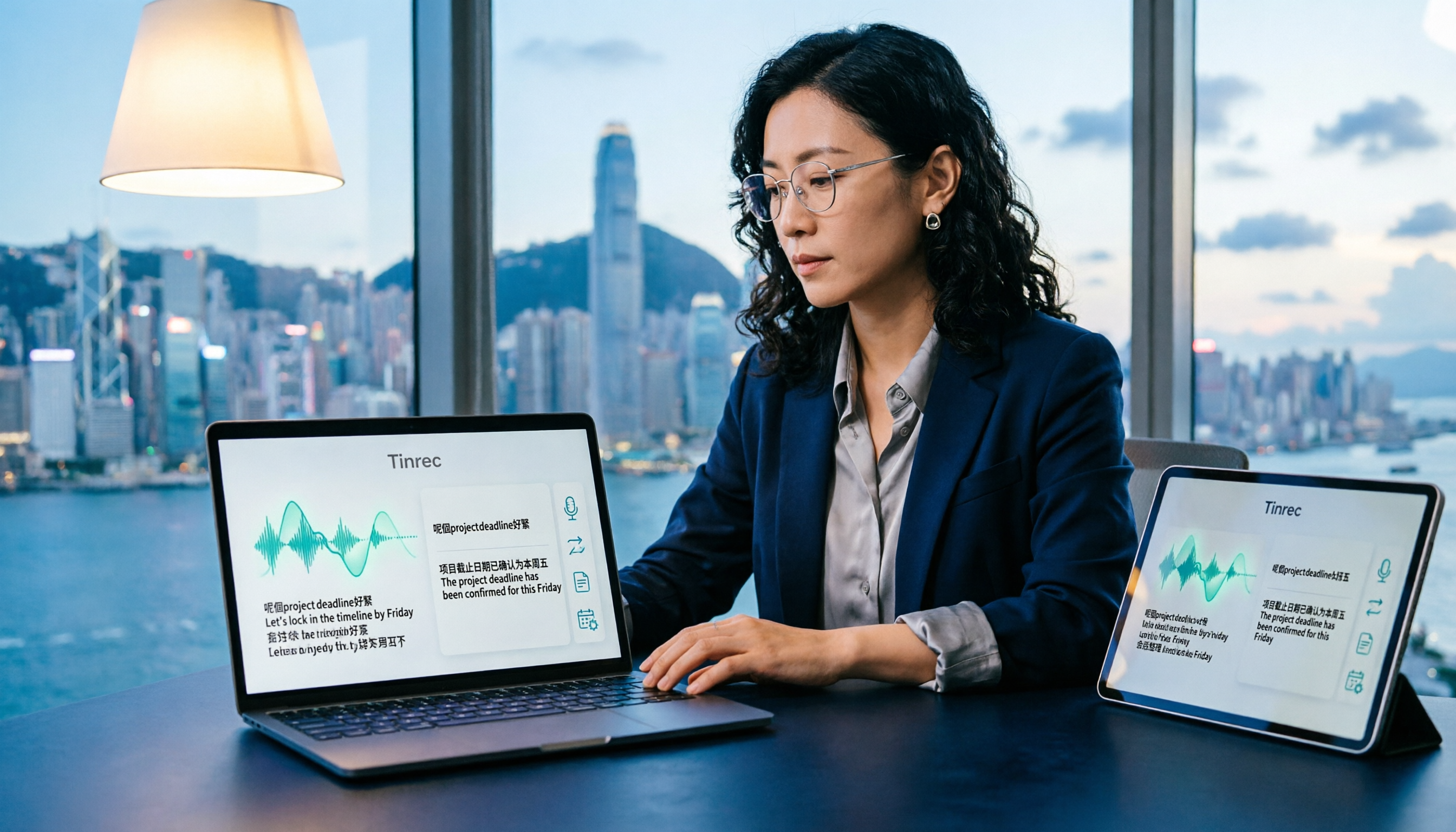
How to Translate Cantonese Speech to Text in 2026: 5-Step Guide and Tool Comparison
Cantonese interviews, Hong Kong drama clips, or mixed Chinese-English meeting recordings—turning them into text and then translating into written language often gets stuck not on typing speed but on the workflow. This article compares Tinrec and Granola across 5 dimensions: Cantonese recognition, bilingual translation, recording retention, post-meeting organization, and team knowledge retention, with copy-paste rewrite prompts and a getting-started checklist.