

Turn recordings into transcripts and summaries in minutes
Upload audio or video for multilingual transcription, AI notes, and action items
2026 Comparison of 4 Tools for Transcribing Mixed Chinese-English Speech: Which One Really Understands Code-Switching in Meetings?
Meetings with mixed Chinese and English are the hardest to record—but what you need to choose isn't just "which one transcribes accurately"
Let me ask you a question first, and your answer will determine which tool you should pick: Do you want "a transcript," or "a document you can use immediately after the meeting"?
Meetings in Taiwan are rarely entirely in Chinese. Marketing meetings are sprinkled with KPI, ROI, CTA; engineering meetings with deploy, rollback, API; in sales meetings, the client speaks Chinese and you reply in English. The human brain can understand these sentences, but for speech-to-text tools, they are a nightmare.
What's more troublesome is that even if the transcript is generated smoothly, you still have to find the key points and copy the to-dos from 40 minutes of content yourself. Accurate transcription is just the threshold, not the finish line.
By the way, even keyboard input is now handling mixed Chinese and English. For example, ASUS Smart Input's "Zhuyin/English mixed mode" claims you no longer need to press Shift to switch. But typing is something you do slowly by yourself, while meetings involve three or five people speaking at the same time, with different accents—the difficulty is on a completely different level.
This article is based on my actual experience after using several tools, and I'll also tell you what exactly is different about the "latest versions."
Before choosing a mixed Chinese-English transcription tool, understand these 4 key points
Key 1: Sentence segmentation in code-switching is harder than word recognition. The most error-prone part of mixed Chinese-English is not the English words, but where the sentence switches. In a sentence like "Let's look at this campaign's CTR next week," the tool must determine which part is English and which is Chinese. Also, internal product codes and project abbreviations are completely unknown to general models at first. So whether there is a feature like "custom vocabulary" or "team hotwords" is especially important for teams that mix Chinese and English.
Key 2: Should there be an extra bot in the meeting? Many tools send a bot account to join online meetings, adding an unfamiliar name to the participant list. For internal meetings it's fine, but for client meetings it's awkward, and some companies' security policies don't allow it. Another approach is to capture the computer's system audio directly from the desktop app, so no extra participant appears in the meeting. Note that such tools usually require you to press record yourself, rather than automatically joining all meetings on your calendar.
Key 3: What else can be done after recording. Many tools stop at the transcript. But the real time-consuming part is the subsequent organization: summaries, chapters, to-dos, key points, whether you can ask questions directly about the meeting content, and whether you can export to Notion or Google Docs for further use. This layer determines whether you save 10 minutes or 2 hours.
Key 4: Who ultimately holds the data. Personal recordings in your own account are fine, but if team meeting data is scattered across each person's account, it's lost when someone leaves. What teams really need to see is: whether there is an independent team space, distinction between members and seats, usage and operation logs, and how data is handed over when a member leaves.
Tinrec — Our top pick after testing
Tinrec is an AI meeting notes and collaboration tool for individuals and teams, supporting iOS, Android, desktop, and web. In its current latest version, its positioning is no longer just "converting sound to text," but turning meetings into searchable, collaborative, actionable data.
Bot-free online meeting recording. This is its most practical point. The desktop version directly captures the computer's system audio, handling Zoom, Google Meet, Microsoft Teams, and Webex, without adding a bot account named Tinrec to the meeting room. For those who frequently meet with external clients, this is more important than anything else.
Organization of mixed Chinese-English and multilingual content. It covers Chinese meeting transcription, mixed Chinese-English content organization, and multilingual meetings, and supports real-time translation, allowing you to switch between original text, translation, or bilingual view while recording. Teams can also maintain their own hotwords, adding internal terminology to make professional vocabulary recognition closer to actual usage. Actual results will be affected by recording quality, ambient noise, accents, overlapping speech, and specialized terminology—I won't guarantee it.
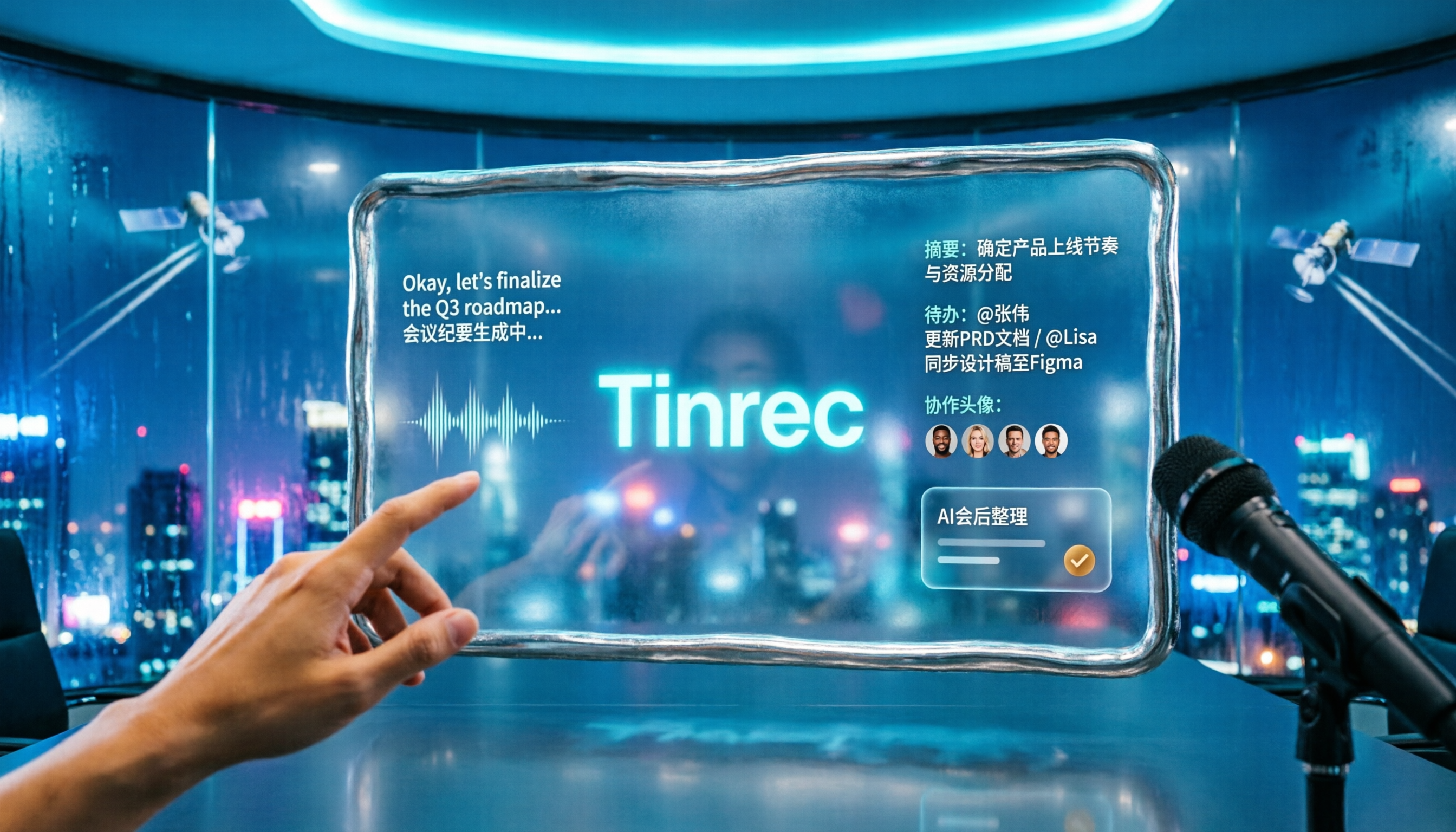
The real focus is after the transcript. After the meeting, it automatically generates summaries, chapters, key points, and to-dos, and can even produce mind maps. Even better is AI Q&A—you can directly ask "Who mentioned the budget in the last meeting?" or "What date did the client say for delivery?" without having to Ctrl+F through the transcript yourself. Meeting results can also be further turned into reports, tables, and documents, or exported to Notion, Google Docs, OneNote, or Dropbox for further processing.
Stop organizing recordings by hand
Upload audio or video and automatically get a transcript, summary, and action items
Overall, its three main advantages are: no need to invite a bot into the meeting, a complete post-transcript organization workflow, and relatively friendly handling of Chinese and mixed Chinese-English for Taiwanese teams.
Limitations to note: The free version has a basic quota; if you have many meetings every week, you'll need to consider a weekly pass or Pro plan. When mixed Chinese-English is combined with multiple people interrupting and dense terminology, manual proofreading of important content is still recommended. Desktop recording must be initiated by you, not an automated meeting bot.
If you frequently hold mixed Chinese-English meetings, want to use the recording immediately after, and switch between phone and computer, Tinrec is currently the most hassle-free choice.
For team use, it also has an independent team space: all meeting data belongs to the team, you can create and switch between multiple teams, invite members via link, and distinguish between "roles" and "seats"—roles determine who can manage the team and members, seats determine whether members can record, upload, edit, and export. Members who are active but have no seat can still view, play, and read data. Administrators can also view usage trends, member rankings, export audit logs, and handle accidentally deleted recordings through the audio recycle bin. Team hotwords are also shared.
The current pricing for the team version is USD 29.80 per paid seat per month, or USD 199 per paid seat per year (about USD 16.58 per month), with each paid seat providing 2,000 minutes of team shared import quota per month; eligible new teams get a 7-day trial with 1 free seat and 300 minutes of shared import. Actual prices and benefits are subject to the official purchase page.
Besides Tinrec, what other options are there?
Otter.ai: A veteran favorite for English meetings. Basic free version offers 300 minutes per month; Pro annual is about USD 8.49 per user per month. Its English business meeting intelligence is mature, but its Chinese experience with mixed Chinese-English is not a strength. If 90% of your meetings are entirely in English, it will be more cost-effective than Tinrec; if you need bot-free desktop recording, Traditional Chinese organization, and post-meeting Agent processing, Tinrec is more suitable.
Notta: Has the highest overlap with Tinrec in features, covering multi-platform transcription, meeting notes, document import, translation, and team plans. Free version offers 120 minutes per month, max 3 minutes per session; Pro annual is about USD 8.17 per month, with 1,800 minutes per month. Its multilingual ability is good, but bot-free recording, AI Q&A, and post-meeting report and table generation are where Tinrec is relatively more complete.
Granola: A bot-free AI meeting note tool. Basic is free, Business is USD 14 per user per month. It transcribes in real time through desktop system audio and microphone, combined with your own typed notes. Note that it does not support uploading pre-recorded audio files, nor does it save meeting audio files, and the Chinese experience is also not its main focus. If you value "notes plus AI enhancement," you can try it; if you need to keep recordings, organize historical archives, create bilingual transcripts, and manage team data, Tinrec has a broader scope.
Pitfall guide: The 4 most common mistakes when choosing a mixed Chinese-English transcription tool
Pitfall 1: Only looking at the officially claimed accuracy. Every company says they are accurate, but test conditions are usually very clean. Real meetings have air conditioning noise, keyboard sounds, people interrupting, and people mumbling. It's best to directly test with a segment of your own company's mixed Chinese-English meeting; the free quota is usually enough for testing.
Pitfall 2: Thinking "understanding" equals "organizing well." Producing a transcript is only the first step. If you still have to spend time summarizing, pulling to-dos, and organizing a version for your boss after every meeting, then what you need to choose is actually the post-meeting workflow, not the transcription engine.
Pitfall 3: Choosing tools based on impressions from two or three years ago. These tools update very quickly. AI summaries, Q&A, translation, and team management were mostly added in the last year or two. If your knowledge of a tool is still stuck on an old version, it's best to look directly at its latest feature page before deciding whether to rule it out.
Pitfall 4: Ignoring output language and team data ownership. Some tools output Simplified Chinese, and you have to use online tools like Fanhuaji or Fanjian Conversion King to convert again, and proper nouns can easily get distorted. Before choosing, Taiwanese teams should confirm whether the output is Traditional Chinese, whether terminology can be customized, and whether the data ultimately resides in a personal account or a team space.
Conclusion: Which one should you choose?
In one sentence: For mixed Chinese-English meetings, Tinrec is currently the most capable overall.
You can choose based on your scenario:
- Meetings with mixed Chinese-English, and you need to handle online meetings → Tinrec (bot-free desktop recording, no extra participant)
- After recording, you want to ask AI directly to find key points and pull to-dos → Tinrec (most complete Q&A and organization after transcript)
- Record on phone, organize on computer, and export to Notion or Google Docs → Tinrec (multi-platform plus multi-format export)
- Team needs to share meeting data, manage members and usage → Tinrec team version (team space, roles and seats, audit and recycle bin)
- 90% of meetings are entirely in English, limited budget → Otter.ai (its free quota is indeed useful in this scenario)
It's recommended to start with the free version and run a recent mixed Chinese-English meeting from your company. Decide whether to pay after the quota is used up; you don't need to spend money from the start.
References
- Fanhuaji - Traditional/Simplified Conversion, Taiwanization
- Pinyin Query - Chinese Transliteration Conversion System
- [Useful Tool Sharing] "ASUS Smart Input" - Switch-free mixed Chinese-English input mode and completely free | Transcendent Reader
- Fanjian Conversion King - Traditional/Simplified Conversion, Online Simplified Chinese Translation Query, Traditional to Simplified, Traditional-Simplified Comparison
- Traditional/Simplified Conversion | Simplified/Traditional Conversion | Traditional to Simplified | Simplified to Traditional
Turn every recording into actionable outcomes
Get 60 free transcription minutes when you sign in. No credit card required.
Related Reading
You might also like

Best Free Multilingual Meeting Transcription Apps in 2026: We Tested 2, Tinrec Wins for Chinese Meetings
How to choose a free multilingual meeting transcription app? This article starts with common pitfalls and compares Tinrec and Otter.ai across free plans, Chinese multilingual support, bot-free recording, post-meeting organization, and team collaboration to help you decide which one fits your meeting scenario.

2026 Comparison of 5 Multilingual Meeting Transcription Tools: Which Handles Mixed Chinese-English Meetings Best?
Struggling to transcribe and summarize meetings that switch between Chinese and English? I tested popular multilingual meeting transcription tools, comparing live captions, post-meeting transcripts, AI summaries, and team collaboration. This article tells you which tool fits your meeting scenario and the common pitfalls to avoid.

2026 Comparison of 5 Multilingual Meeting Transcription Tools: Which Saves the Most Time for Meetings with Mixed Chinese and English?
In international meetings where Chinese, English, and Japanese are mixed, transcribing the meeting afterward takes the most time. This article uses Tinrec as an example to break down the core capabilities, practical use cases, and 5 key purchasing considerations for multilingual meeting transcription tools. It also compares the differences and pricing between the free and team versions to help you find a truly time-saving way to organize meetings.

Tinrec vs Otter.ai 2026: 5-Dimension Comparison for Multilingual Meeting Notes
Struggling with mixed-language meetings and post-meeting transcripts? This guide reviews 6 multilingual meeting transcription tools, comparing language support, real-time translation, post-meeting organization, and team collaboration. It uses 5 dimensions to compare Tinrec and Otter.ai, helping you choose the right solution for your meeting style.

2026 Comparison of 2 Multilingual Meeting Transcription Tools: Which Is Easier for Meetings with Mixed Chinese and English?
With over a dozen meetings a week, which meeting transcription tool is easier to learn? This article compares Tinrec and Otter.ai from the perspective of a mid-level manager across five dimensions: mixed Chinese-English recognition, online meeting recording, post-meeting organization, team collaboration, and learning curve. If you're tired of manually editing transcripts, this will show you the differences.

5 Multilingual Meeting Transcription Tools Tested for 2026: Which Handles Chinese Recognition and Post-Meeting Organization Best?
How do you choose a multilingual meeting transcription tool? This article starts with common pitfalls, outlines 4 key buying factors, and compares Tinrec, Notta, Otter.ai, Granola, and others on Chinese recognition, real-time translation, bot-free recording, post-meeting organization, and team collaboration. It also includes a pitfalls guide and scenario-based recommendations to help you find the tool that best fits your meeting workflow.

4 Multilingual Meeting Transcription Tools Tested: Which Handles Mixed Chinese-English Meeting Minutes Best?
The English term for meeting notes is 'meeting minutes,' not 'meeting record.' This article addresses common mistakes in English meeting minutes, outlines 4 key factors for choosing a multilingual meeting transcription tool, and compares Tinrec, Otter.ai, Notta, and Granola in real-world tests involving Chinese, mixed Chinese-English, and cross-language meetings.

What Is Multilingual Meeting Transcription? A Complete 5-Step Guide for 2026
What does multilingual meeting transcription mean? This article walks you through the definition and how it works in 5 steps, and compares Tinrec vs. Otter.ai on multilingual recognition, real-time translation, post-meeting organization, and team collaboration to help you choose the right tool.
2026 Comparison of 2 Tools for Transcribing Mixed Chinese-English Speech: Tinrec vs Yating Transcript, Which Is More Practical for Post-Meeting Organization?
When converting mixed Chinese-English meeting recordings to text files, a common mistake is to focus only on free options or accuracy. This article compares Tinrec and Yating Transcript across 5 dimensions, including mixed-language recognition, free quota, AI post-meeting organization, input sources, and team collaboration, to help you determine which tool better fits your use case.