

Turn recordings into transcripts and summaries in minutes
Upload audio or video for multilingual transcription, AI notes, and action items
4 Best Code-Switching Transcription Tools in 2026: Which Meeting Transcripts Are Actually Usable?
Why Mixed Chinese-English Meetings Are So Hard to Organize: It's Usually Not Your Ears, It's the Process
"Let's sync on this case first, and give me a rough version by Friday." Office workers in Taiwan probably hear this sentence several times a day.
Understanding it is one thing; turning it into a meeting record that others can read is another.
Most people type furiously during the meeting, then spend time after the meeting piecing together fragmented notes into complete sentences. Two weeks later, when they need to find out who mentioned the budget, they have to go through the entire transcript from the beginning.
There's also a common misconception: assuming that a "Chinese-supported transcription tool" will automatically handle mixed Chinese-English well. In reality, the challenge of code-switching isn't Chinese or English alone—it's the moment of switching between the two languages, and those company-specific product names, project codes, and abbreviations.
If you've encountered these situations, this article is for you.
Before Choosing a Code-Switching Transcription Tool, Understand These 4 Key Points
1. Code-switching is not simply "Chinese plus English"
Linguists call this phenomenon code-switching, which refers to switching between languages while speaking. Whether a tool handles it well often depends not on the model size, but on whether it provides a place for you to maintain your own terminology—product names, project codes, client abbreviations. This is rarely noticed when choosing a tool, but it makes a big difference.
2. How the meeting is recorded
One approach is to have a "meeting bot" join the online meeting as a participant; another is to use a desktop app that directly captures the computer's system audio, so no stranger appears in the meeting. The latter is especially important for external client meetings—you don't want an unknown account popping up on screen in the middle of your presentation.
3. Do you only need a transcript, or post-meeting outputs?
If you only use the tool to "turn audio into text," you're only using one-third of its capabilities. What really saves time is what comes after: summaries, chapters, action items, AI Q&A you can follow up with, and documents you can export directly.
4. Who ultimately holds the meeting data?
If you use a personal account for meetings, the data follows the individual; once that person leaves or changes projects, the entire history is lost. If you're part of a team, this should be considered when choosing a tool.
Tinrec (秒聽錄音) — Our Top Recommendation After Actual Use
Tinrec (秒聽錄音) is an AI meeting notes and collaboration tool designed for individuals and teams. It supports iOS, Android, and web versions, while the desktop version handles recording and real-time transcription of online meetings.
During the meeting: no bot to invite
Open the Tinrec desktop app, and it directly captures your computer's system audio. It works with Zoom, Google Meet, Microsoft Teams, and Webex, and no participant named Tinrec appears in the meeting. It generates a transcript in real time, and mixed Chinese-English sentences appear as they are; when cross-language is needed, you can enable real-time translation and read in original, translated, or bilingual view.
After the meeting: this is where it truly stands out
After recording, Tinrec automatically generates summaries, chapters, and key points, and extracts action items from the discussion—who is responsible for what and when it's due, listed directly. For someone with three or four meetings a week, this saves more than just typing time.
The most critical difference: you can ask questions directly about the meeting content
You can ask, "In the last meeting, what was the client's biggest concern about the delivery date?" It doesn't give you keyword search results but a semantic answer. Transcription tools in the same price range mostly still stop at "finding the passage containing this word."
Three notable advantages
- Chinese and mixed Chinese-English are its strong suit. The team version offers team hotwords, allowing you to maintain internal product names, abbreviations, and proper nouns, which practically helps with code-switching recognition, and it also supports real-time translation and bilingual transcripts.
- It handles various input sources. Live recording, computer meetings, audio and video files, and phone recordings can all be imported, and results can be exported to Notion, Google Docs, OneNote, Dropbox, or post-processed with Agent to directly generate reports, tables, and documents.
- Team data doesn't follow individuals. The team version keeps meeting data in a unified team space; when a member leaves or is removed, their resources can be handed over to others, so nothing disappears into someone's personal account.
Stop organizing recordings by hand
Upload audio or video and automatically get a transcript, summary, and action items
Limitations to be honest about
- We don't recommend judging any tool by a "98% accuracy" figure, and that goes for Tinrec too. Audio quality, accents, overlapping speech, and technical terms all affect results. For important content, it's best to verify with playback.
- The free version provides a basic quota, suitable for trial; those with steady meeting volume can consider a weekly pass or Pro. The team version is priced per seat: monthly USD 29.80 per paid seat per month, annual USD 199 per paid seat per year (about USD 16.58 per month). Each paid seat provides 2,000 minutes of shared team import quota per month. Under an active team plan and seats, live recording currently does not deduct minutes; file and web imports consume shared team import minutes. Prices and benefits are subject to the official purchase page.
Who it's for
If your daily meetings are mixed Chinese-English, you're constantly asked for details afterward, and you don't want data scattered across everyone's phones, Tinrec is currently the closest fit for this need.
Besides Tinrec, What Other Options Are There?
Otter.ai: A veteran AI meeting assistant for English business meetings, supporting Zoom, Teams, Meet, and team management. The free version offers 300 minutes per month; Pro annual billing is about USD 8.49 per user per month, including 1,200 minutes of in-app recording and 10 file imports per month. Actual prices are subject to the official page. If your meetings are almost entirely in English, it's a great deal; but mixed Chinese-English and Traditional Chinese are not its strong suit, and team hotwords and bilingual transcripts are not its focus.
Notta: The competitor with the highest overlap with Tinrec, offering multi-platform transcription, file import, translation, and team plans. The free version offers 120 minutes per month, up to 3 minutes per session; Pro annual billing is about USD 8.17 per month, with 1,800 minutes per month. It positions itself more as a "transcription tool," while Tinrec's desktop bot-free meeting recording, AI Q&A, and Agent post-processing are currently unmatched.
TurboScribe: A cost-effective file transcription route, focusing on long files, batch uploads, and subtitle translation. The free version allows 3 files per day, up to 30 minutes per file; Unlimited annual billing is USD 120 (about USD 10 per month), with a maximum of 10 hours or 5 GB per file and up to 50 files per upload after payment. If you have a bunch of hours-long recordings to transcribe into subtitles, it offers better value; but it focuses on file transcription and lacks Tinrec's live meeting recording, action item organization, and team space.
Pitfall Guide: The 4 Most Common Mistakes When Choosing a Code-Switching Transcription Tool
Pitfall 1: Only looking at official accuracy claims. That number is usually measured in a quiet environment, single language, no overlapping speech. Your meeting room has air conditioning noise, keyboard sounds, people interrupting—actual performance will differ, and code-switching is inherently the most difficult scenario. We suggest trying your own meeting recording directly; that's what the free quota is for.
Pitfall 2: Treating "supports Chinese" as "handles code-switching well." These are not the same. What really matters is: can you maintain your own terminology, can it present bilingually, and does it break down when encountering product names and abbreviations?
Pitfall 3: Buying a tool but only using its transcription feature. Only taking the transcript means you still have to spend half an hour reading it after each meeting. Summaries, action items, and AI Q&A are where the real time savings are—after recording, just ask "What was the conclusion of this meeting?" It's much faster than manually going through the transcript.
Pitfall 4: The whole team sharing one personal account. It seems cost-effective short-term, but long-term you'll face three problems: unclear data ownership, inability to allocate usage, and lost meeting history when someone leaves. The team version distinguishes roles and seats precisely to solve this—members without a seat can still view and read team data, but a seat is required for recording, uploading, and editing.
Conclusion: Which One Should You Choose?
- Meetings are mixed Chinese-English, need Traditional Chinese transcripts → Tinrec (Chinese and mixed Chinese-English are its strong suit, and it supports team hotwords)
- After recording, want to ask AI directly "who said what, what was decided" → Tinrec (AI Q&A is the most obvious difference)
- Don't want a meeting bot joining Zoom, Meet, Teams → Tinrec (desktop app directly captures system audio)
- Meeting data should stay with the team, members may change → Tinrec Team Version
- Only recording pure English meetings, budget first → Otter.ai (one of the few exceptions recommended in this article)
- Only need to transcribe many long audio files into subtitles → TurboScribe
In short, if what you need to solve is "how to turn mixed Chinese-English meetings into usable data," Tinrec is the most complete option in this comparison. We suggest trying the free version with your own meeting recording first, and consider upgrading if it works well—no need to pay upfront.
References
- 【Fun English】Who loves code-switching the most? Do you code-switch when you speak? #code-switching (160397) - Cool3c
- Google Translate
- Great Online Translation Tools, Easy Traditional/Simplified Chinese-English Conversion - Evinco Software Technical Sharing
- Should you mix Chinese and English? ABC's views on Chinglish and code-switching! – English Cool
- Simplified Chinese to English Translation - Free Online Tool | Immersive Translate
Turn every recording into actionable outcomes
Get 60 free transcription minutes when you sign in. No credit card required.
Related Reading
You might also like

5 Multilingual Meeting Transcription Tools Tested for 2026: Which Handles Chinese Recognition and Post-Meeting Organization Best?
How do you choose a multilingual meeting transcription tool? This article starts with common pitfalls, outlines 4 key buying factors, and compares Tinrec, Notta, Otter.ai, Granola, and others on Chinese recognition, real-time translation, bot-free recording, post-meeting organization, and team collaboration. It also includes a pitfalls guide and scenario-based recommendations to help you find the tool that best fits your meeting workflow.

4 Multilingual Meeting Transcription Tools Tested: Which Handles Mixed Chinese-English Meeting Minutes Best?
The English term for meeting notes is 'meeting minutes,' not 'meeting record.' This article addresses common mistakes in English meeting minutes, outlines 4 key factors for choosing a multilingual meeting transcription tool, and compares Tinrec, Otter.ai, Notta, and Granola in real-world tests involving Chinese, mixed Chinese-English, and cross-language meetings.

What Is Multilingual Meeting Transcription? A Complete 5-Step Guide for 2026
What does multilingual meeting transcription mean? This article walks you through the definition and how it works in 5 steps, and compares Tinrec vs. Otter.ai on multilingual recognition, real-time translation, post-meeting organization, and team collaboration to help you choose the right tool.
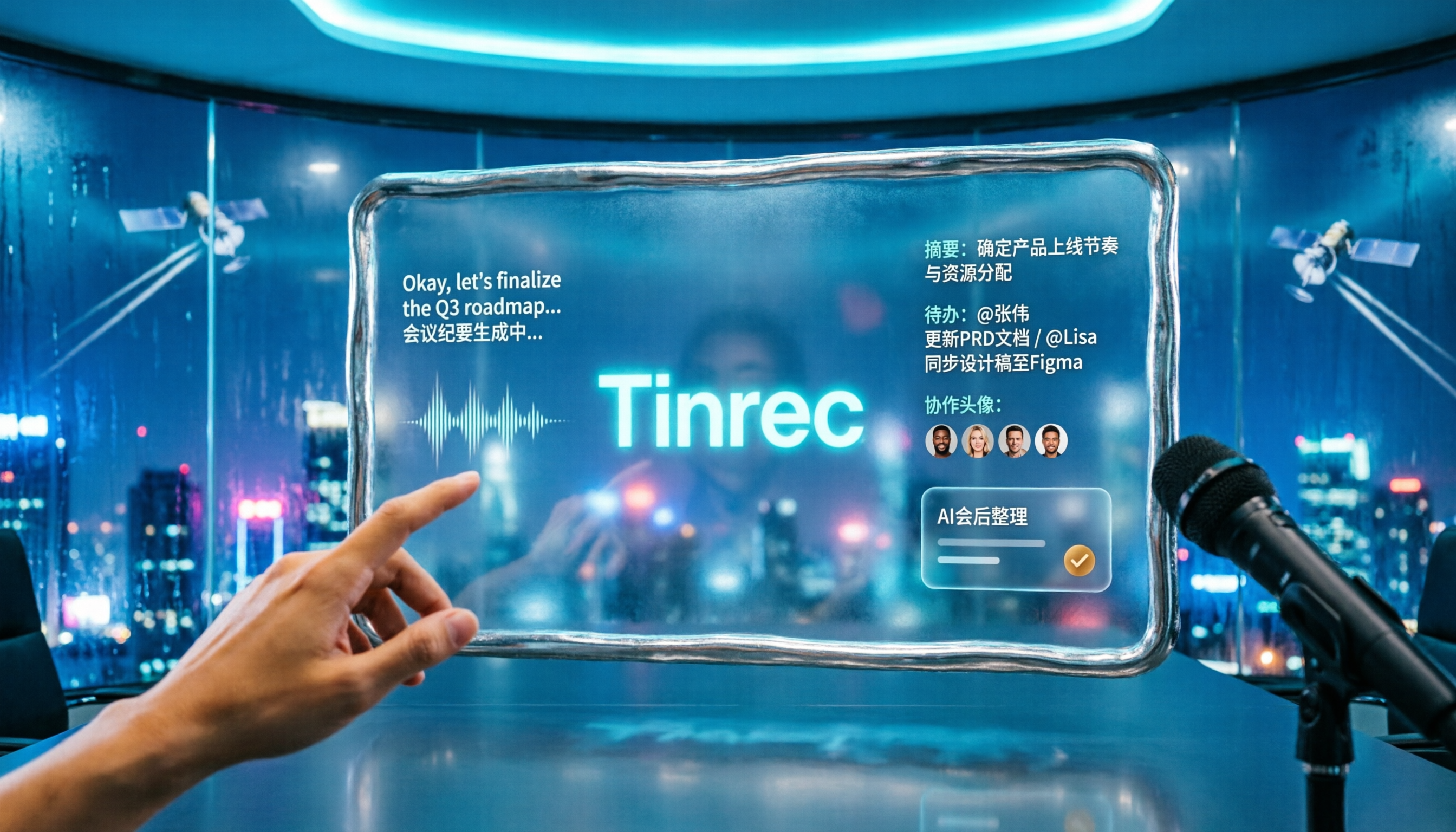
2026 Comparison of 2 Tools for Transcribing Mixed Chinese-English Speech: Tinrec vs Yating Transcript, Which Is More Practical for Post-Meeting Organization?
When converting mixed Chinese-English meeting recordings to text files, a common mistake is to focus only on free options or accuracy. This article compares Tinrec and Yating Transcript across 5 dimensions, including mixed-language recognition, free quota, AI post-meeting organization, input sources, and team collaboration, to help you determine which tool better fits your use case.

2026 Free Chinese-English Mixed Transcription Solutions: 5 Options Reviewed
Transcribing mixed Chinese-English content actually splits into two completely different paths: typing and recording. This article reviews 5 free solutions in 2026, comparing Tinrec, mixed Chinese-English input methods, and bilingual translation tools for their real-world differences in mixed-language meetings, and explains which one can truly turn a recording into a searchable, organized, and further editable transcript.

2026 Comparison of 2 Multilingual Meeting Transcription Tools: How to Save the Most Time in Mixed Chinese-English Meetings
How to handle multilingual meeting transcription? This article approaches from two angles: 'real-time understanding' and 'post-meeting searchability,' comparing Tinrec and Otter.ai across five dimensions: language recognition, bilingual transcripts, meeting capture, post-meeting organization, and team data retention. It also covers practical workflows and FAQs to help you decide which tool better suits your cross-language meetings.

5 Best Code-Switching Transcription Tools in 2026: Which One Delivers the Most Practical Transcripts?
Recordings that mix Chinese and English can produce wildly different transcripts depending on the tool. This article breaks down the real-world performance and common pitfalls of 5 types of transcription tools, using Tinrec as an example to illustrate a complete workflow for mixed-language transcription, real-time translation, AI summaries, action item extraction, and team knowledge retention, plus 6 key considerations for buying and FAQs.

2026 Multilingual Meeting Transcription Software Comparison: Which Saves the Most Post-Meeting Cleanup Time for Mixed Chinese-English Meetings?
The biggest problem in multilingual meetings isn't understanding—it's post-meeting organization. This article breaks down common pitfalls and compares Tinrec and Otter.ai feature by feature, covering mixed Chinese-English recognition, bot-free recording, real-time translation, post-meeting outputs, and team collaboration.

2026 Comparison of 4 Tools for Transcribing Mixed Chinese-English Speech: Which One Really Understands Code-Switching in Meetings?
Meetings with mixed Chinese and English are the hardest to transcribe. This article tests 4 speech-to-text tools, comparing them on code-switching sentence segmentation, bot-free recording, post-meeting organization, and team data ownership. It explains why Tinrec is the most capable in Chinese and mixed Chinese-English meeting scenarios, and who Otter.ai, Notta, and Granola are each best suited for.