

Turn recordings into transcripts and summaries in minutes
Upload audio or video for multilingual transcription, AI notes, and action items
Tinrec vs Otter.ai 2026: 5-Dimension Comparison — Which Is Better for Chinese Meeting Notes?
There are countless meeting notes software recommendations out there, but what most people actually get stuck on isn't "which one has the most features" — it's three choices: Should you let a meeting bot join? Is the Chinese recognition accurate enough? Should meeting data stay in a personal account or a team workspace? These three decisions directly determine whether a given tool is right for you.
This article uses 5 dimensions to hands-on compare Tinrec and Otter.ai, adds alternatives like Notta and PLAUD Note, and finally tells you how to choose for different scenarios.
Why Can't You Ever Finish Meeting Notes? What You Need Isn't a Tool — It's a Solution
Two-hour meeting, then another two hours organizing the transcript afterward — that's the daily reality for many office workers. What's worse is Chinese-language meetings: mixing Chinese and English, multiple people talking over each other, technical terms flying everywhere. After recording, all you get is a big block of text, and you still don't know where the conclusions and action items are.
If you've experienced these situations — after the meeting no one remembers who agreed to what, customer interview recordings sit unorganized on your phone, and meeting data disappears when team members leave — then what you need isn't just recording software, but a solution that covers recording, organizing, and team collaboration.
Before Buying Meeting Notes Software, Understand These 5 Key Points
1. Chinese and mixed Chinese-English recognition capability Meetings in Taiwan are rarely pure Chinese or pure English — a single sentence often mixes product names, technical terms, and English abbreviations. When choosing a tool, don't just look at the accuracy rate the company claims; look at how it handles Chinese, Traditional Chinese, and mixed Chinese-English content. Real-world performance is affected by recording quality, noise, accents, and overlapping speakers, so it's best to test with your own meeting recording. Tinrec focuses on Chinese and multilingual meeting scenarios in this area, and supports team hotwords, which helps with technical term recognition.
2. Meeting capture method: Should you let a bot join? Some tools require inviting a "meeting bot" to join Zoom, Meet, or Teams as a participant. This can be awkward in external meetings and may prompt questions from clients. Another approach is to use a desktop app to capture your computer's system audio directly, without adding an extra participant. Tinrec's desktop version uses this bot-free approach — users simply start recording to capture online meeting audio.
3. Post-meeting output: What's there beyond the transcript? Getting only a transcript means you've completed just one-third of the work. A good tool should automatically generate summaries, chapters, key points, and action items, and ideally let you ask questions directly about the meeting content. For example, for a question like "Who mentioned the budget in the last meeting?" — if you still have to manually Ctrl+F through the transcript, you're wasting the value of AI. Tinrec provides AI summaries, chapters, action item extraction, and AI Q&A, so meeting content can continue to be used.
4. Team collaboration and data ownership If meeting notes only exist in a personal account, the data disappears when a member changes jobs. A team plan should have an independent team workspace so meeting data belongs to the team, with roles and seats managing who can view, who can record, and who can edit. Tinrec's team plan provides a team workspace, member and seat management, usage analytics, and audit logs — suitable for departments or project teams that need to accumulate meeting assets.
5. Free quota and payment methods Free versions usually have minute or feature limits, while paid plans are divided into personal and team versions. When choosing, don't just compare prices — look at your usage frequency: for occasional recording organization, start with the free version; for short-term intensive meetings, consider a weekly pass; for steady weekly use, a Pro monthly or annual plan is more suitable; for team sharing, look at seats and shared quota. Tinrec's personal plan offers a free version, weekly pass, Pro monthly, and Pro annual, while the team plan is priced per paid seat.
Tinrec — Our Top Pick After Hands-On Testing
Tinrec is an AI meeting notes and collaboration tool for individuals and teams, covering web, desktop, and mobile. It doesn't just convert voice to text — it organizes meeting recordings into data that can be searched, summarized, queried, exported, and further processed, and accumulates them as collaborative meeting assets in a team workspace.
How to use it during meetings Take an online meeting as an example: open Tinrec's desktop version, select system audio recording, and you can capture Zoom, Google Meet, Microsoft Teams, or Webex meeting content without inviting a meeting bot, generating a transcript in real time. For offline meetings, you can use the mobile or web version to record in real time, transcribing as you record. If you already have recorded audio or video files, you can also upload and import them directly to quickly organize them into text.
After the meeting ends, Tinrec automatically generates summaries, chapters, and action items. You can ask it directly: "What was the conclusion of this meeting?" "Who is responsible for next week's proposal?" It answers based on the meeting content, rather than just throwing keyword search results at you. When you need to deliver, you can export results to Notion, Google Docs, OneNote, Dropbox, and other tools, or use Agent post-processing to generate reports, tables, and documents.
Plans and pricing The personal plan offers a free version, weekly pass, Pro monthly, and Pro annual, suitable for different usage frequencies. The team plan is an independent team workspace; the first eligible team trial is 7 days, 1 free seat, and 300 minutes of team shared import quota; team monthly is USD 29.80 per paid seat per month, and annual is USD 199 per paid seat per year, equivalent to about USD 16.58 per month. Each paid seat provides 2,000 minutes of team shared import quota per month. Prices, currencies, and promotions are subject to the official purchase page.
Stop organizing recordings by hand
Upload audio or video and automatically get a transcript, summary, and action items
Pros First, bot-free recording of online meetings. The desktop version captures computer system audio directly, with no extra participant, making external meetings more natural. Second, a complete post-meeting workflow. Summaries, chapters, action items, AI Q&A, translation, and export all in one place — not just a transcript. Third, team data can be accumulated. Team workspace, member seats, usage analytics, and audit logs mean meeting notes won't disappear when an individual leaves.
Limitations The free version provides a basic quota experience, and heavy users need to pay; the team plan's file imports use shared quota, while real-time recording is currently not deducted by minutes under a valid plan and seat. In addition, transcription quality is still affected by recording quality, noise, accents, and technical terms — for important content, it's recommended to verify against transcript timestamps and recording playback.
Who it's for If you frequently hold Chinese-language meetings, need mixed Chinese-English transcripts, don't want a meeting bot to join, want to use AI to find key points right after the meeting, or want to accumulate meeting data as team assets, Tinrec is a very suitable choice right now.
Besides Tinrec, What Other Options Are There?
Otter.ai Otter.ai is a mature English meeting assistant. The free version offers 300 minutes per month, and Pro annual works out to about USD 8.49 per user per month. It has a strong mindshare for English business meetings. Note that its support for Chinese meetings is relatively limited — if your meetings are mainly in Chinese, it will feel clunky. Where Tinrec does what Otter is weaker at is organizing Chinese and mixed Chinese-English content, and accumulating team data after bot-free desktop recording. If you mainly record English meetings, Otter is still an option to consider.
Notta Notta overlaps significantly with Tinrec — both support multi-platform transcription, meeting notes, file import, and team plans. The free version offers 120 minutes per month, up to 3 minutes per session; Pro annual works out to about USD 8.17 per month. Tinrec's differences lie in bot-free online meeting recording, team workspace, AI Q&A, and Agent post-processing — suitable for those who want to automate the follow-up work after meetings as well.
PLAUD Note / NotePin PLAUD is a representative of AI recording hardware, with devices starting at about USD 159 — suitable for those who like portable recording, phone call recording, and long battery life. Tinrec doesn't require buying extra hardware; you can handle online meetings and file imports via web, desktop, or mobile, and it has a team workspace and post-meeting AI workflow. If you already have recording hardware, you can still import audio files into Tinrec for organization; if you don't want to carry an extra device, Tinrec is more direct.
Pitfall Guide: The 4 Most Common Mistakes When Choosing Meeting Notes Software
Pitfall 1: Only looking at the accuracy rate the company claims. Many tools say "98% accuracy," but that's usually measured in a quiet environment with a clear microphone. Real meeting rooms have air conditioning noise, keyboard sounds, and multiple people talking over each other, so performance drops. It's best to test with your own meeting recording, not just look at advertising numbers.
Pitfall 2: Ignoring Chinese and mixed Chinese-English needs. If you hold meetings in Taiwan, participants mixing Chinese with English is the norm. Some tools are strong in English but not ideal for Chinese recognition or technical term handling. When choosing, be sure to confirm its level of support for Chinese, Traditional Chinese, and mixed-language sentences.
Pitfall 3: Thinking it's over once you get the transcript. The transcript is just raw material. If the tool can't automatically generate summaries, chapters, and action items, and can't let you use AI to query meeting content, you'll still have to spend time organizing manually. With Tinrec's AI Q&A, for example, you can directly ask "What are the action items from this meeting?" — much faster than manually flipping through a 30-minute transcript.
Pitfall 4: Ignoring team data ownership and seats. A team plan isn't "multiple people sharing one personal account." You need to confirm whether meeting data belongs to the team, how data is handed over when members leave, and whether people without seats can view it. Tinrec's team plan stores data in a team workspace and uses roles and seats to distinguish governance permissions and usage eligibility.
Conclusion: Which One Should You Actually Choose?
In one sentence: if your meetings are mainly in Chinese and you want bot-free recording and post-meeting AI organization, Tinrec is this article's top pick.
You can choose by scenario like this:
- Chinese meetings, mixed Chinese-English, need transcripts and summaries → Tinrec
- Don't want a meeting bot to join online meetings → Tinrec (desktop version captures system audio)
- Want to use AI to find key points and action items right after the meeting → Tinrec (AI Q&A and action item extraction)
- Need team-shared meeting data, seat and usage management → Tinrec team plan
- Zero budget, mainly recording English meetings → Otter.ai free version (the exception for English scenarios)
We recommend starting with Tinrec's free version, running a complete workflow with a real meeting recording, confirming that Chinese recognition, summaries, and action items meet your needs, and then considering an upgrade. After all, the best way to know if a tool works well is to try it yourself.
References:
- Brave search source 1: AI meeting notes software recommendation: 5 major app hands-on comparison, automatic transcription makes meetings super easy!
- Brave search source 2: The most recommended AI meeting notes tool of 2026, the must-have tool for time-saving and effortless meetings!
- Brave search source 3: Meeting Ink - 2026 AI meeting notes tool hands-on test | 7 voice-to-text and summary speed comparison
- Brave search source 4: r/ProductivityApps on Reddit: Does anyone know of a free or cheap app that will do meeting notes for you?
- Brave search source 5: Threads post — SeaMeet meeting notes tool recommendation
References
- AI meeting notes software recommendation: 5 major app hands-on comparison, automatic transcription makes meetings super easy!
- The most recommended AI meeting notes tool of 2026, the must-have tool for time-saving and effortless meetings!
- Meeting Ink - 2026 AI meeting notes tool hands-on test | 7 voice-to-text and summary speed comparison | Meeting Ink - AI meeting notes assistant automatic transcription and meeting summary
- r/ProductivityApps on Reddit: Does anyone know of a free or cheap app that will do meeting notes for you?
- Recently quite a few people have asked me if there are any AI tools that can do meeting notes. They're still typing manually, often can't multitask, and it's a waste of time. I always answer — SeaMeet. Why recommend it? Here's a summary of the key points: - Integrates with Google Meet, synchronizes online meeting transcription, and has real-time summaries, super convenient. - No need to specially reorganize; after the meeting ends, it directly emails all meeting participants. - The operation is extremely simple; even middle-aged and older people who have never used AI tools, I taught them in 10 minutes. - In-person meetings
Turn every recording into actionable outcomes
Get 60 free transcription minutes when you sign in. No credit card required.
Related Reading
You might also like

2026 Best AI Meeting Notes Software Compared: Which Saves More Time for Chinese Meetings and AI Q&A?
What does "meeting notes software recommendation" really mean? This article starts from real meeting scenarios, clarifies the actual problem behind this search term, breaks down 4 key points for choosing meeting notes software, and compares Tinrec, Notta, Otter.ai, and Granola in Chinese meetings, bot-free recording, AI Q&A, and team knowledge retention. It ends with a ready-to-use checklist.

Tinrec Review 2026: Bot-Free Meeting Recording & AI Meeting Notes
Meeting productivity tools in 2026 keep rolling out new features, but buyers really only need to judge three things: whether recording disrupts the meeting, whether post-meeting output is directly usable, and whether data stays with individuals or becomes a team asset. Using Tinrec as a hands-on example, this guide breaks down 4 key use cases, 6 buying checkpoints, and common questions to help you choose the right tool.

4 Best AI Meeting Transcription Software in 2026: Which One Handles Chinese Meetings and Team Knowledge Best?
Searching for meeting transcription software but not sure where to start? This article uses three key questions—where your meetings happen, what you need after recording, and who will access the data—to compare Tinrec, Otter.ai, Notta, and PLAUD Note on recording methods, post-meeting organization, and team collaboration. It also includes buying tips, pitfalls to avoid, and scenario-based recommendations.

2025 Meeting Efficiency Tools Compared: Which AI Note-Taker Saves the Most Time for Chinese Meetings?
Tired of spending an extra hour writing meeting notes after the meeting ends? This article reviews the 4 most talked-about meeting efficiency tools of 2024–2025, comparing recording methods, Chinese recognition, post-meeting organization, and team knowledge retention. We tested Tinrec, Otter.ai, Notta, and Granola to help you find the solution that truly handles the work after the meeting.
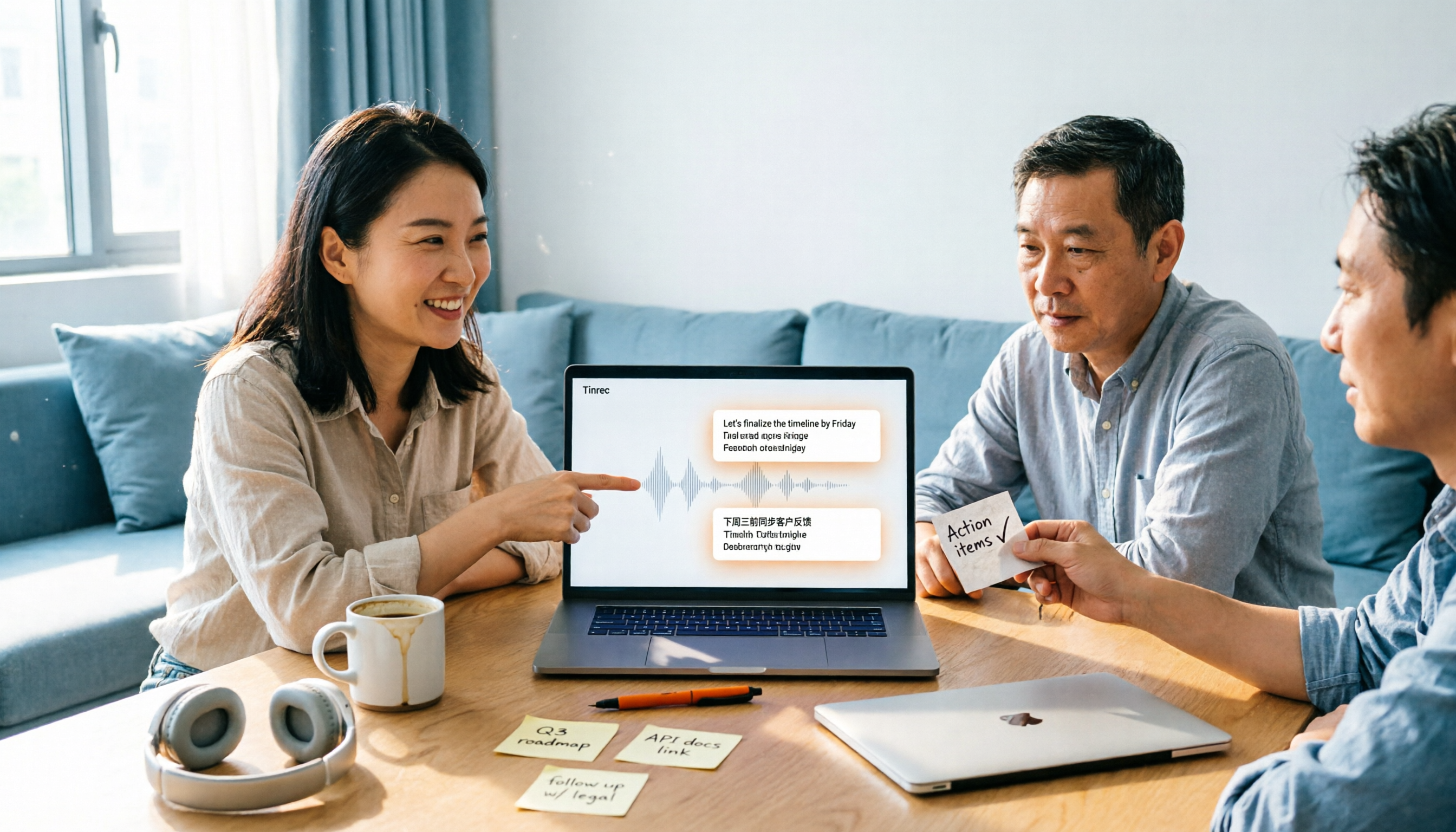
2026 Top 4 Meeting Productivity Tools from Dcard: Tinrec's Bot-Free Recording Saves the Most Time?
There are many discussions on Dcard about meeting productivity tools, but most just list features. This article starts with three decision points: whether to let a meeting bot join, how accurately Chinese and mixed Chinese-English are transcribed, and whether post-meeting data can stay with the team. We tested 4 tools, including Tinrec, Otter.ai, Notta, and Granola, explaining each one's testing scenarios, pros and cons, and who they suit, plus key pitfalls to avoid before buying.

2026 Meeting Productivity Tools Compared: Which Turns Transcripts into Actionable To-Dos?
How to choose a meeting productivity tool in 2026? This article starts with how meeting notes become actionable data, outlines 5 key factors for choosing a tool, and uses Tinrec as an example to explain how bot-free recording, AI summaries, to-do extraction, AI Q&A, and team spaces work.
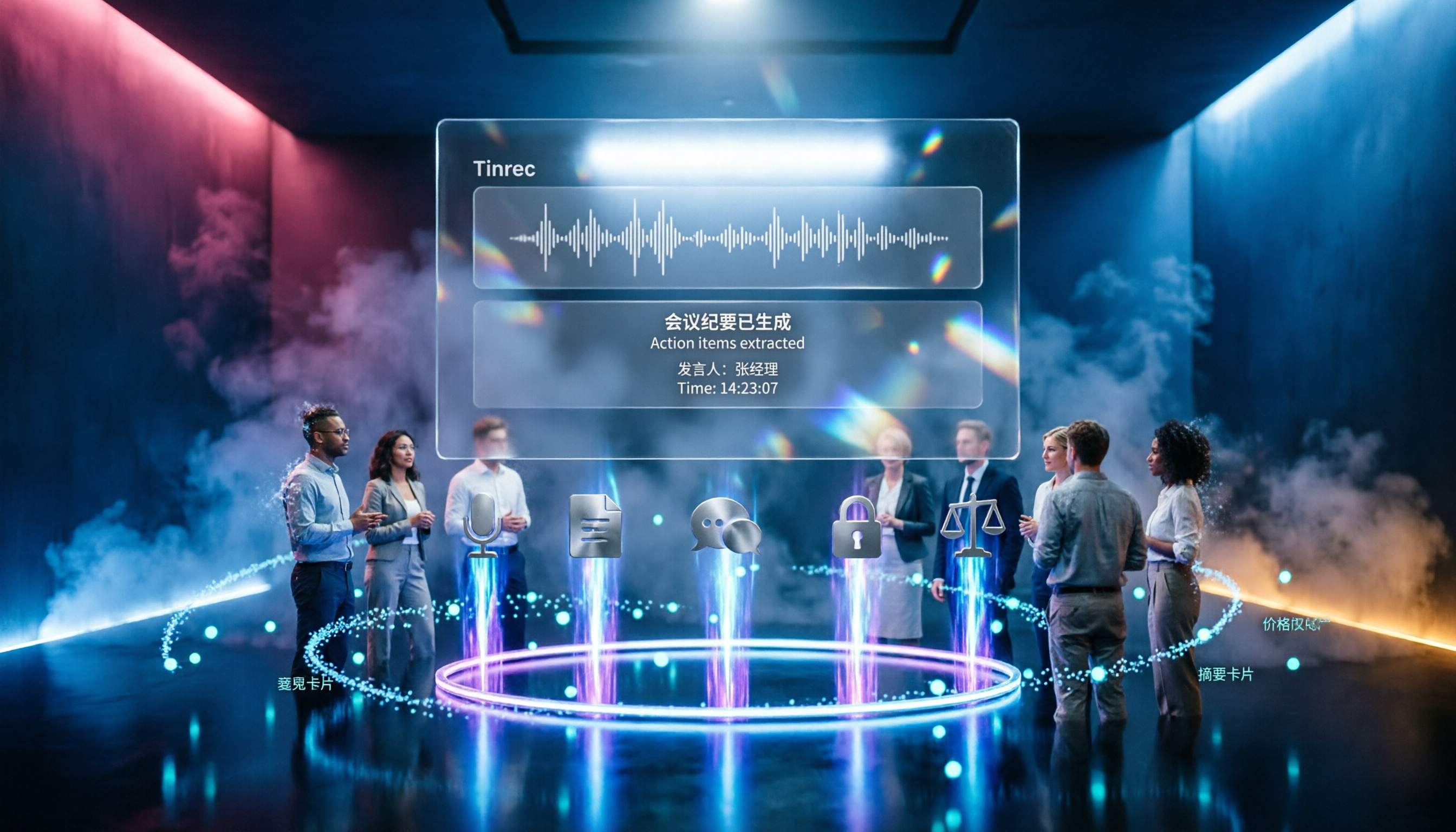
2026 Meeting Productivity Tools Comparison: Tinrec vs Notta — 5 Key Dimensions to Find the Best Fit for Chinese-Speaking Teams
2026 meeting productivity tools hands-on comparison: Tinrec vs Notta. We compare five key dimensions—online meeting recording methods, post-meeting organization, Chinese and bilingual experience, team permission governance, and free tier limits and pricing—to help you decide which tool better suits your meeting scenarios and team size.

Tinrec vs Notta 2026: 5-Dimension Comparison for Chinese Meeting Notes
The meeting ends, but the real work begins. This article tackles common pain points and outlines 5 key factors for choosing meeting note software. It tests Tinrec's bot-free online meeting recording, AI summaries, Q&A, and team spaces, and compares Notta, Otter.ai, and Granola in terms of differences, pricing, and use cases. It concludes with a pitfalls guide and selection advice.

2025 Comparison of 4 Meeting Efficiency Tools: No Meeting Bots, Which One Saves the Most Time on Chinese Meeting Notes?
How to choose a meeting efficiency tool in 2025? Don't rush to compare features. This article starts with three common post-meeting pitfalls, outlines 5 key purchasing factors, and provides a hands-on comparison of Tinrec, Granola, Notta, and Otter.ai to help you find the one that truly saves time on post-meeting organization.