

Turn recordings into transcripts and summaries in minutes
Upload audio or video for multilingual transcription, AI notes, and action items
When choosing a meeting productivity tool in 2026, you might be wondering: should I use a meeting bot that joins automatically, or a desktop app that records system audio directly? Should I only look at transcription accuracy, or also at whether it can organize the transcript into to-dos?
After testing a round of tools for readers, I start with one question: can this tool turn meetings into searchable, collaborative, actionable data? If it only gives you a transcript, you still have to re-listen and pick out key points yourself after the meeting, so the efficiency gain is limited.
Take Tinrec as an example. It is an AI meeting notes and collaboration tool for individuals and teams. It supports real-time recording, bot-free online meeting transcription, audio/video file import, real-time translation, and can automatically generate summaries, chapters, to-dos, and mind maps. It also supports AI Q&A around meeting content. Simply put, it turns meetings into searchable, collaborative, actionable team data.
What can a meeting productivity tool do for you?
Scenario 1: Get meeting notes 5 minutes after the meeting ends Previously, after a two-hour meeting, you might spend another hour organizing notes. Now, with Tinrec as an example, when the meeting ends, AI has already generated a summary, conclusions, and to-dos. Who is responsible for what and what the next steps are is clear at a glance.
Scenario 2: No bot needed for online meetings If you use Zoom, Google Meet, Microsoft Teams, or Webex for meetings, the Tinrec desktop app can capture computer system audio directly without an extra bot joining the meeting. You just open Tinrec and start recording to generate a real-time transcript.
Scenario 3: Turn historical recordings into text assets Have a bunch of interview recordings, course audio files, or old meeting files? Tinrec supports uploading audio/video files for transcription. After transcription, you can search, summarize, and ask questions, making old data usable again.
Scenario 4: Team meeting data no longer scattered everywhere The team version centralizes meeting recordings, transcripts, summaries, to-dos, and member management in one team space. New members can view historical data, and when members leave, the data still belongs to the team.
What are Tinrec's core capabilities?
Real-time transcript: Text appears while recording, not after. Tinrec's real-time transcription lets you confirm key points during the meeting, reducing time spent re-listening afterward.
AI summaries and chapters: It doesn't just condense the transcript into a paragraph; it organizes it structurally. Tinrec lists meeting topics, discussion conclusions, and to-dos separately, so you can quickly review long meetings.
To-do extraction and AI Q&A: After transcription, you can ask Tinrec directly: "Who mentioned the budget in the meeting?" "What was the customer's feedback?" It answers based on semantic understanding and extracts action items from the discussion.
Multi-format export and Agent post-processing: Tinrec supports exporting results to common formats and third-party tools. It can also generate reports, tables, and documents based on meetings, suitable for reporting, retrospectives, and work delivery.
Team space and governance: The team version provides an independent team space where you can manage members, roles, seats, usage, and audit logs. Roles determine who can manage the team, and seats determine whether members can record, upload, edit, import/export, and use team resources. Active members without a seat can still view, play, and read team data.
Practical use cases
Meeting scenarios: weekly stand-ups, project reviews, cross-department decision meetings. After recording with Tinrec, AI summaries help you quickly review the basis for decisions, and the to-do list makes action items traceable.
Customer interviews: Sales and customer success teams can use Tinrec to record requirements, objections, and commitments. After the meeting, export the organized data directly, reducing time spent manually organizing customer notes.
Stop organizing recordings by hand
Upload audio or video and automatically get a transcript, summary, and action items
Classroom and research interviews: Students or researchers can upload recordings and use Tinrec to generate transcripts, summaries, and key points. When citations are needed, you can search for specific passages without re-listening to the entire recording.
Content creation and knowledge management: Import interviews, livestreams, or meeting content into Tinrec to quickly get transcripts and summaries, then turn them into articles, scripts, or internal documents. Historical data can also be reused through AI Q&A.
5 things to consider when choosing a meeting productivity tool
Recording method: First confirm whether you need a meeting bot. Some tools require a bot to join the meeting, while others use a desktop app to capture system audio. Tinrec is the latter; the desktop app can handle online meeting audio without inviting an extra bot.
Post-meeting organization: Transcription is only the first step. Tinrec puts summaries, chapters, to-dos, AI Q&A, and export in the same workflow, so the transcript truly becomes actionable data.
Chinese and multilingual experience: If you often hold Chinese or mixed Chinese-English meetings, pay special attention to the tool's Chinese performance. Tinrec covers Chinese, Traditional Chinese, and multilingual scenarios, and supports real-time translation and team hotwords. Actual results are affected by recording quality, accents, noise, and technical terms, so it's not advisable to rely solely on official accuracy claims.
Team collaboration and governance: Personal use and team use are two different things. The Tinrec team version provides team spaces, member roles, seat management, usage analytics, and audit logs, so meeting data belongs to the team rather than being scattered across individual accounts.
Pricing and quotas: The free version has basic quotas, suitable for light use. For short-term high-frequency use, consider a weekly pass; for steady use, consider a Pro monthly or annual plan. The team version currently costs USD 29.80 per paid seat per month, or USD 199 per paid seat per year, equivalent to about USD 16.58 per month. Paid seats provide 2,000 minutes of team shared import quota per month. Real-time recording is currently not deducted by minutes under an active team plan and active seat. Actual prices, currencies, and promotions are subject to the official purchase page.
Frequently asked questions
Q1: How is Tinrec different from regular recording software? A: Regular recording software mainly records. Tinrec goes further by converting recordings into text, organizing summaries, chapters, key points, and to-dos, and also supports AI Q&A, translation, export, and team collaboration.
Q2: Does Tinrec need a meeting bot to join meetings? A: No. The Tinrec desktop app captures computer system audio directly. Users actively open Tinrec and start recording. It is not a bot mode that automatically joins all calendar meetings.
Q3: Is the free version enough? A: The free version has basic quotas, suitable for light use of recording, import, summaries, and transcription. If you have regular weekly meetings or need more import and team features, you can consider a paid plan.
Q4: What is the difference between team roles and seats? A: Roles determine who can manage the team, members, audits, and team settings; seats determine whether members can record, upload, edit, import/export, and use team resources. They should be viewed separately.
Q5: Can team members without a seat see data? A: Yes. Active members without a seat can view, play, and read team data; but only after obtaining a seat can they perform resource usage operations such as uploading, editing, and import/export.
Q6: Can 100% accuracy be guaranteed? A: Such a promise is not recommended. Tinrec can significantly reduce manual recording and organizing costs, but for important content, it is advisable to verify with transcript timestamps and recording playback.
Conclusion
In 2025, the focus of meeting productivity tools is no longer "can it transcribe" but "can it be used after transcription." Tinrec connects transcripts, summaries, to-dos, AI Q&A, export, and team space into one workflow, making meeting content truly actionable data.
If you have more than 3 meetings per week, consider starting with the Tinrec free version. Use the basic quota to experience one meeting and see what it feels like when AI organizes your meeting notes. Team users can evaluate the team version's space, seats, and governance features to let meeting data accumulate into searchable, collaborative, traceable digital assets for the team.
— Some of the above content is based on Tinrec product information. Actual features and prices are subject to the official page.
References
Turn every recording into actionable outcomes
Get 60 free transcription minutes when you sign in. No credit card required.
Related Reading
You might also like

2026 Best AI Meeting Notes Software Compared: Which Saves More Time for Chinese Meetings and AI Q&A?
What does "meeting notes software recommendation" really mean? This article starts from real meeting scenarios, clarifies the actual problem behind this search term, breaks down 4 key points for choosing meeting notes software, and compares Tinrec, Notta, Otter.ai, and Granola in Chinese meetings, bot-free recording, AI Q&A, and team knowledge retention. It ends with a ready-to-use checklist.

Tinrec Review 2026: Bot-Free Meeting Recording & AI Meeting Notes
Meeting productivity tools in 2026 keep rolling out new features, but buyers really only need to judge three things: whether recording disrupts the meeting, whether post-meeting output is directly usable, and whether data stays with individuals or becomes a team asset. Using Tinrec as a hands-on example, this guide breaks down 4 key use cases, 6 buying checkpoints, and common questions to help you choose the right tool.

4 Best AI Meeting Transcription Software in 2026: Which One Handles Chinese Meetings and Team Knowledge Best?
Searching for meeting transcription software but not sure where to start? This article uses three key questions—where your meetings happen, what you need after recording, and who will access the data—to compare Tinrec, Otter.ai, Notta, and PLAUD Note on recording methods, post-meeting organization, and team collaboration. It also includes buying tips, pitfalls to avoid, and scenario-based recommendations.

2025 Meeting Efficiency Tools Compared: Which AI Note-Taker Saves the Most Time for Chinese Meetings?
Tired of spending an extra hour writing meeting notes after the meeting ends? This article reviews the 4 most talked-about meeting efficiency tools of 2024–2025, comparing recording methods, Chinese recognition, post-meeting organization, and team knowledge retention. We tested Tinrec, Otter.ai, Notta, and Granola to help you find the solution that truly handles the work after the meeting.
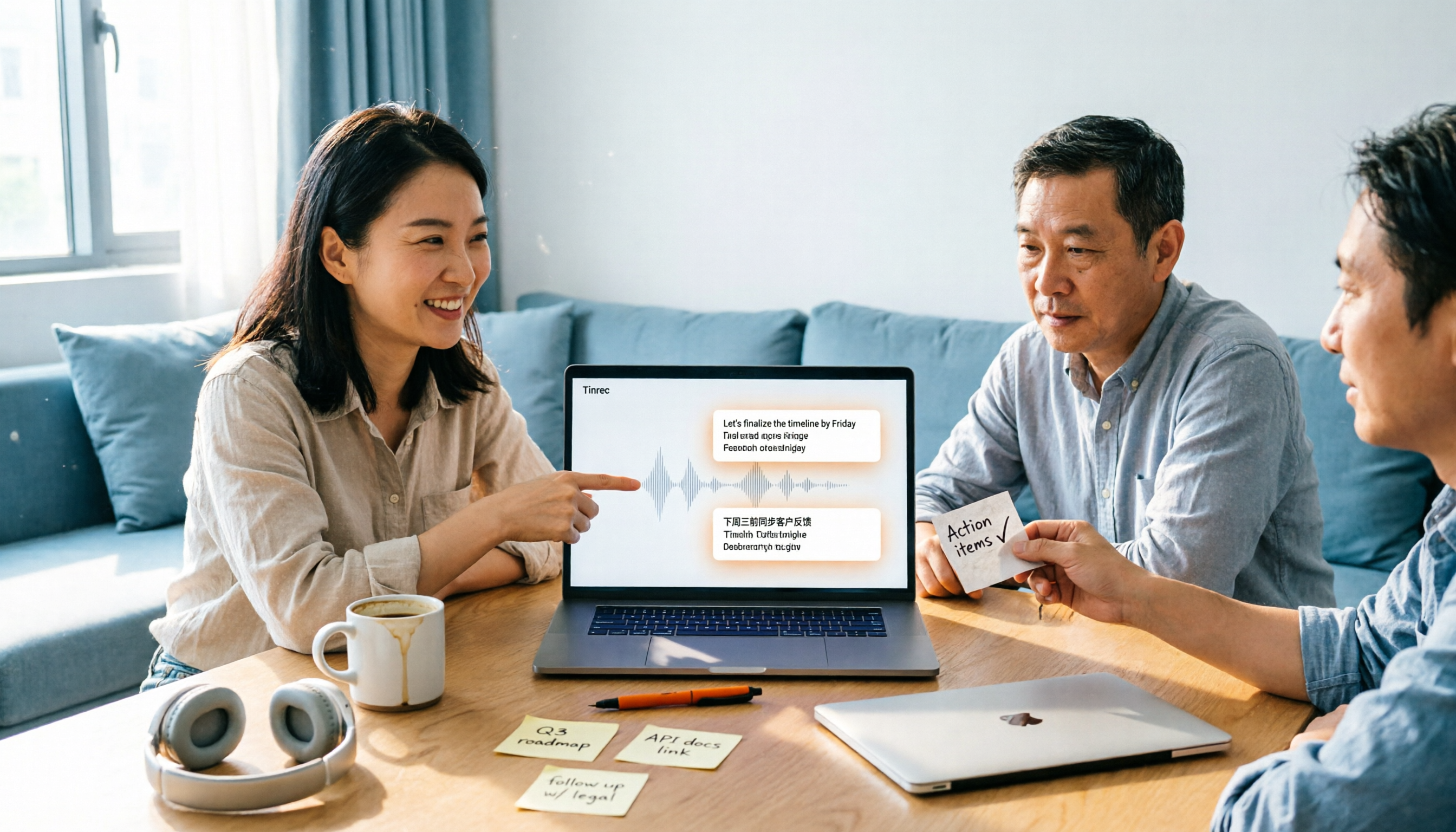
2026 Top 4 Meeting Productivity Tools from Dcard: Tinrec's Bot-Free Recording Saves the Most Time?
There are many discussions on Dcard about meeting productivity tools, but most just list features. This article starts with three decision points: whether to let a meeting bot join, how accurately Chinese and mixed Chinese-English are transcribed, and whether post-meeting data can stay with the team. We tested 4 tools, including Tinrec, Otter.ai, Notta, and Granola, explaining each one's testing scenarios, pros and cons, and who they suit, plus key pitfalls to avoid before buying.
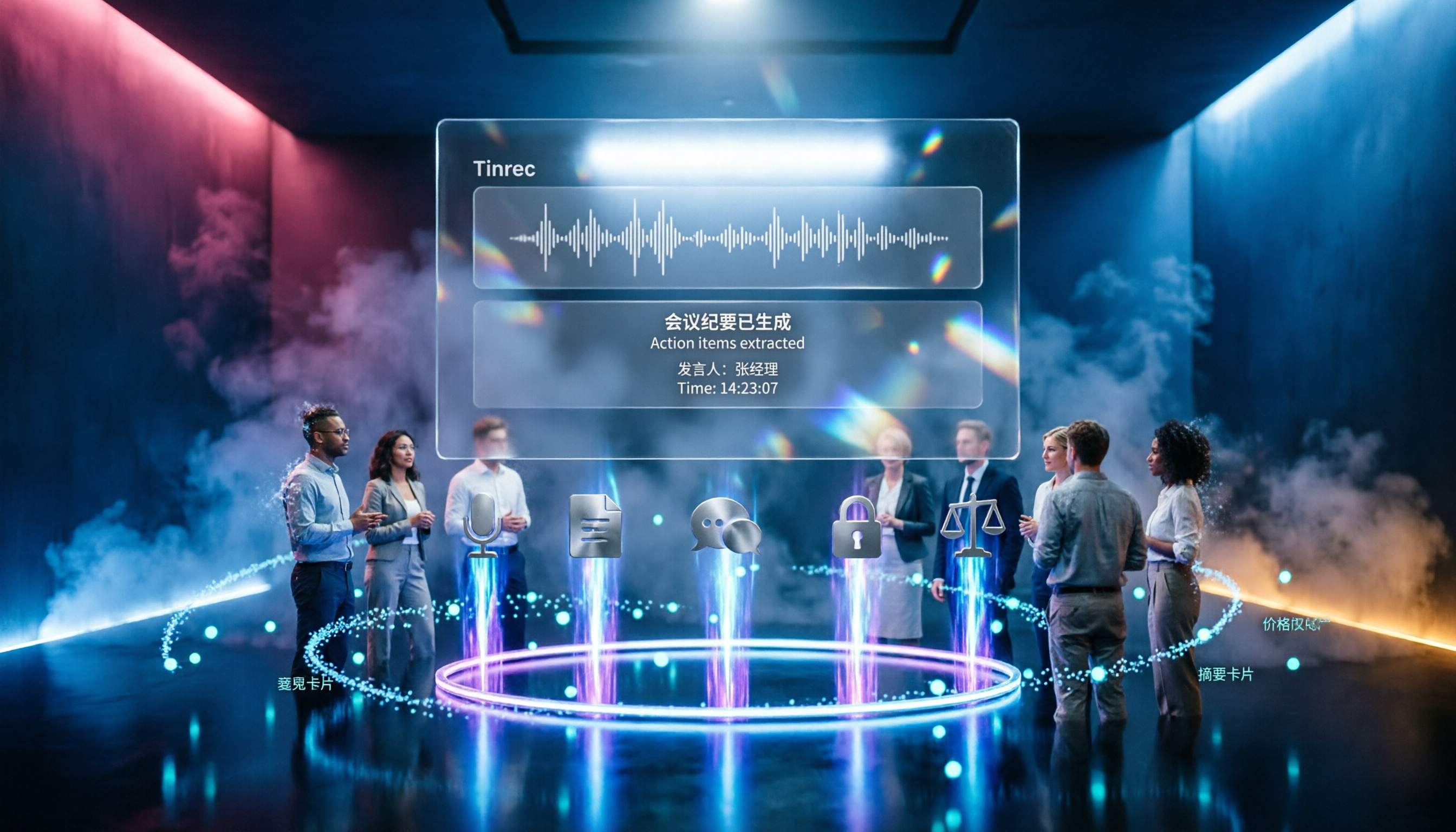
2026 Meeting Productivity Tools Comparison: Tinrec vs Notta — 5 Key Dimensions to Find the Best Fit for Chinese-Speaking Teams
2026 meeting productivity tools hands-on comparison: Tinrec vs Notta. We compare five key dimensions—online meeting recording methods, post-meeting organization, Chinese and bilingual experience, team permission governance, and free tier limits and pricing—to help you decide which tool better suits your meeting scenarios and team size.

Tinrec vs Notta 2026: 5-Dimension Comparison for Chinese Meeting Notes
The meeting ends, but the real work begins. This article tackles common pain points and outlines 5 key factors for choosing meeting note software. It tests Tinrec's bot-free online meeting recording, AI summaries, Q&A, and team spaces, and compares Notta, Otter.ai, and Granola in terms of differences, pricing, and use cases. It concludes with a pitfalls guide and selection advice.

2025 Comparison of 4 Meeting Efficiency Tools: No Meeting Bots, Which One Saves the Most Time on Chinese Meeting Notes?
How to choose a meeting efficiency tool in 2025? Don't rush to compare features. This article starts with three common post-meeting pitfalls, outlines 5 key purchasing factors, and provides a hands-on comparison of Tinrec, Granola, Notta, and Otter.ai to help you find the one that truly saves time on post-meeting organization.

Tinrec vs Otter.ai 2026: 5-Dimension Comparison — Which Is Better for Chinese Meeting Notes?
2026 meeting notes software recommendation and tutorial: a 5-dimension hands-on comparison of Tinrec and Otter.ai covering Chinese recognition, meeting capture, post-meeting output, team collaboration, and pricing, plus alternatives like Notta and PLAUD Note, to help you find the right AI meeting notes tool.