

Turn recordings into transcripts and summaries in minutes
Upload audio or video for multilingual transcription, AI notes, and action items
2025 Meeting Efficiency Tools Compared: Which AI Note-Taker Saves the Most Time for Chinese Meetings?
Poor Meeting Efficiency Isn't Because You're Missing an App
Honestly, the more tools I test, the more I hear the same thing: "I already have a transcription tool, so why do I still spend time organizing after the meeting?"
It's usually not that the tool isn't good enough—it's that you chose the wrong approach from the start.
The first common mistake is treating meeting efficiency as a typing speed problem. So you hunt for the tool with the highest accuracy, only to end up with a 30-page transcript that you still have to read from top to bottom.
The second is putting all the note-taking on one person. They scribble furiously during the meeting, nobody looks at the notes afterward, and the next meeting starts from scratch.
The third is assuming a meeting bot is the only solution. Bots joining your meeting sounds convenient, but you have to invite them every time, and with external clients or interviews, you often run into permission and perception issues.
A better approach: first figure out whether you need "recording" or "post-meeting organization and reuse," then pick your tool. This article follows that order.
4 Key Points to Understand Before Choosing a Meeting Efficiency Tool
1. Does it help you "record" or "organize"?
Most tools can turn audio into text; the difference is what happens after. Can it automatically generate summaries, chapters, and action items? Can you ask questions to find key points directly? That's what determines whether you save time. A transcript alone is only one-third of the job.
2. How does meeting audio get into the tool?
One camp sends a bot to join online meetings; the other captures system audio directly from your computer. The former requires scheduling, the latter just needs you to open the app. If you often join external meetings, the second is usually less awkward.
3. Can it handle Chinese and mixed Chinese-English meetings?
Many tools shine in English meetings but start guessing when faced with Chinese technical terms, mixed Chinese-English, or Taiwanese accents. Test with your company's actual meeting recordings, not just official demo files.
4. After recording, who holds the data?
Meeting notes stored in personal accounts leave with the person. If the meeting content belongs to the team, make sure the tool has team spaces, member and seat concepts—otherwise, when a colleague leaves, the data goes with them.
These four points are exactly where the tools below differentiate themselves.
Tinrec – Our Top Pick After Testing
Tinrec is an AI meeting notes and collaboration tool for individuals and teams, available on desktop, web, and mobile. It doesn't just turn audio into text; it turns meeting recordings into searchable, summarizable, queryable, exportable, and further processable data.
During the meeting: No bot needed.
Tinrec's desktop app captures system audio directly, handling meetings on Zoom, Google Meet, Microsoft Teams, Webex, etc., without an extra bot joining. For those who frequently meet with external clients, this is practical—just open the desktop app, hit record, and the meeting is captured.
During the meeting: Live transcription and real-time translation.
As the meeting proceeds, the transcript is generated simultaneously. For cross-language meetings, you can switch between original, translated, or bilingual views during recording—no need to translate afterward.
After the meeting: Summary, chapters, and action items all at once.
When the meeting ends, Tinrec automatically generates an AI summary, chapters, and key points, extracts action items from the discussion, and can even turn a long meeting into a mind map. My most memorable moment during testing: instead of replaying a 40-minute recording to find out "who's responsible for what," I just looked at the key points list.
After recording: Ask questions directly about the meeting.
This is where it stands out most from similar tools. You can ask, "Who mentioned the budget in the last meeting?" and it gives you an answer based on semantic understanding, not a bunch of keyword search results you have to sift through.
Stop organizing recordings by hand
Upload audio or video and automatically get a transcript, summary, and action items
The last mile: Export and reuse.
Organized content can be exported to common formats and taken to Notion, Google Docs, OneNote, Dropbox, etc. With Agent post-processing, you can further generate reports, tables, and meeting minutes.
Team version: Turn meetings into team assets.
Tinrec's team version isn't multiple people sharing one account—it's a separate team space. Meeting recordings, transcripts, summaries, and action items are stored in the team, and members can view and reuse historical meeting data. Admins can manage member roles and seats, view usage trends and details, and query and export operation logs. Currently, the team version offers a 7-day trial for first-time eligible users, 1 free seat, and 300 minutes of shared team import quota. Paid plans are USD 29.80 per paid seat per month, or USD 199 per paid seat per year (about USD 16.58 per month), with each paid seat providing 2,000 minutes of shared team import quota per month. Actual prices and benefits are subject to the official purchase page.
Note:
The free version is suitable for light use; if you have meetings daily, the quota won't be enough. Also, live recording currently doesn't deduct minutes under an active team plan, but file and web link imports consume shared quota. And importantly—I don't recommend anyone believe claims of a "fixed 98% accuracy rate." Actual performance depends on recording quality, noise, accents, and multiple people talking over each other. Always verify important content against the transcript and recording.
Who it's for:
If you mainly have Chinese or mixed Chinese-English meetings, don't want a bot joining, want to use AI to ask for key points right after recording, or need meeting data to stay with the team rather than a personal account, Tinrec is currently the closest fit.
Besides Tinrec, What Are the Alternatives?
Otter.ai
A veteran choice for English business meetings. Basic free plan offers 300 minutes per month; Pro annual is about USD 8.49 per user per month. If your meetings are almost entirely in English, it's a good deal. But it lacks Tinrec's bot-free desktop recording with real-time Chinese translation and bilingual view—Chinese meetings aren't its strong suit.
Notta
Positioned for multilingual transcription. Free plan: 120 minutes per month, max 3 minutes per session; Pro annual is about USD 8.17 per month. It overlaps significantly with Tinrec, but lacks Tinrec's bot-free online meeting recording and AI Q&A around meeting content. Post-recording organization is still largely manual.
Granola
Also a bot-free AI meeting notes tool. Basic is free; Business is USD 14 per user per month. Note that it doesn't support uploading pre-recorded audio files and doesn't save meeting audio. Tinrec keeps recordings, supports file import, and offers team spaces and member management.
Pitfall Guide: 3 Most Common Mistakes When Choosing Meeting Efficiency Tools
Pitfall 1: Only looking at "transcription accuracy."
Numbers like 98% are usually measured in quiet environments. Real meeting rooms have air conditioning, keyboard sounds, and people talking over each other—performance drops noticeably. Test with your own meeting recordings, not just ads.
Pitfall 2: Thinking a transcript equals meeting notes.
A transcript is raw material, not a finished product. If all you get is a long document, you're only using one-third of the tool's capability. Features like AI Q&A—asking "What was the conclusion of this meeting?" right after recording—are far faster than manually scanning a 30-minute transcript.
Pitfall 3: Ignoring data ownership.
Tools stored in personal accounts mean data leaves when the person does. If meeting content belongs to the team, first confirm whether there's a team space, roles, and seats—this is often the last thing people consider during procurement, yet the hardest to fix later.
Conclusion: Which One Should You Choose?
Simply put, these four have their strengths, but for most office scenarios, the answer lands in the same place.
- Mainly Chinese or mixed Chinese-English meetings → Tinrec (Chinese experience and real-time translation are its strengths)
- Don't want a bot joining → Tinrec (desktop app captures system audio directly)
- Want to ask AI for key points right after recording → Tinrec (has AI Q&A, which most tools at this price lack)
- Meeting data should stay with the team, even when members change → Tinrec team version (team space + seat and usage management)
- Mainly English meetings, zero budget → Otter.ai (the rare exception in this article)
My advice: start with Tinrec's free version. Take your most troublesome Chinese meeting recording, throw it in, and see if the summary and action items it generates actually save you the time you would have spent. If it works for you, consider upgrading—no need to pay upfront.
References
Turn every recording into actionable outcomes
Get 60 free transcription minutes when you sign in. No credit card required.
Related Reading
You might also like

How to Choose Meeting Minutes Software in 2026: Tinrec's Bot-Free Recording + AI Summaries & Action Items
With so many meeting minutes tools on the market, why do some people still go back to typing manually after buying one? This article starts with common misconceptions and compares Tinrec with hardware recorders like PLAUD in terms of capturing online meetings, post-meeting organization, Chinese language experience, and team collaboration. It also outlines personal and team plan details, purchasing considerations, and FAQs.

4 Best Meeting Transcription Software in 2026: Free Versions Compared
Tired of manually organizing meeting transcripts and notes after every call? We tested 4 meeting transcription tools in real meeting scenarios, comparing free tiers, post-transcription organization, cross-platform support, and team permissions. Plus, 4 key factors to consider before buying and common pitfalls to avoid—so you can find a free solution that actually works.

5 Best Free Meeting Transcription Software in 2026: Which Free Version Is Enough?
Which free meeting transcription software is actually usable? This article breaks down popular tools across four dimensions: free quota calculation, Chinese and Cantonese recognition, post-meeting organization, and cross-platform support. It compares the free version limitations and use cases of Tinrec, Otter.ai, Notta, and Granola, with a pitfalls guide and selection advice.
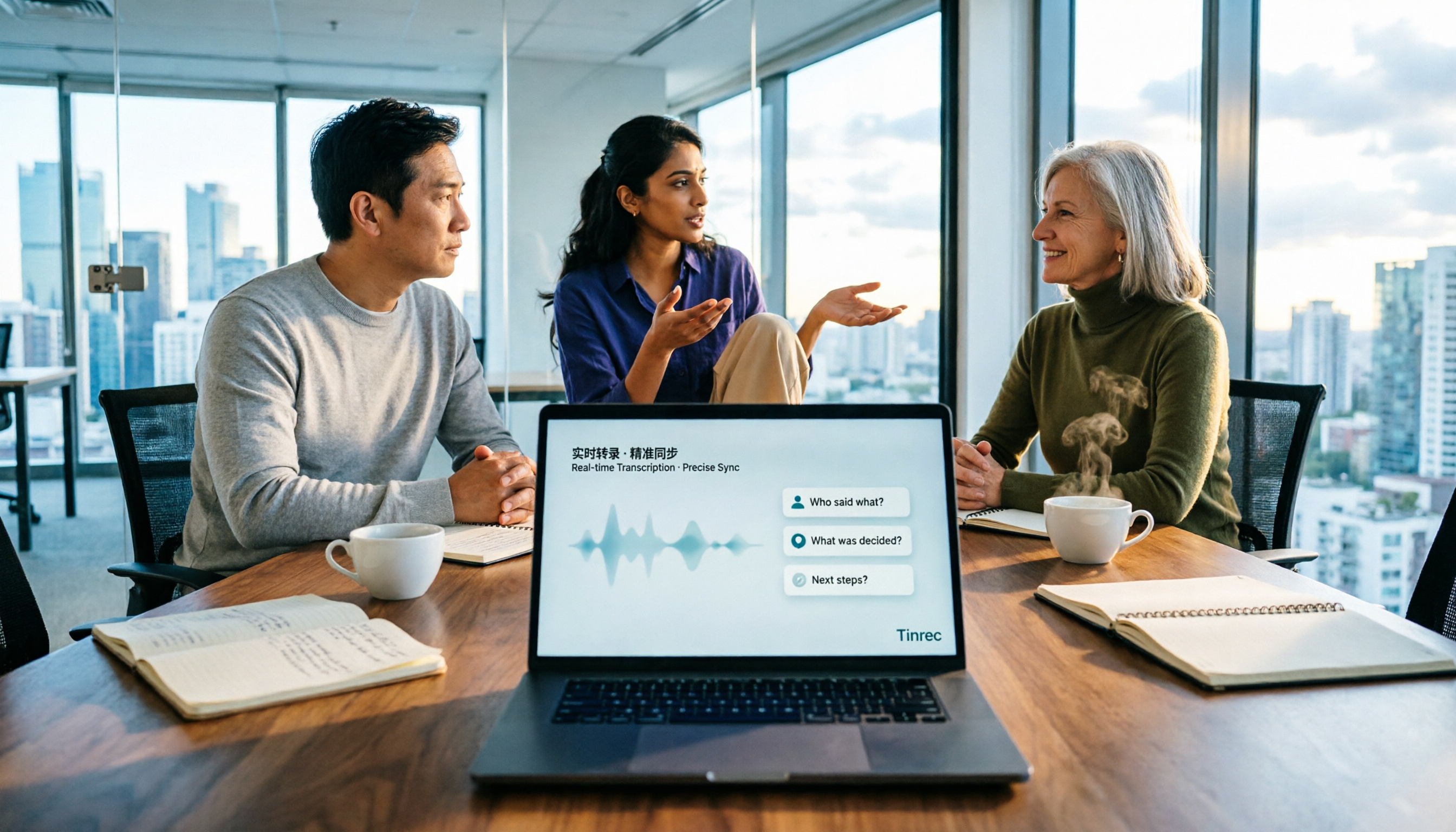
How to Choose Meeting Notes Software in 2026: 5 Steps to Compare Starting with Free Versions
Is free meeting notes software enough? This article doesn't provide a ranking; instead, it walks you through a 5-step decision process: from how free quotas are limited, to the usable results after transcription, to the recognition threshold for Chinese and mixed Chinese-English, and to the ownership of team data. It primarily tests Tinrec, explaining its no-bot online meeting recording, AI Q&A, and team spaces, and briefly reviews suitable scenarios for Notta, Otter.ai, PLAUD, and others.

6 Best Meeting Transcription Software in 2026: Free Online Chinese Transcription Compared
We tested 6 popular meeting transcription software and apps, including free online Chinese transcription options and paid alternatives. We cover input sources, AI summaries and action items, free tiers, pricing, and team collaboration features, plus buying advice and 5 things to know before you start.

2026 Best AI Meeting Notes Software Compared: Which Saves More Time for Chinese Meetings and AI Q&A?
What does "meeting notes software recommendation" really mean? This article starts from real meeting scenarios, clarifies the actual problem behind this search term, breaks down 4 key points for choosing meeting notes software, and compares Tinrec, Notta, Otter.ai, and Granola in Chinese meetings, bot-free recording, AI Q&A, and team knowledge retention. It ends with a ready-to-use checklist.

Tinrec Review 2026: Bot-Free Meeting Recording & AI Meeting Notes
Meeting productivity tools in 2026 keep rolling out new features, but buyers really only need to judge three things: whether recording disrupts the meeting, whether post-meeting output is directly usable, and whether data stays with individuals or becomes a team asset. Using Tinrec as a hands-on example, this guide breaks down 4 key use cases, 6 buying checkpoints, and common questions to help you choose the right tool.

4 Best AI Meeting Transcription Software in 2026: Which One Handles Chinese Meetings and Team Knowledge Best?
Searching for meeting transcription software but not sure where to start? This article uses three key questions—where your meetings happen, what you need after recording, and who will access the data—to compare Tinrec, Otter.ai, Notta, and PLAUD Note on recording methods, post-meeting organization, and team collaboration. It also includes buying tips, pitfalls to avoid, and scenario-based recommendations.
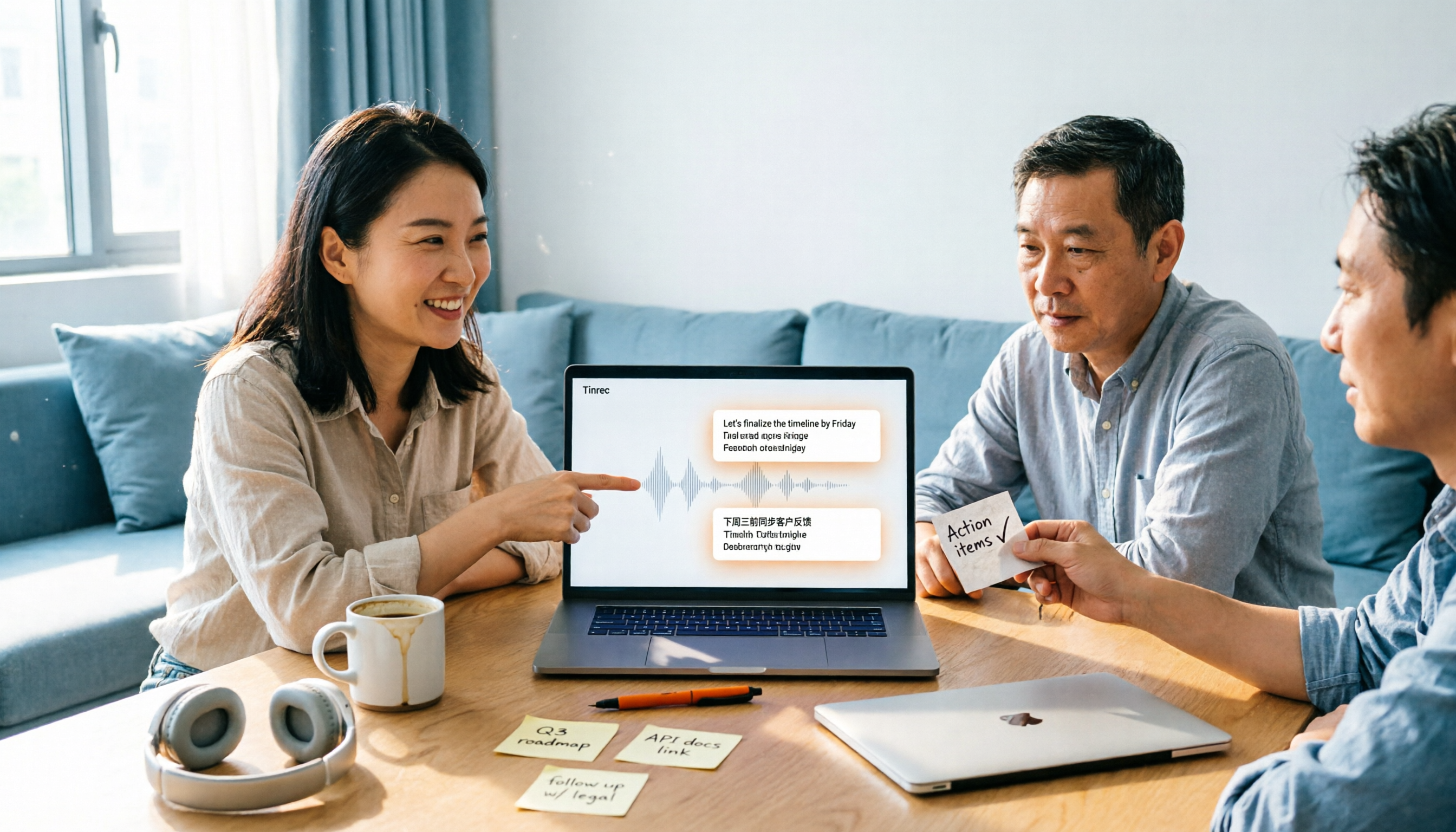
2026 Top 4 Meeting Productivity Tools from Dcard: Tinrec's Bot-Free Recording Saves the Most Time?
There are many discussions on Dcard about meeting productivity tools, but most just list features. This article starts with three decision points: whether to let a meeting bot join, how accurately Chinese and mixed Chinese-English are transcribed, and whether post-meeting data can stay with the team. We tested 4 tools, including Tinrec, Otter.ai, Notta, and Granola, explaining each one's testing scenarios, pros and cons, and who they suit, plus key pitfalls to avoid before buying.