

Turn recordings into transcripts and summaries in minutes
Upload audio or video for multilingual transcription, AI notes, and action items
Two-hour meeting, two-hour cleanup—the problem isn't "free," it's using the wrong method
Most people looking for free meeting transcription software start by opening the app store to see which ones say "free." After downloading, they discover: the free quota is only a few minutes, the single recording limit is 3 minutes, Cantonese recognition is so poor they have to retype everything, and the time saved is completely lost.
The second common scenario: the transcript is finally ready, but 10,000 words sit there with no one reading them. After the meeting, who's responsible, when it's due, what the conclusions are—all need to be reviewed manually again.
So the real question isn't "is there a free tool," but "within the free quota, does this tool help you finish the most time-consuming part?" Below, we break down 5 popular tools on the market across four dimensions: free quota, Chinese recognition, post-meeting organization, and cross-platform support.
Before choosing free meeting transcription software, understand these 4 key points
1. How free quota is calculated Some tools advertise "120 free minutes per month," but the single recording limit is 3 minutes—a one-hour meeting would require 20 separate recordings, making it practically unusable. When checking quota, always look at both "monthly total" and "single limit," and clarify whether "live recording" and "file import" share the same quota.
2. Chinese and Cantonese recognition—don't just look at marketing Official claims of "98% accuracy" usually refer to quiet studio conditions, a single speaker, and standard Mandarin. Real meeting rooms have air conditioning noise, keyboard sounds, and multiple people talking over each other. The most practical approach: take a real recording of your own and test it with each tool's free quota. You'll see the difference immediately—no need to trust ads.
3. What happens after the transcript is generated Tools that only produce transcripts save you typing time but not organization time. Look for automatic summaries, chapter segmentation, action item extraction, and the ability to ask questions directly about the meeting content. This layer is the dividing line between a "recording tool" and a "meeting notes tool."
4. Cross-platform and data ownership Record on your phone today, organize on your computer tomorrow—if the tool doesn't support cross-platform, data gets scattered across devices. At the team level, ask clearly: when a colleague leaves, do the meeting records follow the person or stay with the team?
Tinrec—the top choice after hands-on testing
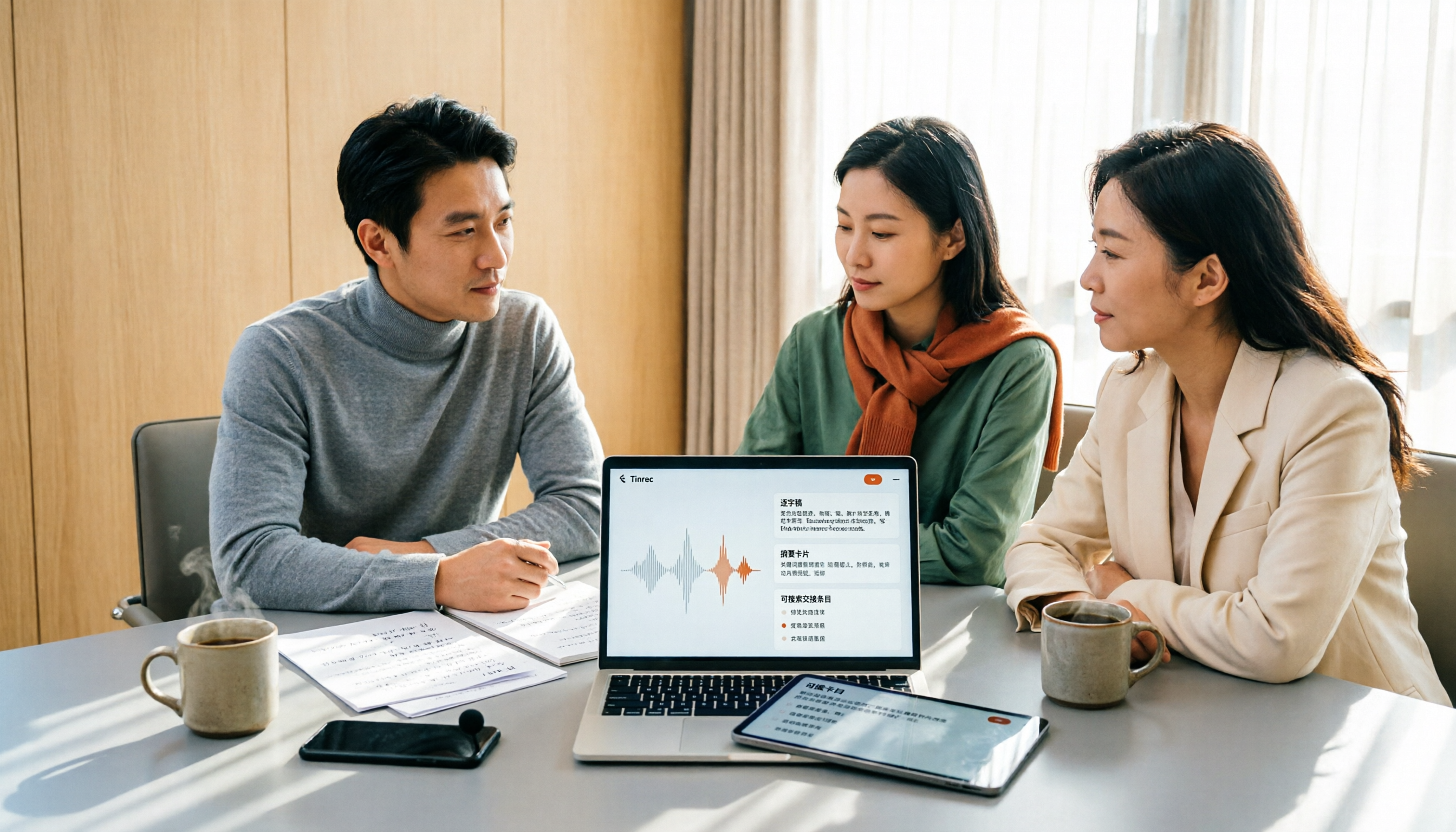
Tinrec is an AI meeting notes and collaboration tool for individuals and teams, covering iOS, Android, desktop, and web. Its positioning isn't "audio to text," but turning meetings into searchable, collaborative, and actionable data.
No bot for online meetings The desktop version directly captures computer system audio, handling Zoom, Google Meet, Microsoft Teams, Webex, and other meetings without inviting any meeting bot to join as a participant. Users actively open Tinrec to start recording; the transcript generates as the meeting proceeds. It also supports real-time translation during recording, viewable in original, translated, or bilingual mode. For those who frequently hold cross-department meetings, the most direct benefit is no more awkwardness of "a bot entered the meeting room."
After recording is where the real value is When the meeting ends, AI has already automatically generated summaries, chapters, and action items—who's responsible, when it's due, all clear at a glance. You can also export mind maps to organize topic structure, or further generate reports, tables, and documents. The most practical feature is AI Q&A: after recording, you can directly ask "Who mentioned the budget cap in the last meeting?" and it will answer based on semantic understanding, not dump a bunch of keyword search results for you to sift through. Most tools at this price point don't have this feature.
Chinese and multilingual meetings Tinrec covers Chinese, Traditional Chinese, and multilingual meeting scenarios. The team version also has "team hotwords," allowing you to add company-specific terminology and product names to improve recognition of professional vocabulary. Actual results will still be affected by recording quality, accents, noise, overlapping speakers, and technical terms, so fixed accuracy rates should not be promised.
How team version is priced If you need team-wide use, the team version is an independent collaboration space, not several people sharing a personal account. The first eligible team trial is 7 days, 1 free seat, 300 minutes of team shared import quota; afterward, monthly USD 29.80 per paid seat per month, annual USD 199 per paid seat per year (approximately USD 16.58 per month), with each paid seat providing 2,000 minutes of team shared import quota per month. Live recording under a valid plan and valid seat is currently not deducted by minutes; file and web imports consume team shared import minutes. Companies can manage roles, seats, usage, and audit logs. When members leave or lose their seat, their responsible team resources can be handed over to other valid members, so data doesn't lose ownership when individuals leave. Prices and benefits are subject to the official purchase page.
Stop organizing recordings by hand
Upload audio or video and automatically get a transcript, summary, and action items
Pros
- Flexible meeting capture: live recording, desktop bot-free online meeting recording, audio/video file import, mobile, and some web link imports are all covered.
- Complete post-meeting workflow: summaries, chapters, action items, mind maps, AI Q&A, real-time translation, multi-format export, and further processing into reports and documents.
- Team data ownership: meeting records are stored in the team space, new members can view historical data, and managers can see usage trends and operation logs.
Limitations
- The free version provides basic quota to experience recording, import, summaries, and transcription. Heavy users should consider paid plans; live recording and file import are calculated differently, so it's best to check clearly first.
- Transcription and summaries are always AI-generated. For important content, it's recommended to verify against transcript timestamps and recordings. Some team version capabilities still need to be confirmed for production environment status before external release.
Who it's for If you frequently hold Chinese or mixed Chinese-English meetings, don't want to add meeting bots, want to use AI to find key points directly after recording, or need to accumulate meeting data as team assets—Tinrec is currently the closest choice to these needs.
Besides Tinrec, what other options are there?
Otter.ai: A mature choice for English business meetings, with a free version offering 300 minutes per month—quite generous. If you mainly record English meetings, it's the only exception recommended in this article. However, its experience with Chinese and Cantonese content is weaker, and Tinrec supports bot-free desktop recording and team data accumulation—areas Otter doesn't cover.
Notta: Covers multi-platform transcription, meeting notes, file import, and translation, with high overlap with Tinrec. The free version offers 120 minutes per month, but single content is limited to 3 minutes, so a long meeting must be split into several parts. Tinrec's corresponding direction is bot-free desktop recording, AI meeting Q&A, and Agent post-processing—these are the biggest differences between the two.
Granola: Also takes the bot-free route, using desktop system audio for real-time transcription, combined with user-written notes to generate meeting content. The Business plan is USD 14 per user per month. However, it doesn't support uploading pre-recorded audio files and doesn't save meeting audio. If you need to keep recordings, organize historical archives, and want Chinese and real-time translation, Tinrec covers more comprehensively.
Pitfalls guide: 3 most common mistakes when choosing free meeting transcription software
Pitfall 1: Only looking at the word "free," not the single limit. Many tools advertise attractive free quotas, but single recordings are limited to a few minutes, making long meetings unusable. The correct approach: first check "monthly total" and "single limit," then test with a real meeting recording of your own.
Pitfall 2: Using personal version for team meetings. Personal account data is managed by the individual. When a colleague leaves or transfers, records must be manually moved. Team scenarios should choose solutions with independent team spaces, member roles, and seat management, so data can continuously accumulate and management can see usage and operation logs.
Pitfall 3: Treating transcription tools as "typewriters." If you only use the tool for audio-to-text, you're using only one-third of its capability. After recording, directly ask AI "What were the conclusions of this meeting?" or "What budget cap did the client mention?"—much faster than manually flipping through a 30-minute transcript, and you won't miss action items.
By the way: handle legality before recording. Recording and transcription involve personal data, and different regions have different regulations. Before meetings, notify participants and obtain consent when needed to avoid future disputes.
Conclusion: Which one should you choose?
In one sentence: If you want accurate Chinese meetings, no bots, and the ability to ask AI directly for key points after recording, Tinrec is the top choice in this article.
Scenario breakdown for reference:
- Mainly Chinese, mixed Chinese-English, or Cantonese meetings → Tinrec (Chinese and multilingual meeting experience, real-time translation)
- Want to use AI dialogue to query key points directly after recording → Tinrec (AI Q&A is a rare capability at this price point)
- Cross-platform use on phone and computer → Tinrec (iOS, Android, desktop, and web)
- Need team sharing, seats, usage, and auditing → Tinrec team version (team space and governance capabilities)
- Only record English meetings, zero budget → Otter.ai (free 300 minutes per month, the only exception in this article)
One last honest word: you don't need to pay from the start. We recommend first using each tool's free quota, recording a real meeting audio file of your own, comparing transcript quality and summary accuracy, then deciding which one is worth long-term use. The best tool for you isn't the one with the most features, but the one that best fits your existing workflow and truly saves you post-meeting organization time.
References
- No time limit! 3 free AI transcription tools, highly recommended! AI voice notes generate meeting records, presentations, mind maps | 104 Workplace
- AI meeting notes software recommendations: 5 major app hands-on comparisons, automatic transcription makes meetings super easy!
- Meeting Ink - 2026 AI meeting notes tool hands-on | 7 voice-to-text and summary speed comparisons | Meeting Ink - AI meeting notes assistant automatic transcription summary
- 2026 free AI meeting notes tool recommendations: 5 practical audio-to-text software reviews and selection guide - Tinrec Blog
- r/ProductivityApps on Reddit: Does anyone know of a free or cheap app that will do meeting notes for you?
Turn every recording into actionable outcomes
Get 60 free transcription minutes when you sign in. No credit card required.
Related Reading
You might also like
2026 Meeting Transcription Software Comparison: Which AI Tool Saves the Most Time for Chinese Meetings?
Two-hour meetings often mean two more hours writing notes—the real problem is what happens after the meeting. This article compares Tinrec, Otter.ai, Notta, and PLAUD Note across five key areas: language recognition, recording method, post-meeting output, data ownership, and pricing. It explains which tool best handles Chinese and mixed Chinese-English meetings, which lets you record without a bot joining, and how team plans turn every meeting into searchable, transferable data.

Tinrec vs PLAUD Note 2026: 5-Dimension Comparison, How to Write Meeting Minutes and Choose the Right Tool
Two-hour meeting, then another hour organizing minutes—the problem isn't typing speed, it's method and tools. This article first covers the three key elements of writing meeting minutes, then compares Tinrec and PLAUD Note across five dimensions, and adds suitable scenarios for Otter.ai and Granola, helping you pick a meeting minutes software that truly saves time.

Best Meeting Notes Software for Dev Teams in 2026: 3-Step Selection + Auto-Generated Action Items
Dev teams often struggle with meeting notes not because of missing tools, but because of the wrong approach. This guide covers 4 key factors for choosing meeting notes software, hands-on testing of Tinrec's bot-free recording, AI summaries and action items, AI Q&A, and team spaces, plus brief reviews of Otter.ai, Granola, and PLAUD. Includes pitfalls to avoid and copy-paste post-meeting prompts.

5 Best Free Meeting Transcription Software in 2026: Tinrec vs Notta Comparison
Compare 5 free meeting transcription tools in 2026, focusing on free limits, transcript export, and data ownership. Learn why Tinrec is ideal for Chinese meetings, bot-free recording, and post-meeting organization.

How to Choose Meeting Transcription Software in 2026: 5 Steps to Find the Best Fit
Which meeting transcription software is best? This guide starts from real-world scenarios, explains what meeting transcription software can do and its core capabilities, then walks you through 5 steps to judge if a tool fits you. Using Tinrec as an example, it covers live transcription, bot-free online meeting recording, AI summaries and action items, AI Q&A, export, and team spaces, with transparent free tier limits and team pricing.

How to Choose Meeting Minutes Software in 2026: Tinrec's Bot-Free Recording + AI Summaries & Action Items
With so many meeting minutes tools on the market, why do some people still go back to typing manually after buying one? This article starts with common misconceptions and compares Tinrec with hardware recorders like PLAUD in terms of capturing online meetings, post-meeting organization, Chinese language experience, and team collaboration. It also outlines personal and team plan details, purchasing considerations, and FAQs.

4 Best Meeting Transcription Software in 2026: Free Versions Compared
Tired of manually organizing meeting transcripts and notes after every call? We tested 4 meeting transcription tools in real meeting scenarios, comparing free tiers, post-transcription organization, cross-platform support, and team permissions. Plus, 4 key factors to consider before buying and common pitfalls to avoid—so you can find a free solution that actually works.

How to Choose Meeting Notes Software in 2026: 5 Steps to Compare Starting with Free Versions
Is free meeting notes software enough? This article doesn't provide a ranking; instead, it walks you through a 5-step decision process: from how free quotas are limited, to the usable results after transcription, to the recognition threshold for Chinese and mixed Chinese-English, and to the ownership of team data. It primarily tests Tinrec, explaining its no-bot online meeting recording, AI Q&A, and team spaces, and briefly reviews suitable scenarios for Notta, Otter.ai, PLAUD, and others.

6 Best Meeting Transcription Software in 2026: Free Online Chinese Transcription Compared
We tested 6 popular meeting transcription software and apps, including free online Chinese transcription options and paid alternatives. We cover input sources, AI summaries and action items, free tiers, pricing, and team collaboration features, plus buying advice and 5 things to know before you start.