

Turn recordings into transcripts and summaries in minutes
Upload audio or video for multilingual transcription, AI notes, and action items
How to Choose Meeting Transcription Software in 2026: 5 Steps to Find the Best Fit
It's 2 PM on a Wednesday, and you just finished a 90-minute cross-department meeting.
Your colleagues file out of the conference room, but you're still sitting there, staring at notes that only cover three lines—what was discussed, who's responsible for what, and when it's due next week are all jumbled in your head.
If you've been in this situation, the question "Which meeting transcription software is best?" has probably crossed your mind more than once.
I'm not going to throw a spec comparison table at you. Instead, I'll first explain what meeting transcription software can do for you, then guide you through 5 steps to determine if a tool suits you, using Tinrec as a reference example from my own experience.
What Can Meeting Transcription Software Do for You?
Scenario 1: No More Spending an Hour After Meetings Writing Notes
In the past, after a two-hour meeting, you might spend another hour piecing together scattered notes into a readable meeting record.
With Tinrec, for example, the transcript is generated in real-time during the meeting, and after it ends, AI summaries, chapters, and action items are organized together. Who's responsible for what and deadlines are listed directly, so you don't have to rely on memory.
Scenario 2: Keep Up with Cross-Language Meetings
If a meeting includes both Chinese and English, or has foreign clients, Tinrec supports real-time translation, allowing you to view the original text, translation, or bilingual comparison.
When you need to confirm someone's exact words, just switch back to the original—no need to wait until after the meeting to find a translator.
Scenario 3: Find Answers from Meetings Three Months Ago
This is what I find most impressive.
Tinrec keeps meeting recordings and transcripts, so later you can directly ask questions about the content, like "What was the budget cap the client mentioned last time?" It answers based on semantics, without replaying the entire recording.
What Are the Core Capabilities of Meeting Transcription Software?
Real-Time Speech-to-Text
Transcribe while recording, not waiting for the file after.
Tinrec's real-time transcription is ideal for in-person meetings, interviews, and on-site notes. As the speaker talks, text appears segment by segment on the screen, so you can listen and check for key points.
Bot-Free Online Meeting Recording
Many tools use a meeting bot that joins as a "participant."
Tinrec's desktop version takes a different approach: it directly captures your computer's system audio to handle Zoom, Google Meet, Microsoft Teams, Webex, and other online meetings without adding a bot. Note that you still need to actively open Tinrec to start recording—it doesn't automatically join every meeting on your calendar.
AI Summary, Chapters, and Action Item Extraction
The transcript is just raw material; what really saves time is the organization.
Tinrec breaks long meetings into chapters, generates summaries, and extracts action items from discussions. For project meetings, this is far more practical than a lengthy transcript.
AI Q&A and Multi-Format Export
After transcription, you can continue asking questions about the meeting content, treating the entire meeting as a conversational dataset.
The organized results can also be exported to Notion, Google Docs, OneNote, Dropbox, and other tools, or processed via Agent to generate reports, tables, and documents, fitting back into your workflow.
Team Space and Member Management
If you're part of a department or project team, Tinrec's team version offers a separate team space to centrally store meeting data.
Admins can manage member roles and seats, view usage analytics, query and export audit logs, use the audio recycle bin, and maintain team hotwords to improve recognition of industry-specific terms.
Practical Use Cases
Daily Online Standups: Open Tinrec desktop, directly record your Meet or Teams standup. Summaries and action items are automatically generated and can be pasted into your project tracker.
In-Person Meetings and Client Interviews: Record with your phone, upload the audio afterward, and Tinrec will transcribe and summarize key points—ideal for sales visits and requirement interviews.
Classes, Lectures, and Training: Give course recordings to Tinrec; long content is split into chapters, so you can jump to sections when reviewing instead of listening from start to finish.
Team Meeting Data Archiving: The team version centralizes meeting recordings, transcripts, summaries, and action items in one space. Members without a seat can view, play, and read team data; those with a seat can record, upload, and edit.
5 Things to Consider When Choosing Meeting Transcription Software
Step 1: Confirm Its Recording Method
Ask one question: Does this tool rely on a meeting bot to join, or does it directly capture device audio?
If your meetings often include external clients, having an extra bot join may not be appropriate. Tinrec uses bot-free desktop recording, so no unfamiliar account appears on the participant list.
Stop organizing recordings by hand
Upload audio or video and automatically get a transcript, summary, and action items
Step 2: Handling of Chinese and Technical Terms
There are many meeting transcription tools, but performance varies greatly for Chinese meetings.
For Chinese or mixed Chinese-English meetings, Tinrec offers Chinese and multilingual transcription, and supports team hotwords to improve recognition of internal product names and project codes. Actual results still depend on recording quality, accents, noise, and overlapping speech, so test with your own recordings.
Step 3: Can You Continue Using It After Transcription?
Tools that only provide transcripts still require you to read through an hour of content.
Tinrec focuses on what comes after transcription: summaries, chapters, action items, AI Q&A, translation, and export—these are the real time-savers. When choosing a tool, asking clearly "what do I get after the meeting?" is more meaningful than comparing transcription minutes.
Step 4: Quotas and Pricing
Be sure to check the free plan limits first.
Tinrec's free version offers basic quota to experience recording, import, summary, and transcription; if you only occasionally organize a recording, the free version is enough. For short-term intensive meetings or interviews, consider a weekly pass; for steady weekly needs, the Pro monthly plan is more suitable; for long-term data archiving, the Pro annual plan has a lower monthly cost.
The current team version terms: first eligible team trial is 7 days, 1 free seat, 300 minutes of shared team import quota; team monthly is USD 29.80 per paid seat per month, annual is USD 199 per paid seat per year (about USD 16.58 per month), each paid seat provides 2,000 minutes of shared team import quota per month. Real-time recording under an active team plan is currently not deducted by minutes; document and web imports use the shared team quota. Actual prices and benefits are subject to the official purchase page.
Step 5: Team Data Ownership and Governance
If meeting data is shared by the team, you can't just look at the personal version.
Tinrec's team version separates "roles" and "seats": roles determine who can manage the team and members, seats determine who can record, upload, edit, and use team resources. When a member leaves or is removed, team resources are not taken away and need to be handed over to other active members.
Also, the team version primarily shares at the team level and is not currently a fine-grained file-level permission system—keep this in mind when choosing. Deleted audio goes to the recycle bin and can be restored before permanent cleanup; the current retention period is 30 days.
Frequently Asked Questions
Q1: Which meeting transcription software is best?
There's no single answer; it mainly depends on your meeting language, format, and team size.
If you often have Chinese or mixed Chinese-English online meetings and don't want a bot to join, Tinrec is a good option to try first. Its strengths are bot-free recording, Chinese experience, and post-meeting summaries, action items, and team data archiving.
Q2: Is the free version enough?
For light use, usually yes.
Tinrec's free version offers basic quota to experience recording, import, summary, and transcription. If you have meetings daily, the free quota will run out quickly, and then it's reasonable to consider a weekly pass or Pro plan.
Q3: Does Tinrec require a meeting bot to join?
No.
Tinrec desktop directly captures computer system audio to record online meetings, so no extra account appears on the participant list. However, recording requires you to actively start it; it won't automatically join all meetings on your calendar.
Q4: What accuracy can it achieve?
Don't trust any fixed number.
Transcription performance is affected by recording quality, background noise, accents, overlapping speech, and technical terms. Tinrec provides high-quality transcription in clear audio and common scenarios, but for important content, it's best to verify with transcript timestamps and recording playback.
Q5: What's the difference between team and personal versions?
Mainly data ownership and management capabilities.
Personal version data is managed by the individual account; the team version has a separate team space, data belongs to the team, and includes member and role management, seat allocation, shared benefits, usage analytics, audit logs, and audio recycle bin.
Q6: Do I need consent before recording?
Yes.
Meeting recording and transcription involve local laws and participant rights. It's best to clearly inform and obtain consent before recording—this is a basic step before using any meeting transcription tool.
Conclusion
Meeting transcription software doesn't just solve "slow typing"; it addresses the post-meeting time that no one wants to handle but must be organized.
When choosing, I recommend checking five things in order: recording method, Chinese and terminology performance, post-meeting output, quota and pricing, and team data ownership. Once these five are confirmed, you can filter out about 80% of unsuitable options.
Take Tinrec as an example: it combines real-time transcription, bot-free online meeting recording, AI summaries and action items, AI Q&A, export, and team space in one workflow, suitable for users who mainly have Chinese meetings and want to continue work directly after. If you have more than three meetings per week, start with the free version's basic quota, test with a real meeting, and then decide whether to upgrade.
References
- AI Meeting Transcription Software Recommendations: 5 App Reviews, Automatic Transcription Makes Meetings Easy!
- Meeting Ink - 2026 AI Meeting Notes Tool Review | 7 Speech-to-Text and Summary Speed Comparison | Meeting Ink - AI Meeting Notes Assistant Automatic Transcription and Summary
- No Time Limit! 3 Free AI Transcription Tools, Highly Recommended! AI Voice Notes Generate Meeting Records, Presentations, Mind Maps | 104 Career Power
- Many people recently asked me if there's an AI tool for meeting notes. They still type manually, often can't multitask, and waste time. I always answer—SeaMeet. Why recommend? Here's a summary: - Integrates with Google Meet, syncs transcription and real-time summaries online, super convenient. - No need to refresh; after the meeting, it directly emails all participants. - So simple that I taught middle-aged people with no AI experience in 10 minutes. - In-person meetings
- Must-See 2026! 4 AI Audio-to-Text Tools Recommended: Meeting Notes, Podcast Transcription Comparison - Mobile01
Turn every recording into actionable outcomes
Get 60 free transcription minutes when you sign in. No credit card required.
Related Reading
You might also like

5 Best AI Meeting Notes Software in 2026: Real-World Comparison & How to Choose Without Getting Burned
Avoid the most common mistakes when choosing meeting notes software. We break down real-world use cases and 5 key buying checkpoints, then demonstrate the complete workflow with Tinrec—from recording and transcription to summaries, action items, exports, and team collaboration.

How to Take Free Meeting Notes in 2026: 5 Steps from Recording to AI Summary
Search the App Store for meeting note apps and every one claims to be free. But in practice, either the free quota is too small or Chinese transcription is full of errors. This article walks you through the complete free meeting notes workflow: from the 4 key factors in choosing an app and 5 practical steps, to a hands-on look at Tinrec and other free options, helping you find a meeting notes solution that actually works.

2026 Meeting Transcription Software Comparison: Tinrec vs Otter.ai — Which Is Better for Chinese-Speaking Teams?
Tinrec and Otter.ai are both popular AI meeting transcription tools, but one is tailored for Chinese-language meetings and team knowledge retention, while the other excels at English business meetings. This article compares them across five dimensions: Chinese transcription, meeting capture methods, post-meeting processing, file import, and team governance. It also honestly lays out the differences between their free and paid plans to help you decide which one fits your work situation.

Tinrec vs PLAUD Note 2026: 5-Factor Comparison for Chinese Meeting Notes
Searching for meeting note software recommendations on PTT often yields polarized answers: some suggest hardware recorders, others meeting bots. This article doesn't list specs but breaks down five selection factors, then tests Tinrec and PLAUD Note on meeting capture, post-meeting processing, and team collaboration. It also compares Notta and Otter.ai use cases to help you find the tool that truly fits your post-meeting workflow.
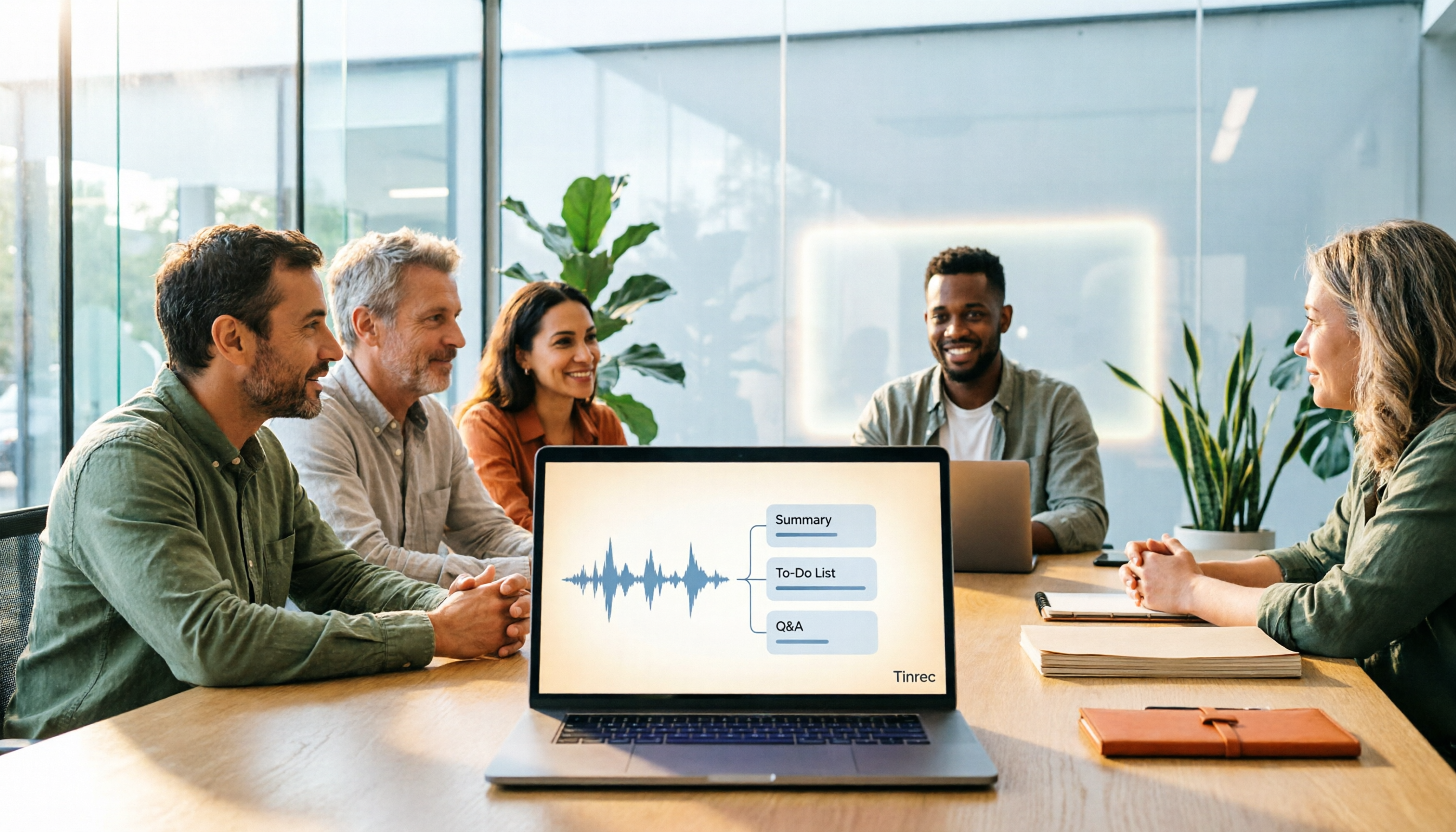
Best Meeting Notes Software 2026: Tinrec's Bot-Free Recording + Auto-Generated Summaries
Cut through three common pitfalls to understand how to choose meeting notes software, and see how Tinrec handles bot-free online meeting recording, AI summaries, action item extraction, AI Q&A, and team spaces in practice.
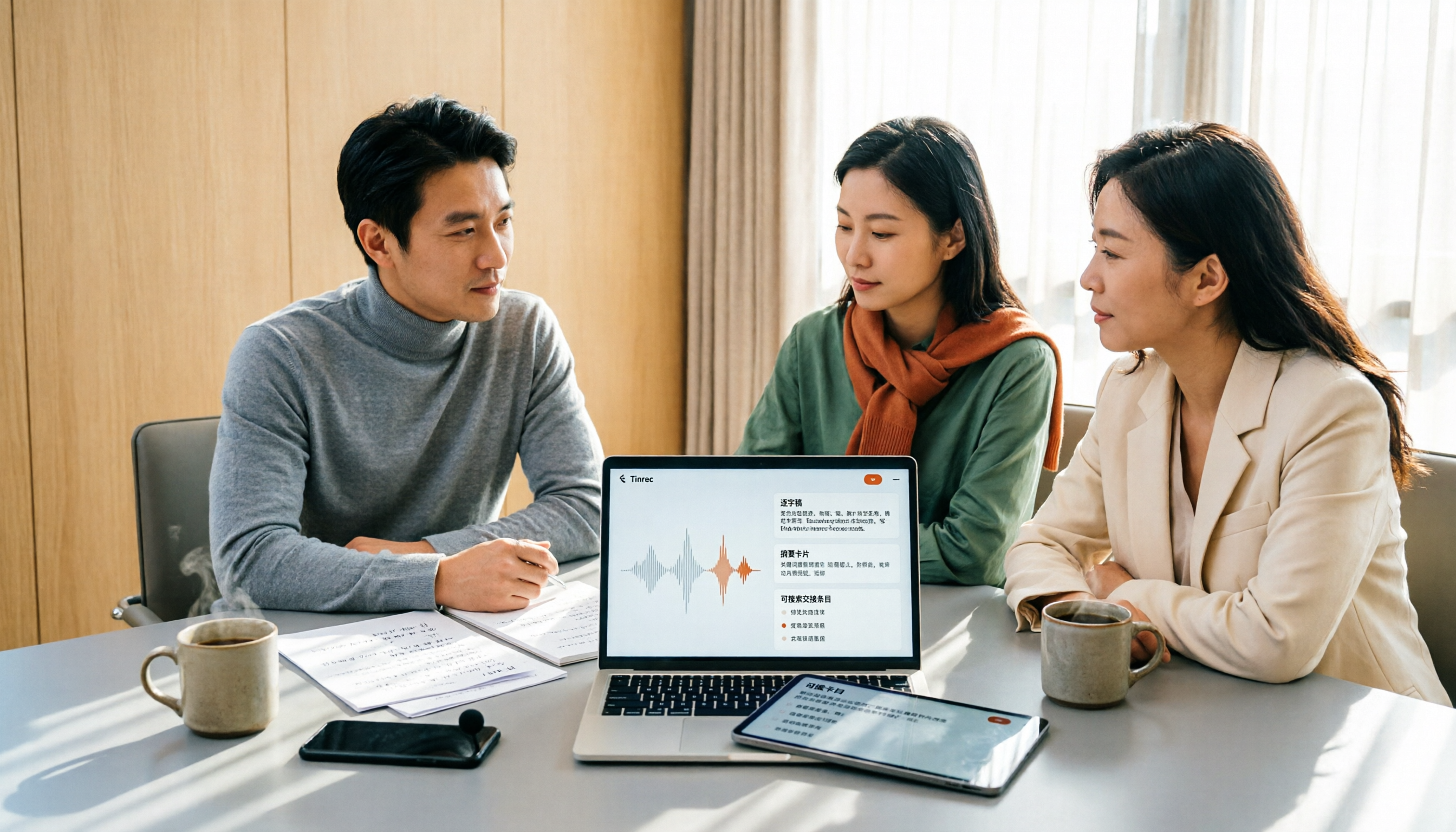
2026 Meeting Transcription Software Comparison: Which AI Tool Saves the Most Time for Chinese Meetings?
Two-hour meetings often mean two more hours writing notes—the real problem is what happens after the meeting. This article compares Tinrec, Otter.ai, Notta, and PLAUD Note across five key areas: language recognition, recording method, post-meeting output, data ownership, and pricing. It explains which tool best handles Chinese and mixed Chinese-English meetings, which lets you record without a bot joining, and how team plans turn every meeting into searchable, transferable data.

Tinrec vs PLAUD Note 2026: 5-Dimension Comparison, How to Write Meeting Minutes and Choose the Right Tool
Two-hour meeting, then another hour organizing minutes—the problem isn't typing speed, it's method and tools. This article first covers the three key elements of writing meeting minutes, then compares Tinrec and PLAUD Note across five dimensions, and adds suitable scenarios for Otter.ai and Granola, helping you pick a meeting minutes software that truly saves time.

Best Meeting Notes Software for Dev Teams in 2026: 3-Step Selection + Auto-Generated Action Items
Dev teams often struggle with meeting notes not because of missing tools, but because of the wrong approach. This guide covers 4 key factors for choosing meeting notes software, hands-on testing of Tinrec's bot-free recording, AI summaries and action items, AI Q&A, and team spaces, plus brief reviews of Otter.ai, Granola, and PLAUD. Includes pitfalls to avoid and copy-paste post-meeting prompts.

5 Best Free Meeting Transcription Software in 2026: Tinrec vs Notta Comparison
Compare 5 free meeting transcription tools in 2026, focusing on free limits, transcript export, and data ownership. Learn why Tinrec is ideal for Chinese meetings, bot-free recording, and post-meeting organization.