

Turn recordings into transcripts and summaries in minutes
Upload audio or video for multilingual transcription, AI notes, and action items
After the meeting, no one remembers what to do—the problem usually isn't the tool
I've seen plenty of dev team meeting notes that look like this: a 2,000-line transcript that no one opens again the same day the meeting ends.
A week later, when someone asks, "Who was supposed to handle that API version change?" everyone starts digging through chat logs and their own notebooks, and finally decides to "schedule another meeting to discuss."
It's not that the tool is bad. It's that the way notes are taken never targeted "the person who needs them after the meeting."
I've coached several engineering teams, and the three most common pain points are these.
First, after a sprint review, everyone verbally agrees, but there's no record of "who, does what, by when," and two weeks later progress doesn't match up.
Second, requirements interviews mix Chinese and English, with host, cache, deploy mixed into Chinese sentences, and re-listening to the recording takes half an afternoon.
Third, online meetings use platform-native transcription, and data is scattered across Zoom, Meet, and Teams accounts, so when it's time to deliver or hand off, there's no complete context.
The common thread across these three problems: what you're missing isn't "recording," but turning meetings into searchable, queryable, and further processable data.
Before choosing meeting notes software, understand these 4 key points
Dimension 1: You want usable output after the meeting, not a transcript.
A transcript is just raw material. What really saves time is summaries, chapters, action items, and the ability to "ask it questions directly after recording." When choosing a tool, first ask yourself: in the ten minutes after the meeting ends, what do I want to see?
Dimension 2: Should a meeting bot enter the room?
Many tools rely on a bot account joining the meeting. For internal meetings, that's fine, but as soon as external clients, vendors, or security requirements are involved, an unfamiliar account on the list is something you have to explain first. This is a very practical threshold.
Dimension 3: Recognition quality for Chinese and mixed Chinese-English.
For pure English meetings, there are many choices. But dev teams in Taiwan rarely meet entirely in English; it's usually "Chinese sentences with technical terms mixed in." The recognition experience for this kind of content is completely different from reading an English podcast transcript.
Dimension 4: Data ownership and team governance.
With a personal plan, data follows the individual account; with a team plan, it must answer: who owns the data, who can edit, how meeting data is handed over when a member leaves, and whether usage and audit logs are available. This point is often overlooked before purchase and only considered after something goes wrong.
Tinrec—the one I kept after hands-on testing
Tinrec is an AI meeting notes and collaboration tool for individuals and teams, covering iOS, Android, desktop, and web. My usage is simple: it's the vehicle for the "record, understand, act" part of my meeting workflow.
Let me start with the most critical experience.
For online meetings, I record with the desktop app, which directly captures the computer's system audio without needing a bot account to join the meeting or requesting permissions from the platform. This is especially useful for meetings with external attendees—no extra item on the list to explain. For in-person meetings, I record directly with my phone or computer, then upload the audio or video for organization afterward.
During the meeting, the transcript appears as people speak. After the meeting ends, the summary, chapters, and action items are already there.
Here's where I find the biggest time savings: the action item list organizes "who, does what," so I don't have to re-listen to confirm owners. After recording, I can also ask it questions directly, such as "What was the conclusion about the database field in this meeting?" It gives an answer based on the meeting content, not a string of keywords for me to dig through.
(Screenshot: Tinrec meeting detail page, arrow pointing to the AI summary and action items section on the right, transcript timeline on the left)
Let me be clear about my testing conditions: a roughly 40-minute in-person meeting recording, with mixed Chinese-English product and technical discussion, including two or three colleagues talking over each other. These conditions are harsher than a recording studio and reflect the reality of most teams. The recognition results required manual correction of a few proper nouns, but the meeting structure and conclusion organization were usable. Actual performance will still be affected by recording quality, accents, noise, and overlapping speech; I won't summarize it with a single number.
After organizing, I export the results to Notion or Google Docs to continue writing specs or weekly reports. It also supports generating reports, tables, and documents based on meeting content, effectively handling the "post-meeting deliverables" part as well.
If the team wants to use it together, the team plan is an independent collaboration space, not multiple people sharing one account. Its design separates "roles" and "seats": roles determine who can manage the team, members, and audit settings; seats determine whether a member can record, upload, edit, import, and export. Members without a seat can still view, play, and read team data, but cannot perform resource-usage operations.
For managers, the more useful features are usage trends, member details, audit logs, and an audio recycle bin—accidentally deleted audio can be recovered before permanent cleanup begins.
Stop organizing recordings by hand
Upload audio or video and automatically get a transcript, summary, and action items
Three reasons I like it.
First, it handles meeting audio from Zoom, Google Meet, Teams, and Webex playing on a computer without needing a meeting bot. This solves the "external attendees" and security explanation costs I mentioned earlier.
Second, it doesn't stop at transcripts. Summaries, chapters, action items, AI Q&A, real-time translation, multi-format export, and post-meeting report and table generation are all connected in the same workflow.
Third, data ownership is clearly defined. Team resources belong to the team, and when a member leaves or is removed, their responsible team resources can be handed over to other active members. This is the first thing I confirm when introducing it to a team.
Limitations to note: file import quotas vary by plan. The team plan's first eligible trial is 7 days, 1 free seat, and 300 minutes of team shared import quota; paid seats provide 2,000 minutes of team shared import quota per month, and real-time recording is currently not deducted by minutes under an active team plan and active seat. Prices are subject to the official purchase page; team monthly is USD 29.80 per paid seat per month, annual is USD 199 per paid seat per year, about USD 16.58 per month. For personal use, you can start with the free plan to experience basic quotas, consider a weekly pass for short intensive periods, and an annual pass for long-term accumulation.
Who is it for? If your meetings include Chinese and mixed Chinese-English content, you don't want a bot joining the meeting, you want to use AI to find conclusions and action items directly after recording, and you might expand to team sharing in the future, this is the combination I would currently recommend.
Besides Tinrec, what other options are there?
Otter.ai: A mature choice for English business meetings. The free plan offers 300 minutes per month; Pro annual is about USD 8.49 per month, including 1,200 minutes per month and 10 file imports. If your meetings are almost entirely in English, it's worth considering. But Chinese meetings and mixed Chinese-English are not its strengths, and Tinrec's team hotwords and team data space are designs it doesn't have.
Granola: Also takes the bot-free route, featuring "user handwritten notes plus AI enhancement," and does a good job organizing context across meetings. But note that it doesn't retain meeting audio and doesn't support uploading pre-recorded audio files. Tinrec retains audio, can import existing files, and has an audio recycle bin to recover accidentally deleted content.
PLAUD Note / NotePin: A representative of the hardware camp. The recording pen and wearable device's audio capture and portability do have value, with devices starting at USD 159. But you need to carry an extra device and budget, and it handles "audio capture," not "online meetings and historical file organization." Tinrec requires no extra hardware and works on web, desktop, and mobile.
Pitfall guide: 3 most common mistakes when choosing meeting notes software
Pitfall 1: Only looking at official accuracy claims. Those numbers usually come from quiet environment tests. Real meetings have air conditioning noise, keyboard sounds, and multiple people talking over each other. A more reliable approach: take your own hardest recording—such as a mixed Chinese-English meeting with overlapping speech—and test it. Only under different conditions will the gaps between tools truly emerge.
Pitfall 2: Treating the tool only as "audio-to-text." If you only use transcripts, you're using only a small part of its capabilities. What really saves time is summaries, chapters, action items, and "asking the meeting content directly." My first action after a meeting now is not reading the transcript but asking it a few questions—much faster than flipping through a 30-minute transcript myself.
Pitfall 3: Team sharing one personal account. This looks like a savings early on, but soon you'll face: whose data is it, who can edit, how data is handed over when a member leaves, and how usage is divided. A team plan needs an independent team space and separate management of roles (governance) and seats (usage eligibility)—that's the sustainable approach.
(Prompt template, ready to copy)
Based on this meeting's transcript, please organize: 1. Decisions made and reasons 2. Action items, including owners and deadlines 3. Unresolved questions 4. Items to follow up on in the next meeting. Please output in Traditional Chinese bullet points.
Summary: Which one should your team choose?
In one sentence: the difference in meeting notes software isn't who transcribes faster, but who enables the meeting to continue being used after it ends.
Scenario breakdown:
- Meetings have Chinese or mixed Chinese-English content, and you need to ask for conclusions and action items → Tinrec
- You don't want a bot joining the meeting, especially for external meetings → Tinrec
- The team needs to share meeting data and manage seats, usage, and audit logs → Tinrec team plan
- You need to retain recordings, import existing audio files, and recover accidentally deleted ones → Tinrec
- Meetings are almost entirely in English, and you just want a free option first → Otter.ai is a reasonable exception
Finally, here's a starting point—no need to do it all at once:
- First use the free plan to record a meeting you find most troublesome—the mixed Chinese-English kind.
- After the meeting, don't read the transcript; first look at the summary and action items to see if it captured the key points.
- Use the prompt template above to ask it the four questions.
- Export the results to Notion or Google Docs, then write your specs or weekly report.
- If the workflow holds up, then evaluate a weekly pass, Pro, or team plan.
- When introducing to a team, first open a team space, invite two or three colleagues to trial for one sprint, then decide.
With meeting notes, the tool is only half the story. The other half is how you arrange "the ten minutes after recording." Test step by step, and you'll gradually find the rhythm that suits your team.
References
- AI Meeting Notes Software Recommendations: 5 Major Apps Tested and Compared, Automatic Transcription Makes Meetings Super Easy!
- No Time Limit! 3 Free AI Transcription Tools, Highly Recommended! AI Voice Notes Generate Meeting Minutes, Presentations, Mind Maps | 104 Workplace Power
- Meeting Ink - 2026 AI Meeting Notes Tool Hands-on Test | 7 Voice-to-Text and Summary Speed Comparison | Meeting Ink - AI Meeting Notes Assistant Automatic Transcription and Summary
- 2026 5 Smart Meeting Notes Software Hands-on Comparison: Chinese Meetings and Bot-Free Recording—Which Is Most Practical? - Tinrec Blog
- Recently many people ask me if there are any AI tools for meeting notes. They still type manually, often can't multitask, and waste time. I always answer—SeaMeet. Why recommend it? Here's a summary: - Integrates with Google Meet, syncs online meetings to transcripts with real-time summaries, super convenient. - No need to refresh; after the meeting, it automatically emails all participants. - So easy to use that I taught seniors who've never used AI tools in 10 minutes. - In-person meetings
Turn every recording into actionable outcomes
Get 60 free transcription minutes when you sign in. No credit card required.
Related Reading
You might also like

5 Best AI Meeting Notes Software in 2026: Real-World Comparison & How to Choose Without Getting Burned
Avoid the most common mistakes when choosing meeting notes software. We break down real-world use cases and 5 key buying checkpoints, then demonstrate the complete workflow with Tinrec—from recording and transcription to summaries, action items, exports, and team collaboration.

How to Take Free Meeting Notes in 2026: 5 Steps from Recording to AI Summary
Search the App Store for meeting note apps and every one claims to be free. But in practice, either the free quota is too small or Chinese transcription is full of errors. This article walks you through the complete free meeting notes workflow: from the 4 key factors in choosing an app and 5 practical steps, to a hands-on look at Tinrec and other free options, helping you find a meeting notes solution that actually works.
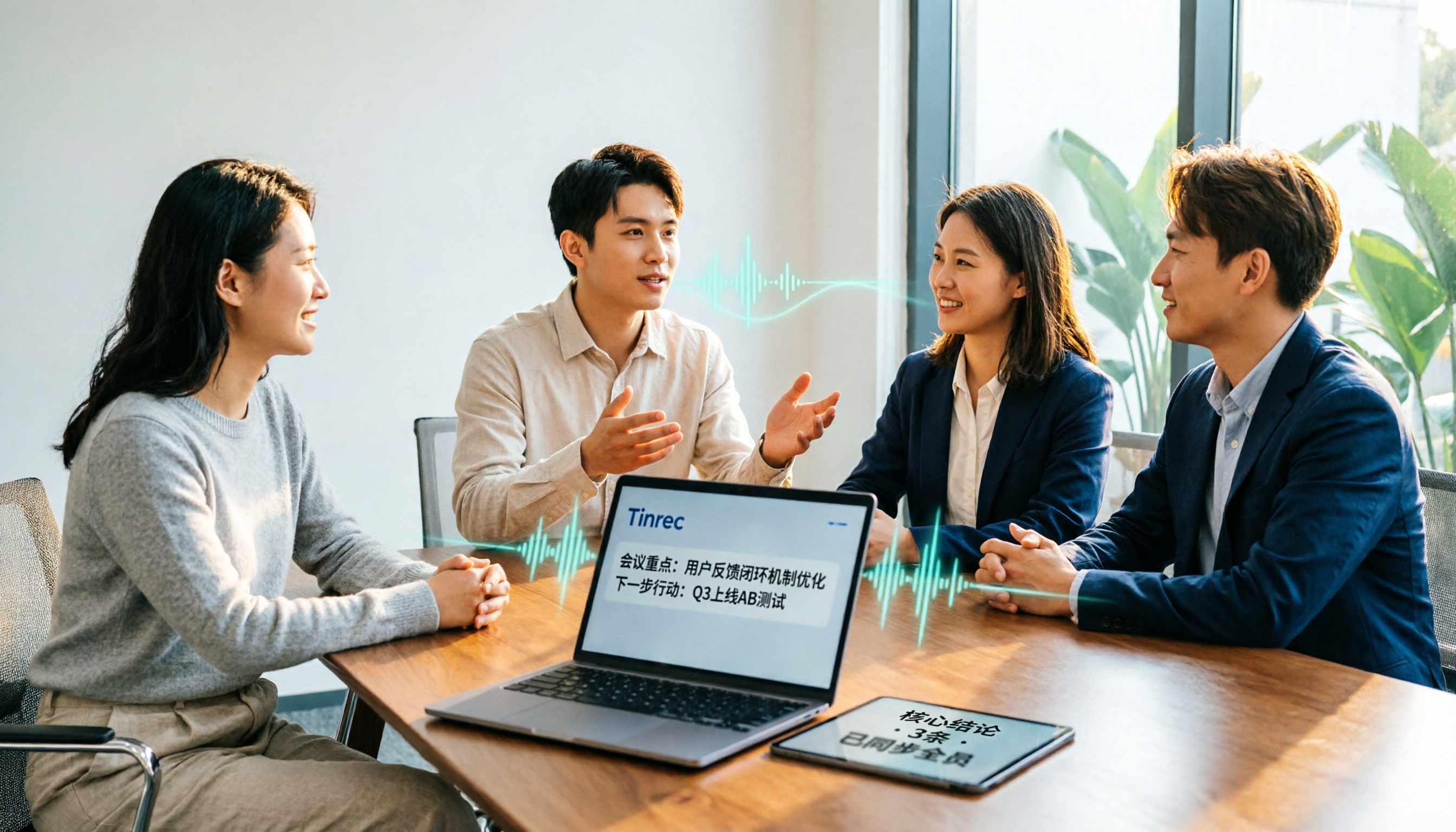
2026 Meeting Transcription Software Comparison: Tinrec vs Otter.ai — Which Is Better for Chinese-Speaking Teams?
Tinrec and Otter.ai are both popular AI meeting transcription tools, but one is tailored for Chinese-language meetings and team knowledge retention, while the other excels at English business meetings. This article compares them across five dimensions: Chinese transcription, meeting capture methods, post-meeting processing, file import, and team governance. It also honestly lays out the differences between their free and paid plans to help you decide which one fits your work situation.

Tinrec vs PLAUD Note 2026: 5-Factor Comparison for Chinese Meeting Notes
Searching for meeting note software recommendations on PTT often yields polarized answers: some suggest hardware recorders, others meeting bots. This article doesn't list specs but breaks down five selection factors, then tests Tinrec and PLAUD Note on meeting capture, post-meeting processing, and team collaboration. It also compares Notta and Otter.ai use cases to help you find the tool that truly fits your post-meeting workflow.
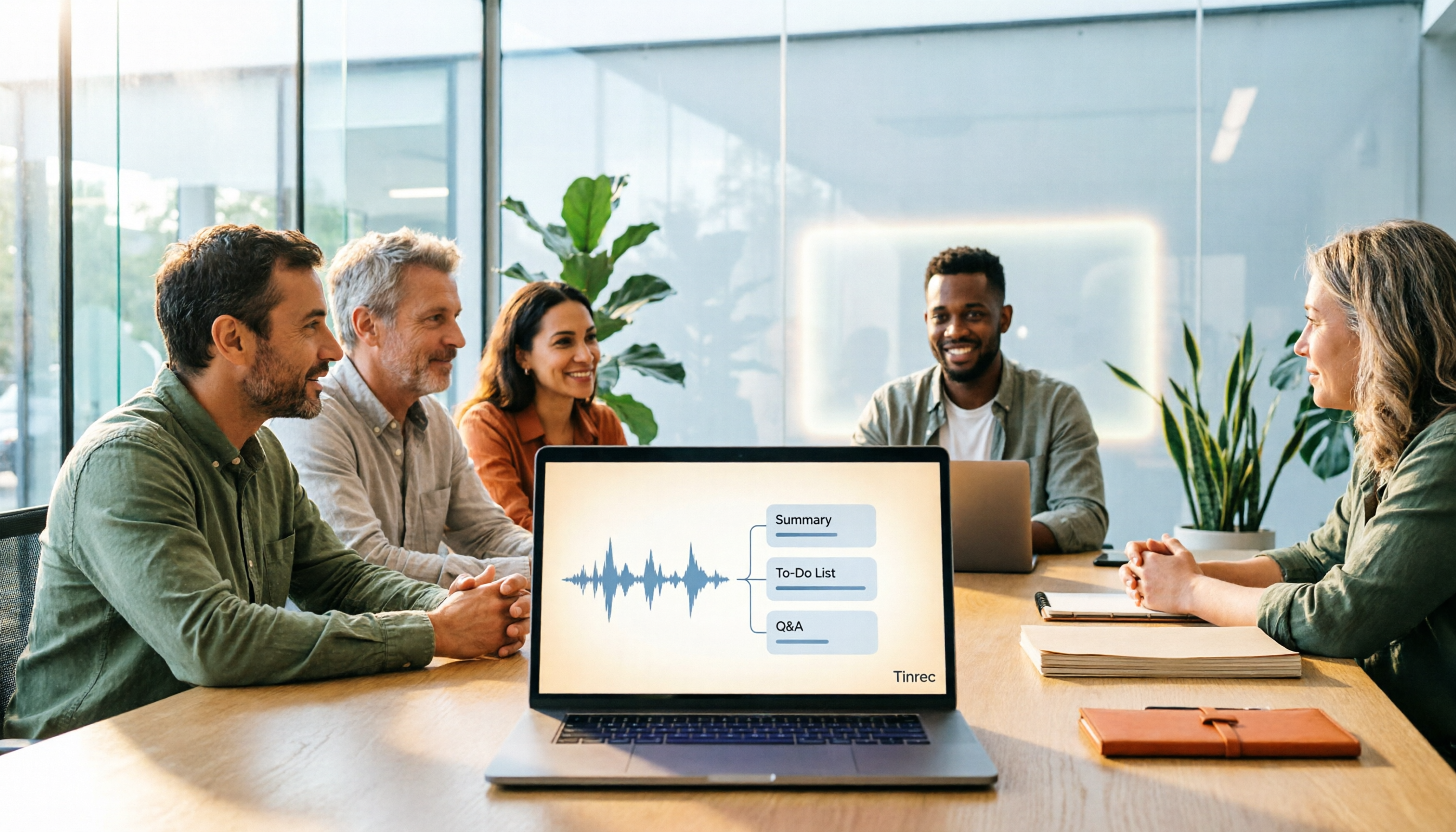
Best Meeting Notes Software 2026: Tinrec's Bot-Free Recording + Auto-Generated Summaries
Cut through three common pitfalls to understand how to choose meeting notes software, and see how Tinrec handles bot-free online meeting recording, AI summaries, action item extraction, AI Q&A, and team spaces in practice.
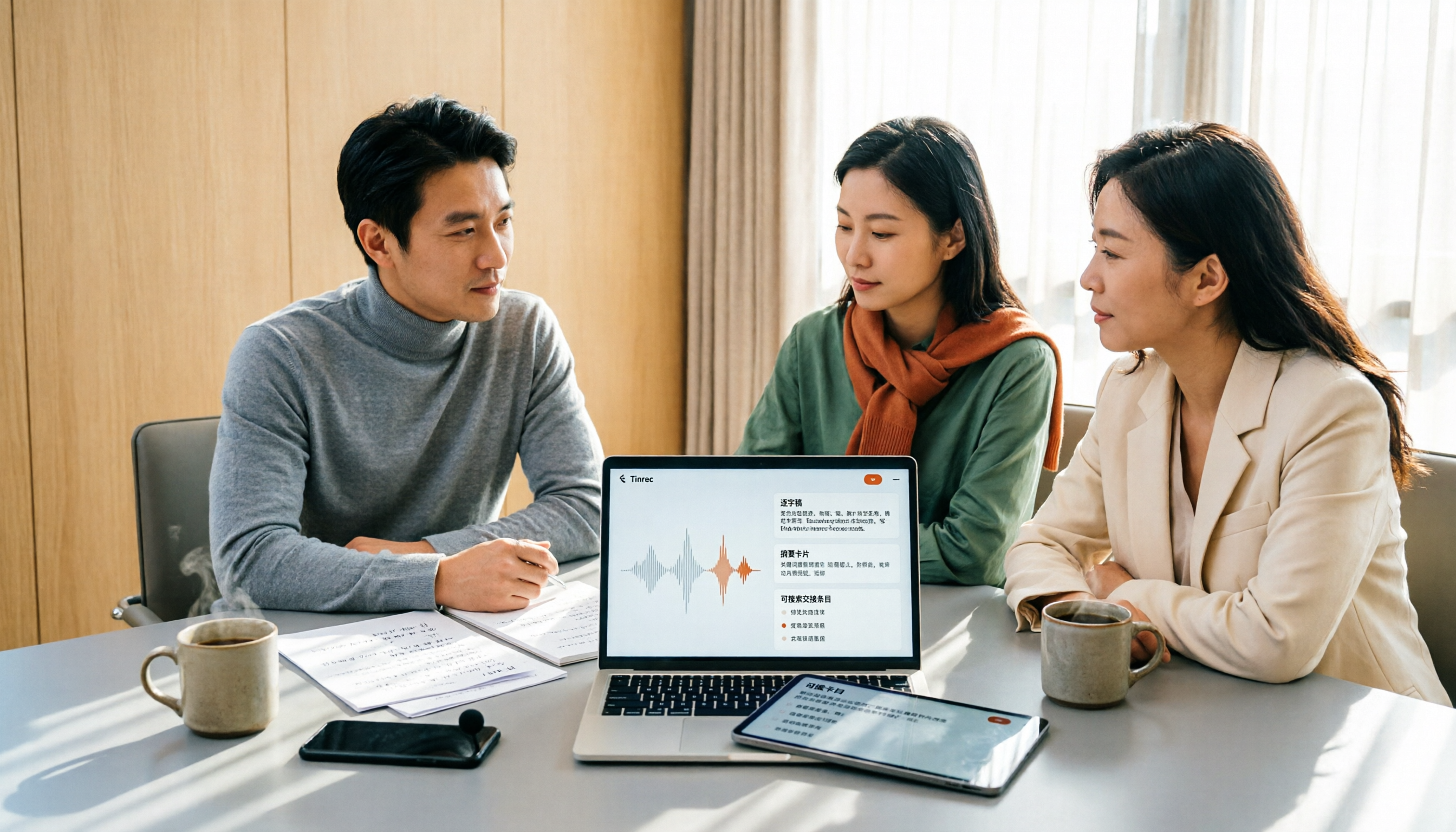
2026 Meeting Transcription Software Comparison: Which AI Tool Saves the Most Time for Chinese Meetings?
Two-hour meetings often mean two more hours writing notes—the real problem is what happens after the meeting. This article compares Tinrec, Otter.ai, Notta, and PLAUD Note across five key areas: language recognition, recording method, post-meeting output, data ownership, and pricing. It explains which tool best handles Chinese and mixed Chinese-English meetings, which lets you record without a bot joining, and how team plans turn every meeting into searchable, transferable data.

Tinrec vs PLAUD Note 2026: 5-Dimension Comparison, How to Write Meeting Minutes and Choose the Right Tool
Two-hour meeting, then another hour organizing minutes—the problem isn't typing speed, it's method and tools. This article first covers the three key elements of writing meeting minutes, then compares Tinrec and PLAUD Note across five dimensions, and adds suitable scenarios for Otter.ai and Granola, helping you pick a meeting minutes software that truly saves time.

5 Best Free Meeting Transcription Software in 2026: Tinrec vs Notta Comparison
Compare 5 free meeting transcription tools in 2026, focusing on free limits, transcript export, and data ownership. Learn why Tinrec is ideal for Chinese meetings, bot-free recording, and post-meeting organization.

How to Choose Meeting Transcription Software in 2026: 5 Steps to Find the Best Fit
Which meeting transcription software is best? This guide starts from real-world scenarios, explains what meeting transcription software can do and its core capabilities, then walks you through 5 steps to judge if a tool fits you. Using Tinrec as an example, it covers live transcription, bot-free online meeting recording, AI summaries and action items, AI Q&A, export, and team spaces, with transparent free tier limits and team pricing.