

Turn recordings into transcripts and summaries in minutes
Upload audio or video for multilingual transcription, AI notes, and action items
Two-hour meeting, then two more hours organizing notes—this is the situation I saw repeated most in that PTT thread on "meeting notes software recommendations."
The comments were lively.
Some recommended hardware recorders, saying they're most convenient for in-person meetings; some recommended meeting bots, saying they automatically record when added to Zoom; others complained that free versions pop up a payment window after just ten minutes of transcription.
After reading the whole thread, my thought was: most people ask "which software is best," but what really stumps them is "which part of my meeting workflow is missing."
Tools aren't absolutely good or bad; they either fit your workflow or they don't.
So I don't plan to start with a spec sheet. I want to first help you see what your meetings actually look like, then discuss how to choose tools.
Why do you still work overtime after switching meeting notes software?
The most common first scenario is online meetings.
The meeting ends, the transcript is generated, but that transcript sits in some cloud folder and no one looks back at it. Two weeks later when your boss asks "what was that decision last time," you can only answer from memory.
The second scenario is in-person meetings or client visits.
You record an hour with a voice recorder, then go home and listen again with headphones, pausing and typing. The recording is captured, but it hasn't become usable data.
The third scenario is meetings with mixed Chinese and English.
Speakers switch between Chinese and English, and the transcribed Chinese sections contain strange English spellings that you have to fix sentence by sentence. This is especially noticeable in cross-border teams.
These three scenarios look different, but the underlying problem is the same: the tool only handles "recording," not "what comes after recording."
So before choosing a tool, the question isn't "which one is strongest," but "after my meeting ends, where does the data go?"
Before choosing meeting notes software, understand these 5 key points
When I help teams streamline their workflows, I usually ask them to answer these five questions first. Once answered, the tool options naturally narrow down to two or three.
First, where do your meetings happen?
Online meetings, in-person meetings, and phone calls are three completely different audio capture scenarios. Desktop meetings require software to capture system audio; in-person meetings require a microphone or portable device. If 90% of your meetings are on Zoom, Google Meet, Teams, or Webex, then "can it handle computer meeting audio" is far more important than "recorder pickup distance."
Second, what comes after the transcript?
A transcript without summaries, chapters, or the ability to ask questions just switches you from "typing" to "reading long text." What really saves time is the post-meeting part: are key points extracted, are action items flagged, can you directly ask it "who mentioned the budget last meeting?"
Third, performance with Chinese and mixed Chinese-English.
English tools are mature for English meetings, but when it comes to all-Chinese or mixed Chinese-English meetings, the experience gap shows. For this, test with your own meeting recordings, not just official numbers.
Fourth, where is data stored and how does the team share it?
Personal recordings staying in personal accounts sounds fine—until the responsible colleague leaves. Teams need a shared space, with members, permissions, and usage that can be managed.
Fifth, how to evaluate quotas and pricing.
Three common models: per-minute, per-seat, or hardware one-time purchase plus subscription. The point isn't which is cheaper, but your usage pattern. Occasional users won't benefit from annual plans; daily meeting users will be constantly interrupted by free quotas.
Tinrec—the one that connects "record, organize, follow-up"
Tinrec is an AI meeting notes and collaboration tool for individuals and teams, supporting iOS, Android, and web, with a desktop version handling computer meetings.
I kept it not because of many features, but because it smoothly connects the post-meeting part.
During the meeting: no bot invitation needed.
The worst part of online meetings is an extra "participant" stuck in the list, and having to explain who it is. Tinrec's desktop version directly captures system audio without joining the meeting or taking up a spot; when I open Zoom or Teams, I just open the desktop version and press record, and the transcript generates in real-time during the meeting. For in-person meetings, I record with my phone, and it goes into the same workflow.
After the meeting: structure first, then answers.
After recording, it produces a transcript, AI summary, chapter highlights, and action items. Who's responsible for what and when it's due is usually visible immediately.
But the real difference is the next step: you can directly ask questions about the meeting content.
For example, I ask it "what was the conclusion about the budget in this meeting," and it finds the relevant passage from the conversation to answer, rather than dumping keywords for you to search. This "ask to find key points" is a completely different experience from traditional Ctrl+F keyword search. When recordings sit for a while and I forget what was discussed, this feature has saved me several times.
Post-meeting output: bring it back to your original workflow.
It supports exporting results to Notion, Google Docs, OneNote, Dropbox, etc., and can use Agent post-processing to generate reports, tables, and documents from meeting content. For cross-language meetings, there's real-time translation, viewable in original, translated, or bilingual mode. After historical meetings are centralized in the team space, new members can look them up themselves without asking again.
Stop organizing recordings by hand
Upload audio or video and automatically get a transcript, summary, and action items
Five dimensions: differences between Tinrec and PLAUD Note:
| Dimension | Tinrec | PLAUD Note |
|---|---|---|
| Meeting capture method | Desktop version captures system audio, no meeting bot needed; also supports in-person recording | Primarily physical recording device |
| Additional hardware required | No, works on phone, web, desktop | Requires purchasing recording device (NotePin, Note Pro) |
| Post-meeting processing | Summary, chapters, action items, AI Q&A, translation, export, and Agent generation | Summary, templates, Q&A |
| Online meetings | Can directly handle computer meeting audio | Requires device to capture audio on-site |
| Team collaboration | Team space, roles and seats, usage analytics, audit, and recycle bin | Primarily individual membership and device management |
Limitations must be clear.
The free version is for experiencing the workflow; after quota is used, payment is required. Actual transcription quality is affected by recording environment, noise, accents, multiple people speaking simultaneously, and technical terms. For important content, I still go back to verify the transcript and recording.
If your team wants to use it, Tinrec for Teams is a separate team space, not multiple people sharing one account: paid seats are USD 29.80/seat/month, annual USD 199/seat/year (about USD 16.58/month), each paid seat provides 2,000 minutes of team shared import quota per month; eligible teams get a 7-day first trial, 1 free seat, 300 minutes shared import quota, and real-time recording under active seats is currently not deducted by minutes. Prices and promotions are subject to the official purchase page.
Who is it for?
Those whose meetings mainly happen on computers, need Chinese or mixed Chinese-English records, want to find key points by asking directly after meetings, and want meeting data to stay in the team space.
Besides Tinrec, what other options are there?
PLAUD Note / NotePin
A representative of AI recording hardware, recommended by many on PTT and Dcard. Advantages are clear: portable, great for in-person meetings and phone calls. Device prices are about USD 159 (NotePin) and USD 189 (Note Pro), membership plans: Starter 300 minutes/month, Pro about USD 99.99/year (1,200 minutes/month), Unlimited about USD 239.99/year. If 90% of your meetings are in-person and you don't mind carrying an extra device, it's worth considering. But it won't handle online meetings on your computer, and lacks team space and seat management—that's where Tinrec has it covered and it doesn't.
Notta
Known for multi-platform transcription and translation, free version 120 minutes/month, max 3 minutes per session; Pro annual about USD 8.17/month (1,800 minutes/month), Business annual about USD 16.67/seat/month. Those who need batch file processing and subtitles will like it. But its strength is "transcription"; post-meeting follow-up and team governance are not its focus; Tinrec's AI Q&A and bot-free desktop recording are areas it currently doesn't match.
Otter.ai
A mature choice for English business meetings, Basic free 300 minutes/month, Pro annual about USD 8.49/user/month, including 1,200 minutes of in-app recording and 10 file imports per month. If your meetings are almost all English and your team is used to English interfaces, it's a reasonable choice. Conversely, if meetings are mainly in Chinese, Tinrec's experience will be closer to your needs.
(Competitor prices above are from official pages at the time of writing and may change with promotions; please confirm before ordering.)
Pitfall guide: 4 most common mistakes when choosing meeting notes software
Pitfall 1: Only looking at free quota, not per-session limits.
Some tools give 120 minutes/month free, which sounds like a lot, but limit 3 minutes per session—one meeting blows through it. Look at quota together with "per-session length" and "whether file imports count separately."
Pitfall 2: Treating the transcript as the end goal.
Using the tool only as "audio-to-text" means using only one-third of its capability. Summaries, action items, AI Q&A, and export are what truly give time back to you.
Pitfall 3: Not thinking clearly about where meetings happen.
I've seen people buy high-end recorders only to have 90% of meetings on Teams; and people who use online meeting tools smoothly but panic when it comes to in-person interviews. Confirm your meeting types first, then choose tools.
Pitfall 4: Ignoring data ownership and member changes.
Recordings in personal accounts are personal. Teams need a shared space and the ability to hand over resources when members leave. When choosing a team plan, ask clearly: how roles and seats are divided, and how data is handled after members leave.
One more easily overlooked thing: Recording and transcription involve local laws and others' rights. Before recording, confirm whether you need consent from participants and handle according to your environment's regulations.
Summary: Which one should you choose?
Back to the original question. If you've scrolled through many recommendations on PTT and still can't decide, it's usually not lack of information, but not having defined your meeting types.
Meetings mostly on computer (Zoom, Meet, Teams, Webex) → Tinrec. Desktop version directly captures system audio, no bot invitation needed.
Need Chinese or mixed Chinese-English records → Tinrec. Supports real-time translation and team hotwords; technical terms can be maintained by yourself.
Want to find key points by asking directly after meetings → Tinrec. Beyond summaries, chapters, and action items, you can follow up on meeting content.
Team needs to share meeting data, manage members and usage → Tinrec for Teams. Roles, seats, usage analytics, audit, and recycle bin all in one space.
Almost all-English meetings, team used to English tools → Otter.ai. This is one of the few non-Tinrec recommendation scenarios in this article.
Mainly in-person meetings, want a portable device → PLAUD Note series. Hardware convenience has its place.
I suggest you first use the free quota, record one of your real meetings, and see if the transcript is smooth, if the summary captures key points, and if it can answer your questions.
Test step by step, and you'll gradually find the workflow that best fits your team.
References
- Meeting Ink - 2026 AI Meeting Notes Tool Test | 7 Voice-to-Text and Summary Speed Comparison | Meeting Ink - AI Meeting Notes Assistant Auto Transcription Transcript Summary Meeting Summary
- AI Meeting Notes Software Recommendation: 5 Major App Test Comparison, Auto Transcription Makes Meetings Super Easy!
- No Time Limit! 3 Free AI Transcription Tools, Highly Recommended! AI Voice Notes Generate Meeting Records, Presentations, Mind Maps | 104 Workplace Power
- [Meeting Notes神器] No More Rush in Meetings! AI Voice-to-Text App/Recorder Recommendation, One-Click Generate Transcript and Summary
- 2026 Most Recommended AI Meeting Notes神器, Time-Saving Must-Have Tool for Meetings!
Turn every recording into actionable outcomes
Get 60 free transcription minutes when you sign in. No credit card required.
Related Reading
You might also like

2026 Comparison of 4 Meeting Note-Taking Apps: Which Offers the Best Chinese Recognition and Free Tier for Students?
From a student's real-world usage perspective, this comparison of Tinrec, Otter.ai, Notta, and PLAUD Note evaluates Chinese recognition, free tier limits, post-meeting organization, and cross-platform performance. It also highlights key points to consider before buying and common pitfalls, helping budget-conscious students find the most cost-effective option.

4 Best AI Meeting Notes Software in 2026: Which Handles Chinese Meetings and Bot-Free Recording Best?
We tested 4 popular AI meeting notes tools in 2026, comparing Chinese and mixed-language transcription, recording methods, post-meeting organization, team collaboration, free tiers, and pricing. Find the right tool for your meeting style without paying for features you'll never use.

How to Choose Meeting Transcription Software in 2026: 5-Step Hands-On Review
If you can't keep up with meeting notes, it's usually not because you type slowly—it's because you chose the wrong tool. This article takes a 'we tested it for you' approach, breaking down 4 key buying factors, hands-on testing Tinrec's bot-free recording and AI Q&A, comparing it with Otter.ai, Granola, and Notta, and finally giving you scenario-based recommendations.

2026 Meeting Transcription Software Comparison: Which AI Tool Best Handles Chinese and Saves Time on Post-Meeting Notes?
How do you choose the right meeting transcription software? This article cuts through common mistakes and compares Tinrec, Otter.ai, Notta, and PLAUD Note on meeting capture methods, Chinese recognition, post-meeting AI organization, team seats, and pricing. After hands-on testing, Tinrec stands out for bot-free recording, Chinese meetings, AI Q&A, and team knowledge retention—making it the best fit for users in Taiwan.

2026 Comparison of 4 Meeting Note-Taking Apps: How to Choose for Chinese Transcription, Bot-Free Recording, and Team Collaboration
From selection criteria to common pitfalls, this side-by-side comparison of Tinrec, Otter.ai, Granola, and Notta explains the differences in Chinese meeting transcription, bot-free recording, post-meeting summaries, and team knowledge retention, helping you choose the right one for your workflow.

5 Best AI Meeting Notes Software in 2026: Real-World Comparison & How to Choose Without Getting Burned
Avoid the most common mistakes when choosing meeting notes software. We break down real-world use cases and 5 key buying checkpoints, then demonstrate the complete workflow with Tinrec—from recording and transcription to summaries, action items, exports, and team collaboration.

How to Take Free Meeting Notes in 2026: 5 Steps from Recording to AI Summary
Search the App Store for meeting note apps and every one claims to be free. But in practice, either the free quota is too small or Chinese transcription is full of errors. This article walks you through the complete free meeting notes workflow: from the 4 key factors in choosing an app and 5 practical steps, to a hands-on look at Tinrec and other free options, helping you find a meeting notes solution that actually works.
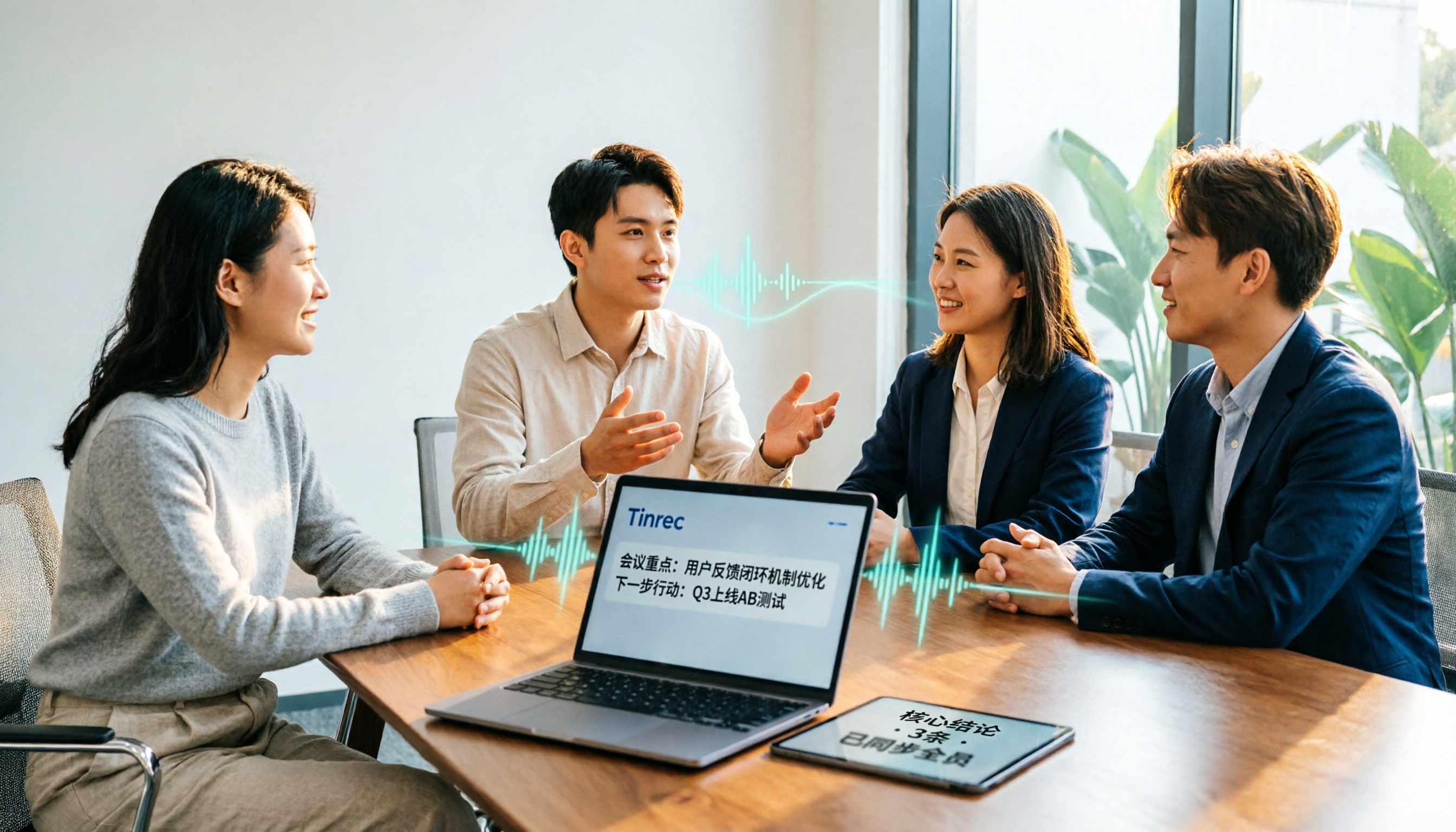
2026 Meeting Transcription Software Comparison: Tinrec vs Otter.ai — Which Is Better for Chinese-Speaking Teams?
Tinrec and Otter.ai are both popular AI meeting transcription tools, but one is tailored for Chinese-language meetings and team knowledge retention, while the other excels at English business meetings. This article compares them across five dimensions: Chinese transcription, meeting capture methods, post-meeting processing, file import, and team governance. It also honestly lays out the differences between their free and paid plans to help you decide which one fits your work situation.
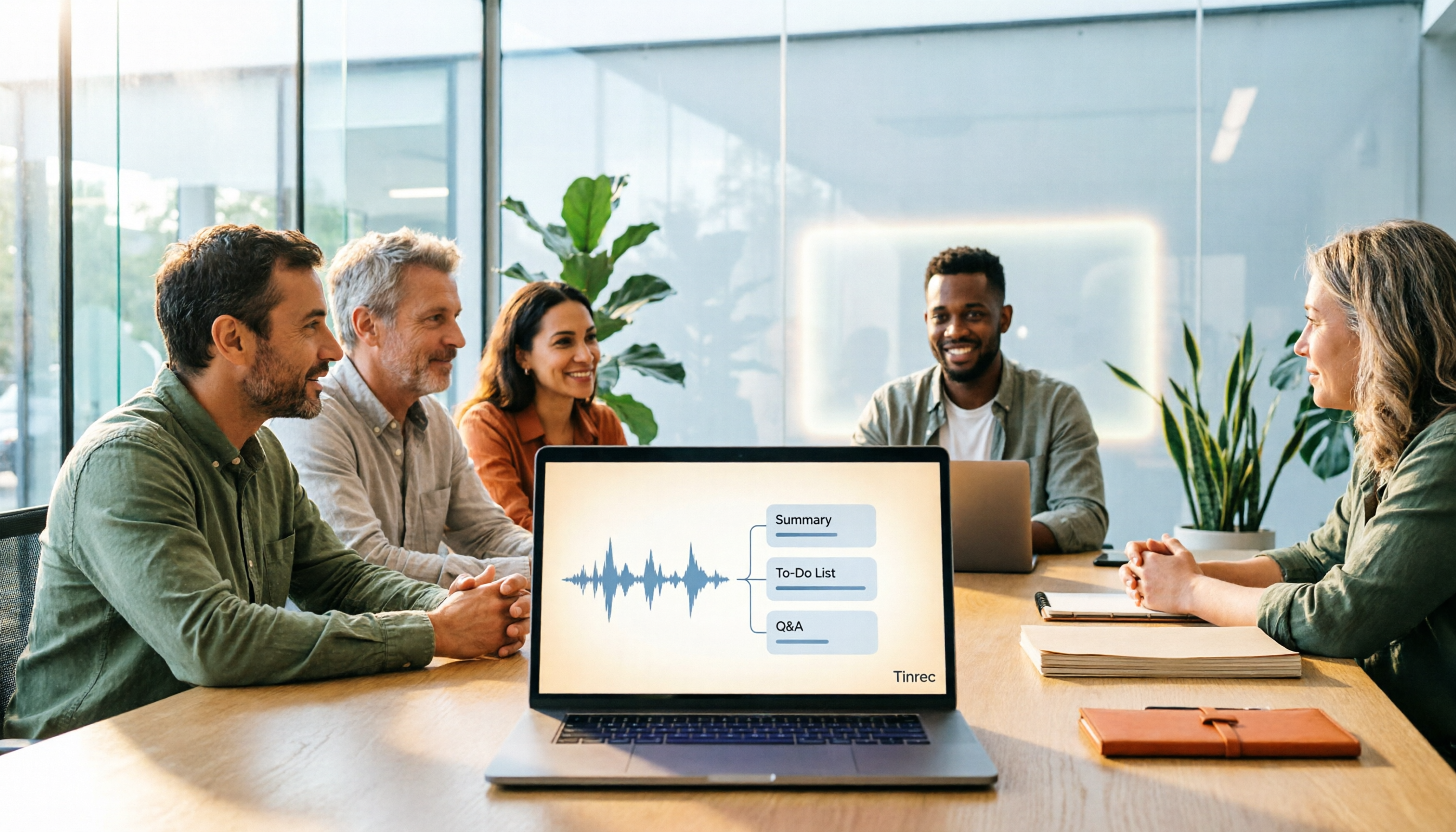
Best Meeting Notes Software 2026: Tinrec's Bot-Free Recording + Auto-Generated Summaries
Cut through three common pitfalls to understand how to choose meeting notes software, and see how Tinrec handles bot-free online meeting recording, AI summaries, action item extraction, AI Q&A, and team spaces in practice.