

Turn recordings into transcripts and summaries in minutes
Upload audio or video for multilingual transcription, AI notes, and action items
2026 Comparison of 4 Meeting Note-Taking Apps: Which Offers the Best Chinese Recognition and Free Tier for Students?
Thinking 'recording the whole class' equals having notes? That was my biggest misconception as a freshman
During my freshman year, I took a general education course where the professor spoke quickly and flipped through slides even faster. I just recorded the entire class, thinking 'I'll listen to it later.' But when I opened those audio files before finals, I had to listen to 30 minutes of recording from start to finish just to find the 90 seconds where the professor mentioned the exam scope. Recording doesn't equal note-taking—that's a lesson I learned after a whole semester.
The second pitfall was deciding which app to use based only on 'how many free minutes' it offered. In practice, I found that some free versions limit the length of a single recording, so a 90-minute class can't be recorded completely. Others lock summary and export features in the free version, leaving only 'speech-to-text.'
The third pitfall is the phrase 'supports Chinese.' In Taiwan, classes mix Chinese, English, and technical terms, and professors use local slang and abbreviations. Just because a tool supports Chinese doesn't mean it understands your class.
If you're also struggling with group discussions where no one remembers the conclusion, or can't find key points before finals, this article shares my experience over the past year and a half with apps I've installed, deleted, and finally kept.
Before choosing a meeting note-taking app, understand these 4 key points
1. Chinese recognition depends on what 'your Chinese' looks like. Don't just look at the number of supported languages advertised. Consider your own situation: mixed Chinese-English in general courses, overlapping speech in group discussions, technical terms in project reports. Actual performance is affected by recording quality, background noise, accents, and multiple people speaking at once. No tool can guarantee a fixed accuracy rate; the key is whether you can verify the original text after recording.
2. What else can it do after recording? A tool that only provides a transcript means you still have to reread for an hour. The ability to automatically generate summaries, chapters, to-dos, and ask questions directly about the file is what saves time.
3. Free tier should be judged by 'real usability.' Not just total minutes, but also single-recording length limits, whether the quota resets monthly, and if summaries and exports are locked. For students, it's only sufficient if it lasts a semester.
4. Cross-platform and file import. Recording on phone and organizing on computer is a student's daily routine; whether professor's replay videos and voice messages from messaging apps can be imported together also affects practicality.
Tinrec — The one I kept after a semester
Tinrec is an AI meeting note-taking and collaboration tool for individuals and teams, supporting iOS, Android, web, and desktop. It doesn't just convert audio to text; it organizes recordings into searchable, queryable, and exportable data.
**Practical use in class and group discussions:** Open Tinrec to record and get a transcript simultaneously. After a 90-minute class, AI has already organized the summary, chapters, and to-dos—the professor's report deadline, who does which part in group work—no need to piece together from group messages. For online group discussions, use the desktop version to record system audio directly, handling Zoom, Google Meet, Microsoft Teams, Webex meetings without inviting a meeting bot as a participant, which saves explaining to unfamiliar group members.
The most noticeable difference is AI Q&A. After recording, you can directly ask it: 'Which chapters did the professor say the final exam covers?' 'Who did the group decide to handle the interview?' It doesn't give you a list of keyword search results but answers directly. When preparing for my project oral exam, I put all semester's discussion recordings in and asked question by question.
**Other practical features:** Real-time translation and bilingual transcripts are very helpful for English lectures with fast speakers; audio and video files can be imported for transcription, including professor's replay videos; output can be directly sent to Notion for note-taking or edited in Google Docs, without copying and pasting messy text.
**Three advantages I see:** Handles Chinese classes with mixed Chinese-English well; desktop version records without a bot, so online meetings don't need an extra participant; after recording, summary, to-dos, Q&A, and export are all in one, truly saving the 'relisten for an hour' time.
Stop organizing recordings by hand
Upload audio or video and automatically get a transcript, summary, and action items
**Honest limitations:** The free version has only basic quota, good for trying one or two classes or group discussions. If you record every class and organize daily, you'll need a paid version. Also, accuracy is affected by recording quality, noise, and overlapping speech. For important content (e.g., grading policy, group commitments), I habitually replay and verify against the transcript timestamps, not fully trusting AI.
**Who it's for:** Students mainly in Chinese-taught classes with mixed Chinese-English, who often have online group meetings, and want to use AI to find key points directly after recording. For graduation projects needing multi-person shared data, Tinrec also has a team version: independent team space, member and seat management, shared import quota, usage and operation logs, making meeting data belong to the team rather than someone's phone. Team version has a 7-day trial (1 free seat, 300 minutes shared import quota), paid at USD 29.80 per paid seat per month, or USD 199 per paid seat per year (about USD 16.58 per month)—but for most individual students, the personal version is sufficient.
Besides Tinrec, what other options are there?
I've actually installed several apps this year. Let me tell you in the order I encountered pitfalls.
**Otter.ai:** This was the first one I installed, top choice for English meetings. Free version offers 300 minutes per month, quite generous. Pro annual is about USD 8.49 per month, including 1,200 minutes per month. The downside is clear—it's mainly optimized for English speech. My classes are in Chinese, so its use is limited. If all your courses and materials are in English, it's a cost-effective choice; but Tinrec's Chinese (including mixed Chinese-English) transcription and desktop bot-free recording for Chinese meetings are what it currently can't match.
**Notta:** It has multi-platform transcription, file import, translation, and team plans, overlapping a lot with Tinrec. Official free version is 120 minutes per month, max 3 minutes per recording; Pro annual is about USD 8.17 per month, 1,800 minutes per month. The biggest problem I found in testing was that '3 minutes per recording'—a 90-minute class, just splitting files was a nightmare. Also, Tinrec's AI Q&A after recording (directly asking about meeting content) and subsequent report, table, document generation are features I didn't experience equivalently on Notta.
**PLAUD Note:** A representative of AI recording hardware. NotePin is USD 159, Note Pro is USD 189. Membership Starter is 300 minutes per month, Pro is USD 99.99 per year including 1,200 minutes per month. Hardware portable recording is convenient, but for students, you need to spend money on a device first, which is a real budget threshold. Tinrec requires no extra hardware, works on phone, web, desktop, and handles online meetings directly—that's why I didn't go the hardware route.
Pitfall guide: 4 most common mistakes students make when choosing meeting note-taking apps
Pitfall 1: Only looking at total minutes, not single-recording limit. Free version says '120 minutes per month' sounds like a lot, but if single recording is only 3 minutes, you can't even record one general course. Always check single-recording length.
Pitfall 2: Assuming all free versions have the same features. Some tools only give transcripts in free version, locking summaries, exports, and AI features. Before choosing, confirm 'can the free version show summaries?'—this determines if it's just a recorder.
Pitfall 3: Ignoring that 'your Chinese' and 'its Chinese' are different. Local slang, mixed Chinese-English, technical abbreviations—these gaps only show in real testing. Test with your own class recording, not ad copy.
Pitfall 4: Buying a tool but only using it for speech-to-text. Just generating a transcript means using only part of its value. Like Tinrec's AI Q&A, after recording directly ask 'what was the conclusion of this discussion?'—much faster than manually flipping through 40 minutes of transcript. This is the most easily wasted feature I think.
Also a reminder: Before recording, pay attention to class or meeting rules, and get consent from speakers and participants when needed.
Conclusion: Which one should you choose?
- Chinese-taught classes, mixed Chinese-English, want to find key points directly after recording → Tinrec (Chinese context, AI Q&A, summary and to-dos all in one)
- Online group meetings, don't want a bot to join → Tinrec (desktop version captures system audio, no bot recording)
- Phone audio, professor's replay videos to organize together, then send to Notion → Tinrec (multi-format import and export)
- Graduation project needs multi-person shared meeting data → Tinrec team version (team space, member seat management, shared import quota)
- All courses and materials in English, zero budget → Otter.ai (the rare exception in this article recommending a competitor)
I suggest starting with Tinrec's free version, try it on one or two classes where note-taking is hardest: after recording, ask it a question and see if the answer is useful. If it works, consider upgrading—no need to pay upfront. After all, students' money is better spent on late-night snacks.
References
- No time limit! 3 free AI transcription tools, highly recommended! AI voice notes generate meeting minutes, presentations, mind maps | 104 Workplace
- AI meeting minutes software recommendations: 5 major apps tested and compared, automatic transcription makes meetings easy!
- Meeting Ink - 2026 AI meeting minutes tools tested | 7 speech-to-text and summary speed comparison | Meeting Ink - AI meeting minutes assistant automatic transcription and summary
- Recently many people ask me if there are AI tools for meeting minutes? They still type manually, often can't multitask, and waste time. I always answer—SeaMeet. Why recommend? Here are key points: -Linked to Google Meet, online meetings sync transcription and real-time summary, super convenient. -No need to refresh, after meeting ends, directly email all participants. -Operation is super simple, even elderly who never used AI tools, I taught them in 10 minutes. -In-person meetings
- 2026 Comparison of 5 smart meeting minutes software: Which is most practical for Chinese meetings and bot-free recording? - Tinrec Blog
Turn every recording into actionable outcomes
Get 60 free transcription minutes when you sign in. No credit card required.
Related Reading
You might also like

4 Best AI Meeting Notes Software in 2026: Which Handles Chinese Meetings and Bot-Free Recording Best?
We tested 4 popular AI meeting notes tools in 2026, comparing Chinese and mixed-language transcription, recording methods, post-meeting organization, team collaboration, free tiers, and pricing. Find the right tool for your meeting style without paying for features you'll never use.

How to Choose Meeting Transcription Software in 2026: 5-Step Hands-On Review
If you can't keep up with meeting notes, it's usually not because you type slowly—it's because you chose the wrong tool. This article takes a 'we tested it for you' approach, breaking down 4 key buying factors, hands-on testing Tinrec's bot-free recording and AI Q&A, comparing it with Otter.ai, Granola, and Notta, and finally giving you scenario-based recommendations.

2026 Meeting Transcription Software Comparison: Which AI Tool Best Handles Chinese and Saves Time on Post-Meeting Notes?
How do you choose the right meeting transcription software? This article cuts through common mistakes and compares Tinrec, Otter.ai, Notta, and PLAUD Note on meeting capture methods, Chinese recognition, post-meeting AI organization, team seats, and pricing. After hands-on testing, Tinrec stands out for bot-free recording, Chinese meetings, AI Q&A, and team knowledge retention—making it the best fit for users in Taiwan.

2026 Comparison of 4 Meeting Note-Taking Apps: How to Choose for Chinese Transcription, Bot-Free Recording, and Team Collaboration
From selection criteria to common pitfalls, this side-by-side comparison of Tinrec, Otter.ai, Granola, and Notta explains the differences in Chinese meeting transcription, bot-free recording, post-meeting summaries, and team knowledge retention, helping you choose the right one for your workflow.

5 Best AI Meeting Notes Software in 2026: Real-World Comparison & How to Choose Without Getting Burned
Avoid the most common mistakes when choosing meeting notes software. We break down real-world use cases and 5 key buying checkpoints, then demonstrate the complete workflow with Tinrec—from recording and transcription to summaries, action items, exports, and team collaboration.

How to Take Free Meeting Notes in 2026: 5 Steps from Recording to AI Summary
Search the App Store for meeting note apps and every one claims to be free. But in practice, either the free quota is too small or Chinese transcription is full of errors. This article walks you through the complete free meeting notes workflow: from the 4 key factors in choosing an app and 5 practical steps, to a hands-on look at Tinrec and other free options, helping you find a meeting notes solution that actually works.

2026 Meeting Transcription Software Comparison: Tinrec vs Otter.ai — Which Is Better for Chinese-Speaking Teams?
Tinrec and Otter.ai are both popular AI meeting transcription tools, but one is tailored for Chinese-language meetings and team knowledge retention, while the other excels at English business meetings. This article compares them across five dimensions: Chinese transcription, meeting capture methods, post-meeting processing, file import, and team governance. It also honestly lays out the differences between their free and paid plans to help you decide which one fits your work situation.

Tinrec vs PLAUD Note 2026: 5-Factor Comparison for Chinese Meeting Notes
Searching for meeting note software recommendations on PTT often yields polarized answers: some suggest hardware recorders, others meeting bots. This article doesn't list specs but breaks down five selection factors, then tests Tinrec and PLAUD Note on meeting capture, post-meeting processing, and team collaboration. It also compares Notta and Otter.ai use cases to help you find the tool that truly fits your post-meeting workflow.
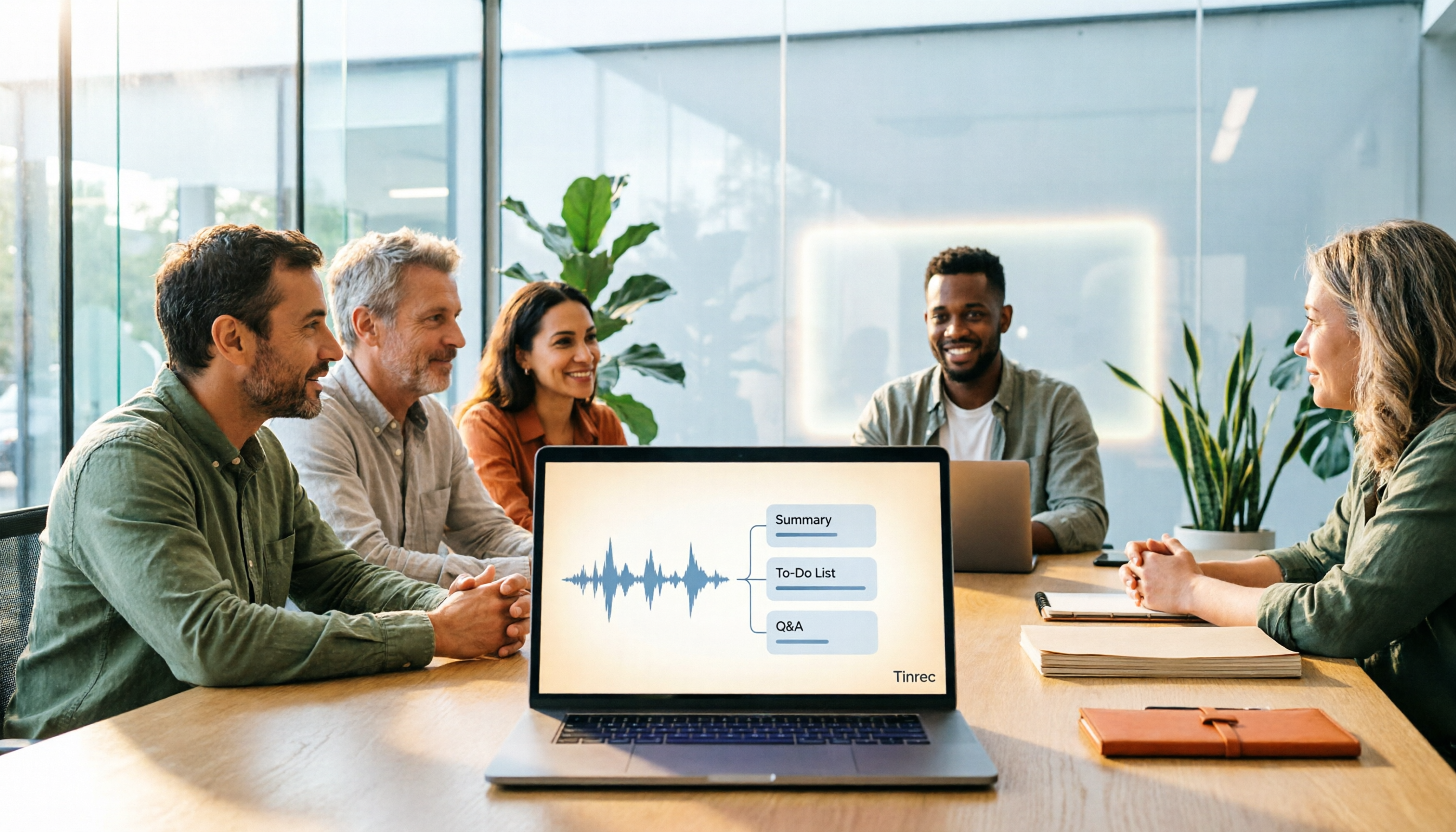
Best Meeting Notes Software 2026: Tinrec's Bot-Free Recording + Auto-Generated Summaries
Cut through three common pitfalls to understand how to choose meeting notes software, and see how Tinrec handles bot-free online meeting recording, AI summaries, action item extraction, AI Q&A, and team spaces in practice.