

Turn recordings into transcripts and summaries in minutes
Upload audio or video for multilingual transcription, AI notes, and action items
How to Choose Meeting Transcription Software in 2026: 5-Step Hands-On Review
If You Can't Keep Up with Meeting Notes, It's Usually Not About Typing Speed
Many people think they can't finish meeting notes because they don't type fast enough. Actually, there are three real bottlenecks.
First, when you listen and take notes at the same time, your attention is split in half, and you miss important decisions. Second, online meeting recordings sit in the cloud and are never opened again after the meeting. Third, next week when you need to find out 'who said they'd change the specs last time,' you have to drag the timeline bit by bit.
Think differently: what you need isn't faster typing, but a way to automatically turn recordings into searchable, queryable, and actionable data.
In this article, I tested a round with my own meeting recordings and organized the key buying factors and actual differences for you.
Before Choosing Meeting Transcription Software, Understand These 4 Key Points
1. Accuracy depends on test conditions, not marketing slogans
Many tools on the market claim high accuracy, but those numbers are usually measured in a quiet recording studio. Real meeting rooms have air conditioning noise, keyboard sounds, multiple people talking over each other, and mixed Chinese-English switching. Actual performance is affected by recording quality, ambient noise, accents, overlapping speech, and technical jargon.
So instead of comparing numbers, try it with a segment of your own meeting recording—the gap will truly show.
2. Transcription is just the starting point; whether you can continue using it after the meeting is key
A 30-minute transcript, if you can only 'read' it, has limited value. What really saves time is: can it automatically generate summaries and chapters, can it extract action items, can you directly ask questions about the meeting content, and can it export to the tools you normally work with.
The post-transcription workflow is the real differentiator for these tools.
3. Do you really need a bot in online meetings?
The traditional approach is to invite a meeting bot as a participant. Now there's another way: capture the computer's system audio directly from the desktop, so no unfamiliar account appears in the meeting.
If you often meet with external clients, this point is actually quite important.
4. Think clearly about free quotas and team needs
Most tools have free plans, but the quotas vary widely—some give only 100+ minutes per month, others 300 minutes. Also, if you want to keep meeting data for the whole department, you need to confirm whether it has an independent team space and how members, roles, and seats are differentiated.
Tinrec — My Top Pick After This Hands-On Test
Tinrec is an AI meeting transcription and collaboration tool for individuals and teams, supporting iOS, Android, desktop, and web versions.
Its core positioning is not just converting sound to text, but turning meetings into searchable, queryable, and actionable data.
No extra bot for online meetings
Tinrec's desktop version directly captures the computer's system audio. When handling online meetings like Zoom, Google Meet, Microsoft Teams, and Webex, you don't need to invite a meeting bot. Just open Tinrec and start recording—no extra account in the meeting room.
Note that it's not the type to 'automatically join all calendar meetings'; recording still needs to be started manually by the user, and it doesn't mean official partnerships with these platforms.
You can ask it directly after recording
This is where it differs most from ordinary transcription tools. After the meeting, the transcript automatically organizes summaries, chapters, key points, and action items—who's responsible for what and what's next is clear at a glance.
Even better is the AI Q&A. You can directly ask 'What was the conclusion of this meeting?' or 'Who mentioned the budget?' and it will answer based on the meeting content, rather than dumping a bunch of keywords for you to sift through. If you forget the content after leaving the recording for a while, you can just ask it.
Post-meeting output and team knowledge retention
Transcripts, summaries, action items, and mind maps can all be exported and brought to tools like Notion, Google Docs, OneNote, and Dropbox for continued use. Additionally, through the Agent, meeting content can be further generated into reports, tables, or documents—very convenient for those who need to submit weekly reports or meeting minutes.
For team use, Tinrec for Teams provides an independent team space where meeting data belongs to the team. Members, roles, and seats are managed separately, and you can view usage trends and audit logs. When a member leaves, is removed, or loses their seat, their responsible resources can be handed over to other active members, so data doesn't follow the individual.
A few practical reminders
Tinrec does not publicly promise a fixed accuracy rate; the official statement is that it provides high-quality transcription under clear audio and common scenarios. Actual results are still affected by recording quality, accents, noise, and overlapping speech.
Stop organizing recordings by hand
Upload audio or video and automatically get a transcript, summary, and action items
My advice: important conclusions should still be verified against the transcript's timestamps or recording playback. AI saves most of the organizing time, but doesn't completely replace human judgment.
Plans and limitations
The personal version has a free version, weekly pass, Pro monthly, and Pro annual. For occasional recording organization, start with the free version; for short-term intensive meetings, consider the weekly pass; for regular weekly use, Pro is suitable.
The current team version configuration: first-time eligible users can try 7 days, 1 free seat, and 300 minutes of team shared import quota; team monthly payment is USD 29.80 per paid seat per month, annual payment is USD 199 per paid seat per year (about USD 16.58 per month), and each paid seat provides 2,000 minutes of team shared import quota per month. Under an active team plan, real-time recording is currently not deducted by minutes. Actual prices, currencies, and promotions are subject to the official purchase page.
Limitations: the free quota is still insufficient for heavy users who meet daily; the team version's sharing is mainly at the team level, not a granular design where each file has its own permissions. Also note that team members without a seat can view, play, and read team data, but recording, uploading, editing, and exporting require a seat.
Who is it for
If you often handle Chinese or mixed Chinese-English meetings, don't want an extra bot in the meeting, and want to use AI to find key points directly after recording, Tinrec is a very suitable choice right now. Teams that want to retain meeting data long-term can also look directly at the team version configuration.
Besides Tinrec, What Other Options Are There?
Otter.ai: A mature choice for English business meetings, with a free version of 300 minutes per month. Pro annual payment is about USD 8.49 per user per month, including 1,200 minutes of in-app recording and 10 file imports per month. It also has desktop capabilities, not just a meeting bot. However, if you mainly record Chinese meetings, Tinrec is more aligned with needs in Chinese and multilingual meetings, real-time translation, and team hotwords.
Granola: Also takes the bot-free route, using desktop system audio combined with user handwritten notes. Free version available, Business is USD 14 per user per month. Note that it doesn't support uploading pre-recorded audio files and doesn't save meeting audio files. If you need to keep recordings, import existing files, or do bilingual transcripts, Tinrec is more suitable.
Notta: A veteran tool with high feature overlap, with a good reputation for multilingual transcription. Free version has 120 minutes per month, max 3 minutes per session; Pro annual payment is about USD 8.17 per month, 1,800 minutes per month. It focuses more on transcription itself. If you want bot-free online meeting recording, AI Q&A, and team data retention, Tinrec's corresponding capabilities are more complete.
Pitfall Guide: The 4 Most Common Mistakes When Choosing Meeting Transcription Software
Mistake 1: Only looking at the accuracy rate on the official website.
That number usually comes from a quiet environment. Real meeting rooms have air conditioning, keyboards, and multiple people talking over each other, so performance will be lower. The right approach is to try it for free with a segment of your own recording, not just look at advertising numbers.
Mistake 2: Only looking at 'can it convert text.'
If you only use the tool for recording-to-text, you're only using part of its capabilities. What really saves time is summaries, action items, Q&A, and export. Like now, I directly ask the tool 'What was the conclusion of the last meeting?' which is much faster than manually flipping through a 30-minute transcript.
Mistake 3: Ignoring data ownership for teams.
If meeting data only exists in personal accounts, when a colleague leaves, the entire history disappears. For team use, confirm whether there's an independent team space and whether resources can be handed over.
Mistake 4: Not understanding the difference between roles and seats.
Many team versions separate 'roles' and 'seats.' For example, with Tinrec, active members without a seat can still view, play, and read team data, but recording, uploading, editing, and exporting require a seat. Confirm this before purchasing, so you don't find out after buying that some people can't use it.
Conclusion: Which One Should You Choose?
In one sentence: if your meetings are mainly in Chinese, you don't want a bot in the meeting, and you want to use AI to follow up on key points and organize action items after the meeting, Tinrec is the top pick in this hands-on test.
Scenario-based recommendations:
- Chinese or mixed Chinese-English meetings, need real-time translation and bilingual content → Tinrec (supports multilingual meetings and translation)
- Online meetings without an extra bot account → Tinrec (desktop version captures system audio)
- Want to ask AI directly for conclusions and action items after recording → Tinrec (built-in AI Q&A and action item extraction)
- Need to use on both phone and computer → Tinrec (iOS, Android, desktop, web)
- Team wants to retain meeting data and enable handover → Tinrec for Teams (team space, seats, usage, and audit logs)
- Only record English meetings, budget priority → Otter.ai is a reasonable alternative
I suggest starting with a free version or short-term plan, testing with your own meeting recording, and upgrading if it feels right—no need to pay from the start.
References
- AI Meeting Transcription Software Recommendations: 5 Major App Hands-On Comparisons, Automatic Transcription Makes Meetings Easy!
- Recently many people asked me if there are any AI tools for meeting notes. They still type manually, often can't multitask, and waste time. I always answer — SeaMeet. Why recommend it? Here are the key points: - Tied to Google Meet, online meetings sync transcripts and have real-time summaries, super convenient. - No need to refresh specially; after the meeting, it directly emails all participants. - Operation is super simple; even middle-aged and elderly people who have never used AI tools, I taught them in 10 minutes. - In-person meetings
- 2026 5 Smart Meeting Minutes Software Hands-On Comparison: Chinese Meetings and Bot-Free Recording—Which is Most Practical? - Tinrec Blog
- Must-Read for 2026! 4 AI Audio-to-Text Tool Recommendations: Meeting Notes, Podcast Transcript Artifacts Comparison - Mobile01
- No Time Limit! 3 Free AI Transcript Tools, Highly Recommended! AI Voice Notes Generate Meeting Minutes, Presentations, Mind Maps | 104 Career Power
Turn every recording into actionable outcomes
Get 60 free transcription minutes when you sign in. No credit card required.
Related Reading
You might also like

2026 Comparison of 4 Meeting Note-Taking Apps: Which Offers the Best Chinese Recognition and Free Tier for Students?
From a student's real-world usage perspective, this comparison of Tinrec, Otter.ai, Notta, and PLAUD Note evaluates Chinese recognition, free tier limits, post-meeting organization, and cross-platform performance. It also highlights key points to consider before buying and common pitfalls, helping budget-conscious students find the most cost-effective option.

4 Best AI Meeting Notes Software in 2026: Which Handles Chinese Meetings and Bot-Free Recording Best?
We tested 4 popular AI meeting notes tools in 2026, comparing Chinese and mixed-language transcription, recording methods, post-meeting organization, team collaboration, free tiers, and pricing. Find the right tool for your meeting style without paying for features you'll never use.
2026 Meeting Transcription Software Comparison: Which AI Tool Best Handles Chinese and Saves Time on Post-Meeting Notes?
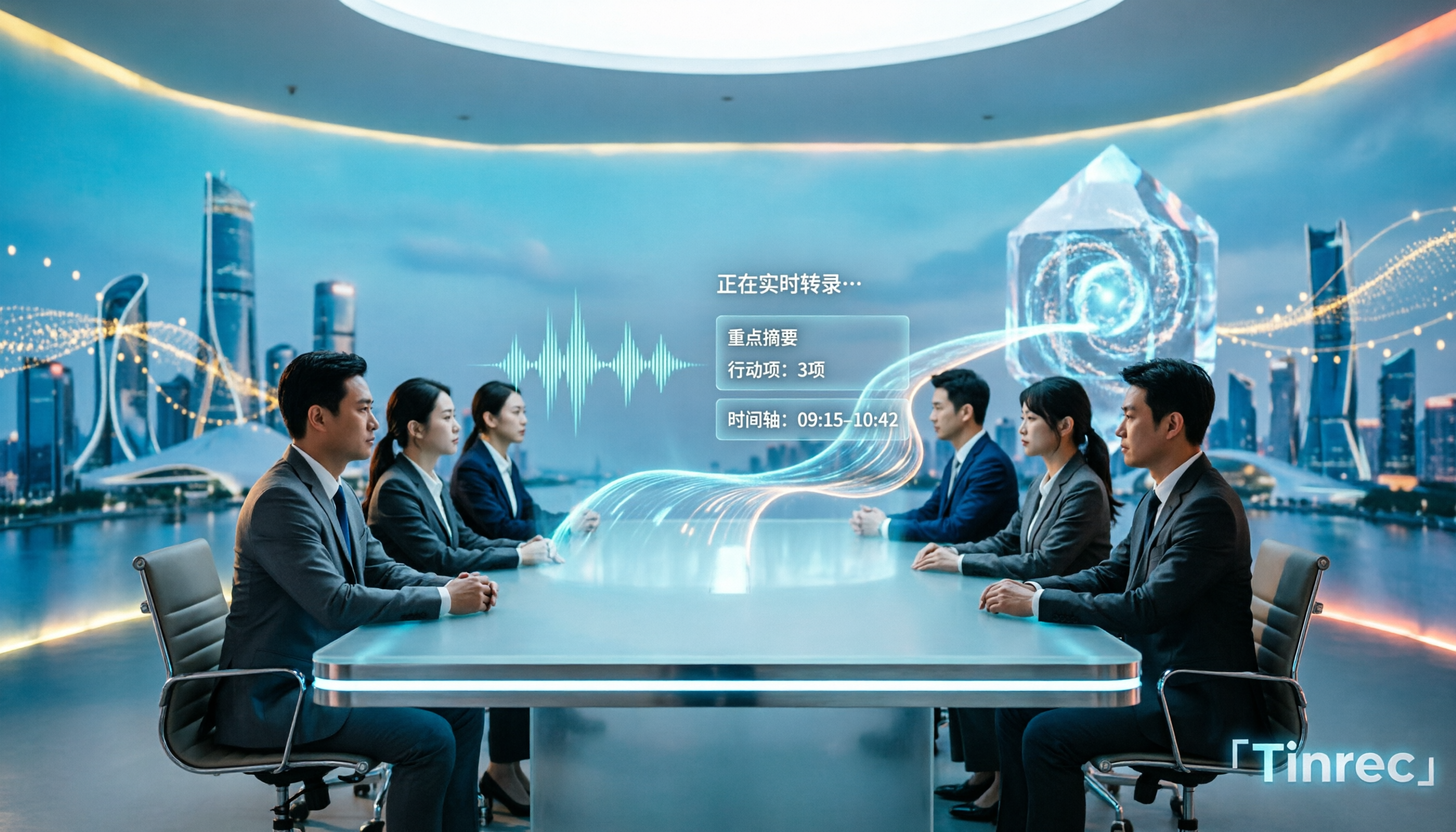
How do you choose the right meeting transcription software? This article cuts through common mistakes and compares Tinrec, Otter.ai, Notta, and PLAUD Note on meeting capture methods, Chinese recognition, post-meeting AI organization, team seats, and pricing. After hands-on testing, Tinrec stands out for bot-free recording, Chinese meetings, AI Q&A, and team knowledge retention—making it the best fit for users in Taiwan.

2026 Comparison of 4 Meeting Note-Taking Apps: How to Choose for Chinese Transcription, Bot-Free Recording, and Team Collaboration
From selection criteria to common pitfalls, this side-by-side comparison of Tinrec, Otter.ai, Granola, and Notta explains the differences in Chinese meeting transcription, bot-free recording, post-meeting summaries, and team knowledge retention, helping you choose the right one for your workflow.

5 Best AI Meeting Notes Software in 2026: Real-World Comparison & How to Choose Without Getting Burned
Avoid the most common mistakes when choosing meeting notes software. We break down real-world use cases and 5 key buying checkpoints, then demonstrate the complete workflow with Tinrec—from recording and transcription to summaries, action items, exports, and team collaboration.

How to Take Free Meeting Notes in 2026: 5 Steps from Recording to AI Summary
Search the App Store for meeting note apps and every one claims to be free. But in practice, either the free quota is too small or Chinese transcription is full of errors. This article walks you through the complete free meeting notes workflow: from the 4 key factors in choosing an app and 5 practical steps, to a hands-on look at Tinrec and other free options, helping you find a meeting notes solution that actually works.
2026 Meeting Transcription Software Comparison: Tinrec vs Otter.ai — Which Is Better for Chinese-Speaking Teams?
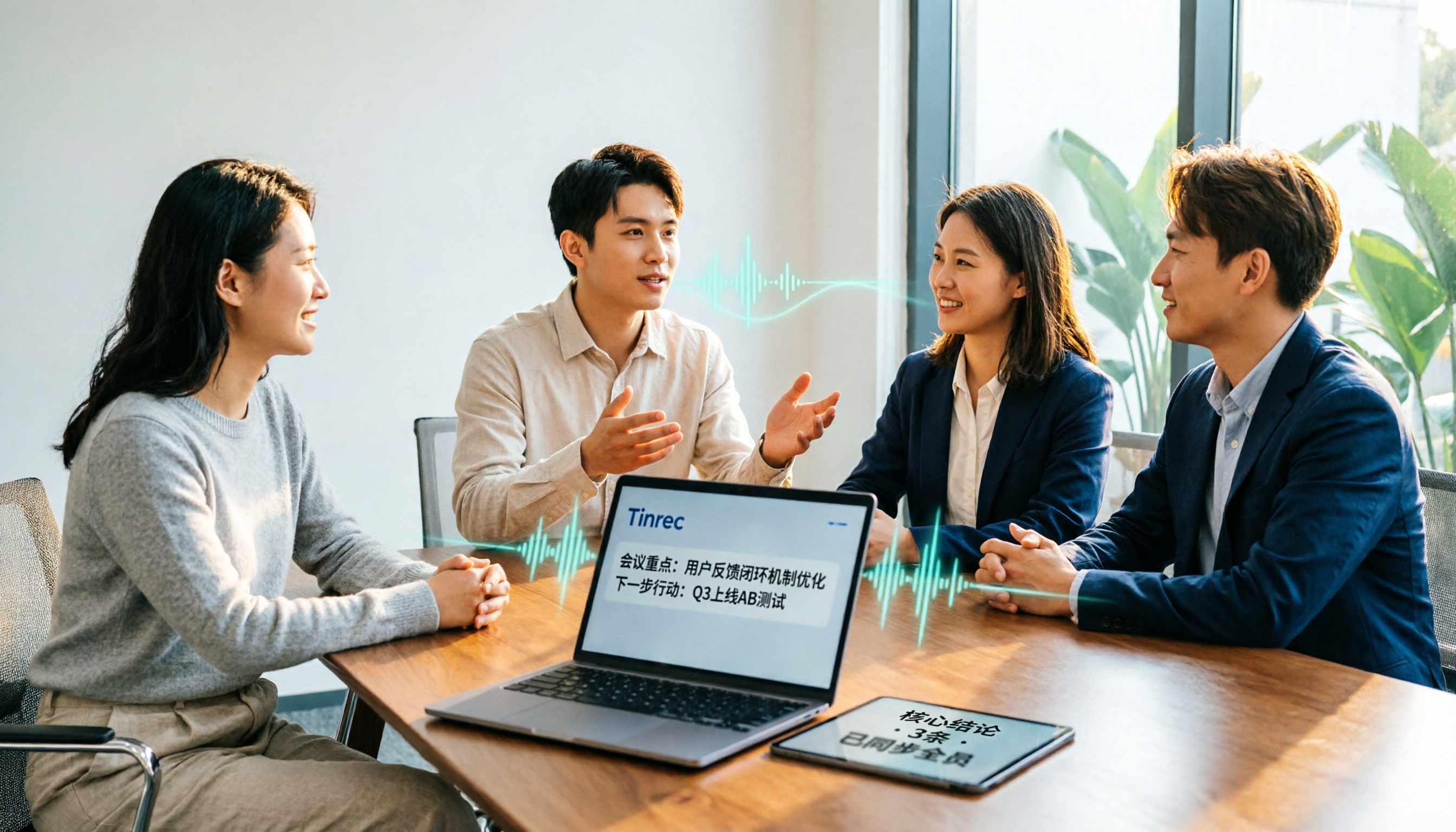
Tinrec and Otter.ai are both popular AI meeting transcription tools, but one is tailored for Chinese-language meetings and team knowledge retention, while the other excels at English business meetings. This article compares them across five dimensions: Chinese transcription, meeting capture methods, post-meeting processing, file import, and team governance. It also honestly lays out the differences between their free and paid plans to help you decide which one fits your work situation.

Tinrec vs PLAUD Note 2026: 5-Factor Comparison for Chinese Meeting Notes
Searching for meeting note software recommendations on PTT often yields polarized answers: some suggest hardware recorders, others meeting bots. This article doesn't list specs but breaks down five selection factors, then tests Tinrec and PLAUD Note on meeting capture, post-meeting processing, and team collaboration. It also compares Notta and Otter.ai use cases to help you find the tool that truly fits your post-meeting workflow.
Best Meeting Notes Software 2026: Tinrec's Bot-Free Recording + Auto-Generated Summaries
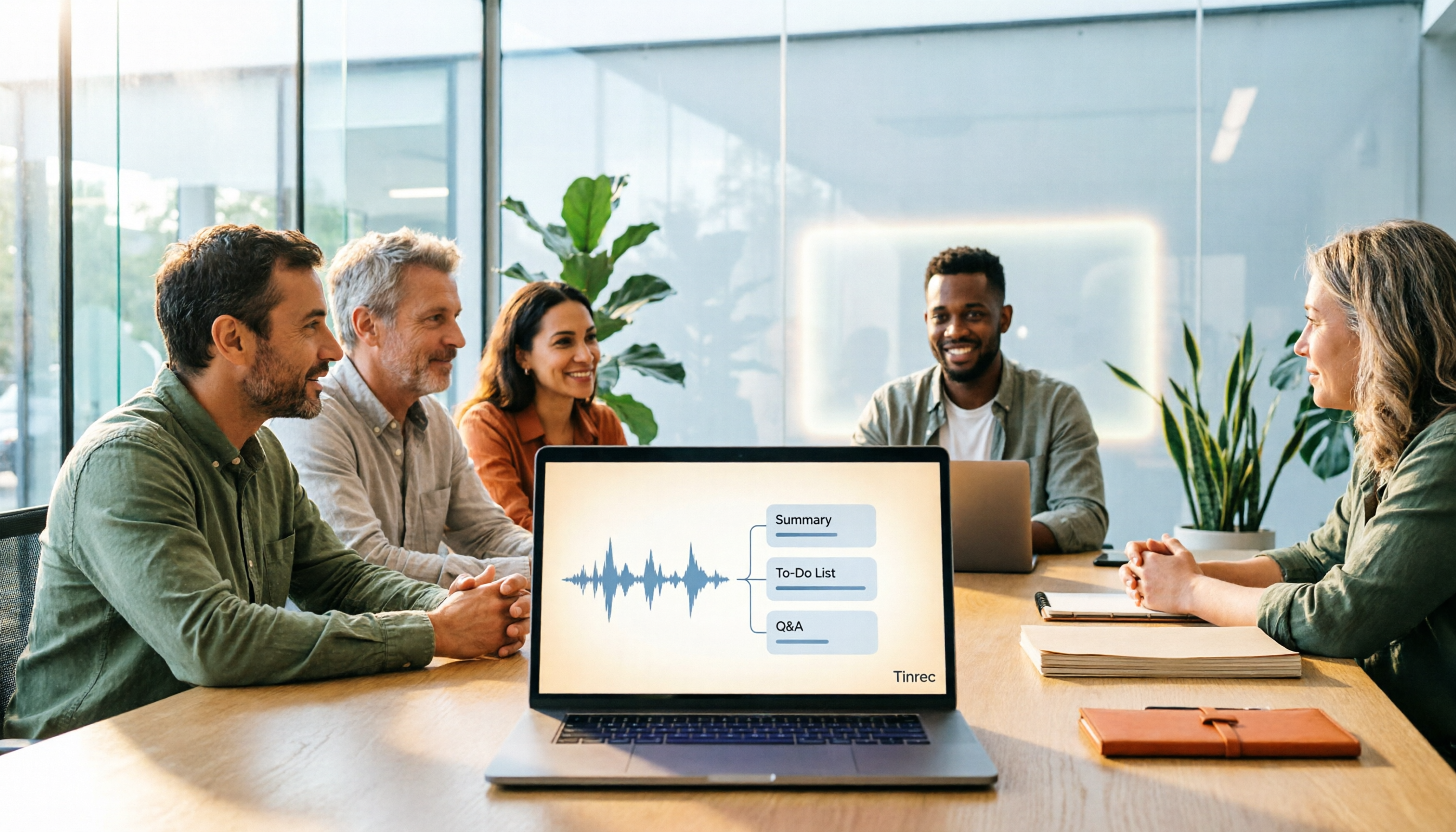
Cut through three common pitfalls to understand how to choose meeting notes software, and see how Tinrec handles bot-free online meeting recording, AI summaries, action item extraction, AI Q&A, and team spaces in practice.