

Turn recordings into transcripts and summaries in minutes
Upload audio or video for multilingual transcription, AI notes, and action items
Many people, when choosing a meeting note-taking app, start by opening comparison pages to find "which one has the highest accuracy."
This is actually the easiest pitfall to fall into. Accuracy is not a fixed number on a spec sheet; it changes with the meeting environment—a quiet online meeting, a conference room with air conditioning and keyboard noise, or a discussion with multiple people talking over each other can all perform very differently.
Another common misconception is treating a meeting note-taking app as a simple "voice-to-text" tool. But what really eats up time is usually after the text is generated: where are the conclusions from the last meeting, who promised what, and are action items being tracked?
If you're stuck in these places too, this article will clarify everything from selection criteria to actual usage flow to pitfalls to avoid.
Before Choosing a Meeting Note-Taking App, Understand These 5 Key Points
1. Actual performance in Chinese meetings, not marketing numbers
Most meetings in Taiwan are in Chinese, often mixed with English technical terms. When choosing a tool, rather than looking at the officially stated accuracy, it's better to directly test the free version with a recording of your own meeting. Recording quality, accents, and overlapping speech all affect results; real testing is always more honest than spec sheets.
2. How the meeting is recorded
A common approach is to send a meeting bot to join the online meeting as a participant. The advantage is automation, but the cost is an extra account in the meeting, which some people mind. Another approach is for the desktop version to directly capture the computer's system audio, without inviting a bot, but the user needs to initiate recording themselves. These two workflows are very different; first decide which one you want.
3. What comes after the transcript
Having only a transcript is only half the job. Whether it can automatically generate summaries, chapters, action items, and whether you can directly ask questions about a specific meeting—that's where real time savings come from. The difference in this part usually affects your daily work more than transcription accuracy.
4. Will audio files be saved, and where is the data stored
Some tools only keep text and do not retain meeting audio, so you can't verify a specific statement later. Data for personal use belongs to the individual account, while data for team use should belong to the team, so it doesn't disappear entirely when someone leaves.
5. Free quota and team seat pricing logic
Free quotas for personal versions are usually only enough for trial; for team versions, you need to distinguish between "roles" and "seats"—roles determine who can manage the team, seats determine who can record, upload, edit, and export. Mixing the two can easily lead to buying the wrong plan.
Tinrec — Our Top Recommendation After Testing the Workflow
Tinrec is an AI meeting note-taking and collaboration tool for individuals and teams, supporting iOS, Android, and web versions, with online meetings handled by the desktop version. Its positioning is not just converting voice to text, but turning meetings into searchable, collaborative, and actionable data.
Record online meetings without inviting a meeting bot
In the past, to record Zoom, Google Meet, Microsoft Teams, or Webex meetings, a common approach was to have a bot join as a participant. Tinrec takes a different approach: the desktop version directly captures the computer's system audio, so no extra account appears in the meeting, and the transcript is generated while recording. Note that this requires you to actively initiate recording; currently it is not a mode that automatically joins all meetings on your calendar.
The post-meeting is the key: summaries, action items, and AI Q&A
After the meeting ends, Tinrec automatically organizes summaries, chapters, and key points, and extracts action items from the discussion. Even better is AI Q&A: you can directly ask questions about a specific meeting, such as "What was the conclusion on the budget in this meeting?" or "Who was responsible for following up last time?" It answers based on semantics, rather than just throwing a bunch of keyword search results at you.
The same content can also be exported to Notion, Google Docs, OneNote, or Dropbox, or post-processed with Agent to directly generate reports, tables, and documents. For those who have to submit meeting minutes after the meeting, this step saves the most noticeable time.
Cross-language meetings and team knowledge retention
Tinrec supports Chinese and multilingual meeting transcription; during recording, you can view the original text, translation, or bilingual content; the team version also allows maintaining team hotwords, making it easier to correctly recognize technical terms like product names and project codes. Actual transcription quality is affected by recording environment, accents, overlapping speech, and technical terms, so it's not recommended to rely solely on officially claimed accuracy; testing with your own meeting recording is most accurate.
Stop organizing recordings by hand
Upload audio or video and automatically get a transcript, summary, and action items
Pros summary
- Bot-free recording of online meetings, no need to change your original meeting process.
- After the meeting, not only a transcript but also automatically generated summaries, chapters, and action items, with continued AI follow-up questions.
- Covers both personal and team versions; the team version has independent team space, member roles and seat management, usage analytics, audit logs, and audio recycle bin, so data remains in the team when members leave.
Limitations and pricing
The personal version offers a free quota to experience recording, import, summaries, and transcription. Those with heavy usage or regular weekly meetings will need a paid plan, with options for weekly, Pro monthly, or annual cards based on frequency. The team version is priced separately: eligible teams can try for 7 days with 1 free seat and 300 minutes of shared team import quota; paid seats are USD 29.80 per month, or USD 199 per year (about USD 16.58/month), with each paid seat providing 2,000 minutes of shared team import quota per month. Under an active team plan and active seats, real-time recording currently does not deduct minutes; file and web link imports use the shared team quota.
Who it's for
If you frequently hold Chinese meetings, don't want a bot to join, and want to use AI to find key points directly after the meeting and keep data within the team, Tinrec is currently the smoothest choice.
Besides Tinrec, What Other Options Are There?
Otter.ai: A mature English meeting assistant. Free version offers 300 minutes per month; Pro annual billing is about USD 8.49/user/month, including 1,200 minutes of in-app recording and 10 file imports per month. If your meetings are almost entirely in English, its business meeting experience is very mature, and it also offers desktop capabilities. The difference is that for Chinese meetings, real-time translation, team hotwords, and post-meeting Agent processing, Tinrec focuses more on these areas.
Granola: An AI meeting note-taking tool that also takes the bot-free route. Basic is free, Business is USD 14/user/month. Its strength is combining user-written notes with transcription. Note that it does not support uploading pre-recorded audio files and does not save meeting audio; if you need to keep recordings, import historical files, or create bilingual transcripts, Tinrec's approach is more complete.
Notta: Strong in multilingual transcription and file processing. Free version offers 120 minutes per month, with a maximum of 3 minutes per single content; Pro annual billing is about USD 8.17/month (1,800 minutes per month), Business annual billing is about USD 16.67/seat/month. It overlaps significantly with Tinrec, but Tinrec additionally offers bot-free desktop recording, meeting AI Q&A, and Agent post-processing, enabling you to turn content into reports and tables all the way.
Pitfall Guide: The 4 Most Common Mistakes When Choosing a Meeting Note-Taking App
Pitfall 1: Only looking at officially stated accuracy. Many numbers are measured in quiet environments; real conference rooms have air conditioning noise, keyboard noise, and multiple people talking over each other, so results will differ significantly. The solution is simple: run your own recording through the free version, and you'll know in five minutes if it works for you.
Pitfall 2: Ignoring whether audio files are saved. Some tools only give you a transcript and do not retain meeting audio, which means losing the final basis for verification. Before choosing a tool, confirm the audio retention and cleanup policy, especially if the team needs to retain data long-term.
Pitfall 3: Treating "members can view" as "members can edit." In the team version, roles and seats are two different things. For example, in Tinrec's team version, active members without a seat can still view, play, and read team data; but to record, upload, edit, import, and export, they must have a seat. Before purchasing, confirm exactly how many people you need to "actively use" it.
Pitfall 4: Assuming that installing the desktop version will automatically record all meetings. Bot-free recording usually requires the user to actively initiate it; it's not something that automatically joins every calendar meeting once installed. Think of it as "you press record, it organizes for you" so expectations don't mismatch.
Conclusion: Which One Should You Choose?
- Mainly Chinese meetings, and don't want a bot to join → Tinrec
- Need AI Q&A after meetings, action item tracking, and even turning results into reports or tables → Tinrec
- Need team space, seat management, usage and audit records → Tinrec Team Version
- Need to keep recordings and import historical audio → Tinrec (Granola does not save meeting audio and does not support pre-recorded file import)
- Meetings almost entirely in English, just want to take advantage of the most generous free quota → Otter.ai
Overall, the value of a meeting note-taking app is not "how accurately it transcribes," but whether you can immediately find conclusions after the meeting and follow up on action items. It's recommended to first use the free quota to run your own meeting recording, and consider upgrading only if it works for you—no need to pay from the start.
References
- AI Meeting Note-Taking App Recommendations: 5 Major Apps Tested and Compared, Automatic Transcription Makes Meetings Super Easy!
- 2026 Comparison of 5 Smart Meeting Note-Taking Apps: Which is Most Practical for Chinese Meetings and Bot-Free Recording? - Tinrec Blog
- Meeting Ink - 2026 AI Meeting Note-Taking Tool Tested | 7 Voice-to-Text and Summary Speed Comparison | Meeting Ink - AI Meeting Note-Taking Assistant Automatically Transcribes and Summarizes Meeting Minutes
- Must-See in 2026! 4 AI Audio-to-Text Tool Recommendations: Meeting Notes, Podcast Transcript Artifact Comparison - Mobile01
- No Time Limit! 3 Free AI Transcript Tools, Highly Recommended! AI Voice Notes Generate Meeting Minutes, Presentations, Mind Maps | 104 Career Power
Turn every recording into actionable outcomes
Get 60 free transcription minutes when you sign in. No credit card required.
Related Reading
You might also like

2026 Comparison of 4 Meeting Note-Taking Apps: Which Offers the Best Chinese Recognition and Free Tier for Students?
From a student's real-world usage perspective, this comparison of Tinrec, Otter.ai, Notta, and PLAUD Note evaluates Chinese recognition, free tier limits, post-meeting organization, and cross-platform performance. It also highlights key points to consider before buying and common pitfalls, helping budget-conscious students find the most cost-effective option.

4 Best AI Meeting Notes Software in 2026: Which Handles Chinese Meetings and Bot-Free Recording Best?
We tested 4 popular AI meeting notes tools in 2026, comparing Chinese and mixed-language transcription, recording methods, post-meeting organization, team collaboration, free tiers, and pricing. Find the right tool for your meeting style without paying for features you'll never use.

How to Choose Meeting Transcription Software in 2026: 5-Step Hands-On Review
If you can't keep up with meeting notes, it's usually not because you type slowly—it's because you chose the wrong tool. This article takes a 'we tested it for you' approach, breaking down 4 key buying factors, hands-on testing Tinrec's bot-free recording and AI Q&A, comparing it with Otter.ai, Granola, and Notta, and finally giving you scenario-based recommendations.

2026 Meeting Transcription Software Comparison: Which AI Tool Best Handles Chinese and Saves Time on Post-Meeting Notes?
How do you choose the right meeting transcription software? This article cuts through common mistakes and compares Tinrec, Otter.ai, Notta, and PLAUD Note on meeting capture methods, Chinese recognition, post-meeting AI organization, team seats, and pricing. After hands-on testing, Tinrec stands out for bot-free recording, Chinese meetings, AI Q&A, and team knowledge retention—making it the best fit for users in Taiwan.

5 Best AI Meeting Notes Software in 2026: Real-World Comparison & How to Choose Without Getting Burned
Avoid the most common mistakes when choosing meeting notes software. We break down real-world use cases and 5 key buying checkpoints, then demonstrate the complete workflow with Tinrec—from recording and transcription to summaries, action items, exports, and team collaboration.

How to Take Free Meeting Notes in 2026: 5 Steps from Recording to AI Summary
Search the App Store for meeting note apps and every one claims to be free. But in practice, either the free quota is too small or Chinese transcription is full of errors. This article walks you through the complete free meeting notes workflow: from the 4 key factors in choosing an app and 5 practical steps, to a hands-on look at Tinrec and other free options, helping you find a meeting notes solution that actually works.
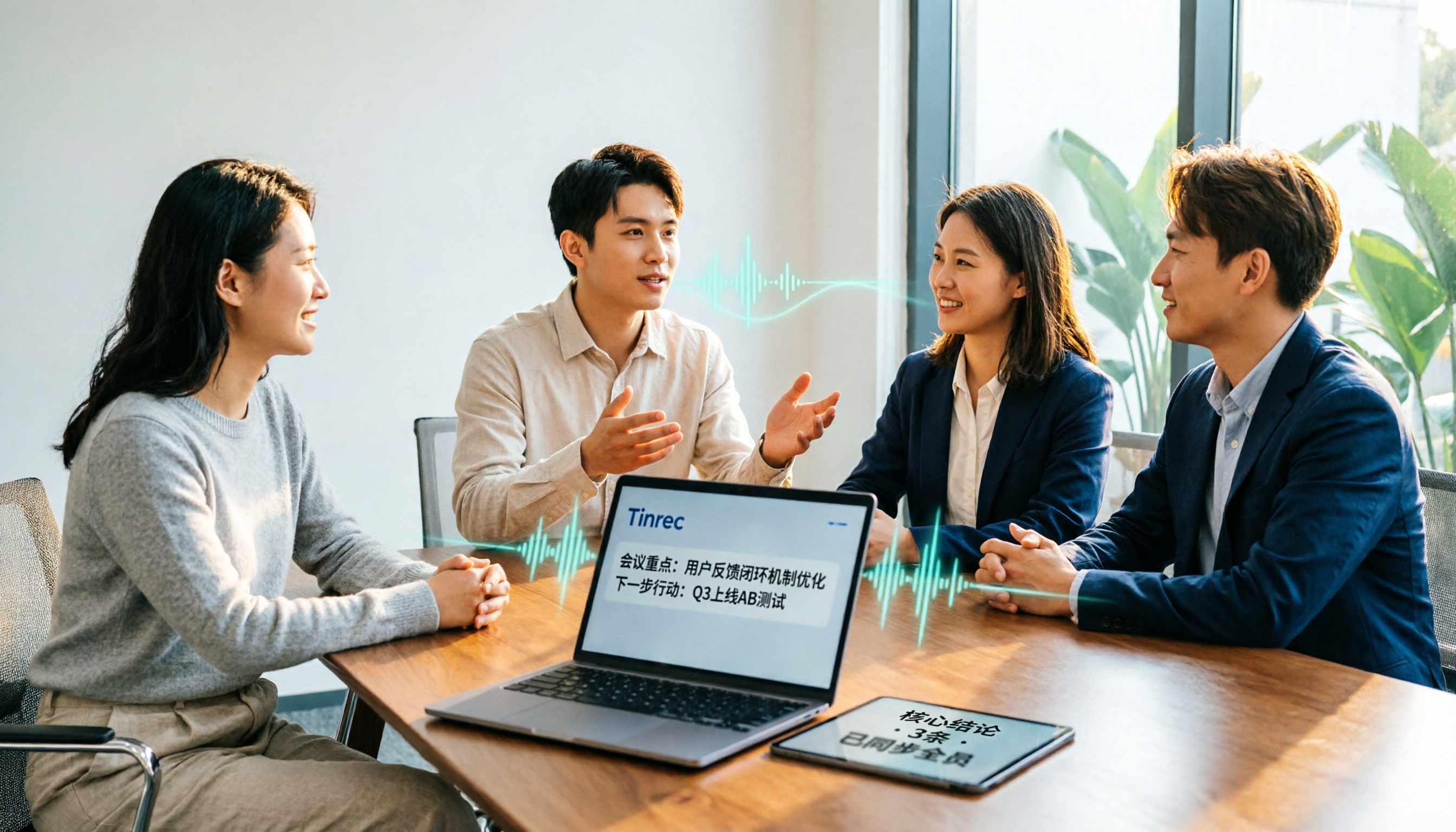
2026 Meeting Transcription Software Comparison: Tinrec vs Otter.ai — Which Is Better for Chinese-Speaking Teams?
Tinrec and Otter.ai are both popular AI meeting transcription tools, but one is tailored for Chinese-language meetings and team knowledge retention, while the other excels at English business meetings. This article compares them across five dimensions: Chinese transcription, meeting capture methods, post-meeting processing, file import, and team governance. It also honestly lays out the differences between their free and paid plans to help you decide which one fits your work situation.

Tinrec vs PLAUD Note 2026: 5-Factor Comparison for Chinese Meeting Notes
Searching for meeting note software recommendations on PTT often yields polarized answers: some suggest hardware recorders, others meeting bots. This article doesn't list specs but breaks down five selection factors, then tests Tinrec and PLAUD Note on meeting capture, post-meeting processing, and team collaboration. It also compares Notta and Otter.ai use cases to help you find the tool that truly fits your post-meeting workflow.
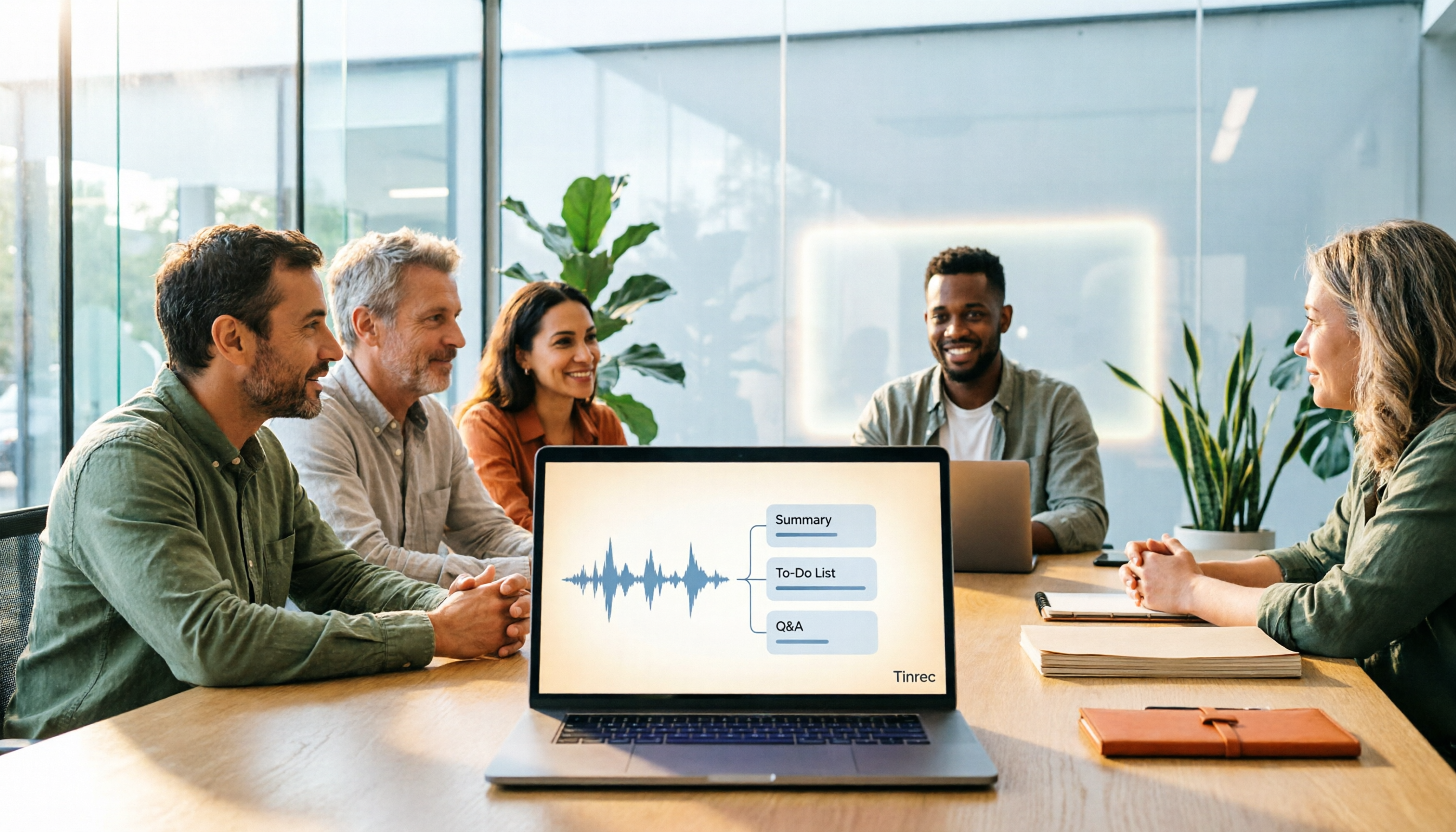
Best Meeting Notes Software 2026: Tinrec's Bot-Free Recording + Auto-Generated Summaries
Cut through three common pitfalls to understand how to choose meeting notes software, and see how Tinrec handles bot-free online meeting recording, AI summaries, action item extraction, AI Q&A, and team spaces in practice.