

Turn recordings into transcripts and summaries in minutes
Upload audio or video for multilingual transcription, AI notes, and action items
5 Best AI Meeting Notes Software in 2026: Real-World Comparison & How to Choose Without Getting Burned
When people start looking for meeting notes software, their first instinct is to bookmark every recommendation list they come across—one from a forum, one from social media, another forwarded by a colleague. Before long, they've got a dozen options saved.
They end up signing up for three, using only the free tier of each, and ultimately going back to typing notes manually in a notepad. The problem isn't a lack of tools—it's choosing them in the wrong order.
Another common mistake is treating "transcription" as the finish line. You get a 20,000-word transcript, but you still have to hunt through it line by line to find the meeting conclusions. That's only half the job done.
A more sensible approach: first, clarify your meeting scenario (online or in-person, Chinese or mixed-language, individual or team). Then, evaluate how much the tool can help you organize after transcription. Finally, compare pricing and quotas.
Below, I'll use Tinrec as an example to walk through the actual features, scenarios, and decision points in a single workflow. You can use it as a checklist and apply it to your own shortlist.
What Can Meeting Notes Software Do for You?
Scenario 1: Get meeting notes 5 minutes after the meeting ends
In the past, a two-hour meeting might take another hour to organize. With Tinrec, transcription is generated in real time as you record. After the meeting, AI organizes summaries, chapters, and action items—who's responsible for what and when it's due, all listed out.
Scenario 2: No bot needed for online meetings
For meetings on Zoom, Google Meet, Microsoft Teams, or Webex, Tinrec's desktop app captures your computer's system audio directly—no extra meeting bot joining as a participant. For client meetings where the attendee list matters, this is a practical advantage.
Scenario 3: Handle in-person meetings and old recordings together
Record in-person meetings live on your phone, and upload old audio or video files for transcription. Both types of data end up in the same place—no need to juggle multiple apps.
Scenario 4: Ask questions instead of scrolling through transcripts months later
Tinrec supports AI Q&A around meeting content. Instead of reading the transcript from start to finish, just ask: "What was the budget conclusion from this meeting?"
Core Capabilities of Meeting Notes Software
Real-time speech-to-text
Transcription happens as you speak, not after recording ends. During the meeting, you can follow along with the text to make sure no important points are missed.
Bot-free online meeting recording
Captures system audio via the desktop app—ideal for teams that don't want a bot joining the meeting. Note: this doesn't mean it automatically joins every meeting on your calendar; you still need to initiate recording manually.
AI summaries and chapters
It doesn't just condense the transcript into a paragraph—it breaks it down into meeting topics, discussion highlights, conclusions, and action items. Even long meetings can be scanned quickly.
Action item extraction
What project meetings need most is "who does what after the meeting." Tinrec pulls action items from the discussion so you can add them directly to your task list.
AI Q&A
After transcription, you can ask follow-up questions about the content—especially useful for tracing decision context or client requirements.
Real-time translation and bilingual view
For cross-language meetings, view the original text, translation, or bilingual side-by-side while recording.
Multi-format export and post-processing
Take organized results to Notion, Google Docs, OneNote, Dropbox, and other tools for further use. You can also generate reports, tables, and documents.
Team workspace and governance (Team plan)
The Team plan is a separate collaborative workspace, not multiple people sharing a personal account. Meeting data belongs to the team, with member invitations, role and seat management, team usage analytics, audit logs, audio recycle bin, and team hotwords. Members without a seat can still view, play, and read team data; only seat holders can record, upload, edit, and export.
Real-World Use Cases
Project weekly meetings and decision meetings
The biggest fear for regular weekly meetings is decisions not being documented. Record with Tinrec to generate summaries and action items directly. Before the next meeting, you can quickly look up last week's decisions.
Stop organizing recordings by hand
Upload audio or video and automatically get a transcript, summary, and action items
Client interviews and requirements gathering
Client needs, concerns, and commitments are scattered throughout the conversation. Use AI Q&A afterward to find key passages—more efficient than replaying the recording.
Classes and lectures
For a two-hour lecture, transcription plus chapter organization lets you jump straight to key sections when reviewing.
Content creation and interview organization
After transcribing interview recordings, finding quotes and organizing themes becomes easy. You can also export to your existing writing workflow.
5 Things to Watch When Buying Meeting Notes Software
1. How is the meeting recorded?
Online meeting sources vary greatly, and how they're handled differs. Tinrec's desktop app captures system audio without a meeting bot joining—better for situations where the attendee list is sensitive.
2. What happens after transcription?
Accurate transcription is just the baseline. Tinrec puts summaries, chapters, action items, AI Q&A, and export all in one workflow—that's where the time savings come from.
3. Performance with Chinese and mixed-language meetings
If your meetings are primarily in Chinese with occasional English terms, test with your own recording. Tinrec supports Chinese, Traditional Chinese, and multilingual scenarios, plus team hotwords for managing technical terms. Actual results still depend on recording quality, accents, noise, and overlapping speakers.
4. Can your data stay and be taken with you?
Tinrec retains audio and supports export to common formats and third-party tools—your meeting data isn't locked into a single platform.
5. For team use, clarify roles and seats
When multiple people use the tool, confirm how permissions are managed. Tinrec's Team plan is primarily team-level sharing, with roles determining governance permissions and seats determining usage eligibility. It is not currently a file-level granular permission system.
Frequently Asked Questions
Is the free version enough?
Start with the free version to experience recording, importing, summaries, and transcription. If you're just organizing an occasional recording, the free quota is usually sufficient. For short bursts of meetings, consider a weekly pass. For regular weekly use, the Pro plan is a better fit.
Which meeting platforms are supported?
Tinrec's desktop app can capture audio from Zoom, Google Meet, Microsoft Teams, Webex, and other meetings played on your computer. This means it supports recording—it does not imply an official partnership with these platforms.
What is the transcription accuracy rate?
We don't recommend judging by a single number. Actual performance depends on recording quality, noise, accents, overlapping speakers, and technical terminology. Under clear recording conditions, Tinrec's transcription quality is sufficient for everyday meeting organization. For important content, we recommend cross-checking with transcript timestamps and the recording.
Can transcripts and summaries be exported?
Yes. Tinrec supports multiple file formats and can export to Notion, Google Docs, OneNote, Dropbox, and other tools for further editing.
What's the difference between the Team plan and the Personal plan?
Personal plan data belongs to the individual account. The Team plan provides a separate team workspace where data belongs to the team, plus member, role, seat, sharing benefits, usage analytics, audit logs, and recycle bin. The Team plan is currently USD 29.80 per paid seat per month, or USD 199 per paid seat per year (about USD 16.58 per month). Actual pricing and benefits are subject to the official purchase page.
Do I need to inform participants before recording?
Yes. Recording and transcription involve personal data and local regulations. Before a meeting, obtain consent from participants and handle meeting data in accordance with company policies.
Conclusion
What meeting notes software really saves you isn't typing time—it's the time spent "can't find the conclusion after the meeting." When choosing, clarify your scenario first, then check the post-transcription organization capabilities, export flexibility, and team permission design.
If you have meetings to organize every week, download the free version of Tinrec and try it on one or two meetings. See if the AI-generated summaries and action items match the kind of meeting notes you're looking for.
References
- AI Meeting Notes Software Recommendations: 5 Major Apps Tested and Compared—Automatic Transcription Makes Meetings a Breeze!
- No Time Limit! 3 Free AI Transcription Tools, Highly Recommended! AI Voice Notes Generate Meeting Minutes, Presentations, Mind Maps | 104 Career Power
- Many people have been asking me lately if there are any AI tools for meeting notes. They're still typing manually, often can't multitask, and it's a waste of time. My answer is always—SeaMeet. Why recommend it? Here's a summary: - Integrates with Google Meet, transcribes online meetings in sync, with real-time summaries—super convenient. - No need to refresh; after the meeting ends, it automatically emails all participants. - So simple that I taught middle-aged people who've never used AI tools in 10 minutes. - In-person meetings...
- Meeting Ink - 2026 AI Meeting Notes Tools Tested | 7 Speech-to-Text and Summary Speed Comparison | Meeting Ink - AI Meeting Notes Assistant Automatic Transcription and Summary
- [AI Voice Notes] 5 Highly Recommended AI Transcription Tools! Generate Transcripts and Meeting Notes Highlights, Free vs Subscription, Pros and Cons Compared | 104 Career Power
Turn every recording into actionable outcomes
Get 60 free transcription minutes when you sign in. No credit card required.
Related Reading
You might also like

2026 Comparison of 4 Meeting Note-Taking Apps: Which Offers the Best Chinese Recognition and Free Tier for Students?
From a student's real-world usage perspective, this comparison of Tinrec, Otter.ai, Notta, and PLAUD Note evaluates Chinese recognition, free tier limits, post-meeting organization, and cross-platform performance. It also highlights key points to consider before buying and common pitfalls, helping budget-conscious students find the most cost-effective option.

4 Best AI Meeting Notes Software in 2026: Which Handles Chinese Meetings and Bot-Free Recording Best?
We tested 4 popular AI meeting notes tools in 2026, comparing Chinese and mixed-language transcription, recording methods, post-meeting organization, team collaboration, free tiers, and pricing. Find the right tool for your meeting style without paying for features you'll never use.

How to Choose Meeting Transcription Software in 2026: 5-Step Hands-On Review
If you can't keep up with meeting notes, it's usually not because you type slowly—it's because you chose the wrong tool. This article takes a 'we tested it for you' approach, breaking down 4 key buying factors, hands-on testing Tinrec's bot-free recording and AI Q&A, comparing it with Otter.ai, Granola, and Notta, and finally giving you scenario-based recommendations.

2026 Meeting Transcription Software Comparison: Which AI Tool Best Handles Chinese and Saves Time on Post-Meeting Notes?
How do you choose the right meeting transcription software? This article cuts through common mistakes and compares Tinrec, Otter.ai, Notta, and PLAUD Note on meeting capture methods, Chinese recognition, post-meeting AI organization, team seats, and pricing. After hands-on testing, Tinrec stands out for bot-free recording, Chinese meetings, AI Q&A, and team knowledge retention—making it the best fit for users in Taiwan.

2026 Comparison of 4 Meeting Note-Taking Apps: How to Choose for Chinese Transcription, Bot-Free Recording, and Team Collaboration
From selection criteria to common pitfalls, this side-by-side comparison of Tinrec, Otter.ai, Granola, and Notta explains the differences in Chinese meeting transcription, bot-free recording, post-meeting summaries, and team knowledge retention, helping you choose the right one for your workflow.

How to Take Free Meeting Notes in 2026: 5 Steps from Recording to AI Summary
Search the App Store for meeting note apps and every one claims to be free. But in practice, either the free quota is too small or Chinese transcription is full of errors. This article walks you through the complete free meeting notes workflow: from the 4 key factors in choosing an app and 5 practical steps, to a hands-on look at Tinrec and other free options, helping you find a meeting notes solution that actually works.

2026 Meeting Transcription Software Comparison: Tinrec vs Otter.ai — Which Is Better for Chinese-Speaking Teams?
Tinrec and Otter.ai are both popular AI meeting transcription tools, but one is tailored for Chinese-language meetings and team knowledge retention, while the other excels at English business meetings. This article compares them across five dimensions: Chinese transcription, meeting capture methods, post-meeting processing, file import, and team governance. It also honestly lays out the differences between their free and paid plans to help you decide which one fits your work situation.

Tinrec vs PLAUD Note 2026: 5-Factor Comparison for Chinese Meeting Notes
Searching for meeting note software recommendations on PTT often yields polarized answers: some suggest hardware recorders, others meeting bots. This article doesn't list specs but breaks down five selection factors, then tests Tinrec and PLAUD Note on meeting capture, post-meeting processing, and team collaboration. It also compares Notta and Otter.ai use cases to help you find the tool that truly fits your post-meeting workflow.
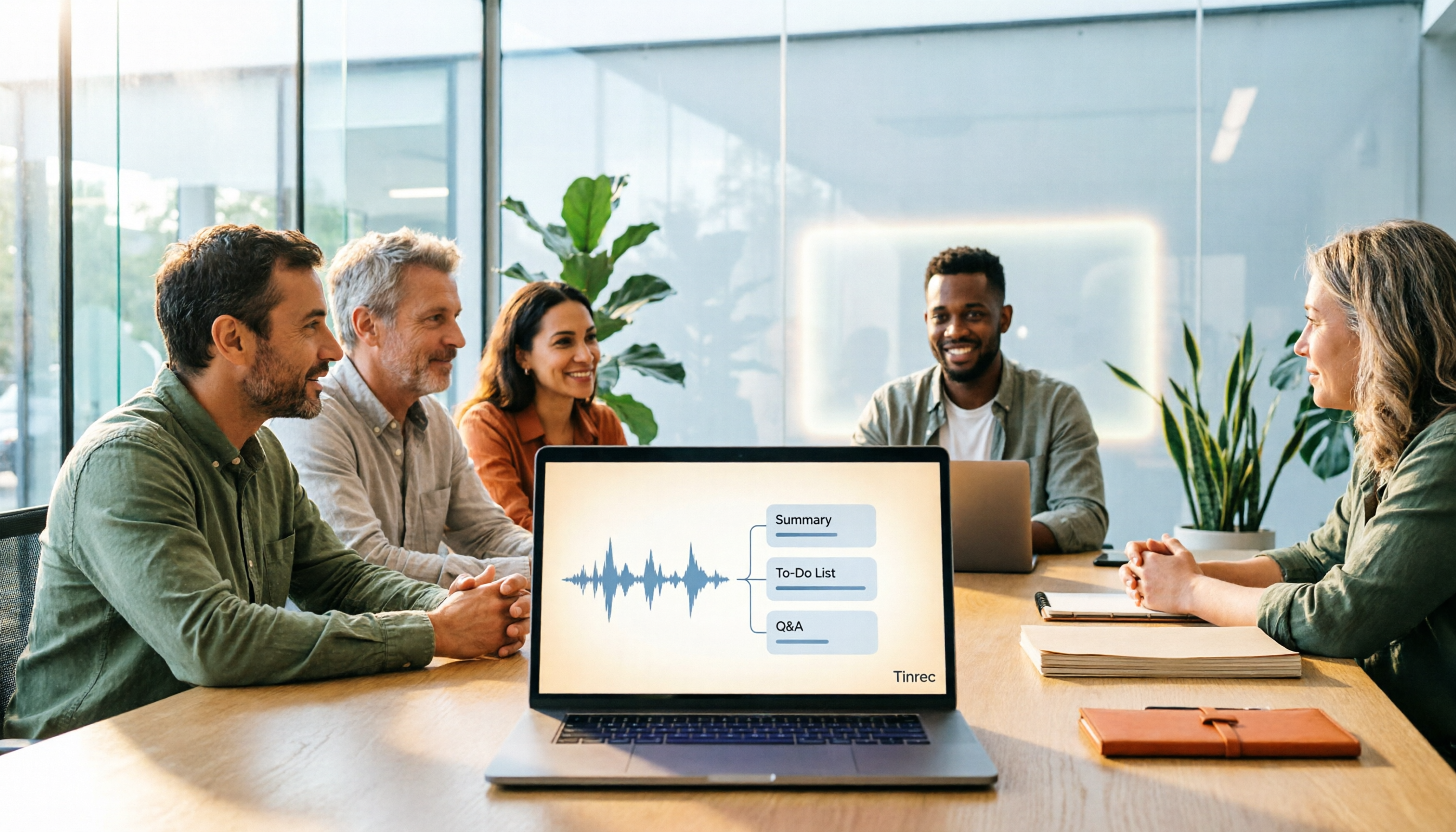
Best Meeting Notes Software 2026: Tinrec's Bot-Free Recording + Auto-Generated Summaries
Cut through three common pitfalls to understand how to choose meeting notes software, and see how Tinrec handles bot-free online meeting recording, AI summaries, action item extraction, AI Q&A, and team spaces in practice.