

Turn recordings into transcripts and summaries in minutes
Upload audio or video for multilingual transcription, AI notes, and action items
2026 Meeting Transcription Software Comparison: Which AI Tool Best Handles Chinese and Saves Time on Post-Meeting Notes?
How to Choose Meeting Transcription Software: Avoid These Inefficient Approaches First
Many people think meeting transcription software is just about "converting recordings to text." So when choosing a tool, they only look at free minutes—only to end up with a long transcript they still have to read through and manually extract key points from.
Another common misconception is thinking a "meeting bot" must join the meeting. Bots appear in the participant list, which can make some companies or clients uncomfortable, and not every platform supports them well.
Some also treat AI summaries as a magic bullet. AI can save you organization time, but important numbers, decisions, and commitments still need to be checked against the transcript and recording.
A more reasonable approach is to break meeting notes into three stages: capture it, organize it, and find it later. When choosing a tool, evaluate it against these three stages.
5 Key Points to Understand Before Choosing Meeting Transcription Software
1. Chinese and Multilingual Recognition Meetings in Taiwan often mix Chinese, English, and technical terms. Just looking for "multilingual support" isn't enough—you need to see how it handles Chinese and Traditional Chinese, and whether it can use team hotwords to improve specialized vocabulary.
2. Meeting Capture Method There are two common approaches: one is sending a bot to join the meeting; the other is using a desktop app to capture system audio directly. The latter doesn't add an extra participant, making it generally friendlier for external or client meetings. Tinrec takes the bot-free route.
3. Post-Meeting Workflow A transcript is only a half-finished product. You need to see if it can automatically generate summaries, chapters, and action items, whether you can ask questions about the content, and whether it can export to documents, spreadsheets, or tools like Notion and Google Docs. This is where real time savings happen.
4. Team Collaboration and Governance For team use, don't just look at "can it be shared." Distinguish between roles and seats: roles determine who can manage the team, while seats determine whether members can record, upload, edit, and export. This affects both cost and management.
5. Quota and Pricing Transparency How many minutes does the free plan offer? Does file import count toward the quota? How are seats calculated for team plans? Ask these questions before purchasing. A large free quota with poor Chinese accuracy is essentially unusable.
Tinrec — The Best Choice for Chinese Meetings and Team Knowledge Retention After Testing
Tinrec is an AI meeting transcription and collaboration tool for individuals and teams. It supports real-time recording, bot-free online meeting transcription, audio and video file import, real-time translation, and automatically generates summaries, chapters, action items, and mind maps.
Take a real scenario: open Tinrec during a meeting—for in-person meetings, you can record and transcribe simultaneously; for online meetings, use the desktop app to capture system audio, supporting meeting audio from Zoom, Google Meet, Microsoft Teams, Webex, and other platforms without inviting a meeting bot. After the meeting, the transcript, summary, and action items are already organized—who's responsible for what and what's next can be tracked directly.
The post-meeting use is even more critical. You can continue asking questions about the meeting content using AI Q&A, such as "What was the conclusion about the budget in this meeting?" It answers based on meeting data, not just keyword search results. For those who need to trace back decision rationale, this is much faster than manually scanning a 30-minute transcript.
Tinrec can also further process meeting results: generate reports, tables, and documents, or export to Notion, Google Docs, OneNote, Dropbox, and other tools. Recordings are retained for easy playback with timestamps. This is very different from tools that "just give you a transcript."
For team use, Tinrec for Teams provides a separate team space. Meeting data belongs to the team, and members can view and reuse historical meetings; admins can manage owners, admins, and regular members, assign or revoke seats, view usage trends, member rankings and details, query and export audit logs, and use features like audio recycle bin and team hotwords. When a member leaves or is removed, team resources can be transferred to other active members and won't disappear with the individual.
Stop organizing recordings by hand
Upload audio or video and automatically get a transcript, summary, and action items
Note that the team plan focuses on team-level sharing, not file-level permission control. Active members without a seat can still view, play, and read team data; but to record, upload, edit, import, or export, they need a seat.
For plans, the personal version offers a free plan, weekly pass, Pro monthly, and Pro annual, so you can choose based on usage frequency. The team plan is currently USD 29.80 per paid seat per month, or USD 199 per paid seat per year (about USD 16.58/month); each paid seat provides 2,000 minutes of team shared import quota per month. The first eligible team trial is 7 days, 1 free seat, and 300 minutes of team shared import quota. Under an active team plan and active seats, real-time recording currently does not deduct minutes; file and web imports use the team shared quota. Prices and benefits are subject to the official purchase page.
Limitations should also be stated honestly: the free plan only has basic quota, and heavy users need to pay; transcription accuracy is affected by audio quality, noise, accents, overlapping speakers, and technical terms; the desktop app requires users to actively start recording, not automatically join all calendar meetings.
Overall, if you need Chinese meeting transcription, don't want a bot joining your meetings, and want to use AI for follow-up questions and action item organization afterward, Tinrec is a very suitable choice.
Besides Tinrec, What Other Options Are There?
Otter.ai Otter.ai is a mature choice for English meetings. The Basic free plan offers 300 minutes per month, and Pro annual is about USD 8.49 per user per month. If you mainly record English meetings, it's more than enough. But Chinese meetings aren't its strong suit; Tinrec supports Chinese, Traditional Chinese, and multiple languages, plus bot-free recording via desktop app and team knowledge retention.
Notta Notta overlaps significantly with Tinrec, covering multi-platform transcription, meeting notes, file import, and team plans. The free plan offers 120 minutes per month, up to 3 minutes per session, and Pro annual is about USD 8.17 per month. Tinrec's differences lie in bot-free online meeting recording, team space, AI Q&A, and Agent post-processing—suitable for teams that want meetings to become queryable, transferable data.
PLAUD Note PLAUD Note is an AI recording hardware device, suitable for those who like portable recording. NotePin costs USD 159, Note Pro costs USD 189; the Starter plan offers 300 minutes per month, and Pro annual is USD 99.99. However, you need to buy additional hardware; Tinrec requires no hardware and works on desktop, web, and mobile, and can also handle online meetings and historical files.
Competitor prices above are subject to their official pricing pages.
Pitfall Guide: 4 Most Common Mistakes When Choosing Meeting Transcription Software
Pitfall 1: Only Looking at Free Minutes, Not Chinese Recognition Some tools offer large free quotas but perform mediocrely on Chinese meetings. Rather than chasing free, test with a short recording of your own meeting first to confirm recognition of Chinese, Taiwanese accents, or technical terms.
Pitfall 2: Treating the Transcript as the End Goal A transcript is just raw material. If the tool can't generate summaries, action items, chapters, and Q&A, you still have to reread it yourself. When choosing a tool, see if it can turn meetings into next steps.
Pitfall 3: Thinking a Team Plan Means Multiple People Sharing One Account A team plan should have separate spaces, roles, and seats. For example, Tinrec's team plan separates "roles" and "seats": roles manage governance, seats manage usage eligibility. Members without seats can view but cannot edit or upload. Before purchasing, confirm how many permission levels your team needs.
Pitfall 4: Ignoring Recording Compliance and Consent Before recording a meeting, follow local laws and obtain participant consent when necessary. No matter how convenient the tool is, it can't replace basic compliance procedures.
Conclusion: Which One Should You Choose?
- Need Chinese, Traditional Chinese, or mixed Chinese-English meeting transcription → Tinrec
- Don't want a meeting bot joining Zoom, Meet, Teams, Webex → Tinrec desktop app
- Want to use AI Q&A to find decisions, capture action items, and generate reports after meetings → Tinrec
- Team needs centralized meeting storage, seat management, usage tracking, and auditing → Tinrec team plan
- Mainly record English meetings with a limited budget → Otter.ai is also worth considering
- Prefer portable recording hardware → PLAUD Note and similar hardware products
If you're not sure, start with Tinrec's free plan or team trial. The team trial offers 7 days, 1 free seat, and 300 minutes of team shared import quota—enough for a few meetings to experience whether bot-free recording and post-meeting AI organization fit your workflow. Upgrade if it works for you; no need to pay upfront.
References
- AI Meeting Transcription Software Recommendations: 5 App Comparison, Automatic Transcription Makes Meetings Easy!
- Meeting Ink - 2026 AI Meeting Notes Tool Test | 7 Speech-to-Text and Summary Speed Comparison | Meeting Ink - AI Meeting Notes Assistant Automatic Transcription and Summary
- 2026's Most Recommended AI Meeting Notes Tool, Time-Saving Must-Have for Meetings!
- No Time Limit! 3 Free AI Transcription Tools, Highly Recommended! AI Voice Notes Generate Meeting Minutes, Presentations, Mind Maps | 104 Career Power
- Many people recently asked me if there are AI tools for meeting notes. They still type manually, often can't multitask, and waste time. I always answer — SeaMeet. Why recommend it? Here's a summary: - Integrates with Google Meet, transcribes online meetings in sync with real-time summaries, super convenient. - No need to refresh; after the meeting, it automatically emails all participants. - So simple that I taught middle-aged people with no AI experience in 10 minutes. - In-person meetings
Turn every recording into actionable outcomes
Get 60 free transcription minutes when you sign in. No credit card required.
Related Reading
You might also like

2026 Comparison of 4 Meeting Note-Taking Apps: Which Offers the Best Chinese Recognition and Free Tier for Students?
From a student's real-world usage perspective, this comparison of Tinrec, Otter.ai, Notta, and PLAUD Note evaluates Chinese recognition, free tier limits, post-meeting organization, and cross-platform performance. It also highlights key points to consider before buying and common pitfalls, helping budget-conscious students find the most cost-effective option.

4 Best AI Meeting Notes Software in 2026: Which Handles Chinese Meetings and Bot-Free Recording Best?
We tested 4 popular AI meeting notes tools in 2026, comparing Chinese and mixed-language transcription, recording methods, post-meeting organization, team collaboration, free tiers, and pricing. Find the right tool for your meeting style without paying for features you'll never use.

How to Choose Meeting Transcription Software in 2026: 5-Step Hands-On Review
If you can't keep up with meeting notes, it's usually not because you type slowly—it's because you chose the wrong tool. This article takes a 'we tested it for you' approach, breaking down 4 key buying factors, hands-on testing Tinrec's bot-free recording and AI Q&A, comparing it with Otter.ai, Granola, and Notta, and finally giving you scenario-based recommendations.

2026 Comparison of 4 Meeting Note-Taking Apps: How to Choose for Chinese Transcription, Bot-Free Recording, and Team Collaboration
From selection criteria to common pitfalls, this side-by-side comparison of Tinrec, Otter.ai, Granola, and Notta explains the differences in Chinese meeting transcription, bot-free recording, post-meeting summaries, and team knowledge retention, helping you choose the right one for your workflow.

5 Best AI Meeting Notes Software in 2026: Real-World Comparison & How to Choose Without Getting Burned
Avoid the most common mistakes when choosing meeting notes software. We break down real-world use cases and 5 key buying checkpoints, then demonstrate the complete workflow with Tinrec—from recording and transcription to summaries, action items, exports, and team collaboration.

How to Take Free Meeting Notes in 2026: 5 Steps from Recording to AI Summary
Search the App Store for meeting note apps and every one claims to be free. But in practice, either the free quota is too small or Chinese transcription is full of errors. This article walks you through the complete free meeting notes workflow: from the 4 key factors in choosing an app and 5 practical steps, to a hands-on look at Tinrec and other free options, helping you find a meeting notes solution that actually works.
2026 Meeting Transcription Software Comparison: Tinrec vs Otter.ai — Which Is Better for Chinese-Speaking Teams?
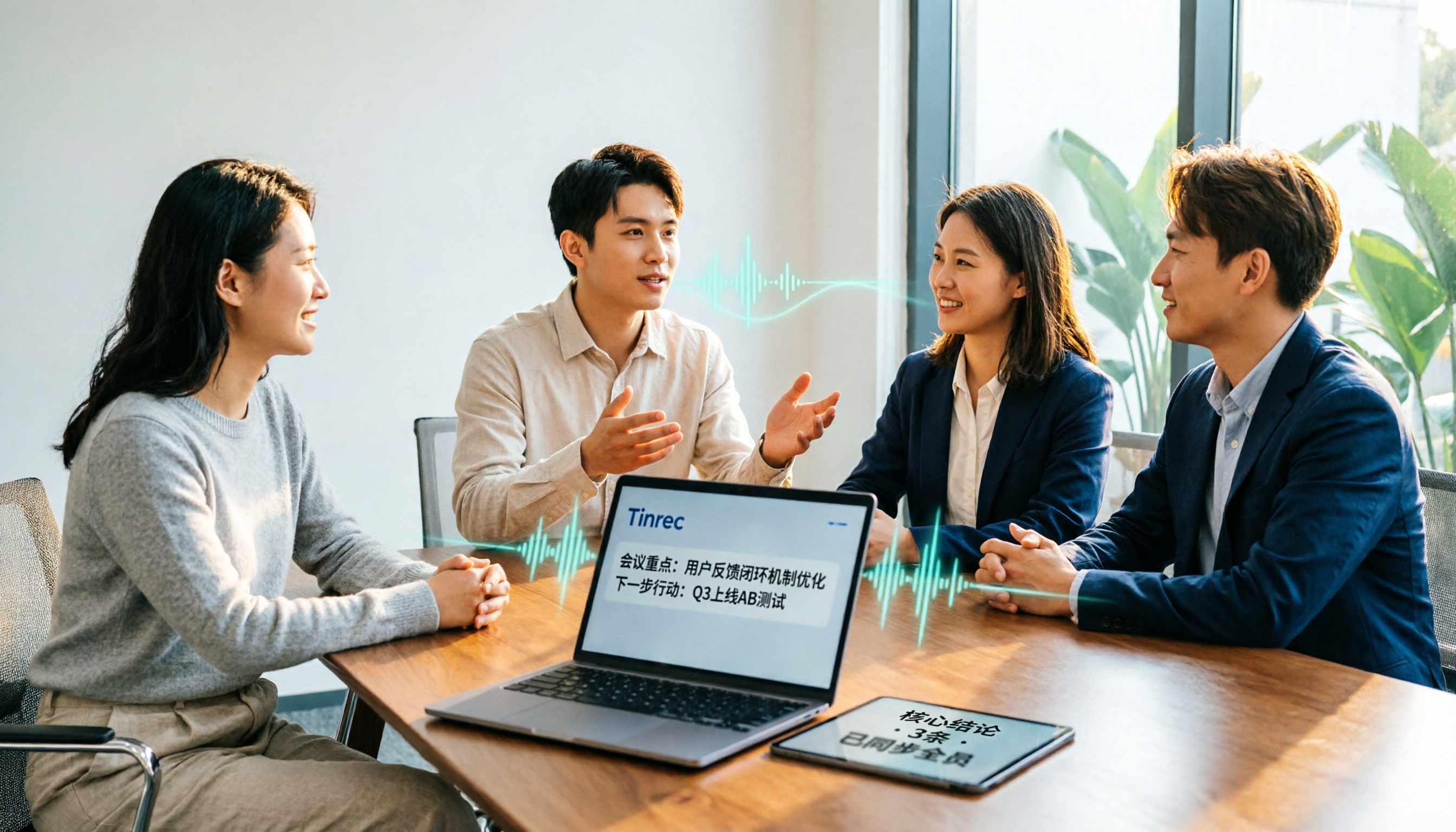
Tinrec and Otter.ai are both popular AI meeting transcription tools, but one is tailored for Chinese-language meetings and team knowledge retention, while the other excels at English business meetings. This article compares them across five dimensions: Chinese transcription, meeting capture methods, post-meeting processing, file import, and team governance. It also honestly lays out the differences between their free and paid plans to help you decide which one fits your work situation.

Tinrec vs PLAUD Note 2026: 5-Factor Comparison for Chinese Meeting Notes
Searching for meeting note software recommendations on PTT often yields polarized answers: some suggest hardware recorders, others meeting bots. This article doesn't list specs but breaks down five selection factors, then tests Tinrec and PLAUD Note on meeting capture, post-meeting processing, and team collaboration. It also compares Notta and Otter.ai use cases to help you find the tool that truly fits your post-meeting workflow.
Best Meeting Notes Software 2026: Tinrec's Bot-Free Recording + Auto-Generated Summaries
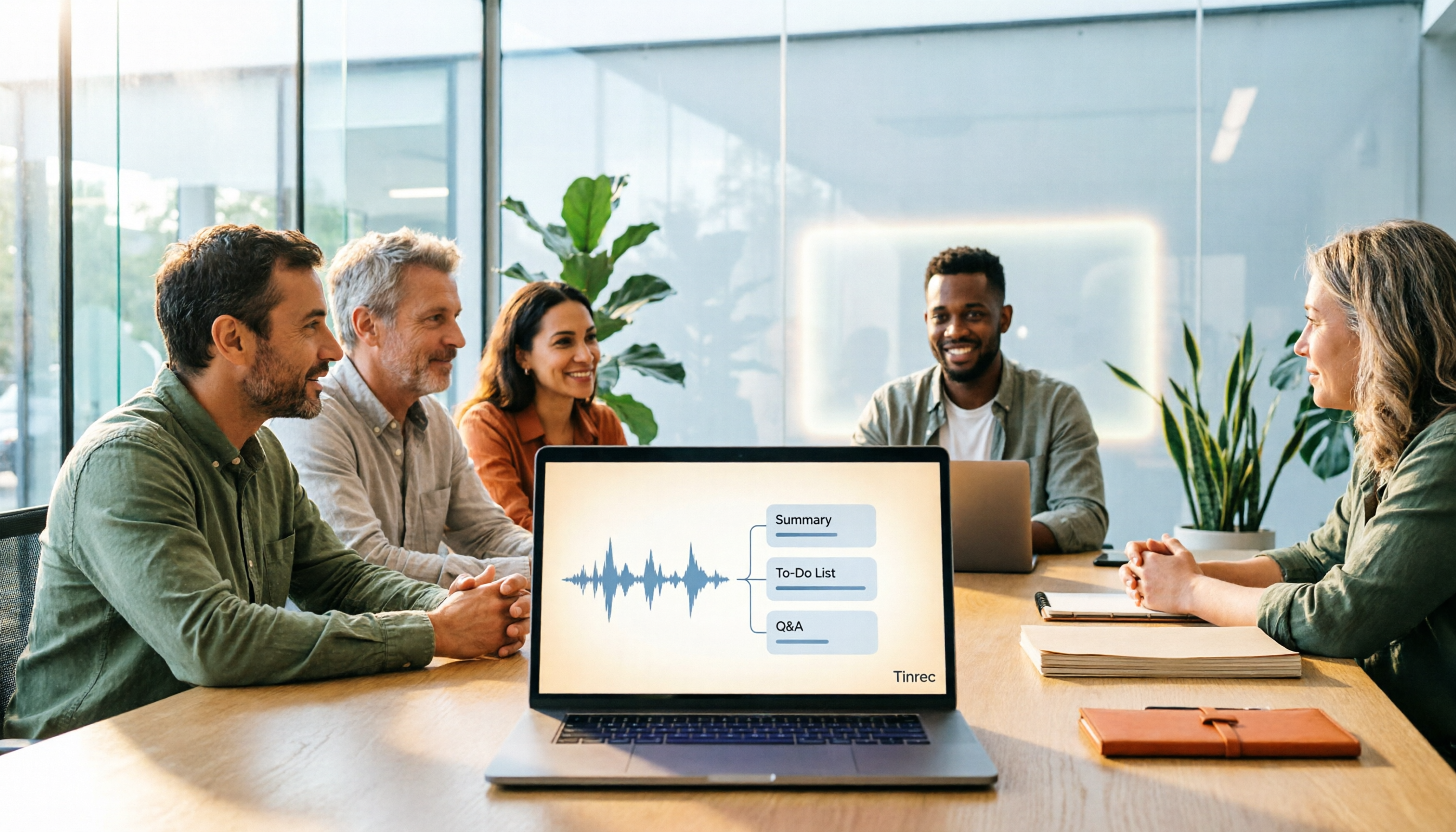
Cut through three common pitfalls to understand how to choose meeting notes software, and see how Tinrec handles bot-free online meeting recording, AI summaries, action item extraction, AI Q&A, and team spaces in practice.