
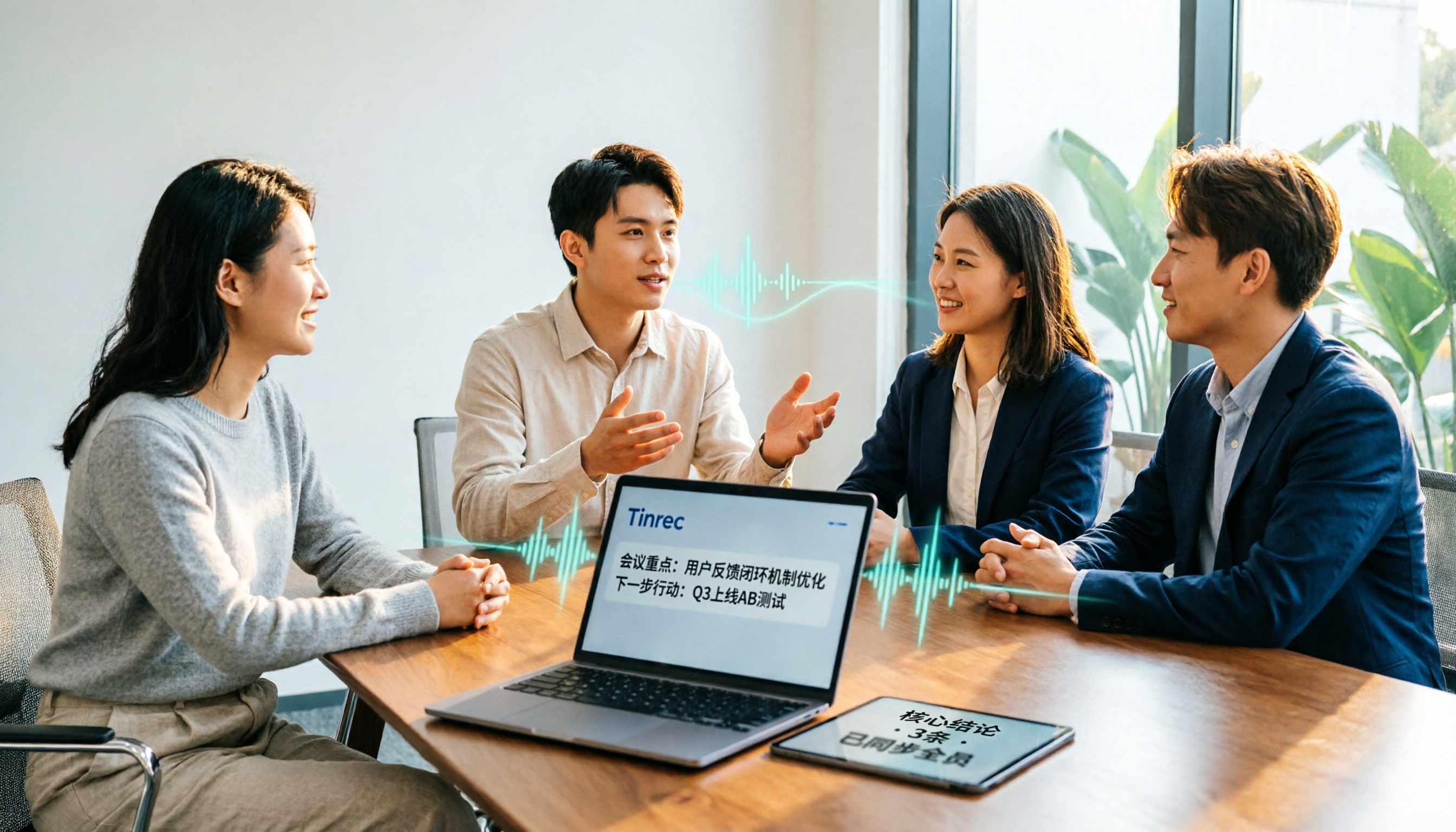
Turn recordings into transcripts and summaries in minutes
Upload audio or video for multilingual transcription, AI notes, and action items
2026 Meeting Transcription Software Comparison: Tinrec vs Otter.ai — Which Is Better for Chinese-Speaking Teams?
It's 3 PM on a Wednesday, and you've just finished a 50-minute cross-departmental meeting. Your manager turns to you and asks, "Those three action items from earlier — who's responsible for each?" You look down at the unorganized recording on your phone and think: Do I really have to listen to the whole thing again?
This is a scenario most office workers face every week. Meeting transcription software is designed for moments like this, but with so many options, what most people really want to know is simple: What's the difference between these two, and which one should I choose?
In this article, I'll compare Tinrec and Otter.ai, the two most talked-about tools, dimension by dimension, and lay out the differences clearly.
Tinrec vs Otter.ai | Quick Overview
Tinrec is an AI meeting transcription and collaboration tool for individuals and teams. Its core value is turning meetings into searchable, collaborative, actionable team knowledge.
Otter.ai is a mature AI meeting assistant that covers real-time transcription, speaker identification, AI Chat, and team management across platforms like Zoom, Microsoft Teams, and Google Meet.
| Item | Tinrec | Otter.ai |
|---|---|---|
| Core positioning | AI meeting transcription and team collaboration | AI meeting assistant and meeting automation |
| Meeting capture | Desktop app captures system audio without a bot | Meeting bot and desktop methods |
| Chinese content | Chinese, Traditional Chinese, multiple languages, and real-time translation | Stronger focus on English business meetings |
| Free plan | Free version with basic quota | Basic free, 300 minutes per month |
| Paid plan | Personal: weekly pass, Pro monthly/annual; Team: USD 29.80 per paid seat/month, USD 199 per paid seat/year | Pro annual equivalent to USD 8.49/user/month, includes 1,200 minutes of in-app recording and 10 file imports per month; Business per official page |
Prices and benefits are subject to official changes. Before purchasing, check both official purchase pages again. Below, I break it down across five dimensions.
Dimension 1 | Transcription Experience for Chinese and Mixed Chinese-English Meetings
Otter.ai's strength is English business meetings. Its summarization and action item extraction in English contexts are quite mature, which is where it has built its reputation over the years.
But if your meetings are primarily in Chinese, mixed with product names or technical English terms, you need to look at how deeply the tool supports Chinese. Tinrec covers Chinese, Traditional Chinese, and multilingual meeting scenarios, and offers real-time translation with options to view the original text, translation, or bilingual view. The team version also lets you maintain "team hotwords" to add internal product names, project codes, and technical terms to improve recognition of specialized vocabulary.
Note that actual performance for both depends on recording quality, accents, background noise, and overlapping speakers. It's best to test with your own meeting recordings.
→ For this dimension: Teams whose primary scenario is Chinese meetings will find Tinrec more aligned with their needs.
Dimension 2 | Meeting Capture Method: Do You Need an Extra Bot?
Otter.ai's common usage is to have a meeting bot join online meetings as a participant, while also offering desktop capabilities.
Tinrec's desktop version directly captures your computer's system audio. For online meetings on Zoom, Google Meet, Microsoft Teams, Webex, etc., you don't need to invite an extra bot into the meeting room — you simply open Tinrec and start recording.
To be clear: this does not mean Tinrec automatically joins all meetings on your calendar, nor does it mean it has official partnerships with these meeting platforms.
→ For this dimension: Teams that don't want a bot appearing in the participant list will find Tinrec's approach cleaner.
Dimension 3 | Post-Meeting Processing: The Real Work Starts After the Transcript
Otter offers summaries, action items, and AI Chat features, and is very mature for post-meeting organization in English meetings.
Tinrec focuses on the workflow "after the transcript": automatically generating summaries, chapters, and key points, extracting to-dos from discussions, supporting AI Q&A across single or multiple meeting records, and using Agent post-processing to generate reports, tables, and documents. The organized results can also be exported to Notion, Google Docs, OneNote, Dropbox, and other tools for further processing.
Stop organizing recordings by hand
Upload audio or video and automatically get a transcript, summary, and action items
Honestly, just getting a transcript usually means you still have to read through it yourself — that's where most people get stuck.
→ For this dimension: Teams that need to turn meetings directly into to-dos and deliverables will find Tinrec wins.
Dimension 4 | File Import and Recording Retention
Otter focuses on online meetings, and its Pro plan includes 10 file imports per month.
Tinrec supports uploading audio and video files, making it suitable for organizing historical meetings, interviews, and old recordings. It also supports mobile recording and some web link imports, and retains the audio files for easy reference back to the original text and timestamps later.
For teams that already have a backlog of meeting recordings, whether you can bring old files into the system makes a big difference.
→ For this dimension: Users who need to process existing recording files will find Tinrec more flexible.
Dimension 5 | Team Space and Governance
Otter offers mature team and enterprise management capabilities, which is the foundation of its long-term service to enterprise clients.
Tinrec's team version is a separate team collaboration space, not multiple people sharing a single personal account. You can create multiple team spaces, invite members via join links, set roles as owner/admin/regular member, and assign, revoke, or transfer seats. Team data is stored centrally. Members without a seat can still view, play, and read; only after obtaining a seat can they record, upload, edit, and export.
Admins can also view usage trends, member rankings, and usage details, query and export audit logs, and handle accidentally deleted audio files via the audio recycle bin. When a member leaves or is removed, their team resources can be handed over to other active members, so data doesn't leave with the individual.
Note that currently the team version is primarily team-level sharing, not file-level granular permissions.
→ For this dimension: Teams with member management and data handover needs will find Tinrec's governance design more complete.
What Are Each One's Unique Advantages?
Tinrec's unique advantages:
- Bot-free desktop recording plus file import means online meetings and existing recordings can enter the same workflow.
- Complete Chinese and multilingual experience, including real-time translation, bilingual view, and team hotwords.
- Agent post-processing can generate reports, tables, and documents directly from meetings.
- Team governance is comprehensive: roles, seats, usage, audit, and recycle bin are all included.
- Audio files are retained, so important information can be verified later.
Otter.ai's unique advantages:
- Deep experience in English business meetings, with a strong reputation for summary and action item quality in English contexts.
- Mature ecosystem and integrations, with a long history of pairing with common meeting platforms and many enterprise adoption cases.
Conclusion: Which One Should You Choose?
- Your meetings are primarily in Chinese or mixed Chinese-English → Tinrec
- You don't want a bot appearing in the meeting participant list → Tinrec
- You want to turn transcripts directly into to-dos, reports, and documents → Tinrec
- You need to organize large amounts of historical recordings and interview files → Tinrec
- You need to manage members, seats, usage, and audits → Tinrec
- Your meetings are almost entirely in English and your team is already used to the Otter ecosystem → Otter.ai is sufficient
In one sentence: If your meeting scenarios are primarily in Chinese, or you need to turn meetings into searchable, transferable team knowledge, Tinrec is the more complete choice. You can start with the free version and test it with one of your own meeting recordings.
FAQ
Q1. Is Tinrec's free version enough?
The free version provides a basic quota, suitable for occasionally organizing a recording. If you have a short period of intensive meetings or interviews, consider a weekly pass; if you have steady weekly usage, the Pro monthly plan is more suitable; if you need long-term recording retention, the annual plan has a lower monthly equivalent.
Q2. Does Tinrec require inviting a meeting bot?
No. You can record online meetings by capturing system audio through the desktop version. However, the user must actively open Tinrec to start recording; it does not automatically join all meetings on your calendar.
Q3. Can Otter.ai handle Chinese meetings?
Otter's main strength is English business meetings. The actual experience for Chinese meetings varies depending on accents and the degree of mixed Chinese-English, so it's best to test with your own recordings before deciding.
Q4. Does the team version require everyone to buy a seat?
No. Active members without a seat can still view, play, and read team data; only members who need to record, upload, edit, and export need a seat.
Q5. What should I pay attention to before recording?
Recording and transcription involve personal data and privacy. Please comply with local regulations and obtain participant consent when necessary.
Q6. Can meeting results be taken to other tools?
Tinrec supports multiple export formats and can also export to Notion, Google Docs, OneNote, Dropbox, and other tools for continued use.
References
- Meeting Ink - 2026 AI Meeting Transcription Tool Test | 7 Voice-to-Text and Summary Speed Comparison | Meeting Ink - AI Meeting Transcription Assistant Automatic Transcription and Summary
- 2026 Comparison of 5 Smart Meeting Transcription Software: Which Is Most Practical for Chinese Meetings and Bot-Free Recording? - Tinrec Blog
- AI Meeting Transcription Software Recommendations: 5 Major Apps Tested and Compared, Automatic Transcription Makes Meetings Easy!
- Must-See for 2026! 4 AI Audio-to-Text Tool Recommendations: Meeting Notes and Podcast Transcription Comparison - Mobile01
- No Time Limit! 3 Free AI Transcription Tools, Highly Recommended! AI Voice Notes Generate Meeting Minutes, Presentations, Mind Maps | 104 Career Power
Turn every recording into actionable outcomes
Get 60 free transcription minutes when you sign in. No credit card required.
Related Reading
You might also like

2026 Comparison of 4 Meeting Note-Taking Apps: Which Offers the Best Chinese Recognition and Free Tier for Students?
From a student's real-world usage perspective, this comparison of Tinrec, Otter.ai, Notta, and PLAUD Note evaluates Chinese recognition, free tier limits, post-meeting organization, and cross-platform performance. It also highlights key points to consider before buying and common pitfalls, helping budget-conscious students find the most cost-effective option.

4 Best AI Meeting Notes Software in 2026: Which Handles Chinese Meetings and Bot-Free Recording Best?
We tested 4 popular AI meeting notes tools in 2026, comparing Chinese and mixed-language transcription, recording methods, post-meeting organization, team collaboration, free tiers, and pricing. Find the right tool for your meeting style without paying for features you'll never use.

How to Choose Meeting Transcription Software in 2026: 5-Step Hands-On Review
If you can't keep up with meeting notes, it's usually not because you type slowly—it's because you chose the wrong tool. This article takes a 'we tested it for you' approach, breaking down 4 key buying factors, hands-on testing Tinrec's bot-free recording and AI Q&A, comparing it with Otter.ai, Granola, and Notta, and finally giving you scenario-based recommendations.

2026 Meeting Transcription Software Comparison: Which AI Tool Best Handles Chinese and Saves Time on Post-Meeting Notes?
How do you choose the right meeting transcription software? This article cuts through common mistakes and compares Tinrec, Otter.ai, Notta, and PLAUD Note on meeting capture methods, Chinese recognition, post-meeting AI organization, team seats, and pricing. After hands-on testing, Tinrec stands out for bot-free recording, Chinese meetings, AI Q&A, and team knowledge retention—making it the best fit for users in Taiwan.

2026 Comparison of 4 Meeting Note-Taking Apps: How to Choose for Chinese Transcription, Bot-Free Recording, and Team Collaboration
From selection criteria to common pitfalls, this side-by-side comparison of Tinrec, Otter.ai, Granola, and Notta explains the differences in Chinese meeting transcription, bot-free recording, post-meeting summaries, and team knowledge retention, helping you choose the right one for your workflow.

5 Best AI Meeting Notes Software in 2026: Real-World Comparison & How to Choose Without Getting Burned
Avoid the most common mistakes when choosing meeting notes software. We break down real-world use cases and 5 key buying checkpoints, then demonstrate the complete workflow with Tinrec—from recording and transcription to summaries, action items, exports, and team collaboration.

How to Take Free Meeting Notes in 2026: 5 Steps from Recording to AI Summary
Search the App Store for meeting note apps and every one claims to be free. But in practice, either the free quota is too small or Chinese transcription is full of errors. This article walks you through the complete free meeting notes workflow: from the 4 key factors in choosing an app and 5 practical steps, to a hands-on look at Tinrec and other free options, helping you find a meeting notes solution that actually works.

Tinrec vs PLAUD Note 2026: 5-Factor Comparison for Chinese Meeting Notes
Searching for meeting note software recommendations on PTT often yields polarized answers: some suggest hardware recorders, others meeting bots. This article doesn't list specs but breaks down five selection factors, then tests Tinrec and PLAUD Note on meeting capture, post-meeting processing, and team collaboration. It also compares Notta and Otter.ai use cases to help you find the tool that truly fits your post-meeting workflow.
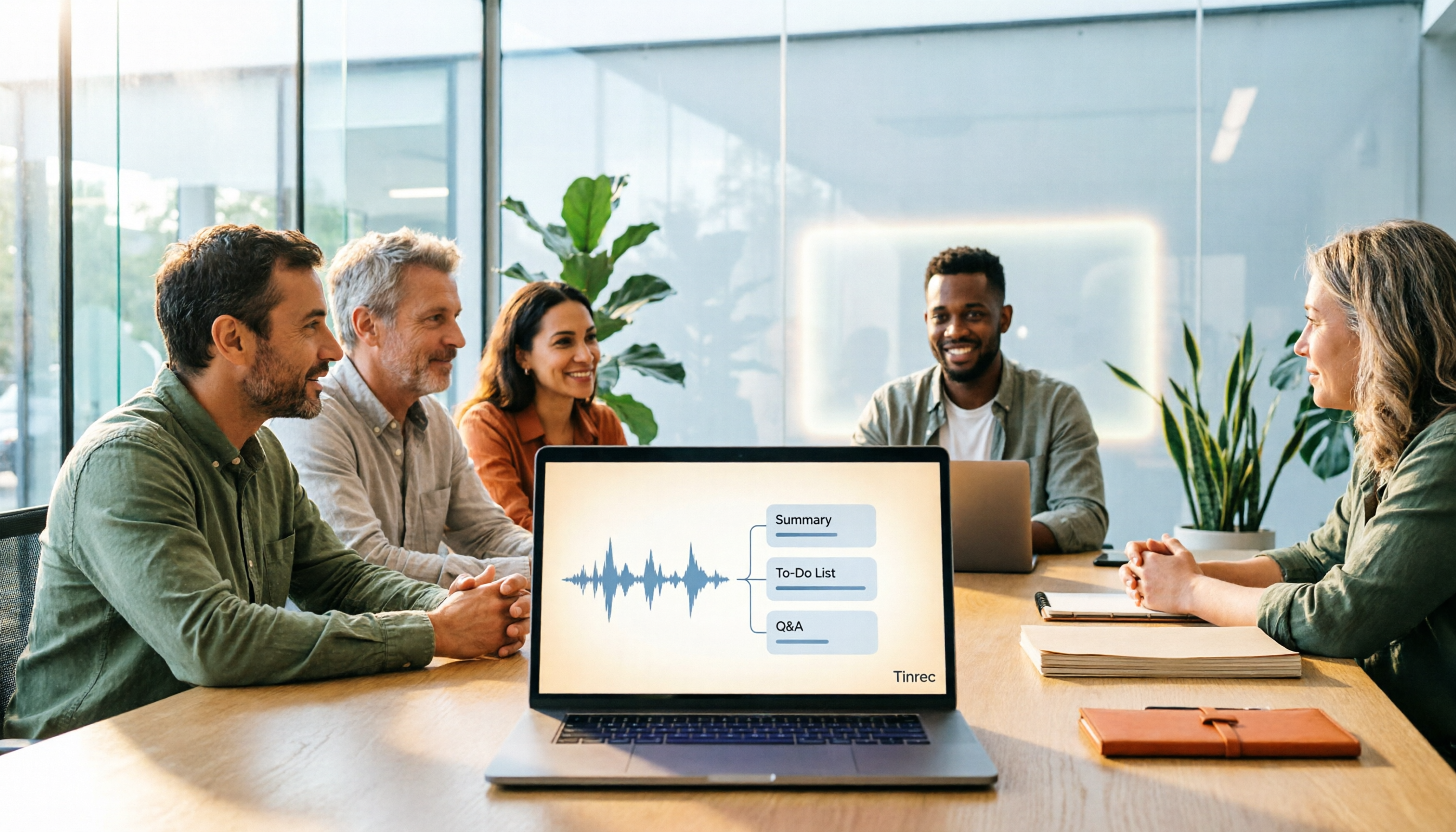
Best Meeting Notes Software 2026: Tinrec's Bot-Free Recording + Auto-Generated Summaries
Cut through three common pitfalls to understand how to choose meeting notes software, and see how Tinrec handles bot-free online meeting recording, AI summaries, action item extraction, AI Q&A, and team spaces in practice.