
Turn recordings into transcripts and summaries in minutes
Upload audio or video for multilingual transcription, AI notes, and action items
Best Meeting Notes Software 2026: Tinrec's Bot-Free Recording + Auto-Generated Summaries
Honestly, whenever someone asks me "which meeting notes software do you recommend," I usually turn it around and ask: do you want a transcript, or do you want meeting notes you can actually use? Those two answers lead to completely different tools.
Before I give recommendations, let me walk through a few of the most common pitfalls people run into.
Pitfall #1: Mistaking a "free trial" for a "free plan." I've noticed that many popular AI voice note tools people recommend online aren't actually free. The free tier often only converts a few minutes of recording into a transcript before popping up a paid upgrade prompt. Realizing your content got cut off after the meeting is already over is one of the most frustrating experiences.
Pitfall #2: Assuming a transcript equals meeting notes. A transcript faithfully captures every word spoken. A two-hour meeting can produce tens of thousands of words. What you actually need to deliver as meeting notes are conclusions, decisions, action items, and owners. These are two different things.
Pitfall #3: Thinking a "meeting bot" is the only option. Early AI meeting tools typically sent a bot account into the meeting, adding a stranger to the participant list. Some clients or managers find that off-putting. There's now another approach: desktop software that directly captures your computer's system audio without adding any bot to the meeting.
Once you avoid these three pitfalls, the choice becomes much clearer. Below, I'll use Tinrec as an example to show you what a meeting notes tool can actually do for you, how to choose one, and what to watch out for.
What Can AI Meeting Notes Software Do for You?
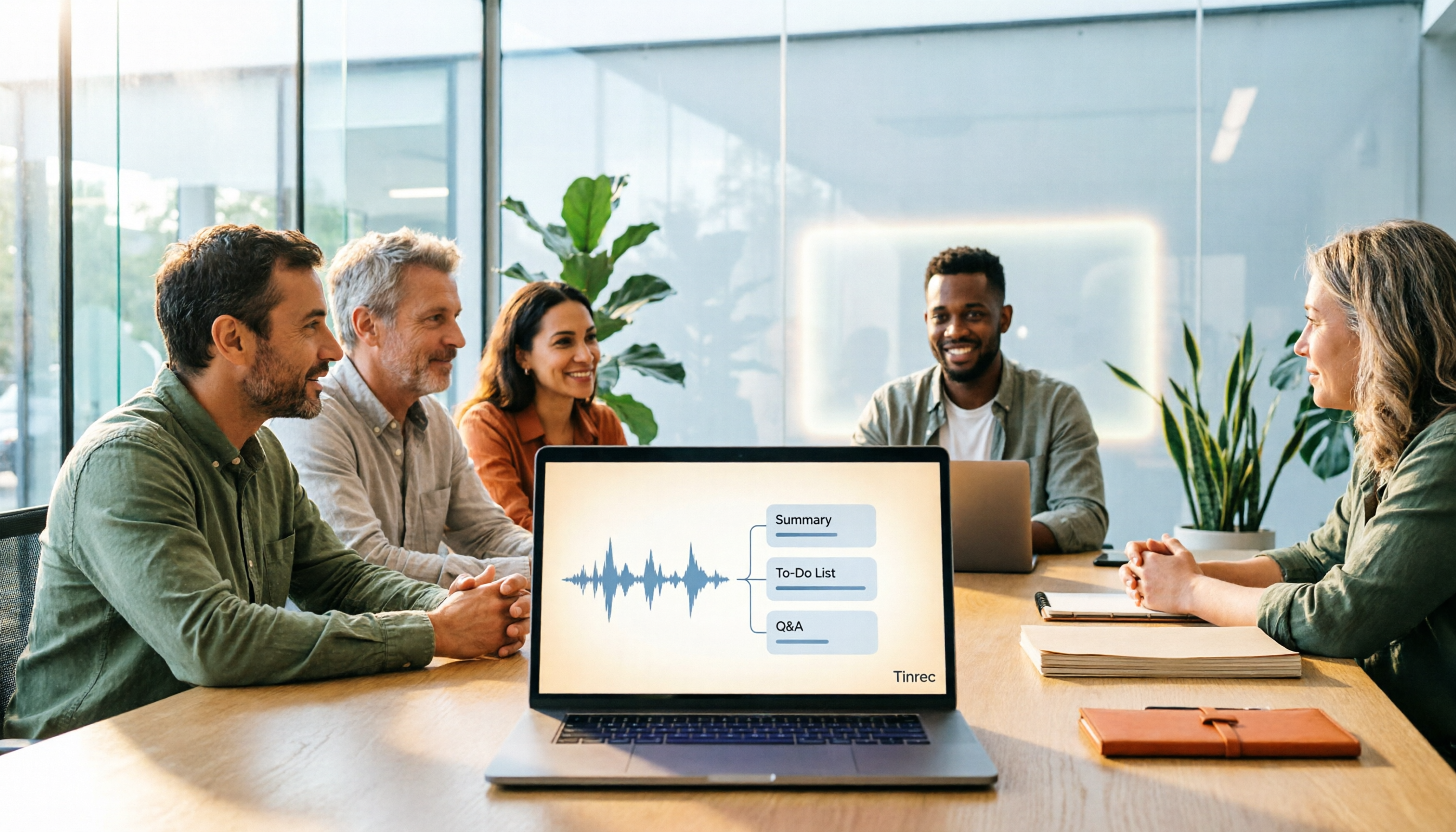
Scenario 1: Get meeting notes 5 minutes after the meeting ends. In the past, after a two-hour meeting, you might spend another hour organizing everything. With Tinrec, a transcript is generated while recording, and when you're done, AI directly produces a summary, chapters, key points, and action items. Who's responsible for what and what's next—all at a glance.
Scenario 2: No extra bot in online meetings. Tinrec's desktop version captures your computer's system audio to record meetings on Zoom, Google Meet, Microsoft Teams, Webex, and other platforms—no need to invite a bot. This is especially useful for meetings with external clients.
Scenario 3: Organize old recording files you already have. It's not just for live meetings. You can upload existing audio or video files for transcription, turning interviews, lectures, and past meetings piled up on your phone into searchable text data.
Scenario 4: Turn meeting content into a queryable database. After a meeting, if you want to find "what exactly did the client say about pricing," you don't need to re-listen to two hours of recording. Tinrec supports AI Q&A around meeting content—just ask, and it answers based on semantic understanding.
What Core Capabilities Should Good Meeting Notes Software Have?
Real-time transcription. Transcribe while recording, not after the meeting ends. Tinrec supports real-time speech-to-text for in-person meetings, interviews, and phone calls—you can verify in real time that nothing important is missed during the meeting.
Bot-free online meeting recording. This is one of Tinrec's standout features: the desktop version directly captures system audio, initiated by the user, so no bot account appears in the meeting. Note that this doesn't mean it "automatically joins every meeting on your calendar"—you still need to start recording manually.
AI summaries, chapters, and action item extraction. Transcription is just the first step. Tinrec breaks long meetings into structured summaries and chapters, and extracts action items from discussions, turning meeting notes from a block of text into an actionable checklist.
AI Q&A and multi-format export. You can ask follow-up questions about a single meeting or across meetings, and export results to Notion, Google Docs, OneNote, Dropbox, and other tools for further processing. Tinrec also offers Agent post-processing to generate reports, tables, and documents based on meeting content.
Real-time translation and bilingual viewing. For cross-language meetings, Tinrec supports viewing the original text, translation, or bilingual content during recording—saving significant post-meeting translation work for teams with foreign-language clients.
Team spaces and governance. If meeting notes need to be shared with a group, Tinrec's team plan provides a dedicated team space where members can view and play team meeting data. The team plan separates "roles" from "seats": roles determine who can manage the team, members, and audit logs; seats determine who can record, upload, edit, and export. Members who are active but don't have a seat can still read data—they just can't perform resource-consuming operations.
Real-World Use Cases: These 4 Scenarios Benefit Most
Weekly standups and project meetings. The biggest fear in weekly meetings is "nobody remembers what was supposed to be done last time." Record with Tinrec, and the AI-generated action item list can be directly compared against last week's progress. The decision-making process stays in the team space for future reference—no more digging through chat logs to piece things together.
Stop organizing recordings by hand
Upload audio or video and automatically get a transcript, summary, and action items
Client interviews and requirements discussions. Clients speak fast and information is scattered during requirements discussions—details often get lost when you try to recall them later. Tinrec preserves the full transcript and uses AI Q&A to quickly pull out the budget, timeline, and concerns the client mentioned, reducing back-and-forth confirmation costs.
Interviews and research. For user interviews or expert interviews, transcripts are the foundation for subsequent analysis. Tinrec supports audio and video file imports—you can focus on the interview first and organize in batches afterward, turning key points into summaries and citable passages.
Classes and personal knowledge management. Record with Tinrec during classes or lectures, and you'll have a transcript and key point summary when it's over. Over time, this content becomes a searchable, queryable personal database.
Cross-department collaboration. The team plan centralizes meeting recordings, transcripts, summaries, and action items in one space. New members can also view historical meeting records—no more private messages asking "where did we leave off last time."
5 Things to Watch When Choosing Meeting Notes Software
1. The real limits of the free tier. Don't just look at the word "free"—check the per-session length, monthly total, and whether you can export. Tinrec's personal plan starts with a free version that lets you experience recording, importing, summaries, and transcription with basic limits. Upgrading only when it works for you is more practical than committing to an annual plan from the start.
2. How meetings are captured. First confirm whether the tool sends a bot into the meeting or uses desktop system audio capture. If your meetings often include external clients, the latter is usually less intrusive. Tinrec's desktop version uses bot-free system audio capture.
3. Can you actually use the transcription? A transcript is just raw material. Ask: Can it auto-summarize? Can it extract action items? Can you ask questions about the content? Tinrec is fairly complete here—summaries, chapters, action items, and AI Q&A are all in one workflow.
4. Pricing and billing. Tinrec's personal plan offers a free version, weekly pass, Pro monthly, and Pro annual. The logic for choosing is usage frequency, not just price comparison: short-term intensive use calls for a weekly pass, regular weekly meetings call for Pro, and long-term data accumulation warrants considering the annual plan. The team plan is currently USD 29.80 per paid seat per month, or USD 199 per paid seat per year (about USD 16.58 per month), with each paid seat providing 2,000 minutes of shared team import quota per month. Actual prices, currencies, and benefits are subject to the official purchase page.
5. Where data is stored and who can see it. Company meetings often involve sensitive information—confirm data storage methods and permission design. Tinrec's team plan gives ownership of meeting data to the team and provides member, role, seat management, usage analytics, and audit logs. Accidentally deleted audio can be recovered from the team recycle bin within the retention period (currently 30 days). Also note: before recording, please confirm compliance with local regulations and obtain necessary consent.
Frequently Asked Questions
Q1: Is the free version of meeting notes software enough? It depends on your usage frequency. If you only occasionally organize a recording, Tinrec's free version provides basic limits to experience the full workflow—trying before deciding whether to upgrade is the more practical approach. If you have multiple meetings every week, you'll typically need a paid plan.
Q2: Which meeting platforms does Tinrec support? It can handle any online meeting audio that plays on your computer, including Zoom, Google Meet, Microsoft Teams, Webex, and others. The method is capturing system audio through Tinrec's desktop version—no need to invite a bot. Note that supporting audio processing for these platforms does not imply an official partnership with them.
Q3: Can you really record online meetings without a meeting bot? Yes. Tinrec's desktop version directly captures your computer's system audio, so no extra participant appears in the meeting. However, recording requires you to start it manually—it's not a tool that automatically joins every meeting on your calendar.
Q4: Can transcription accuracy reach 100%? It's not recommended to expect that. Actual results are affected by recording quality, ambient noise, accents, multiple people speaking simultaneously, and technical terminology. Tinrec supports team hotword settings—you can add your company's commonly used terms to improve recognition of specialized vocabulary. For important content, it's recommended to verify against the recording playback.
Q5: What's the difference between the team plan and the personal plan? Personal plan data is managed under your individual account. Tinrec's team plan provides a dedicated team space where meeting data belongs to the team, plus member invitations, role and seat management, shared benefits, usage analytics, audit logs, and an audio recycle bin. When a member leaves or is removed, team resources are transferred to other active members—they don't disappear with the individual account.
Q6: What legal issues should I consider with meeting recordings? Recording laws vary by location. It's recommended to inform participants and obtain consent before recording, and to handle meeting data in accordance with your company's internal security and privacy policies.
Summary
AI meeting notes software has evolved rapidly in recent years, but the logic for choosing hasn't changed: first figure out whether you want a transcript, meeting notes, or team data you can keep using—then check the free tier limits, capture method, post-meeting processing, and data permissions.
Tinrec, as used in this article's example, connects real-time transcription, bot-free online meeting recording, AI summaries, action items, Q&A, translation, export, and team spaces into a single workflow. Overall, if your meetings are primarily in Chinese, you often handle online meetings with external participants, and you want meeting content to ultimately become searchable team data, I'd recommend starting with the free version for one of your own meetings to see if the AI-organized results meet your expectations.
References
Turn every recording into actionable outcomes
Get 60 free transcription minutes when you sign in. No credit card required.
Related Reading
You might also like

2026 Comparison of 4 Meeting Note-Taking Apps: Which Offers the Best Chinese Recognition and Free Tier for Students?
From a student's real-world usage perspective, this comparison of Tinrec, Otter.ai, Notta, and PLAUD Note evaluates Chinese recognition, free tier limits, post-meeting organization, and cross-platform performance. It also highlights key points to consider before buying and common pitfalls, helping budget-conscious students find the most cost-effective option.

4 Best AI Meeting Notes Software in 2026: Which Handles Chinese Meetings and Bot-Free Recording Best?
We tested 4 popular AI meeting notes tools in 2026, comparing Chinese and mixed-language transcription, recording methods, post-meeting organization, team collaboration, free tiers, and pricing. Find the right tool for your meeting style without paying for features you'll never use.

How to Choose Meeting Transcription Software in 2026: 5-Step Hands-On Review
If you can't keep up with meeting notes, it's usually not because you type slowly—it's because you chose the wrong tool. This article takes a 'we tested it for you' approach, breaking down 4 key buying factors, hands-on testing Tinrec's bot-free recording and AI Q&A, comparing it with Otter.ai, Granola, and Notta, and finally giving you scenario-based recommendations.

2026 Meeting Transcription Software Comparison: Which AI Tool Best Handles Chinese and Saves Time on Post-Meeting Notes?
How do you choose the right meeting transcription software? This article cuts through common mistakes and compares Tinrec, Otter.ai, Notta, and PLAUD Note on meeting capture methods, Chinese recognition, post-meeting AI organization, team seats, and pricing. After hands-on testing, Tinrec stands out for bot-free recording, Chinese meetings, AI Q&A, and team knowledge retention—making it the best fit for users in Taiwan.

2026 Comparison of 4 Meeting Note-Taking Apps: How to Choose for Chinese Transcription, Bot-Free Recording, and Team Collaboration
From selection criteria to common pitfalls, this side-by-side comparison of Tinrec, Otter.ai, Granola, and Notta explains the differences in Chinese meeting transcription, bot-free recording, post-meeting summaries, and team knowledge retention, helping you choose the right one for your workflow.

5 Best AI Meeting Notes Software in 2026: Real-World Comparison & How to Choose Without Getting Burned
Avoid the most common mistakes when choosing meeting notes software. We break down real-world use cases and 5 key buying checkpoints, then demonstrate the complete workflow with Tinrec—from recording and transcription to summaries, action items, exports, and team collaboration.

How to Take Free Meeting Notes in 2026: 5 Steps from Recording to AI Summary
Search the App Store for meeting note apps and every one claims to be free. But in practice, either the free quota is too small or Chinese transcription is full of errors. This article walks you through the complete free meeting notes workflow: from the 4 key factors in choosing an app and 5 practical steps, to a hands-on look at Tinrec and other free options, helping you find a meeting notes solution that actually works.

2026 Meeting Transcription Software Comparison: Tinrec vs Otter.ai — Which Is Better for Chinese-Speaking Teams?
Tinrec and Otter.ai are both popular AI meeting transcription tools, but one is tailored for Chinese-language meetings and team knowledge retention, while the other excels at English business meetings. This article compares them across five dimensions: Chinese transcription, meeting capture methods, post-meeting processing, file import, and team governance. It also honestly lays out the differences between their free and paid plans to help you decide which one fits your work situation.

Tinrec vs PLAUD Note 2026: 5-Factor Comparison for Chinese Meeting Notes
Searching for meeting note software recommendations on PTT often yields polarized answers: some suggest hardware recorders, others meeting bots. This article doesn't list specs but breaks down five selection factors, then tests Tinrec and PLAUD Note on meeting capture, post-meeting processing, and team collaboration. It also compares Notta and Otter.ai use cases to help you find the tool that truly fits your post-meeting workflow.