

Turn recordings into transcripts and summaries in minutes
Upload audio or video for multilingual transcription, AI notes, and action items
Have you ever seen a meeting transcription app advertise "free 120 minutes per month," only to sign up and discover you can only record 3 minutes at a time—and you can't even export the full transcript?
This is the most common gap I've run into over the years while testing tools for readers. Some reviews have also pointed out that certain free versions "can't view the full transcript and don't offer summary generation."
So the real question usually isn't "are the free minutes enough?" but rather "what features does the free version actually lock behind a paywall?"
In this article, I'll use the same criteria to compare several popular meeting transcription apps in 2026, and explain why Tinrec is the one I'd recommend trying first.
Three Common Misconceptions About Free Meeting Transcription Software
Misconception 1: Assuming the free version just has fewer hours but all the same features.
In reality, many tools give you the transcription but put summaries, chapters, and exports behind a paywall. You end up with a long transcript you still have to read through yourself.
Misconception 2: Only looking at total minutes, ignoring per-session length and file count limits.
Take Notta, for example: the official free plan offers 120 minutes per month, with a maximum of 3 minutes per recording. TurboScribe's free version allows 3 files per day, up to 30 minutes per file. These limits become very noticeable when you're trying to organize a one-hour meeting.
Misconception 3: Assuming it doesn't matter where your data is stored.
Recordings on a personal account follow the individual; meeting data in a team workspace belongs to the team. If your meeting content will later be accessed by colleagues, handed off, or used as a project record, you need to think this through from the start.
Once you clarify these three points, you'll realize that "free version" really means comparing which free tier can actually get a job done.
2026 Comparison of 5 Free Meeting Transcription Software
The table below summarizes the official free plan details of several popular tools to help you get oriented.
| Tool | Positioning | Free Plan Overview (per official pages) |
|---|---|---|
| Tinrec | AI meeting notes and team collaboration | Basic quota to try recording, import, summaries, and transcription; audio files are retained |
| Notta | Multilingual transcription and meeting notes | 120 minutes per month, max 3 minutes per recording |
| Otter.ai | English business meeting assistant | Basic free, 300 minutes per month |
| TurboScribe | Long audio and batch file transcription | 3 files per day, max 30 minutes per file |
| PLAUD | AI recording hardware | Requires hardware; Starter plan 300 minutes per month |
Prices and benefits may change; please refer to each official page for the latest numbers.
Honestly, none of these is "the best overall" because their positioning varies widely. But if you need Chinese meeting support, online meeting recording, and want to directly get summaries and action items after recording, Tinrec is the most complete match on this list.
Key Differences Between Tinrec and Common Free Options
How meetings are recorded
This is the most fundamental difference. The traditional approach is to have a meeting bot join as a participant; Tinrec's desktop version directly captures your computer's system audio, so no extra bot enters the meeting room.
For external client meetings, this matters a lot—a stranger's account suddenly appearing on screen usually prompts the question, "Who's that?"
What you get after recording
Many free tools stop at the transcript. Tinrec's design treats the transcript as a starting point: it automatically generates summaries, chapters, key points, and action items, and you can even ask AI directly about the meeting content.
For example, after a meeting, you can ask "What was the conclusion?" or "Who's responsible for which item?" without digging through 30 pages of transcript.
Chinese and multilingual meetings
Tinrec covers Chinese, Traditional Chinese, and multilingual meeting scenarios, supporting mixed Chinese-English content, real-time translation, and bilingual side-by-side viewing. For cross-language meetings, you can read the original and translation simultaneously.
Keep in mind that actual accuracy depends on recording quality, background noise, accents, multiple people speaking at once, and technical terminology—just like any tool.
Are audio files retained?
This is often overlooked. Tinrec retains recordings, and transcripts can be linked back to timestamps, so you can recheck the original audio if in doubt. For interviews or research that require repeated verification, this is far more practical than text-only output.
From individual to team
Starting with the free version for personal use is fine; but if you're a team, Tinrec for Teams provides a separate team workspace rather than multiple people sharing one account.
The team version includes member invitations, owner/admin/member roles, seat allocation, usage analytics, and audit logs. When a member leaves, their meeting resources can be handed over to others, so data doesn't disappear with the individual.
Stop organizing recordings by hand
Upload audio or video and automatically get a transcript, summary, and action items
Paid seats on the team plan provide 2,000 minutes of shared team import quota per month; under an active team plan and active seat, real-time recording currently does not deduct minutes. First-time eligible teams also get a 7-day trial, 1 free seat, and 300 minutes of shared import quota. Pricing is USD 29.80 per paid seat per month, or USD 199 per paid seat per year (about USD 16.58 per month).
Also note that in the team version, "roles" and "seats" are two different things: roles determine who can manage the team, while seats determine who can record, upload, edit, and export. Members without a seat can still view, play, and read team data.
Tinrec's Core Features at a Glance
Real-time speech-to-text: Start recording and text appears simultaneously, so your transcript is nearly ready by the time the meeting ends. Great for in-person meetings and interviews.
Bot-free online meeting recording: The desktop version captures audio from Zoom, Google Meet, Microsoft Teams, Webex, and more without inviting a bot.
AI summaries and chapters: Long meetings are automatically broken into structured sections, so you can jump around when reviewing.
Action item extraction: Pulls out follow-up actions from discussions—especially useful for project and client meetings.
AI Q&A: Ask follow-up questions about a single meeting or across multiple meetings, ideal for those who need to revisit past meetings.
Multi-format export and Agent post-processing: Export results to Notion, Google Docs, OneNote, Dropbox, and more, or further generate reports, tables, and documents.
Real-World Use Cases
Online weekly meetings: Open the desktop app and start recording; after the meeting, view summaries and action items directly—who's responsible for what is clear at a glance, no more manual note-taking.
In-person meetings and interviews: Use your phone or laptop for real-time speech-to-text; the interviewee's exact words are preserved for direct quoting when writing.
Classes and lectures: Transcribe long content first, then use AI Q&A to extract key points—no need to re-listen to the entire recording when reviewing.
Client interviews and requirements gathering: Capture client needs, concerns, and commitments, then organize them into documents or tables for your team.
Team knowledge retention: Keep meetings in a team workspace so new members can look up past meetings—decision context won't be stuck on someone's phone.
Things to Consider When Choosing Free Meeting Transcription Software
1. How the free quota is calculated. Is it total minutes per month, per-session length, or number of files? This directly determines whether you can use it for a real meeting.
2. Are transcripts and exports locked? If the free version can't show the full transcript or export it, its practical value is very limited.
3. Performance with Chinese and mixed Chinese-English. Meetings in Taiwan often mix Chinese with English technical terms; it's best to test with your own recording.
4. Are audio files retained, and who owns the data? Personal recordings follow the individual; team data should stay with the team. This makes a big difference for companies that need handovers.
5. Do you need to buy extra hardware? Some solutions require hardware plus subscription, raising initial costs; pure software solutions work right out of the box.
Conclusion: Is Tinrec Worth Trying First?
If you're looking for free meeting transcription software that can actually get a job done, Tinrec has several clear advantages: record online meetings without a bot, get summaries and action items right after recording, handle Chinese and mixed Chinese-English, and export data for further use.
Its free version provides a basic quota so you can test transcription and summary performance with real recordings—more direct than any review. Once you know you have weekly meetings to organize, upgrade to a weekly pass or Pro; if your team needs to share meeting data, consider the team version.
As for Notta, Otter, TurboScribe, and others, each has its strengths, and none needs to be replaced. The key is to first clarify whether you're solving "convert to text" or "what to do after the meeting"—the answer usually becomes clear.
FAQ
Is free meeting transcription software really enough? It depends on how many meetings you have per month. For occasional one or two recordings, free is usually enough; if you have weekly meetings, you'll likely hit the limit. Try a real meeting on the free version first, then decide whether to upgrade.
Does Tinrec's free version include summaries and AI Q&A? The free version provides a basic quota to try recording, import, summaries, and transcription. Actual available features and quotas vary by plan; check the plan details before use.
Does Tinrec require a meeting bot to join? No. Tinrec's desktop version captures system audio directly to record online meetings, so no extra account appears in the participant list. Note that you need to start recording yourself—it's not a bot that automatically joins all calendar meetings.
How is Tinrec different from Notta? Notta does well with multilingual transcription and meeting integrations; its free version offers 120 minutes per month, max 3 minutes per session. Tinrec's differences are mainly bot-free recording, Chinese meeting experience, and post-transcription summaries, action items, AI Q&A, and team knowledge retention.
What's the difference between the team and personal versions? Personal version data belongs to the individual account; the team version provides a separate team workspace where meeting data belongs to the team, plus members, roles, seats, shared quota, usage analytics, and audit logs. When a member leaves, their team resources are handed over to others, not taken away.
Do I need consent to record? Yes, be mindful. Laws on recording and transcription vary by region; inform participants and obtain consent before the meeting, and follow local regulations.
What platforms does Tinrec support? Available via web, desktop, and mobile. The desktop version handles system audio recording for online meetings; the mobile version is suitable for on-the-go and in-person scenarios.
References
- No time limit! 3 free AI transcription tools, highly recommended! AI voice notes generate meeting minutes, presentations, mind maps | 104 Career Power
- AI meeting notes software recommendations: 5 major apps tested and compared, automatic transcription makes meetings a breeze!
- r/ProductivityApps on Reddit: Does anyone know of a free or cheap app that will take meeting notes for you?
- Meeting Ink - 2026 AI meeting notes tools tested | 7 speech-to-text and summary speed comparison | Meeting Ink - AI meeting notes assistant automatic transcription and summary
- 2025 Best Meeting Notes Software Guide: Top Tools for Efficient Meetings | Lark
Turn every recording into actionable outcomes
Get 60 free transcription minutes when you sign in. No credit card required.
Related Reading
You might also like

5 Best AI Meeting Notes Software in 2026: Real-World Comparison & How to Choose Without Getting Burned
Avoid the most common mistakes when choosing meeting notes software. We break down real-world use cases and 5 key buying checkpoints, then demonstrate the complete workflow with Tinrec—from recording and transcription to summaries, action items, exports, and team collaboration.

How to Take Free Meeting Notes in 2026: 5 Steps from Recording to AI Summary
Search the App Store for meeting note apps and every one claims to be free. But in practice, either the free quota is too small or Chinese transcription is full of errors. This article walks you through the complete free meeting notes workflow: from the 4 key factors in choosing an app and 5 practical steps, to a hands-on look at Tinrec and other free options, helping you find a meeting notes solution that actually works.

2026 Meeting Transcription Software Comparison: Tinrec vs Otter.ai — Which Is Better for Chinese-Speaking Teams?
Tinrec and Otter.ai are both popular AI meeting transcription tools, but one is tailored for Chinese-language meetings and team knowledge retention, while the other excels at English business meetings. This article compares them across five dimensions: Chinese transcription, meeting capture methods, post-meeting processing, file import, and team governance. It also honestly lays out the differences between their free and paid plans to help you decide which one fits your work situation.

Tinrec vs PLAUD Note 2026: 5-Factor Comparison for Chinese Meeting Notes
Searching for meeting note software recommendations on PTT often yields polarized answers: some suggest hardware recorders, others meeting bots. This article doesn't list specs but breaks down five selection factors, then tests Tinrec and PLAUD Note on meeting capture, post-meeting processing, and team collaboration. It also compares Notta and Otter.ai use cases to help you find the tool that truly fits your post-meeting workflow.
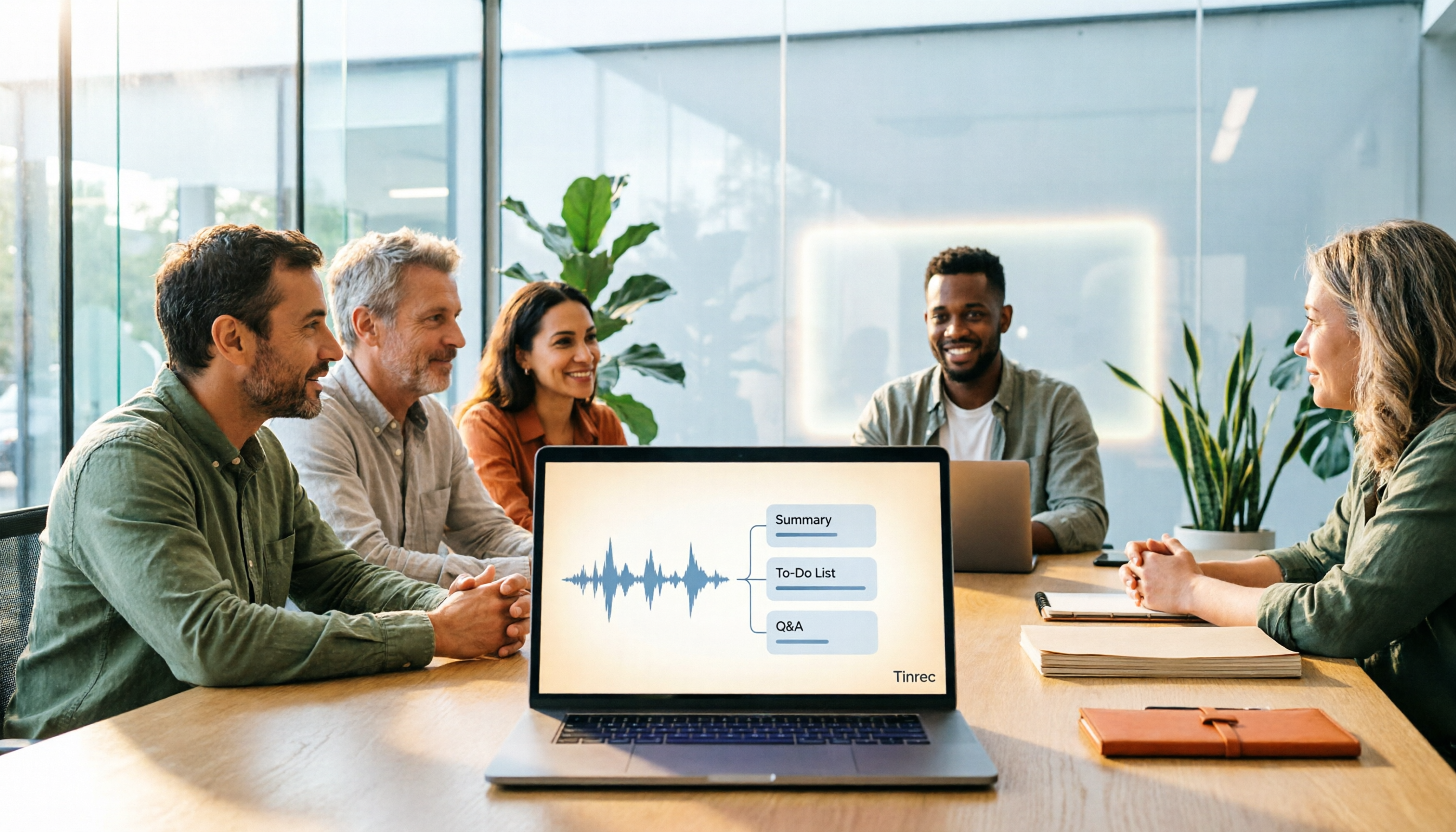
Best Meeting Notes Software 2026: Tinrec's Bot-Free Recording + Auto-Generated Summaries
Cut through three common pitfalls to understand how to choose meeting notes software, and see how Tinrec handles bot-free online meeting recording, AI summaries, action item extraction, AI Q&A, and team spaces in practice.
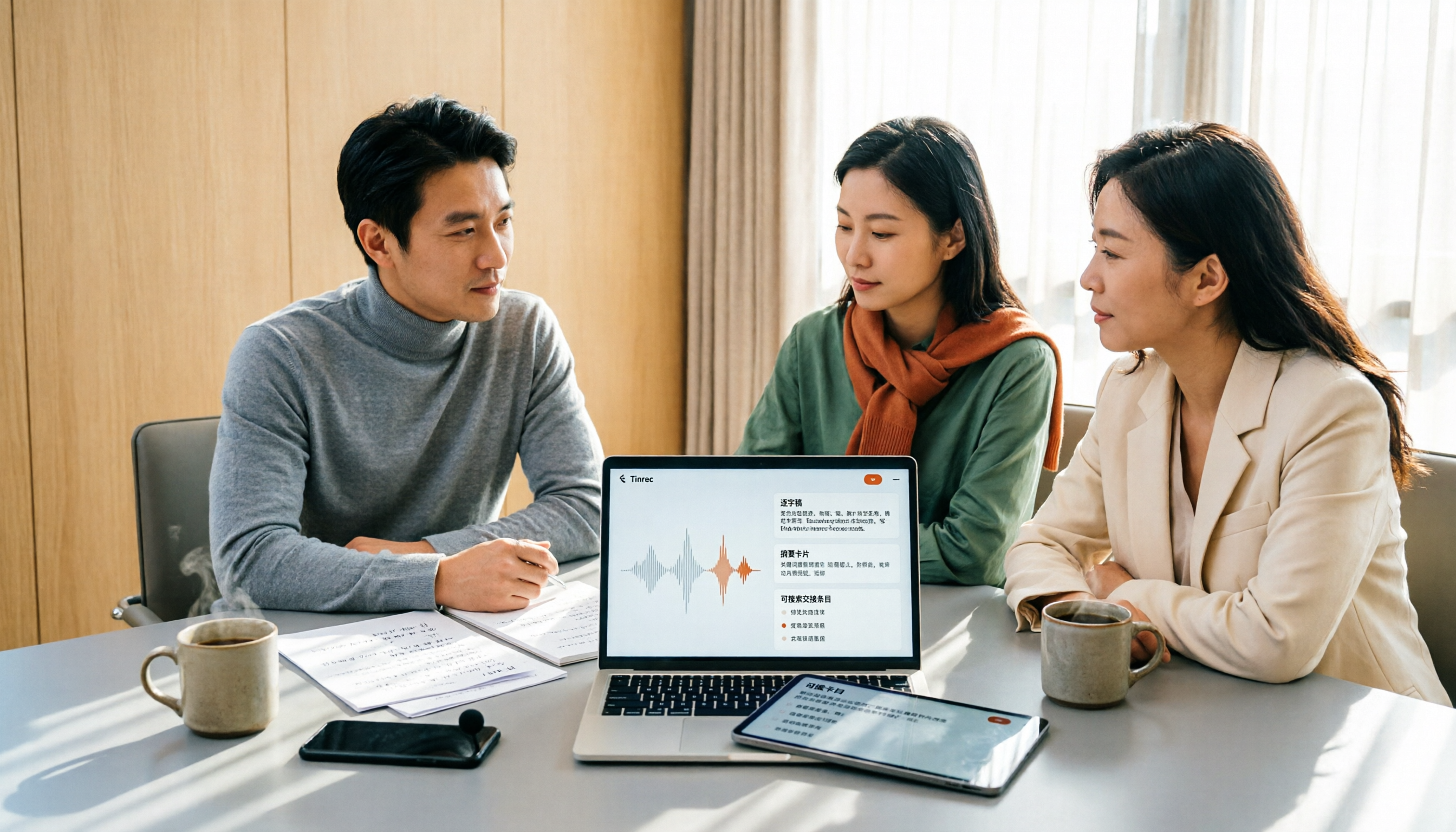
2026 Meeting Transcription Software Comparison: Which AI Tool Saves the Most Time for Chinese Meetings?
Two-hour meetings often mean two more hours writing notes—the real problem is what happens after the meeting. This article compares Tinrec, Otter.ai, Notta, and PLAUD Note across five key areas: language recognition, recording method, post-meeting output, data ownership, and pricing. It explains which tool best handles Chinese and mixed Chinese-English meetings, which lets you record without a bot joining, and how team plans turn every meeting into searchable, transferable data.

Tinrec vs PLAUD Note 2026: 5-Dimension Comparison, How to Write Meeting Minutes and Choose the Right Tool
Two-hour meeting, then another hour organizing minutes—the problem isn't typing speed, it's method and tools. This article first covers the three key elements of writing meeting minutes, then compares Tinrec and PLAUD Note across five dimensions, and adds suitable scenarios for Otter.ai and Granola, helping you pick a meeting minutes software that truly saves time.

Best Meeting Notes Software for Dev Teams in 2026: 3-Step Selection + Auto-Generated Action Items
Dev teams often struggle with meeting notes not because of missing tools, but because of the wrong approach. This guide covers 4 key factors for choosing meeting notes software, hands-on testing of Tinrec's bot-free recording, AI summaries and action items, AI Q&A, and team spaces, plus brief reviews of Otter.ai, Granola, and PLAUD. Includes pitfalls to avoid and copy-paste post-meeting prompts.

How to Choose Meeting Transcription Software in 2026: 5 Steps to Find the Best Fit
Which meeting transcription software is best? This guide starts from real-world scenarios, explains what meeting transcription software can do and its core capabilities, then walks you through 5 steps to judge if a tool fits you. Using Tinrec as an example, it covers live transcription, bot-free online meeting recording, AI summaries and action items, AI Q&A, export, and team spaces, with transparent free tier limits and team pricing.