
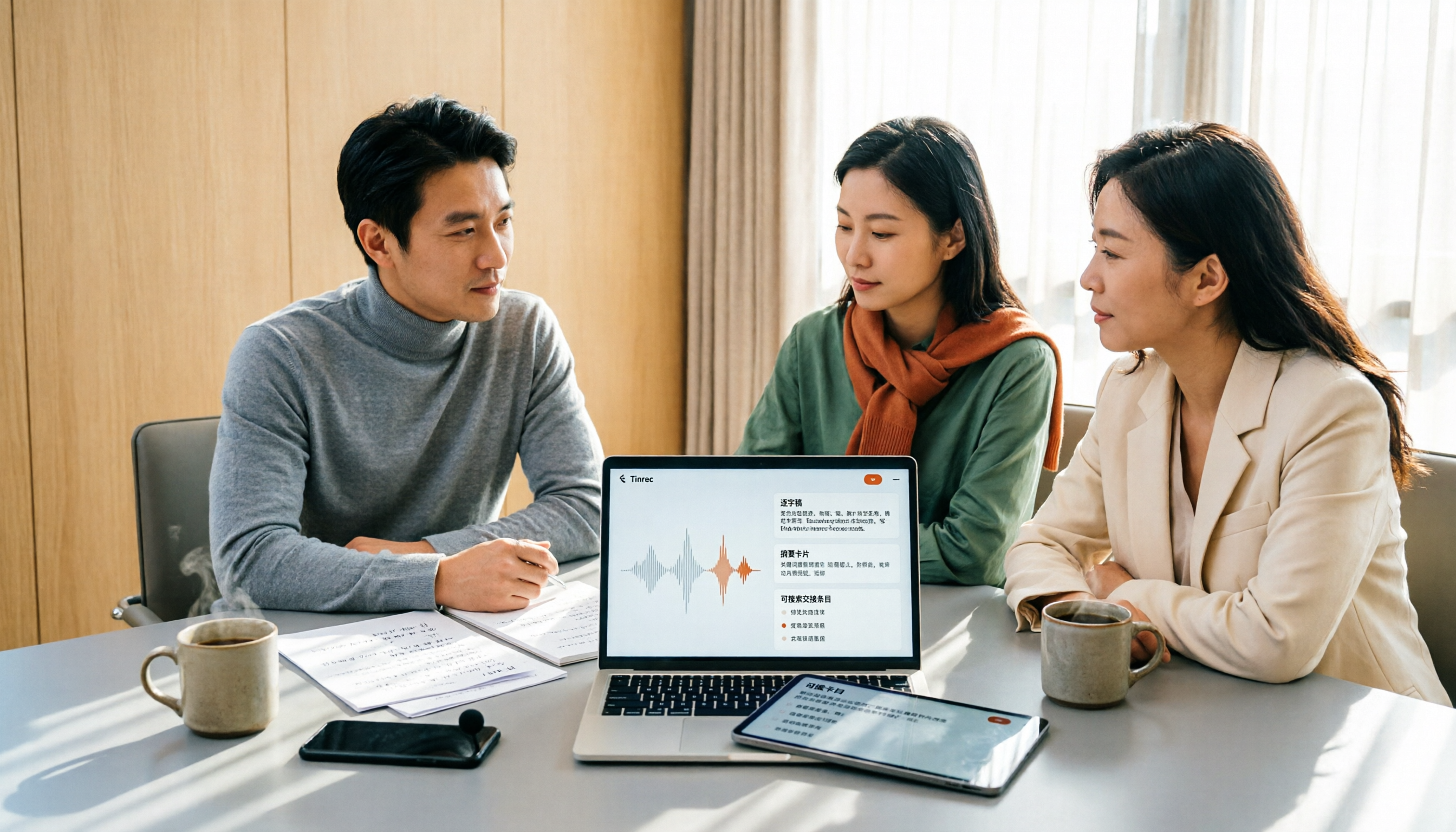
Turn recordings into transcripts and summaries in minutes
Upload audio or video for multilingual transcription, AI notes, and action items
Two-hour meetings, two more hours writing notes—you need to fix what happens after the meeting
Morning stand-up, midday check-in, afternoon recap—three meetings a day. After they end, your real work begins: replaying recordings, typing transcripts, figuring out who needs to do what. Two hours in meetings, two hours writing notes, and staying late is the norm.
Language makes it worse. Meetings in Hong Kong are rarely pure English—mixed Chinese and English plus a few industry terms, and many tools start to struggle. The output is a wall of text, and finding out who said to change the deadline means reading from start to finish.
This article won't pick the "most popular" tool for you. Instead, it helps you answer three questions first: What language is your meeting in? Online or in-person? Do you need a transcript, or a meeting record you can use right away? Choose the right tool, and these three questions are solved at once.
Before choosing meeting transcription software, understand these 5 key points
1. Language recognition: Don't just look at official demos
Official demos usually feature clear Mandarin or English. What you really need to test is your own recording: mixed Chinese-English, fast speech, people talking over each other. Accuracy rates on websites should be taken with a grain of salt—they depend on recording quality, background noise, accents, overlapping speech, and technical jargon.
2. Recording method: Do you want a bot in the meeting?
Many online meeting tools rely on a "meeting bot" that joins as a participant. That may not be appropriate for external or client meetings. Another approach is using a desktop app to capture system audio directly, so no unfamiliar participant appears in the meeting room.
3. Post-meeting output: A transcript is just the starting point
A transcript is not the same as meeting notes. What really saves time is: summaries, chapters, action items, and the ability to ask questions directly about the meeting content.
4. Data ownership: Whose account holds the recordings and notes?
If everything is stored in a colleague's personal account, when they leave, the meeting history disappears. Teams need to decide early whether they need a shared space.
5. Pricing and quota pools
Personal plans are usually per account, while team plans are often per seat. Also note: whether real-time recording and file import share the same quota pool, and how overages are charged.
Tinrec—our top pick after this comparison
Tinrec is an AI meeting transcription and collaboration tool for individuals and teams, available on iOS, Android, desktop, and web.
During meetings: No bot required
The most practical pain point for online meetings is the bot that joins as a participant. Tinrec's desktop app captures system audio directly, handling meeting audio from Zoom, Google Meet, Microsoft Teams, and Webex without an extra bot or rescheduling the meeting link. For in-person meetings, you can record directly on your phone or computer, generating a transcript in real time—no need to replay the entire recording afterward.
After the meeting: Ask AI directly instead of searching keywords yourself
Once recorded, you can ask Tinrec: "Who mentioned the budget in the last meeting?" "What concerns did the client have about the delivery date?" It answers based on the meeting content, not just a list of keyword search results. The same recording also gets an automatic summary, chapters, key points, and action items. If the transcript needs translation, you can view the original, translation, or bilingual side-by-side.
When delivering: Bring results into your existing workflow
Meeting results can be exported to common file formats or sent to Notion, Google Docs, OneNote, Dropbox, and other tools for further editing. You can also use Agent post-processing to generate reports, tables, and documents from meeting content, ready for presentations or reviews.
For teams: Meeting data shouldn't be tied to one person
Tinrec's team plan is a separate team collaboration space, not a few people sharing one account. Meeting data belongs to the team, and new members can view historical team data after joining. Admins can set owners, admins, and regular members, assign, revoke, or transfer seats, view team usage trends and member details, manage team hotwords, and query and export audit logs. Accidentally deleted audio can be restored from the recycle bin. Note that roles and seats are different: a valid member without a seat can still view, play, and read team data, but cannot upload, edit, or import/export. When a member leaves or is removed, their team resources must be transferred to other valid members—data doesn't follow the person.
Stop organizing recordings by hand
Upload audio or video and automatically get a transcript, summary, and action items
Test conditions explained
Our comparison dimensions are based on real usage conditions, so we won't give unsupported accuracy percentages here. Transcription performance is affected by recording quality, background noise, accents, overlapping speech, and technical jargon. If accuracy matters to you, the best approach is to test with a real meeting recording of your own, not marketing copy.
Pros
- Record online meetings without a bot—no awkwardness in external meetings.
- Transcript, summary, chapters, action items, mind map, translation, and export—the entire post-meeting workflow in one place.
- Team plan turns meetings into searchable, collaborative team data, with handover mechanisms when members change.
Limitations
- Free plan offers basic quota; heavy users need to pay. Personal plan can be chosen per task.
- Team plan recording, upload, and editing permissions depend on seats—having an account doesn't mean you have usage rights. Team monthly is USD 29.80 per paid seat per month; annual is USD 199 per paid seat per year, about USD 16.58 per month. Each paid seat provides 2,000 minutes of team shared import quota per month. Real-time recording is currently not deducted by minutes under valid team plans and seats. Prices and promotions are subject to the official purchase page.
Who it's for
If your meetings are mainly in Chinese or mixed Chinese-English, and you want to use AI to find key points right after recording, or even need a team space to consolidate every meeting, Tinrec is the closest fit in this comparison.
Besides Tinrec, what other options are there?
Otter.ai: A mature English AI meeting assistant covering Zoom, Teams, and Google Meet. Basic is free with 300 minutes per month; Pro annual is about USD 8.49 per user per month. Its strength is English business meetings and team management, and it now offers desktop capabilities, not just a meeting bot. If 90% of your meetings are in English and you want to start with a free quota, it's cost-effective in some scenarios. For Chinese and mixed Chinese-English meetings, and consolidating meetings into a Chinese team database, Tinrec focuses more on those areas.
Notta: The multilingual transcription tool closest to Tinrec's positioning, also with a free plan, file import, and team plans. Free is 120 minutes per month, max 3 minutes per session; Pro annual is about USD 8.17 per month. Its multilingual transcription and subtitle capabilities are good for processing pre-recorded files. However, for bot-free online meeting recording, AI Q&A around meeting content, and team space consolidation of meeting data, Tinrec covers more completely.
PLAUD Note / NotePin: A representative of AI recording hardware. You're buying a portable recording device. NotePin is USD 159 on the US official site, Note Pro USD 189, with membership plans separate. The advantage of hardware is grab-and-go convenience and easy phone call recording; the cost is carrying an extra device, an extra equipment expense, and online meetings still require returning to a computer. Tinrec's advantage is no extra hardware needed—desktop, web, and mobile all work, with online meetings, historical files, and team space in one place.
Pitfall guide: 4 most common mistakes when choosing meeting transcription software
Pitfall 1: Only looking at official accuracy rates. That number is usually measured in a quiet environment with standard accents. Real meeting rooms have air conditioning noise, keyboard sounds, and people talking over each other—the gap appears immediately. Correct approach: test with your own 5-minute real recording and compare whose transcript requires the least editing.
Pitfall 2: Only comparing transcription minutes. Cheap minutes don't equal time saved. If the output is just a wall of text, you still have to organize summaries and action items yourself—that's only using one-third of the tool. Compare what you actually get after the meeting.
Pitfall 3: Ignoring whose account holds the data. Many people let a colleague try first, storing data in their personal account. When you need to find a meeting from six months ago, it's gone. Teams should use a team space from the start and understand the difference between roles and seats—viewing doesn't mean editing.
Pitfall 4: Ignoring language and import quota details. Some tools are English-focused and perform poorly on Chinese meetings. Some plans calculate real-time recording and file import separately, or real-time recording doesn't deduct minutes while file import does. Read the quota rules before signing—it's cheaper than fixing later.
Conclusion: Which one should you choose?
Back to the initial judgment: first look at your meeting language and format, then at the post-meeting output you need.
- Meetings mainly in Chinese or mixed Chinese-English → Tinrec (Chinese and multilingual meetings are its focus)
- Don't want a bot joining the meeting or rescheduling the meeting link → Tinrec (desktop app captures system audio directly)
- Want to use AI to ask about meeting highlights, need summaries and action items → Tinrec (AI Q&A, summary, chapters, action items all in one)
- Team wants to consolidate every meeting into searchable, transferable data → Tinrec team plan (team space, roles and seats, usage and audit)
- Meetings almost entirely in English, just want to start with a free quota → Otter.ai (the only competitor scenario recommended in this article)
We suggest starting with the free plan: test transcription with your most recent meeting recording, see how much of the transcript you need to edit and whether the summary is directly usable. If it works, consider upgrading or opening a team space—no need to pay from the start.
References
- AI 會議記錄軟體推薦:5 大 App 實測評比,自動轉文字讓你開會超輕鬆!
- 不限時間!3個免費AI逐字稿工具,好用推薦!AI語音筆記生成會議記錄、簡報、心智圖|104職場力
- 最近蠻多人問我,有沒有什麼 AI 工具可以做會議記錄? 他們現在還是手工打字,常常沒法一心二用,又蠻浪費時間。 我一律回答 —— SeaMeet 為什麼推薦?幫大家整理重點: -綁 Google Meet,線上會議同步轉逐字稿,又有即時摘要,超方便。 -不用特別重新整理,會議結束後,直接發信給所有會議參與者。 -操作簡單到爆,完全沒玩過 AI 工具的中老年人,我 10 分鐘就教會他們。 -實體會議
- Meeting Ink - 2026 AI 會議紀錄工具實測|7 款語音轉文字與摘要速度大比拚 | Meeting Ink - AI 會議紀錄助手 自動轉錄逐字稿總結會議摘要
- r/ProductivityApps on Reddit: 有人知道有沒有免費或便宜的app可以幫你做會議記錄嗎?
Turn every recording into actionable outcomes
Get 60 free transcription minutes when you sign in. No credit card required.
Related Reading
You might also like

5 Best AI Meeting Notes Software in 2026: Real-World Comparison & How to Choose Without Getting Burned
Avoid the most common mistakes when choosing meeting notes software. We break down real-world use cases and 5 key buying checkpoints, then demonstrate the complete workflow with Tinrec—from recording and transcription to summaries, action items, exports, and team collaboration.

How to Take Free Meeting Notes in 2026: 5 Steps from Recording to AI Summary
Search the App Store for meeting note apps and every one claims to be free. But in practice, either the free quota is too small or Chinese transcription is full of errors. This article walks you through the complete free meeting notes workflow: from the 4 key factors in choosing an app and 5 practical steps, to a hands-on look at Tinrec and other free options, helping you find a meeting notes solution that actually works.
2026 Meeting Transcription Software Comparison: Tinrec vs Otter.ai — Which Is Better for Chinese-Speaking Teams?
Tinrec and Otter.ai are both popular AI meeting transcription tools, but one is tailored for Chinese-language meetings and team knowledge retention, while the other excels at English business meetings. This article compares them across five dimensions: Chinese transcription, meeting capture methods, post-meeting processing, file import, and team governance. It also honestly lays out the differences between their free and paid plans to help you decide which one fits your work situation.

Tinrec vs PLAUD Note 2026: 5-Factor Comparison for Chinese Meeting Notes
Searching for meeting note software recommendations on PTT often yields polarized answers: some suggest hardware recorders, others meeting bots. This article doesn't list specs but breaks down five selection factors, then tests Tinrec and PLAUD Note on meeting capture, post-meeting processing, and team collaboration. It also compares Notta and Otter.ai use cases to help you find the tool that truly fits your post-meeting workflow.
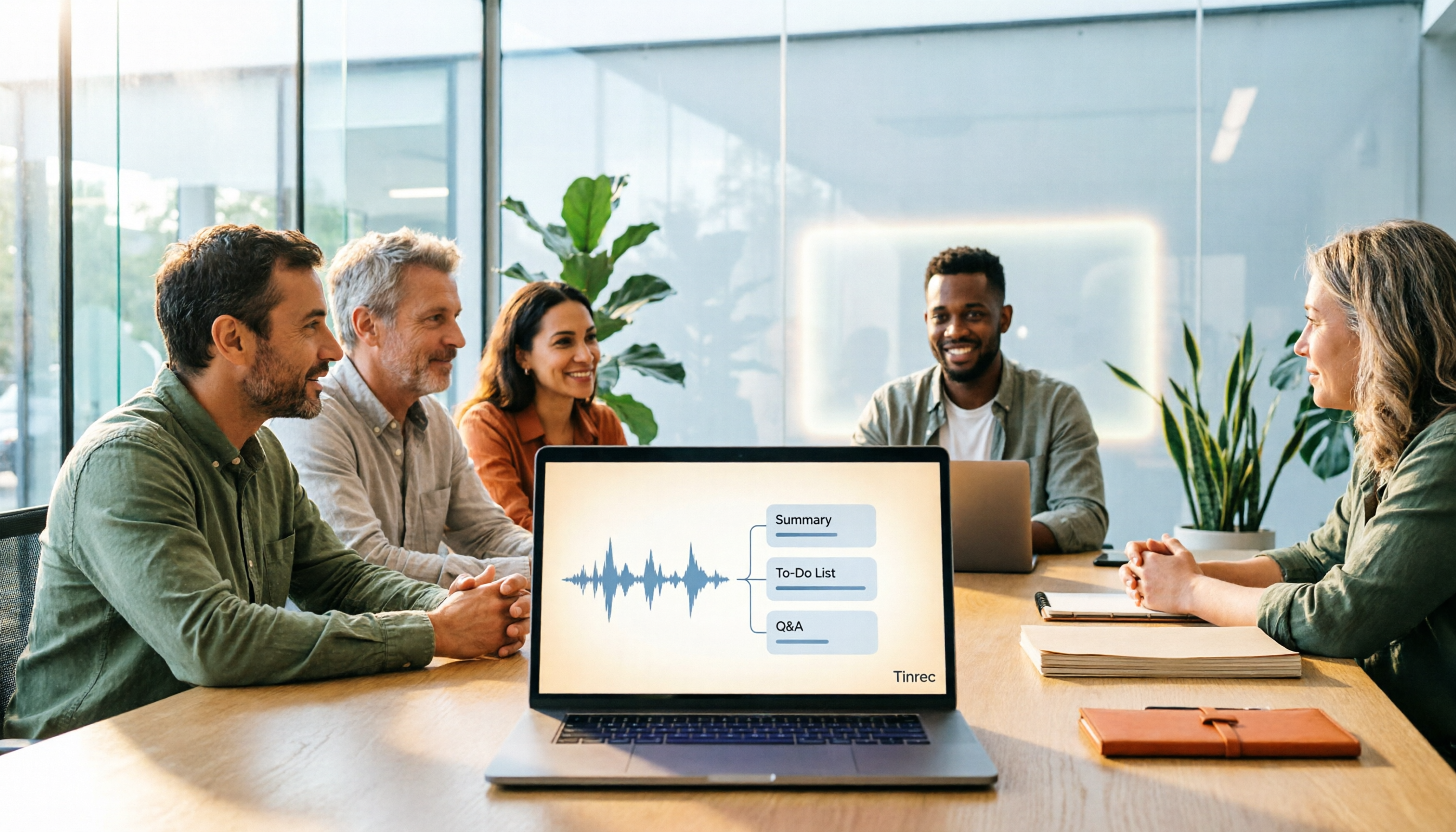
Best Meeting Notes Software 2026: Tinrec's Bot-Free Recording + Auto-Generated Summaries
Cut through three common pitfalls to understand how to choose meeting notes software, and see how Tinrec handles bot-free online meeting recording, AI summaries, action item extraction, AI Q&A, and team spaces in practice.

Tinrec vs PLAUD Note 2026: 5-Dimension Comparison, How to Write Meeting Minutes and Choose the Right Tool
Two-hour meeting, then another hour organizing minutes—the problem isn't typing speed, it's method and tools. This article first covers the three key elements of writing meeting minutes, then compares Tinrec and PLAUD Note across five dimensions, and adds suitable scenarios for Otter.ai and Granola, helping you pick a meeting minutes software that truly saves time.

Best Meeting Notes Software for Dev Teams in 2026: 3-Step Selection + Auto-Generated Action Items
Dev teams often struggle with meeting notes not because of missing tools, but because of the wrong approach. This guide covers 4 key factors for choosing meeting notes software, hands-on testing of Tinrec's bot-free recording, AI summaries and action items, AI Q&A, and team spaces, plus brief reviews of Otter.ai, Granola, and PLAUD. Includes pitfalls to avoid and copy-paste post-meeting prompts.

5 Best Free Meeting Transcription Software in 2026: Tinrec vs Notta Comparison
Compare 5 free meeting transcription tools in 2026, focusing on free limits, transcript export, and data ownership. Learn why Tinrec is ideal for Chinese meetings, bot-free recording, and post-meeting organization.

How to Choose Meeting Transcription Software in 2026: 5 Steps to Find the Best Fit
Which meeting transcription software is best? This guide starts from real-world scenarios, explains what meeting transcription software can do and its core capabilities, then walks you through 5 steps to judge if a tool fits you. Using Tinrec as an example, it covers live transcription, bot-free online meeting recording, AI summaries and action items, AI Q&A, export, and team spaces, with transparent free tier limits and team pricing.