

Turn recordings into transcripts and summaries in minutes
Upload audio or video for multilingual transcription, AI notes, and action items
Tinrec vs PLAUD Note 2026: 5-Dimension Comparison, How to Write Meeting Minutes and Choose the Right Tool
Meeting minutes that never get finished usually aren't due to slow typing—it's the wrong order
I used to think meeting minutes were just "writing down what everyone said." Until one time when I reported progress to my boss, he asked: "In the last cross-department meeting, who from procurement promised to provide a quote?" I flipped through my notes for three minutes and still couldn't find it—because my notes only said "discussed quote matters."
After that, I realized the real difficulties of meeting minutes are threefold:
First, during the meeting you have to listen, judge what's important, and type at the same time. Your brain simply can't handle it. By the time you snap back, the decision has already passed.
Second, organizing after the meeting takes even more time. Re-listening to recordings, piecing together context, turning scattered notes into a document others can read—a two-hour meeting often takes another hour to organize.
Third, and most overlooked—no one follows up after the minutes are done. Action items are written in the document, but two days later when you ask a colleague, they say "Was that a thing?"
This article covers two parts: first, how to write meeting minutes (the method problem), then how to choose tools (the efficiency problem). If the method is wrong, no amount of expensive software can save you.
How to Write Meeting Minutes? Start with the "Three Key Elements"
Meeting minutes that managers understand and colleagues act on really only need three things: who does it, what to do, and when it's due.
My team's approach is bullet points, each action item looks like this: "John | Provide three versions of the quote to the client by Friday." There's an owner, a deliverable, and a deadline. If any one is missing, the action item is basically not written.
As for the overall document flow, I divide it into three parts:
- Before the meeting: Pull out the previous action items and paste them at the top of the agenda. Spend the first three minutes confirming what's done and what's stuck, so the meeting doesn't start from scratch every time.
- During the meeting: Only record "decisions" and "action items," not verbatim speech. If someone has a question about a number, mark the timestamp and go back to the recording after the meeting.
- After the meeting: Send within 24 hours. After a day, everyone's memory of the meeting starts to blur, and the cost of follow-up rises sharply.
To put it plainly, meeting minutes are not a transcript. A transcript is raw material; meeting minutes are conclusions. Mixing the two is why you're still working overtime after every meeting.
Before Choosing Meeting Minutes Software, Understand These 5 Key Points
1. Performance with Chinese and mixed Chinese-English. Meetings in Taiwan are rarely pure Chinese; they're often "Let's align on this KPI next week." If your meetings often have such sentences, whether the transcription tool can handle mixed Chinese-English is more important than how many languages it supports.
2. How the meeting is recorded. A meeting bot joins the meeting room as an account, which some external clients are sensitive about; another approach is using desktop software to directly capture the computer's system audio, so no extra person appears in the meeting room. Neither is absolutely better, but you need to know which suits your situation.
3. What you can do after transcription. A tool that only gives you a transcript is like handing the organizing work right back to you. Summaries, chapters, action item extraction, and the ability to ask further questions about the content—these are what truly save time.
4. Cross-platform and export ease. You record on your phone today and organize on your computer tomorrow; if the tool doesn't support cross-platform, you'll suffer. Also, whether you can push results to Notion, Google Docs, OneNote—tools you already use—determines if it becomes an island.
5. Team collaboration and data ownership. Do meeting data belong to the company or the individual? After a member leaves, are their meeting minutes still there? This doesn't matter when choosing a personal tool, but becomes a big issue as the team grows.
Tinrec—My Team's Top Choice So Far
Tinrec is an AI meeting minutes and collaboration tool for individuals and teams, supporting iOS, Android, and web, with online meetings handled by the desktop version. My team's experience: it takes over almost the entire post-meeting workflow.
For online meetings, I no longer need to invite a meeting bot into the room. Tinrec's desktop version directly captures the computer's system audio, handling sound from Zoom, Google Meet, Microsoft Teams, and Webex. This is especially noticeable for meetings with external clients—no unfamiliar account appears in the participant list.
Stop organizing recordings by hand
Upload audio or video and automatically get a transcript, summary, and action items
During the meeting, it transcribes in real-time, handling Chinese and mixed Chinese-English, and can enable real-time translation, viewed in original, translated, or bilingual mode. After the meeting, AI summaries, chapters, and action items are automatically organized. I only need about five to ten minutes to proofread names and numbers before sending it out; this used to take me forty to sixty minutes.
The most practical feature after recording is actually AI Q&A. I can directly ask it "What was the conclusion about the budget in this meeting?" It answers based on semantics, not throwing a bunch of keywords for me to sift through. Last month, when my boss suddenly asked about a decision from a meeting three months ago, I found the answer with one question, without re-listening to the recording.
It also supports uploading existing audio and video files, so historical meetings and interview recordings can be organized together; results can be exported to Notion, Google Docs, OneNote, Dropbox—tools we already use—and can further generate reports, tables, or meeting minutes documents.
I think it's worth it for three reasons: no extra hardware needed—works on phone, web, and desktop; there's a workflow after transcription—summaries, chapters, action items, AI Q&A, export—these are what truly save time; the team version keeps data—meeting data belongs to the team, and when a member leaves or is removed, it can be transferred to other members, not disappearing with the individual account. Managers can also see members, seats, usage, and activity logs.
Limitations to be clear about: the free version offers basic quota; if you have a dozen meetings a week like me, you'll eventually need to pay. Also, transcription quality is still affected by the environment—air conditioning noise, multiple people talking over each other, and technical terms will reduce accuracy. I still double-check important numbers. The team version is priced per paid seat (USD 29.80/seat/month, annual USD 199/seat/year, about USD 16.58/month), and roles and seats are separate—members without a seat can view, play, and read team data, but cannot upload, edit, or export.
Who it's for: individuals and teams who need Chinese and mixed Chinese-English meeting minutes, don't want a bot in the meeting room, and want to continue asking questions and organizing after recording.
Besides Tinrec, What Other Options Are There?
PLAUD Note: A representative of AI recording hardware. NotePin is priced at USD 159, Note Pro at USD 189. Membership plans: Starter at 300 minutes per month, Pro annual at USD 99.99 for 1,200 minutes per month. If you're often on the go and need a standalone recording device, hardware has its value. But the cost is carrying an extra device, an extra hardware expense, and the post-meeting organization for online meetings isn't as complete as Tinrec—Tinrec needs no extra hardware, works on web, desktop, and phone, and can directly import existing audio files.
Otter.ai: A mature choice for English meetings. Basic is free with 300 minutes per month, Pro annual is about USD 8.49/user/month. If your team's meetings are almost all in English, its experience is quite stable. But it has long accumulated mainly English business meeting scenarios; Chinese and mixed Chinese-English are not its strong suit. Tinrec is closer to Taiwanese teams in handling Chinese, Traditional Chinese, and real-time translation.
Granola: Takes the bot-free AI meeting notes route. Basic is free, Business is USD 14 per person per month. Its strength is combining your handwritten notes with AI. However, it doesn't support uploading existing pre-recorded audio files and doesn't save meeting audio. Tinrec supports audio and video import and retains audio, so you can go back and verify the original sound later.
Pitfall Guide: The 4 Most Common Mistakes When Choosing Meeting Minutes Software
Pitfall 1: Only looking at official accuracy claims. Many tools boast high accuracy, but that's usually measured in a quiet environment. Real meeting rooms have air conditioning noise, keyboard sounds, and multiple people talking over each other—the numbers drop significantly. It's best to test with a recording of your own meeting, not just ads.
Pitfall 2: Thinking "can transcribe" equals "can write meeting minutes." A transcript is just raw material. If the tool can't help you extract summaries, chapters, and action items, you're just trading typing time for reading time.
Pitfall 3: Ignoring data ownership and permissions. Meeting data stored in personal accounts leaves when the person leaves. Teams need to clarify: who owns the data, how to hand over upon departure, who can view and who can edit.
Pitfall 4: Forgetting recording compliance. Before recording, confirm company policy and get participant consent—this is basic courtesy and a legal requirement. No matter how convenient the tool, this step should not be skipped.
Conclusion: Which One Should You Choose?
To sum up the comparison in a few lines:
- Need Chinese, mixed Chinese-English meeting minutes → Tinrec
- Don't want a bot joining as a participant → Tinrec (desktop version directly captures system audio)
- Want to use AI to ask key points, generate reports or tables after recording → Tinrec
- Record on phone, organize on computer, view on web → Tinrec
- Often on the go, need standalone hardware recording → PLAUD Note
- Team meetings almost all in English → Otter.ai
If your situation is one of the first few, I suggest starting with Tinrec's free version and trying it on a real meeting. The point isn't how fast it transcribes, but how much time you have left after the meeting for other things. If it feels good and you run out of quota, then consider upgrading—no need to pay from the start.
References
- No time limit! 3 free AI transcription tools, highly recommended! AI voice notes generate meeting minutes, presentations, mind maps | 104 Workplace Power
- AI meeting minutes software recommendations: 5 major apps tested and compared, automatic transcription makes meetings super easy!
- The most recommended AI meeting minutes tool of 2026, time-saving and labor-saving must-have for meetings!
- [Meeting Minutes Writing 2026] Format tutorial | Free template + template download - ProjectManager
- [2026 Latest] How to write meeting minutes? Practical format examples and 3 AI tool recommendations, stop being a ruthless typewriter! - StockFeel
Turn every recording into actionable outcomes
Get 60 free transcription minutes when you sign in. No credit card required.
Related Reading
You might also like

5 Best AI Meeting Notes Software in 2026: Real-World Comparison & How to Choose Without Getting Burned
Avoid the most common mistakes when choosing meeting notes software. We break down real-world use cases and 5 key buying checkpoints, then demonstrate the complete workflow with Tinrec—from recording and transcription to summaries, action items, exports, and team collaboration.

How to Take Free Meeting Notes in 2026: 5 Steps from Recording to AI Summary
Search the App Store for meeting note apps and every one claims to be free. But in practice, either the free quota is too small or Chinese transcription is full of errors. This article walks you through the complete free meeting notes workflow: from the 4 key factors in choosing an app and 5 practical steps, to a hands-on look at Tinrec and other free options, helping you find a meeting notes solution that actually works.
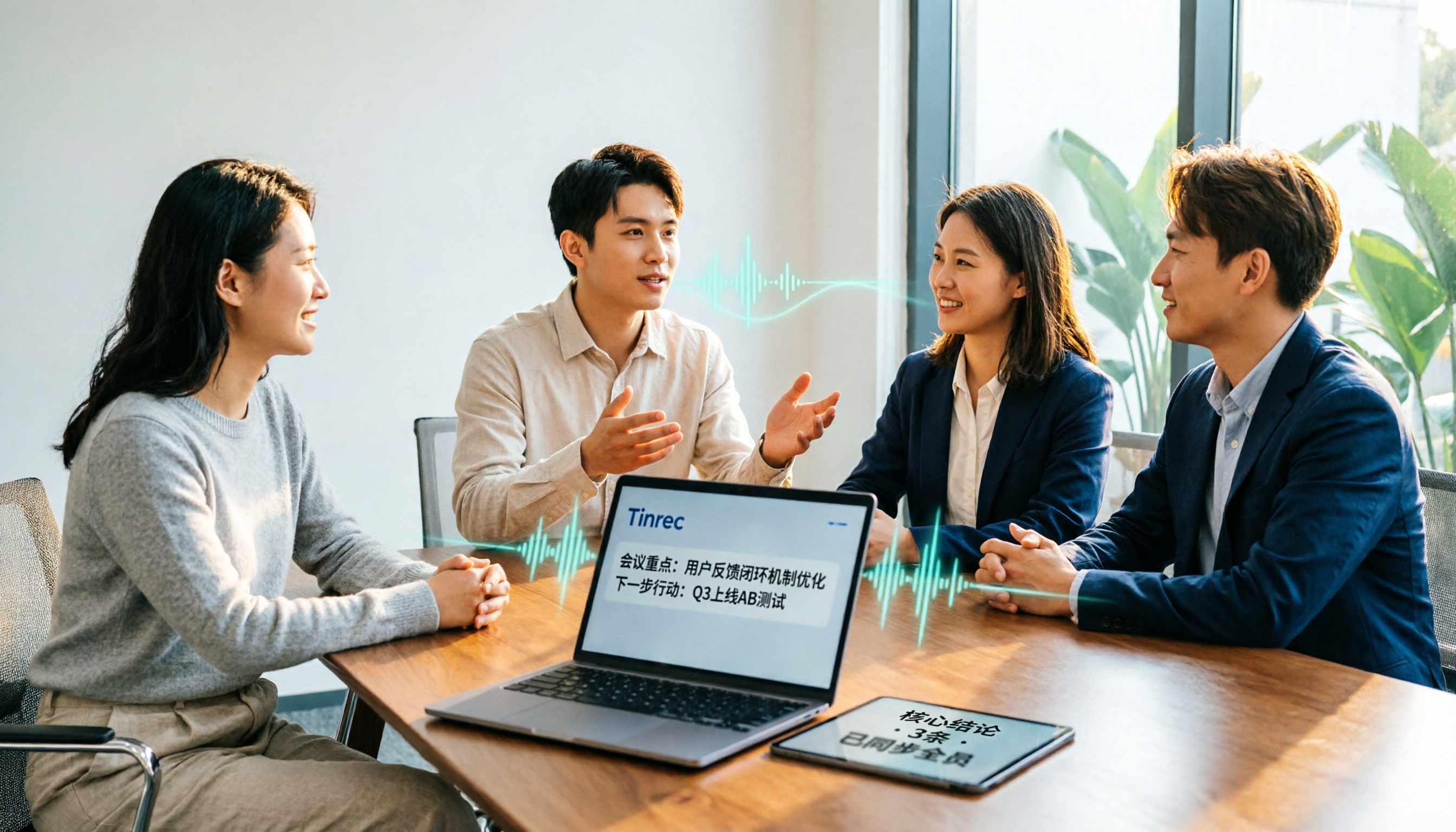
2026 Meeting Transcription Software Comparison: Tinrec vs Otter.ai — Which Is Better for Chinese-Speaking Teams?
Tinrec and Otter.ai are both popular AI meeting transcription tools, but one is tailored for Chinese-language meetings and team knowledge retention, while the other excels at English business meetings. This article compares them across five dimensions: Chinese transcription, meeting capture methods, post-meeting processing, file import, and team governance. It also honestly lays out the differences between their free and paid plans to help you decide which one fits your work situation.

Tinrec vs PLAUD Note 2026: 5-Factor Comparison for Chinese Meeting Notes
Searching for meeting note software recommendations on PTT often yields polarized answers: some suggest hardware recorders, others meeting bots. This article doesn't list specs but breaks down five selection factors, then tests Tinrec and PLAUD Note on meeting capture, post-meeting processing, and team collaboration. It also compares Notta and Otter.ai use cases to help you find the tool that truly fits your post-meeting workflow.
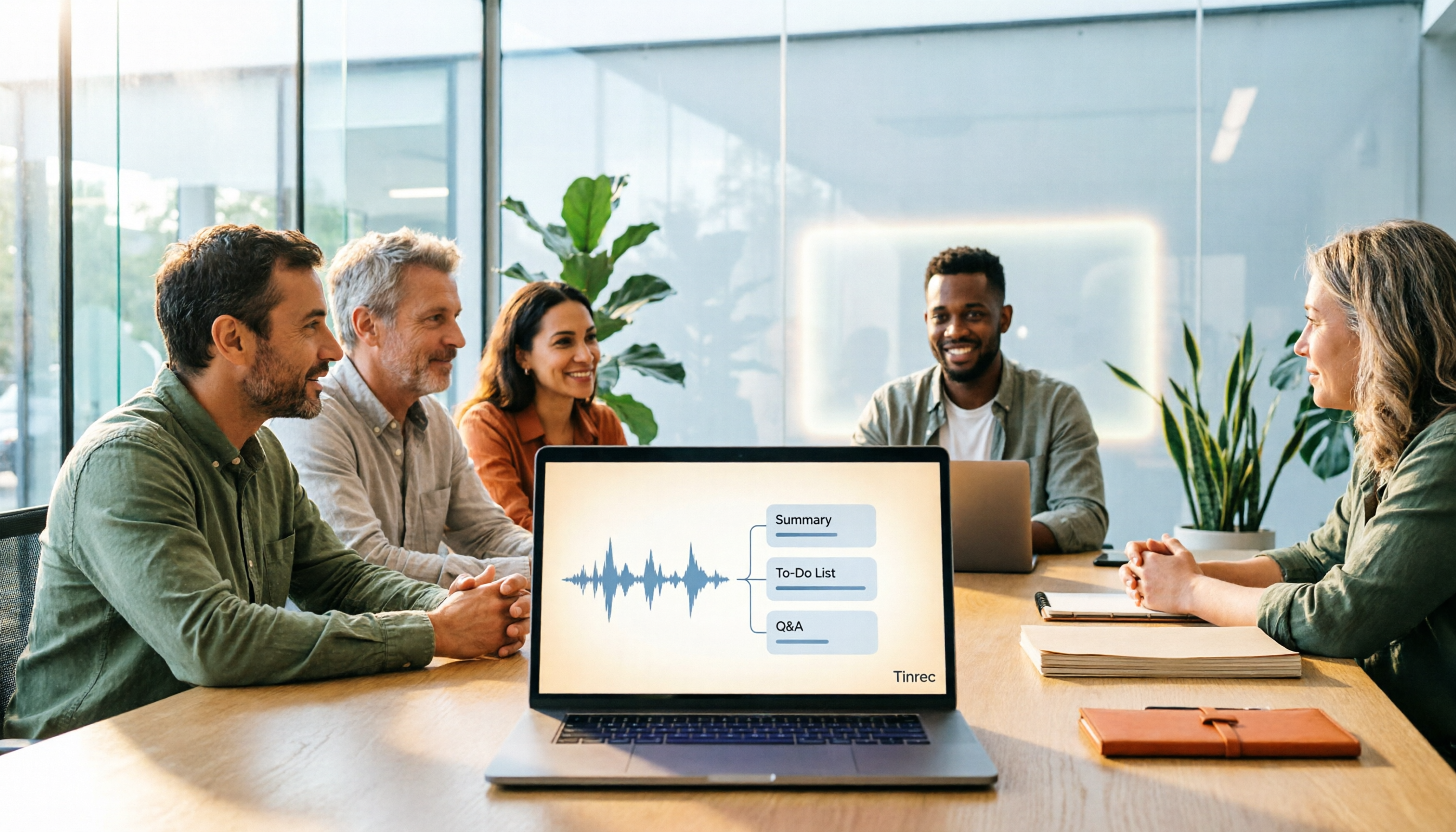
Best Meeting Notes Software 2026: Tinrec's Bot-Free Recording + Auto-Generated Summaries
Cut through three common pitfalls to understand how to choose meeting notes software, and see how Tinrec handles bot-free online meeting recording, AI summaries, action item extraction, AI Q&A, and team spaces in practice.
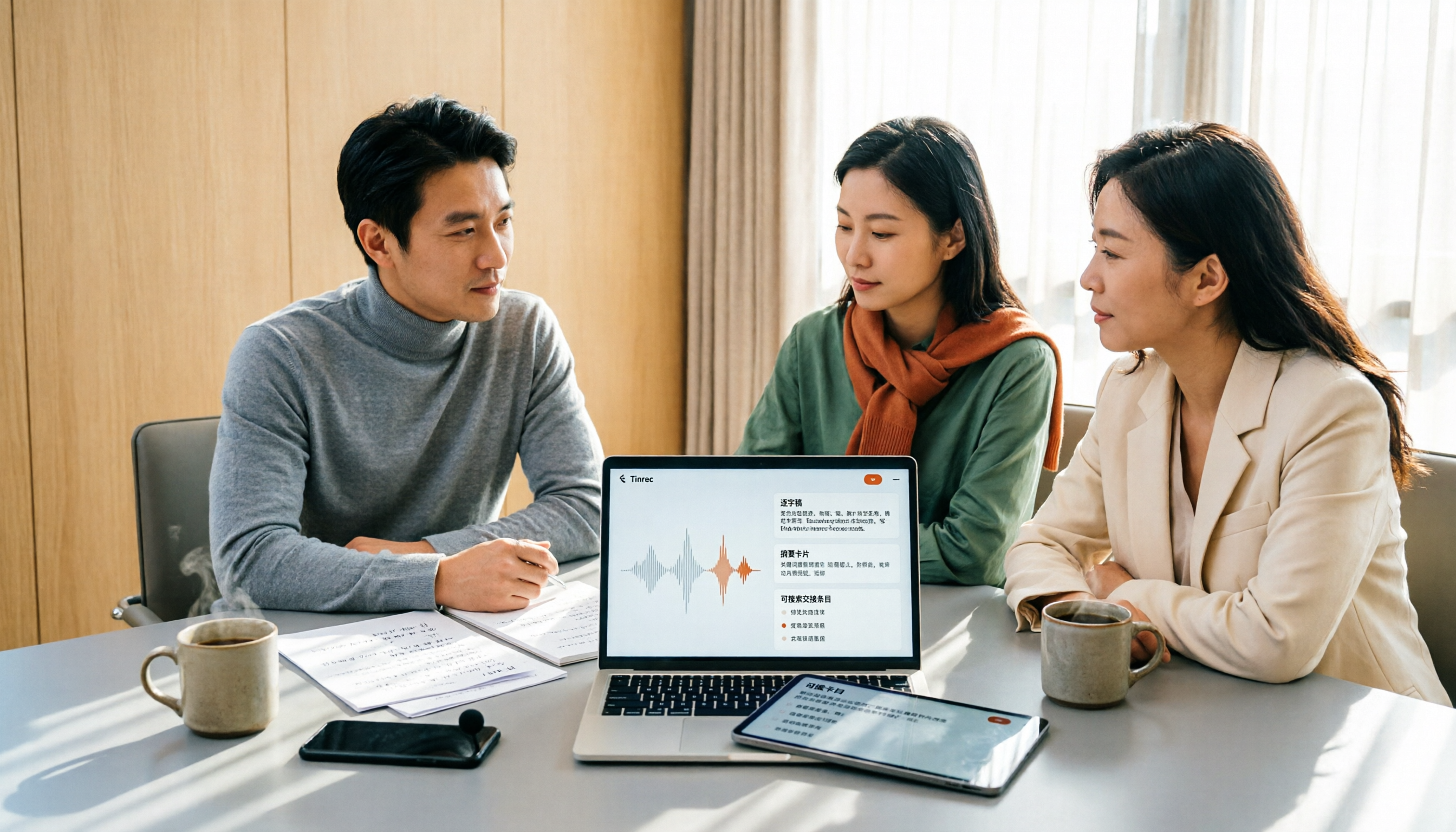
2026 Meeting Transcription Software Comparison: Which AI Tool Saves the Most Time for Chinese Meetings?
Two-hour meetings often mean two more hours writing notes—the real problem is what happens after the meeting. This article compares Tinrec, Otter.ai, Notta, and PLAUD Note across five key areas: language recognition, recording method, post-meeting output, data ownership, and pricing. It explains which tool best handles Chinese and mixed Chinese-English meetings, which lets you record without a bot joining, and how team plans turn every meeting into searchable, transferable data.

Best Meeting Notes Software for Dev Teams in 2026: 3-Step Selection + Auto-Generated Action Items
Dev teams often struggle with meeting notes not because of missing tools, but because of the wrong approach. This guide covers 4 key factors for choosing meeting notes software, hands-on testing of Tinrec's bot-free recording, AI summaries and action items, AI Q&A, and team spaces, plus brief reviews of Otter.ai, Granola, and PLAUD. Includes pitfalls to avoid and copy-paste post-meeting prompts.

5 Best Free Meeting Transcription Software in 2026: Tinrec vs Notta Comparison
Compare 5 free meeting transcription tools in 2026, focusing on free limits, transcript export, and data ownership. Learn why Tinrec is ideal for Chinese meetings, bot-free recording, and post-meeting organization.

How to Choose Meeting Transcription Software in 2026: 5 Steps to Find the Best Fit
Which meeting transcription software is best? This guide starts from real-world scenarios, explains what meeting transcription software can do and its core capabilities, then walks you through 5 steps to judge if a tool fits you. Using Tinrec as an example, it covers live transcription, bot-free online meeting recording, AI summaries and action items, AI Q&A, export, and team spaces, with transparent free tier limits and team pricing.