

Turn recordings into transcripts and summaries in minutes
Upload audio or video for multilingual transcription, AI notes, and action items
6 Best Meeting Transcription Software in 2026: Free Online Chinese Transcription Compared
It's 3 PM on a Wednesday, and you just finished a 90-minute cross-department meeting. Your notebook has only half a page of keywords, and you can't remember which task your boss meant when they said, "Let's confirm this next week."
Tonight, you'll have to replay the recording and take notes while listening. This happens three times a week, and that's how time slips away.
This article reviews 6 highly discussed meeting transcription software options, including free online plans and paid alternatives. For each, I'll clearly explain its positioning, highlights, pricing, and who it's for, so you can decide which one fits your needs.
Why Do You Need Meeting Transcription Software?
Online meetings are increasing, but note-taking is still stuck in the "find someone to type while listening" mode.
The person typing is busy taking notes and can't fully participate in the discussion; the notes end up scattered across notebooks and chat rooms. Next time you need to find a decision, you have to ask around.
AI meeting transcription tools aim to solve this: convert speech to text, automatically organize summaries and action items, and make meeting content searchable, queryable, and reusable.
The 6 options below have different focuses. First, identify which problem you want to solve.
Option 1 | Tinrec – Turn Meetings into Searchable, Collaborative Team Data
Tinrec is an AI meeting transcription and collaboration tool for individuals and teams, available on web, desktop, and mobile.
It doesn't just convert audio to text; it organizes meeting recordings into searchable, summarizable, queryable, exportable, and further processable data.
Key highlights:
- No meeting bot needed: The desktop version directly captures system audio, handling Zoom, Google Meet, Microsoft Teams, Webex, and other online meetings without adding a bot account to the participant list.
- The real value is after transcription: Automatically generates summaries, chapters, key points, and action items, and can create mind maps; it also supports AI Q&A about meeting content, e.g., asking "What were the three concerns the client mentioned?"
- Multiple input sources: Live recording, computer meeting recording, audio and video file upload, mobile recording, and some public web links can be imported.
- Team space: Team meeting data belongs to the team; members can share and view historical meetings; admins can manage roles, seats, usage, and audit logs, and transfer resources when members change.
Pricing: The personal version has a free tier for basic usage, plus weekly, Pro monthly, and Pro annual plans. The team version offers a 7-day trial for first-time eligible users, 1 free seat, and 300 minutes of shared import quota; monthly is USD 29.80 per paid seat per month, annual is USD 199 per paid seat per year (about USD 16.58 per month), each paid seat includes 2,000 minutes of shared import quota per month, and live recording under an active team plan is currently not deducted by minutes. Actual prices and benefits are subject to the official purchase page.
Who it's for: Those who need Chinese meeting transcription, don't want a bot in online meetings, and want meeting data to accumulate within the team.
Option 2 | Otter.ai – A Mature Choice for English Business Meetings
Otter is a long-established AI meeting assistant covering Zoom, Microsoft Teams, and Google Meet, with live transcription, speaker identification, AI Chat, and team management.
Its English recognition and business meeting understanding are mature, but Chinese support is not its strong suit. The free Basic plan offers 300 minutes per month; Pro annual is about USD 8.49 per user per month, including 1,200 minutes of in-app recording and 10 file imports per month.
Who it's for: Companies that primarily hold English meetings and need mature team management. Prices are subject to Otter's official pricing page.
Option 3 | Notta – Multilingual Transcription and Cross-Border Teams
Notta supports over 100 languages and integrates with Zoom, Google Meet, and other video conferencing software. Live transcription and translation are its strengths.
The free plan offers 120 minutes per month, with a maximum of 3 minutes per session; Pro annual is about USD 8.17 per month, with 1,800 minutes per month; Business annual is about USD 16.67 per seat per month, offering unlimited transcription, role permissions, and usage reports.
Who it's for: Cross-border teams that frequently work with foreign clients and need to switch between multiple languages. Prices are subject to Notta's official pricing page.
Option 4 | Granola – Bot-Free AI Meeting Notes
Granola also takes a bot-free approach, using the desktop device's system audio and microphone for live transcription, then combining it with the user's own handwritten notes to generate meeting content that better reflects personal thinking.
It supports viewing, copying, and searching live transcripts, but does not support uploading pre-recorded audio files and does not save meeting audio files. Basic is free, Business is USD 14 per user per month, and Enterprise is USD 35 per user per month.
Who it's for: Those who are used to taking notes during meetings and only need live meeting scenarios.
Option 5 | TurboScribe – Budget-Oriented Bulk File Transcription
TurboScribe is a cost-effective file transcription tool focusing on long files, batch uploads, subtitles, and translation.
Stop organizing recordings by hand
Upload audio or video and automatically get a transcript, summary, and action items
The free plan allows 3 files per day, up to 30 minutes per file; Unlimited annual is USD 120 (about USD 10 per month), and the paid version supports files up to 10 hours or 5 GB, with up to 50 files per upload. It processes existing files, not live meeting workflows.
Who it's for: Those with a backlog of audio files who want to clear them at once on a limited budget.
Option 6 | inFin – A Completely Free Option Without Registration
If you just want to try what "AI organizing transcripts" feels like, inFin is a voice note app available on mobile and desktop, free and without registration.
Tap the AI button in the app, and it automatically generates summaries, meeting notes, course highlights, and action items—sufficient for occasional users. Note that its recognition accuracy is relatively average, so it's advisable to double-check the transcribed text.
Who it's for: Individual users with zero budget who only need to turn an occasional recording into key notes.
With So Many Options, How Should You Choose?
Rather than comparing feature counts, first look at what your meetings are like:
- Want the most complete AI post-meeting workflow (transcription + AI Q&A + automatic summary and action items) → Tinrec. These are its core capabilities.
- Don't want an extra bot account in online meetings → Tinrec or Granola. Both capture system audio on desktop; Tinrec also retains recordings, supports file import, and handles Chinese meetings.
- Need Chinese, mixed Chinese-English, or cross-language meeting transcription → Tinrec. It supports Chinese and multilingual scenarios, with live translation and viewing in original or bilingual mode.
- Want meeting data shared and traceable within the team → Tinrec team version. It has team space, member and seat management, usage analytics, and audit logs.
- Team members come and go, and data shouldn't leave with them → Tinrec team version. Resources belong to the team and can be transferred when members change.
- Meetings are mainly in English, and the company already has established processes → Mature English meeting assistants like Otter.ai or Fireflies.ai.
- Need extensive language switching and translation → Notta.
- Just want to transcribe old recordings → TurboScribe.
- Don't want to spend money and only use it occasionally → Try free tools without registration like inFin.
5 Things to Know Before Using Meeting Transcription Software
1. Calculate your "meeting hours" before deciding to pay. Free plans are usually measured in minutes, and limits are often hidden in details (session length, monthly cap, file import). Multiply your weekly meeting hours by four to see if the free tier is enough.
2. Confirm authorization and regulations before recording. Regardless of the tool, recording and transcription should comply with local laws and, when required, obtain participant consent. This is independent of how good the tool is, but it must be done first.
3. Accuracy is affected by audio quality, accents, and overlapping speech. No tool performs equally in all environments. For important numbers, commitments, and decisions, it's advisable to cross-check the transcript timestamps and recording.
4. For team use, distinguish between "roles" and "seats." For example, in Tinrec's team version, roles determine who can manage the team, members, and audit settings; seats determine whether members can record, upload, edit, import, and export. Members without seats can still view, play, and read team data. These two are often confused.
5. Personal accounts and team spaces are two different things. Personal version data is managed by the individual; team version meeting data belongs to the team. If company meetings need to be handed over, audited, or retained as history, choose a team space directly rather than sharing an account among several people.
FAQ
Q1: Is free meeting transcription software enough? It depends on frequency. If you have meetings only two or three times a month, the free tier is usually enough; if you have weekly meetings, the free version will quickly hit its limit. In that case, try the free version first to see if the interface works for you, then consider a paid plan.
Q2: Do online meetings always require a meeting bot? Not necessarily. For example, Tinrec's desktop version directly captures system audio, so no extra bot joins the meeting. Remember to open Tinrec and start recording before the meeting; it doesn't automatically join all calendar meetings.
Q3: How accurate is Chinese meeting transcription? Chinese, Traditional Chinese, and mixed Chinese-English are scenarios Tinrec can handle, and it supports live translation and team hotwords. Actual performance is affected by recording quality, noise, accents, overlapping speech, and technical terms. It's not recommended to summarize with a single number; important content should still be checked against the original.
Q4: Can AI completely replace manual note-taking? It can greatly reduce the time for manual note-taking and organizing, but it's not recommended to fully let go. AI may miss or misunderstand details, so important information should still be confirmed against the transcript and recording.
Q5: What's the difference between the team version and the personal version? Personal version data is managed by the individual account. The team version is a separate team space with additional capabilities like member invitations, role and seat assignment, shared recording and import benefits, usage analytics, audit logs, and audio recycle bin.
Q6: Will meeting data disappear after a team member leaves? It won't automatically leave with them. Team resources belong to the team; when a member exits, is removed, or loses their seat, their team resources need to be transferred to other active members.
Conclusion
The real value of meeting transcription software isn't in the minute it takes to produce a transcript, but in being able to find who said what and what was decided three days later.
If your scenario involves Chinese meetings, not wanting a bot in online meetings, and wanting meeting data to stay with the team for continued use, Tinrec is the most feature-complete option on this list. We suggest starting with the free version to run through your actual meeting workflow.
If your need is simply transcribing existing files or occasional zero-cost use, the tools later in the list can also help. Clarify the problem you want to solve first, then choose the tool—you usually won't go wrong.
References
- No time limit! 3 free AI transcription tools, highly recommended! AI voice notes generate meeting minutes, presentations, mind maps | 104 Career Force
- AI meeting transcription software recommendations: 5 major apps tested and compared, automatic transcription makes meetings super easy!
- r/ProductivityApps on Reddit: Does anyone know of a free or cheap app that will do meeting minutes for you?
- 5 online meeting software free plans compared: Chinese recognition, AI summary, live transcription tested - Tinrec Blog
- The most recommended AI meeting minutes tool in 2026, a must-have for time-saving meetings!
Turn every recording into actionable outcomes
Get 60 free transcription minutes when you sign in. No credit card required.
Related Reading
You might also like
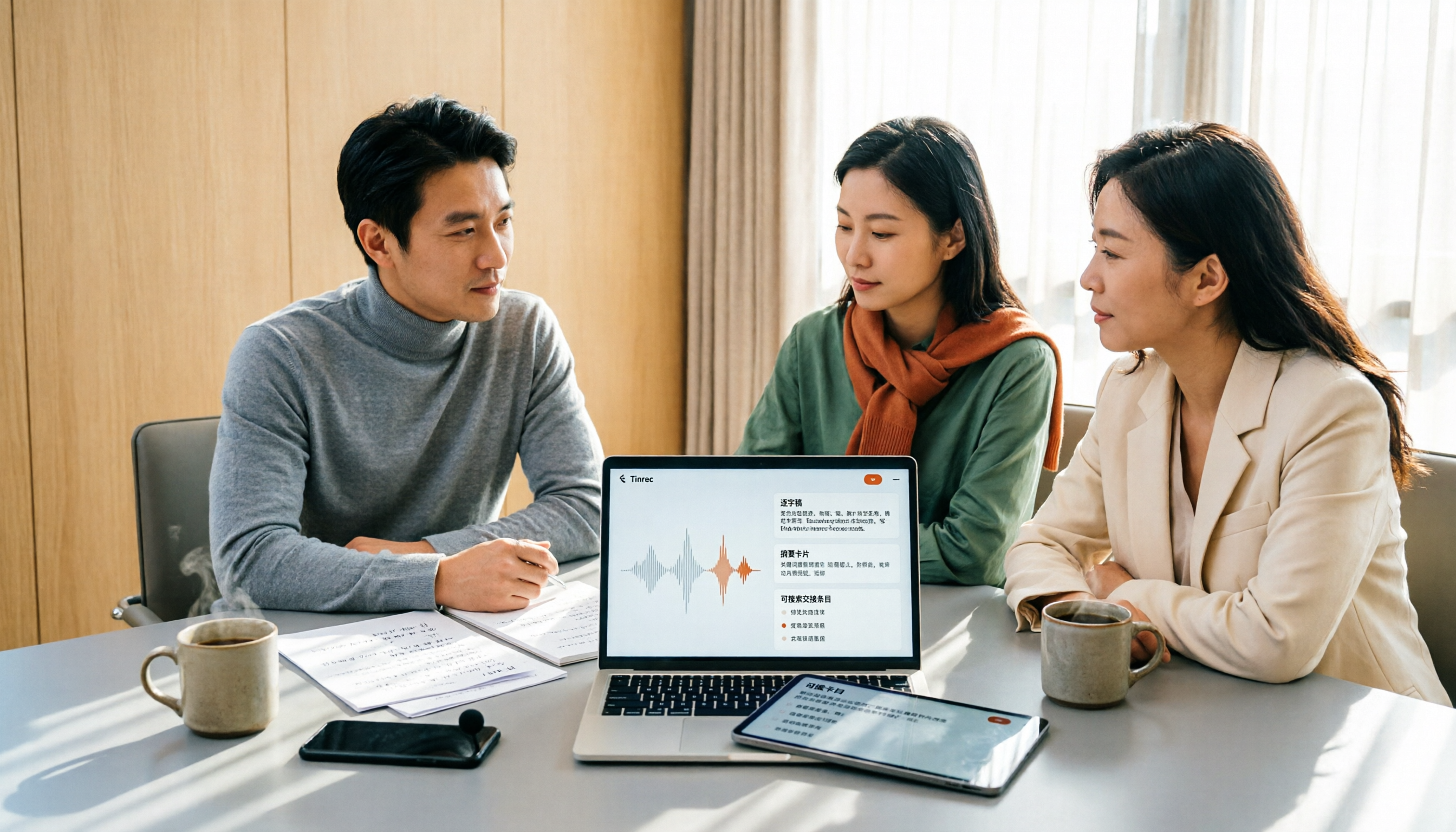
2026 Meeting Transcription Software Comparison: Which AI Tool Saves the Most Time for Chinese Meetings?
Two-hour meetings often mean two more hours writing notes—the real problem is what happens after the meeting. This article compares Tinrec, Otter.ai, Notta, and PLAUD Note across five key areas: language recognition, recording method, post-meeting output, data ownership, and pricing. It explains which tool best handles Chinese and mixed Chinese-English meetings, which lets you record without a bot joining, and how team plans turn every meeting into searchable, transferable data.

Tinrec vs PLAUD Note 2026: 5-Dimension Comparison, How to Write Meeting Minutes and Choose the Right Tool
Two-hour meeting, then another hour organizing minutes—the problem isn't typing speed, it's method and tools. This article first covers the three key elements of writing meeting minutes, then compares Tinrec and PLAUD Note across five dimensions, and adds suitable scenarios for Otter.ai and Granola, helping you pick a meeting minutes software that truly saves time.

Best Meeting Notes Software for Dev Teams in 2026: 3-Step Selection + Auto-Generated Action Items
Dev teams often struggle with meeting notes not because of missing tools, but because of the wrong approach. This guide covers 4 key factors for choosing meeting notes software, hands-on testing of Tinrec's bot-free recording, AI summaries and action items, AI Q&A, and team spaces, plus brief reviews of Otter.ai, Granola, and PLAUD. Includes pitfalls to avoid and copy-paste post-meeting prompts.

5 Best Free Meeting Transcription Software in 2026: Tinrec vs Notta Comparison
Compare 5 free meeting transcription tools in 2026, focusing on free limits, transcript export, and data ownership. Learn why Tinrec is ideal for Chinese meetings, bot-free recording, and post-meeting organization.

How to Choose Meeting Transcription Software in 2026: 5 Steps to Find the Best Fit
Which meeting transcription software is best? This guide starts from real-world scenarios, explains what meeting transcription software can do and its core capabilities, then walks you through 5 steps to judge if a tool fits you. Using Tinrec as an example, it covers live transcription, bot-free online meeting recording, AI summaries and action items, AI Q&A, export, and team spaces, with transparent free tier limits and team pricing.

How to Choose Meeting Minutes Software in 2026: Tinrec's Bot-Free Recording + AI Summaries & Action Items
With so many meeting minutes tools on the market, why do some people still go back to typing manually after buying one? This article starts with common misconceptions and compares Tinrec with hardware recorders like PLAUD in terms of capturing online meetings, post-meeting organization, Chinese language experience, and team collaboration. It also outlines personal and team plan details, purchasing considerations, and FAQs.

4 Best Meeting Transcription Software in 2026: Free Versions Compared
Tired of manually organizing meeting transcripts and notes after every call? We tested 4 meeting transcription tools in real meeting scenarios, comparing free tiers, post-transcription organization, cross-platform support, and team permissions. Plus, 4 key factors to consider before buying and common pitfalls to avoid—so you can find a free solution that actually works.

5 Best Free Meeting Transcription Software in 2026: Which Free Version Is Enough?
Which free meeting transcription software is actually usable? This article breaks down popular tools across four dimensions: free quota calculation, Chinese and Cantonese recognition, post-meeting organization, and cross-platform support. It compares the free version limitations and use cases of Tinrec, Otter.ai, Notta, and Granola, with a pitfalls guide and selection advice.
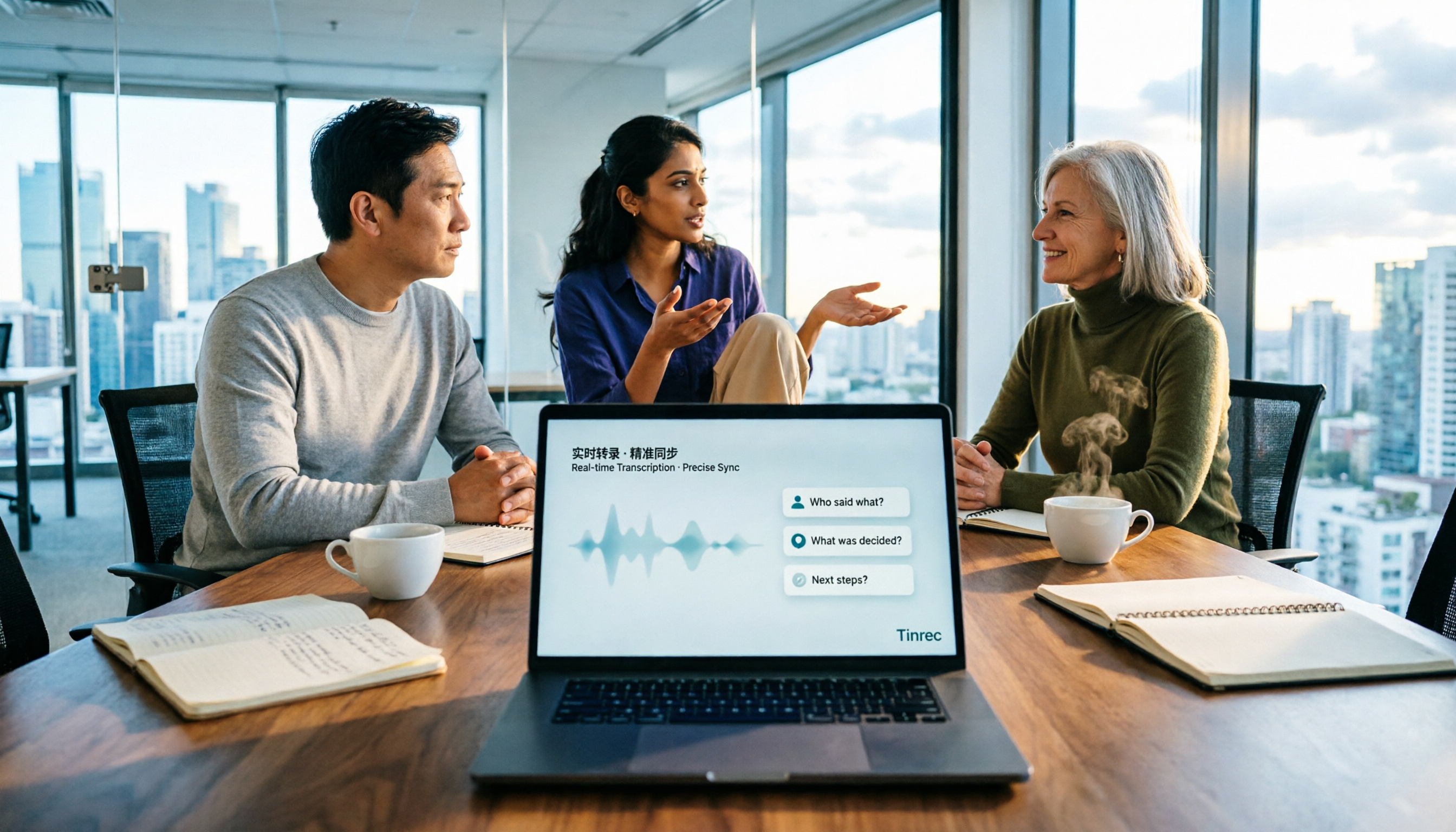
How to Choose Meeting Notes Software in 2026: 5 Steps to Compare Starting with Free Versions
Is free meeting notes software enough? This article doesn't provide a ranking; instead, it walks you through a 5-step decision process: from how free quotas are limited, to the usable results after transcription, to the recognition threshold for Chinese and mixed Chinese-English, and to the ownership of team data. It primarily tests Tinrec, explaining its no-bot online meeting recording, AI Q&A, and team spaces, and briefly reviews suitable scenarios for Notta, Otter.ai, PLAUD, and others.