

Turn recordings into transcripts and summaries in minutes
Upload audio or video for multilingual transcription, AI notes, and action items
Why are people looking for alternatives to tools like PLAUD?
PLAUD Note and NotePin are representatives of AI recording hardware, known for portable recording and long battery life, and are often ranked among the top in many reviews. For people who are frequently on the go and need to capture audio instantly, hardware does have its value.
However, after using it for a while, many people hit the same turning point: the hardware handles the recording, but organizing still requires going back to a computer. If meetings are held on Zoom, Google Meet, or Teams, you first need to find a way to feed the meeting audio into the recording device.
This is a common misconception I see—when choosing a tool, the first question people ask is "how accurate is the transcription?" But what really eats up time is the post-meeting phase: digging through transcripts to find conclusions, confirming who is responsible for what, and sharing content with colleagues who didn't attend.
If you're facing these kinds of problems, software-based meeting minutes tools like Tinrec are worth adding to your comparison list.
Tinrec vs PLAUD: What are the key differences in experience?
1. Do you need to buy a device first? PLAUD takes the hardware route, requiring you to purchase a recording device to get started. Tinrec is pure software, available on desktop, web, and mobile app, with no extra hardware needed. If most of your meetings happen at your computer, the barrier to entry for a software solution is noticeably lower.
2. How are online meetings captured? This is where the difference is most obvious. Tinrec's desktop version directly captures your computer's system audio without inviting a meeting bot to join as a participant. It can handle audio from Zoom, Google Meet, Microsoft Teams, and Webex while they're playing. Hardware solutions require an extra step for audio capture. This is especially noticeable for those whose meetings are on computers.
3. Depth of post-meeting output Transcription is just the starting point. Tinrec then generates AI summaries, chapters, key points, and action items, and can also produce mind maps and export to tools like Notion, Google Docs, OneNote, and Dropbox for further processing. When you need to turn a meeting into a deliverable document, this layer of post-processing makes the biggest difference.
4. Chinese and multilingual meetings Tinrec covers Chinese, Traditional Chinese, and multilingual meeting scenarios, and can organize mixed Chinese-English content. During recording, you can view the original text, translation, or bilingual content. Note that actual performance is affected by recording quality, accents, background noise, overlapping speakers, and technical terminology, so it's not advisable to expect a fixed accuracy rate.
5. Do meeting data stay with the team or with individuals? Tinrec's team plan provides an independent team space where meeting data belongs to the team, along with members, roles, seats, usage analytics, audit logs, and an audio recycle bin. Hardware recordings are mostly tied to personal devices and personal accounts, making data handover difficult when a member leaves.
Tinrec's core features at a glance
Real-time recording and transcription Open Tinrec and it transcribes as it records, with text appearing almost synchronously. Suitable for offline meetings, interviews, and classes. The transcript is ready as soon as the meeting ends, saving time on re-listening.
Bot-free online meeting recording The desktop version captures system audio to record online meetings without an extra bot account hanging in the meeting. This is a thoughtful touch for those who value a clean participant list.
AI summaries, chapters, and action items The biggest fear with long meetings is not finding the key points. Tinrec automatically generates summaries and chapters, and extracts action items from discussions, including actionable information like owners and deadlines.
AI Q&A This is my personal most-used feature. After recording an hour-long meeting, you can directly ask "What was the conclusion of this meeting?" or "Who is responsible for which item?" It answers based on semantic understanding, without manually flipping through dozens of pages of transcripts.
Real-time translation and multi-format export For cross-language meetings, you can switch between original, translated, or bilingual views during recording. After the meeting, you can export results to your existing workflow or use the Agent to further generate reports, tables, and documents.
Team space The team plan centralizes meeting storage. New members can view historical data after joining, and administrators can manage members, roles, seats, and usage.
Real-world use cases
Weekly stand-ups and project meetings Regular meetings easily accumulate into "forgotten after they end" records. With Tinrec, summaries and action items are automatically generated after recording. Before the next meeting, checking back on decision rationale is much faster than scrolling through chat logs.
Customer interviews and requirements discussions Customer requirements, concerns, and commitments are scattered throughout the conversation and easily missed if relying on memory. Transcripts plus AI Q&A allow you to quickly confirm what the customer actually said.
Stop organizing recordings by hand
Upload audio or video and automatically get a transcript, summary, and action items
Classes, lectures, and research interviews This type of content is usually long and needs to be cited. Tinrec's chapters and summaries break down an hour of content into a browsable structure, and you can refer back to the transcript for exact quotes.
Personal knowledge management Accumulated recordings are much more valuable if they have search and query capabilities than if they just sit on your phone. To find a number mentioned in a past meeting, asking directly is faster than listening through.
Points to consider when choosing meeting minutes software
1. Capture method must match your meeting type If most meetings are on computers, prioritize solutions that can handle system audio; if you're often on the go, the convenience of portable recording should be considered. These two needs don't necessarily have to be solved by the same tool.
2. Post-meeting output is more critical than transcription speed Transcripts are just raw material. Whether it can generate summaries, chapters, action items, and answer questions about the content determines whether you save ten minutes or several hours.
3. Handling of Chinese and technical terminology Meetings in Taiwan often mix Chinese and English, industry jargon, and product codes. When choosing a tool, check if it supports multiple languages and customization of proper nouns. Tinrec's team plan offers team hotwords, which helps with terminology recognition.
4. Understand roles and seats for team governance When multiple people use it, "roles" determine who can manage the team, members, and audits; "seats" determine who can record, upload, edit, and export. In Tinrec's team plan, active members without a seat can still view, play, and read team data, but only those with a seat can perform resource-consuming operations. This is the most confusing part during procurement.
5. Data lifecycle and export flexibility Meeting recordings often involve company secrets. It's advisable to confirm how audio is stored, whether deleted files can be recovered, and whether it can be exported. Tinrec's team plan provides an audio recycle bin for recovery before permanent deletion, and supports export to commonly used third-party tools.
6. Remember to get consent before recording Recording and transcription involve local regulations and participant willingness. A simple notification before recording protects both you and your team.
How to choose plans and pricing
Tinrec offers personal and team plans. When choosing, consider your usage rhythm first, not just price:
- For occasional recording organization, start with the free plan's basic quota to test.
- For short-term intensive meetings, classes, or interviews, consider a weekly pass.
- For steady weekly needs, the Pro monthly plan is more suitable.
- For long-term accumulation of recording data, the annual plan offers a lower monthly equivalent.
The team plan is an independent team collaboration space, not multiple people sharing a personal account. Current plan details are as follows:
- First eligible team trial: 7 days, 1 free seat, 300 minutes of team shared import quota.
- Team monthly: USD 29.80 per paid seat per month.
- Team annual: USD 199 per paid seat per year, equivalent to about USD 16.58 per month.
- Paid seat benefits: 2,000 minutes of team shared import quota per seat per month.
- Real-time recording: under an active team plan and active seat, currently not deducted by minutes.
- File and web import: uses team shared import minutes, not backed by member personal quota.
Actual prices, currencies, and promotions are subject to the official purchase page.
Conclusion: Is Tinrec worth a try?
If you need "meetings on your computer, no bots joining, and the ability to find key points and action items after the meeting," Tinrec is one of the few options on the market that strings these together.
For situations where a team needs to view historical meetings together and manage members and usage, the team plan's space, roles, and seat design are much more practical than personal tools; if you only occasionally organize a recording, the personal free plan or weekly pass is sufficient.
It's recommended to test with your own recording first to confirm that Chinese recognition and summary quality meet your expectations before deciding to upgrade. This is more direct than reading any review.
FAQ
How is Tinrec different from a regular recording app? A recording app saves audio; Tinrec further transcribes it into text, organizes summaries, chapters, key points, and action items, and can also answer questions about meeting content, translate, and export.
Do I need to invite a bot to online meetings? No. Tinrec's desktop version directly captures computer system audio without an extra bot account joining the meeting. It also doesn't automatically join all calendar meetings; the user must initiate recording.
Is the free plan enough? It depends on your usage frequency. For occasional recording organization, the free plan's basic quota is enough to test; if you have weekly meetings or interviews, consider a paid plan.
Can transcription accuracy be guaranteed? It's not advisable to expect a fixed number. Actual results are affected by recording quality, noise, accents, overlapping speakers, and technical terminology. For important content, it's recommended to cross-check with transcript timestamps and audio playback.
What's the difference between the team plan and personal plan? Personal plan data belongs to the individual account; the team plan is an independent space where data belongs to the team, with additional capabilities like members, roles, seats, shared quota, usage analytics, audit logs, and audio recycle bin.
Will meeting data disappear after a member leaves? It won't be taken away by the individual. Team resources belong to the team. When a member exits, is removed, or loses their seat, their team resources can be handed over to other active members.
References
- AI Meeting Minutes Software Recommendations: 5 Major Apps Tested and Compared, Automatic Transcription Makes Meetings Super Easy!
- No Time Limit! 3 Free AI Transcription Tools, Highly Recommended! AI Voice Notes Generate Meeting Minutes, Presentations, Mind Maps | 104 Career Power
- Meeting Ink - 2026 AI Meeting Minutes Tools Tested | 7 Speech-to-Text and Summary Speed Comparison | Meeting Ink - AI Meeting Minutes Assistant Automatic Transcription and Summary
- Recently many people ask me if there are any AI tools for meeting minutes? They still type manually, often can't multitask, and waste time. I always answer — SeaMeet Why recommend? Here's a summary: -Binds to Google Meet, syncs transcription for online meetings, with real-time summaries, super convenient. -No need to refresh, after the meeting, directly emails all participants. -Operation is so simple that even middle-aged and elderly people who have never used AI tools can learn in 10 minutes. -In-person meetings
- 2026's Most Recommended AI Meeting Minutes Tool, Time-Saving Must-Have for Meetings!
Turn every recording into actionable outcomes
Get 60 free transcription minutes when you sign in. No credit card required.
Related Reading
You might also like
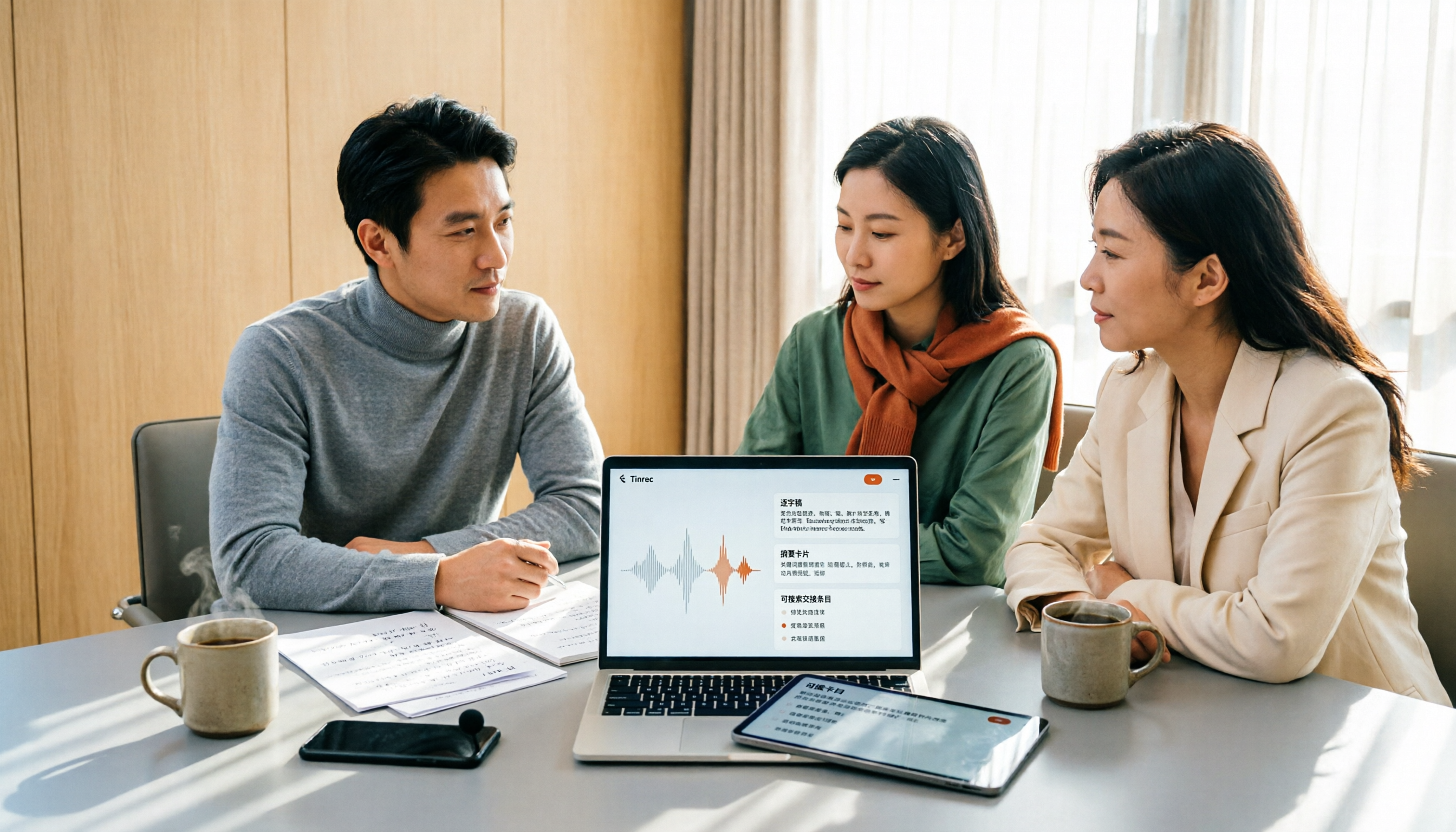
2026 Meeting Transcription Software Comparison: Which AI Tool Saves the Most Time for Chinese Meetings?
Two-hour meetings often mean two more hours writing notes—the real problem is what happens after the meeting. This article compares Tinrec, Otter.ai, Notta, and PLAUD Note across five key areas: language recognition, recording method, post-meeting output, data ownership, and pricing. It explains which tool best handles Chinese and mixed Chinese-English meetings, which lets you record without a bot joining, and how team plans turn every meeting into searchable, transferable data.

Tinrec vs PLAUD Note 2026: 5-Dimension Comparison, How to Write Meeting Minutes and Choose the Right Tool
Two-hour meeting, then another hour organizing minutes—the problem isn't typing speed, it's method and tools. This article first covers the three key elements of writing meeting minutes, then compares Tinrec and PLAUD Note across five dimensions, and adds suitable scenarios for Otter.ai and Granola, helping you pick a meeting minutes software that truly saves time.

Best Meeting Notes Software for Dev Teams in 2026: 3-Step Selection + Auto-Generated Action Items
Dev teams often struggle with meeting notes not because of missing tools, but because of the wrong approach. This guide covers 4 key factors for choosing meeting notes software, hands-on testing of Tinrec's bot-free recording, AI summaries and action items, AI Q&A, and team spaces, plus brief reviews of Otter.ai, Granola, and PLAUD. Includes pitfalls to avoid and copy-paste post-meeting prompts.

5 Best Free Meeting Transcription Software in 2026: Tinrec vs Notta Comparison
Compare 5 free meeting transcription tools in 2026, focusing on free limits, transcript export, and data ownership. Learn why Tinrec is ideal for Chinese meetings, bot-free recording, and post-meeting organization.

How to Choose Meeting Transcription Software in 2026: 5 Steps to Find the Best Fit
Which meeting transcription software is best? This guide starts from real-world scenarios, explains what meeting transcription software can do and its core capabilities, then walks you through 5 steps to judge if a tool fits you. Using Tinrec as an example, it covers live transcription, bot-free online meeting recording, AI summaries and action items, AI Q&A, export, and team spaces, with transparent free tier limits and team pricing.

4 Best Meeting Transcription Software in 2026: Free Versions Compared
Tired of manually organizing meeting transcripts and notes after every call? We tested 4 meeting transcription tools in real meeting scenarios, comparing free tiers, post-transcription organization, cross-platform support, and team permissions. Plus, 4 key factors to consider before buying and common pitfalls to avoid—so you can find a free solution that actually works.

5 Best Free Meeting Transcription Software in 2026: Which Free Version Is Enough?
Which free meeting transcription software is actually usable? This article breaks down popular tools across four dimensions: free quota calculation, Chinese and Cantonese recognition, post-meeting organization, and cross-platform support. It compares the free version limitations and use cases of Tinrec, Otter.ai, Notta, and Granola, with a pitfalls guide and selection advice.
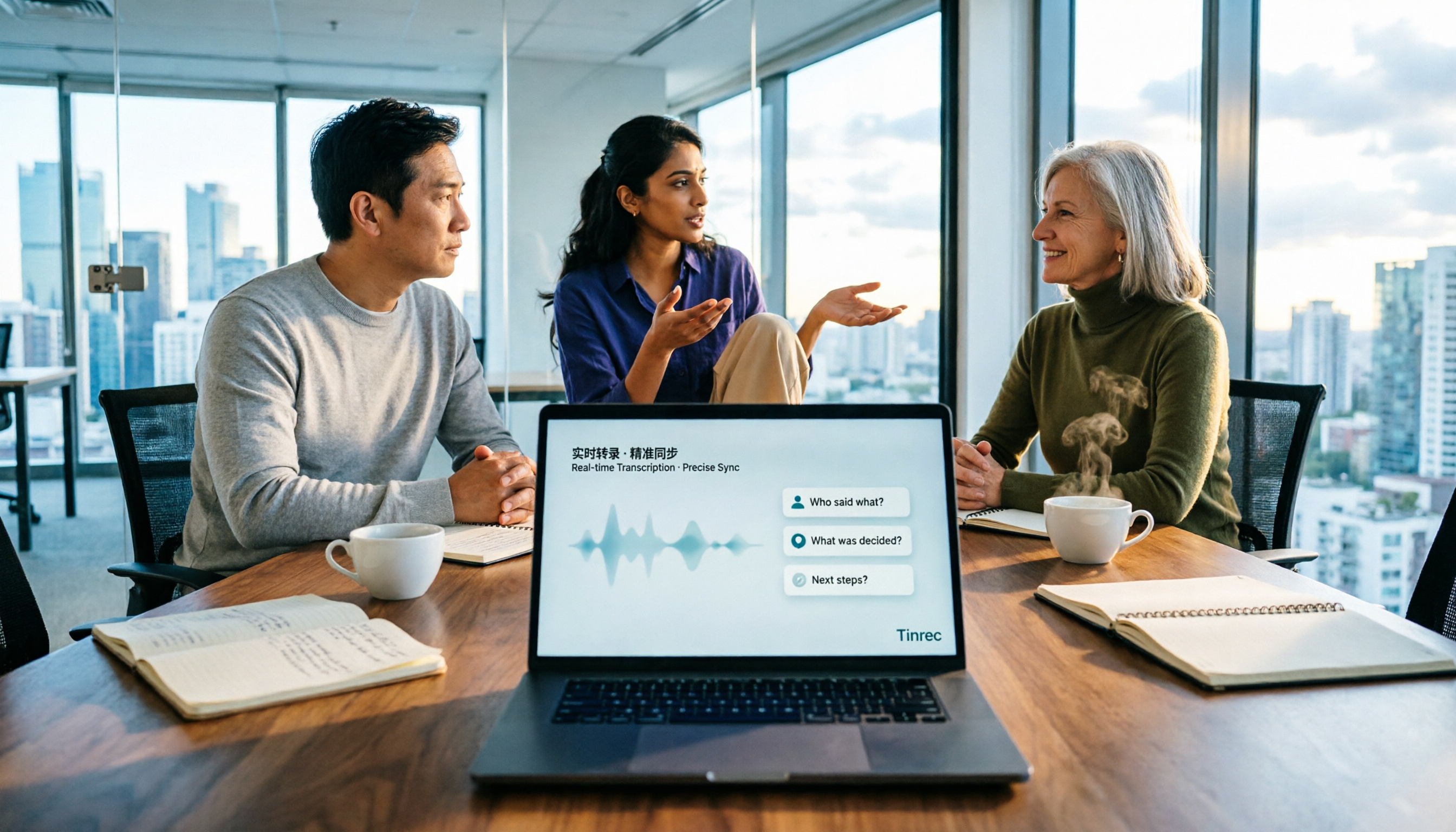
How to Choose Meeting Notes Software in 2026: 5 Steps to Compare Starting with Free Versions
Is free meeting notes software enough? This article doesn't provide a ranking; instead, it walks you through a 5-step decision process: from how free quotas are limited, to the usable results after transcription, to the recognition threshold for Chinese and mixed Chinese-English, and to the ownership of team data. It primarily tests Tinrec, explaining its no-bot online meeting recording, AI Q&A, and team spaces, and briefly reviews suitable scenarios for Notta, Otter.ai, PLAUD, and others.

6 Best Meeting Transcription Software in 2026: Free Online Chinese Transcription Compared
We tested 6 popular meeting transcription software and apps, including free online Chinese transcription options and paid alternatives. We cover input sources, AI summaries and action items, free tiers, pricing, and team collaboration features, plus buying advice and 5 things to know before you start.