

Turn recordings into transcripts and summaries in minutes
Upload audio or video for multilingual transcription, AI notes, and action items
2026 Best AI Meeting Notes Software Compared: Which Saves More Time for Chinese Meetings and AI Q&A?
What Does "Meeting Notes Software Recommendation" Mean? You're Really Asking "How to Make Meetings Worthwhile"
The term "meeting notes software recommendation" has seen a clear increase in searches over the past few years.
Its meaning is straightforward: you want a tool that automatically records what everyone says during a meeting, and after the meeting gives you a transcript, summary, and action items—instead of relying on someone typing furiously the whole time.
But after years of helping teams optimize workflows, I've found the real question is never "which one is best."
It's: why do you need it?
If your meetings are mainly in Chinese, occasionally mixed with English, and people talk over each other, then the problem isn't "typing too slowly."
It's "no one knows what to do after the meeting."
That's what meeting notes software should really solve.
I often encounter three scenarios.
Scenario 1: After a two-hour project meeting, you look at your notes but can't remember who agreed to what.
Scenario 2: During a client interview, they mention many requirements, but you only remember "there was something about budget" and can't find that exact sentence.
Scenario 3: A team member leaves, and their meeting recordings disappear with their computer.
These three scenarios correspond to three different capabilities: transcription and summarization, searchable and queryable recordings, and team knowledge retention.
Choosing the right tool can solve all at once; choosing the wrong one just adds another app to open.
Before Choosing Meeting Notes Software, Understand These 4 Key Points
Key Point 1: What you can do after getting the transcript.
Many people only compare "whose recognition is more accurate."
But accuracy depends on recording quality, air conditioning noise, and how many people talk at once.
The real differentiator is what happens after transcription—can it automatically segment, add headings, and extract action items?
Key Point 2: Handling Chinese and mixed Chinese-English.
Meetings in Taiwan are rarely pure Chinese or pure English.
If your meetings are mainly in Chinese, pay special attention here, because most international tools don't focus on this.
Key Point 3: How the meeting is recorded.
Some tools require a meeting bot to join the room. This may be blocked in some companies, and some find it odd to have an unfamiliar account in the meeting.
Another approach is to record system audio directly from your own computer, without adding any participants.
These two experiences are very different once you try them.
Key Point 4: Where the data ends up.
Personal meetings can stay in your own account.
But team meetings scattered across everyone's phones and cloud drives mean no data at all.
Centralized storage, searchability, and handover—that's the point of a team version.
Think through these four points, and you'll filter through recommendation lists much faster.
Tinrec: I Currently Rely on It for the "Record to Action" Step
One-sentence positioning: Tinrec is an AI meeting notes and collaboration tool for individuals and teams, covering iOS, Android, and web, with a desktop version as well.
What first caught my attention was that it doesn't need a meeting bot.
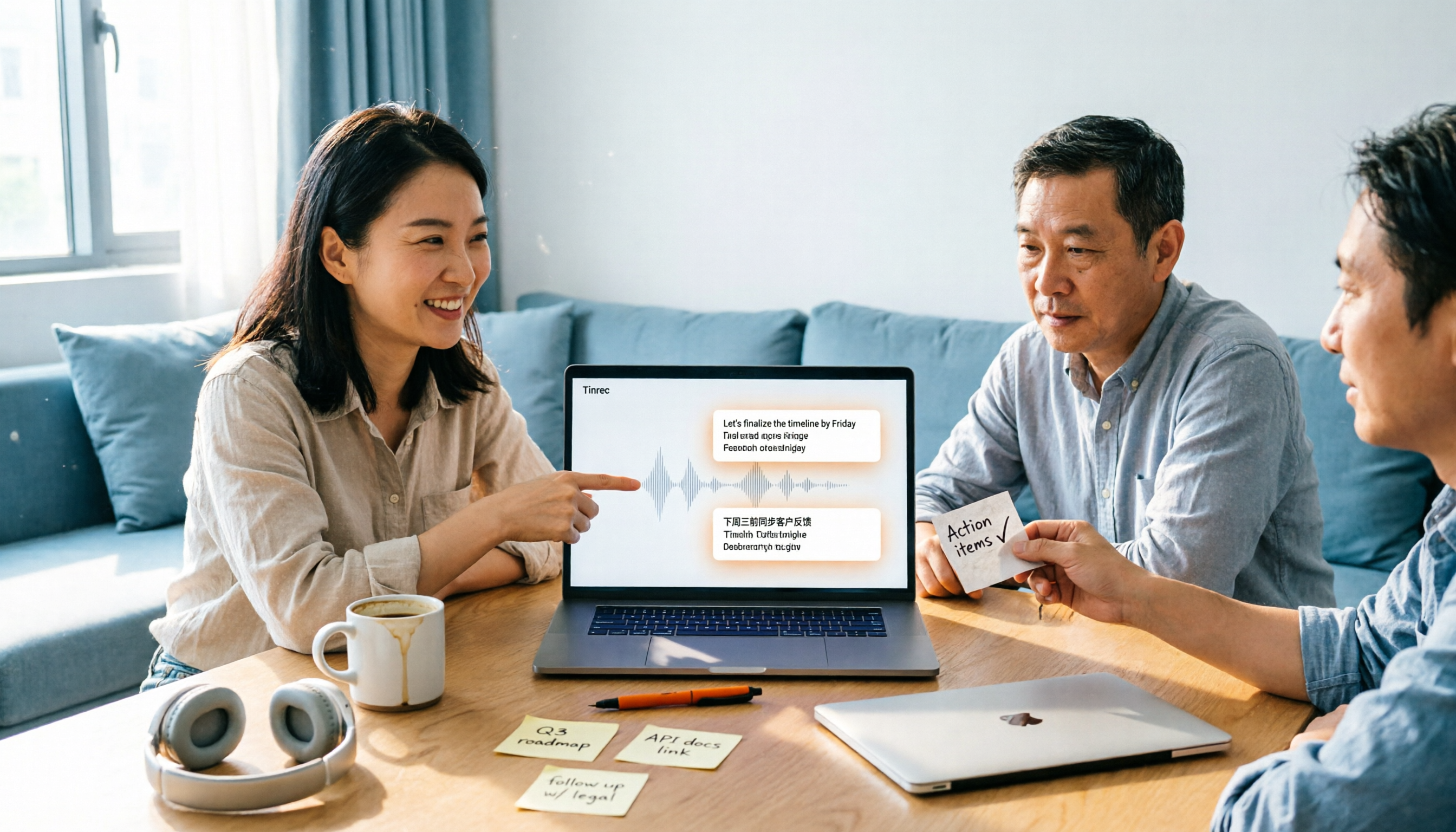
For online meetings, I open Tinrec desktop, and it directly captures system audio. Zoom, Google Meet, Microsoft Teams, Webex—all the same, no extra account in the meeting room.
For many companies that can't add bots, this is the difference between usable and not.
During the meeting: live transcription
While recording, the transcript grows paragraph by paragraph.
For cross-language meetings, you can view original, translated, or bilingual content simultaneously.
I won't tell you "98% accuracy." Actual performance depends on recording environment, accents, and how many people talk over each other.
The key is: I can go back and check important sections against timestamps and audio, which saves far more time than re-listening to the whole thing.
After the meeting: summaries, chapters, and action items appear automatically
When the meeting ends, AI has already organized the summary and chapters, and extracted action items into a to-do list.
Previously, I'd spend time re-listening and noting "who does what, when it's due."
Now I just confirm and correct.
When you need it later: just ask
This is the most critical difference I've found.
After recording, you can directly ask: "Who mentioned the budget last meeting?" "What are the action items for next meeting?"
Stop organizing recordings by hand
Upload audio or video and automatically get a transcript, summary, and action items
It doesn't give you a list of keyword search results; it understands the content and answers directly.
Among similar tools, I haven't seen this done so intuitively.
Other convenient features
- Summary, chapters, action items, and mind map generated at once—no need to read through long meetings.
- Handles live recording, audio upload, and video import; past meetings can be added too.
- Supports export to Notion, Google Docs, OneNote, Dropbox, etc., so my workflow doesn't change.
- Can also ask the Agent to further turn meeting content into reports, tables, or documents.
Limitations I'll be clear about
The free version has basic quota, suitable for trying out.
If you have several meetings weekly and need long-term data accumulation, consider a paid version.
Also, it's not designed for batch transcription of dozens of large files at once—that's another tool's strength.
Who it's for
Those who mainly have Chinese meetings, don't want bots in the meeting room, want to find key points via Q&A after meetings, and want meeting data to stay with the team.
For teams
When meetings go from "just me" to "a department," Tinrec uses independent team spaces rather than shared accounts.
Team data belongs to the team. Admins can assign seats, view usage trends and member activity, check audit logs, and transfer data when members leave.
A commonly confused concept: roles determine who can manage the team, seats determine who can record, upload, and edit.
Active members without a seat can still view, play, and read team data, but cannot upload or edit.
The team version currently offers a 7-day trial with 1 free seat, plus monthly and annual plans. Actual prices and benefits are subject to the official purchase page.
Besides Tinrec, What Other Options Are There?
Notta: A multi-platform transcription and meeting notes tool, with the highest overlap with Tinrec. Free version: 120 minutes per month, max 3 minutes per session. It has decent multilingual transcription, but meeting recording still relies on bots or file uploads. Tinrec desktop can record system audio without any bot, and its post-meeting AI Q&A and Agent post-processing are better integrated. If you only occasionally convert files to text, Notta is sufficient.
Otter.ai: A mature choice for English meetings. Free version: 300 minutes per month; Pro annual billing about USD 8.49/user/month. Its English business meeting experience is complete, but Chinese meetings are not its strong suit. If almost all your meetings are in English, Otter is cost-effective; if meetings are mixed Chinese-English, Tinrec's live translation and bilingual transcript are smoother.
Granola: A bot-free AI meeting notes tool. Basic is free; Business is USD 14/user/month. It combines "your handwritten notes" with AI well, but it doesn't save meeting audio and doesn't support uploading existing recordings. Tinrec keeps recordings and can import past audio files—a big difference for those who need to review or reorganize.
Pitfall Guide: 3 Most Common Mistakes When Choosing Meeting Notes Software
Pitfall 1: Only looking at official accuracy claims.
Those numbers are usually measured in very quiet environments. Real meeting rooms have air conditioning, keyboard sounds, and people talking over each other—performance will differ.
I suggest taking a real meeting recording of your own and trying the free version to see if it understands your way of speaking.
Pitfall 2: Treating the transcript as the end goal.
If you only get a transcript, you still have to read through it yourself.
What really saves time is summaries, chapters, action items, and being able to ask questions directly.
If a tool only gives you a transcript, you've just swapped typing for reading.
Pitfall 3: Team meetings but only personal accounts.
Everyone's meetings sit in their own accounts; when people change, leave, or transfer departments, data is lost.
Teams don't need many personal versions; they need a place for centralized storage, search, and handover.
Think about this before choosing a tool, and you'll save a lot of trouble later.
Conclusion: Which One Should You Choose?
In short: if your meetings are mainly in Chinese and you want to directly ask for key points afterward, Tinrec is the one I'd recommend first.
Scenario breakdown:
- Chinese or mixed Chinese-English meetings, want bot-free recording → Tinrec
- Want to find key points via Q&A after meetings, not dig through transcripts → Tinrec
- Need to continue on phone, computer, and web → Tinrec
- Need to turn meeting data into team assets, manage seats and usage → Tinrec Team
- Meetings almost all in English, limited budget → Otter.ai
- Just want to convert existing audio files to text → Notta
Quick Start: 5 Steps
- Download the free version first; don't rush to pay.
- Take a recent real meeting recording and check transcription quality.
- After the meeting, try asking a question like "What was the conclusion of this meeting?"
- Open the summary and action items to confirm they captured the right tasks.
- If you'll use it daily, consider upgrading; if for a team, look at team seats and spaces.
The tool itself won't make meetings better.
What makes meetings better is deciding to spend five extra minutes after the meeting turning notes into next steps.
Test gradually, and you'll find the best approach for your team.
References
- AI Meeting Notes Software Recommendations: 5 App Reviews, Auto-Transcription Makes Meetings Easy!
- No Time Limit! 3 Free AI Transcription Tools, Highly Recommended! AI Voice Notes Generate Meeting Minutes, Presentations, Mind Maps | 104 Career Force
- 2025 Best Meeting Notes Software Guide: Top Tools for Efficient Meetings | Lark
- 2026 Most Recommended AI Meeting Notes Tools, Time-Saving Must-Haves!
- r/ProductivityApps on Reddit: Does anyone know of a free or cheap app that will do meeting notes?
Turn every recording into actionable outcomes
Get 60 free transcription minutes when you sign in. No credit card required.
Related Reading
You might also like

How to Choose Meeting Minutes Software in 2026: Tinrec's Bot-Free Recording + AI Summaries & Action Items
With so many meeting minutes tools on the market, why do some people still go back to typing manually after buying one? This article starts with common misconceptions and compares Tinrec with hardware recorders like PLAUD in terms of capturing online meetings, post-meeting organization, Chinese language experience, and team collaboration. It also outlines personal and team plan details, purchasing considerations, and FAQs.

4 Best Meeting Transcription Software in 2026: Free Versions Compared
Tired of manually organizing meeting transcripts and notes after every call? We tested 4 meeting transcription tools in real meeting scenarios, comparing free tiers, post-transcription organization, cross-platform support, and team permissions. Plus, 4 key factors to consider before buying and common pitfalls to avoid—so you can find a free solution that actually works.

5 Best Free Meeting Transcription Software in 2026: Which Free Version Is Enough?
Which free meeting transcription software is actually usable? This article breaks down popular tools across four dimensions: free quota calculation, Chinese and Cantonese recognition, post-meeting organization, and cross-platform support. It compares the free version limitations and use cases of Tinrec, Otter.ai, Notta, and Granola, with a pitfalls guide and selection advice.

How to Choose Meeting Notes Software in 2026: 5 Steps to Compare Starting with Free Versions
Is free meeting notes software enough? This article doesn't provide a ranking; instead, it walks you through a 5-step decision process: from how free quotas are limited, to the usable results after transcription, to the recognition threshold for Chinese and mixed Chinese-English, and to the ownership of team data. It primarily tests Tinrec, explaining its no-bot online meeting recording, AI Q&A, and team spaces, and briefly reviews suitable scenarios for Notta, Otter.ai, PLAUD, and others.

6 Best Meeting Transcription Software in 2026: Free Online Chinese Transcription Compared
We tested 6 popular meeting transcription software and apps, including free online Chinese transcription options and paid alternatives. We cover input sources, AI summaries and action items, free tiers, pricing, and team collaboration features, plus buying advice and 5 things to know before you start.

Tinrec Review 2026: Bot-Free Meeting Recording & AI Meeting Notes
Meeting productivity tools in 2026 keep rolling out new features, but buyers really only need to judge three things: whether recording disrupts the meeting, whether post-meeting output is directly usable, and whether data stays with individuals or becomes a team asset. Using Tinrec as a hands-on example, this guide breaks down 4 key use cases, 6 buying checkpoints, and common questions to help you choose the right tool.

4 Best AI Meeting Transcription Software in 2026: Which One Handles Chinese Meetings and Team Knowledge Best?
Searching for meeting transcription software but not sure where to start? This article uses three key questions—where your meetings happen, what you need after recording, and who will access the data—to compare Tinrec, Otter.ai, Notta, and PLAUD Note on recording methods, post-meeting organization, and team collaboration. It also includes buying tips, pitfalls to avoid, and scenario-based recommendations.

2025 Meeting Efficiency Tools Compared: Which AI Note-Taker Saves the Most Time for Chinese Meetings?
Tired of spending an extra hour writing meeting notes after the meeting ends? This article reviews the 4 most talked-about meeting efficiency tools of 2024–2025, comparing recording methods, Chinese recognition, post-meeting organization, and team knowledge retention. We tested Tinrec, Otter.ai, Notta, and Granola to help you find the solution that truly handles the work after the meeting.
2026 Top 4 Meeting Productivity Tools from Dcard: Tinrec's Bot-Free Recording Saves the Most Time?
There are many discussions on Dcard about meeting productivity tools, but most just list features. This article starts with three decision points: whether to let a meeting bot join, how accurately Chinese and mixed Chinese-English are transcribed, and whether post-meeting data can stay with the team. We tested 4 tools, including Tinrec, Otter.ai, Notta, and Granola, explaining each one's testing scenarios, pros and cons, and who they suit, plus key pitfalls to avoid before buying.