

Turn recordings into transcripts and summaries in minutes
Upload audio or video for multilingual transcription, AI notes, and action items
How to Choose Meeting Transcription Software: Answer These Three Questions First
Most articles recommending meeting transcription software start with a feature list, but what you really need to ask yourself first are three questions.
First, where do your meetings take place? Online only, in-person only, or both?
Second, what do you want to do with the recording after? Just a transcript, or do you need summaries, action items, and the ability to ask follow-up questions later?
Third, is this data for your eyes only, or does it need to be shared with the whole team?
Different answers lead to completely different tools.
If you only record online meetings and just need a transcript, you have plenty of options. But if you need post-meeting organization for Chinese meetings and want to keep the data within your team, the criteria become much stricter.
This is my hands-on comparison after testing them all.
4 Key Points to Understand Before You Choose
Recording method: Meeting bot or system audio?
The bot approach has an AI account join your meeting as a participant. It's convenient, but some companies block external accounts, and having an extra name on the participant list can be awkward. The other method captures your computer's system audio from a desktop app, without joining the meeting room or adding an account.
Post-meeting processing: Just a transcript, or can you keep working?
A transcript is just raw material. What really saves time are summaries, chapters, action items, and the ability to ask questions like "I remember someone mentioned the budget, but I forgot who said it."
Chinese and multilingual scenarios.
Sentence segmentation, proper nouns, and mixed Chinese-English in Chinese meetings are real variables. Tools that support team custom vocabulary handle technical terms more smoothly.
Personal vs. team use.
Personal plans keep data with you; team plans need to consider members, roles, seats, usage, and data handover after someone leaves. This is where many people realize after buying that they didn't think it through.
Tinrec – Our Most Recommended Pick After Testing
Tinrec is an AI meeting transcription and collaboration tool for individuals and teams, available on iOS, Android, and web, with desktop handling online meetings.
No extra bot for online meetings.
The desktop app captures your computer's system audio directly, handling meeting audio from Zoom, Google Meet, Microsoft Teams, and Webex played on your computer, without inviting a meeting bot. Note: this doesn't mean it automatically joins all calendar meetings—you need to open Tinrec and start recording yourself.
More than a transcript: turn meetings into usable data.
After the meeting, Tinrec automatically generates summaries, chapters, and action items, listing who is responsible for what and what's next.
Even better is AI Q&A: you can directly ask "What was the conclusion of this meeting?" or "What limitations did the client mention?" It answers based on semantic understanding, not just a list of keyword search results.
Output and further processing.
Beyond transcripts, summaries, and mind maps, it can generate documents, reports, and tables, and export to Notion, Google Docs, OneNote, Dropbox, and other tools for continued use.
Team plan: Meeting data belongs to the team, not individuals.
The team plan is a separate team space, not "multiple people sharing one personal account." Members can join via a link, and admins can set owners, admins, and regular members, and assign or revoke seats.
It's important to distinguish "roles" from "seats": roles determine who can manage the team and settings, while seats determine who can record, upload, edit, and export. Active members without a seat can still view and play team data.
There's also team usage analytics, audit logs, an audio recycle bin (recoverable for 30 days), and team custom vocabulary. When a member leaves or loses their seat, their team resources can be handed over to others, so data doesn't leave with the individual.
Pricing.
The personal plan has a free tier for basic usage, then weekly, Pro monthly, and Pro annual plans based on usage frequency, suitable for short bursts or steady needs.
Stop organizing recordings by hand
Upload audio or video and automatically get a transcript, summary, and action items
The team plan offers a 7-day trial for first-time eligible users, 1 free seat, and 300 minutes of shared team import quota; monthly billing is USD 29.80 per paid seat per month, annual billing is USD 199 per paid seat per year (about USD 16.58 per month). Each paid seat provides 2,000 minutes of shared team import quota per month, and under an active plan and seat, live recording currently does not deduct minutes. Prices and promotions are subject to the official purchase page.
Honest limitations.
The free plan is basic; heavy users will need to upgrade. Tinrec does not promise a fixed accuracy rate; audio quality, noise, accents, and multiple people talking over each other all affect results. The team plan currently offers team-level sharing, not file-level or member-level granular permissions.
Who is it for?
If you hold Chinese meetings, don't want a bot joining the room, want to use AI to ask follow-up questions right after recording, and need meeting data to stay within the team—Tinrec is the closest fit among these options.
Besides Tinrec, What Else Is Out There?
Otter.ai: A mature choice for English meetings.
Otter is a long-standing AI meeting assistant with a strong reputation for English business meetings. Its official pricing page shows a free Basic plan with 300 minutes per month, and Pro annual at about USD 8.49 per user per month, including 1,200 minutes of in-app recording and 10 file imports per month. If you almost always record in English, it's a great value; but it lacks Tinrec's desktop bot-free system audio recording and team data retention workflow.
Notta: A familiar name in multilingual transcription.
Notta overlaps significantly with Tinrec, both offering multi-platform transcription, meeting notes, and translation. Official pricing: Free plan with 120 minutes per month, max 3 minutes per session; Pro annual at about USD 8.17 per month with 1,800 minutes per month; Business annual at about USD 16.67 per seat per month. It's suitable for those who just need transcription and translation; but it lacks Tinrec's AI Q&A and Agent post-processing workflow.
PLAUD Note: You're buying hardware, not a software workflow.
PLAUD is a representative of AI recording hardware. NotePin is officially USD 159, Note Pro USD 189, with Starter membership at 300 minutes per month, and Pro annual at USD 99.99. The portable recording experience is solid; but if you need to handle online meetings and team sharing, you'll need to buy an extra device, whereas Tinrec covers web, desktop, and mobile.
Pitfall Guide: 3 Common Mistakes When Choosing Meeting Transcription Software
Pitfall 1: Only looking at "how many platforms it supports," not where your meetings actually happen.
Being able to integrate with Zoom doesn't mean it will work smoothly for you. First confirm whether it captures audio from the meeting room or from your computer's playback—these are different use cases.
Pitfall 2: Treating the transcript as the end goal.
If you only use "audio to text," you're only using one-third of what these tools can do. Summaries, action items, and AI Q&A are what really save organization time—be sure to test these during your trial.
Pitfall 3: Realizing after buying for the team that permissions were wrong.
Sharing one account among multiple people may seem cheaper short-term, but data ownership, member departures, and usage attribution become headaches later. If you really need team use, choose a plan with roles and seats, and clarify who can view and who can edit.
Conclusion: Which One Should You Choose?
Simply put, decide based on your meeting type.
Mostly Chinese meetings, don't want a bot joining the room → Tinrec (desktop captures system audio directly).
Want to use AI to ask follow-up questions and conclusions right after recording → Tinrec (AI Q&A and Agent post-processing).
Meeting data needs to stay with the team, with staff turnover → Tinrec team plan (roles, seats, usage, audit, and resource handover).
Almost only record English meetings, budget-first → Otter.ai.
Only need bulk file transcription and subtitle translation → Tools like Notta or TurboScribe are more suitable.
Prefer a physical recorder for portable notes → PLAUD, but factor in device and membership costs.
I recommend starting with a free plan and testing with one of your own real meetings—it's more accurate than reading ten spec comparison tables.
References
- AI Meeting Transcription Software Recommendations: 5 Apps Tested and Compared, Auto-Transcription Makes Meetings Easy!
- Must-See 2026! 4 AI Audio-to-Text Tools Compared: Meeting Notes, Podcast Transcripts - Mobile01
- No Time Limit! 3 Free AI Transcript Tools, Highly Recommended! AI Voice Notes Generate Meeting Minutes, Presentations, Mind Maps | 104 Career Power
- Many people recently asked me if there are AI tools for meeting notes. They still type manually, often can't multitask, and waste time. I always answer — SeaMeet. Why recommend it? Here's a summary: - Integrates with Google Meet, syncs transcripts for online meetings, and provides real-time summaries. - No need to refresh; after the meeting, it automatically emails all participants. - So easy to use that I taught seniors with no AI experience in 10 minutes. - In-person meetings
- Meeting Ink - 2026 AI Meeting Notes Tools Tested | 7 Speech-to-Text and Summary Speed Comparison | Meeting Ink - AI Meeting Notes Assistant Auto-Transcription and Summary
Turn every recording into actionable outcomes
Get 60 free transcription minutes when you sign in. No credit card required.
Related Reading
You might also like

How to Choose Meeting Minutes Software in 2026: Tinrec's Bot-Free Recording + AI Summaries & Action Items
With so many meeting minutes tools on the market, why do some people still go back to typing manually after buying one? This article starts with common misconceptions and compares Tinrec with hardware recorders like PLAUD in terms of capturing online meetings, post-meeting organization, Chinese language experience, and team collaboration. It also outlines personal and team plan details, purchasing considerations, and FAQs.

4 Best Meeting Transcription Software in 2026: Free Versions Compared
Tired of manually organizing meeting transcripts and notes after every call? We tested 4 meeting transcription tools in real meeting scenarios, comparing free tiers, post-transcription organization, cross-platform support, and team permissions. Plus, 4 key factors to consider before buying and common pitfalls to avoid—so you can find a free solution that actually works.

5 Best Free Meeting Transcription Software in 2026: Which Free Version Is Enough?
Which free meeting transcription software is actually usable? This article breaks down popular tools across four dimensions: free quota calculation, Chinese and Cantonese recognition, post-meeting organization, and cross-platform support. It compares the free version limitations and use cases of Tinrec, Otter.ai, Notta, and Granola, with a pitfalls guide and selection advice.
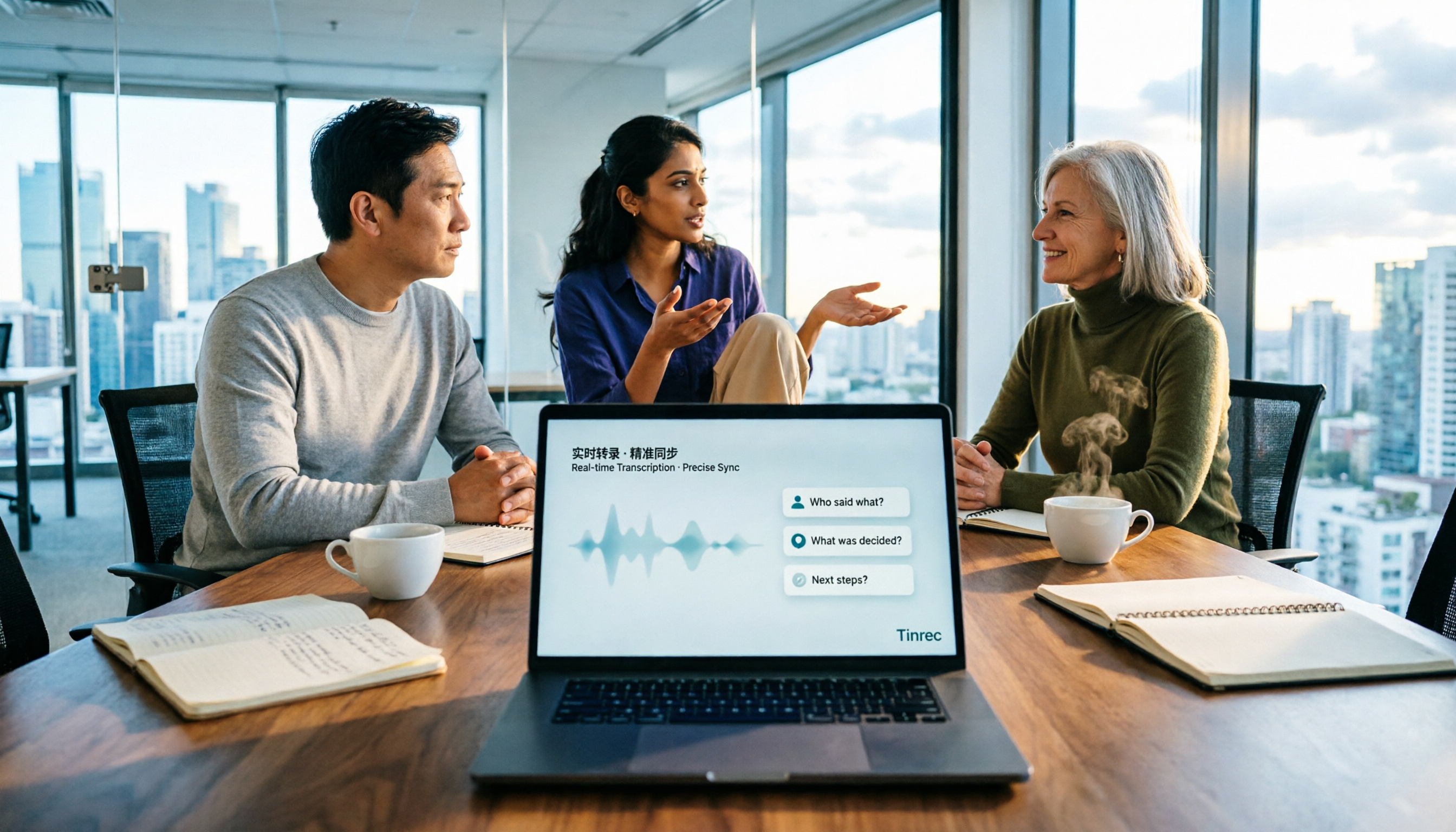
How to Choose Meeting Notes Software in 2026: 5 Steps to Compare Starting with Free Versions
Is free meeting notes software enough? This article doesn't provide a ranking; instead, it walks you through a 5-step decision process: from how free quotas are limited, to the usable results after transcription, to the recognition threshold for Chinese and mixed Chinese-English, and to the ownership of team data. It primarily tests Tinrec, explaining its no-bot online meeting recording, AI Q&A, and team spaces, and briefly reviews suitable scenarios for Notta, Otter.ai, PLAUD, and others.

6 Best Meeting Transcription Software in 2026: Free Online Chinese Transcription Compared
We tested 6 popular meeting transcription software and apps, including free online Chinese transcription options and paid alternatives. We cover input sources, AI summaries and action items, free tiers, pricing, and team collaboration features, plus buying advice and 5 things to know before you start.

2026 Best AI Meeting Notes Software Compared: Which Saves More Time for Chinese Meetings and AI Q&A?
What does "meeting notes software recommendation" really mean? This article starts from real meeting scenarios, clarifies the actual problem behind this search term, breaks down 4 key points for choosing meeting notes software, and compares Tinrec, Notta, Otter.ai, and Granola in Chinese meetings, bot-free recording, AI Q&A, and team knowledge retention. It ends with a ready-to-use checklist.

Tinrec Review 2026: Bot-Free Meeting Recording & AI Meeting Notes
Meeting productivity tools in 2026 keep rolling out new features, but buyers really only need to judge three things: whether recording disrupts the meeting, whether post-meeting output is directly usable, and whether data stays with individuals or becomes a team asset. Using Tinrec as a hands-on example, this guide breaks down 4 key use cases, 6 buying checkpoints, and common questions to help you choose the right tool.

2025 Meeting Efficiency Tools Compared: Which AI Note-Taker Saves the Most Time for Chinese Meetings?
Tired of spending an extra hour writing meeting notes after the meeting ends? This article reviews the 4 most talked-about meeting efficiency tools of 2024–2025, comparing recording methods, Chinese recognition, post-meeting organization, and team knowledge retention. We tested Tinrec, Otter.ai, Notta, and Granola to help you find the solution that truly handles the work after the meeting.
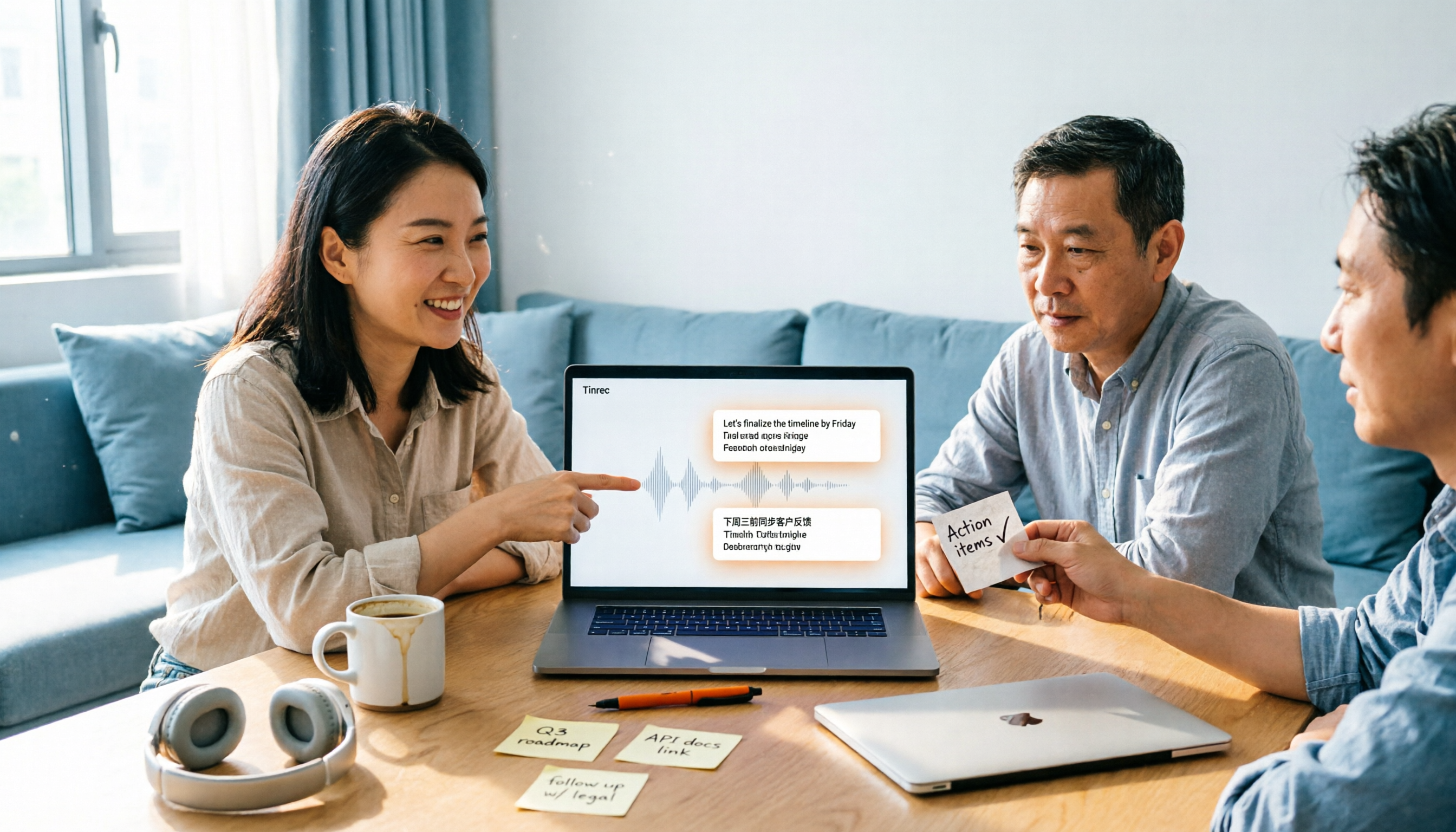
2026 Top 4 Meeting Productivity Tools from Dcard: Tinrec's Bot-Free Recording Saves the Most Time?
There are many discussions on Dcard about meeting productivity tools, but most just list features. This article starts with three decision points: whether to let a meeting bot join, how accurately Chinese and mixed Chinese-English are transcribed, and whether post-meeting data can stay with the team. We tested 4 tools, including Tinrec, Otter.ai, Notta, and Granola, explaining each one's testing scenarios, pros and cons, and who they suit, plus key pitfalls to avoid before buying.