

Turn recordings into transcripts and summaries in minutes
Upload audio or video for multilingual transcription, AI notes, and action items
Tinrec vs Notta 2026: 5-Dimension Comparison for Chinese Meeting Notes
The moment the meeting ends is when the trouble begins
"Who was responsible for that conclusion?" Ten minutes after the meeting, this question pops up in the group chat, and you can't answer.
The cross-departmental meeting on Wednesday afternoon lasted 50 minutes, and your notebook only has three keywords and an unfinished arrow. To submit meeting notes, you have to rely on memory, rewind the recording, and piece together the conversation.
Online meetings are even more troublesome. You're in Zoom or Google Meet, listening and typing at the same time, and end up doing neither well; after the meeting, you want to turn the transcript into to-dos, but you have to listen to it all over again.
There's another situation that's most likely to cause problems: the colleague responsible for taking notes leaves, and those meeting files stored on their personal cloud drive disappear with them.
This article addresses these issues. First, it covers the key points to really look for when choosing a tool, then it breaks down the one I've actually used and found most handy, and finally compares other common options.
Before choosing meeting note software, understand these 5 key points
1. How is the meeting recorded?
There are roughly two ways to record online meetings: one is to send a "meeting bot" to join as a participant, and the other is to capture system sound directly from your computer. The former requires notifying everyone and sometimes gets blocked by the host; the latter skips that step but requires you to actively start the tool. This directly affects whether you're "willing to actually use it every meeting."
2. After the transcript, what else do you get?
Just a transcript is like converting audio to text, and the organizing work is still yours. What really saves time is the next part: AI summaries, chapter segmentation, to-dos, and whether you can directly ask questions about the meeting content.
3. Recognition experience for Chinese meetings
Meetings in Taiwan rarely use a single language throughout; mixing Chinese and English, product codes, and internal jargon are the norm. Besides checking how many languages it supports, also see if you can maintain your own terminology (i.e., hotwords), which greatly affects recognition.
4. Will the recording be kept?
Even the strongest AI summary might miss details. The ability to go back and listen to the original recording and match timestamps in the transcript is key to "daring to use it as an official record." Some tools only give you text and don't keep audio.
5. Can the team use it together?
Personal use and team use are two different things. For teams, consider: whose space the data is in, whether members have usage permissions, who can manage, and whether usage is visible. Meeting notes are team assets and shouldn't be locked in personal accounts.
Tinrec – the one I'd recommend first after testing
Tinrec is an AI meeting notes and collaboration tool for individuals and teams, available on desktop, mobile, and web. Its positioning is not just "audio to text," but turning meetings into searchable, queryable, and actionable data.
First, the part I felt most: bot-free recording of online meetings. The desktop version directly captures system sound, handling Zoom, Google Meet, Microsoft Teams, and Webex without sending an extra bot into the meeting room. This is important for those who frequently meet with external clients—you don't have to explain "an AI will join later."
Next is the post-meeting workflow. After the meeting, besides the transcript, you get AI summaries, chapters, key points, and to-dos. Who promised what and when it's due are organized into items, not scattered in a 40-minute conversation.
What really sets it apart is AI Q&A. You can directly ask questions about the meeting data, such as "What was the conclusion on the budget in this meeting?" or "What concerns did the client mention?" It gives you answers, not a list of keyword search results. The same question can be asked across multiple meetings, which is especially useful for project tracking.
Output is also comprehensive: supports multiple export formats, can be taken to Notion, Google Docs, OneNote, Dropbox, etc. for further processing; there's also Agent post-processing that can generate reports, tables, and documents based on meeting content. From recording to deliverable, it roughly ends here.
For team use, Tinrec's team version is a separate team space, not "multiple people sharing one account." Meeting data belongs to the team, and admins can manage members, roles, and seats, view usage trends and details, maintain team hotwords, and query and export operation logs. There's also an audio recycle bin, so accidentally deleted audio files can be recovered before permanent deletion.
How to use it in practice? Three steps
- Record: Start recording on desktop, or upload existing audio/video files; mobile can also record directly.
- Organize: After the meeting, get transcript, AI summary, chapters, and to-dos; for cross-language meetings, enable real-time translation and view in original, translated, or bilingual.
- Use: Ask questions directly about the meeting content, export to existing workflows, or use Agent to generate reports, tables, and documents.
Stop organizing recordings by hand
Upload audio or video and automatically get a transcript, summary, and action items
Two honest points. First, the free version offers basic quota; if you have many meetings every week, you'll eventually need a paid plan. Second, Tinrec's strength is in meeting organization and collaboration; if you want to "upload 50 long audio files at once for batch subtitle conversion," its design focus isn't there.
Pricing: Personal plans include free, weekly, Pro monthly, and Pro annual, suitable for different groups: occasional recording use free; short-term intensive meetings or interviews consider weekly; regular weekly use choose Pro; long-term data accumulation consider annual. For team plans, eligible teams get a 7-day trial, 1 free seat, and 300 minutes of shared team import quota; paid seats are USD 29.80/seat/month or USD 199/seat/year (about USD 16.58/month), each paid seat provides 2,000 minutes of shared team import quota per month, and real-time recording under active seats is currently not deducted by minutes. Actual prices and benefits are subject to the official purchase page.
Who it's for: Those who frequently have Chinese or mixed Chinese-English meetings, want to ask questions directly about meeting content after, and need to turn meeting notes into team assets.
Besides Tinrec, what other options are there?
Notta: A common option for multilingual transcription and meeting notes, supporting multiple platforms, document import, translation, and team plans, with high overlap with Tinrec. Its free version is 120 minutes per month, max 3 minutes per item; Pro annual is about USD 8.17/month (1,800 minutes per month); Business annual is about USD 16.67/seat/month. If you mainly need clean transcription and subtitles, Notta is a practical choice; but if you care about bot-free desktop recording, post-meeting AI Q&A and Agent post-processing, and team space usage and operation logs, Tinrec focuses more on these.
Otter.ai: A veteran option for English business meetings, Basic free is 300 minutes per month, Pro annual is about USD 8.49/user/month (including 1,200 minutes of in-app recording and 10 file imports per month). If your meetings are almost all in English, its maturity is worth considering. Conversely, Chinese and mixed Chinese-English meetings, team hotwords, etc. are not its main battlefield, which is where Tinrec has relative space.
Granola: Also takes the bot-free desktop route, focusing on "your handwritten notes + AI enhancement," Basic free, Business at USD 14/user/month. Note that it does not support uploading pre-recorded audio files and does not save meeting audio. If you value being able to listen back to recordings for verification or need to organize existing audio files, Tinrec fills that gap.
Pitfalls guide: 3 most common mistakes when choosing meeting note software
Mistake 1: Only looking at the official recognition accuracy. That number is usually measured in a quiet environment. Real meeting rooms have air conditioning noise, keyboard sounds, and people interrupting. It's recommended to test with a short recording of your own, especially one with mixed Chinese-English and company jargon.
Mistake 2: Ignoring "whether the recording is kept." Tools that only give you a transcript and don't keep audio mean that if the AI summary misses a key number, you have no chance to verify. For meeting notes to serve as an official basis, keeping the original audio is important.
Mistake 3: Buying for team needs as if they were personal needs. No matter how cheap the personal version is, it can't solve "data should belong to the team, members should be able to share, and handover should be possible when someone leaves." Before buying, think clearly: who will need to see this meeting note three months from now?
Conclusion: Which one should you choose?
In one sentence: if you want to "turn meetings into data you can continue working with," Tinrec is the one I'd recommend first; if you just occasionally need a clean transcript, other options are sufficient.
It's clearer by scenario:
- Frequent Chinese or mixed Chinese-English online meetings → Tinrec (bot-free desktop recording, no extra participant)
- Want to ask questions directly about meeting content after, rather than manually flipping through a 40-minute transcript → Tinrec (AI Q&A is its core)
- Need to turn meeting notes into shared team assets, manage members and usage → Tinrec team version
- Mainly record English meetings, limited budget → Otter.ai (mature for English scenarios, large free quota)
- Just want to convert audio to subtitles and do batch file processing → Notta or specialized transcription tools are more suitable
- Value "handwritten notes + AI enhancement," no need to keep recordings → Granola
If you want to experience the process first, start with Tinrec's free version and run through "record → organize → ask → export" with a real meeting. Whether it suits you, you'll know after one try; you don't have to pay from the start.
Finally, a few frequently asked questions:
Q: How to use meeting note software, is it hard to get started? Take Tinrec as an example: open the desktop version and start recording, and the online meeting audio will be captured; after the meeting, the transcript, summary, and to-dos are automatically generated, and you just proofread and supplement. Most people can complete a round in about ten minutes the first time.
Q: Is the free version enough? For occasional meetings or to experience the process, the free version's basic quota is enough; if you have several meetings every week, it's more practical to look at paid plans.
Q: Can accuracy be guaranteed? It's not recommended to expect that. Actual results are affected by recording quality, noise, accents, multiple people interrupting, and technical terms. For important content, it's advisable to verify against the transcript and recording playback.
Q: Do I need consent to record? Yes. Recording and transcription involve local regulations and personal data. It's better to inform participants and get consent before the meeting.
References
- AI 會議記錄軟體推薦:5 大 App 實測評比,自動轉文字讓你開會超輕鬆!
- Meeting Ink - 2026 AI 會議紀錄工具實測|7 款語音轉文字與摘要速度大比拚 | Meeting Ink - AI 會議紀錄助手 自動轉錄逐字稿總結會議摘要
- 不限時間!3個免費AI逐字稿工具,好用推薦!AI語音筆記生成會議記錄、簡報、心智圖|104職場力
- 2026年最推AI會議記錄神器,省時省力的開會必備工具!
- 最近蠻多人問我,有沒有什麼 AI 工具可以做會議記錄? 他們現在還是手工打字,常常沒法一心二用,又蠻浪費時間。 我一律回答 —— SeaMeet 為什麼推薦?幫大家整理重點: -綁 Google Meet,線上會議同步轉逐字稿,又有即時摘要,超方便。 -不用特別重新整理,會議結束後,直接發信給所有會議參與者。 -操作簡單到爆,完全沒玩過 AI 工具的中老年人,我 10 分鐘就教會他們。 -實體會議
Turn every recording into actionable outcomes
Get 60 free transcription minutes when you sign in. No credit card required.
Related Reading
You might also like

2026 Best AI Meeting Notes Software Compared: Which Saves More Time for Chinese Meetings and AI Q&A?
What does "meeting notes software recommendation" really mean? This article starts from real meeting scenarios, clarifies the actual problem behind this search term, breaks down 4 key points for choosing meeting notes software, and compares Tinrec, Notta, Otter.ai, and Granola in Chinese meetings, bot-free recording, AI Q&A, and team knowledge retention. It ends with a ready-to-use checklist.

Tinrec Review 2026: Bot-Free Meeting Recording & AI Meeting Notes
Meeting productivity tools in 2026 keep rolling out new features, but buyers really only need to judge three things: whether recording disrupts the meeting, whether post-meeting output is directly usable, and whether data stays with individuals or becomes a team asset. Using Tinrec as a hands-on example, this guide breaks down 4 key use cases, 6 buying checkpoints, and common questions to help you choose the right tool.

4 Best AI Meeting Transcription Software in 2026: Which One Handles Chinese Meetings and Team Knowledge Best?
Searching for meeting transcription software but not sure where to start? This article uses three key questions—where your meetings happen, what you need after recording, and who will access the data—to compare Tinrec, Otter.ai, Notta, and PLAUD Note on recording methods, post-meeting organization, and team collaboration. It also includes buying tips, pitfalls to avoid, and scenario-based recommendations.

2025 Meeting Efficiency Tools Compared: Which AI Note-Taker Saves the Most Time for Chinese Meetings?
Tired of spending an extra hour writing meeting notes after the meeting ends? This article reviews the 4 most talked-about meeting efficiency tools of 2024–2025, comparing recording methods, Chinese recognition, post-meeting organization, and team knowledge retention. We tested Tinrec, Otter.ai, Notta, and Granola to help you find the solution that truly handles the work after the meeting.
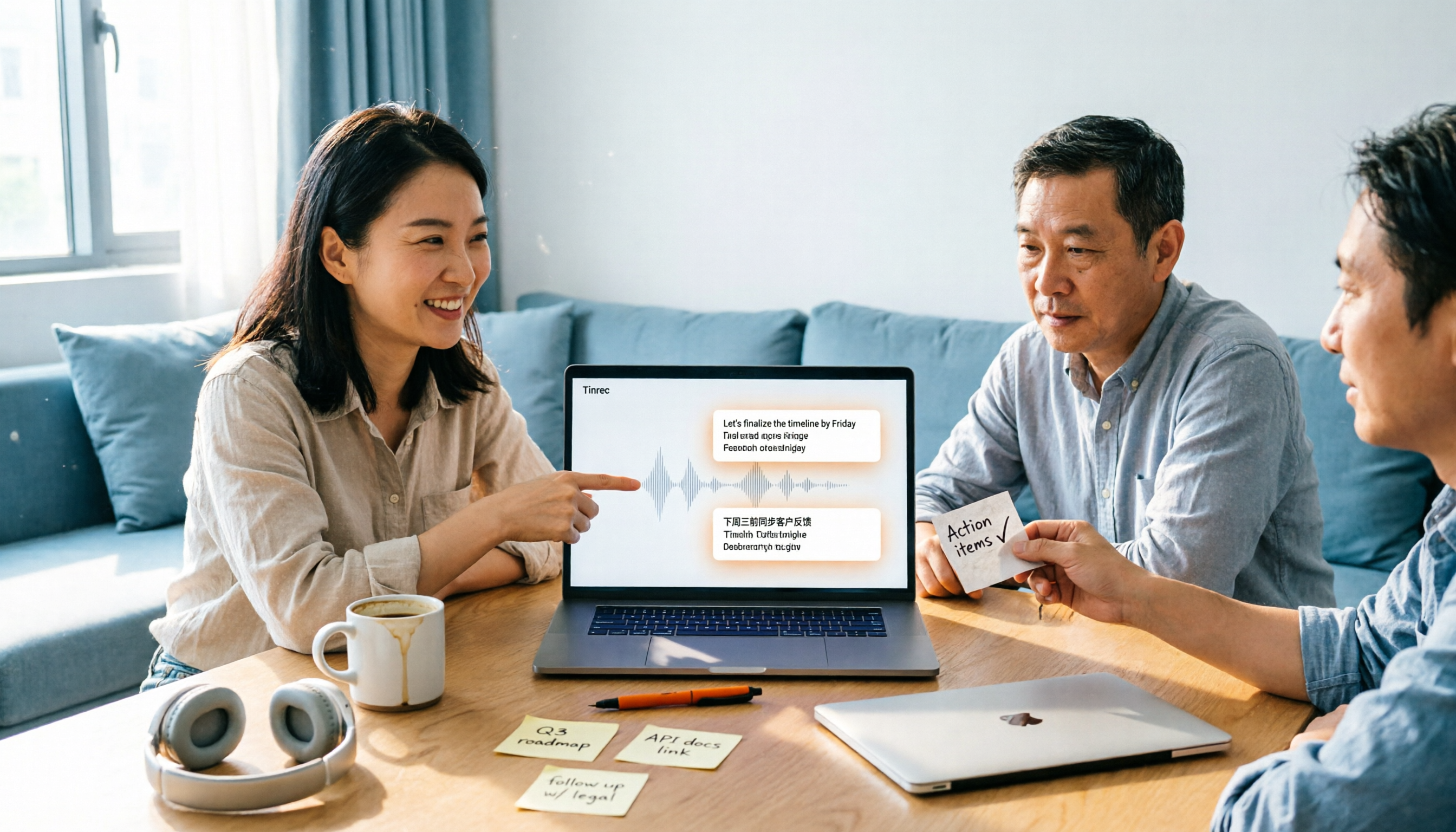
2026 Top 4 Meeting Productivity Tools from Dcard: Tinrec's Bot-Free Recording Saves the Most Time?
There are many discussions on Dcard about meeting productivity tools, but most just list features. This article starts with three decision points: whether to let a meeting bot join, how accurately Chinese and mixed Chinese-English are transcribed, and whether post-meeting data can stay with the team. We tested 4 tools, including Tinrec, Otter.ai, Notta, and Granola, explaining each one's testing scenarios, pros and cons, and who they suit, plus key pitfalls to avoid before buying.

2026 Meeting Productivity Tools Compared: Which Turns Transcripts into Actionable To-Dos?
How to choose a meeting productivity tool in 2026? This article starts with how meeting notes become actionable data, outlines 5 key factors for choosing a tool, and uses Tinrec as an example to explain how bot-free recording, AI summaries, to-do extraction, AI Q&A, and team spaces work.
2026 Meeting Productivity Tools Comparison: Tinrec vs Notta — 5 Key Dimensions to Find the Best Fit for Chinese-Speaking Teams
2026 meeting productivity tools hands-on comparison: Tinrec vs Notta. We compare five key dimensions—online meeting recording methods, post-meeting organization, Chinese and bilingual experience, team permission governance, and free tier limits and pricing—to help you decide which tool better suits your meeting scenarios and team size.

2025 Comparison of 4 Meeting Efficiency Tools: No Meeting Bots, Which One Saves the Most Time on Chinese Meeting Notes?
How to choose a meeting efficiency tool in 2025? Don't rush to compare features. This article starts with three common post-meeting pitfalls, outlines 5 key purchasing factors, and provides a hands-on comparison of Tinrec, Granola, Notta, and Otter.ai to help you find the one that truly saves time on post-meeting organization.

Tinrec vs Otter.ai 2026: 5-Dimension Comparison — Which Is Better for Chinese Meeting Notes?
2026 meeting notes software recommendation and tutorial: a 5-dimension hands-on comparison of Tinrec and Otter.ai covering Chinese recognition, meeting capture, post-meeting output, team collaboration, and pricing, plus alternatives like Notta and PLAUD Note, to help you find the right AI meeting notes tool.