

Turn recordings into transcripts and summaries in minutes
Upload audio or video for multilingual transcription, AI notes, and action items
Tinrec vs Notta 2026: 5-Dimension Comparison, Which Free Meeting Notes App Should You Choose?
Many people imagine a "free meeting notes app" as: throw in the recording, get a transcript, and you're done.
Honestly, that's the most common first misconception.
A transcript is only a semi-finished product. The real time-consuming part is after the meeting—who promised what, what's the next step, where did last month's decision go. If the tool only gives you a big block of text, you still have to read through it yourself.
The second misconception is thinking "free" means "no limits." Most tools have monthly quotas, single-file length limits, or export restrictions, just written in the fine print on the pricing page.
The third misconception is inviting a meeting bot into the room just for an online meeting, only to have attendees see an unfamiliar account join and spend five minutes explaining what it is.
A more reasonable approach is to focus on three things: how the quota is calculated, whether you can record without disturbing the meeting, and whether the transcription can directly become usable data.
Below, we'll use Tinrec as an example to show you how to choose and use a free meeting notes tool.
What Can a Free Meeting Notes App Do for You?
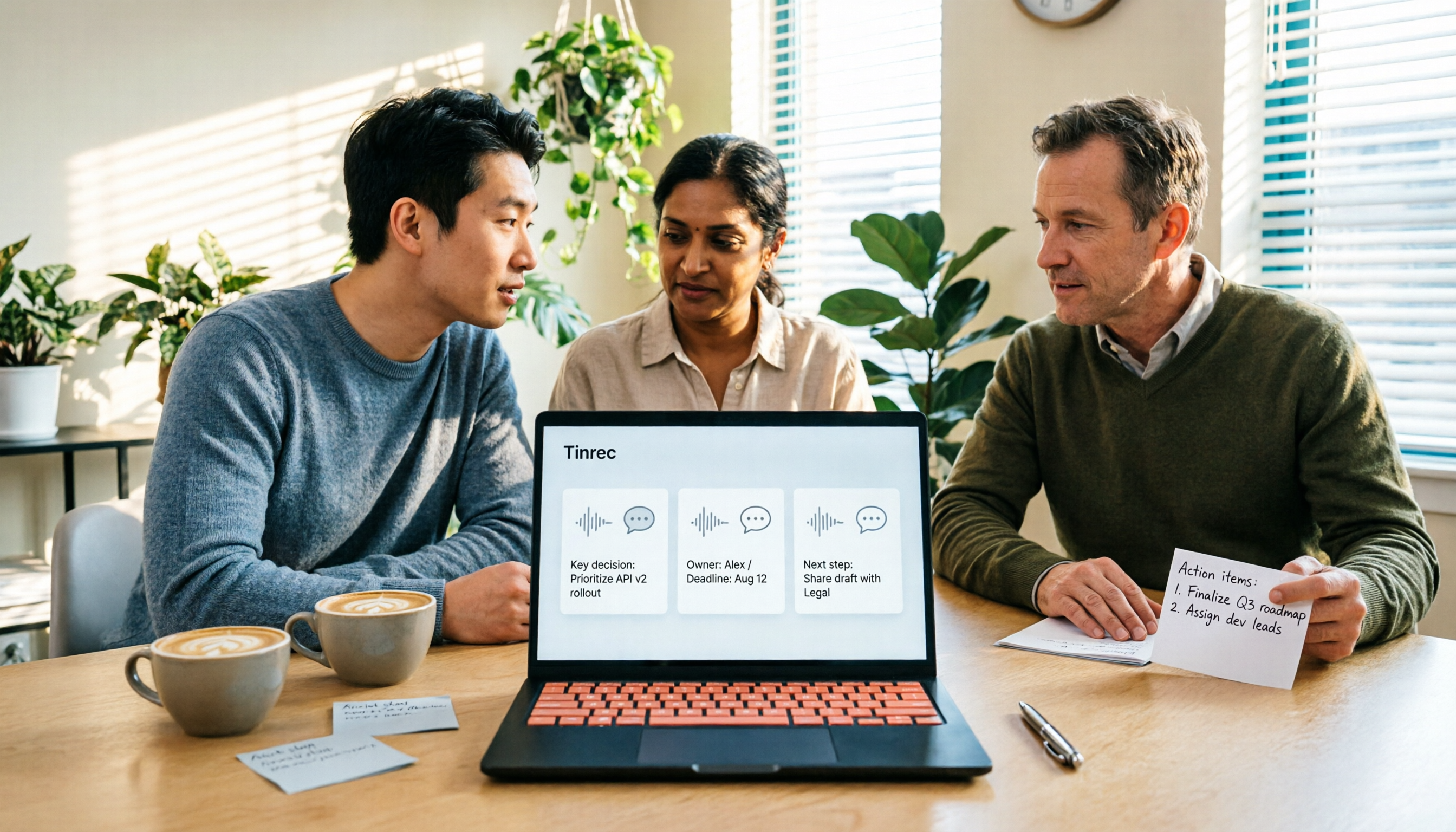
Scenario 1: Get meeting notes 5 minutes after the meeting Previously, after a two-hour meeting, you might spend another hour organizing notes. With Tinrec, after the meeting, the AI has already organized the transcript, summary, chapters, and action items—who's responsible for what and when it's due, listed directly.
Scenario 2: No need to invite a bot to online meetings Tinrec's desktop version directly captures your computer's system audio, handling Zoom, Google Meet, Microsoft Teams, Webex, and other meetings without an extra bot account joining. Attendees won't see an unfamiliar participant.
Scenario 3: Continue asking questions after the meeting The transcript isn't static. After transcription, you can directly ask Tinrec: "Who mentioned the budget in this meeting?" "What were the client's concerns about pricing?" It will answer based on the meeting content, saving you from searching yourself.
What Are the Core Capabilities of a Free Meeting Notes Tool?
Real-time transcription Text appears as you record, not after. Tinrec's real-time transcription lets you confirm during the meeting whether you missed key points, and fix issues immediately.
AI summary and chapters It's not just condensing the transcript into a paragraph, but structuring it. Tinrec separates meeting topics, discussion conclusions, and action items, and splits long meetings into chapters for easy skimming.
Action item extraction The most easily missed part in meetings is "who does what." Tinrec extracts action items from discussions, giving you a basis for follow-up.
AI Q&A and real-time translation For cross-language meetings, Tinrec supports viewing the original, translation, or bilingual content during recording. Afterwards, you can continue asking questions about single or multiple meetings, connecting scattered information.
Multi-format export and post-processing Organized content can be exported to Notion, Google Docs, OneNote, Dropbox, etc., and further generate reports, tables, and documents, directly integrating with your existing workflow.
Practical Use Cases
Workplace weekly and project meetings The biggest fear for regular weekly meetings is broken records. Use Tinrec to save transcripts and action items from each meeting, and before next week's meeting, look back at last week's decisions without digging through chat logs.
Client interviews and requirement discussions Sales and customer success teams can export client needs, concerns, and commitments organized by Tinrec into documents after interviews, reducing back-and-forth confirmation time.
Classes, lectures, and further education Focus on listening during class and let Tinrec handle transcripts and key summaries. Afterwards, use AI Q&A to find "which part did the teacher mention this case"—much faster than flipping through notes.
Personal inspiration and long-term data Randomly recorded ideas or a snippet heard during commute can accumulate into a searchable, queryable personal database through Tinrec, instead of a bunch of recordings on your phone you'll never open again.
Stop organizing recordings by hand
Upload audio or video and automatically get a transcript, summary, and action items
5 Things to Note When Choosing a Free Meeting Notes Tool
1. Understand how the free quota is calculated Some tools have monthly limits, some have single-session length limits, and some charge only for exports. For example, Tinrec's personal free version offers a basic quota to experience recording, importing, summarizing, and transcribing—suitable for occasional one or two recordings; for short-term heavy meetings, consider a weekly pass; for long-term stable use, Pro is the main choice.
2. Can it avoid inviting a bot to the meeting? This affects the meeting experience. Tinrec's desktop version uses system audio capture, no extra account invitation needed, especially useful for external client meetings. Note that users still need to actively open Tinrec to start recording, not automatically join all events.
3. Can it help you organize after transcription? A tool that only gives transcripts is essentially returning the organizing work to you. Tinrec offers summaries, chapters, action items, mind maps, and AI Q&A in addition to transcripts—the difference is that one hour after the meeting.
4. Chinese and mixed Chinese-English recognition experience Meetings in Taiwan often have mixed Chinese-English and abundant jargon. Tinrec covers Chinese, Traditional Chinese, and multilingual scenarios, and provides team hotword management to improve recognition of professional terms. Actual performance is still affected by recording quality, accent, noise, and overlapping speakers; we recommend testing with your own recordings.
5. For team use, governance capabilities matter If you share meeting data among multiple people, transcripts alone aren't enough. Tinrec's team version offers independent team spaces, member and seat management, usage analytics, and audit logs. When members leave, data can be transferred to others, not disappearing with personal accounts. There are also tools like Notta focused on multilingual transcription. When choosing, clarify whether you value transcription itself or post-meeting organization and team knowledge retention.
Frequently Asked Questions
Q1: Is a free meeting notes app really enough? It depends on your usage frequency. For occasional recording, the free plan's basic quota is usually enough; if you have a high volume of meetings, need exports, or team sharing, you'll hit quota or feature limits.
Q2: What's the difference between Tinrec's free and paid versions? The free version offers a basic quota to experience recording, importing, summarizing, and transcribing. For stable use, choose Pro monthly or annual; if your team needs to share meeting data, evaluate the team version.
Q3: Do I need consent before recording? Yes, be mindful. Recording and transcription involve local regulations and personal data protection. We recommend informing attendees before the meeting and obtaining consent when needed.
Q4: Which meeting platforms are supported? Tinrec's desktop version can handle meeting audio played on your computer, covering Zoom, Google Meet, Microsoft Teams, Webex, and other common platforms. This is local system audio capture, not official partnerships with these platforms.
Q5: What is the transcription accuracy? Tinrec does not promise a fixed accuracy rate. Actual performance is affected by recording quality, noise, accent, overlapping speakers, and professional terminology. For important content, we recommend cross-checking with transcript timestamps and recording playback.
Q6: How is the team version priced? Based on current internal configuration: eligible teams can try 7 days, 1 free seat, and 300 minutes of shared team import quota; team monthly is USD 29.80 per paid seat per month, annual is USD 199 per paid seat per year. Paid seats provide 2,000 minutes of shared team import quota per month; real-time recording under active team plans is currently not deducted by minutes. Actual prices and promotions are subject to the official purchase page.
Conclusion
The value of a free meeting notes app isn't "free," but saving you an hour of post-meeting organization.
When choosing, look at three things: how the quota is calculated, whether you can record without disturbing the meeting, and whether the transcription can directly become usable data.
If you want to experience the difference yourself, start with Tinrec's free version, try it with a real meeting recording you have, and see if the AI-generated summary and action items really save you an afternoon.
References
- No time limit! 3 free AI transcription tools, highly recommended! AI voice notes generate meeting minutes, presentations, mind maps | 104 Workplace Power
- AI meeting notes software recommendation: 5 major app reviews, automatic transcription makes meetings super easy!
- Meeting Ink - 2026 AI meeting notes tool review | 7 voice-to-text and summary speed comparison | Meeting Ink - AI meeting notes assistant automatic transcription and summary
- r/ProductivityApps on Reddit: Does anyone know of a free or cheap app that will do meeting notes for you?
- Recently many people ask me if there's any AI tool for meeting notes. They still type manually, often can't multitask, and waste time. I always answer — SeaMeet. Why recommend? Here are the key points: - Linked to Google Meet, online meetings sync transcription and real-time summary, super convenient. - No need to refresh, after the meeting, directly email all participants. - Operation is super simple, even middle-aged and elderly people who've never used AI tools, I taught them in 10 minutes. - In-person meetings
Turn every recording into actionable outcomes
Get 60 free transcription minutes when you sign in. No credit card required.
Related Reading
You might also like
2026年4款免费会议记录App最新版实测对比:谁的AI纪要真的能省时间?
开完会还要花时间整理逐字稿吗?这篇比较 4 款免费会议记录 App 的最新版本,从会议撷取方式、逐字稿之后的 AI 整理、跨装置支援到免费额度界线逐一检视。我会分享自己怎么用 Tinrec 把整个会后流程换掉,也说明 Notta、Otter.ai、PLAUD 各适合谁,以及挑选时最容易踩的三个坑。

Which Free Meeting Notes App Is Best? 5 Tested in 2026, How to Choose Free Tiers That Actually Work
There are countless free meeting notes apps, but the real limits of 'free' vary widely. This article breaks down 6 key decision points for choosing one—from free quotas, Chinese recognition, meeting formats, to post-meeting organization—and uses Tinrec to demonstrate the full workflow from recording, transcription, AI summary, to action items and team sharing, helping you pick the one that truly works for you.

5 Free Meeting Transcription Apps Tested: Which Free Version Is Actually Enough?
We tested several free meeting transcription apps, comparing free quotas, online meeting recording methods, post-meeting AI organization, and team sharing to help you avoid 'fake free' traps and find the one that's truly usable for free.

4 Free Meeting Notes Apps Compared: AI Summarization Is the Real Time-Saver
How do free meeting notes apps differ from AI meeting tools? This article examines four key factors: free plan single-session limits, meeting capture methods, post-meeting AI organization, and team data ownership. We compare Tinrec, Otter.ai, Notta, and Granola, and highlight common pitfalls to help you decide if a free version is enough.

Best Free Meeting Notes Apps in 2026: We Tested 2 Options, iPhone Users Don't Need to Buy Hardware First
How do you choose a free meeting notes app? From a mid-level manager's perspective, I tested Tinrec and PLAUD Note across five dimensions: upfront cost, online meeting recording, cross-device continuity, post-meeting AI organization, and team collaboration. I also highlight three common mistakes to help you decide which option fits your meeting style.

5 Free Meeting Transcription Apps Tested and Compared in 2026: How to Choose a Free Plan That Actually Works
How can a free meeting transcription app really save you time? This article examines four key factors—how free quotas are calculated, supported online meeting audio sources, post-meeting outputs, and team sharing—and puts Tinrec, Otter.ai, Notta, and PLAUD Note to the test. It also highlights the three most common pitfalls to help you pick the one that truly meets your needs.

Free Meeting Notes App Download 2026: Tinrec No-Bot Recording + AI Auto Summary
How to download a free meeting notes app without getting burned? This guide starts with common pitfalls, then compares Tinrec and Otter.ai across 5 dimensions, covering the 3-step download process, how to choose a free plan, Traditional Chinese and mixed Chinese-English recognition, no-bot online meeting recording, post-meeting summaries and action items, team seats and data governance, and ends with clear recommendations.

2026 AI Meeting Notes Free Plans Compared: 5 Apps to Consider
Starting from the three most common misconceptions, this article reviews the actual free quotas and limitations of 5 free meeting notes apps in 2026, and compares Tinrec, Notta, Otter.ai, PLAUD Note, and Granola in terms of Chinese transcription, online meeting audio capture, summarization, and AI Q&A, helping you find a free but sufficient option.

4 Free Meeting Transcription Apps Compared: Which Free Tier Actually Lasts?
Tired of spending time after meetings organizing notes? This article compares four free meeting transcription apps—Tinrec, Otter.ai, Notta, and Granola—breaking down how free tiers are calculated, how meeting audio is captured, what you can do after transcription, and who ultimately holds your recordings and data. We also outline four key selection criteria and four common pitfalls to help you find the one whose free version can handle your real meeting length.