

Turn recordings into transcripts and summaries in minutes
Upload audio or video for multilingual transcription, AI notes, and action items
Best Free Meeting Notes Apps in 2026: We Tested 2 Options, iPhone Users Don't Need to Buy Hardware First
I manage a team of 10 and have about 15 meetings a week—weekly meetings, project status updates, one-on-ones, cross-department coordination. My old approach to picking a free meeting notes app was pretty basic: open the App Store, search "meeting notes," check the rankings, see which one offered the most free minutes, and download the one with the biggest number. Just from the search results, there were plenty of free versions like inFin, Meeting Ink, and Notta—all looked promising.
After a few bad experiences, I realized the biggest problem with that approach: you're only comparing "how long can it record," not "how much time will you spend after recording." Here are three mistakes I learned the hard way.
Mistake 1: Only looking at total free minutes, ignoring per-recording limits. Some apps offer 120 minutes per month but cap each recording at 3 minutes. On paper, you have 120 minutes, but you can't even record a 30-minute weekly meeting. You need to check two numbers: the per-recording limit and the monthly total.
Mistake 2: Assuming a free app is just "recording plus transcription." What really eats up a manager's time isn't listening and typing—it's the post-meeting work: summarizing conclusions, extracting action items, and being able to find them two weeks later when your boss asks, "What happened with that thing from last time?"
Mistake 3: Thinking you need to buy hardware first for accurate recording. Recording hardware has its value, but for office workers who mostly meet on their computers, it's usually more sensible to exhaust the software route before spending money on hardware.
So in this article, I'm not comparing ten apps—just the two most commonly considered options: Tinrec, a pure app, and PLAUD Note with NotePin, a hardware-plus-app solution. After reading, you'll probably know which side you're on.
Tinrec vs PLAUD Note | Quick Overview
- Tinrec: An AI meeting notes and collaboration tool focused on real-time speech-to-text, bot-free online meeting recording, AI summaries and Q&A, action item extraction, and multi-format export. Suitable for individuals and teams, available on web, desktop, and mobile.
- PLAUD Note and NotePin: AI recording hardware. You need to buy a device first (official prices: NotePin USD 159, Note Pro USD 189), then use it with the app. Subscription plans: Starter at 300 minutes per month, Pro at USD 99.99/year (1,200 minutes per month), Unlimited at USD 239.99/year. Prices are subject to the official page.
Let's compare across five dimensions: upfront cost, how to record online meetings, cross-device continuity, post-meeting output, and team usability.
Dimension 1 | Upfront Cost and Free Threshold
PLAUD's barrier is the hardware. You have to spend at least USD 159 on a device before you can start recording; the free Starter plan gives 300 minutes per month, and you need to subscribe for more. If you just want to try it for a month, that cost is unavoidable.
Tinrec takes the opposite path: start with the free version for basic usage, record a few of your own meetings, confirm whether the Chinese transcription and summaries work for you, then decide whether to upgrade to Pro. Its plans are also segmented by use case—free for occasional recording, weekly pass for short bursts of intensive meetings or interviews, Pro monthly for regular weekly use, and annual for long-term data accumulation.
→ This dimension: Tinrec clearly wins for those who want to validate results at zero cost first.
Dimension 2 | How to Record Online Meetings
This is a pain point for many: the meeting is on Zoom or Teams, you're at the office, but you have to add a bot to the meeting as a participant. A stranger's name appears on screen, and clients ask who that is.
Tinrec's desktop version directly captures your computer's system audio. For Zoom, Google Meet, Microsoft Teams, Webex, and other online meetings, you don't need to add a meeting bot. You start recording manually, and it generates a transcript in sync, with optional real-time translation.
PLAUD's design focuses on portable recording: in-person meetings, phone call recording, recording on the go—that's the inherent advantage of hardware. But if 90% of your meetings are on your computer with audio coming through headphones, recording system audio directly removes a variable from the process.
→ This dimension: Tinrec wins for office workers who mainly meet online.
Dimension 3 | Cross-Device Continuity and Export
Tinrec works on web, desktop, and mobile. Transcripts can be exported to Notion, Google Docs, OneNote, Dropbox, and other tools for further processing. You can start a meeting on your computer and review the summary on your phone during your commute—it's the same data.
Stop organizing recordings by hand
Upload audio or video and automatically get a transcript, summary, and action items
PLAUD's current value is concentrated in the recording experience of the device itself, with data flow mainly within its own device and app ecosystem.
→ This dimension: Tinrec wins for those who need a cross-device workflow.
Dimension 4 | Post-Meeting Processing: What Else Can You Do After the Summary?
PLAUD offers summaries, templates, and Q&A features in its app, with different benefits depending on the plan.
Tinrec's focus is covering the entire post-meeting process: transcript, AI summary, chapters and highlights, action item extraction, mind map, and AI Q&A on meeting content—for example, asking directly what was decided in the meeting or what concerns the client raised about pricing. It supports real-time translation for cross-language meetings, allowing you to switch between original text, translation, or bilingual view. When you need deliverables, you can further generate reports, tables, or documents from the meeting content.
→ This dimension: Tinrec wins; the difference is whether meeting content can be reused.
Dimension 5 | Can the Team Use It Together? (Roles, Seats, and Data Ownership)
PLAUD offers team membership and device management as an extension of its hardware ecosystem.
Tinrec's team version is a separate team space, not several people sharing one account. Teams can invite members via a join link; roles (owner, admin, regular member) determine who can manage the team, and seats determine who can record, upload, edit, import/export. Members without a seat can still view, play, and read team data. Admins can see usage trends, member rankings, and details, manage team hotwords, and query and export audit logs. Accidentally deleted audio can be recovered from the recycle bin (retained for 30 days). When a member leaves or is removed, their team resources must be handed over to other active members—data doesn't leave with the person.
One thing to clarify: currently it's team-level sharing—active members can see team data, but there's no file-level granular permission; members can view but not necessarily edit.
The team version currently offers a 7-day trial for first-time eligible users, 1 free seat, and 300 minutes of shared team import quota. Monthly payment is USD 29.80 per paid seat, annual payment is USD 199 per paid seat (about USD 16.58/month). Paid seats provide 2,000 minutes of shared team import quota per month. Real-time recording under an active plan currently doesn't deduct minutes. Actual prices and benefits are subject to the official purchase page.
→ This dimension: Tinrec wins for teams that need to share meeting data among multiple people.
What Are the Unique Advantages of Each?
Tinrec's Advantages
- No bot and no hardware purchase needed: the desktop version captures system audio to record online meetings.
- Meeting data is queryable: AI Q&A can follow up within a single meeting or across multiple meetings, saving the most time for those who don't want to re-listen to recordings.
- Free version lets you validate Chinese performance first: Chinese, Traditional Chinese, and multilingual meetings can all be tested, and teams can maintain hotwords for technical terms.
- Same system from individual to team: start using it yourself, then bring in the whole department later—data and processes continue seamlessly.
PLAUD's Advantages
- Portable recording: phone call recording, interviews without a computer, and walking scenarios—hardware is simply more convenient than a phone.
- Pick up and record: no need to open a computer, meeting software, or log into any platform.
Conclusion: Which One Should You Choose?
- Most meetings are on Zoom, Meet, or Teams, and you don't want to add a bot → Tinrec
- Want to try at zero cost first and confirm whether Chinese transcription and summaries are sufficient → Tinrec (run a few meetings on the free version)
- Want to ask questions directly about meeting content after the meeting instead of re-listening to a 40-minute recording → Tinrec
- Need to continue on phone, computer, and web, and export results to your existing workflow → Tinrec
- Need multiple people to share meeting data and manage seats and usage → Tinrec team version
- Often record in places without a computer, need phone call recording, and are willing to invest in hardware first → PLAUD Note or NotePin is a better fit
In one sentence: for most workplace and team users in Taiwan, Tinrec is the more complete choice, and you can validate it at zero cost first. I suggest downloading the free version and testing it with the messiest meeting recording from last week—whether the Chinese transcription is correct and whether action items are captured accurately. You'll have your answer in half an hour.
Two final reminders: first, any meeting recording should comply with local regulations, and you should obtain consent from participants when necessary; second, transcription and summary quality can be affected by recording environment, noise, accents, overlapping speech, and technical terms. Tinrec does not promise a fixed accuracy rate. For important decisions, it's recommended to cross-check with the transcript timestamps and recording playback.
References
- Meeting Notes AI App - App Store
- Notta - Accurate Transcription, Speech to Text, Meeting Recording, AI Summary App - App Store
- Meeting Ink - Transcription, AI Meeting Summary, Speech to Text App - App Store
- Completely Free AI Meeting Notes * inFin is an AI language designed for Apple devices (iPhone, iPad, MacBook M1)
- Voice Recorder Notes - Meeting Notes Voice Memo 4+ - App Store - Apple
Turn every recording into actionable outcomes
Get 60 free transcription minutes when you sign in. No credit card required.
Related Reading
You might also like

5 Free Meeting Transcription Apps Tested and Compared in 2026: How to Choose a Free Plan That Actually Works
How can a free meeting transcription app really save you time? This article examines four key factors—how free quotas are calculated, supported online meeting audio sources, post-meeting outputs, and team sharing—and puts Tinrec, Otter.ai, Notta, and PLAUD Note to the test. It also highlights the three most common pitfalls to help you pick the one that truly meets your needs.

Free Meeting Notes App Download 2026: Tinrec No-Bot Recording + AI Auto Summary
How to download a free meeting notes app without getting burned? This guide starts with common pitfalls, then compares Tinrec and Otter.ai across 5 dimensions, covering the 3-step download process, how to choose a free plan, Traditional Chinese and mixed Chinese-English recognition, no-bot online meeting recording, post-meeting summaries and action items, team seats and data governance, and ends with clear recommendations.

2026 AI Meeting Notes Free Plans Compared: 5 Apps to Consider
Starting from the three most common misconceptions, this article reviews the actual free quotas and limitations of 5 free meeting notes apps in 2026, and compares Tinrec, Notta, Otter.ai, PLAUD Note, and Granola in terms of Chinese transcription, online meeting audio capture, summarization, and AI Q&A, helping you find a free but sufficient option.

4 Free Meeting Transcription Apps Compared: Which Free Tier Actually Lasts?
Tired of spending time after meetings organizing notes? This article compares four free meeting transcription apps—Tinrec, Otter.ai, Notta, and Granola—breaking down how free tiers are calculated, how meeting audio is captured, what you can do after transcription, and who ultimately holds your recordings and data. We also outline four key selection criteria and four common pitfalls to help you find the one whose free version can handle your real meeting length.

Free Meeting Notes App 2026: Tinrec Free Plan Tested + AI Summaries & Action Items in One Go
How to choose a free meeting notes app? This article uses the standard of 'can the free version handle a full meeting?' to compare the free quotas and limitations of Tinrec, Otter.ai, Notta, and PLAUD Note. It breaks down 5 key decision points and 4 common pitfalls, and fully explains Tinrec's workflow from no-bot recording to AI summaries, action items, and team spaces.

2026 Comparison of 5 Free Meeting Notes Apps: Which Free Version Is Actually Enough?
Which free meeting notes app is better? This article starts with three common misconceptions, then tests and compares free tier limits, Chinese language support, and post-meeting organization capabilities. It uses Tinrec as an example to demonstrate the complete workflow from recording to transcript, summary, action items, and AI Q&A, helping you decide whether a free version is truly sufficient.

2026 Free Meeting Notes App Guide: From Class to Group Projects, How to Choose Your Free Tier
A college student's hands-on review of free meeting notes apps, covering class recordings, group discussions, and capstone projects. We break down the 4 key factors: free tier limits, summary and to-do features, Chinese recognition, and cross-device support. Plus, we share which campus scenarios suit Tinrec, Otter.ai, Notta, and Granola, and what pitfalls to avoid.
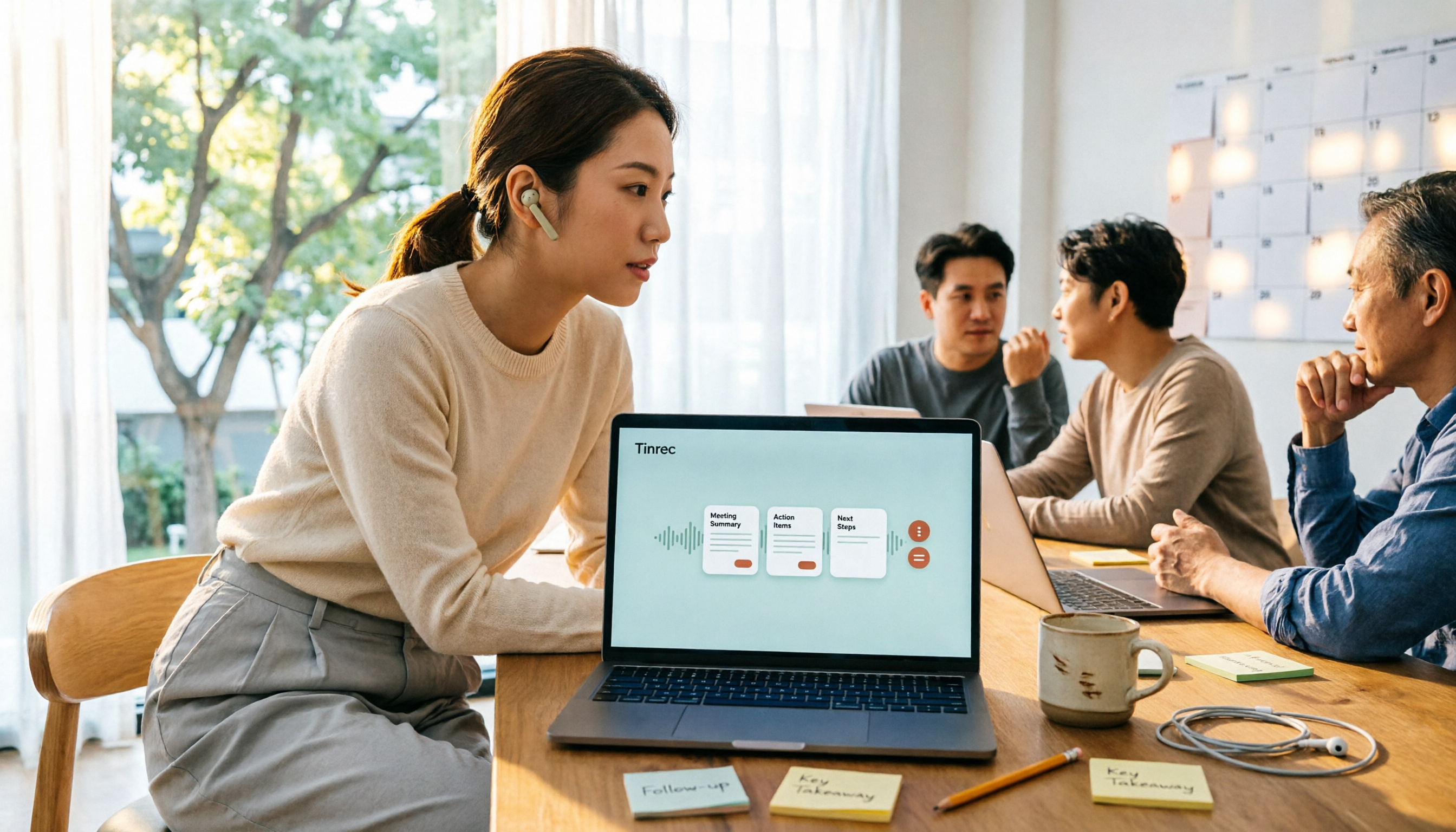
5 Free Meeting Transcription Apps Tested for 2026: Which Free Tier Actually Lasts?
Which free meeting transcription app is worth using? We tested five tools with free plans—Tinrec, Granola, TurboScribe, PLAUD, and Otter.ai—comparing free minute limits, Chinese and mixed-language recognition, online meeting recording methods, and post-meeting summaries and Q&A. We also highlight four common pitfalls to help you find the one that truly covers a month of meetings.

5 Free Meeting Notes Apps Compared in 2026: Why Tinrec Beats Notta for Chinese Meetings
A guide to choosing a free meeting notes app in 2026, comparing Tinrec and Notta to help you decide which is better for Chinese meeting recognition, free quotas, post-meeting summaries, and team collaboration.