

Turn recordings into transcripts and summaries in minutes
Upload audio or video for multilingual transcription, AI notes, and action items
5 Free Meeting Notes Apps Compared in 2026: Why Tinrec Beats Notta for Chinese Meetings
When you search Google for "best free meeting notes app," the real question isn't which one is most popular—it's: Is the free version enough to get through a full meeting? How accurate is it for Chinese and mixed Chinese-English speech? After the meeting, can it directly produce summaries, action items, and shareable records?
Tinrec is an AI meeting notes and collaboration tool for individuals and teams. It supports real-time audio-to-text transcription, bot-free online meeting recording, audio/video file transcription, real-time translation, and automatically generates summaries, chapters, action items, and mind maps. The free version offers a basic quota so you can test it with your own meetings first.
This article uses Notta as a comparison because Notta is a common option people encounter when searching for free meeting notes apps. We'll look at five dimensions—meeting capture, Chinese language experience, post-meeting organization, free plan, and team collaboration—to see why Tinrec is better suited for those who need Chinese meeting notes.
Why Are People Looking for Notta Alternatives?
Notta is a multi-platform transcription tool. Its free version offers 120 minutes per month, with a maximum of 3 minutes per recording. For occasional short audio files, that quota is sufficient.
But if you frequently hold meetings in Chinese, you may run into practical issues: a 45-minute meeting exceeds the free version's per-recording limit; after the meeting, you just want to see summaries and action items but still have to manually organize the transcript; and when the team needs to share meeting records, data from personal accounts is hard to consolidate.
If you have similar needs, Tinrec is worth checking out.
Tinrec vs Notta: What's Different in the Core Experience?
Meeting Capture Method
The last thing you want during a meeting is to invite another bot. Tinrec's desktop app directly captures your computer's system audio, handling Zoom, Google Meet, Microsoft Teams, Webex, and other online meetings without a bot joining. You simply open Tinrec to record, and participants won't see an extra account. For those who don't want to change their meeting workflow, this is the least intrusive approach.
Chinese and Multilingual Experience
Chinese meetings often mix Chinese and English, and may include product terms, names, and abbreviations. Tinrec covers Chinese, Traditional Chinese, and multilingual meeting scenarios, with real-time translation and team hotwords. You can view transcripts in original text, translation, or bilingual mode, making keyword searches faster after the meeting. Actual recognition accuracy depends on audio quality, noise, and accents, but with clear audio, it can significantly reduce manual organization time.
Post-Meeting AI Organization
Getting a transcript alone isn't enough. Tinrec automatically generates summaries, chapters, key points, and action items, and also supports AI Q&A about the meeting content. For example, after recording a one-hour meeting, you can directly ask Tinrec: "What was the conclusion?" "Who is responsible for what?" It will answer based on semantic understanding. Notta also has a summary feature, but Tinrec emphasizes turning meetings into data you can continue to query and process.
Free Plan and Team Collaboration
Tinrec's free version offers a basic quota, suitable for testing recording, importing, summaries, and transcription first. If your needs are consistent, you can choose a weekly pass or Pro based on tasks; for teams, there are independent team spaces, member roles, seat management, usage analytics, and audit logs. Notta's free version offers 120 minutes per month, 3 minutes per recording, and unlimited transcription and permission management only in the Business plan. The two have different orientations: Notta leans toward a transcription tool, while Tinrec is closer to a meeting collaboration space.
Audio Retention and Export
Tinrec supports audio retention and can export transcripts, summaries, and action items to Notion, Google Docs, OneNote, Dropbox, and other tools. The team version also has an audio recycle bin, so accidentally deleted audio can be restored before permanent cleanup. For teams that need archiving and later verification, keeping audio and text together provides more peace of mind.
Tinrec's Core Features at a Glance
Real-time audio-to-text: Open Tinrec and text appears as you record. During the meeting, you can follow along to ensure you don't miss key points, and the transcript is ready the moment the meeting ends.
Bot-free online meeting recording: Tinrec's desktop app directly captures system audio, so no extra bot needs to join the meeting. This means no extra account appears in the participant list, and the meeting flow is undisturbed.
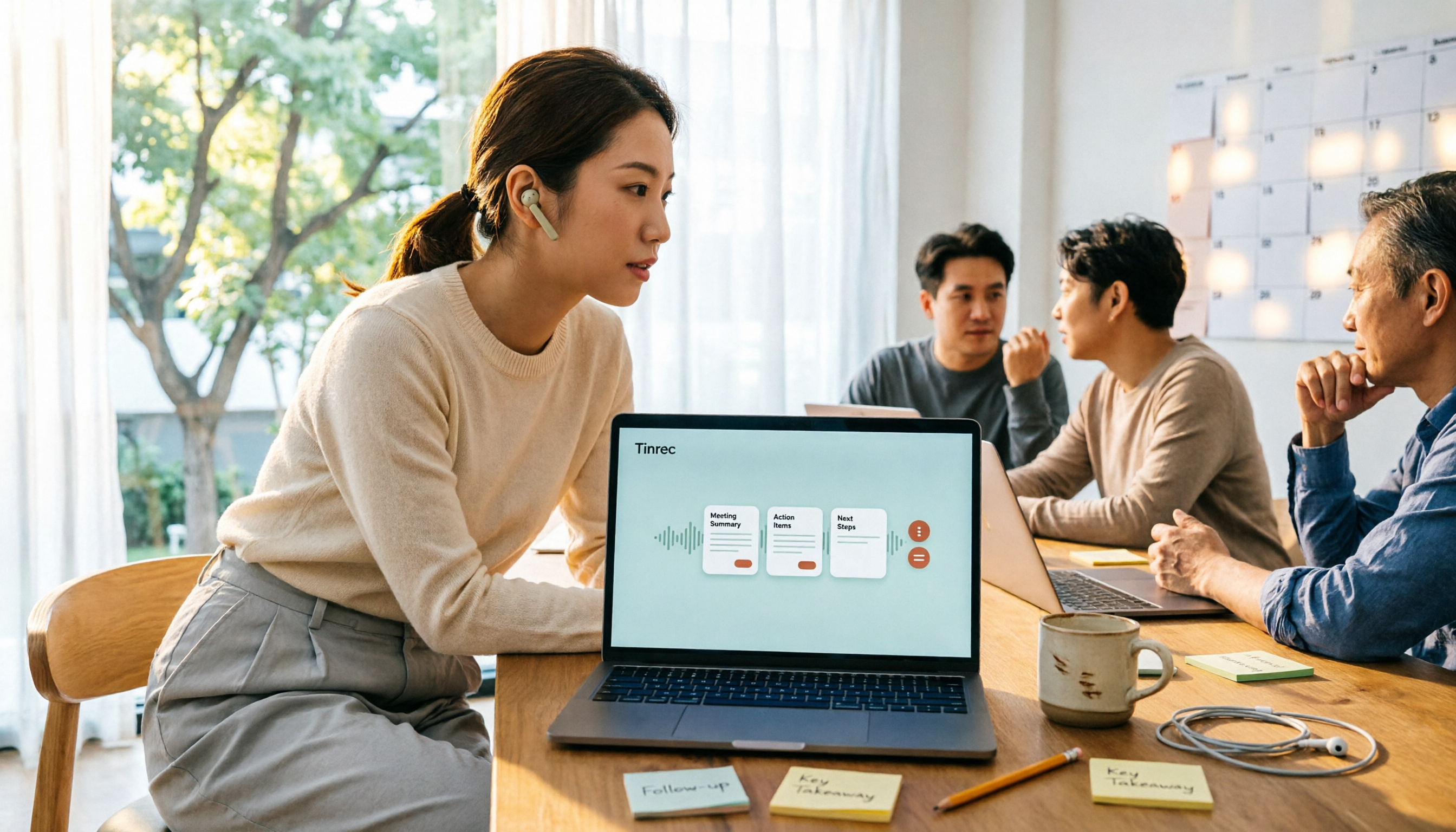
AI summaries, chapters, and action items: Organizing long meetings takes the most time. Tinrec automatically breaks content into summaries, chapters, and key points, and extracts action items from discussions, so you can move straight to execution after the meeting.
Stop organizing recordings by hand
Upload audio or video and automatically get a transcript, summary, and action items
AI conversational queries: This is my personal most-used feature. After recording a meeting, directly ask Tinrec: "What was the conclusion of this meeting?" "Who is responsible for which item?" It answers based on semantic understanding, so you don't have to manually flip through dozens of pages of transcripts.
Multi-format export and Agent post-processing: Tinrec can export results to common formats and third-party tools, and can also generate reports, tables, and documents based on meeting content. For those who need to submit weekly reports, meeting minutes, or decision summaries, this saves a lot of copy-paste time.
Team space and governance: The team version provides an independent space to centrally store Audio, Folder, TODO, and related meeting materials. Admins can manage members, roles, seats, sharing permissions, usage, and audits, and team resources can be handed over when members leave.
Real-World Use Cases
Online Project Meetings
Use Tinrec's desktop app to record Zoom, Google Meet, or Microsoft Teams meetings without inviting a bot. After the meeting, directly view AI summaries and action items, and sync decisions to the team.
In-Person Interviews and Client Communication
Record with your phone or upload existing audio files, and Tinrec automatically converts them into transcripts, summaries, and key points. Client needs, objections, and commitments can be quickly organized, so follow-ups don't miss anything.
Classes and Personal Notes
Use Tinrec to record during classes or lectures, and generate chapters, key points, and mind maps afterward. Historical recordings can be searched, queried, and reused, so you don't have to listen for hours again.
Team Weekly Meetings and Decision Meetings
The team version centralizes each meeting record in the same space. New members can view historical data, and action items and post-meeting outputs can be continuously followed up. Meetings are no longer just audio files but searchable, collaborative team assets.
Things to Consider When Choosing a Free Meeting Notes App
How the free quota works: Look not only at monthly minutes but also at per-recording length limits and whether file import is supported. Tinrec's free version offers a basic quota, so you can test your own meeting length before deciding.
Chinese recognition and terminology support: Chinese meetings often mix Chinese and English, so when choosing a tool, check whether it supports Traditional Chinese and team hotwords. Tinrec has corresponding designs in this area, making the recognition experience for professional terminology smoother.
Whether a meeting bot is needed: If you don't want a bot joining the meeting, choose a tool that captures system audio on desktop. Tinrec's desktop app works this way, and participants won't see an extra account.
Whether it's directly usable after the meeting: Beyond transcripts, summary, action item, AI Q&A, and export features determine how much time you save. Tinrec puts these processes in the same workspace, so you don't have to switch between multiple tools.
Team data ownership: If used by a team, confirm whether meeting data belongs to the team or individuals. Tinrec's team version resources belong to the team and can be handed over when members change, so records aren't lost when someone leaves.
Conclusion: Is Tinrec Worth a Try?
If you're looking for a free meeting notes app and your needs are Chinese meetings, no meeting bot, and directly getting summaries and action items after the meeting—Tinrec is one of the few options on the market that can satisfy all these points at once.
The free version offers a basic quota, suitable for testing with your own meeting recordings first. The team version centralizes meeting data into a team space, allowing each meeting to settle into searchable, collaborative data.
We suggest downloading Tinrec's free version first and comparing it with a real meeting. That's more direct than reading any review.
FAQ
What are the limitations of Tinrec's free version? The free version offers a basic quota, allowing you to experience recording, importing, summaries, and transcription. Actual available minutes and features vary by plan; please refer to the official pricing page.
Does Tinrec require a meeting bot to join? No. Tinrec's desktop app captures computer system audio, and you can record Zoom, Google Meet, Microsoft Teams, Webex, and other online meetings by simply opening it.
Does Tinrec support Chinese? It supports Chinese, Traditional Chinese, and multilingual meeting scenarios, and also offers real-time translation and team hotwords. Recognition accuracy is affected by audio quality, noise, accents, and overlapping speakers.
Which is better for me, Tinrec or Notta? If you mainly transcribe short audio files, Notta's free version with 120 minutes per month is worth considering. If you need real-time transcription for Chinese meetings, bot-free recording, AI Q&A, and team data consolidation, Tinrec is closer to those needs.
What's the difference between Tinrec's team version and personal version? Personal version data belongs to the individual account; the team version has an independent team space, member roles, seat management, sharing permissions, usage analytics, and audit logs. Team resources belong to the team and won't be taken away when members leave.
Does Tinrec retain audio files? Yes. Tinrec supports audio retention, and the team version also has an audio recycle bin. Accidentally deleted audio can be restored before permanent cleanup; the current recycle bin retention period is 30 days.
References
- No Time Limit! 3 Free AI Transcription Tools, Highly Recommended! AI Voice Notes Generate Meeting Minutes, Presentations, Mind Maps | 104 Career Power
- AI Meeting Notes Software Recommendations: 5 Major Apps Tested and Compared, Automatic Transcription Makes Meetings Super Easy!
- r/ProductivityApps on Reddit: Does anyone know of a free or cheap app that will do meeting notes for you?
- Meeting Ink - 2026 AI Meeting Notes Tools Tested | 7 Voice-to-Text and Summary Speed Comparison | Meeting Ink - AI Meeting Notes Assistant Automatic Transcription and Summary
- Recently many people ask me if there are any AI tools for meeting notes. They still type manually, often can't multitask, and waste time. I always answer — SeaMeet. Why recommend it? Here are the key points: - Linked to Google Meet, online meetings sync transcripts and real-time summaries, super convenient. - No need to refresh; after the meeting, it directly emails all participants. - So simple that even older adults who've never used AI tools can learn it in 10 minutes. - In-person meetings
Turn every recording into actionable outcomes
Get 60 free transcription minutes when you sign in. No credit card required.
Related Reading
You might also like

Best Free Meeting Notes Apps in 2026: We Tested 2 Options, iPhone Users Don't Need to Buy Hardware First
How do you choose a free meeting notes app? From a mid-level manager's perspective, I tested Tinrec and PLAUD Note across five dimensions: upfront cost, online meeting recording, cross-device continuity, post-meeting AI organization, and team collaboration. I also highlight three common mistakes to help you decide which option fits your meeting style.

5 Free Meeting Transcription Apps Tested and Compared in 2026: How to Choose a Free Plan That Actually Works
How can a free meeting transcription app really save you time? This article examines four key factors—how free quotas are calculated, supported online meeting audio sources, post-meeting outputs, and team sharing—and puts Tinrec, Otter.ai, Notta, and PLAUD Note to the test. It also highlights the three most common pitfalls to help you pick the one that truly meets your needs.

Free Meeting Notes App Download 2026: Tinrec No-Bot Recording + AI Auto Summary
How to download a free meeting notes app without getting burned? This guide starts with common pitfalls, then compares Tinrec and Otter.ai across 5 dimensions, covering the 3-step download process, how to choose a free plan, Traditional Chinese and mixed Chinese-English recognition, no-bot online meeting recording, post-meeting summaries and action items, team seats and data governance, and ends with clear recommendations.

2026 AI Meeting Notes Free Plans Compared: 5 Apps to Consider
Starting from the three most common misconceptions, this article reviews the actual free quotas and limitations of 5 free meeting notes apps in 2026, and compares Tinrec, Notta, Otter.ai, PLAUD Note, and Granola in terms of Chinese transcription, online meeting audio capture, summarization, and AI Q&A, helping you find a free but sufficient option.

4 Free Meeting Transcription Apps Compared: Which Free Tier Actually Lasts?
Tired of spending time after meetings organizing notes? This article compares four free meeting transcription apps—Tinrec, Otter.ai, Notta, and Granola—breaking down how free tiers are calculated, how meeting audio is captured, what you can do after transcription, and who ultimately holds your recordings and data. We also outline four key selection criteria and four common pitfalls to help you find the one whose free version can handle your real meeting length.

Free Meeting Notes App 2026: Tinrec Free Plan Tested + AI Summaries & Action Items in One Go
How to choose a free meeting notes app? This article uses the standard of 'can the free version handle a full meeting?' to compare the free quotas and limitations of Tinrec, Otter.ai, Notta, and PLAUD Note. It breaks down 5 key decision points and 4 common pitfalls, and fully explains Tinrec's workflow from no-bot recording to AI summaries, action items, and team spaces.

2026 Comparison of 5 Free Meeting Notes Apps: Which Free Version Is Actually Enough?
Which free meeting notes app is better? This article starts with three common misconceptions, then tests and compares free tier limits, Chinese language support, and post-meeting organization capabilities. It uses Tinrec as an example to demonstrate the complete workflow from recording to transcript, summary, action items, and AI Q&A, helping you decide whether a free version is truly sufficient.

2026 Free Meeting Notes App Guide: From Class to Group Projects, How to Choose Your Free Tier
A college student's hands-on review of free meeting notes apps, covering class recordings, group discussions, and capstone projects. We break down the 4 key factors: free tier limits, summary and to-do features, Chinese recognition, and cross-device support. Plus, we share which campus scenarios suit Tinrec, Otter.ai, Notta, and Granola, and what pitfalls to avoid.
5 Free Meeting Transcription Apps Tested for 2026: Which Free Tier Actually Lasts?
Which free meeting transcription app is worth using? We tested five tools with free plans—Tinrec, Granola, TurboScribe, PLAUD, and Otter.ai—comparing free minute limits, Chinese and mixed-language recognition, online meeting recording methods, and post-meeting summaries and Q&A. We also highlight four common pitfalls to help you find the one that truly covers a month of meetings.