

Turn recordings into transcripts and summaries in minutes
Upload audio or video for multilingual transcription, AI notes, and action items
4 Free Meeting Transcription Apps Compared: Which Free Tier Actually Lasts?
The hardest part of a meeting isn't the meeting itself—you don't need a tool, you need a solution
It's 2 PM on a Wednesday. You just walked out of a 90-minute cross-departmental meeting. On your desk is a three-line note, and on your phone is a 90-minute recording. Just as you're about to take a breather, your manager pings the group chat: "Who's responsible for the decision we just made, and when is it due?"
Another scenario: a sales call or user interview. You finish at the client site, and the audio file sits on your phone for two weeks. When it's time to write the proposal, all you remember is "the client mentioned something about budget, but I can't recall the details."
And the most common one: you download a meeting transcription app that claims to be free, record for three minutes, and a pop-up asks you to upgrade. The transcript only gives you the first tiny segment.
If you've experienced any of these, this article is for you. We put several of the most talked-about free meeting transcription apps side by side, focusing not just on the word "free," but on whether the free tier can handle your actual meeting length—and whether the tool can continue to help you after transcription.
Before Choosing a Free Meeting Transcription App, Understand These 4 Key Points
1. Is the free tier a "monthly total" or a "per-file limit"? Even among free versions, the rules vary widely. Some give a fixed number of minutes per month, some limit the length of a single file, and some restrict you to just a few minutes per session. If your meeting lasts 60 minutes but the tool only processes 3 minutes at a time, it's as good as no free version. Before choosing, check the unit of the free tier and compare it to your meeting length.
2. How does the meeting audio get in? For online meetings, there are three common approaches: sending a meeting bot to join, using desktop software to capture system audio directly, or uploading a recording afterward. Bots are the most convenient but are also most likely to be blocked by company security policies—an unfamiliar account on the participant list is unacceptable to many managers. This also determines whether you can use it with Zoom, Google Meet, or Teams at your company.
3. After transcription, what else can the tool give you? A transcript alone means the organizing work is still on you. What's more valuable is summaries, chapters, action items, and the ability to ask questions directly about the meeting content. These features determine whether you've "gained a typist" or "saved an hour of organizing."
4. Who ultimately holds the recordings and data? Some tools don't store meeting audio, some tie data to personal accounts that leave when the person does. If meeting records are a team asset, this is worth clarifying before price.
Tinrec—Our Top Recommendation After Testing
Tinrec is an AI meeting transcription and collaboration tool for individuals and teams, available on iOS, Android, and web, with desktop apps handling online meeting recording. It's not just a "speech-to-text tool"; it turns the entire meeting into searchable, queryable, reusable data.
No need to invite a bot into the meeting room When you're on Zoom, Google Meet, Microsoft Teams, or Webex, Tinrec's desktop app captures system audio directly—no extra meeting bot joining as a participant. The participant list stays clean, and company security is more likely to approve. For in-person meetings, you can record directly on your phone, and pre-recorded audio or video files can be uploaded for processing.
After recording, just ask it questions This is where Tinrec stands out from similarly priced tools. After the meeting, you don't have to dig through a 40-minute transcript. You can directly ask: "Who mentioned the budget in the last meeting?" or "What are the next action items?" It answers based on semantic understanding, not just a list of keyword search results. Beyond the transcript, AI summaries, chapter highlights, action items, and mind maps are generated together, and you can export to Notion, Google Docs, OneNote, Dropbox, or use Agent post-processing to produce reports, tables, and meeting documents.
Cross-language meetings are covered too During recording, you can switch between original text, translation, or bilingual view, and mixed Chinese-English content can be organized together. Note that Tinrec does not recommend promising a fixed accuracy rate—actual performance depends on recording quality, ambient noise, accents, overlapping speakers, and technical terminology. Important conclusions should be verified against the transcript timestamps and recording. It saves you manual typing time, not your judgment.
Stop organizing recordings by hand
Upload audio or video and automatically get a transcript, summary, and action items
How plans work The personal plan starts with a free version offering basic quota to experience recording, import, summaries, and transcription. For short-term intensive meetings, courses, or interviews, a weekly pass is available. For steady weekly needs, the Pro monthly or annual plan is suitable. The team plan is a separate team space, not multiple people sharing a personal account: eligible teams can try 7 days, 1 free seat, and 300 minutes of shared team import quota; paid seats are $29.80 per month, or $199 per year (about $16.58 per month), with each paid seat providing 2,000 minutes of shared team import quota per month. Real-time recording within the team is currently not deducted by minutes; file and web link imports use the shared team quota. Actual prices and benefits are subject to the official purchase page.
Who it's for If you mainly hold meetings in Chinese, prefer not to have a bot join, want to use AI to find key points right after recording, and use both phone and computer, Tinrec is one of the most suitable choices. When meeting data needs to be shared across the team, the team plan's members, roles, seats, usage analytics, and audit logs come in handy.
Besides Tinrec, What Other Options Are There?
Otter.ai: A mature English meeting assistant with a free tier of 300 minutes per month and strong English proficiency. If your internal meetings are almost entirely in English, it may be smoother than Tinrec. But note that Chinese meetings are not its strong suit; Tinrec offers another path for Chinese and mixed Chinese-English meetings, real-time translation, Agent post-processing, and team data retention.
Notta: Has the highest overlap with Tinrec, offering multi-platform transcription, translation, and team plans. The free version gives 120 minutes per month, with a maximum of 3 minutes per session; the Pro annual plan is about $8.17 per month. It suits those who need to transcribe many files; however, bot-free desktop meeting recording, AI Q&A around meeting content, and Agent post-processing are areas where Tinrec currently stands apart.
Granola: Also records meetings without a bot, focusing on "your handwritten notes plus AI enhancement." The free version is available for trial. However, it doesn't support uploading pre-recorded audio files and doesn't save meeting audio. If you need archiving, want to organize existing recordings, or put meeting data into a team space, Tinrec offers more flexibility.
Pitfall Guide: 4 Most Common Mistakes When Choosing a Free Meeting Transcription App
Pitfall 1: Only looking at the word "free" without checking how the quota works. Some free versions are monthly totals, some are per-file length limits, and some give you only 3 minutes per session. Instead of reading marketing copy, try it with your longest meeting—you'll quickly see if it's enough.
Pitfall 2: Assuming a meeting bot is always the answer. Bots appear as participants in the meeting room, and some companies or clients prohibit external accounts from joining. In such cases, using a desktop app to capture system audio is more practical—at least you won't add an unfamiliar account to someone else's participant list.
Pitfall 3: Treating the tool as just "speech to text." Only taking the transcript means using just one-third of its capabilities. Features like AI Q&A—asking "What was the conclusion of this meeting?" right after recording—are far faster than manually scanning a 30-minute transcript, and worth trying during the trial.
Pitfall 4: Ignoring recording legality and data ownership. Before recording, confirm local regulations and company policies, and get participant consent when needed—this is basic courtesy and risk management. Also note whether data is tied to a personal account or a team space; if meeting records are a team asset, choosing a solution where data remains when a member leaves is much safer.
Summary: Which One Should You Choose?
- Mainly Chinese, Traditional Chinese, or mixed Chinese-English meetings → Tinrec (Chinese meeting experience and real-time translation)
- Don't want a bot joining the meeting room (Zoom, Meet, Teams, Webex) → Tinrec (bot-free desktop recording)
- Want to use AI to find key points, action items, and post-meeting documents right after recording → Tinrec (AI Q&A plus Agent post-processing)
- Need to use on both phone and computer, and want to keep data for the team → Tinrec (cross-device plus team space)
- Meetings almost entirely in English, zero budget → Otter.ai (free 300 minutes per month)
In short, the free tier determines how long you can use it, but "whether you can use it right after transcription" determines whether you'll keep using it. We suggest starting with Tinrec's free version and testing it with one of your real meetings; if it works for you, consider a weekly pass or Pro based on frequency. Teams can go through a trial to confirm whether member, seat, and usage management fit your workflow. And don't forget to get participant consent before recording—a good tool is only good if you use it with peace of mind.
References
- No time limit! 3 free AI transcription tools, highly recommended! AI voice notes generate meeting records, presentations, mind maps | 104 Workplace Power
- AI meeting transcription software recommendations: 5 major apps tested and compared, automatic transcription makes meetings super easy!
- r/ProductivityApps on Reddit: Does anyone know of a free or cheap app that will do meeting notes for you?
- Recently many people ask me if there's any AI tool for meeting notes. They still type manually, often can't multitask, and waste time. I always answer—SeaMeet. Why recommend? Here's a summary: - Tied to Google Meet, online meetings sync transcription and real-time summaries, super convenient. - No need to refresh, after the meeting, it directly emails all participants. - So simple that even seniors who've never used AI tools can learn in 10 minutes. - In-person meetings
- Meeting Ink - 2026 AI meeting notes tool test | 7 speech-to-text and summary speed comparison | Meeting Ink - AI meeting notes assistant automatic transcription summary
Turn every recording into actionable outcomes
Get 60 free transcription minutes when you sign in. No credit card required.
Related Reading
You might also like

Best Free Meeting Notes Apps in 2026: We Tested 2 Options, iPhone Users Don't Need to Buy Hardware First
How do you choose a free meeting notes app? From a mid-level manager's perspective, I tested Tinrec and PLAUD Note across five dimensions: upfront cost, online meeting recording, cross-device continuity, post-meeting AI organization, and team collaboration. I also highlight three common mistakes to help you decide which option fits your meeting style.

5 Free Meeting Transcription Apps Tested and Compared in 2026: How to Choose a Free Plan That Actually Works
How can a free meeting transcription app really save you time? This article examines four key factors—how free quotas are calculated, supported online meeting audio sources, post-meeting outputs, and team sharing—and puts Tinrec, Otter.ai, Notta, and PLAUD Note to the test. It also highlights the three most common pitfalls to help you pick the one that truly meets your needs.

Free Meeting Notes App Download 2026: Tinrec No-Bot Recording + AI Auto Summary
How to download a free meeting notes app without getting burned? This guide starts with common pitfalls, then compares Tinrec and Otter.ai across 5 dimensions, covering the 3-step download process, how to choose a free plan, Traditional Chinese and mixed Chinese-English recognition, no-bot online meeting recording, post-meeting summaries and action items, team seats and data governance, and ends with clear recommendations.

2026 AI Meeting Notes Free Plans Compared: 5 Apps to Consider
Starting from the three most common misconceptions, this article reviews the actual free quotas and limitations of 5 free meeting notes apps in 2026, and compares Tinrec, Notta, Otter.ai, PLAUD Note, and Granola in terms of Chinese transcription, online meeting audio capture, summarization, and AI Q&A, helping you find a free but sufficient option.

Free Meeting Notes App 2026: Tinrec Free Plan Tested + AI Summaries & Action Items in One Go
How to choose a free meeting notes app? This article uses the standard of 'can the free version handle a full meeting?' to compare the free quotas and limitations of Tinrec, Otter.ai, Notta, and PLAUD Note. It breaks down 5 key decision points and 4 common pitfalls, and fully explains Tinrec's workflow from no-bot recording to AI summaries, action items, and team spaces.

2026 Comparison of 5 Free Meeting Notes Apps: Which Free Version Is Actually Enough?
Which free meeting notes app is better? This article starts with three common misconceptions, then tests and compares free tier limits, Chinese language support, and post-meeting organization capabilities. It uses Tinrec as an example to demonstrate the complete workflow from recording to transcript, summary, action items, and AI Q&A, helping you decide whether a free version is truly sufficient.

2026 Free Meeting Notes App Guide: From Class to Group Projects, How to Choose Your Free Tier
A college student's hands-on review of free meeting notes apps, covering class recordings, group discussions, and capstone projects. We break down the 4 key factors: free tier limits, summary and to-do features, Chinese recognition, and cross-device support. Plus, we share which campus scenarios suit Tinrec, Otter.ai, Notta, and Granola, and what pitfalls to avoid.
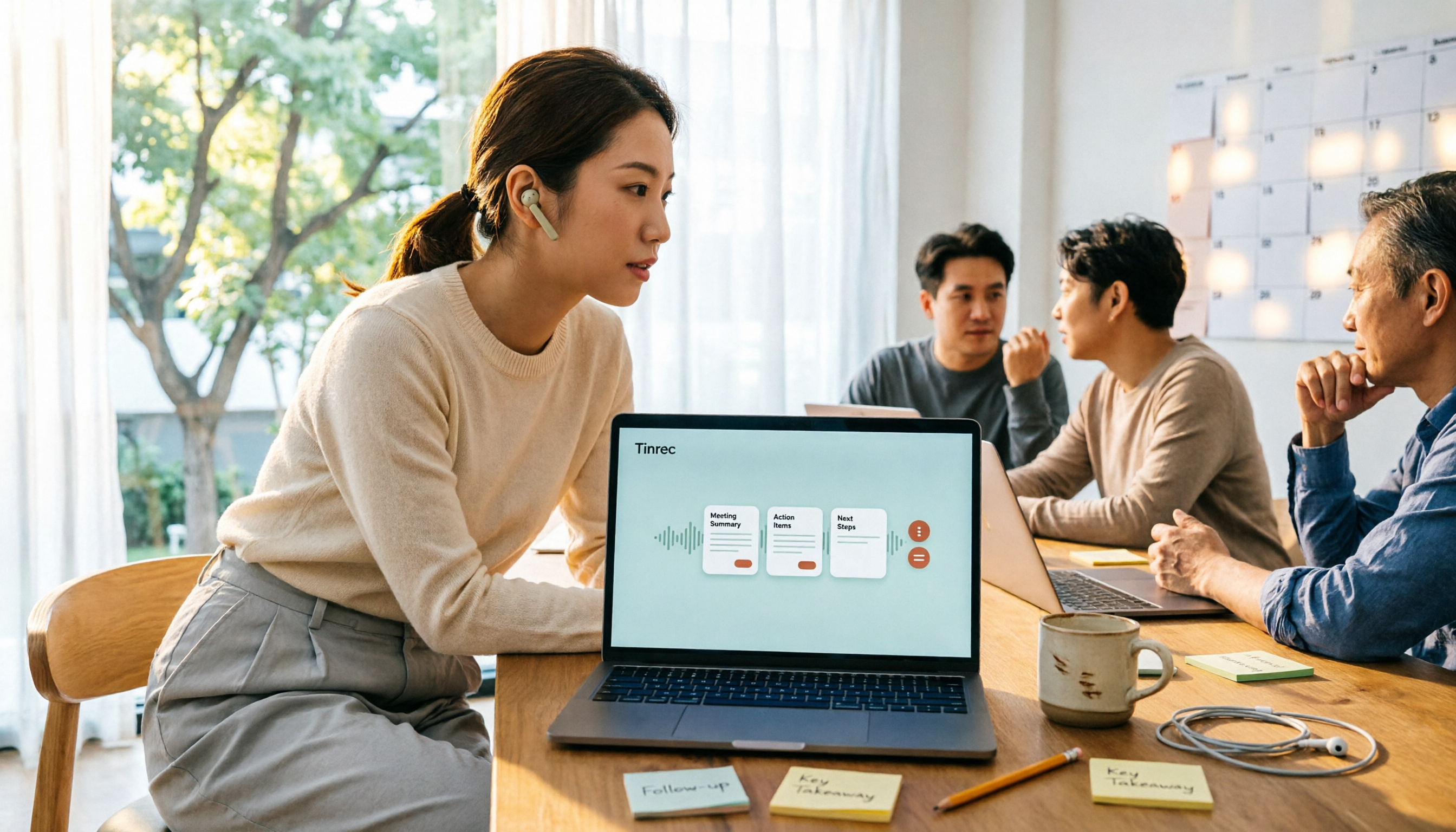
5 Free Meeting Transcription Apps Tested for 2026: Which Free Tier Actually Lasts?
Which free meeting transcription app is worth using? We tested five tools with free plans—Tinrec, Granola, TurboScribe, PLAUD, and Otter.ai—comparing free minute limits, Chinese and mixed-language recognition, online meeting recording methods, and post-meeting summaries and Q&A. We also highlight four common pitfalls to help you find the one that truly covers a month of meetings.

5 Free Meeting Notes Apps Compared in 2026: Why Tinrec Beats Notta for Chinese Meetings
A guide to choosing a free meeting notes app in 2026, comparing Tinrec and Notta to help you decide which is better for Chinese meeting recognition, free quotas, post-meeting summaries, and team collaboration.