

Turn recordings into transcripts and summaries in minutes
Upload audio or video for multilingual transcription, AI notes, and action items
2026 Free Meeting Notes App Guide: From Class to Group Projects, How to Choose Your Free Tier
Last semester I took a three-credit elective. The professor spoke fast and flipped through slides even faster, lecturing almost the entire time. For the first two weeks, I took notes diligently by hand. By week three, I gave up—when I opened my notebook before midterms, I couldn't even read my own handwriting.
Then I switched to recording the entire class, which turned out even worse. A two-hour class, eighteen weeks per semester, plus group discussions, lectures, and internship info sessions—the recordings easily added up to over a hundred hours per semester. You can't possibly re-listen to all of them. Just playing a two-hour file from start to finish is more exhausting than attending the class.
If you're also searching for "free meeting notes app recommendations," this is my roundup after using and switching between several apps over a whole year.
Two-Hour Classes, Two-Hour Discussions: The Real Time Sink Is After the Meeting
Let me start with three scenarios I've personally experienced—you're probably familiar with them too.
The first is a general education course. The teacher speaks at lightning speed, with key points scattered at the 12th minute, the 47th minute, and the 103rd minute. You recorded the audio, but before finals, you only remember "I think this theory was mentioned in some class"—you can't find the exact moment.
The second is a group discussion. Five people talking over each other for forty minutes. After the meeting, the most common message in the group chat is "So what did we decide?" No one remembers who's responsible for which slide.
The third is a capstone project. A half-hour meeting with your advisor, who rattles off seven or eight tasks at once. You only jot down three. The rest are either missed or remembered two weeks later.
The common thread in all three scenarios: the problem is never "can't record audio," but that after recording, no one organizes it—and there's too much to organize. Choosing the right tool can cut more than half of that time.
Before Choosing a Meeting Notes App, Understand These 4 Key Points
1. Free tiers have two layers, not just one number
Many tools say "free 120 minutes/month," but there's a catch in fine print: max 3 minutes per recording. For students, that's useless because one class is two hours. Before choosing, always check both the "monthly total" and the "per-session limit."
2. What you get after transcription is where the real time savings lie
A tool that only gives you a transcript means you still have to read through 30,000 words yourself. With summaries, chapters, key points, and to-do lists, you can grasp a two-hour class in ten minutes. This was the deciding factor for which app I ultimately kept.
3. Can it handle the Chinese-English mix in Taiwanese classrooms?
Taiwanese classrooms often mix Chinese and English, with English technical terms, product names, and presentation jargon inserted directly into Chinese sentences, plus local expressions. This is the most likely area to fail, and the first thing I test during free trials.
4. Can you record on your phone and organize on your computer?
Students' typical workflow: record casually on the phone during class, then organize into shared notes or reports on a laptop back in the dorm. If the tool only supports one device, you'll have to transfer files manually.
Tinrec (秒听录音) – The One I Used All Semester and Kept on My Phone
Tinrec (秒听录音) is an AI meeting notes and collaboration tool for individuals and teams. It has iOS, Android, web, and desktop versions, so you can record on your phone and organize on your laptop back in the dorm without missing a beat.
In-person classes and live discussions: real-time transcription while recording
When in class or at an in-person meeting, turn on live recording and it transcribes as it records, with timestamps preserved so you can jump back to a specific segment later. It handles Chinese-English mixed passages reasonably well. You'll still need to correct proper nouns like names and product codes, but at least you don't have to type from scratch.
Online group meetings: no need to invite a bot
Our project group meets on Google Meet. Tinrec's desktop version captures system audio directly, so you don't need to add an extra meeting bot to the room. It works the same with Zoom, Microsoft Teams, Webex, and similar platforms—much friendlier for situations where you'd feel awkward being asked to let a bot join.
After the meeting: summaries, chapters, and to-dos generated automatically
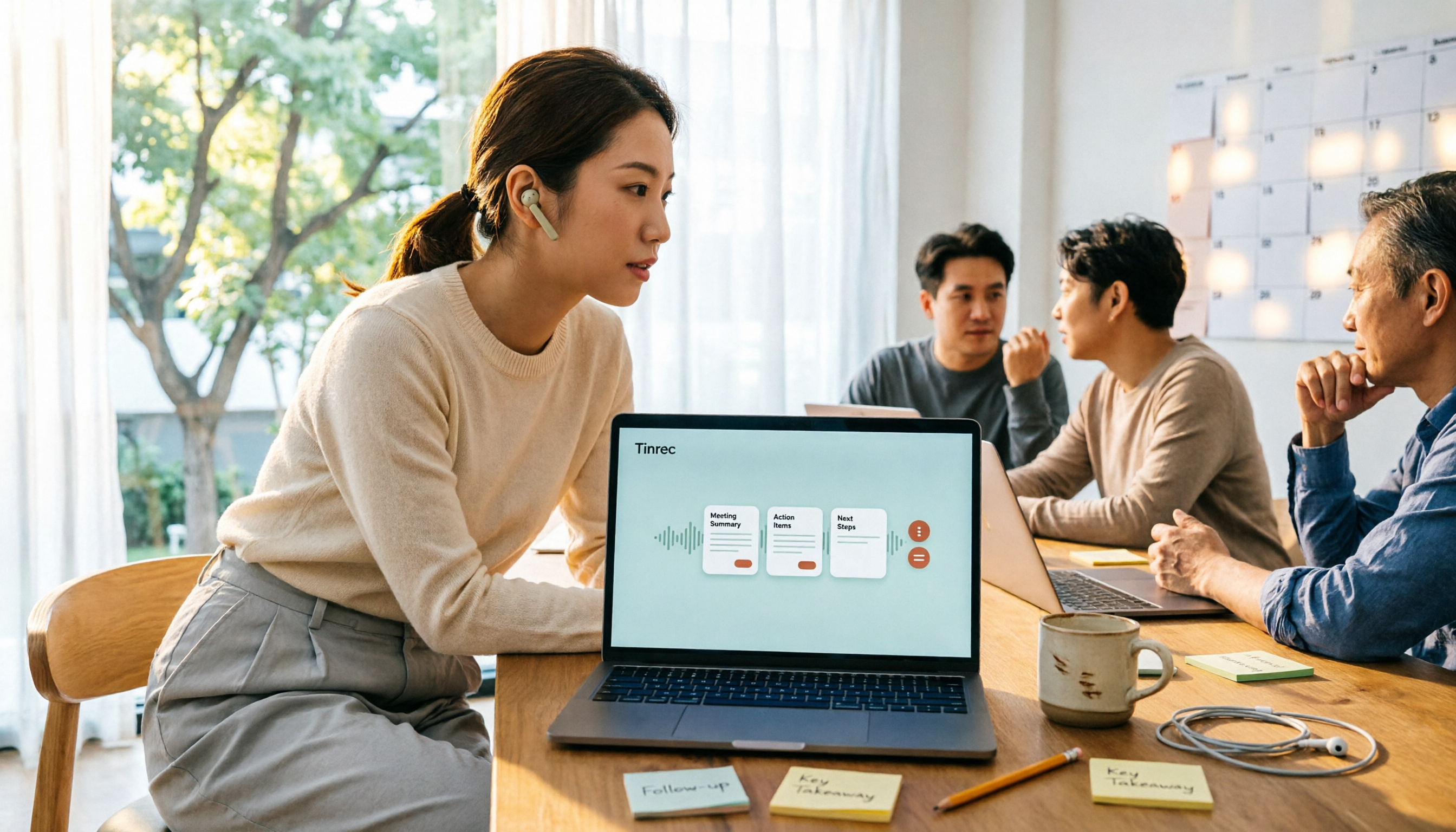
This is my most-used feature. For a two-hour class, the AI provides a summary, chapters, and key points, and organizes "who's responsible for what" into to-dos. Even more useful is the AI Q&A—I can directly ask, "Did this discussion mention the word count limit for the final report?" It answers based on the meeting content instead of dumping a list of keywords for me to search myself. At this price point, I haven't found another tool with the same experience.
Cross-language and export: reports, tables, documents all supported
For foreign-language lectures or English literature discussions, you can enable real-time translation and view the original, translation, or bilingual side-by-side. The organized results can be exported to Notion, Google Docs, OneNote, Dropbox—tools I already use daily—and can further generate reports, tables, and documents, making shared notes or project reports much easier.
Stop organizing recordings by hand
Upload audio or video and automatically get a transcript, summary, and action items
What students care about most: how to choose a plan and how much it costs
Tinrec's personal plans include a free version, weekly pass, Pro monthly, and Pro annual. My advice is straightforward: start with the free version. It has a basic quota to try recording, importing, summaries, and transcription. Testing it with the class you understand least is enough. Only consider the weekly pass for short-term high-frequency needs like finals week or project crunch time. If you use it regularly every week, the Pro monthly is smoother. For accumulating a full year of recordings, the annual plan is the most cost-effective. Please refer to the official website for actual prices—I don't want to give you wrong numbers.
If your whole group or lab wants to use it together, Tinrec has a team version—a separate team space, not multiple people sharing one account. You can invite members, assign roles and seats, view usage trends, and query and export activity logs. When members graduate and leave, the data stays in the team and isn't taken away. The team version offers a 7-day trial for eligible first-timers, 1 free seat, and 300 minutes of shared import quota. Paid plans are USD 29.80 per paid seat per month, or USD 199 per paid seat per year (about USD 16.58/month). For student groups, this cost needs to be split—I'd suggest discussing it only if you'll really use it all semester.
Honestly, here are its limitations
The free version gives a basic quota, not unlimited use. Transcription accuracy is also affected by recording quality, accents, background noise, and multiple people talking over each other. For important content, I still go back to the corresponding timestamp and listen again—I don't trust it blindly.
Who is it for?
If you need Chinese and mixed Chinese-English class or meeting notes, want to ask AI for key points right after recording, and switch between phone and computer, Tinrec is the smoothest choice I've used this past year.
Other Options I Tried Besides Tinrec
These are the ones I tried before a senior recommended Tinrec. This isn't a side-by-side comparison, but rather the order in which I actually used them.
Otter.ai: A veteran choice for English meetings. The free plan offers 300 minutes per month, which is generous. I initially used it to record English-taught lectures and had a good experience. But it struggles noticeably with Chinese classes, and mixed Chinese-English is a disaster. If your entire semester is taught in English, it's worth using. But if you're mainly in Chinese with occasional English, Tinrec's real-time translation and mixed-language handling are more suitable.
Notta: Multilingual with a beautiful interface, and the mobile app is intuitive. But the free version gives 120 minutes per month with a 3-minute per-session limit—a two-hour class can't even be recorded in one go, so it's essentially just a trial. It's better for quickly transcribing short voice clips. Tinrec's value lies in what comes after transcription: summaries, to-dos, and AI Q&A. That's why I ultimately kept it.
Granola: A bot-free AI meeting notes app. The free Basic plan is usable, with real-time transcription you can view and search. The downside: it doesn't support uploading pre-recorded audio files and doesn't save meeting audio—a dealbreaker for someone like me who records classes and wants to re-listen two weeks later. Tinrec supports audio import and keeps recordings, which makes a huge difference when you need to double-check.
Pitfall Guide: 4 Common Mistakes Students Make When Choosing a Meeting Notes App
Pitfall 1: Only looking at the word "free" without checking how the quota works. Free plans usually have two limits: monthly total and per-session cap. If the per-session limit is only a few minutes, it's completely useless for a two-hour class. During your trial, record something over 40 minutes to see if it gets cut off.
Pitfall 2: Thinking transcription is the end. A 30,000-word transcript won't help you find key points before finals. What really saves time is summaries, chapters, to-dos, and the ability to ask questions directly about the content.
Pitfall 3: Ignoring Chinese and mixed Chinese-English. Taiwanese classrooms often have three English words in one Chinese sentence. Some tools perform great in pure English but collapse when they encounter Chinese. During your trial, test with your hardest class—don't use official demo audio.
Pitfall 4: Forgetting to confirm consent before recording. Regardless of the tool, recording and transcription involve the rights of classmates and teachers. Depending on local regulations, you may need prior consent. Our group's approach: at the start, we say, "This meeting will be recorded for notes," and only begin after everyone nods. It's polite and hassle-free.
Conclusion: Which One Should You Use?
In one sentence: free meeting notes apps aren't impossible to find—you just need to check whether the free quota can support your real scenarios.
- Mainly Chinese, with mixed Chinese-English in class → Tinrec (Chinese and real-time translation, bilingual view)
- Want to ask key points right after recording, don't want to re-listen → Tinrec (AI Q&A, summaries, chapters, to-dos)
- Online group meetings without adding a bot → Tinrec desktop (captures system audio, supports Meet, Zoom, Teams, Webex)
- Record on phone, organize on laptop, export to Notion or Google Docs → Tinrec (multi-device, multi-format export)
- Whole group or lab wants to accumulate data together → Tinrec team version (team space, roles and seats, usage and activity logs)
- Entire semester taught in English, want to minimize budget → Otter.ai (free 300 minutes/month, but weaker with Chinese and mixed Chinese-English)
My advice: start with the free version and run it through your hardest-to-understand class to keep testing costs at zero. If it works well, then figure out how to afford an upgrade. If not, no loss—you were going to re-listen to recordings anyway.
References
- No time limit! 3 free AI transcription tools, highly recommended! AI voice notes generate meeting minutes, presentations, mind maps | 104 Career Power
- AI meeting notes software recommendations: 5 app hands-on comparisons, automatic transcription makes meetings a breeze!
- Must-see for 2026! 4 AI audio-to-text tool recommendations: meeting notes, podcast transcription神器 comparison - Mobile01
- Recently many people ask me if there's any AI tool for meeting notes. They still type manually, often can't multitask, and waste time. I always answer—SeaMeet. Why recommend it? Here's a summary: - Integrates with Google Meet, transcribes online meetings in sync, with real-time summaries, super convenient. - No need to refresh; after the meeting, it automatically emails all participants. - So simple that even seniors who've never used AI tools can learn it in 10 minutes. - In-person meetings...
- r/ProductivityApps on Reddit: Does anyone know of a free or cheap app that will do meeting notes for you?
Turn every recording into actionable outcomes
Get 60 free transcription minutes when you sign in. No credit card required.
Related Reading
You might also like

Best Free Meeting Notes Apps in 2026: We Tested 2 Options, iPhone Users Don't Need to Buy Hardware First
How do you choose a free meeting notes app? From a mid-level manager's perspective, I tested Tinrec and PLAUD Note across five dimensions: upfront cost, online meeting recording, cross-device continuity, post-meeting AI organization, and team collaboration. I also highlight three common mistakes to help you decide which option fits your meeting style.

5 Free Meeting Transcription Apps Tested and Compared in 2026: How to Choose a Free Plan That Actually Works
How can a free meeting transcription app really save you time? This article examines four key factors—how free quotas are calculated, supported online meeting audio sources, post-meeting outputs, and team sharing—and puts Tinrec, Otter.ai, Notta, and PLAUD Note to the test. It also highlights the three most common pitfalls to help you pick the one that truly meets your needs.

Free Meeting Notes App Download 2026: Tinrec No-Bot Recording + AI Auto Summary
How to download a free meeting notes app without getting burned? This guide starts with common pitfalls, then compares Tinrec and Otter.ai across 5 dimensions, covering the 3-step download process, how to choose a free plan, Traditional Chinese and mixed Chinese-English recognition, no-bot online meeting recording, post-meeting summaries and action items, team seats and data governance, and ends with clear recommendations.

2026 AI Meeting Notes Free Plans Compared: 5 Apps to Consider
Starting from the three most common misconceptions, this article reviews the actual free quotas and limitations of 5 free meeting notes apps in 2026, and compares Tinrec, Notta, Otter.ai, PLAUD Note, and Granola in terms of Chinese transcription, online meeting audio capture, summarization, and AI Q&A, helping you find a free but sufficient option.

4 Free Meeting Transcription Apps Compared: Which Free Tier Actually Lasts?
Tired of spending time after meetings organizing notes? This article compares four free meeting transcription apps—Tinrec, Otter.ai, Notta, and Granola—breaking down how free tiers are calculated, how meeting audio is captured, what you can do after transcription, and who ultimately holds your recordings and data. We also outline four key selection criteria and four common pitfalls to help you find the one whose free version can handle your real meeting length.

Free Meeting Notes App 2026: Tinrec Free Plan Tested + AI Summaries & Action Items in One Go
How to choose a free meeting notes app? This article uses the standard of 'can the free version handle a full meeting?' to compare the free quotas and limitations of Tinrec, Otter.ai, Notta, and PLAUD Note. It breaks down 5 key decision points and 4 common pitfalls, and fully explains Tinrec's workflow from no-bot recording to AI summaries, action items, and team spaces.

2026 Comparison of 5 Free Meeting Notes Apps: Which Free Version Is Actually Enough?
Which free meeting notes app is better? This article starts with three common misconceptions, then tests and compares free tier limits, Chinese language support, and post-meeting organization capabilities. It uses Tinrec as an example to demonstrate the complete workflow from recording to transcript, summary, action items, and AI Q&A, helping you decide whether a free version is truly sufficient.
5 Free Meeting Transcription Apps Tested for 2026: Which Free Tier Actually Lasts?
Which free meeting transcription app is worth using? We tested five tools with free plans—Tinrec, Granola, TurboScribe, PLAUD, and Otter.ai—comparing free minute limits, Chinese and mixed-language recognition, online meeting recording methods, and post-meeting summaries and Q&A. We also highlight four common pitfalls to help you find the one that truly covers a month of meetings.

5 Free Meeting Notes Apps Compared in 2026: Why Tinrec Beats Notta for Chinese Meetings
A guide to choosing a free meeting notes app in 2026, comparing Tinrec and Notta to help you decide which is better for Chinese meeting recognition, free quotas, post-meeting summaries, and team collaboration.