

Turn recordings into transcripts and summaries in minutes
Upload audio or video for multilingual transcription, AI notes, and action items
Free Meeting Notes App 2026: Tinrec Free Plan Tested + AI Summaries & Action Items in One Go
The Key Question for Free Meeting Notes Apps: Can Your Free Version Survive a Real Meeting?
Most people searching for a "free meeting notes app" first think, "Which one is completely free?" But what actually makes people give up midway is usually not the price, but three limitations of free versions: total monthly quota, per-meeting length limit, and key features locked behind a paywall.
The first situation is the most common. A meeting runs for an hour, but the free version can only process the first few minutes, leaving the rest blank.
The second situation is realizing only after the quota is used up. You recorded two interviews at the start of the month, then need to record another mid-month, and an upgrade prompt pops up—you still have to rely on handwritten notes for that meeting.
The third is the most regrettable: the free version can produce a transcript, but summaries, action items, and AI Q&A all require payment, so you still have to read through 3,000 words yourself.
So when choosing a free version, the real question isn't "which one is free," but "can it get me through a complete meeting?" This article uses that standard to test several common tools.
5 Key Points to Understand Before Choosing a Free Meeting Notes App
1. How the free quota is calculated: monthly total vs. per-meeting limit
This is the most easily overlooked point. Some tools offer a few hundred minutes per month in their free version, but the per-meeting limit is only a few minutes; others are the opposite. First calculate how long your typical meeting lasts, then check if the quota is enough.
2. Does an online meeting need a bot to join?
One approach is to have a meeting bot join as a participant; another is to capture the computer's system audio directly from the desktop. The former may not be convenient for client meetings or external occasions, while the latter doesn't require an extra participant. First think about whether your meeting scenario can accept a bot.
3. What remains after the transcript is generated?
A tool that only provides a transcript is essentially handing the organization work right back to you. Summaries, chapters, action items, AI Q&A, and export formats are what determine how much time you can save.
4. Can it connect across platforms?
Recording on mobile and organizing on computer is the norm. If it's only available on a single platform, you'll spend a lot of extra time transferring files.
5. Who ultimately owns team data?
Data in a personal account follows the person. If meeting notes are to be shared by a department, you need to check whether the tool has team spaces, member and seat management.
Tinrec: A Meeting Notes App That Completes the Full Workflow Even on the Free Version
Tinrec is an AI meeting notes and collaboration tool for individuals and teams, supporting iOS, Android, and web, with a desktop version for handling online meetings on your computer.
Its biggest difference from ordinary recording apps is that it doesn't just "record" audio—it lets you use it directly after recording.
When starting an online meeting, you just open the Tinrec desktop app, and it captures the computer's system audio. It can handle meeting audio played from platforms like Zoom, Google Meet, Microsoft Teams, and Webex, without inviting an extra bot into the meeting room. This is especially practical for external or client meetings.
While recording, the transcript is generated simultaneously. If needed, you can enable real-time translation and view it in original, translated, or bilingual mode. For in-person meetings or interviews, you can also record live on your phone; for already-recorded audio, video files, or previously accumulated recordings, you can organize them via import.
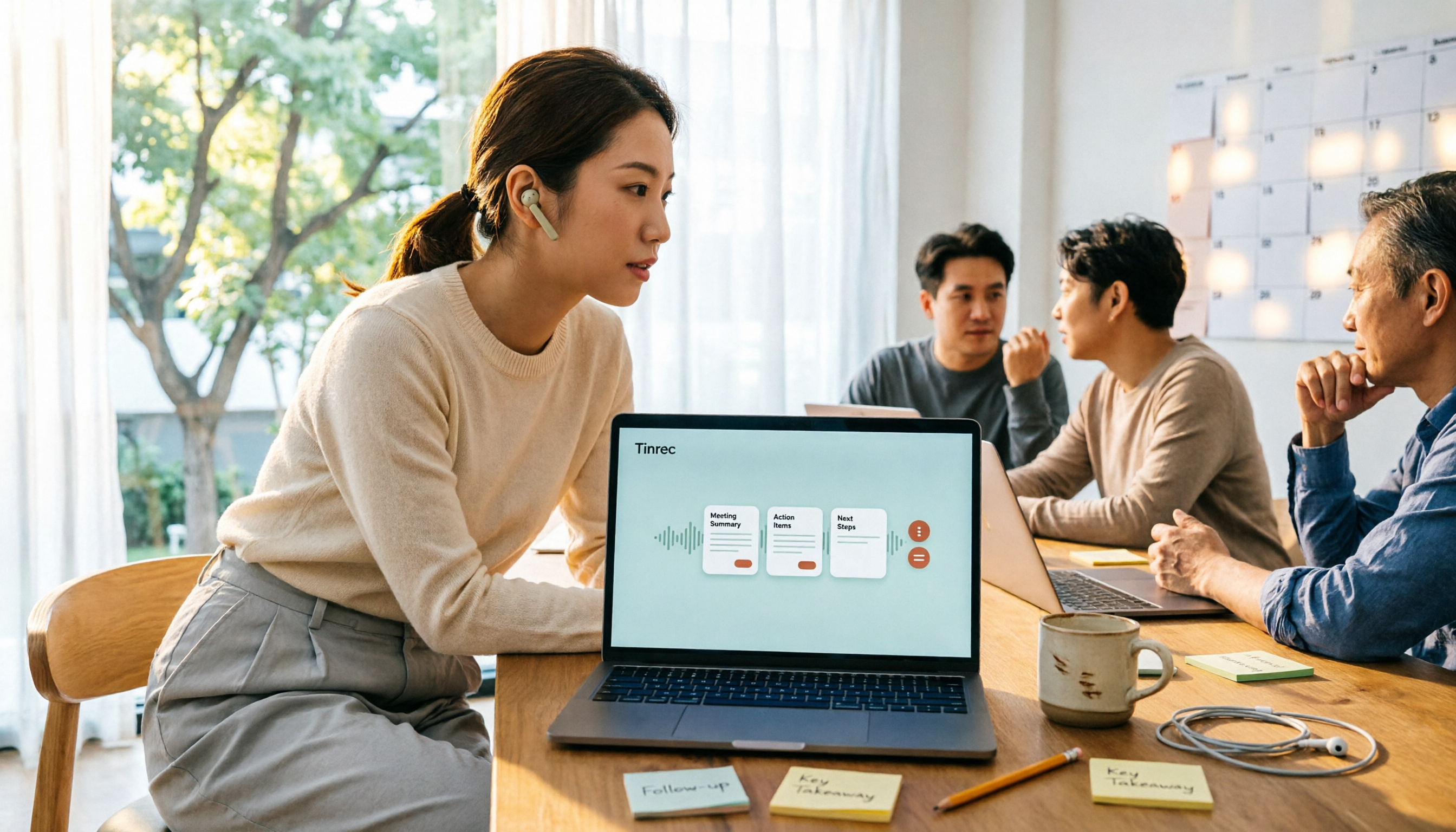
After the meeting is where the real value lies. Tinrec automatically generates AI summaries and chapters, breaking long meetings into readable sections and extracting action items from the discussion. If you just want to confirm a certain conclusion, you can ask questions directly about the meeting content, such as "Who mentioned the budget in the last meeting?" or "What are the action items for the next meeting?" It answers based on semantics, rather than throwing a string of keywords for you to search through. Recorded content can also be exported to tools like Notion, Google Docs, OneNote, and Dropbox, or further processed with an Agent to generate reports, tables, and documents.
Our testing method was simple: we used the same Chinese meeting recording (including mixed Chinese-English and background noise) and actually ran through each free version's workflow to see which one could go from recording all the way to summary and action items. Actual recognition performance will be affected by recording quality, accent, multiple people talking over each other, and technical terminology. We recommend trying with your own recording for the most accurate results.
Stop organizing recordings by hand
Upload audio or video and automatically get a transcript, summary, and action items
Note that Tinrec's free version provides a basic quota, allowing you to experience recording, importing, summarizing, and transcription. Once the quota is used up, you'll need to upgrade. You can choose based on your usage rhythm: for short-term intensive meetings or interviews, consider a weekly pass; for steady weekly needs, the Pro monthly plan is more suitable; for long-term accumulation of recording data, the Pro annual plan has a lower monthly equivalent.
If you're sharing within a team, Tinrec's team version provides an independent team space, rather than multiple people sharing a single personal account. Eligible teams can try it for 7 days with 1 free seat and 300 minutes of shared team import quota; after payment, each seat provides 2,000 minutes of shared team import quota per month, at USD 29.80 per paid seat monthly, or USD 199 per paid seat annually (equivalent to about USD 16.58 per month). Under an active team plan and active seats, live recording currently does not deduct minutes.
The team version also separates "roles" and "seats": roles determine who can manage the team, members, and auditing, while seats determine whether members can record, upload, edit, and export. Active members without a seat can still view, play, and read team data. Additionally, the team has member and seat management, usage analytics, audit logs, team hotwords, and a 30-day audio recycle bin. When a member leaves or loses a seat, team resources can be transferred to other active members and won't disappear with the personal account.
Who it's for: If you need Chinese meeting notes, don't want to invite a bot into meetings, want to use AI to find key points directly after recording, and may have cross-device or team sharing needs, Tinrec is currently the smoothest choice.
Besides Tinrec, What Other Free Versions Are Worth Considering?
Otter.ai: A mature AI meeting assistant. The Basic free version offers 300 minutes per month, with a great experience for English business meetings and complete workflow integration. If your meetings are almost entirely in English and you don't need Chinese organization, its free quota is quite cost-effective. The difference is that Tinrec puts Chinese and mixed Chinese-English transcripts, summaries, action items, and follow-up AI Q&A into a single workflow, with Chinese meeting organization as its focus.
Notta: Good multilingual transcription capability. The free version offers 120 minutes per month, but each session is limited to 3 minutes—meetings longer than 3 minutes require an upgrade. If your meetings are all short or you don't mind processing in segments, you can try it; but if you want to run a full meeting in one go, the free version is restrictive. Tinrec is more aligned with Chinese teams' habits for Chinese meetings and bilingual real-time translation viewing.
PLAUD Note / NotePin: Belongs to the AI recording hardware camp. NotePin is priced at USD 159, Note Pro at USD 189, and the app's Starter plan offers 300 free minutes per month. Its value lies in portable recording and hardware form factor—clipping it to a folder or wearing it on a collar during meetings is unobtrusive. But you have to buy the device first, and online meetings are not its main strength. Tinrec requires no extra hardware, works on mobile, web, and desktop, and handles both online meetings and historical audio imports—that's the biggest difference.
Pitfall Guide: 4 Most Common Mistakes When Choosing a Free Meeting Notes App
Pitfall 1: Only looking at free minutes, not per-meeting limits
"300 minutes per month" sounds like a lot, but if each session can only handle 3 minutes, a normal meeting would need to be split into a dozen segments. First confirm the per-meeting length limit, then compare totals.
Pitfall 2: Thinking the transcript is the end
The transcript is just raw material. If the tool lacks summaries, chapters, action items, and AI Q&A, you've only saved typing time—organization time hasn't decreased at all.
Pitfall 3: Ignoring bot limitations for online meetings
A meeting bot adds an extra member to the participant list. For internal meetings it's fine, but for external or client meetings it may not be suitable. The desktop version's system audio capture method doesn't require an extra participant.
Pitfall 4: Not confirming recording authorization and data ownership
Before recording, please confirm local regulations and obtain participant consent. Also, if the data is for team use, be sure to confirm whether the tool has an independent team space, seats, and handover mechanisms to avoid everything breaking down when someone leaves.
Conclusion: Which One Should You Choose for Your Situation?
To sum up in one sentence: the point of a free version isn't "free," but whether it can take a meeting from recording to summary and action items. By that standard, Tinrec is our top pick after testing.
- Meetings mainly in Chinese or mixed Chinese-English → Tinrec (Chinese transcript, summary, action items in one workflow)
- Don't want a bot in meetings → Tinrec (desktop captures system audio, no extra participant needed)
- Want to ask AI directly to find conclusions after recording → Tinrec (can ask questions directly about meeting content)
- Need cross-device (mobile + computer + web) → Tinrec
- Meeting data to be shared by department, needs handover → Tinrec team version (team space, seats, usage, and auditing)
- Meetings almost entirely in English → Otter.ai (free 300 minutes per month)
- Only handling short files or need multiple languages → transcription tools like Notta are also worth considering
We suggest first using the free version for one of your real meetings. If the workflow feels smooth and you'll actually use the organized output, then consider upgrading—no need to pay from the start.
References
- No time limit! 3 free AI transcription tools, highly recommended! AI voice notes generate meeting minutes, presentations, mind maps | 104 Workplace Power
- Recently many people asked me if there are any AI tools for meeting notes. They still type manually, often can't multitask, and waste time. I always answer — SeaMeet. Why recommend it? Here are the key points: -Linked to Google Meet, online meetings sync transcripts and have real-time summaries, super convenient. -No need to refresh specially; after the meeting ends, it directly emails all participants. -Operation is super simple; I taught middle-aged and elderly people who have never used AI tools in 10 minutes. -In-person meetings
- Meeting Ink - 2026 AI Meeting Notes Tool Test | 7 Speech-to-Text and Summary Speed Comparison | Meeting Ink - AI Meeting Notes Assistant Auto Transcription Summary
- AI Meeting Notes Software Recommendations: 5 Major Apps Tested and Compared, Automatic Transcription Makes Meetings Super Easy!
- r/ProductivityApps on Reddit: Does anyone know of a free or cheap app that will do meeting notes for you?
Turn every recording into actionable outcomes
Get 60 free transcription minutes when you sign in. No credit card required.
Related Reading
You might also like

Best Free Meeting Notes Apps in 2026: We Tested 2 Options, iPhone Users Don't Need to Buy Hardware First
How do you choose a free meeting notes app? From a mid-level manager's perspective, I tested Tinrec and PLAUD Note across five dimensions: upfront cost, online meeting recording, cross-device continuity, post-meeting AI organization, and team collaboration. I also highlight three common mistakes to help you decide which option fits your meeting style.

5 Free Meeting Transcription Apps Tested and Compared in 2026: How to Choose a Free Plan That Actually Works
How can a free meeting transcription app really save you time? This article examines four key factors—how free quotas are calculated, supported online meeting audio sources, post-meeting outputs, and team sharing—and puts Tinrec, Otter.ai, Notta, and PLAUD Note to the test. It also highlights the three most common pitfalls to help you pick the one that truly meets your needs.

Free Meeting Notes App Download 2026: Tinrec No-Bot Recording + AI Auto Summary
How to download a free meeting notes app without getting burned? This guide starts with common pitfalls, then compares Tinrec and Otter.ai across 5 dimensions, covering the 3-step download process, how to choose a free plan, Traditional Chinese and mixed Chinese-English recognition, no-bot online meeting recording, post-meeting summaries and action items, team seats and data governance, and ends with clear recommendations.

2026 AI Meeting Notes Free Plans Compared: 5 Apps to Consider
Starting from the three most common misconceptions, this article reviews the actual free quotas and limitations of 5 free meeting notes apps in 2026, and compares Tinrec, Notta, Otter.ai, PLAUD Note, and Granola in terms of Chinese transcription, online meeting audio capture, summarization, and AI Q&A, helping you find a free but sufficient option.

4 Free Meeting Transcription Apps Compared: Which Free Tier Actually Lasts?
Tired of spending time after meetings organizing notes? This article compares four free meeting transcription apps—Tinrec, Otter.ai, Notta, and Granola—breaking down how free tiers are calculated, how meeting audio is captured, what you can do after transcription, and who ultimately holds your recordings and data. We also outline four key selection criteria and four common pitfalls to help you find the one whose free version can handle your real meeting length.

2026 Comparison of 5 Free Meeting Notes Apps: Which Free Version Is Actually Enough?
Which free meeting notes app is better? This article starts with three common misconceptions, then tests and compares free tier limits, Chinese language support, and post-meeting organization capabilities. It uses Tinrec as an example to demonstrate the complete workflow from recording to transcript, summary, action items, and AI Q&A, helping you decide whether a free version is truly sufficient.

2026 Free Meeting Notes App Guide: From Class to Group Projects, How to Choose Your Free Tier
A college student's hands-on review of free meeting notes apps, covering class recordings, group discussions, and capstone projects. We break down the 4 key factors: free tier limits, summary and to-do features, Chinese recognition, and cross-device support. Plus, we share which campus scenarios suit Tinrec, Otter.ai, Notta, and Granola, and what pitfalls to avoid.
5 Free Meeting Transcription Apps Tested for 2026: Which Free Tier Actually Lasts?
Which free meeting transcription app is worth using? We tested five tools with free plans—Tinrec, Granola, TurboScribe, PLAUD, and Otter.ai—comparing free minute limits, Chinese and mixed-language recognition, online meeting recording methods, and post-meeting summaries and Q&A. We also highlight four common pitfalls to help you find the one that truly covers a month of meetings.

5 Free Meeting Notes Apps Compared in 2026: Why Tinrec Beats Notta for Chinese Meetings
A guide to choosing a free meeting notes app in 2026, comparing Tinrec and Notta to help you decide which is better for Chinese meeting recognition, free quotas, post-meeting summaries, and team collaboration.