

Turn recordings into transcripts and summaries in minutes
Upload audio or video for multilingual transcription, AI notes, and action items
2026 AI Office Toolbox: 5 Steps to Organize Meetings and Team Collaboration with Tinrec
When people put together an AI office toolbox, the first things that come to mind are general assistants like Copilot, Gemini, and Manus.
That's not wrong, but what's often overlooked is meeting notes. Typing during the meeting and then spending time organizing afterward is usually the most time-consuming part. Below, we compare Tinrec and Granola across 5 dimensions to help you decide which one is a better fit for your AI office toolbox.
Tinrec vs Granola | Quick Overview
Tinrec is an AI meeting notes and collaboration tool for individuals and teams, supporting live recording, bot-free online meeting transcription, audio/video file import, AI summaries, action items, Q&A, translation, export, and team spaces.
Granola is a bot-free AI meeting note-taking tool that transcribes in real time via desktop system audio and microphone, and combines handwritten notes to generate meeting content.
| Item | Tinrec | Granola |
|---|---|---|
| Pricing | Free personal plan; team monthly USD 29.80/paid seat/month, annual USD 199/paid seat/year | Basic free; Business USD 14/user/month; Enterprise USD 35/user/month |
| Platform & Recording | Desktop bot-free recording for Zoom, Meet, Teams, Webex | Real-time transcription via desktop system audio and microphone |
| Key Differences | Audio retention, file import, Chinese experience, team governance | Handwritten notes combined with AI, no meeting audio saved |
This article compares 5 dimensions: recording method, audio retention and import, Chinese experience, post-meeting processing, and team governance.
Dimension 1 | Meeting Recording and Platform Support
Granola takes a bot-free approach, transcribing in real time via desktop system audio and microphone, suitable for those who don't want to invite a bot into the meeting.
Tinrec's desktop version also uses a bot-free approach, directly capturing computer system audio, and can handle online meetings on Zoom, Google Meet, Microsoft Teams, Webex, etc. It also supports live recording and mobile recording.
Neither relies on a meeting bot, but Tinrec is more complete for cross-platform meetings and multiple input sources.
→ This dimension: Tinrec slightly ahead.
Dimension 2 | Audio Retention and File Import
Granola supports real-time transcript viewing, copying, and searching, but does not support uploading pre-recorded audio files and does not save meeting audio.
Tinrec retains audio and supports uploading audio/video files for transcription, suitable for organizing historical meetings, interviews, and course recordings.
If you need to listen back to the original recording later, or want to add old audio files to your workflow, this difference is key.
→ This dimension: Tinrec clearly wins.
Dimension 3 | Chinese and Multilingual Experience
Granola's product mindset leans more toward English meeting notes; for Chinese meetings, mixed Chinese-English, and multilingual scenarios, it's not a primary strength.
Tinrec covers Chinese, Traditional Chinese, and multilingual meeting scenarios, and supports real-time translation and bilingual viewing. The team version can also maintain a glossary to improve recognition of professional terminology.
Actual results will still be affected by recording quality, accent, noise, overlapping speakers, and specialized terminology.
→ This dimension: Tinrec wins.
Dimension 4 | Post-Meeting Organization and Output
Granola's strength is combining user handwritten notes with AI to generate more targeted meeting content, and it also has Q&A and integration capabilities.
Stop organizing recordings by hand
Upload audio or video and automatically get a transcript, summary, and action items
Tinrec focuses on the post-transcription workflow: AI summaries, chapters, key points, action items, mind maps, AI Q&A, translation, multi-format export, and can also use an Agent for post-processing to generate reports, tables, and documents.
In other words, Granola leans toward note enhancement; Tinrec is better for turning meetings into deliverable data.
→ This dimension: Tinrec wins.
Dimension 5 | Team Collaboration and Governance
Granola offers shared folders, user and enterprise management, suitable for teams already using its note-taking workflow.
Tinrec's team version is an independent team space where you can create multiple teams, invite members, set owners and admins, assign seats, and view usage trends, member rankings, audit logs, and audio recycle bin. When a member leaves or loses a seat, team resources can be handed over to other active members.
Note that Tinrec's team version is team-level sharing, role-based control governance, and seat-based usage control, not file-level granular permissions.
→ This dimension: Tinrec wins.
What Are the Unique Advantages of Each?
Tinrec's unique advantages:
- Bot-free recording of online meetings, supporting multiple mainstream meeting platforms.
- Retains audio and supports file import, so you can organize historical recordings together.
- Chinese, multilingual, real-time translation, and team glossary are more suited to office scenarios.
- Team space, roles, seats, usage, audit, and recycle bin, suitable for teams with governance needs.
Granola's unique advantages:
- Emphasizes combining handwritten notes with AI, suitable for those who like to take notes during meetings.
- Offers a free Basic plan, low entry barrier, and a mature English meeting note-taking experience.
Conclusion: Which One Should You Choose?
- If you need to retain meeting audio and import old recordings → Tinrec
- If you often have Chinese meetings and need real-time translation → Tinrec
- If you want to directly generate summaries, action items, Q&A, and documents after meetings → Tinrec
- If you need team space, seats, usage, and audit → Tinrec
- If you only use English meetings, like handwritten notes, and don't need to save audio → Granola is enough
In one sentence: For most Chinese office scenarios, Tinrec is a more complete meeting notes choice for your AI office toolbox. Pricing and benefits are subject to the official purchase page; we recommend testing your own meeting recordings with the free version first.
FAQ
Does Tinrec have a free plan?
Yes. The personal version offers a free plan, weekly pass, Pro monthly, and Pro annual; the team version has a qualifying first-purchase trial that includes 7 days, 1 free seat, and 300 minutes of team shared import quota. Actual benefits are subject to the purchase page.
Which online meetings does Tinrec support?
The desktop version can handle meeting audio from Zoom, Google Meet, Microsoft Teams, Webex, etc., without requiring an additional bot to join.
What's the difference between Tinrec's team version and personal version?
Personal version data belongs to the individual account; the team version has an independent team space, members, roles, seats, shared benefits, usage analytics, audit logs, and audio recycle bin.
Can members without a seat see data?
Active members can still view, play, and read team data even without a seat; only after obtaining a seat can they record, upload, edit, import/export, and perform resource usage operations.
What should I pay attention to before recording?
You should comply with local laws and obtain participant consent when necessary. Team audio can be restored from the recycle bin before permanent cleanup after deletion; the current retention period is 30 days. TODOs are not within the scope of the recycle bin.
References
- AI Tool Library | Ministry of Economic Affairs Industrial Competitiveness Advisory Group
- 2026 Global Top 19 AI Tools Recommendation! See the latest Top 100 AI trending list here!
- Must-know AI tools for 2026 | Dia, Gemini, Manus... Information, knowledge, and output all in one go | BusinessNext
- [AI Lazy Pack] Just read this! 2026 Recommended AI free vs subscription tools collection to improve work productivity & workplace competitiveness! (Continuously updated) | 104 Workplace Power
- 12 Best AI Productivity Tools You Can't Miss in 2026
Turn every recording into actionable outcomes
Get 60 free transcription minutes when you sign in. No credit card required.
Related Reading
You might also like

6 Best Cantonese Speech-to-Text Tools in 2026: Which Free Version Is Good Enough?
Starting with common pitfalls, this guide reviews 6 tools that handle Cantonese audio transcription, including Tinrec, Subanana, CantoSub AI, Google AI Studio, Notta, and Speechnotes. It covers their free and paid plans, who they're best for, and 5 practical details to keep in mind.
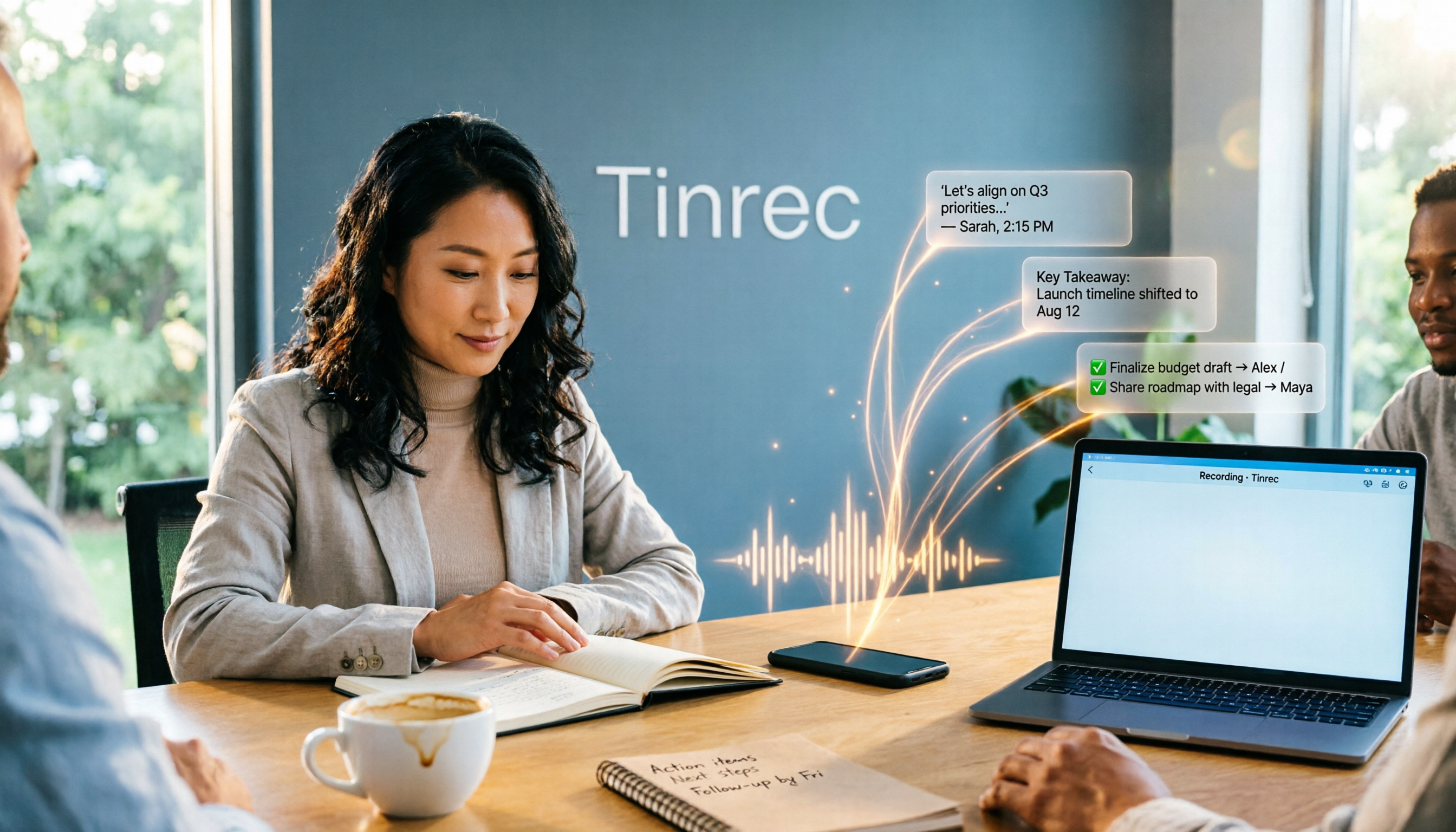
2025 AI Office Tools Comparison: Meeting Notes, Transcripts, and To-Do Lists—Which Saves the Most Time?
How to choose AI office tools in 2025? This article breaks down how AI office tools can help in real work scenarios—from meeting notes, transcripts, and summaries to to-do organization—what core capabilities they offer, and 6 key points to consider when buying. It also uses Tinrec to demonstrate the complete workflow from recording to post-meeting deliverables.

Best Cantonese Speech-to-Text Apps in 2026: 4 Tested, Download Guide & Cantonese Recognition Explained
We tested 4 Cantonese audio-to-text tools, comparing download methods, Cantonese and mixed Chinese-English recognition, post-meeting AI organization, and free quotas. Using a mid-level manager's real meeting scenarios, we explain why Tinrec stands out for Cantonese meetings, bot-free recording, and post-meeting key point lookup, plus a pitfall guide and selection advice.

Tinrec vs Otter.ai 2026: 5-Dimension Comparison — Which AI Office Toolkit Should You Choose?
In 2026, before picking an AI office toolkit, don't rush to compare feature lists. This article compares Tinrec and Otter.ai across 5 dimensions—meeting language, how it joins meetings, post-meeting output, team data ownership, and pricing structure—and adds practical differences with Notta and PLAUD. It ends with a decision checklist you can follow directly and 3 pitfalls to avoid.

5 AI Office Tools Tested and Compared for 2026: How to Choose a Meeting Toolkit Led by Tinrec
Tired of juggling multiple AI office tools while your data stays scattered? This article starts with common team-building mistakes and explains why, instead of assembling multiple tools, you should use Tinrec to keep recordings, transcripts, summaries, to-dos, and team sharing in one place. It also lists five key points to consider when choosing a tool.

2026 AI Office Tools for Software Engineers: Meeting Notes + AI Q&A Hands-On Review
Coding accounts for only 40% of a software engineer's work hours; the rest is consumed by meetings and post-meeting organization. This hands-on comparison of AI office tools like Tinrec, Otter.ai, Notta, and Granola covers bot-free meeting recording, Chinese and mixed Chinese-English recognition, AI Q&A, cross-platform use, and team seat management, highlighting 5 key buying factors and 4 common pitfalls.

6 AI Office Tools Tested and Compared in 2026: How to Choose the Top-Rated Meeting Recorder According to PTT Users
This article starts from the popularity of discussions among PTT users and puts six AI office tools to the test, comparing their performance in meeting notes and post-meeting organization. From the perspective of a mid-level manager with experience running 15 meetings a week, it covers the positioning, pricing, and use cases of solutions including Tinrec, Otter.ai, Notta, Granola, TurboScribe, and PLAUD, helping readers determine which one best fits their meeting style.

2026 AI Meeting Tool Comparison: Why Software Engineers Are Switching to Tinrec Instead of Notta
Software engineers spend only about 40% of their time actually writing code; the rest goes to meetings and post-meeting cleanup. This article compares Tinrec and Notta on meeting capture, Chinese recognition, post-meeting processing, and team governance, and outlines Tinrec's core features, real-world use cases, and buying considerations to help you decide which AI productivity tool better fits an engineering team's actual needs.
2026 AI Meeting Tools Comparison: Tinrec, Otter.ai, and Granola for Chinese Transcription, Summaries, and Team Collaboration
In 2026, AI meeting tools are everywhere, but the real question is how you capture meetings and what you do with them afterward. This comparison of Tinrec, Otter.ai, and Granola covers five dimensions: meeting capture methods, Chinese language experience, post-meeting workflows, team governance, and pricing. We also break down free tiers and team pricing logic to help you decide which tool fits your needs.