

Turn recordings into transcripts and summaries in minutes
Upload audio or video for multilingual transcription, AI notes, and action items
Why Are Software Engineers Re-evaluating AI Productivity Tools?
For software engineers, the time actually spent sitting down and writing code is less than outsiders might imagine. According to research by consulting firm Bain, writing code accounts for only 40% of a software engineer's work time; the rest is largely consumed by meetings, requirements discussions, cross-team communication, and post-meeting cleanup. In other words, choosing the right AI productivity tool often saves not typing time, but the invisible costs before and after meetings.
Notta is a transcription tool many engineers and teams have used. It handles meeting notes, file transcription, and translation, and has a solid reputation in the market. But after extended use, common feedback tends to cluster around a few areas: free quotas are tight, you still have to manually turn transcripts into usable documents after meetings, and when teams collaborate, permissions and data ownership are hard to clarify. If you're starting to feel that "just getting a transcript isn't enough," Tinrec is worth a look.
Tinrec vs Notta: What's Different in the Core Experience?
Meeting capture method Engineers' meetings mostly happen on Zoom, Google Meet, Microsoft Teams, or Webex. Tinrec's desktop version captures system audio directly, so you don't need to pull a meeting bot into the room, and you don't have to worry about a bot showing up and interrupting the discussion. For people who frequently meet with clients or external teams, this non-intrusive way of recording makes a real difference in practice.
Chinese and multilingual experience Technical meetings often mix Chinese and English—"this API's throughput needs more tuning," "let's deploy to staging and run a test round first." Tinrec covers Chinese, Traditional Chinese, and multilingual meeting scenarios, supports real-time translation and bilingual viewing, and lets teams maintain custom vocabulary by feeding in product codenames and proper nouns so recognition better matches how the team actually speaks. If your meetings are mainly pure English business meetings, Otter.ai is a relatively mature choice in the market, but its mindset leans more toward English scenarios, and it may not align well for Chinese teams. Actual recognition results are still affected by recording quality, accents, background noise, and overlapping speakers.
Depth of post-meeting processing Transcription is only the starting point. Tinrec automatically generates summaries, chapters, key points, and action items, and you can continue asking questions about the meeting content, such as "What was decided?" or "Who's responsible for which item?" When you need deliverables, Agent post-processing can generate reports, tables, and documents, or export to Notion, Google Docs, OneNote, Dropbox, and other tools for further work, so meeting outcomes flow directly into your workflow.
Team collaboration and governance Once meeting data starts accumulating across people and projects, governance becomes a real issue. Tinrec's team plan provides an independent team space with separate members, roles, and seats: roles determine who can manage the team and audit, while seats determine who can record, upload, edit, and export; even members without a seat can still view and read team data. Admins can also view usage trends, member rankings, and audit logs, and handle accidental deletions through the audio recycle bin.
Onboarding threshold and plans Notta's free plan offers 120 minutes per month, with a maximum of 3 minutes per single item; Tinrec's free plan provides a basic quota so you can try it with a real recording first. The two have different positioning: Notta leans toward general transcription, while Tinrec emphasizes organizing, querying, and team knowledge retention after meeting notes. We suggest choosing based on your own meeting frequency and collaboration needs, rather than just looking at minutes.
Stop organizing recordings by hand
Upload audio or video and automatically get a transcript, summary, and action items
Tinrec's Core Features at a Glance
Real-time audio-to-text: Open Tinrec and start recording, and text appears in sync, so you can confirm during the meeting whether any key points were missed. Suitable for in-person meetings, interviews, and on-site discussions.
Bot-free online meeting recording: The desktop version captures system audio to handle online meetings on Zoom, Google Meet, Microsoft Teams, Webex, and more, without inviting an extra bot to join. Note that this is not "automatically joining all calendar meetings"—recording is initiated by the user.
AI summaries, chapters, and action items: The most time-consuming part of long meetings is review. Tinrec breaks content into chapters and key points and extracts action items from discussions, giving weekly meetings and review sessions a basis for follow-up.
AI conversational query: After recording a one-hour meeting, you can directly ask "What was the conclusion?" "What are the risks?" or "Who agreed to what?"—much faster than manually flipping through dozens of pages of transcripts.
Multi-format export and Agent post-processing: Meeting results can be exported to existing workflows and further turned into reports, tables, and documents. Suitable for situations requiring weekly reports, retrospective documents, or client records.
Real-World Use Cases
Sprint weekly meetings and standups: Regular weekly meetings where decisions get scattered throughout the conversation. Use Tinrec to record and transcribe simultaneously, and summaries and action items are generated automatically after the meeting, so you don't have to piece things together from memory during review.
Requirements reviews and client communication: The biggest fear with requirement changes is having no record of what was said. Tinrec keeps transcripts and recordings, so important commitments can be checked later, and organized content can be exported to relevant colleagues.
Technical interviews and research: When conducting user or expert interviews, transcripts and key point summaries can greatly shorten analysis time, and AI Q&A makes it easy to pull key statements from large amounts of content.
Personal learning and technical video notes: Technical talks, courses, and public videos can be imported via files or links and organized into searchable notes, making it much easier to find a specific explanation later.
Things to Keep in Mind When Choosing an AI Meeting Tool
Whether recordings are retained: Transcripts are compressed information. When you encounter unclear technical terms, you still need to go back to the original recording to verify. When choosing a tool, first confirm whether audio is retained.
Chinese and proper noun recognition: Mixed Chinese-English, product codenames, and internal abbreviations are often the most error-prone areas. Tinrec provides team custom vocabulary so teams can maintain commonly used terms.
Whether post-meeting output can be used directly: Whether summaries, action items, reports, and tables can go directly into the workflow often affects efficiency more than transcription itself.
Team permissions and seat design: When multiple people share access, who can view, who can edit, and who owns the data should be clarified before adoption. Tinrec separates governance and usage eligibility by roles and seats.
Data retention and recovery mechanisms: Whether accidental deletions can be recovered and how data is handed over after a member leaves are practical issues you'll encounter. Tinrec provides an audio recycle bin and supports member resource handover.
Summary: Is Tinrec Worth a Try?
If you're a software engineer who needs to attend frequent meetings and produce meeting notes, Tinrec's value lies in connecting recording, transcription, organization, querying, and export into one workflow, rather than just giving you a transcript. Its desktop bot-free recording, Chinese and multilingual processing, plus AI Q&A and action item extraction, are especially practical for Chinese teams; when needs expand to multi-person collaboration, the team plan's space, seats, usage, and auditing can keep up.
Notta suits users who mainly need file transcription and have relatively simple needs; if you care more about post-meeting organization and team knowledge retention, Tinrec will be a closer fit. We suggest starting with Tinrec's free plan and testing it with one of your own real meetings—the actual experience is more direct than reading any review.
References
- "AI Software Engineer" latest job openings | May 2026 - 104 Job Bank
- AI and Indians competing for jobs—will software engineers' value depreciate? | CommonWealth Magazine
- Three ways to use AI to boost engineer productivity: junior, senior, and independent developer approaches - ALPHA Camp
- AI tools recommended for software engineers (continuously updated) | ExplainThis
- AI boosts efficiency? A surprising study: AI tools made senior engineers 35% slower
Turn every recording into actionable outcomes
Get 60 free transcription minutes when you sign in. No credit card required.
Related Reading
You might also like
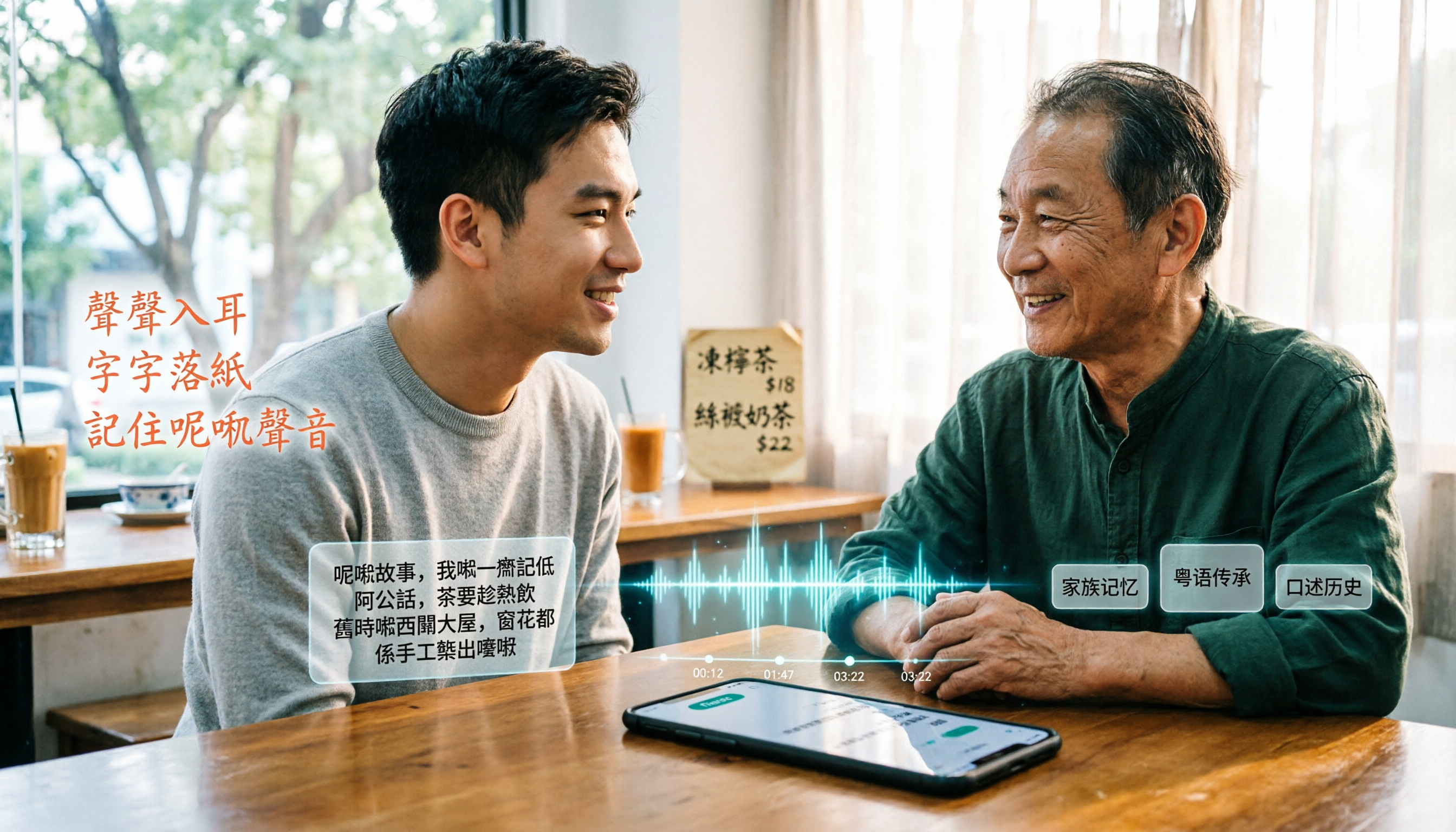
6 Best Cantonese Speech-to-Text Tools in 2026: Which Free Version Is Good Enough?
Starting with common pitfalls, this guide reviews 6 tools that handle Cantonese audio transcription, including Tinrec, Subanana, CantoSub AI, Google AI Studio, Notta, and Speechnotes. It covers their free and paid plans, who they're best for, and 5 practical details to keep in mind.
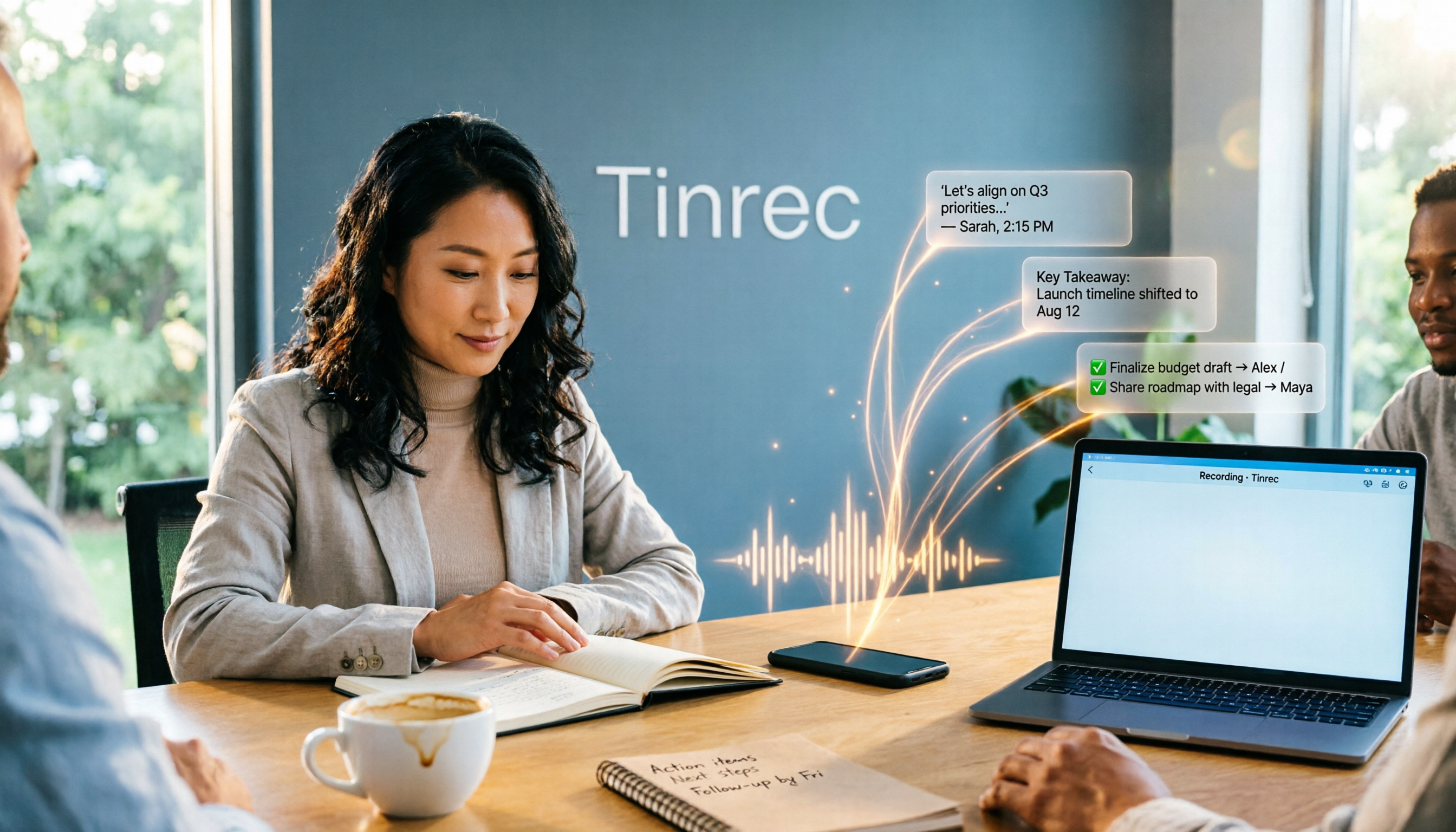
2025 AI Office Tools Comparison: Meeting Notes, Transcripts, and To-Do Lists—Which Saves the Most Time?
How to choose AI office tools in 2025? This article breaks down how AI office tools can help in real work scenarios—from meeting notes, transcripts, and summaries to to-do organization—what core capabilities they offer, and 6 key points to consider when buying. It also uses Tinrec to demonstrate the complete workflow from recording to post-meeting deliverables.

Best Cantonese Speech-to-Text Apps in 2026: 4 Tested, Download Guide & Cantonese Recognition Explained
We tested 4 Cantonese audio-to-text tools, comparing download methods, Cantonese and mixed Chinese-English recognition, post-meeting AI organization, and free quotas. Using a mid-level manager's real meeting scenarios, we explain why Tinrec stands out for Cantonese meetings, bot-free recording, and post-meeting key point lookup, plus a pitfall guide and selection advice.

Tinrec vs Otter.ai 2026: 5-Dimension Comparison — Which AI Office Toolkit Should You Choose?
In 2026, before picking an AI office toolkit, don't rush to compare feature lists. This article compares Tinrec and Otter.ai across 5 dimensions—meeting language, how it joins meetings, post-meeting output, team data ownership, and pricing structure—and adds practical differences with Notta and PLAUD. It ends with a decision checklist you can follow directly and 3 pitfalls to avoid.

5 AI Office Tools Tested and Compared for 2026: How to Choose a Meeting Toolkit Led by Tinrec
Tired of juggling multiple AI office tools while your data stays scattered? This article starts with common team-building mistakes and explains why, instead of assembling multiple tools, you should use Tinrec to keep recordings, transcripts, summaries, to-dos, and team sharing in one place. It also lists five key points to consider when choosing a tool.
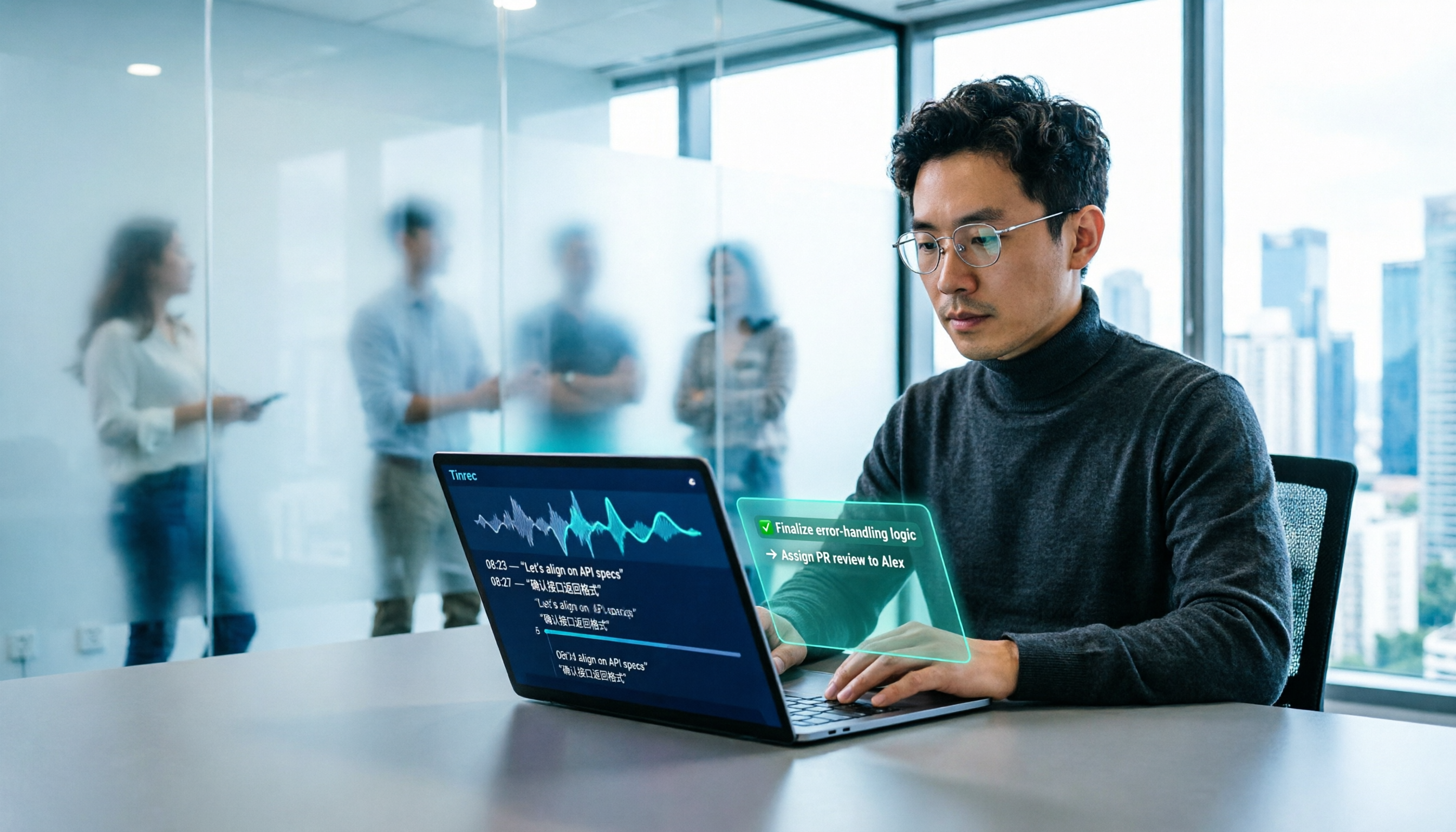
2026 AI Office Tools for Software Engineers: Meeting Notes + AI Q&A Hands-On Review
Coding accounts for only 40% of a software engineer's work hours; the rest is consumed by meetings and post-meeting organization. This hands-on comparison of AI office tools like Tinrec, Otter.ai, Notta, and Granola covers bot-free meeting recording, Chinese and mixed Chinese-English recognition, AI Q&A, cross-platform use, and team seat management, highlighting 5 key buying factors and 4 common pitfalls.

6 AI Office Tools Tested and Compared in 2026: How to Choose the Top-Rated Meeting Recorder According to PTT Users
This article starts from the popularity of discussions among PTT users and puts six AI office tools to the test, comparing their performance in meeting notes and post-meeting organization. From the perspective of a mid-level manager with experience running 15 meetings a week, it covers the positioning, pricing, and use cases of solutions including Tinrec, Otter.ai, Notta, Granola, TurboScribe, and PLAUD, helping readers determine which one best fits their meeting style.

2026 AI Office Toolbox: 5 Steps to Organize Meetings and Team Collaboration with Tinrec
In 2026, your AI office toolbox should include not just Copilot and Gemini, but also meeting notes and post-meeting follow-up. This article compares Tinrec and Granola across 5 dimensions—recording, Chinese transcription, audio retention, AI summaries, and team governance—to help you find the right meeting tool for your office.
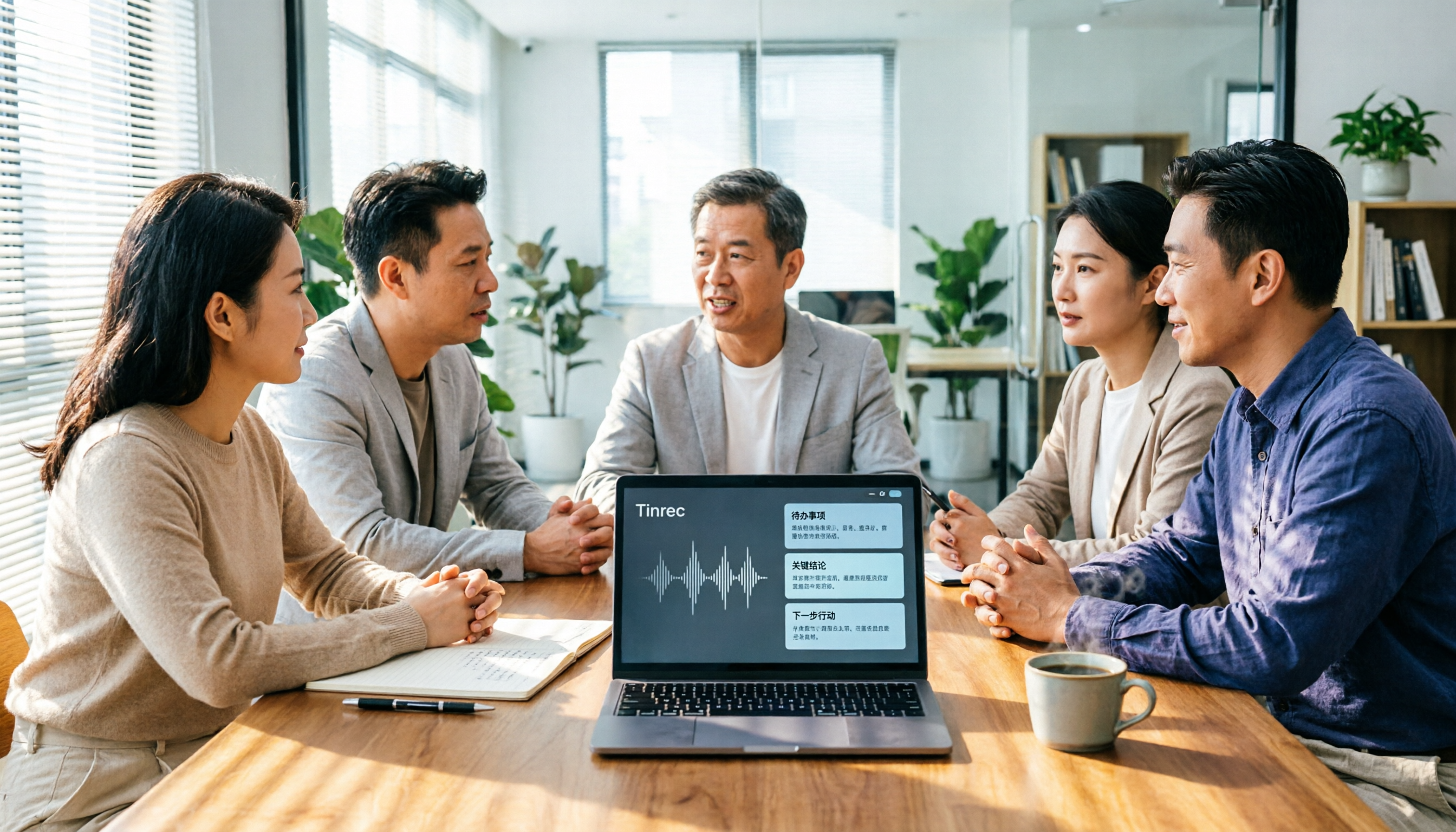
2026 AI Meeting Tools Comparison: Tinrec, Otter.ai, and Granola for Chinese Transcription, Summaries, and Team Collaboration
In 2026, AI meeting tools are everywhere, but the real question is how you capture meetings and what you do with them afterward. This comparison of Tinrec, Otter.ai, and Granola covers five dimensions: meeting capture methods, Chinese language experience, post-meeting workflows, team governance, and pricing. We also break down free tiers and team pricing logic to help you decide which tool fits your needs.