
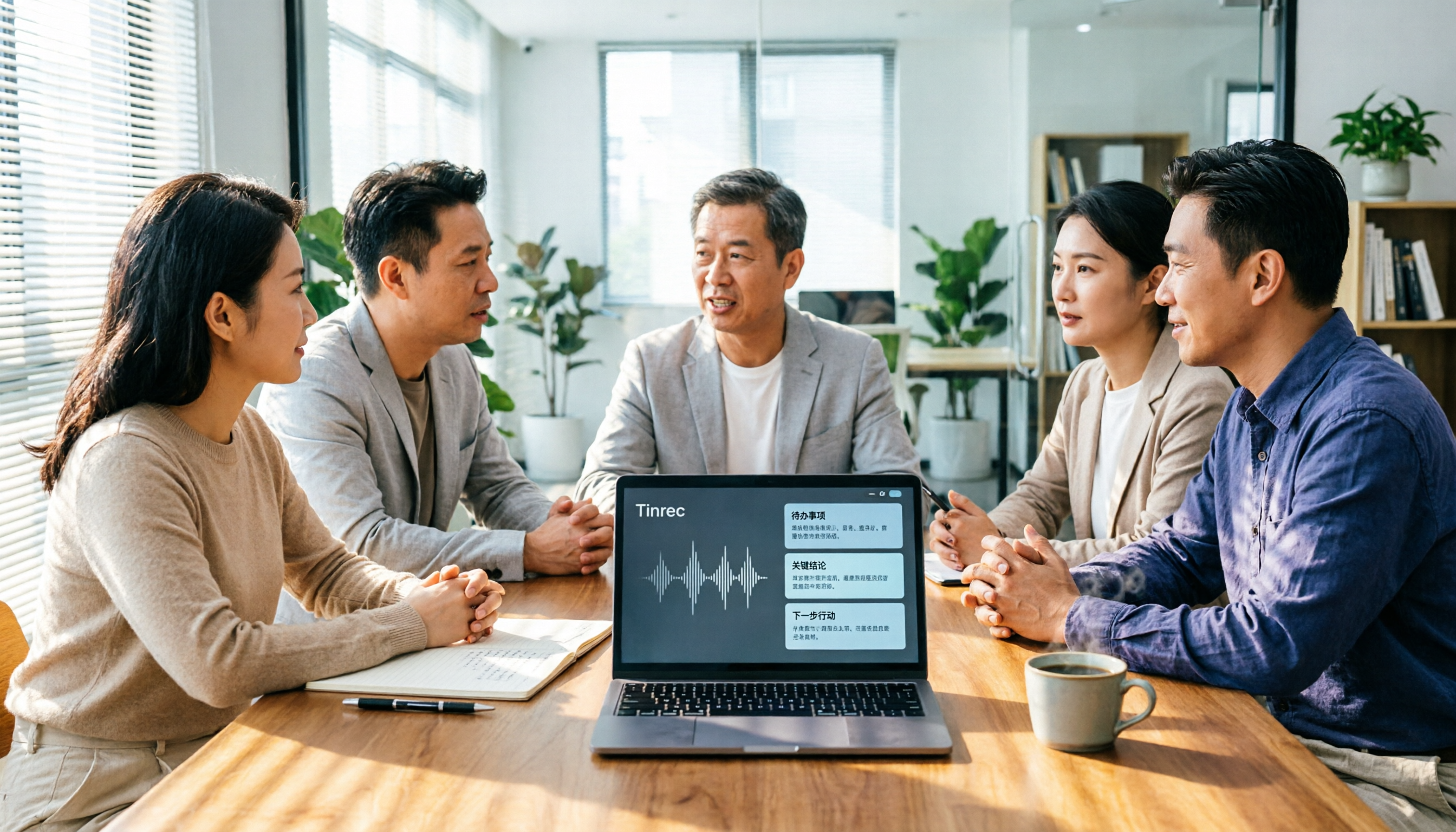
Turn recordings into transcripts and summaries in minutes
Upload audio or video for multilingual transcription, AI notes, and action items
2026 AI Meeting Tools Comparison: Tinrec, Otter.ai, and Granola for Chinese Transcription, Summaries, and Team Collaboration
In 2026, searching for "AI meeting tools" on Google returns an endless list. But most professionals are stuck on one question: do I want a meeting bot to join and record for me, or do I want to open a desktop app that turns meetings into searchable, queryable, and shareable data?
This article compares three platforms that are frequently pitted against each other: Tinrec, Otter.ai, and Granola. Tinrec is an AI meeting notes tool focused on Chinese meetings and team collaboration, while the latter two are well-known in the English market. The following is based on official public information and product descriptions, not independent lab tests. Please refer to official pages for pricing and benefits.
Tinrec is an AI meeting notes and collaboration tool for individuals and teams. It supports real-time transcription, bot-free online meeting recording via desktop app, audio and video file import, and live translation during recording. It automatically generates summaries, chapters, key points, and action items. The free version offers basic quota, suitable for professionals who want to test Chinese transcription quality first.
Tinrec, Otter.ai, Granola | Quick Overview
| Tool | One-line positioning | Free plan | Main strengths |
|---|---|---|---|
| Tinrec | AI meeting notes and collaboration tool for individuals and teams | Free version with basic quota; also weekly pass and Pro monthly/yearly | Bot-free desktop recording, Chinese meetings, post-transcription summaries and action items, team spaces and seat governance |
| Otter.ai | Mature English-oriented AI meeting assistant | Basic free, 300 minutes per month | Mature meeting assistant, summaries and AI Chat, ecosystem integrations, enterprise features |
| Granola | Bot-free AI meeting notes | Basic free | User notes enhanced by AI, transcripts viewable, copyable, and searchable in real time |
Next, I compare five dimensions: meeting capture methods, Chinese and multilingual experience, what you can do after transcription, team collaboration and governance, and pricing and quotas.
Dimension 1 | Meeting Capture: Do you need a bot in the meeting?
Otter.ai started as a meeting assistant, covering Zoom, Microsoft Teams, and Google Meet, with real-time transcription, speaker identification, and AI Chat. It now also offers desktop capabilities, but most people still associate it with adding a bot to online meetings. Granola, like Tinrec, takes a bot-free approach, using system audio and microphone on desktop devices for real-time transcription.
Tinrec desktop captures computer system audio to handle Zoom, Google Meet, Microsoft Teams, Webex, and other online meetings without inviting an extra bot. Note that this does not mean it automatically joins all calendar meetings; users must actively open Tinrec to start recording. It is also not a hardware recording device.
In addition to real-time recording, Tinrec supports uploading audio and video files, mobile recording, and importing some web links—a feature rarely seen in pure meeting notes tools.
→ This dimension: If you don't want an extra bot in the meeting list, both Tinrec and Granola can satisfy. But if you want to handle both live meetings and existing files in one tool, Tinrec offers more comprehensive coverage. Tinrec wins slightly here.
Dimension 2 | Chinese and Multilingual Meeting Experience
Otter.ai and Granola are built around English business meetings. Otter's multilingual support is not insignificant, but Chinese, mixed Chinese-English, and Traditional Chinese details are not its main selling points; Granola is also more oriented toward English meeting notes.
Tinrec treats Chinese meetings as a core scenario, covering Chinese, Traditional Chinese, and multilingual meeting transcription, and also supports mixed Chinese-English content organization. During recording, you can switch between original text, translation, or bilingual view; the team version also maintains "team hotwords" to make product names, project codes, and other jargon recognition closer to team habits.
Note that Tinrec does not promise a fixed accuracy rate. Actual performance is affected by recording quality, ambient noise, accents, overlapping speech, and jargon. For important content, it is recommended to verify with transcript timestamps and audio playback.
→ This dimension: Tinrec clearly wins.
Dimension 3 | What You Can Do After Transcription
Otter.ai provides summaries, action items, and AI Chat, turning meeting content into queryable data—this area is quite mature. Granola's transcripts can be viewed, copied, and searched in real time, but it does not support uploading pre-recorded audio files and does not save meeting audio files—convenient for those who just want to take notes during meetings, but when you want to replay a specific sentence, there is no original audio to reference.
Tinrec's output goes beyond transcripts: AI summaries, chapters and key points, action item extraction, mind maps, and cross-meeting AI Q&A are all in one workflow. After organizing, you can export to Notion, Google Docs, OneNote, Dropbox, etc., or use Agent post-processing to generate reports, tables, and documents.
→ This dimension: Tinrec wins for "continuing after the transcript," especially for meetings that require deliverables.
Stop organizing recordings by hand
Upload audio or video and automatically get a transcript, summary, and action items
Dimension 4 | Team Collaboration and Data Governance
Otter's Business plan offers unlimited meetings and in-app recording, more import and management capabilities. Its team and enterprise features are relatively mature, making it a familiar option for large organizations.
Tinrec's team version takes a different path: it is not "multiple people sharing one account" but an independent team space. You can create and switch between multiple teams, invite members via join links, set owners, admins, and regular members, and assign or revoke seats. Meeting data is stored centrally in the team space, with usage trends, member rankings, and usage details viewable, and audit logs can be queried and exported. Deleted team audio goes to the recycle bin and can be restored before permanent cleanup begins; currently retained for 30 days (TODO not in recycle bin scope). When members leave, are removed, or lose seats, resources must be handed over to other valid members and are not taken away by individuals.
One easily confused point: roles determine governance permissions, seats determine whether one can record, upload, edit, import, and export. Valid members without seats can still view, play, and read team data.
Also clear: Tinrec currently is team-level sharing, not file-level ACL. It cannot claim to set independent access scopes for each file.
→ This dimension: The two have different orientations, can be considered a tie; if you care about governance details like seats, usage, and auditing, Tinrec's design is more detailed.
Dimension 5 | Pricing and Free Quotas
Otter.ai's official pricing page shows: Basic free, 300 minutes per month; Pro annual billing approximately USD 8.49/user/month, including 1,200 minutes of in-app recording per month and 10 file imports; Business offers unlimited meetings and in-app recording, actual price may vary with promotions. Granola: Basic free, Business USD 14/user/month, Enterprise USD 35/user/month.
Tinrec personal version has free, weekly pass, Pro monthly, and Pro annual. The choice logic should depend on usage tasks, not just unit price: for occasional recording organization, use free; for short-term intensive meetings or interviews, consider weekly pass; for regular weekly use, Pro is suitable; for long-term accumulation of recording data, consider annual.
Team version public terms: first eligible team trial is 7 days, 1 free seat, 300 minutes team shared import quota; team monthly USD 29.80/paid seat/month, annual USD 199/paid seat/year (about USD 16.58/month), each paid seat provides 2,000 minutes team shared import quota per month. Under valid team plan and valid seats, real-time recording is currently not deducted by minutes; file and web imports use team shared import minutes, not individual member quotas. Actual price, currency, and settlement amount are subject to the official purchase page.
→ This dimension: Looking at monthly fees alone, Otter Pro and Granola Business have lower entry barriers, can be considered a tie; but if you want a whole team sharing quota plus seat governance, Tinrec's team pricing logic is closer to team scenarios.
What Are the Unique Advantages?
Tinrec's unique advantages:
- Bot-free desktop recording without extra hardware. Works on desktop, web, and mobile.
- Retains audio files and supports uploading existing audio and video files, so historical meetings and live interviews can be in one place.
- Chinese, Traditional Chinese, mixed Chinese-English, and live translation, plus team hotwords, friendly for Chinese-centric teams.
- Complete post-meeting workflow: summaries, chapters, action items, AI Q&A, multi-format export, and Agent-generated reports, tables, and documents.
- Team governance in place: team spaces, roles, seats, usage analytics, audit logs, recycle bin, and member resource handover.
Competitors' unique advantages:
- Otter.ai: Mature English business meetings and ecosystem integrations; free version's 300 minutes per month is sufficient for light users.
- Granola: Core is "user handwritten notes plus AI enhancement," does not retain meeting audio, suitable for those who don't want any recording.
Conclusion: Which Should You Choose?
- If you need Chinese, Traditional Chinese, or mixed Chinese-English meeting transcription → Tinrec
- If you don't want a bot in the meeting but want to keep audio and import existing files → Tinrec
- If you want summaries, action items, Q&A, and export after transcription → Tinrec
- If your team needs seat management, usage analytics, and audit logs → Tinrec team version
- If you only have English meetings, need basic summaries, and prioritize budget → Otter.ai free version is enough
- If you don't need to keep recordings at all and just want to take notes during meetings → Granola is worth considering
In one sentence: For those who mainly have Chinese meetings and want to turn meetings into team data, Tinrec is a more complete choice. We recommend trying the free version with your own meeting recording to test transcription and summary quality before deciding to upgrade.
FAQ
Q1: How is Tinrec different from regular recording software?
A: Regular recording software captures audio. Tinrec goes further by transcribing audio into text, organizing summaries, chapters, key points, and action items, and also supports AI Q&A, translation, export, and team collaboration.
Q2: What's the difference between a meeting bot and bot-free desktop recording?
A: Meeting bots typically join online meetings as a participant. Tinrec desktop captures computer system audio directly without an extra bot. Users must actively open Tinrec to start recording; it does not automatically join all calendar meetings.
Q3: Is the free version enough?
A: If you only occasionally organize a recording, the free version is a good start. If you have weekly meetings, classes, or interviews, a weekly pass or Pro will be smoother; for long-term accumulation of recording data, consider annual.
Q4: Can team members without seats still see data?
A: They can view, play, and read team data; but they need a seat to record, upload, edit, and import/export.
Q5: Can deleted team audio be recovered?
A: Audio goes to the team recycle bin first and can be restored before permanent cleanup begins; currently retained for 30 days; TODO not in recycle bin scope.
Q6: What should I pay attention to when using AI to record meetings?
A: Recording and transcription involve personal data and local regulations. Obtain consent from participants before recording and follow organizational policies for storage and sharing. Tinrec can reduce manual note-taking and organization costs, but for important information, verify with transcript timestamps and audio playback.
References
- 14 AI Tools You Must Know in 2024 (Part 2) | TechNews
- 2025 AI Tools Guide: 24 AI Tools to Boost Productivity!
- Top 20 Must-Have AI Tools for the Workplace! Expert: 90% of Workers Will Need AI | 104 Career
- Office AI Tools Decoded: Is Asana Enough? | Master Concept
- AI Guide: 2026 Recommended Free vs Subscription Tools to Boost Productivity & Career Competitiveness! (Updated) | 104 Career
Turn every recording into actionable outcomes
Get 60 free transcription minutes when you sign in. No credit card required.
Related Reading
You might also like

6 Best Cantonese Speech-to-Text Tools in 2026: Which Free Version Is Good Enough?
Starting with common pitfalls, this guide reviews 6 tools that handle Cantonese audio transcription, including Tinrec, Subanana, CantoSub AI, Google AI Studio, Notta, and Speechnotes. It covers their free and paid plans, who they're best for, and 5 practical details to keep in mind.
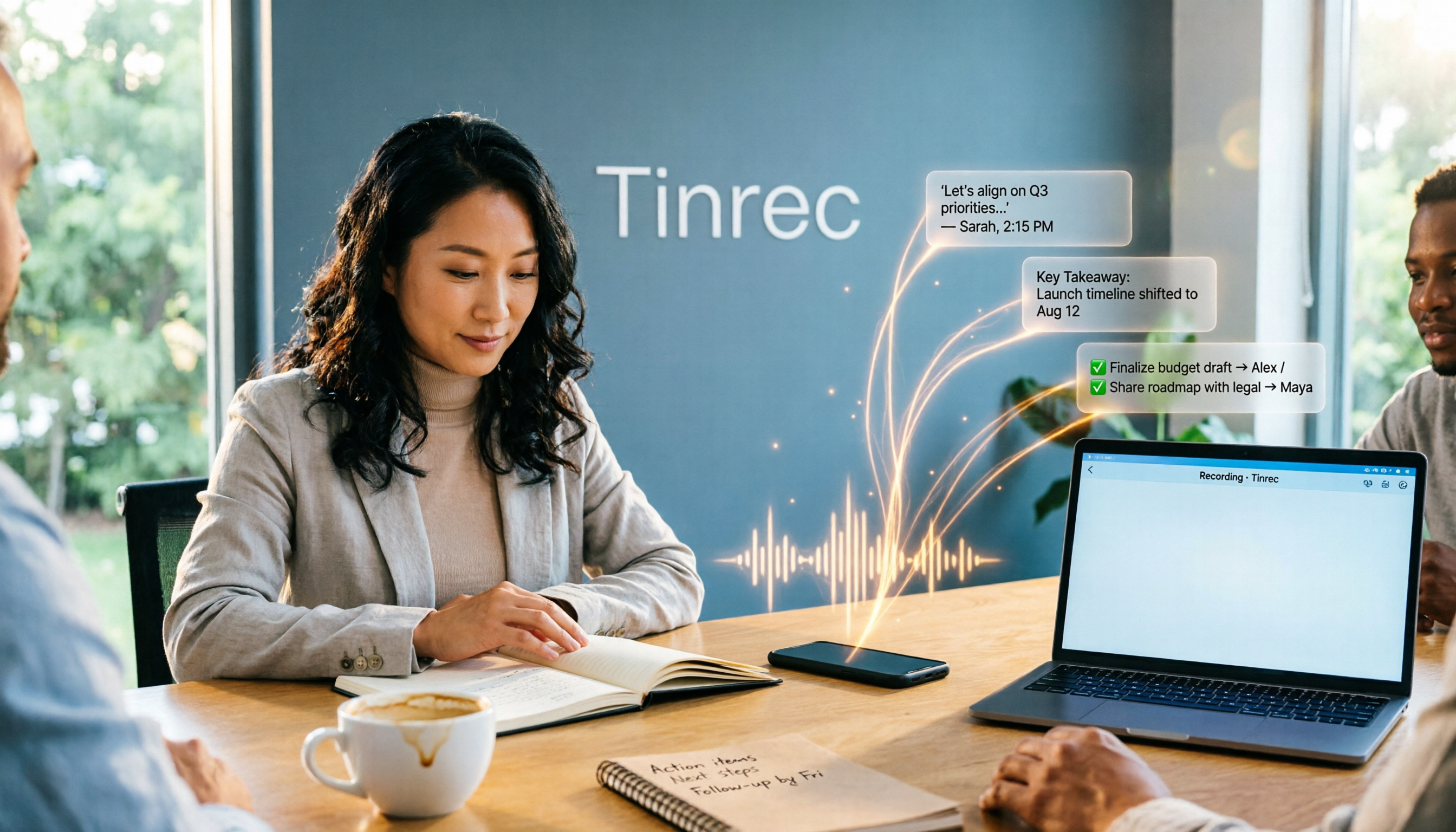
2025 AI Office Tools Comparison: Meeting Notes, Transcripts, and To-Do Lists—Which Saves the Most Time?
How to choose AI office tools in 2025? This article breaks down how AI office tools can help in real work scenarios—from meeting notes, transcripts, and summaries to to-do organization—what core capabilities they offer, and 6 key points to consider when buying. It also uses Tinrec to demonstrate the complete workflow from recording to post-meeting deliverables.

Best Cantonese Speech-to-Text Apps in 2026: 4 Tested, Download Guide & Cantonese Recognition Explained
We tested 4 Cantonese audio-to-text tools, comparing download methods, Cantonese and mixed Chinese-English recognition, post-meeting AI organization, and free quotas. Using a mid-level manager's real meeting scenarios, we explain why Tinrec stands out for Cantonese meetings, bot-free recording, and post-meeting key point lookup, plus a pitfall guide and selection advice.

Tinrec vs Otter.ai 2026: 5-Dimension Comparison — Which AI Office Toolkit Should You Choose?
In 2026, before picking an AI office toolkit, don't rush to compare feature lists. This article compares Tinrec and Otter.ai across 5 dimensions—meeting language, how it joins meetings, post-meeting output, team data ownership, and pricing structure—and adds practical differences with Notta and PLAUD. It ends with a decision checklist you can follow directly and 3 pitfalls to avoid.

5 AI Office Tools Tested and Compared for 2026: How to Choose a Meeting Toolkit Led by Tinrec
Tired of juggling multiple AI office tools while your data stays scattered? This article starts with common team-building mistakes and explains why, instead of assembling multiple tools, you should use Tinrec to keep recordings, transcripts, summaries, to-dos, and team sharing in one place. It also lists five key points to consider when choosing a tool.
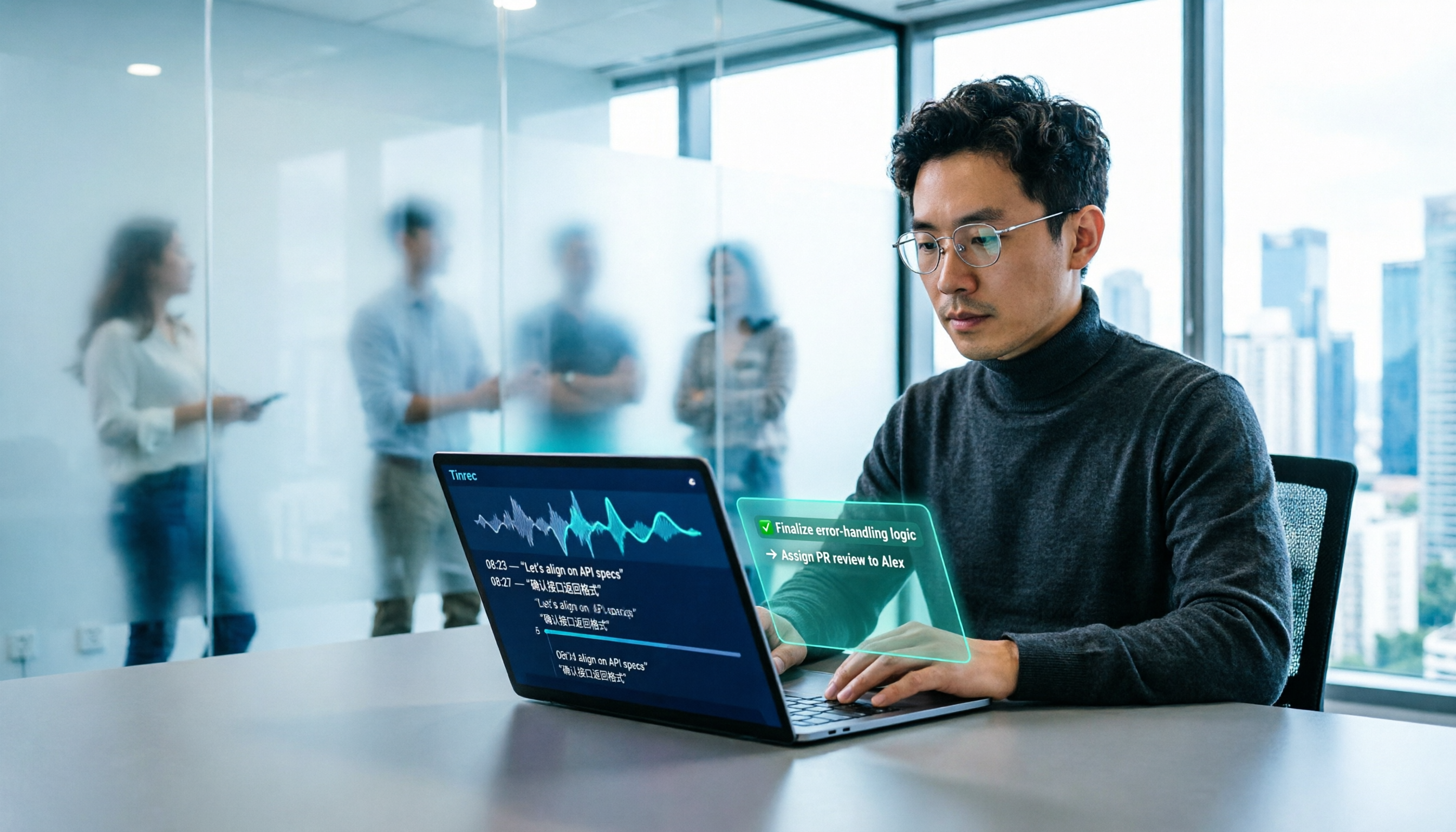
2026 AI Office Tools for Software Engineers: Meeting Notes + AI Q&A Hands-On Review
Coding accounts for only 40% of a software engineer's work hours; the rest is consumed by meetings and post-meeting organization. This hands-on comparison of AI office tools like Tinrec, Otter.ai, Notta, and Granola covers bot-free meeting recording, Chinese and mixed Chinese-English recognition, AI Q&A, cross-platform use, and team seat management, highlighting 5 key buying factors and 4 common pitfalls.

6 AI Office Tools Tested and Compared in 2026: How to Choose the Top-Rated Meeting Recorder According to PTT Users
This article starts from the popularity of discussions among PTT users and puts six AI office tools to the test, comparing their performance in meeting notes and post-meeting organization. From the perspective of a mid-level manager with experience running 15 meetings a week, it covers the positioning, pricing, and use cases of solutions including Tinrec, Otter.ai, Notta, Granola, TurboScribe, and PLAUD, helping readers determine which one best fits their meeting style.

2026 AI Meeting Tool Comparison: Why Software Engineers Are Switching to Tinrec Instead of Notta
Software engineers spend only about 40% of their time actually writing code; the rest goes to meetings and post-meeting cleanup. This article compares Tinrec and Notta on meeting capture, Chinese recognition, post-meeting processing, and team governance, and outlines Tinrec's core features, real-world use cases, and buying considerations to help you decide which AI productivity tool better fits an engineering team's actual needs.

2026 AI Office Toolbox: 5 Steps to Organize Meetings and Team Collaboration with Tinrec
In 2026, your AI office toolbox should include not just Copilot and Gemini, but also meeting notes and post-meeting follow-up. This article compares Tinrec and Granola across 5 dimensions—recording, Chinese transcription, audio retention, AI summaries, and team governance—to help you find the right meeting tool for your office.