
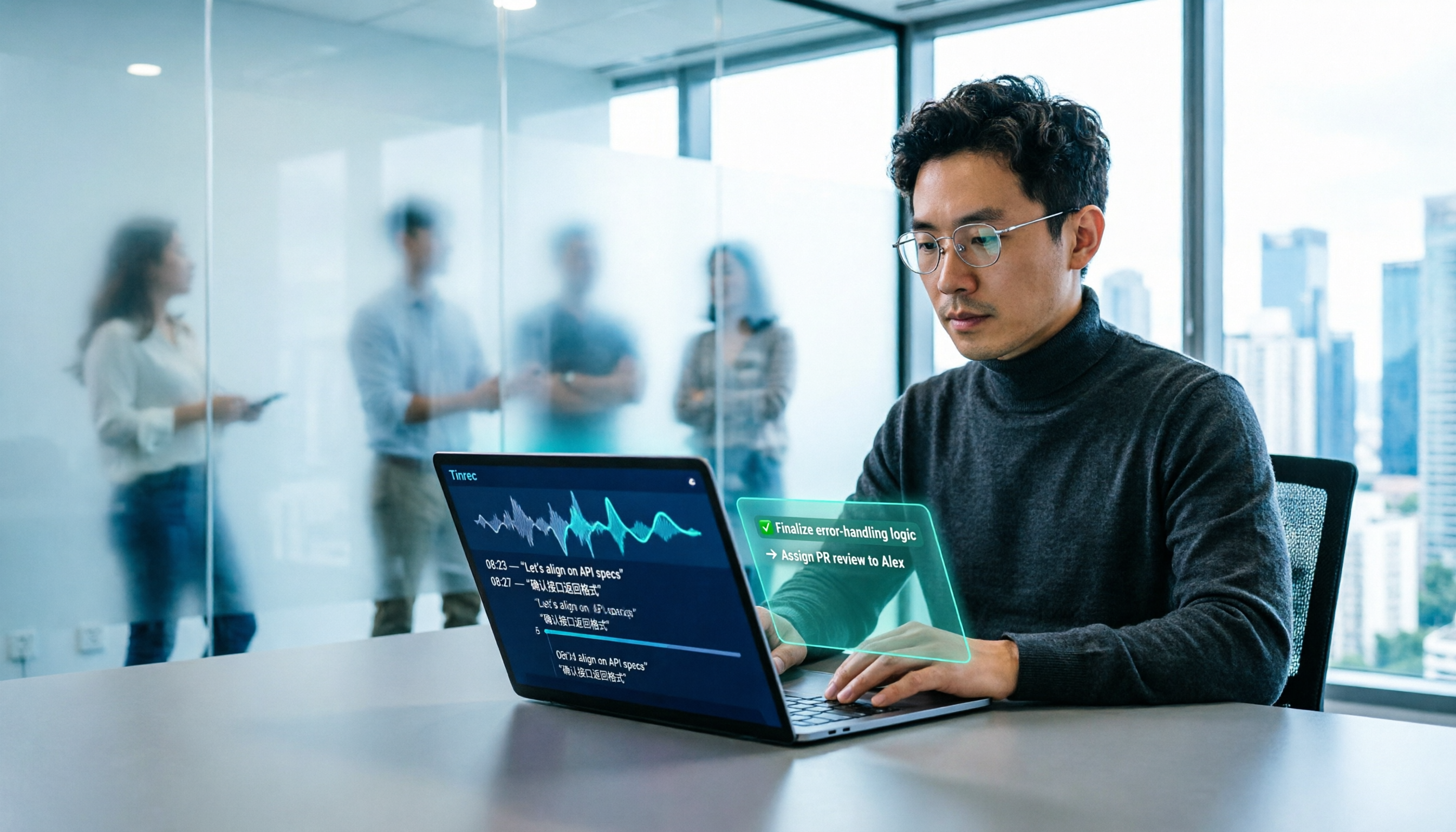
Turn recordings into transcripts and summaries in minutes
Upload audio or video for multilingual transcription, AI notes, and action items
2026 AI Office Tools for Software Engineers: Meeting Notes + AI Q&A Hands-On Review
The Hidden Overtime for Engineers Isn't in the Code
You recorded a 40-minute requirements interview, saved it to your phone, and never opened it again. After the weekly meeting, you jot down action items from memory on a sticky note. In cross-department meetings, Chinese and English are mixed, product codenames fly around, and afterward, to confirm "who exactly said the API needs a revision," you have to listen from the beginning again.
This isn't because you're not diligent; it's just how work is distributed. Research from consulting firm Bain shows that coding accounts for only 40% of a software engineer's work time, with the remaining 60% almost entirely spent on meetings, requirements alignment, cross-department syncs, and writing documentation. And for that 60%, there have long been almost no tools to help.
Technical meetings have an extra challenge: a single sentence might mix Chinese, English abbreviations, and internal codenames. Even if it's transcribed successfully, you still have to reread and organize it yourself.
This article isn't about buying another development tool; it's about automating the "post-meeting organization" process. Below, we compare several AI office tools using real team meeting scenarios and explain which one is best suited for engineering teams.
5 Key Points to Understand Before Choosing an AI Office Tool
1. How are meetings recorded? There are two mainstream approaches: one is to send a "meeting bot" to join online meetings as a participant; the other is to capture the computer's system audio directly from the desktop. The former adds an unfamiliar account to the participant list, which may not be suitable for client meetings; the latter doesn't disturb anyone. This point is most often overlooked by engineering teams, yet it has the biggest impact.
2. Can it recognize Chinese and technical terms? Technical meetings are rarely pure Chinese or pure English. Mixed Chinese-English, internal product codenames, and abbreviations are the dividing line for transcription quality. Some tools allow teams to maintain their own custom terminology, a design that is especially practical for engineering teams.
3. What do you get after recording? A tool that only provides a transcript is only doing half the job. The real question is: can it automatically generate summaries, chapters, and action items? Can you ask questions directly about the recording content, such as "What are the acceptance criteria for this sprint?"
4. Does it work across platforms? Today you record with your phone in the meeting room, tomorrow you organize on your laptop, and the day after you need to export to a shared document. If the tool only supports a single platform, you'll get stuck when you need it most.
5. Who ultimately owns the data? Personal version data is tied to individual accounts. If the meeting content belongs to the team, you need to check whether the tool has team spaces, member roles, seats, usage, and audit logs—otherwise, as soon as someone leaves, the meeting assets disappear with them.
Tinrec – Our Top Pick After Hands-On Testing
One-sentence positioning: Tinrec is an AI meeting notes and collaboration tool for individuals and teams, covering iOS, Android, desktop, and web, and can handle meeting audio played on a computer from platforms like Zoom, Google Meet, Microsoft Teams, and Webex.
No need to invite a bot to the meeting: This is the biggest difference from many AI meeting assistants. Tinrec's desktop version directly captures the computer's system audio, so you don't need to invite an extra bot, and no stranger appears in client meetings or external interviews. For engineers who frequently meet with clients, PMs, and external vendors, this is more practical than anything.
Recording is just the beginning: During the meeting, you can get a live transcript while recording, and after it ends, it automatically generates summaries, chapters, and action items. Action items are organized from the discussion into "who is responsible for what," suitable for pasting directly into project tracking. For cross-language meetings, you can view the original text, translation, or bilingual content during recording.
AI Q&A is its most obvious differentiator: After recording, you can directly ask it "Who mentioned last time that the database needs a version upgrade?" or "What concerns does the client have about the delivery date?" It doesn't just throw a list of keyword search results at you; it understands the semantics and answers directly. This is the most direct difference from pure transcription tools that only output transcripts.
Post-meeting outputs integrate back into your workflow: Besides transcripts and summaries, it can generate reports, tables, and documents, and export to tools like Notion, Google Docs, OneNote, and Dropbox. For those who need to write technical documents, meeting minutes, or retrospective reports, it saves a round of retyping.
Stop organizing recordings by hand
Upload audio or video and automatically get a transcript, summary, and action items
Team version keeps data within the team: The team version provides an independent team space where meeting data belongs to the team. You can manage member roles and seats, view usage trends and member rankings, query and export audit logs, and it offers an audio recycle bin. When a member leaves or is removed, their team resources can be transferred to other active members. Eligible teams get a 7-day trial for first-time use, including 1 free seat and 300 minutes of shared team import quota; paid seats are USD 29.80/seat/month, or USD 199 annually (about USD 16.58/month), with each paid seat providing 2,000 minutes of shared team import quota per month. Real-time recording under an active plan is currently not deducted by minutes. Prices and benefits are subject to the official purchase page.
Testing conditions: We tested with real team online meeting recordings, including mixed Chinese-English speech and background noise. It's important to note that transcription performance can be affected by recording quality, noise, accents, overlapping speakers, and technical terminology; no tool should be summarized with a single number.
Pros: 1. No need to add a bot to meetings, so external meetings aren't awkward; 2. Complete organization experience for Chinese and mixed Chinese-English, with team hotwords to maintain proper nouns; 3. After recording, you can directly ask follow-up questions, export directly, and accumulate searchable data in the team space.
Limitations: The free version offers basic quota; heavy users need to pay; file imports consume shared import minutes. If you only occasionally organize a recording, starting with the free version is enough.
Who it's for: Engineers and technical managers who frequently attend cross-department or cross-language meetings, want to use AI to find key points directly after meetings, need to switch between phone and computer, and believe meeting data should stay with the team rather than in personal accounts.
Besides Tinrec, What Other Options Are There?
Otter.ai: A mature English business meeting assistant. The free version offers 300 minutes per month; Pro annual billing is about USD 8.49/user/month, and it also has desktop capabilities. Its English meeting intelligence is strong. But if you're recording Chinese or mixed Chinese-English technical meetings, Tinrec's organization experience and team hotwords will be more aligned with your needs.
Notta: A multi-platform transcription tool covering meeting notes, file import, translation, and team plans. The free version offers 120 minutes per month, with a maximum of 3 minutes per single item; Pro annual billing is about USD 8.17/month. The difference is that Tinrec offers bot-free online meeting recording, as well as AI Q&A and post-meeting document generation centered around meeting content.
Granola: Also uses a bot-free approach, combining desktop system audio with your handwritten notes to generate meeting content. Business is USD 14/user/month. Note that it does not support uploading pre-recorded audio and does not save meeting audio files. If you need to keep recordings, import existing files, do real-time translation, and manage in a team space, Tinrec is more suitable.
Pitfall Guide: 4 Most Common Mistakes When Choosing AI Office Tools
Pitfall 1: Only looking at advertised accuracy rates. Many tools tout impressive numbers, but those are usually measured in quiet environments. Real meeting rooms have air conditioning noise, keyboard sounds, and multiple people talking over each other, so performance drops noticeably. We recommend testing directly with your own meeting recordings.
Pitfall 2: Thinking you must add a bot to the meeting. For internal meetings, it might not matter, but for client meetings, interviews, and external interviews, having an unfamiliar participant changes the atmosphere. Whether to use a bot should be decided by your meeting type, not limited by the tool.
Pitfall 3: Only using it as speech-to-text. If you only take the transcript, you're using only one-third of the features. What really saves time is "asking it directly what the conclusion was after recording" and "automatically listing action items."
Pitfall 4: Ignoring team data ownership. No matter how many minutes you buy on a personal account, the data is still tied to the individual. Teams need to look at spaces, roles, seats, audits, and recycle bins—especially for technical teams with frequent member turnover.
Finally, a reminder: recording and transcription involve other people's conversations. You should comply with local regulations before use and obtain consent from participants when necessary.
Conclusion: Which One Should You Choose?
Match your needs:
- Need Chinese and mixed Chinese-English meeting transcripts, and want to ask follow-up questions directly with AI → Tinrec (bot-free recording + AI Q&A)
- Don't want an extra bot participant in client meetings → Tinrec (desktop captures system audio)
- Need to continue using across phone, laptop, and web → Tinrec (iOS + Android + desktop + web)
- Meeting data should stay with the team, need seat and audit management → Tinrec Team version
- Mainly record English meetings, limited budget → Otter.ai free version can be included in comparison
The pain point for most engineering teams isn't a lack of tools, but that post-meeting organization is always last on the list. We suggest running two or three meetings with Tinrec's free version first to see if the transcript, summary, and AI Q&A can really save you time, then decide whether to upgrade.
References
- "AI Software Engineer" latest job openings | May 2026 - 104 Job Bank
- AI and Indians competing for jobs: Will software engineers' value depreciate? | CommonWealth Magazine
- Three ways to use AI to enhance engineer productivity: for junior, senior, and independent developers - ALPHA Camp
- AI tools recommended for software engineers (continuously updated) | ExplainThis
- AI boosts efficiency? A surprising study: AI tools slow down senior engineers by 35%
Turn every recording into actionable outcomes
Get 60 free transcription minutes when you sign in. No credit card required.
Related Reading
You might also like
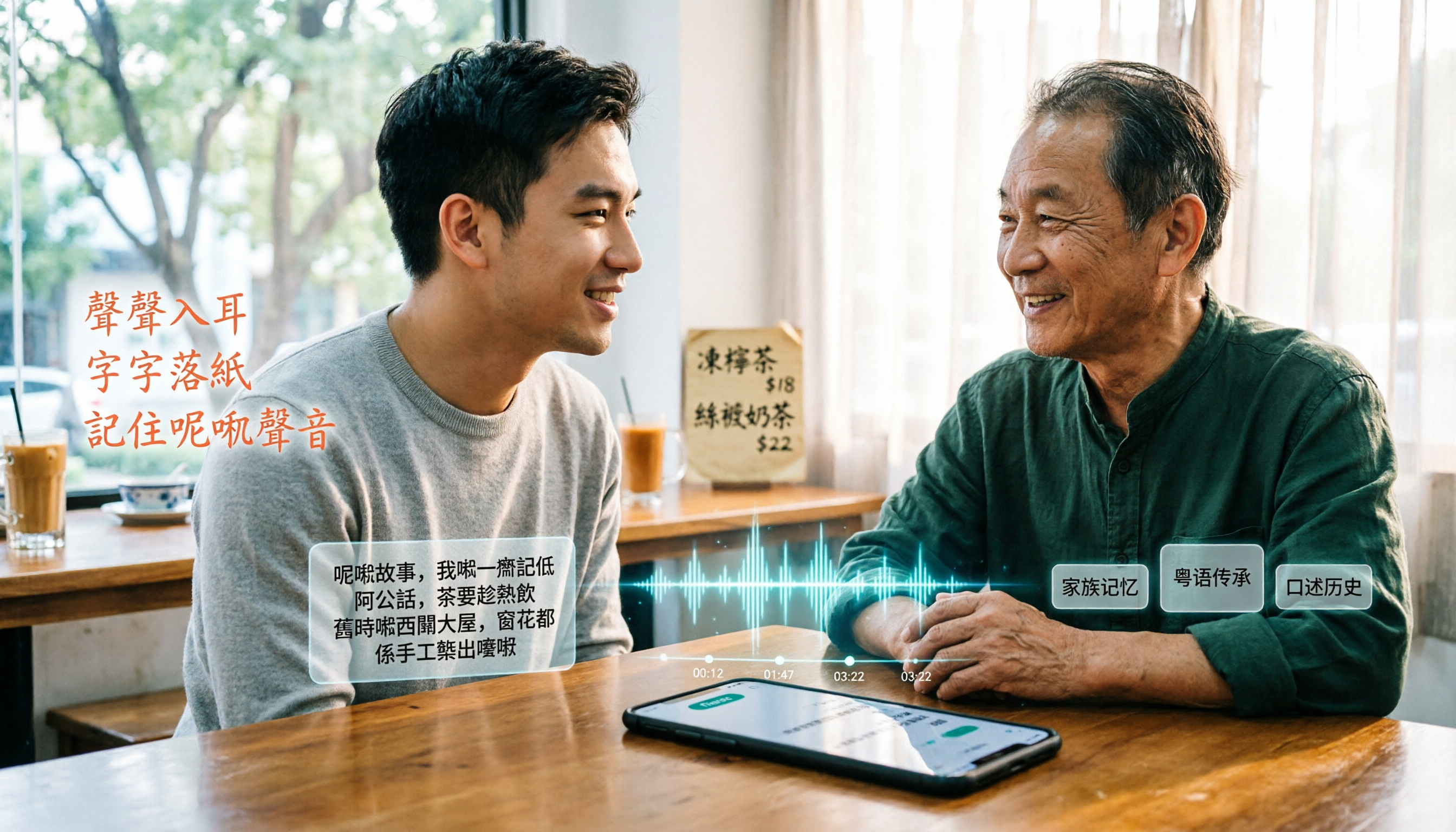
6 Best Cantonese Speech-to-Text Tools in 2026: Which Free Version Is Good Enough?
Starting with common pitfalls, this guide reviews 6 tools that handle Cantonese audio transcription, including Tinrec, Subanana, CantoSub AI, Google AI Studio, Notta, and Speechnotes. It covers their free and paid plans, who they're best for, and 5 practical details to keep in mind.
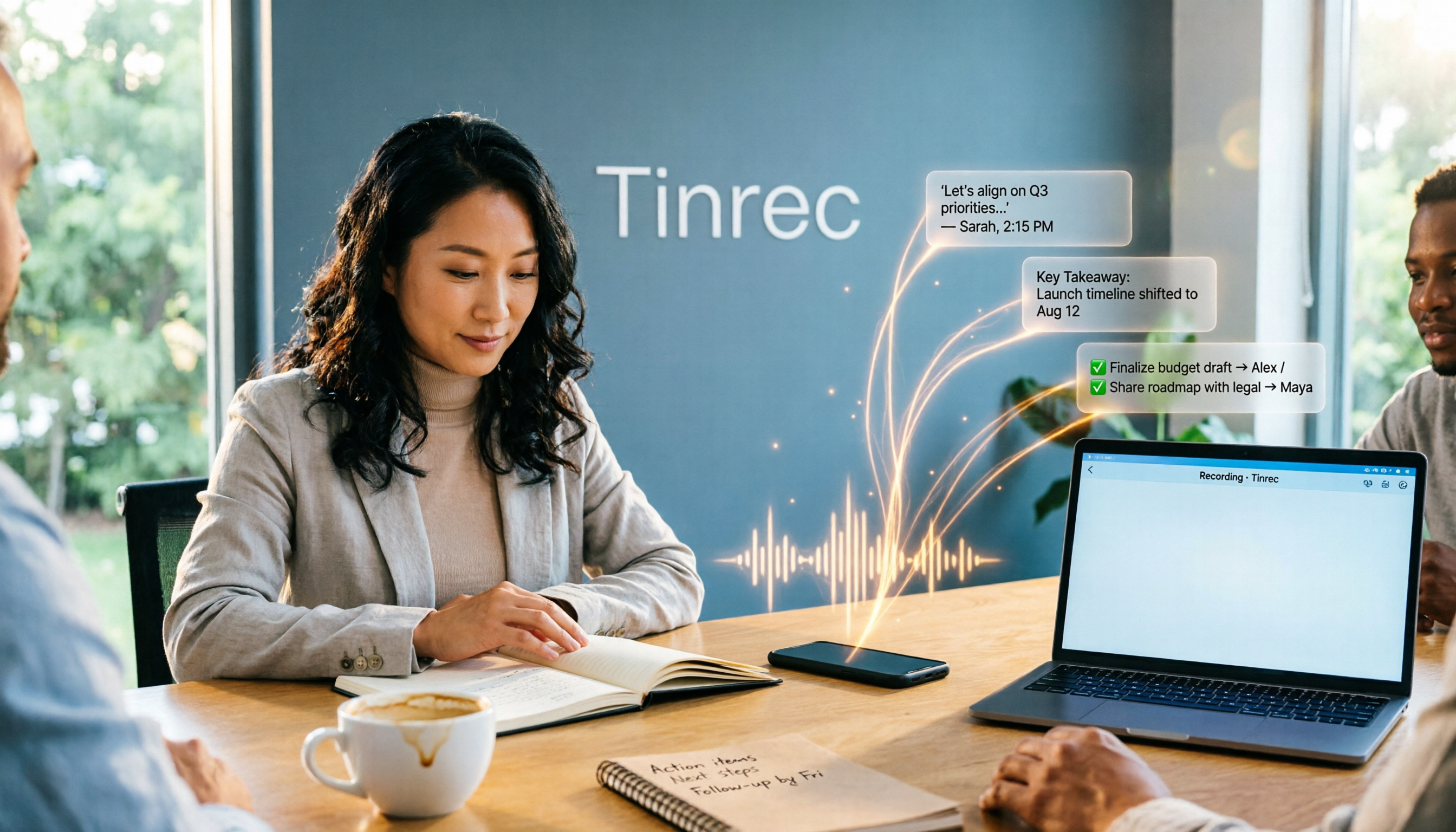
2025 AI Office Tools Comparison: Meeting Notes, Transcripts, and To-Do Lists—Which Saves the Most Time?
How to choose AI office tools in 2025? This article breaks down how AI office tools can help in real work scenarios—from meeting notes, transcripts, and summaries to to-do organization—what core capabilities they offer, and 6 key points to consider when buying. It also uses Tinrec to demonstrate the complete workflow from recording to post-meeting deliverables.

Best Cantonese Speech-to-Text Apps in 2026: 4 Tested, Download Guide & Cantonese Recognition Explained
We tested 4 Cantonese audio-to-text tools, comparing download methods, Cantonese and mixed Chinese-English recognition, post-meeting AI organization, and free quotas. Using a mid-level manager's real meeting scenarios, we explain why Tinrec stands out for Cantonese meetings, bot-free recording, and post-meeting key point lookup, plus a pitfall guide and selection advice.

Tinrec vs Otter.ai 2026: 5-Dimension Comparison — Which AI Office Toolkit Should You Choose?
In 2026, before picking an AI office toolkit, don't rush to compare feature lists. This article compares Tinrec and Otter.ai across 5 dimensions—meeting language, how it joins meetings, post-meeting output, team data ownership, and pricing structure—and adds practical differences with Notta and PLAUD. It ends with a decision checklist you can follow directly and 3 pitfalls to avoid.

5 AI Office Tools Tested and Compared for 2026: How to Choose a Meeting Toolkit Led by Tinrec
Tired of juggling multiple AI office tools while your data stays scattered? This article starts with common team-building mistakes and explains why, instead of assembling multiple tools, you should use Tinrec to keep recordings, transcripts, summaries, to-dos, and team sharing in one place. It also lists five key points to consider when choosing a tool.

6 AI Office Tools Tested and Compared in 2026: How to Choose the Top-Rated Meeting Recorder According to PTT Users
This article starts from the popularity of discussions among PTT users and puts six AI office tools to the test, comparing their performance in meeting notes and post-meeting organization. From the perspective of a mid-level manager with experience running 15 meetings a week, it covers the positioning, pricing, and use cases of solutions including Tinrec, Otter.ai, Notta, Granola, TurboScribe, and PLAUD, helping readers determine which one best fits their meeting style.

2026 AI Meeting Tool Comparison: Why Software Engineers Are Switching to Tinrec Instead of Notta
Software engineers spend only about 40% of their time actually writing code; the rest goes to meetings and post-meeting cleanup. This article compares Tinrec and Notta on meeting capture, Chinese recognition, post-meeting processing, and team governance, and outlines Tinrec's core features, real-world use cases, and buying considerations to help you decide which AI productivity tool better fits an engineering team's actual needs.

2026 AI Office Toolbox: 5 Steps to Organize Meetings and Team Collaboration with Tinrec
In 2026, your AI office toolbox should include not just Copilot and Gemini, but also meeting notes and post-meeting follow-up. This article compares Tinrec and Granola across 5 dimensions—recording, Chinese transcription, audio retention, AI summaries, and team governance—to help you find the right meeting tool for your office.
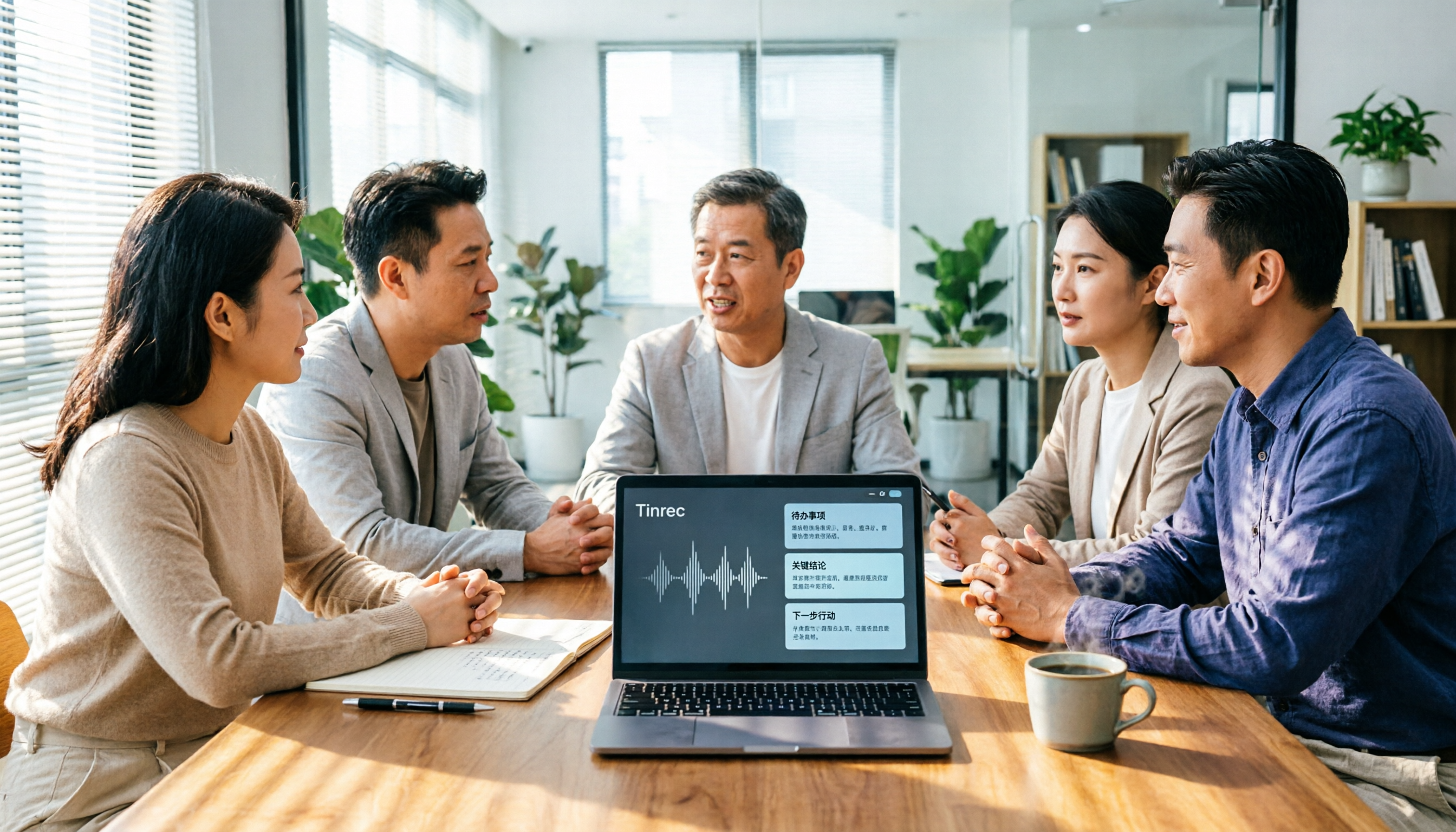
2026 AI Meeting Tools Comparison: Tinrec, Otter.ai, and Granola for Chinese Transcription, Summaries, and Team Collaboration
In 2026, AI meeting tools are everywhere, but the real question is how you capture meetings and what you do with them afterward. This comparison of Tinrec, Otter.ai, and Granola covers five dimensions: meeting capture methods, Chinese language experience, post-meeting workflows, team governance, and pricing. We also break down free tiers and team pricing logic to help you decide which tool fits your needs.