

Turn recordings into transcripts and summaries in minutes
Upload audio or video for multilingual transcription, AI notes, and action items
Let me ask you a question: you've spent half an hour scrolling through AI office tool recommendations on PTT, and every list you see is different. Some people recommend ChatGPT for writing copy, some say Grok is the best for translating long articles, and others say Cursor can cut coding time in half. But back to your actual work—you have more than a dozen meetings every week, and after each one you need to organize decisions, track to-dos, and report to your boss—none of these tools seem designed for you.
I manage a 10-person team and have about 15 meetings a week. In the past, the nightmare began after the meeting ended: handwritten notes were too slow, listening back to recordings took too much time, and asking subordinates to organize everything was difficult because everyone was busy. Later, I started seriously testing AI office tools, especially in the meeting notes area. This article organizes six tools I have actually used and found worth including after browsing PTT discussions, with the focus on “how meeting content becomes usable data”—not just typing for you, but helping you organize decisions, to-dos, and follow-up actions.
Why Do You Need AI Office Tools?
Discussions about AI tools on PTT have clearly increased over the past year. In the MobileComm board, some people shared practical little tools they made with AI, such as thumbnails, image stitching, and product price comparison calculators; in the AI_Art board, people compared which free version of ChatGPT, Gemini, Deepseek, and Grok is the best to use; and in the Soft_Job board, people debated whether AI programming tools like Cursor and Code Rabbit actually increase or decrease productivity. These discussions are all valuable, but if you are a manager like me, the pain points are actually very concentrated: too many meetings, notes taken too slowly, and follow-up too troublesome.
Based on my own experience and my team's, a good AI office tool in meeting scenarios should do three things: turn meetings into text in real time, automatically organize key points and to-dos, and make meeting data searchable and reusable. The following six solutions are the ones I think are worth looking at.
Solution 1 | Tinrec — The Most Complete AI Meeting Notes Assistant
Tinrec is currently the main tool my team uses. Its one-sentence positioning is: turn meetings into searchable, collaborative, actionable team data.
There are several core highlights. First, the desktop version directly captures computer system audio, so when handling online meetings on Zoom, Google Meet, Microsoft Teams, Webex, and others, there is no need to invite a meeting bot to join—for someone like me who often meets with external clients, this makes a big difference, because I do not have to explain to the other side that an extra bot has joined. Second, it does not just provide a transcript; it also automatically generates summaries, chapters, key points, and to-dos, and I can directly use this content to report to my boss or assign work to the team. Third, the AI Q&A feature lets me ask follow-up questions about past meetings in natural language, for example, “What were the payment terms discussed with the client last time?”, without spending ages digging through records. Fourth, it supports Chinese, mixed Chinese-English, and multilingual transcription, which is very practical for a team like ours that has clients on both sides of the strait.
As for paid plans, the personal version has a free version for experiencing the basic quota, as well as a weekly card, Pro monthly card, and Pro annual card; the team version is a separate space, with monthly payment at USD 29.80 per paid seat per month, and annual payment at USD 199 per paid seat per year (about USD 16.58 per month), with each paid seat providing 2,000 minutes of shared team import quota per month. Who it suits: people who need Chinese meeting notes, do not want to use a meeting bot, and hope to turn meeting data into a team asset.
Solution 2 | Otter.ai — A Mature Choice for International Business Meetings
Otter is a very mature AI meeting assistant on the market, supporting meeting notes, real-time transcription, speaker identification, AI Chat, and team management for Zoom, Microsoft Teams, and Google Meet. The free version offers 300 minutes per month, and the Pro annual payment works out to about USD 8.49 per user per month, including 1,200 minutes of in-app recording per month and 10 file imports. Its strengths are the maturity of English business meetings and ecosystem integration. Who it suits: people whose teams mainly meet in English and who need a mature meeting assistant and rich integrations.
Stop organizing recordings by hand
Upload audio or video and automatically get a transcript, summary, and action items
Solution 3 | Notta — A Multilingual Transcription and Subtitle Tool
Notta overlaps quite a bit with Tinrec, covering multi-platform transcription, meeting notes, file import, translation, and team plans. The free version offers 120 minutes per month, with a maximum of 3 minutes per single item; Pro annual payment works out to about USD 8.17 per month, with 1,800 minutes per month; Business annual payment works out to about USD 16.67 per seat per month, providing unlimited transcription, role permissions, and usage reports. Notta performs well in multilingual and subtitle areas, making it suitable for people who need subtitles or translation.
Solution 4 | Granola — Bot-Free AI Meeting Notes
Like Tinrec's desktop version, Granola uses a bot-free method to capture device audio, and it combines your handwritten notes to generate more targeted meeting content. Basic is free, Business is USD 14 per user per month, and Enterprise is USD 35 per user per month. Note that Granola supports real-time transcript viewing, copying, and searching, but does not support uploading pre-recorded audio files and does not save meeting audio files. Who it suits: people who are used to taking handwritten notes during meetings and only need real-time meeting notes.
Solution 5 | TurboScribe — Cost-Effective File Transcription
TurboScribe is closer to a cost-effective file transcription tool, focusing on long files, batch uploads, subtitles, and translation. The free version offers 3 files per day, with a maximum of 30 minutes per file; Unlimited annual payment is USD 120 (about USD 10 per month), and the paid version supports files up to 10 hours or 5 GB, with up to 50 files uploaded at once. If your need is to convert a large number of existing recordings into text, TurboScribe has a strong advantage in long files and batch processing. Who it suits: people who need to process a large number of historical recordings and have a limited budget.
Solution 6 | PLAUD Note / NotePin — A Representative of AI Recording Hardware
PLAUD is a representative of AI recording hardware; what users buy is a standalone device, portable recording, phone call recording, and the hardware experience. PLAUD NotePin is USD 159, and Note Pro is USD 189; membership plans include Starter at 300 minutes per month, Pro at USD 99.99 per year (1,200 minutes per month), and Unlimited at USD 239.99 per year. Its advantage is that you do not need to take out your phone and can record at any time; the downside is that you need to buy additional hardware. Who it suits: people who are often on the move and need a portable recording device.
With So Many Solutions, How Should You Choose?
• Want the most complete AI features (transcription + AI Q&A + automatic summaries + to-dos) → Tinrec (has all of these capabilities)
• Need Chinese + mixed Chinese-English meeting transcription → Tinrec (more complete Chinese experience and multilingual support)
• Do not want to use a meeting bot but need to handle online meetings → Tinrec or Granola (but Granola does not retain audio and does not support file import)
• Need to turn meeting data into a searchable team asset → Tinrec team version (has team space, member seats, usage, and auditing)
• Mainly meet in English and need mature integrations → Otter.ai
• Need subtitles, translation, or multilingual transcription → Notta
• Need to batch process a large number of historical recordings → TurboScribe
• Want portable recording hardware → PLAUD Note / NotePin
Before Using AI Office Tools, There Are 4 Things You Should Know
First, confirm your meeting type first. If you mainly have online meetings, choosing a tool that supports desktop system audio capture will be more convenient than a meeting bot—no need to invite an extra participant, and no need to worry about the other side seeing a bot join. Tinrec and Granola both take this approach.
Second, the transcript is only the starting point. There is a discussion thread in the PTT Soft_Job board asking about “the balance between AI use and fundamentals,” and the conclusion is that tools can save you from mechanical work, but judgment and structure still depend on you. The same applies to meeting notes: AI can help you transcribe text and capture key points, but for important decisions and commitments, it is still advisable to confirm against transcript timestamps and recording playback.
Third, the team version and personal version are very different. Personal version data belongs to an individual account, while the team version is a separate collaborative space. Taking Tinrec as an example, the team version distinguishes roles and seats: roles determine who can manage the team, and seats determine whether members can record, upload, edit, and export. Members who are active but have no seat can still view and read team data, but cannot perform resource-use operations.
Fourth, pay attention to recording compliance. Meeting recording and transcription may require participant consent in certain situations, so before use it is advisable to confirm local regulations and company policy.
Conclusion
AI office tools have really increased this year, and every recommendation list on PTT has its own reasoning. But if your pain points are the same as mine—too many meetings, post-meeting organization too slow, and follow-up too troublesome—then rather than agonizing over which general AI assistant to use, it is better to first choose a tool that can handle the entire meeting workflow. Based on my own experience, Tinrec is the most complete one on the list for Chinese meeting transcription, bot-free online meeting notes, post-meeting summaries and to-do organization, and team data accumulation. If you just want to test the waters, you can start with the free version or the Pro monthly card; if you are a team that wants to use it together, looking directly at the team version's seats and shared quota will be more practical.
References
Turn every recording into actionable outcomes
Get 60 free transcription minutes when you sign in. No credit card required.
Related Reading
You might also like

6 Best Cantonese Speech-to-Text Tools in 2026: Which Free Version Is Good Enough?
Starting with common pitfalls, this guide reviews 6 tools that handle Cantonese audio transcription, including Tinrec, Subanana, CantoSub AI, Google AI Studio, Notta, and Speechnotes. It covers their free and paid plans, who they're best for, and 5 practical details to keep in mind.
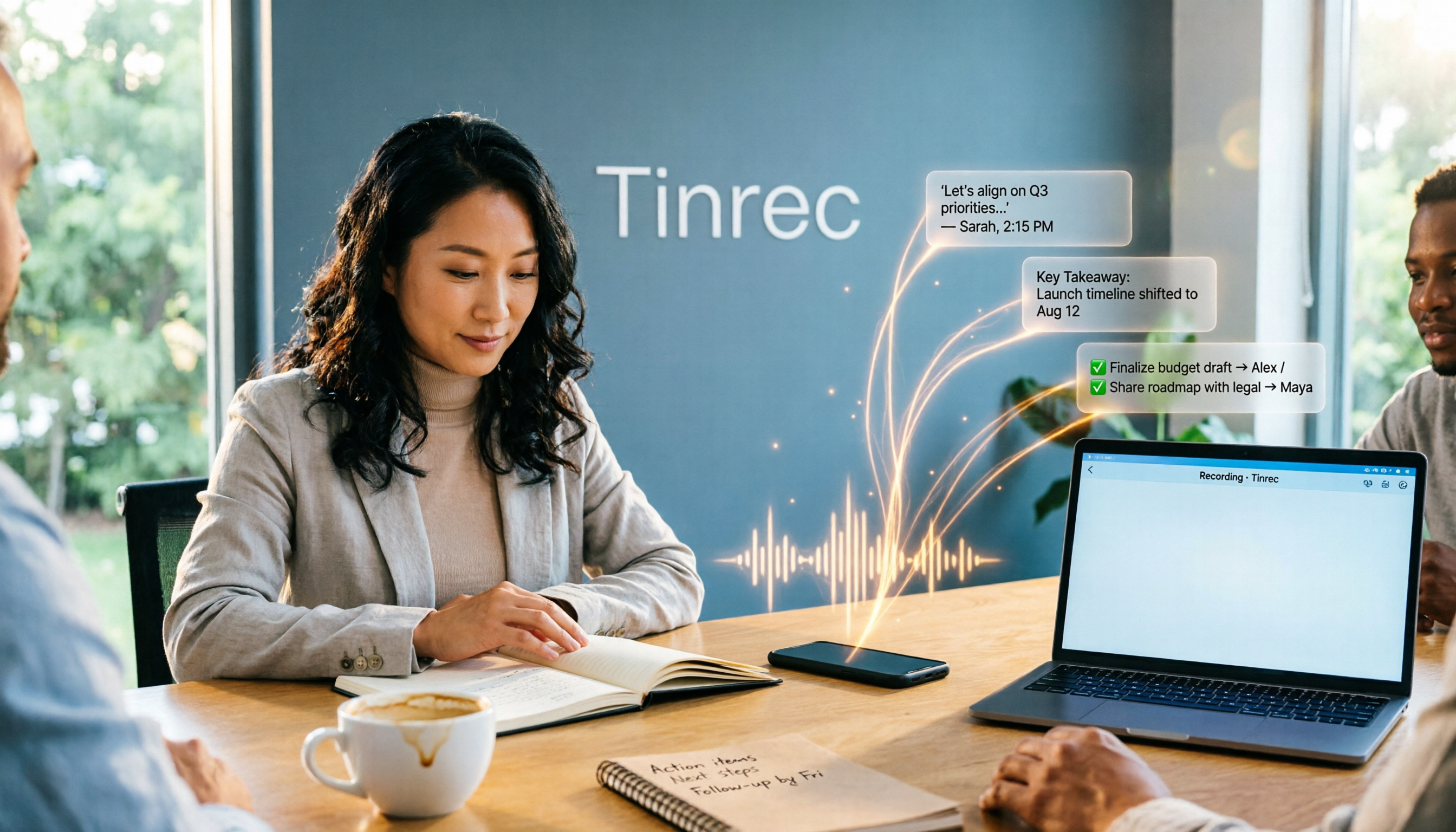
2025 AI Office Tools Comparison: Meeting Notes, Transcripts, and To-Do Lists—Which Saves the Most Time?
How to choose AI office tools in 2025? This article breaks down how AI office tools can help in real work scenarios—from meeting notes, transcripts, and summaries to to-do organization—what core capabilities they offer, and 6 key points to consider when buying. It also uses Tinrec to demonstrate the complete workflow from recording to post-meeting deliverables.

Best Cantonese Speech-to-Text Apps in 2026: 4 Tested, Download Guide & Cantonese Recognition Explained
We tested 4 Cantonese audio-to-text tools, comparing download methods, Cantonese and mixed Chinese-English recognition, post-meeting AI organization, and free quotas. Using a mid-level manager's real meeting scenarios, we explain why Tinrec stands out for Cantonese meetings, bot-free recording, and post-meeting key point lookup, plus a pitfall guide and selection advice.

Tinrec vs Otter.ai 2026: 5-Dimension Comparison — Which AI Office Toolkit Should You Choose?
In 2026, before picking an AI office toolkit, don't rush to compare feature lists. This article compares Tinrec and Otter.ai across 5 dimensions—meeting language, how it joins meetings, post-meeting output, team data ownership, and pricing structure—and adds practical differences with Notta and PLAUD. It ends with a decision checklist you can follow directly and 3 pitfalls to avoid.

5 AI Office Tools Tested and Compared for 2026: How to Choose a Meeting Toolkit Led by Tinrec
Tired of juggling multiple AI office tools while your data stays scattered? This article starts with common team-building mistakes and explains why, instead of assembling multiple tools, you should use Tinrec to keep recordings, transcripts, summaries, to-dos, and team sharing in one place. It also lists five key points to consider when choosing a tool.
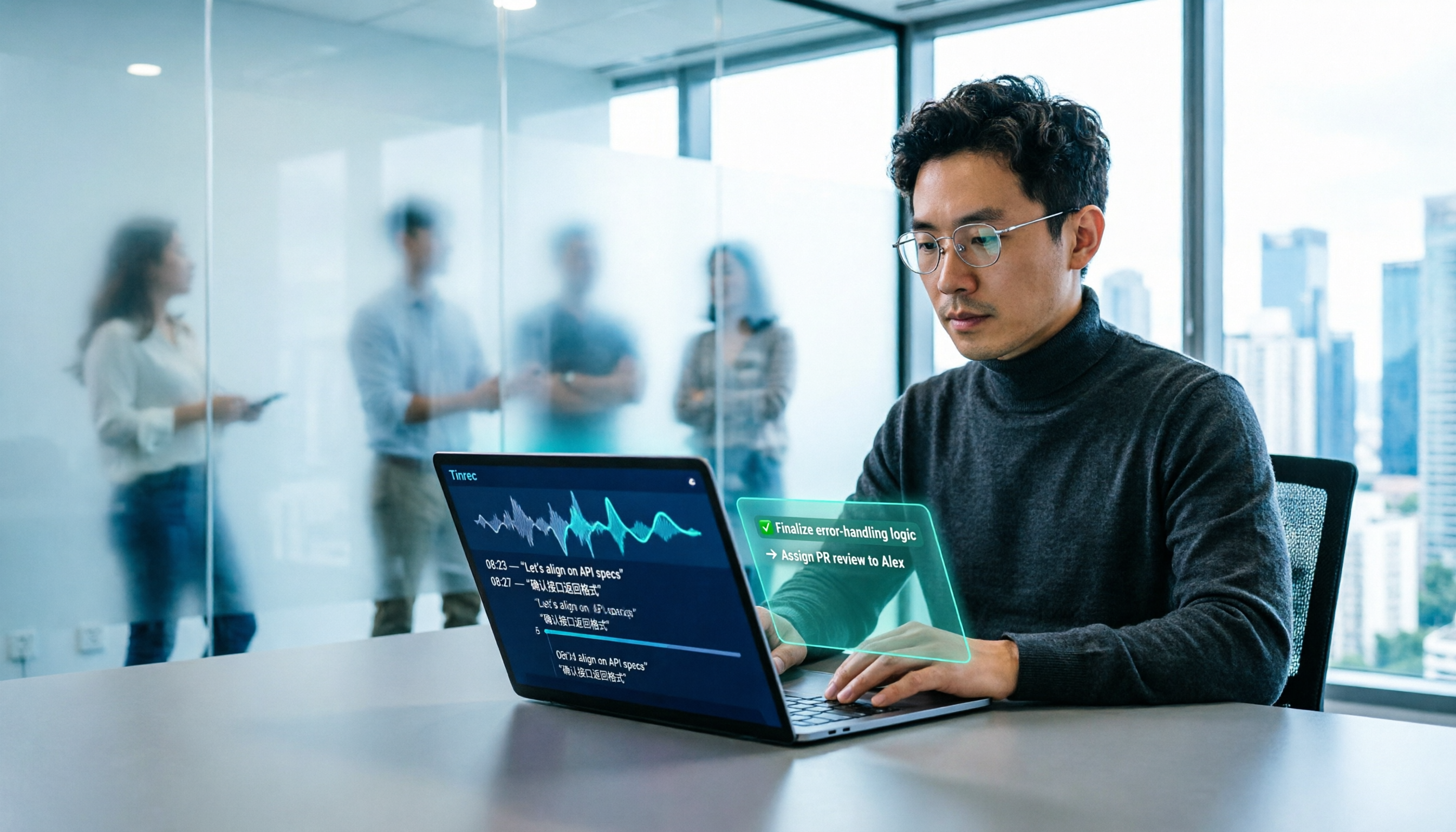
2026 AI Office Tools for Software Engineers: Meeting Notes + AI Q&A Hands-On Review
Coding accounts for only 40% of a software engineer's work hours; the rest is consumed by meetings and post-meeting organization. This hands-on comparison of AI office tools like Tinrec, Otter.ai, Notta, and Granola covers bot-free meeting recording, Chinese and mixed Chinese-English recognition, AI Q&A, cross-platform use, and team seat management, highlighting 5 key buying factors and 4 common pitfalls.

2026 AI Meeting Tool Comparison: Why Software Engineers Are Switching to Tinrec Instead of Notta
Software engineers spend only about 40% of their time actually writing code; the rest goes to meetings and post-meeting cleanup. This article compares Tinrec and Notta on meeting capture, Chinese recognition, post-meeting processing, and team governance, and outlines Tinrec's core features, real-world use cases, and buying considerations to help you decide which AI productivity tool better fits an engineering team's actual needs.

2026 AI Office Toolbox: 5 Steps to Organize Meetings and Team Collaboration with Tinrec
In 2026, your AI office toolbox should include not just Copilot and Gemini, but also meeting notes and post-meeting follow-up. This article compares Tinrec and Granola across 5 dimensions—recording, Chinese transcription, audio retention, AI summaries, and team governance—to help you find the right meeting tool for your office.
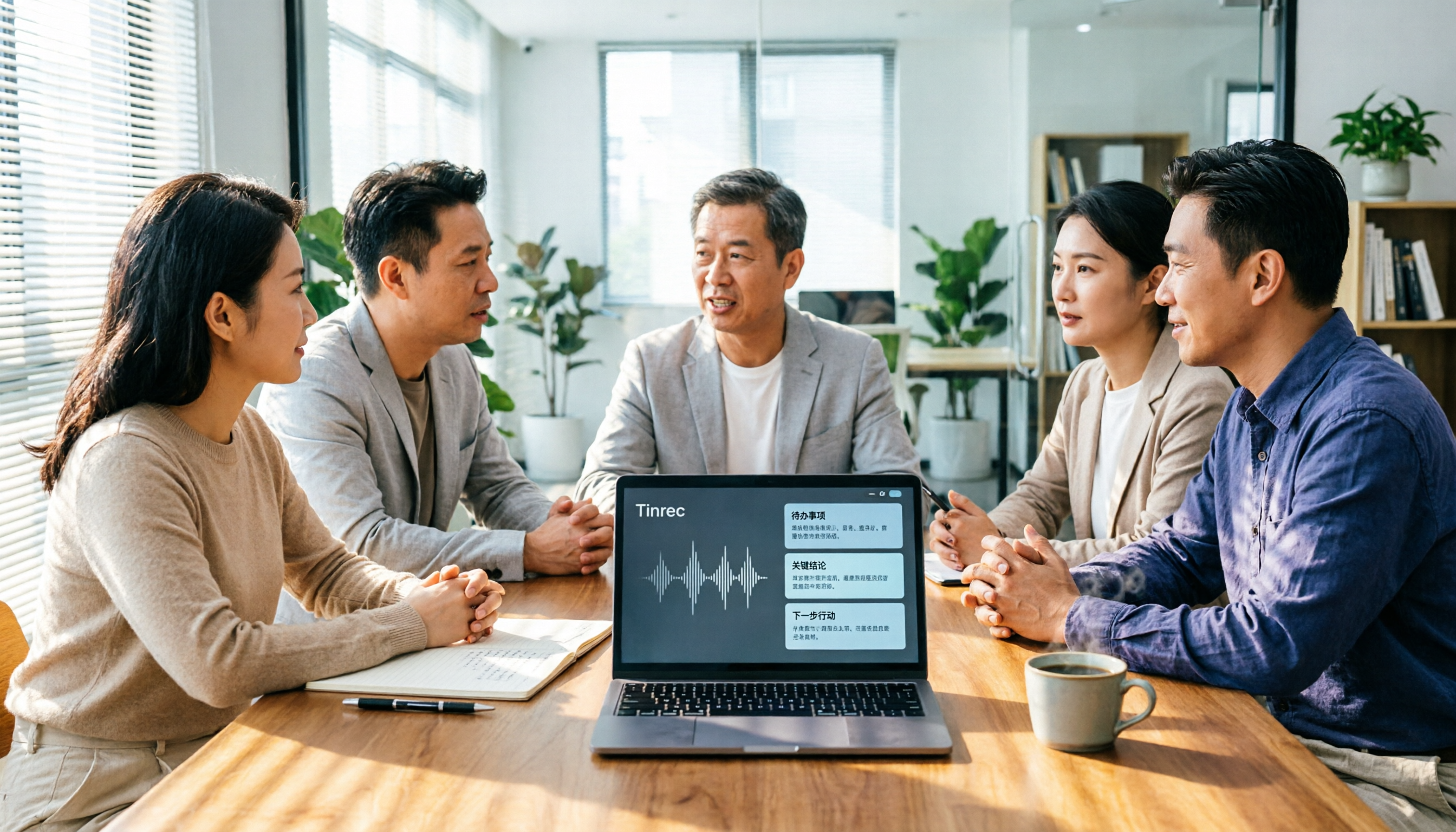
2026 AI Meeting Tools Comparison: Tinrec, Otter.ai, and Granola for Chinese Transcription, Summaries, and Team Collaboration
In 2026, AI meeting tools are everywhere, but the real question is how you capture meetings and what you do with them afterward. This comparison of Tinrec, Otter.ai, and Granola covers five dimensions: meeting capture methods, Chinese language experience, post-meeting workflows, team governance, and pricing. We also break down free tiers and team pricing logic to help you decide which tool fits your needs.